How do I use the 3D Cat Mascot Marche Stall template?
Choose the primary action to open PicX Studio with the available template settings. Review the model and format, personalize the creative direction, and generate when ready.
Generates a cozy 3D event-promo image by turning a flat cat shop logo into a plush mascot standing at a handmade hot dog marche stall. Change the subject, setting, or lighting one variable at a time.

Using the provided reference image as the brand and character base, transform the flat logo into a warm, cute 3D promotional image for a first-time marche food-stall appearance. Keep the same white cat mascot identity, yellow forehead patch, round yellow chest accent, smiling closed-eye expression, handmade hot dog shop theme, and the shop name {argument name="shop name" default="R-GARDEN*Sui"}. Place the mascot full-body in front of a cozy wooden festival stall at night, rendered as a soft plush toy character. Add a wooden arched shop sign across the top with the Japanese headline {argument name="headline text" default="手作りホットドッグのお店"}, the shop name, and small hot dog / coffee-bean style decorative icons inspired by the reference border. Give the mascot two food props: 1 hot dog in one paw and 1 spiral tornado potato skewer in the other. Add warm string lights, a striped awning, condiment bottles, shallow depth of field, and a friendly market-event atmosphere. Include exactly 2 chalkboard menu signs in front of the stall: left sign labeled {argument name="left board text" default="Hot Dog"} with a hot dog doodle, and right sign labeled {argument name="right board text" default="Tornado Potato"} with a spiral potato doodle. Use a cinematic square composition, golden lighting, high-detail 3D rendering, and an inviting SNS/event advertisement feel.
3D Cat Mascot Marche Stall needs input media to work. Open it in the studio and these load alongside the prompt — pick whichever ones your chosen model can take.
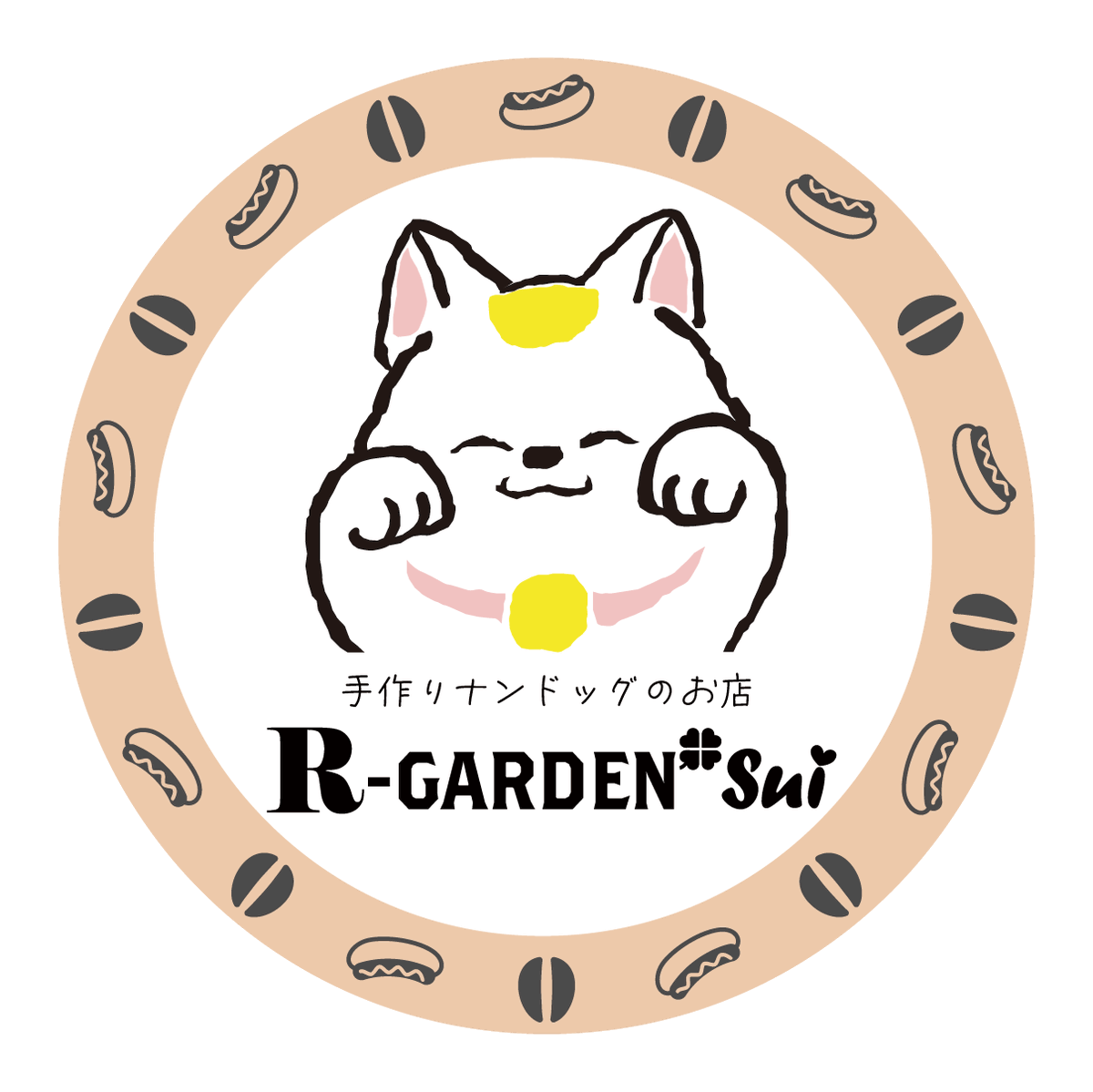
Choose the primary action to open PicX Studio with the available template settings. Review the model and format, personalize the creative direction, and generate when ready.
Yes. You can change the subject, setting, lighting, mood, format, and available model controls before creating your image.
This template is free to open and customize. Generation usage is shown in PicX Studio before you create.
Start with GPT Image 2, which is the model associated with this template. You can compare another compatible model for a different finish.
© 2026 PicX Studio. All rights reserved.

Follow a topic to a crawlable collection of related PicX Studio templates.
43,474 public templates available. Verified via the PicX Studio public templates API; refreshed hourly.















![Minimalist Flat Vector Travel Poster — Premium minimalist flat-vector travel poster for {argument name="city name" default="[CITY_NAME]"}, 3:4 vertical format.](https://cms-assets.youmind.com/media/1787917359711_3ug846_HQX205cbMAA6F6S-300x400.jpg)