How do I use the Golden Hour Fashion Editorial template?
Choose the primary action to open PicX Studio with the available template settings. Review the model and format, personalize the creative direction, and generate when ready.
A detailed fashion editorial prompt for a portrait on stone steps outside a cafe during the sunset. (free to use) — Free AI image template on PicX Studio.
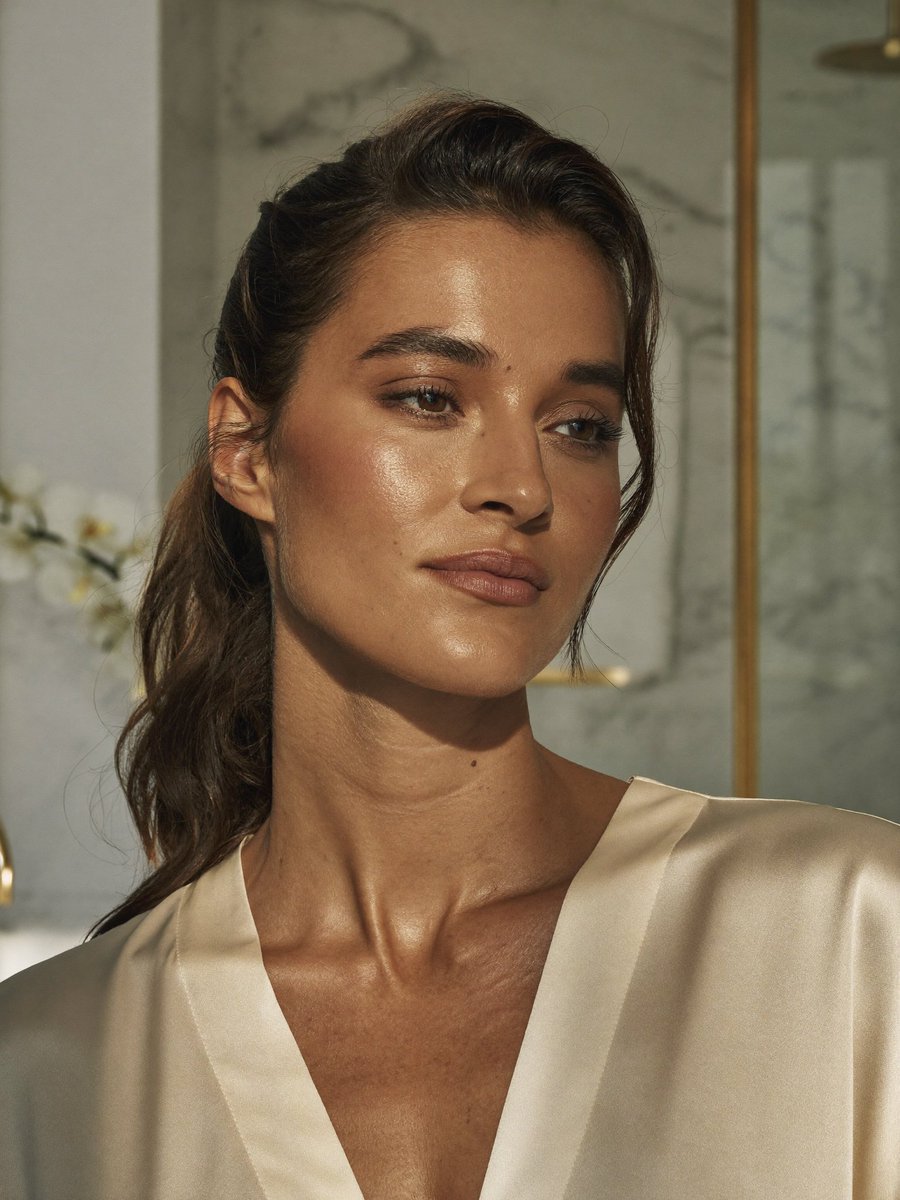
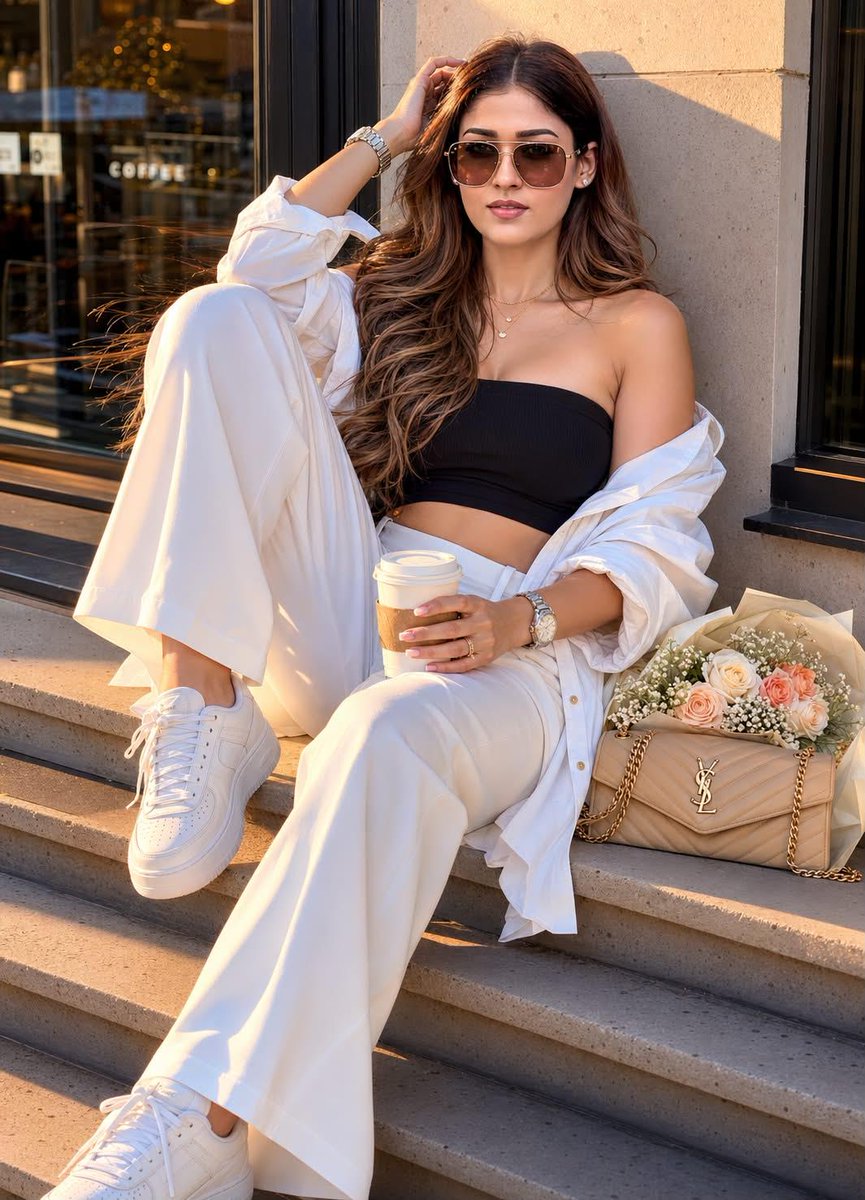
A hyper-realistic fashion editorial portrait of a beautiful {argument name="age" default="18-year-old young girl"}[keep the face, eyes, lips, nose 100% same as saved in the reference image] sitting on wide stone steps outside a {argument name="location" default="modern café or storefront"} during golden hour. She is posed in a relaxed, confident way, with one leg bent up toward her chest and the other extended downward, leaning slightly back against the wall. One hand is lifted into her hair above her head, elbow bent, while the other hand holds a takeaway coffee cup resting near her raised knee. Her head is tilted slightly back and to the side, with a soft, glamorous expression and slightly parted lips. She has long, voluminous, wavy dark brown hair flowing over her shoulders and chest, with a few loose strands catching the sunlight. She wears {argument name="eyewear" default="large brown-tinted aviator sunglasses"}, a black bandeau crop top, an oversized white button-down shirt worn off the shoulders, high-waisted loose white trousers, and white lace-up sneakers. Accessories include a silver wristwatch, layered delicate gold necklaces, and rings. Beside her on the step is a beige quilted designer shoulder bag with chain straps and a gold front logo, partially tucked under a wrapped bouquet of white and peach flowers in cream paper. The setting includes a light beige stone wall, a black window frame, and a dark reflective glass panel in the background. Warm sunset light falls across her face, outfit, and the steps, creating soft golden highlights, realistic skin texture, subtle shadows, cinematic depth, and luxurious warm tones. Ultra-detailed fabric folds, realistic hair strands, natural skin pores, polished fashion photography, shallow depth of field, editorial composition, vertical portrait, photorealistic, 8k, crisp focus, rich warm color grading. cartoon, illustration, painting, low resolution, blurry, extra fingers, distorted hands, bad anatomy, duplicated accessories, deformed face, flat lighting, overexposed highlights, oversaturated skin, unrealistic fabric, messy background, cropped feet, missing bag, missing bouquet, incorrect pose, incorrect outfit, short hair, no sunglasses.
Golden Hour Fashion Editorial needs input media to work. Open it in the studio and these load alongside the prompt — pick whichever ones your chosen model can take.
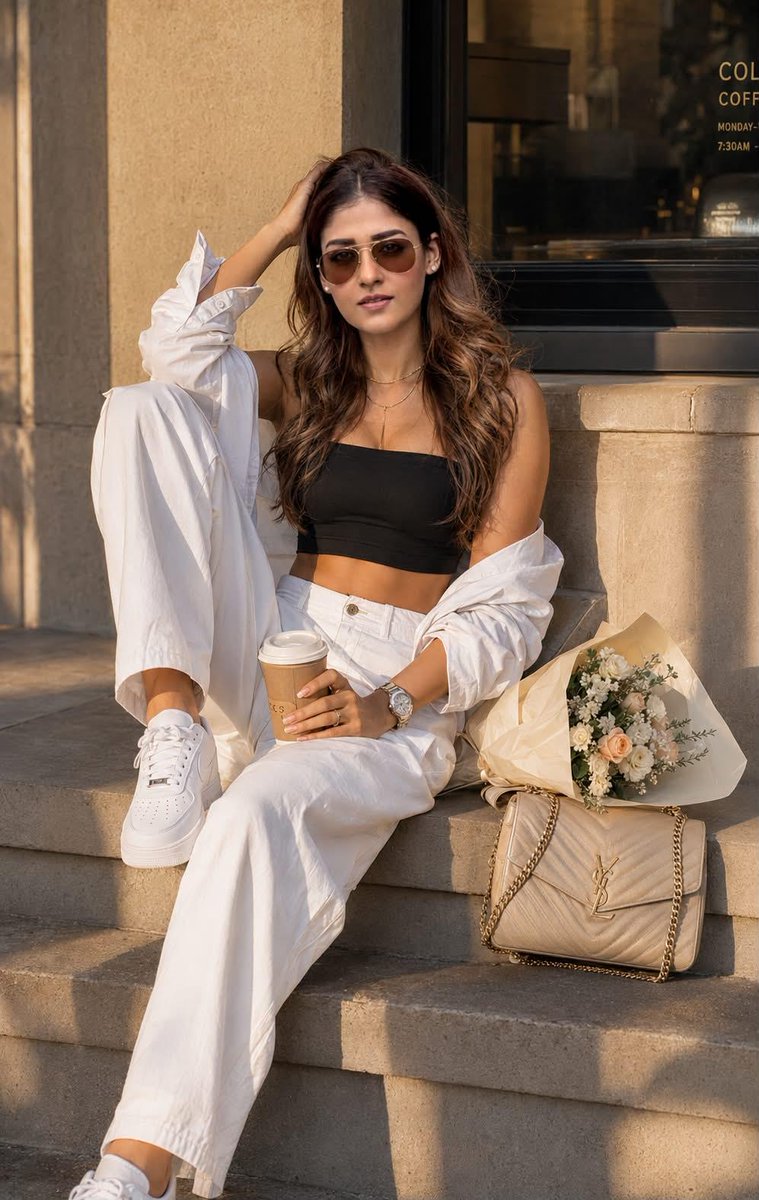
Use Golden Hour Fashion Editorial to plan an AI image around gpt-image-2 generation, themes such as en and gpt-image-2. Match the preview's composition first, then personalize the subject, setting, and mood for your own project.
Use the primary action to load the template settings in PicX Studio.
Adjust the subject and creative details for your destination.
Create the image, compare the result with the preview, and refine one variable at a time.
A continuous mix — similar concepts first, woven with same-model prompts and fresh picks from the catalog.
Choose the primary action to open PicX Studio with the available template settings. Review the model and format, personalize the creative direction, and generate when ready.
Yes. You can change the subject, setting, lighting, mood, format, and available model controls before creating your image.
This template is free to open and customize. Generation usage is shown in PicX Studio before you create.
Start with gpt-image-2, which is the model associated with this template. You can compare another compatible model for a different finish.
Follow a topic to a crawlable collection of related PicX Studio templates.
39,157 public templates available. Verified via the PicX Studio public templates API; refreshed hourly.
A continuous mix — similar concepts first, woven with same-model prompts and fresh picks from the catalog.