
Cyberpunk Woman by Neon City Window
A cinematic prompt for generating a photorealistic cyberpunk portrait with ornate fashion, glass reflections, neon skyscrapers, and a censored face block.
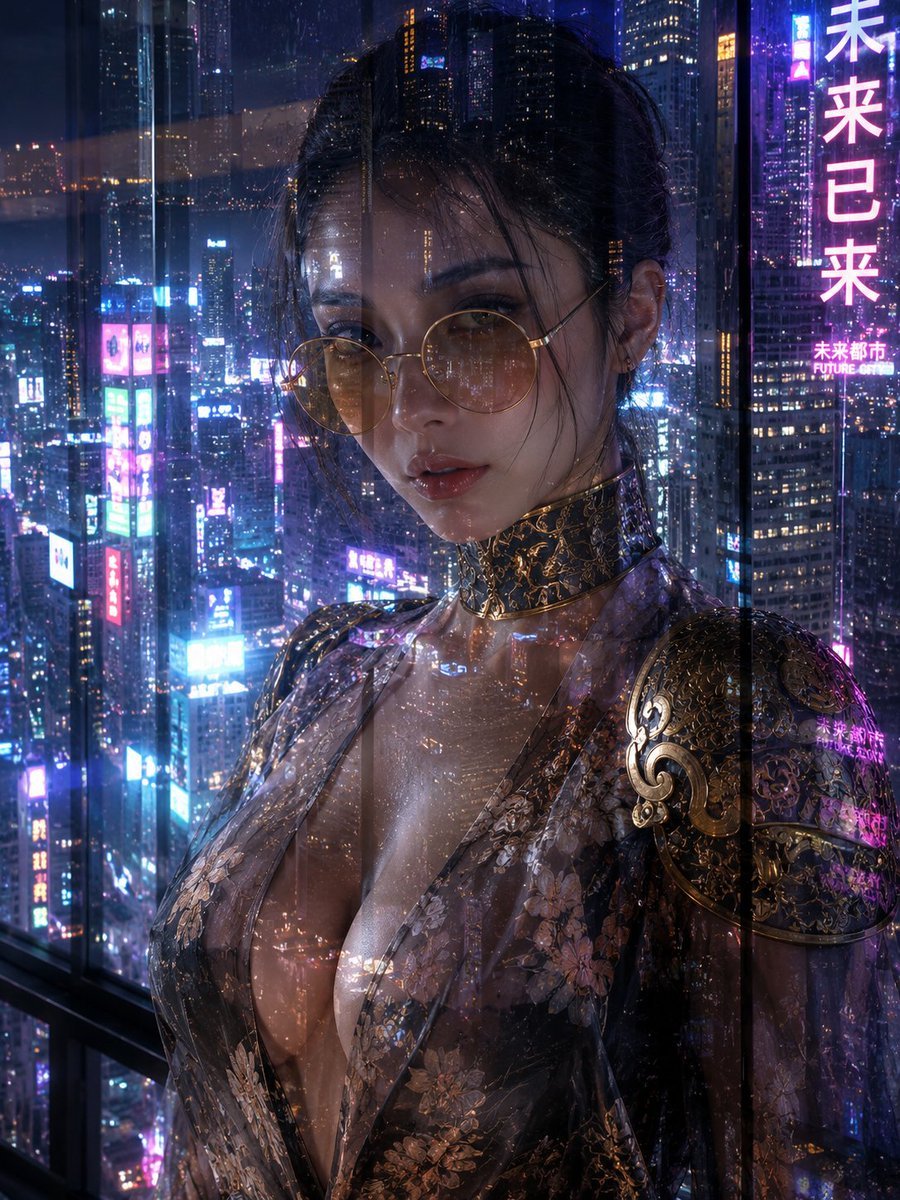
- Prompt included
- Model and format preset
- Premium template
The prompt behind this image
Copy the exact prompt behind Cyberpunk Woman by Neon City Window, or open it in the studio and make it yours.
Create a vertical 3:4 cinematic cyberpunk portrait of an elegant adult woman standing indoors against a floor-to-ceiling glass window at night, overlooking a dense futuristic megacity filled with skyscrapers, rain-speckled reflections, glowing blue, cyan, purple, and magenta neon signs. The woman is centered in a medium close-up from head to upper torso, with dark hair loosely tied back, a visible ear with small earrings, and a luxurious translucent dark floral robe or kimono with a deep neckline, shimmering wet-looking fabric, gold embroidery, ornate gold filigree shoulder armor on one shoulder, and a matching decorative gold choker collar. The glass should create layered reflections of city lights across her body and clothing, giving a double-exposure effect. Add a large flat opaque square censor block over the center of her face, colored dark muted brown-gray, perfectly rectangular and covering the eyes, nose, and mouth while leaving hair, ear, neck, and clothing visible. In the background, include exactly one prominent vertical neon sign on the right with large Chinese characters reading {argument name="vertical neon sign text" default="未来已来"} and a smaller English subtitle below reading {argument name="small neon subtitle" default="FUTURE CITY"}. Style the scene as hyper-detailed photorealistic sci-fi noir, moody rainy-night atmosphere, high contrast, glossy reflections, shallow depth of field, volumetric glow, intricate fabric texture, ornate metallic details, and vibrant neon lighting. Use {argument name="primary neon color palette" default="blue, violet, magenta, cyan"} lighting, a {argument name="camera framing" default="vertical medium close-up portrait"}, and a {argument name="overall mood" default="luxurious cyberpunk melancholy"}. Avoid extra people, avoid logos, avoid additional readable text beyond the specified signs.
How to use Cyberpunk Woman by Neon City Window in 3 steps
- 1Upload ImagePNG, JPG or paste
Add your photo
Upload the photo the template builds on. The prompt, model and format are already set.
- 2…a portrait of your subject in softgolden-hour light, 85mm…
Personalize
Edit the subject and creative details for your destination.
- 3Generate
Generate
Press Generate — your image is created in PicX Studio, so you can compare it with the original and refine one variable at a time.
More like this
Templates with the same subject, style or setup. Open one to see its prompt.
Spider-Man 2099 Cyberpunk Neon Future City
Rainy Night Android Cyberpunk Portrait
Korean Idol Partial Shadow Editorial Portrait
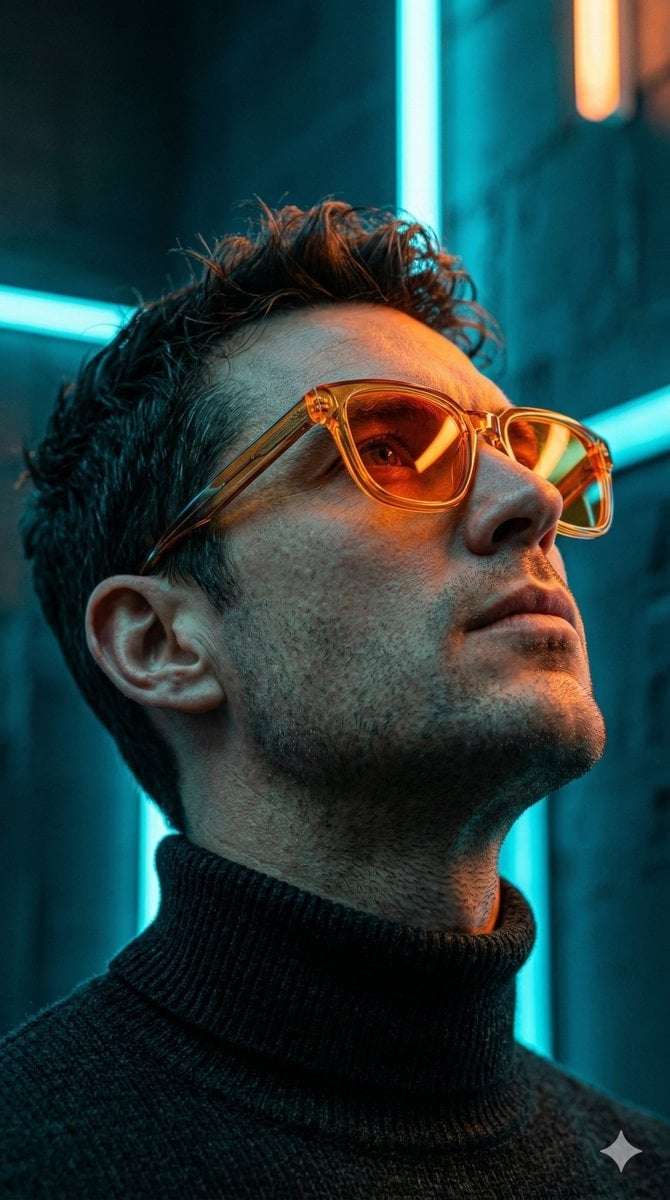
Cyberpunk Neon Profile Fashion Portrait
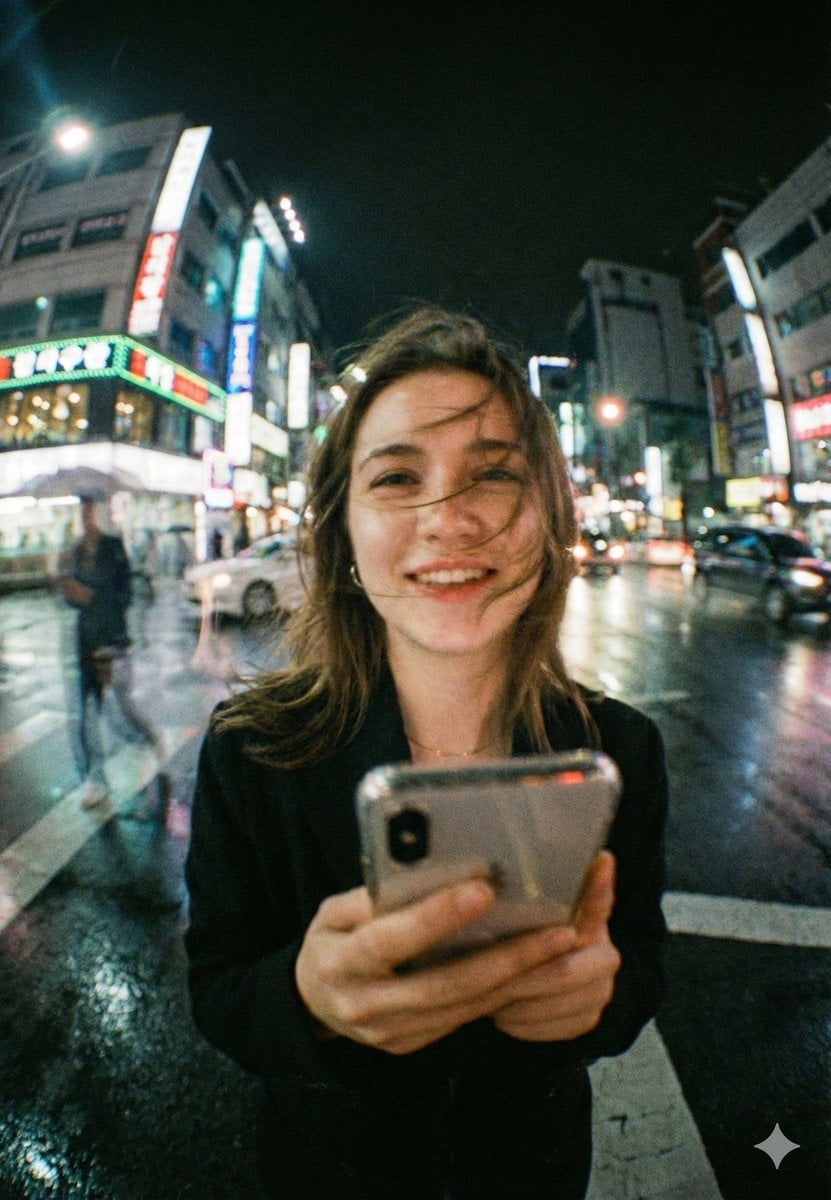
Neon Night Crosswalk Candid Portrait
Rainy Night Android Cyberpunk Portrait
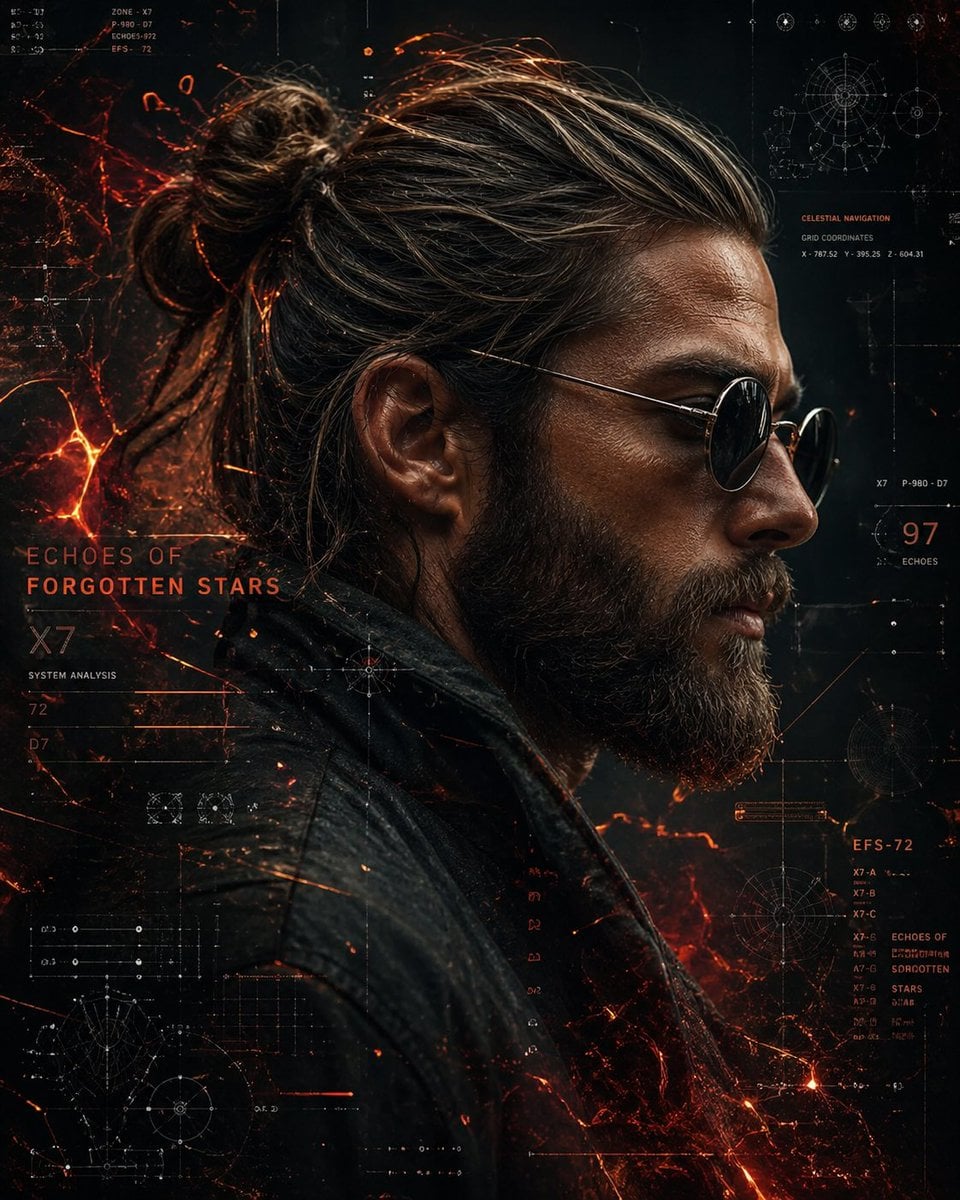
Cinematic Sci-Fi Commander Side Profile Portrait
Low-Angle Cyberpunk Neon Profile Portrait
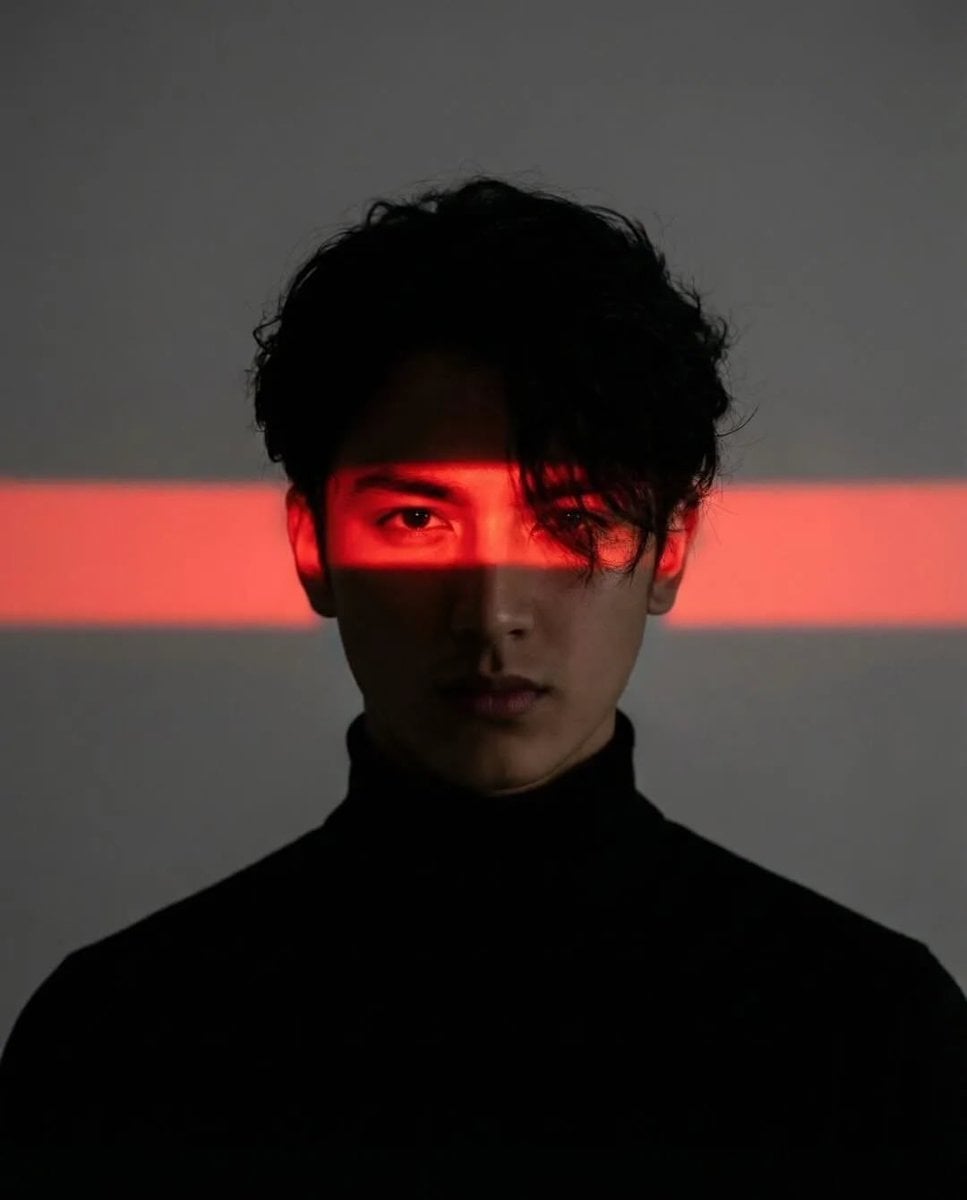
Cinematic Neon Light Strip Studio Portrait
Neon Night Crosswalk Candid Portrait
Neon Glitch Cyber Symbiote Music Poster

Cyberpunk Neon Brazil World Cup Poster
Make it yours
Cyberpunk Woman by Neon City Window works as-is. These are the safest ways to change it without losing the look.
Change one field
Copy a single group, rewrite it, and generate again so you can see what that field is doing.
Keep the frame, change the subject
Hold the composition and light of Cyberpunk Woman by Neon City Window, then swap wardrobe, props or the person for a new take.
| If the result… | Why | Fix |
|---|---|---|
| The result drifts from the preview | Too many fields changed at once. | Reuse Cyberpunk Woman by Neon City Window as-is first, then change one group — subject, light, or setting. |
| The model over-stylizes the scene | The prose prompt leaves finish and camera underspecified. | Add one camera or lighting sentence and stay on GPT Image 2. |
More GPT Image 2 templates
Other prompts made for GPT Image 2.

Six VTuber Japanese Logo Sheet

Realistic Portrait of Woman and Deer

The Vista Modular Condo Poster

AI Model Routing Comparison Infographic

2.5D Anime Art Board

Isometric Productivity Desk Scene

New York Double Exposure Poster

Four-Panel AI Landscape Comparison

Japanese Tatami Lifestyle Magazine Cover

NESCAFÉ Coffee Map Poster
More image prompts
Fresh picks from across the catalog.

Premium Designer Collectible Toy Aesthetic

High-Definition Culinary Photography: Chicken Drumsticks
Gourmet Street Food Photography and Infographic
High-Fashion Street Style Portrait Prompt
VTuber-style street-fashion thumbnail from a city photo

Paper Tear Flat Illustration Poster
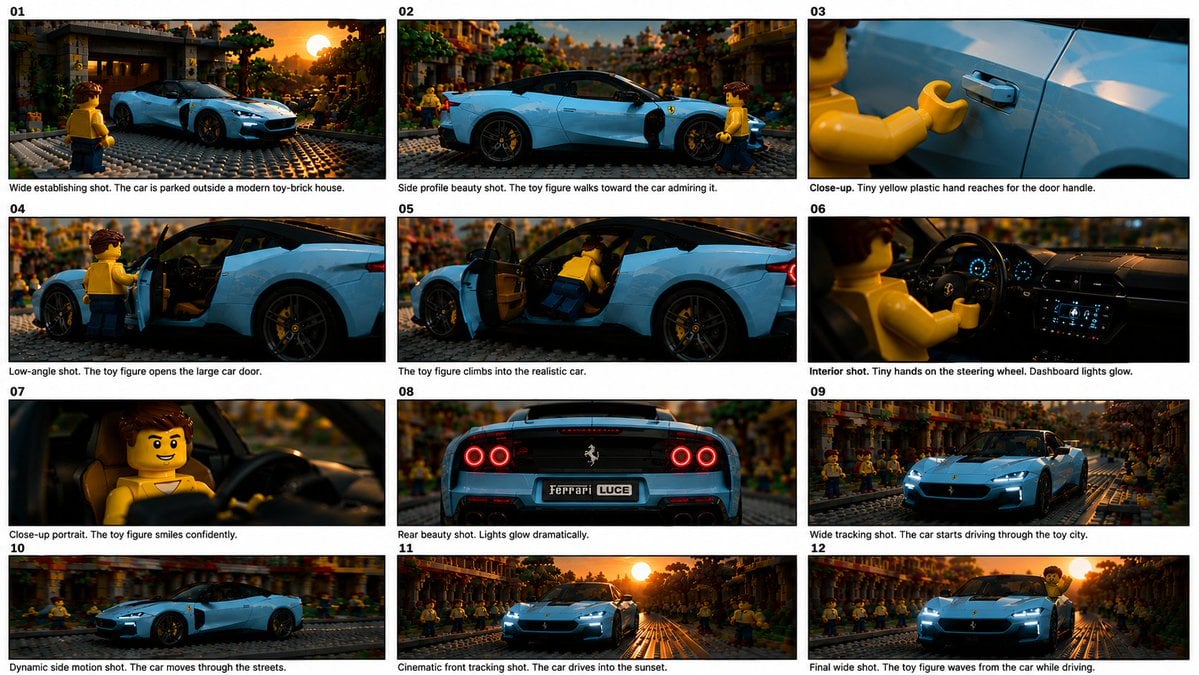
Toy Ferrari Storyboard Contact Sheet
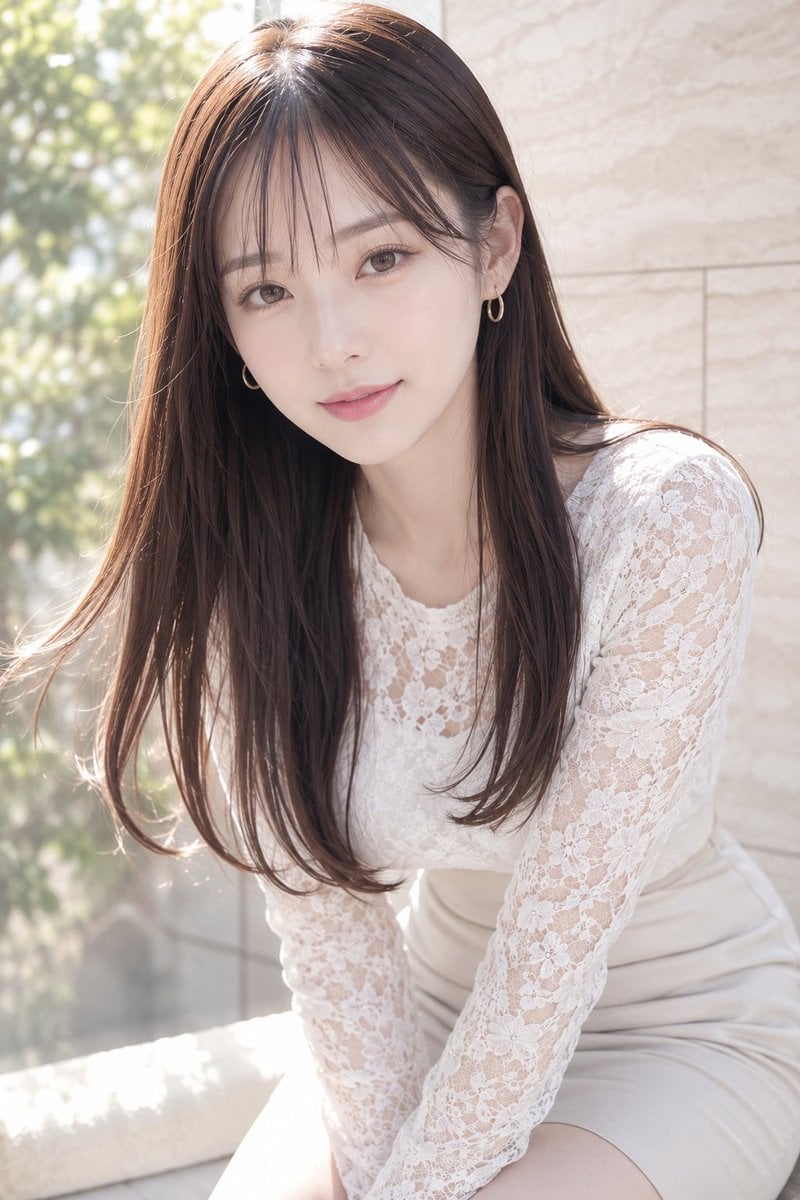
Soft Window Portrait with Lace Outfit
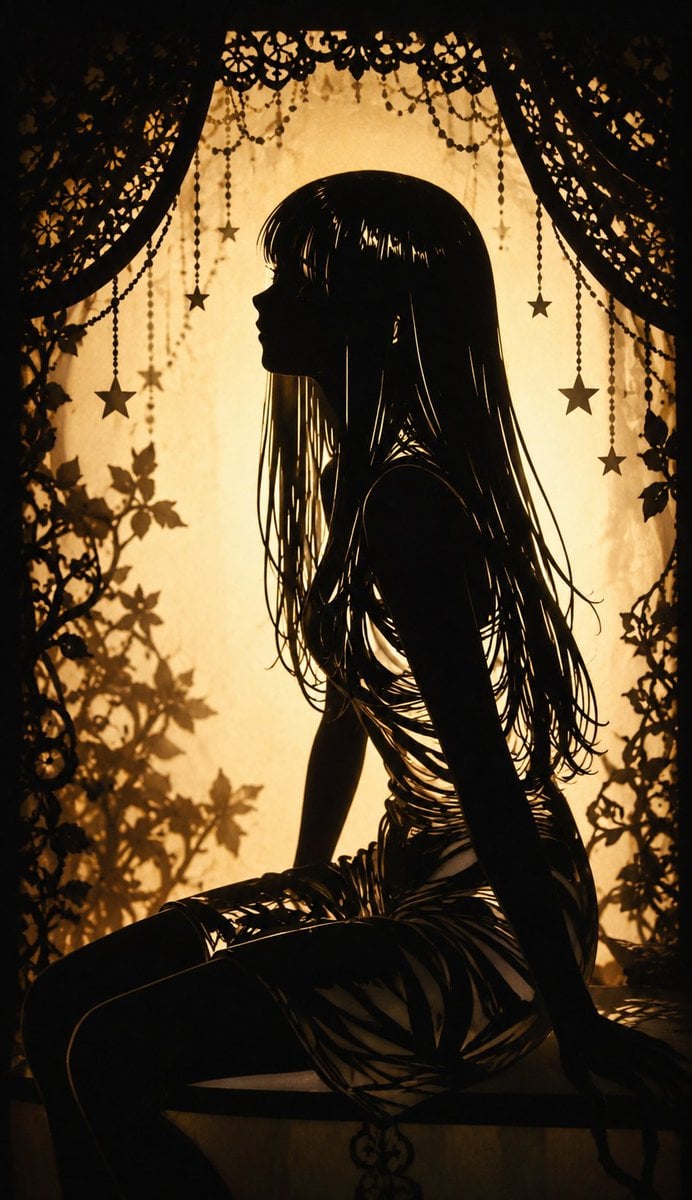
Shadow Puppet Style Transformation

School Commercial Kids Advertisement Poster
Browse template categories
Cyberpunk Woman by Neon City Window questions
How do I use the Cyberpunk Woman by Neon City Window template?
Add your photo if the template asks for one, edit the prompt if you like — the template's model and format are already selected — and press Generate. Your version opens in PicX Studio.
Can I customize the Cyberpunk Woman by Neon City Window template?
Yes. You can change the subject, setting, lighting, mood, format, and available model controls before creating your image.
Is the Cyberpunk Woman by Neon City Window template free?
Opening and editing this template is free. Generating uses credits, shown on the Generate button when you are signed in.
Which AI model should I use?
Start with GPT Image 2, which is the model associated with this template. You can compare another compatible model for a different finish.
Looking for something else? Browse all templates.

Your photo, any look
Thousands of ready templates for every top image and video model, from one credit balance.