
Capybara Meal Coach Storyboard
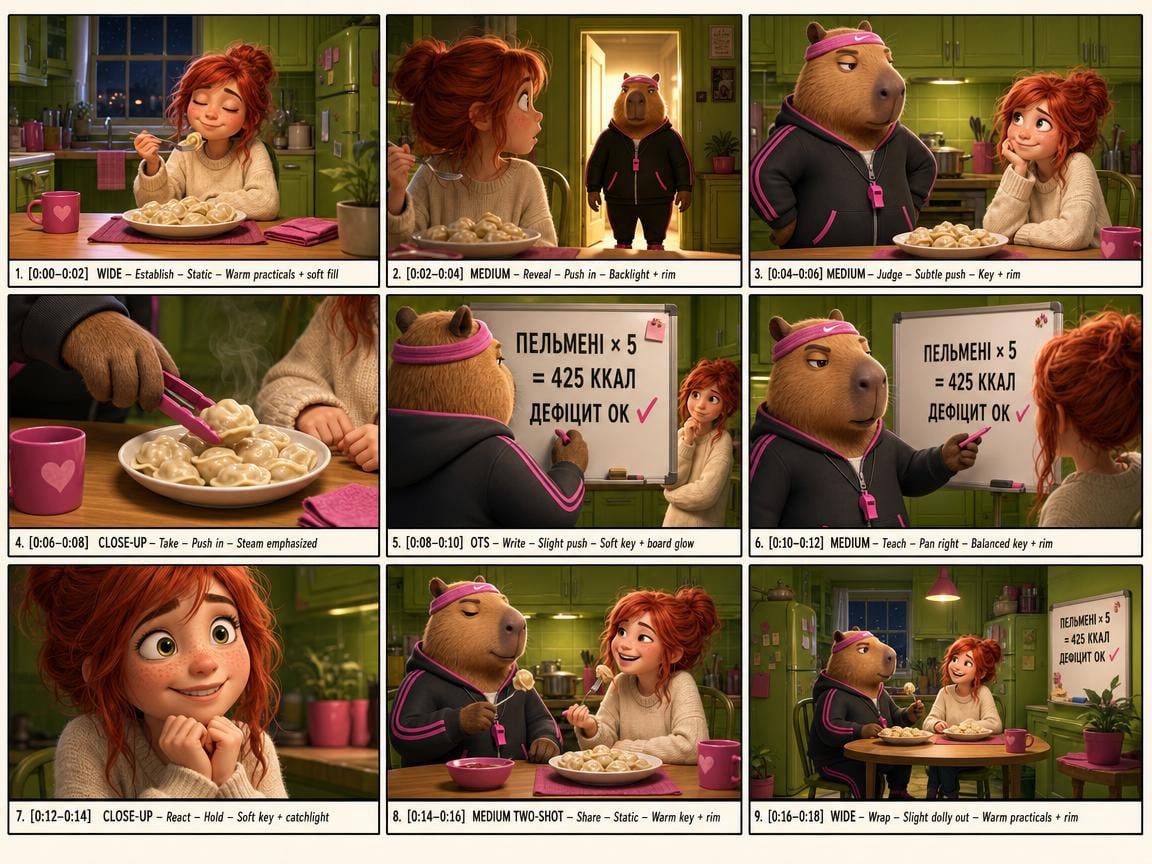
A nine-panel cinematic storyboard contact sheet for an animated capybara nutrition coach scene in a cozy kitchen.
- Prompt included
- Model and format preset
- Free template
The prompt behind this image
Copy the exact prompt behind Capybara Meal Coach Storyboard, or open it in the studio and make it yours.
Goal: Create a 3x3 cinematic storyboard contact sheet for an animated short reel about a capybara meal-coach helping a woman track dumplings for calories. Canvas: Landscape 4:3 storyboard sheet, cream paper background, nine equal panels in a 3 columns by 3 rows grid, thin black borders, white caption strips under every frame. Warm cozy evening kitchen setting with olive-green cabinets, tiled backsplash, window with night city lights, pink props, soft practical lamp light, shallow depth of field, polished 3D animated film look. Main characters: A friendly anthropomorphic capybara coach wearing a black zip hoodie with hot-pink stripes, pink headband, pink whistle on a lanyard, rounded muzzle, calm judging expression. A young woman with messy bright red hair in a loose bun, cream cable-knit sweater, seated at a round wooden kitchen table; her face is intentionally obscured by a flat soft-edged tan/brown square privacy mask in panels where it faces camera. Keep the capybara expressive and readable. Key props: One large plate of pelmeni dumplings, one pink mug with a pale heart, pink cloth napkins, fork and spoon, a whiteboard on an easel or wall with bold Russian calorie tracking notes, pink marker, small magnets and sticky note, potted plants and kitchen utensils. Visible storyboard text: Use exactly 9 caption strips, numbered 1 through 9, with timecodes and shot notes in a handwritten storyboard style. The whiteboard must show this Russian text exactly: {argument name="whiteboard text" default="ПЕЛЬМЕНИ x 5\n= 425 ККАЛ\nДЕФИЦИТ OK ✓"}. Caption strip text should be legible and similar to: 1. [0:00--0:02] WIDE - Establish - Static - Warm practicals + soft fill; 2. [0:02--0:04] MEDIUM - Reveal - Push in - Backlight + rim; 3. [0:04--0:06] MEDIUM - Judge - Subtle push - Key + rim; 4. [0:06--0:08] CLOSE-UP - Take - Push in - Steam emphasized; 5. [0:08--0:10] OTS - Write - Slight push - Soft key + board glow; 6. [0:10--0:12] MEDIUM - Teach - Pan right - Balanced key + rim; 7. [0:12--0:14] CLOSE-UP - React - Hold - Soft key + catchlight; 8. [0:14--0:16] MEDIUM TWO-SHOT - Share - Static - Warm key + rim; 9. [0:16--0:18] WIDE - Wrap - Slight dolly out - Warm practicals + rim. Panel-by-panel layout, exactly 9 panels: Panel 1 wide establishing shot: woman alone at table about to eat dumplings, pink mug and napkin visible, green kitchen at night. Panel 2 medium reveal: woman foreground left with spoon, capybara coach appears in a glowing doorway behind her. Panel 3 medium judge: capybara stands beside seated woman, looking sideways at her plate with a suspicious coach expression. Panel 4 close-up: capybara paw uses pink tongs or marker-like utensil to pick one dumpling from steaming plate, woman hands nearby, pink mug left. Panel 5 over-the-shoulder from behind capybara: capybara writes on whiteboard with pink marker while woman watches from side. Panel 6 medium teach: capybara points at the whiteboard text with pink marker while woman listens, with capybara face partly obscured by a tan/brown privacy mask block if facing camera. Panel 7 close-up reaction: woman leaning on clasped hands, red hair filling frame, face covered by tan/brown square mask, cozy kitchen blur behind. Panel 8 medium two-shot: capybara and woman sit together at table sharing dumplings, each holding a dumpling utensil, plate centered, pink bowl and mug visible. Panel 9 wide wrap: both characters at round table in full kitchen, whiteboard visible at right with the calorie note, pendant lamp above, window behind. Visual style: High-end 3D animated family-film aesthetic, warm cinematic lighting, soft rim lights, subtle bloom, realistic food steam, saturated olive greens and pink accents, consistent character designs across panels, storyboard production-board composition. Constraints: Include exactly 9 panels and exactly 9 caption strips. Do not add extra characters. Keep all panels coherent as a single timeline reference for video animation. Maintain legible whiteboard text and visible Russian lettering; avoid logos or watermarks.
How to use Capybara Meal Coach Storyboard in 3 steps
- 1Upload ImagePNG, JPG or paste
Add your photo
Upload the photo the template builds on. The prompt, model and format are already set.
- 2…a portrait of your subject in softgolden-hour light, 85mm…
Personalize
Edit the subject and creative details for your destination.
- 3Generate
Generate
Press Generate — your image is created in PicX Studio, so you can compare it with the original and refine one variable at a time.
More like this
Templates with the same subject, style or setup. Open one to see its prompt.
Headphones Lifestyle Nine Panel Grid
Seedance - Storyboard to Movie
Natural Restaurant Meal Regeneration
Clean & appetizing meal prep layouts
Chibi Prison Meal Comic
Vintage Teppan Meal Specimen Chart
Lazy Capybara Ad Workflow Comic
Apple Style Coach Branding Poster
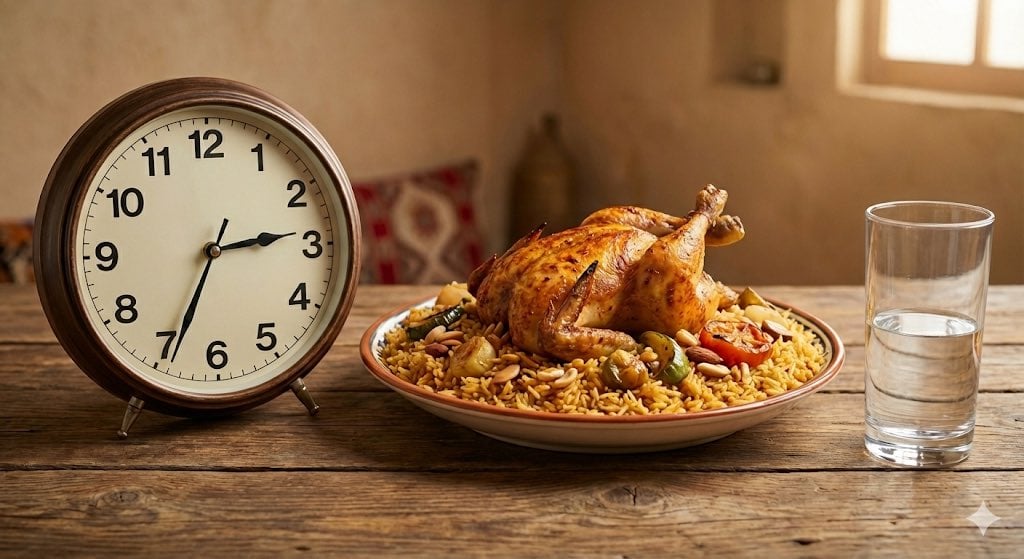
Analog clock and Saudi kabsa meal still life
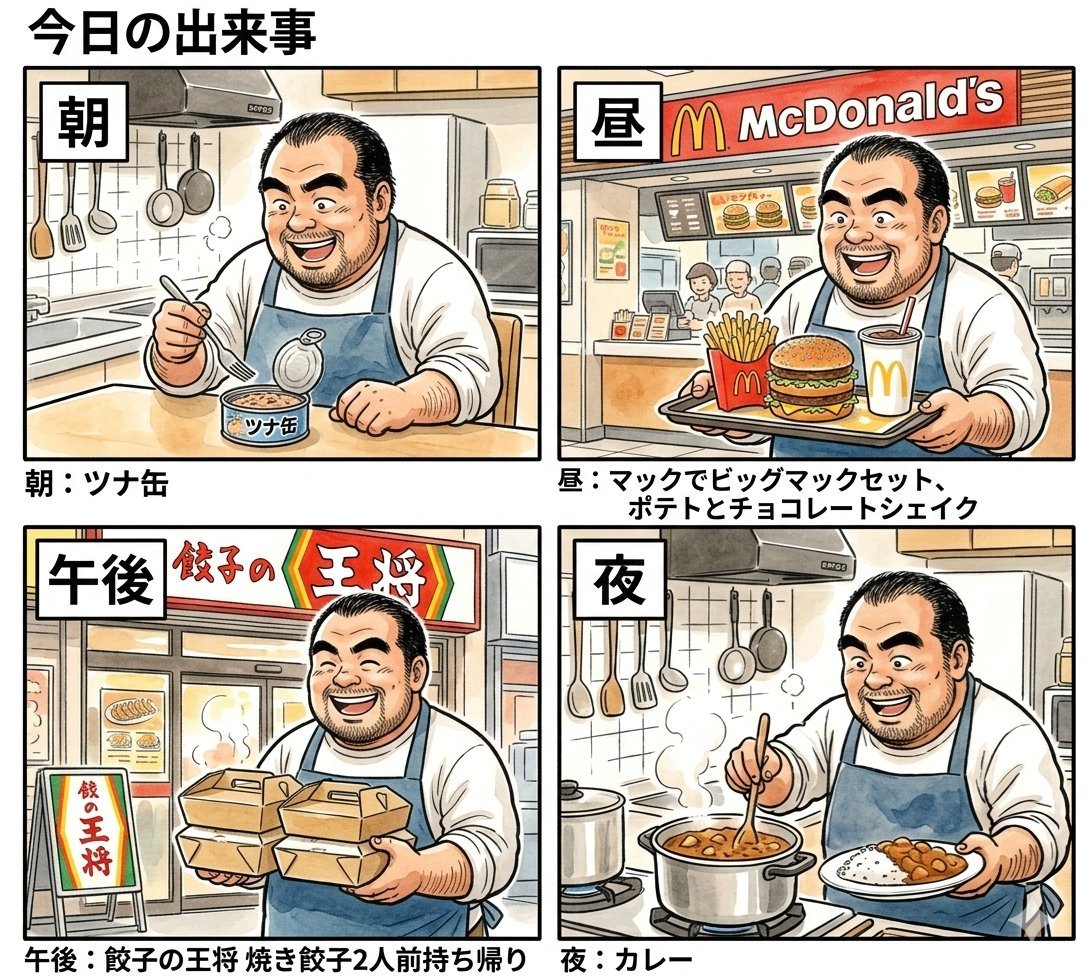
Panel Manga Prompt: A Day's Meals
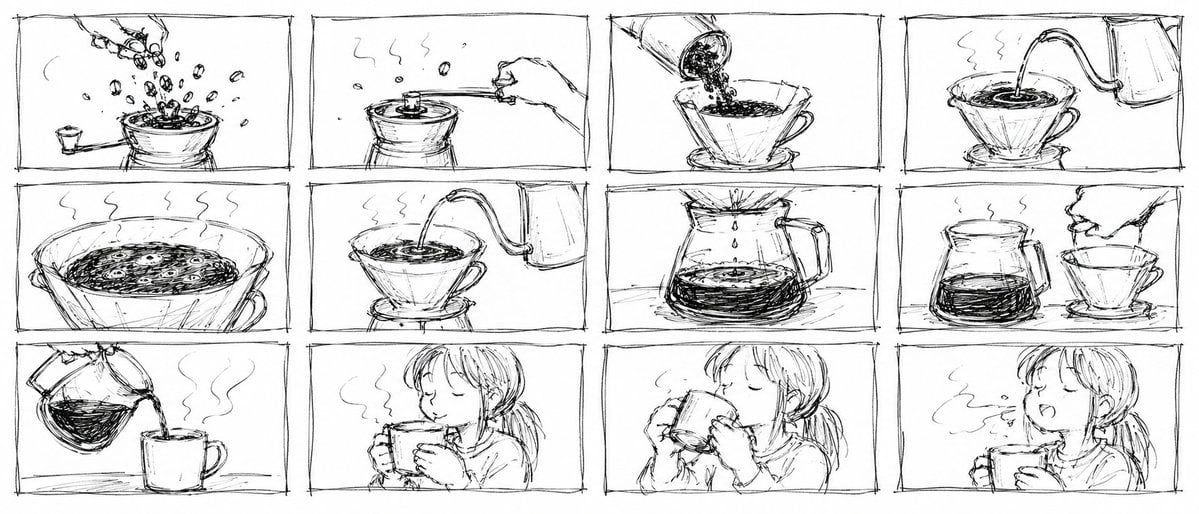
Pencil Sketch Coffee Storyboard
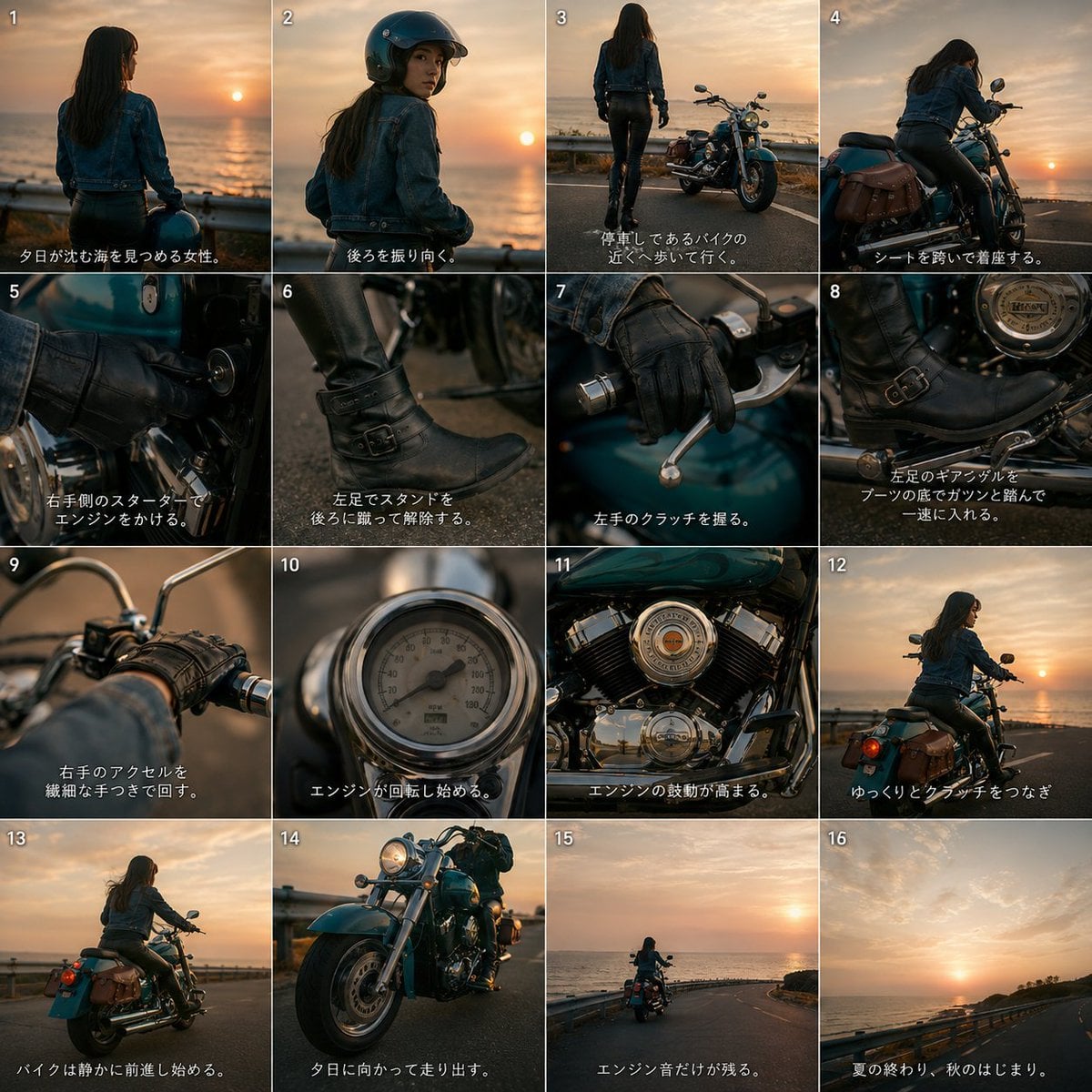
Cinematic Motorcycle Storyboard
Make it yours
Capybara Meal Coach Storyboard works as-is. These are the safest ways to change it without losing the look.
Change one field
Copy a single group, rewrite it, and generate again so you can see what that field is doing.
Keep the frame, change the subject
Hold the composition and light of Capybara Meal Coach Storyboard, then swap wardrobe, props or the person for a new take.
| If the result… | Why | Fix |
|---|---|---|
| The result drifts from the preview | Too many fields changed at once. | Reuse Capybara Meal Coach Storyboard as-is first, then change one group — subject, light, or setting. |
| The model over-stylizes the scene | The prose prompt leaves finish and camera underspecified. | Add one camera or lighting sentence and stay on GPT Image 2. |
More GPT Image 2 templates
Other prompts made for GPT Image 2.

Six VTuber Japanese Logo Sheet

Realistic Portrait of Woman and Deer

The Vista Modular Condo Poster

AI Model Routing Comparison Infographic

2.5D Anime Art Board

Isometric Productivity Desk Scene

New York Double Exposure Poster

Four-Panel AI Landscape Comparison

Japanese Tatami Lifestyle Magazine Cover

NESCAFÉ Coffee Map Poster
More image prompts
Fresh picks from across the catalog.
Seedance - Anime Fighting Game Finisher
Creator Lock Screen Wallpaper
Curvy Athletic Stretching Selfie Prompt
Character 'Participation Screen' Reveal Prompt
Owl-Shaped Nebula in Deep Space
Nano Banana Sea Cave Portrait

Minimalist Children's Book Illustration
Giant Animal in City Scene Prompt (Fox + West Lake)
FACS Facial Expression Chart
System Prompt for High-Control Photorealistic Image Generation
Browse template categories
Capybara Meal Coach Storyboard questions
How do I use the Capybara Meal Coach Storyboard template?
Add your photo if the template asks for one, edit the prompt if you like — the template's model and format are already selected — and press Generate. Your version opens in PicX Studio.
Can I customize the Capybara Meal Coach Storyboard template?
Yes. You can change the subject, setting, lighting, mood, format, and available model controls before creating your image.
Is the Capybara Meal Coach Storyboard template free?
Opening and editing this template is free. Generating uses credits, shown on the Generate button when you are signed in.
Which AI model should I use?
Start with GPT Image 2, which is the model associated with this template. You can compare another compatible model for a different finish.
Looking for something else? Browse all templates.

Your photo, any look
Thousands of ready templates for every top image and video model, from one credit balance.