
Creator Lock Screen Wallpaper
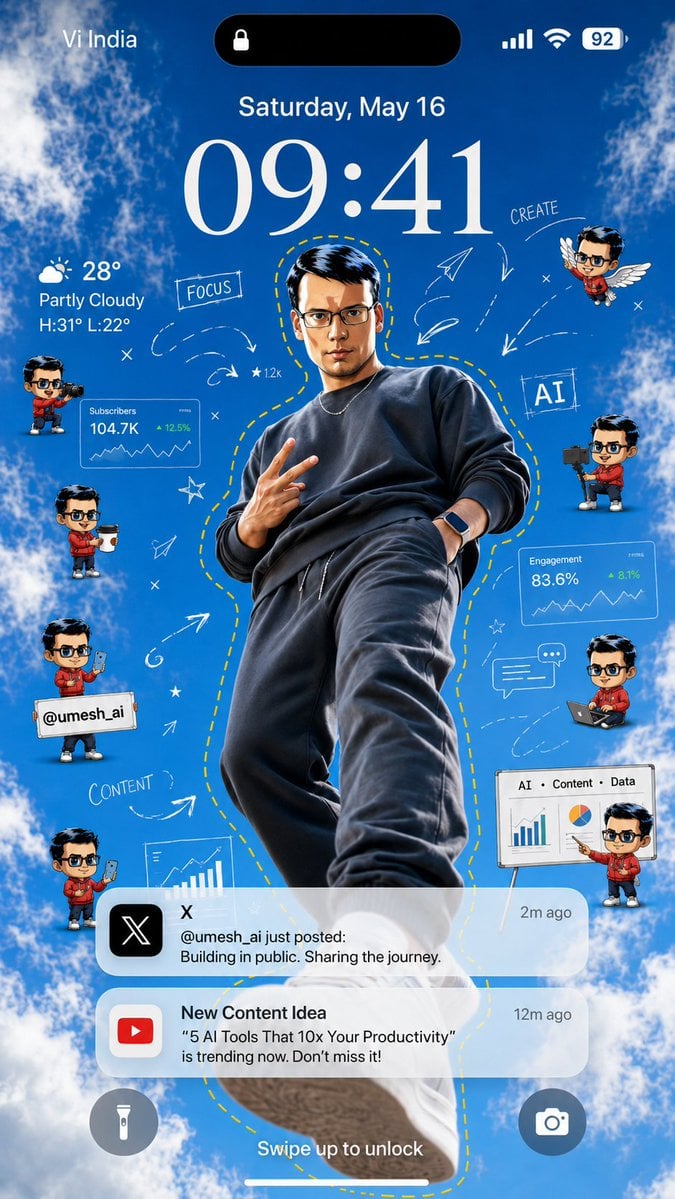
A vertical iPhone-style creator wallpaper featuring a dramatic central figure, sky background, chibi avatars, analytics cards, doodles, and social notifications.
- Prompt included
- Model and format preset
- Free template
The prompt behind this image
Copy the exact prompt behind Creator Lock Screen Wallpaper, or open it in the studio and make it yours.
Goal: Create a vertical smartphone lock-screen wallpaper themed around a creator/AI productivity influencer, with an iPhone-style interface over a bright blue sky and clouds background. Canvas: 9:16 vertical mobile wallpaper, realistic high-resolution composite, designed to look like a phone lock screen screenshot. Use a vivid daytime sky background with fluffy white clouds around the edges and a clear blue center. Main subject: Place one full-body young male creator in the center, shot from a dramatic low angle as if standing above the viewer. He wears a dark charcoal sweatshirt, dark joggers, sneakers, a thin chain necklace, and a smartwatch. His pose is confident, one hand making a peace sign and the other in his pocket. Add a hand-drawn yellow dashed outline following his body silhouette. Use {argument name="creator handle" default="@umesh_ai"} as the social handle shown in the design. Keep the face anonymized or softly blurred if needed. Lock-screen UI: At the top, show carrier text “Vi India” on the left, a black Dynamic Island pill with a small lock icon in the center, and signal, Wi‑Fi, and battery “92” on the right. Below it, show the date “Saturday, May 16” and a very large elegant serif time reading {argument name="lock screen time" default="09:41"}. On the left under the time, show weather: a partly cloudy icon, “28°”, “Partly Cloudy”, and “H:31° L:22°”. At the bottom, show two circular lock-screen buttons: flashlight on the left and camera on the right, plus the text “Swipe up to unlock” above the home indicator. Floating creator elements: Include exactly 8 small chibi-style mini avatars of the same creator around the main figure, all with matching red hoodie and dark hair, faces anonymized if needed. Count and positions: 1 left upper holding a video camera, 1 left middle holding a takeaway coffee cup, 1 left lower holding a sign with “@umesh_ai”, 1 left bottom holding a smartphone, 1 right upper flying with white wings, 1 right middle holding a camera rig, 1 right lower sitting with a laptop, and 1 far right bottom presenting beside a whiteboard. Analytics and creator graphics: Add exactly 4 data/creator panels: 1 translucent card labeled “Subscribers” with “104.7K” and “+12.5%”, 1 translucent card labeled “Engagement” with “83.6%” and “+8.1%”, 1 bottom-right whiteboard labeled “AI • Content • Data” with bar chart and pie chart, and 1 lower-left partial chart card showing a rising bar chart. Add hand-drawn white doodles around the subject: arrows, paper planes, stars, x marks, dashed motion trails, a chat bubble, and the handwritten words “FOCUS”, “CREATE”, “AI”, and “CONTENT”. Keep the doodles airy and sketch-like, not cluttered. Notifications: Include exactly 2 rounded translucent notification banners near the lower third. First notification: black X app icon, title “X”, time “2m ago”, and message “@umesh_ai just posted: Building in public. Sharing the journey.” Second notification: red YouTube icon, title “New Content Idea”, time “12m ago”, and message ““5 AI Tools That 10x Your Productivity” is trending now. Don’t miss it!” Use {argument name="content idea text" default="5 AI Tools That 10x Your Productivity"} for the quoted title. Visual style: Bright, polished, viral social-media wallpaper aesthetic; realistic central subject mixed with cute 3D chibi avatars, semi-transparent iOS glassmorphism panels, crisp typography, white doodle overlays, and high contrast against the blue sky. Make it energetic, motivational, and creator-economy themed. Avoid extra watermarks or unrelated text.
How to use Creator Lock Screen Wallpaper in 3 steps
- 1Upload ImagePNG, JPG or paste
Add your photo
Upload the photo the template builds on. The prompt, model and format are already set.
- 2…a portrait of your subject in softgolden-hour light, 85mm…
Personalize
Edit the subject and creative details for your destination.
- 3Generate
Generate
Press Generate — your image is created in PicX Studio, so you can compare it with the original and refine one variable at a time.
More like this
Templates with the same subject, style or setup. Open one to see its prompt.
Custom Nanoblock Toy Creator
Pastel Kitten Café iPhone Lock Screen
Anime Countryside iPhone Lock Screen
TikTok Creator Holding Product Screengrab
Anime Couple Segmentation UI Screenshot
Zen Minimalist Aesthetic Wallpaper

Nano Banana Pro Identity Lock — Composition + Face Reference
Graphic Screen-Print Human-Animal Illustration
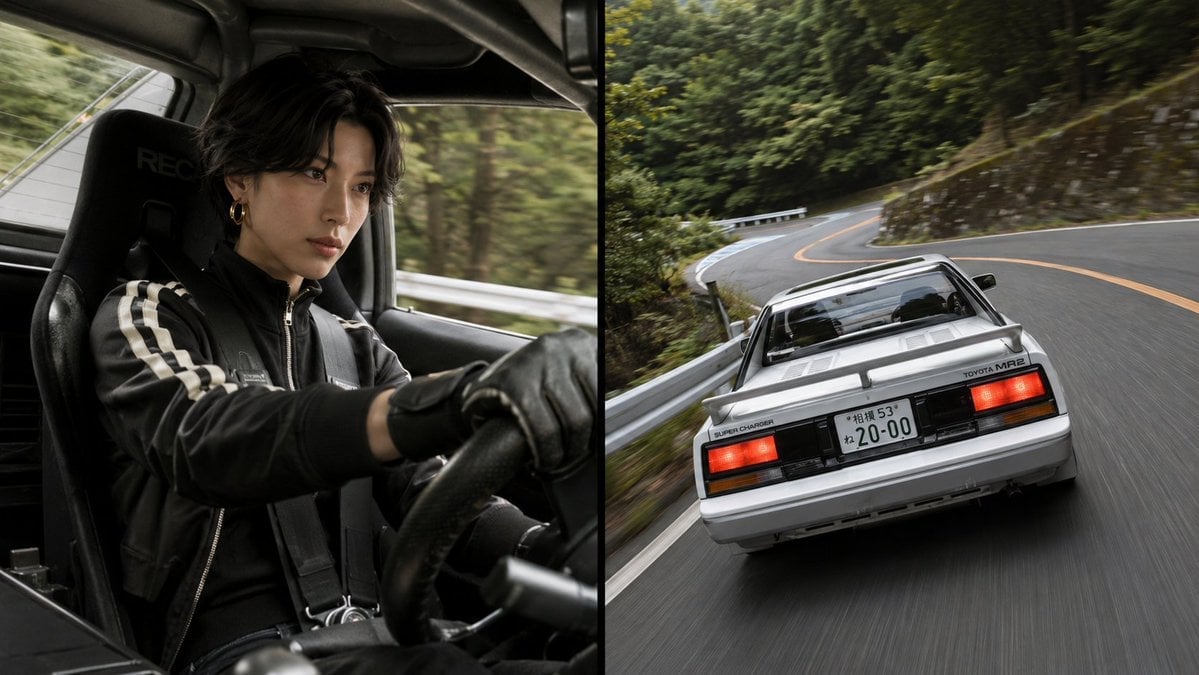
Split-Screen MR2 Touge Drive
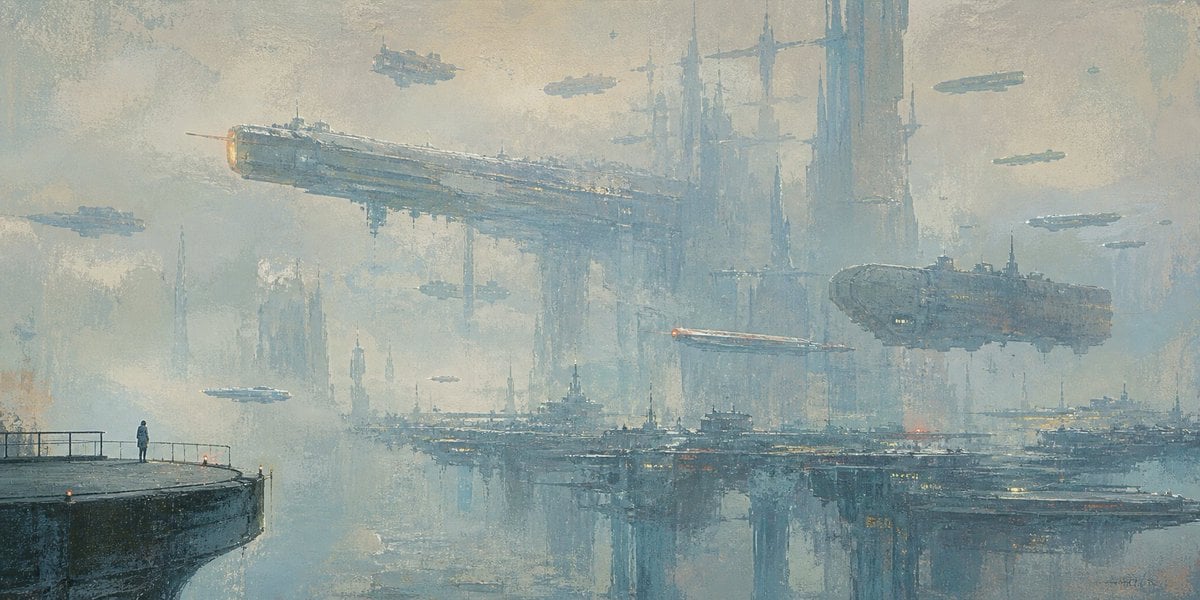
Lonely Sci-Fi Harbor Wallpaper
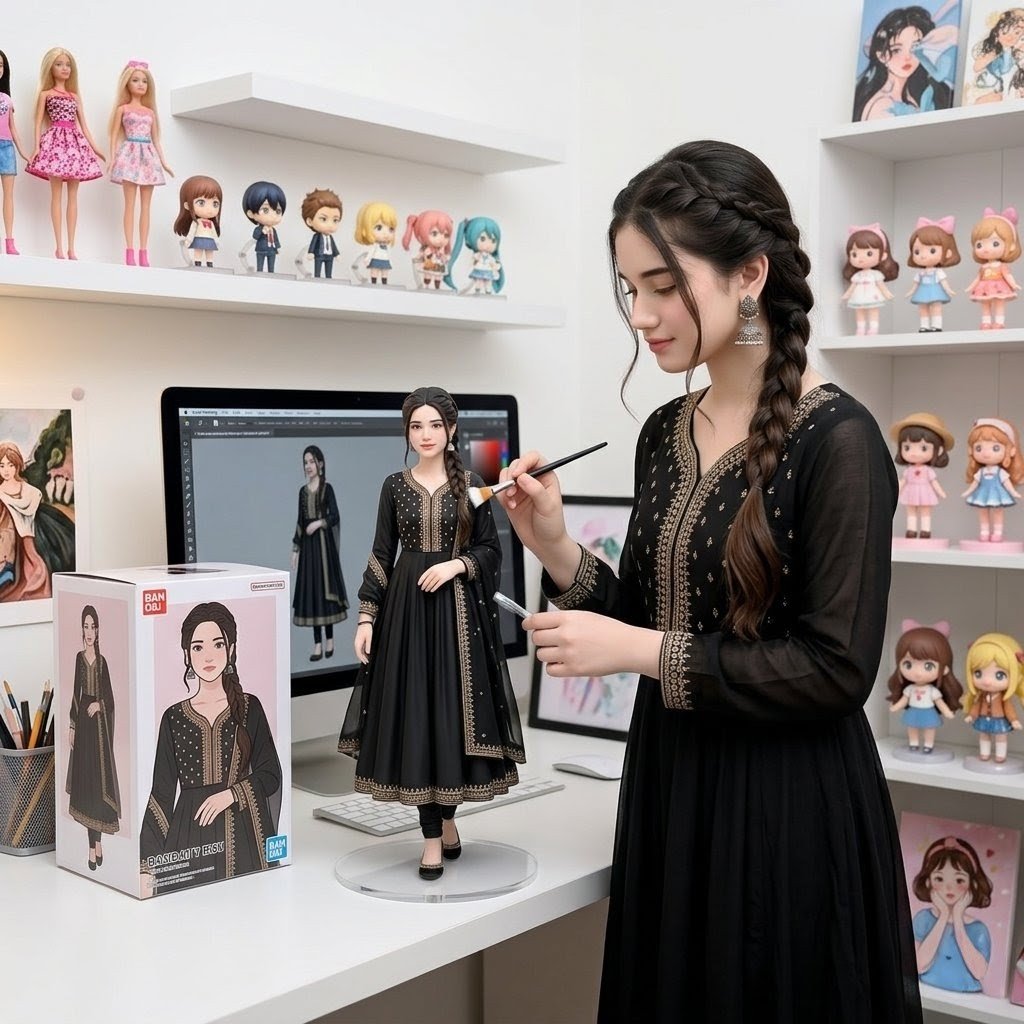
Custom Figurine on Creator Desk
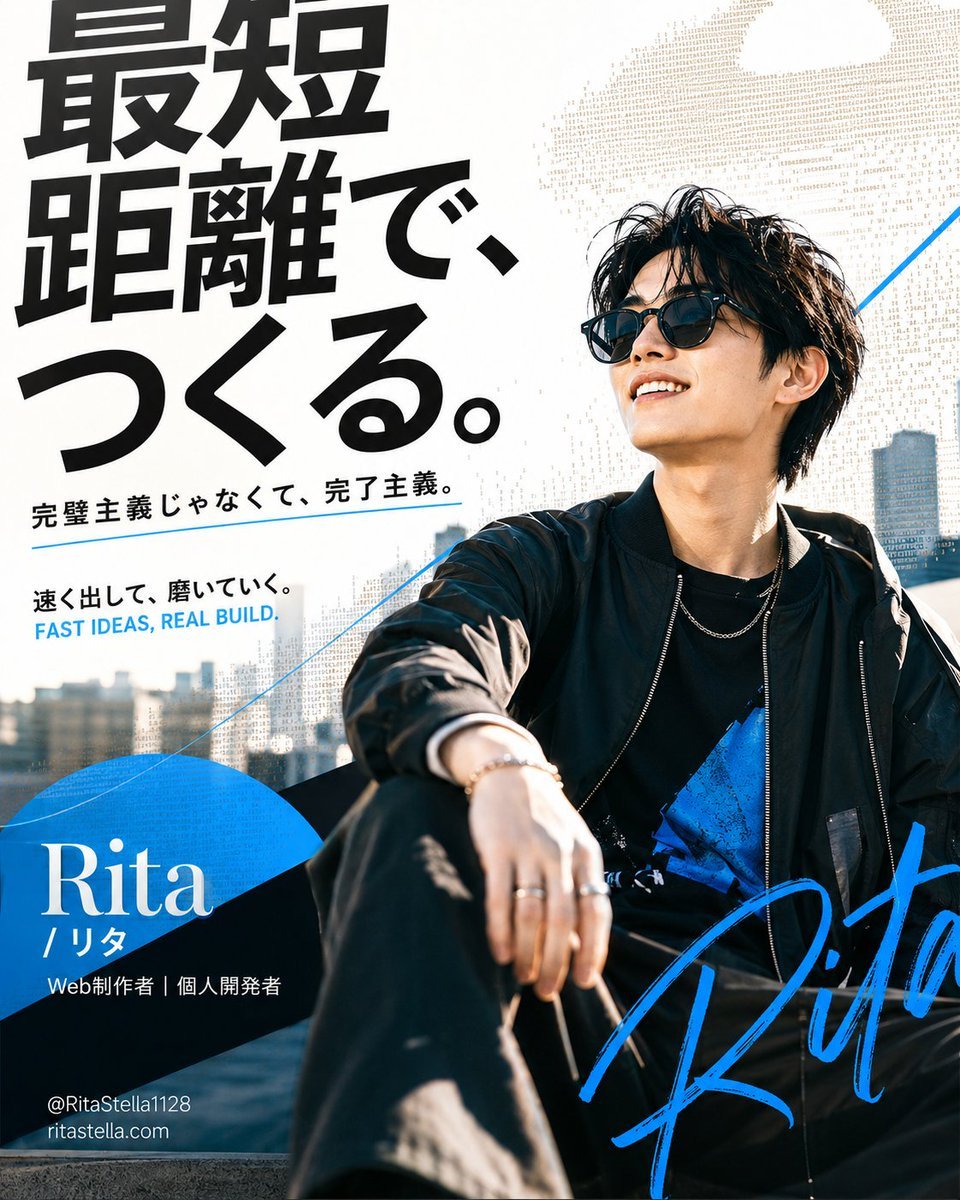
Japanese Creator Branding Poster
Make it yours
Creator Lock Screen Wallpaper works as-is. These are the safest ways to change it without losing the look.
Change one field
Copy a single group, rewrite it, and generate again so you can see what that field is doing.
Keep the frame, change the subject
Hold the composition and light of Creator Lock Screen Wallpaper, then swap wardrobe, props or the person for a new take.
| If the result… | Why | Fix |
|---|---|---|
| The result drifts from the preview | Too many fields changed at once. | Reuse Creator Lock Screen Wallpaper as-is first, then change one group — subject, light, or setting. |
| The model over-stylizes the scene | The prose prompt leaves finish and camera underspecified. | Add one camera or lighting sentence and stay on GPT Image 2. |
More GPT Image 2 templates
Other prompts made for GPT Image 2.

Six VTuber Japanese Logo Sheet

Realistic Portrait of Woman and Deer

The Vista Modular Condo Poster

AI Model Routing Comparison Infographic

2.5D Anime Art Board

Isometric Productivity Desk Scene

New York Double Exposure Poster

Four-Panel AI Landscape Comparison

Japanese Tatami Lifestyle Magazine Cover

NESCAFÉ Coffee Map Poster
More image prompts
Fresh picks from across the catalog.
Modern Transit Station Ad Scene
Blonde Woman Backless Dress Portrait Prompt
Vintage Anime Figurine Portrait
University Campus Aerial View
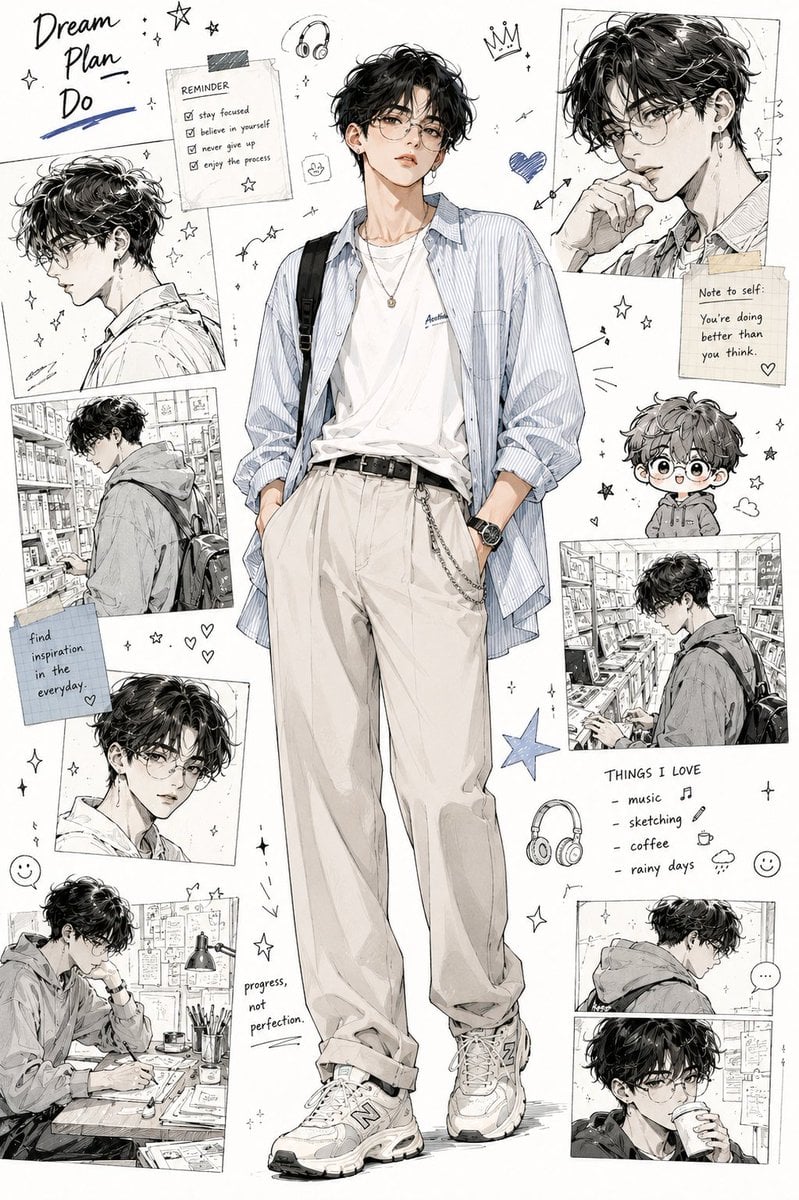
Anime Fashion Design Moodboard
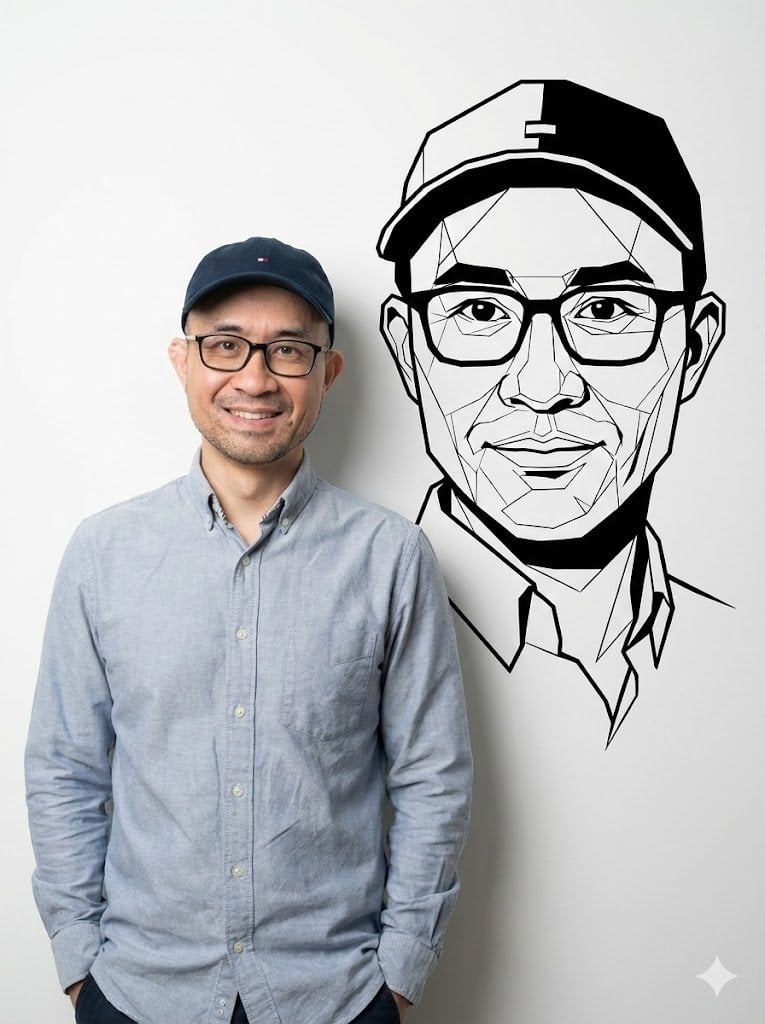
Photorealistic Half-Body Portrait with Vector Graphic Overlay (Chinese Version)
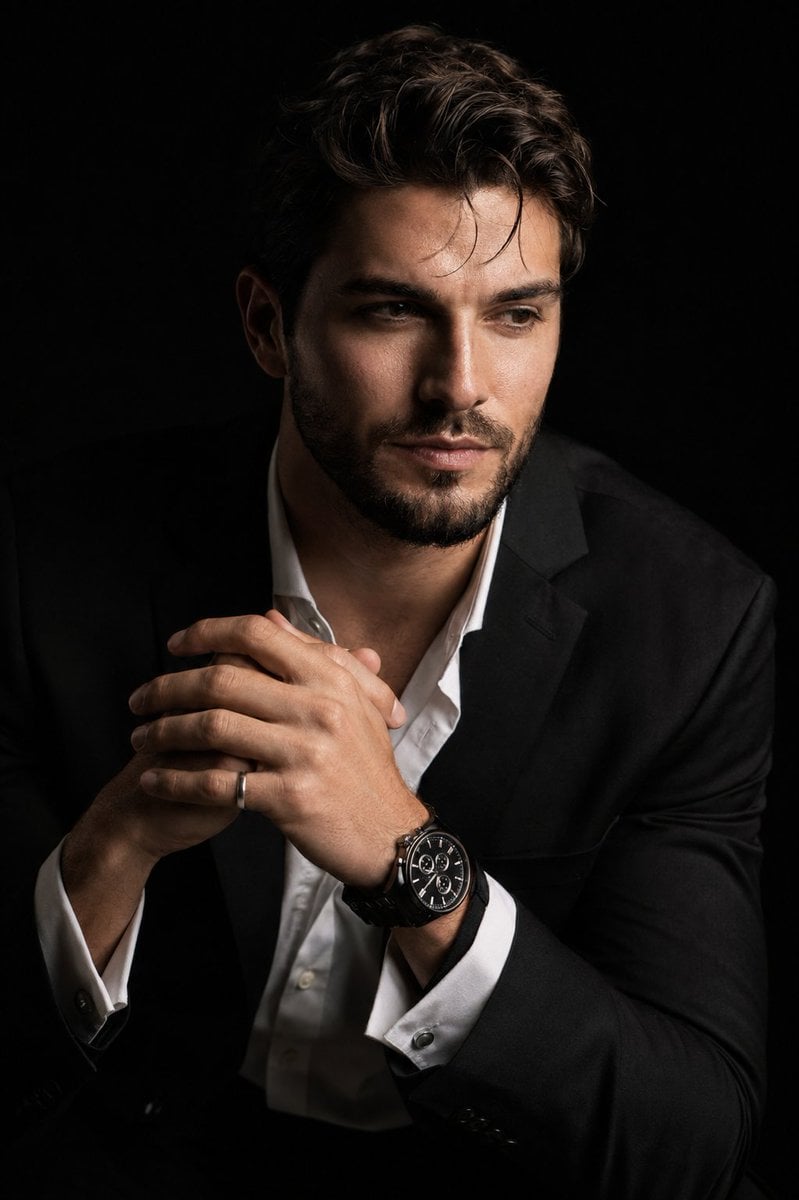
Hyper-Realistic Chiaroscuro Portrait
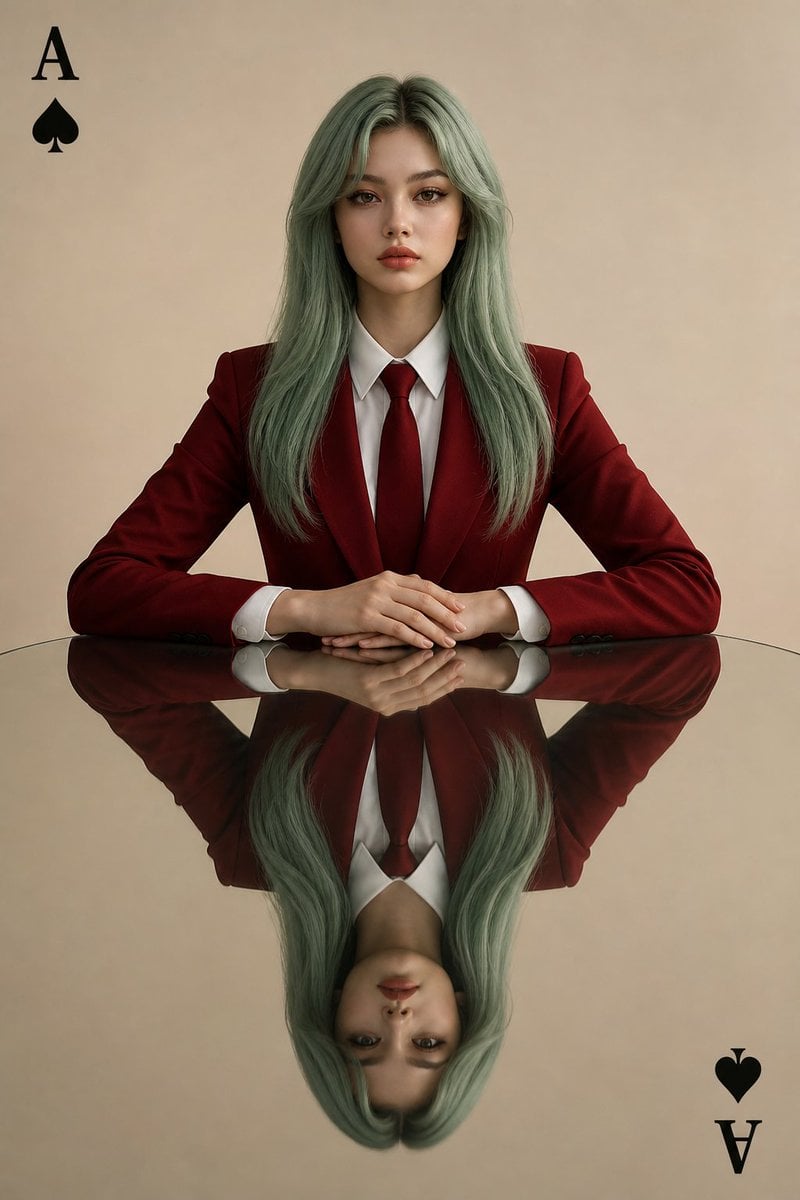
Symmetrical Playing Card Mirror Portrait
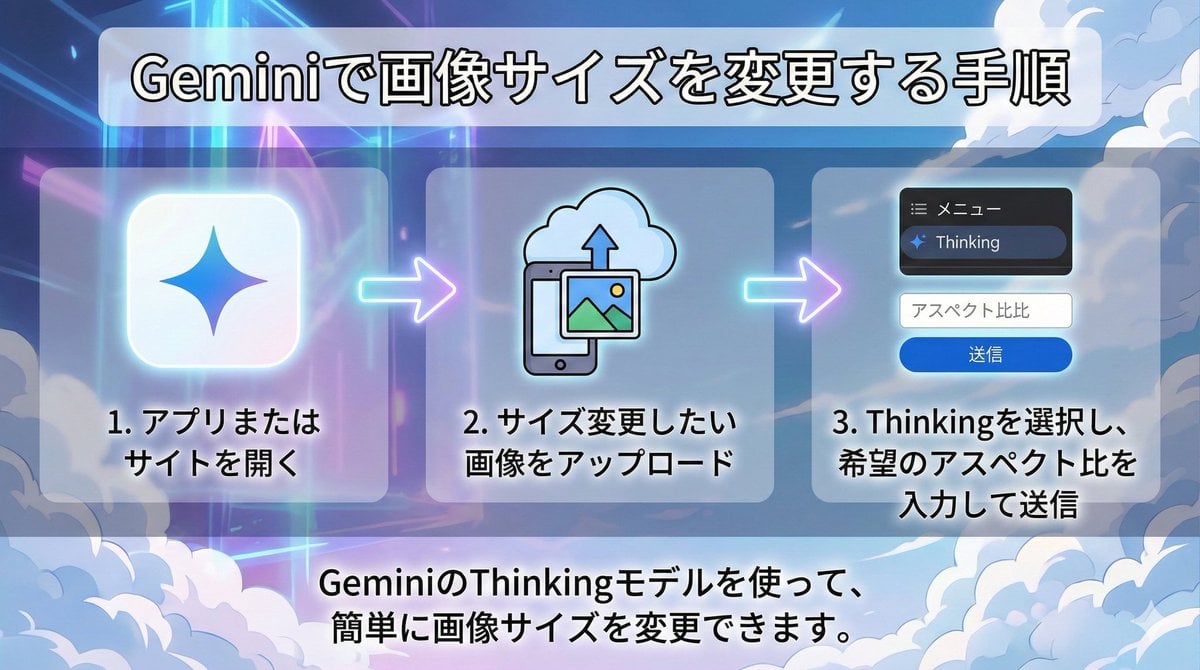
Changing Image Size with Nano Banana Pro
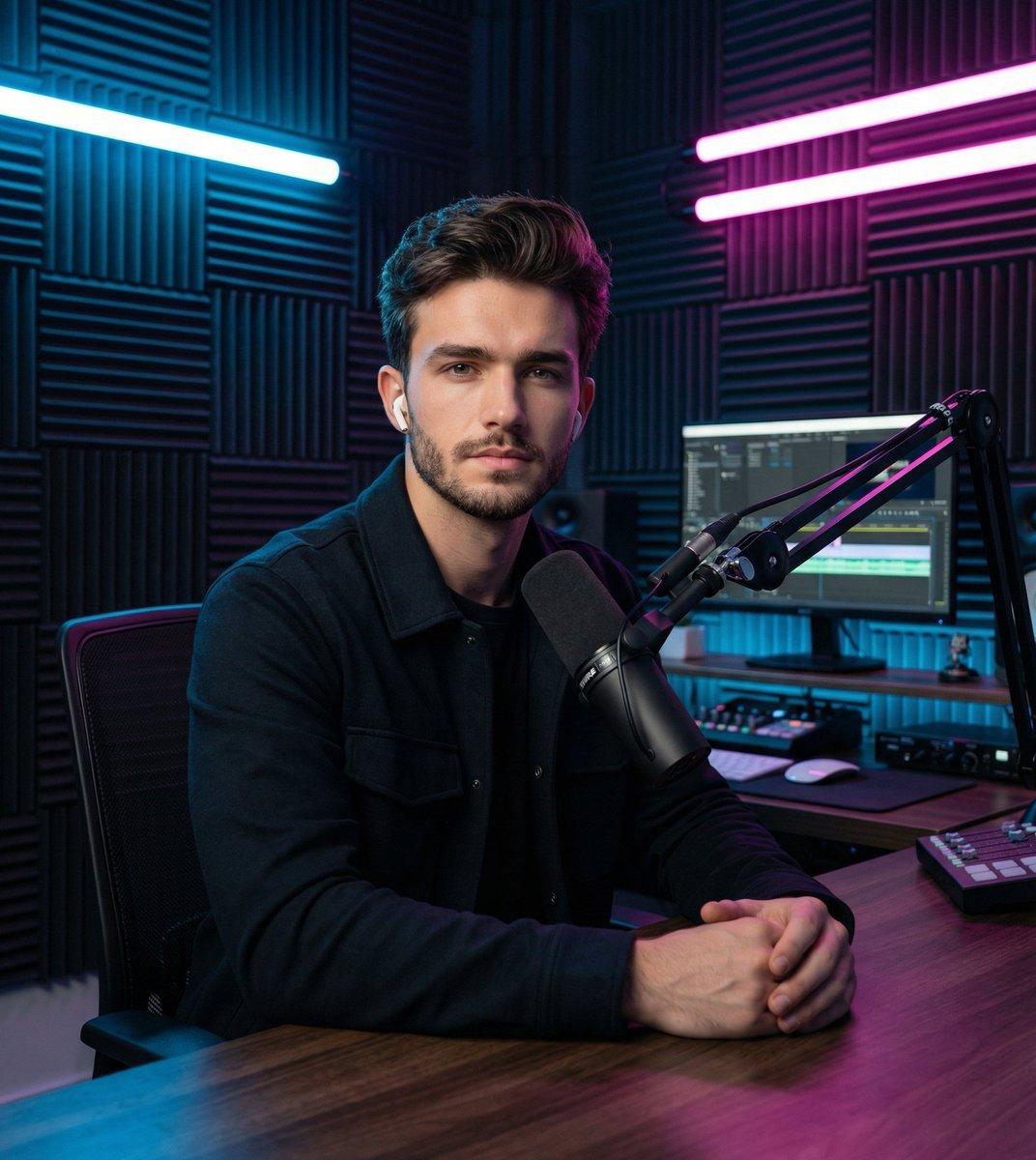
Image Transformation Prompt for Nano Banana Pro (Content Creator Studio)
Browse template categories
Creator Lock Screen Wallpaper questions
How do I use the Creator Lock Screen Wallpaper template?
Add your photo if the template asks for one, edit the prompt if you like — the template's model and format are already selected — and press Generate. Your version opens in PicX Studio.
Can I customize the Creator Lock Screen Wallpaper template?
Yes. You can change the subject, setting, lighting, mood, format, and available model controls before creating your image.
Is the Creator Lock Screen Wallpaper template free?
Opening and editing this template is free. Generating uses credits, shown on the Generate button when you are signed in.
Which AI model should I use?
Start with GPT Image 2, which is the model associated with this template. You can compare another compatible model for a different finish.
Looking for something else? Browse all templates.

Your photo, any look
Thousands of ready templates for every top image and video model, from one credit balance.