How do I use the Healthy Nutrition App Logo Grid template?
Choose the primary action to open PicX Studio with the available template settings. Review the model and format, personalize the creative direction, and generate when ready.
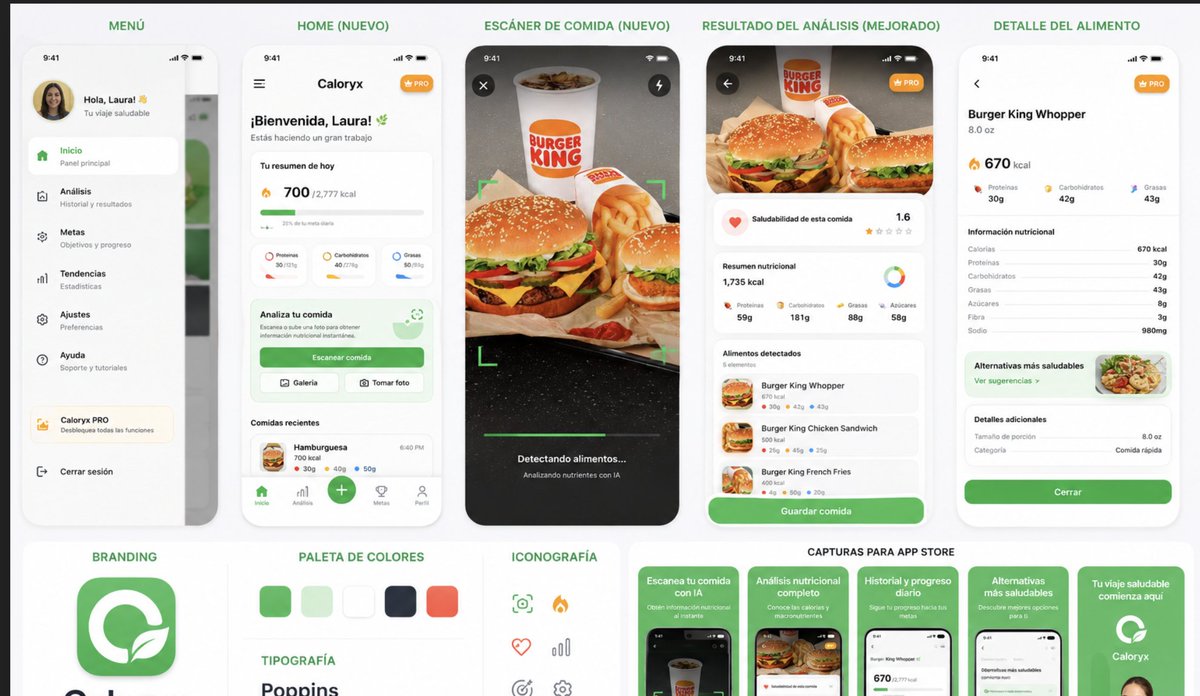
This prompt generates a polished set of 20 cohesive app icon concepts for calorie tracking, food scanning, and AI nutrition branding, ideal for app logo exploration or product presentations. Change the subject, setting, or lighting one variable at a time.
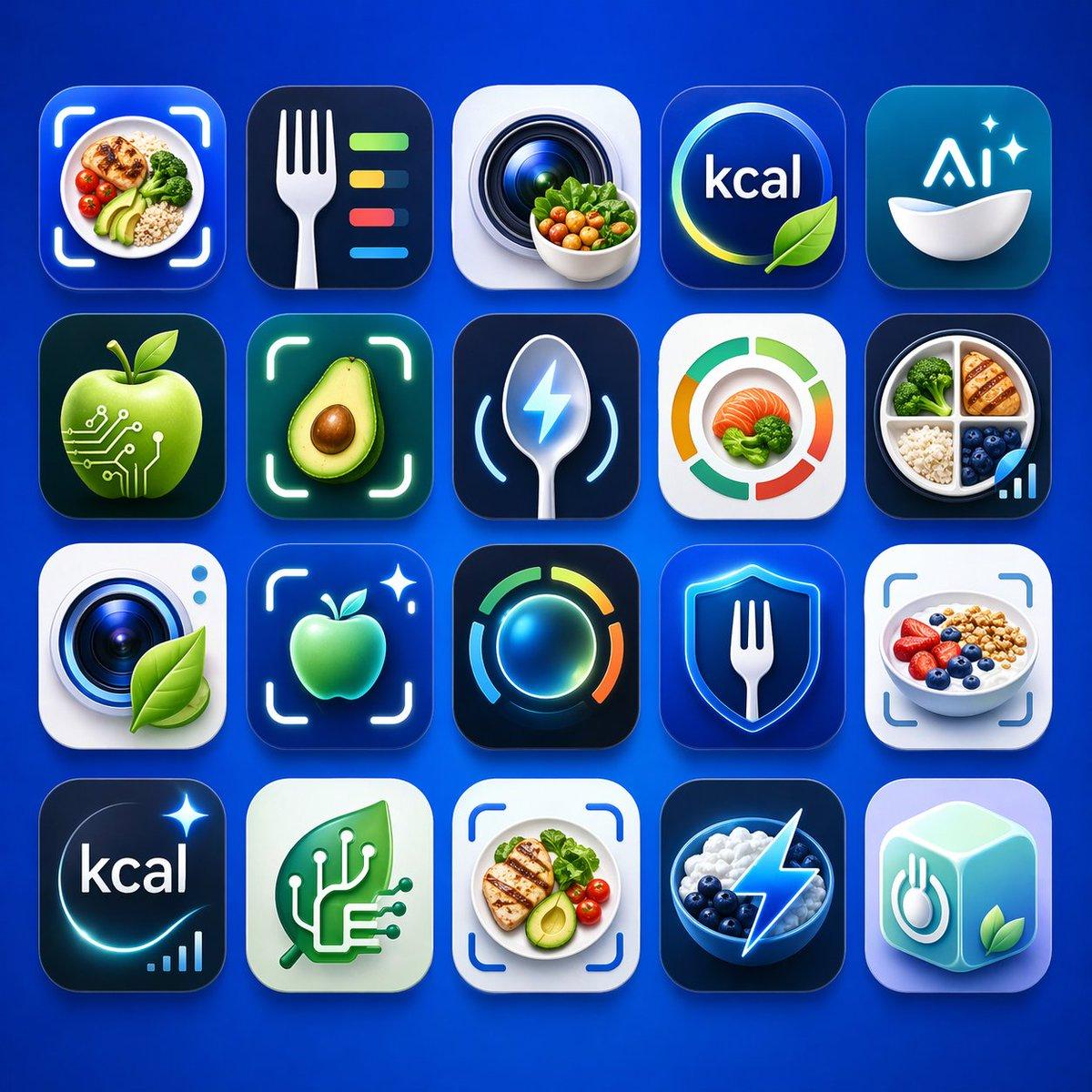
A clean presentation grid of 20 modern mobile app logo concepts for nutrition, calorie tracking, healthy eating, food recognition, and AI wellness tools, shown on a vivid electric-blue background with soft studio lighting and subtle shadows. Arrange the icons in 4 rows by 5 columns, evenly spaced, each as a glossy rounded-square app tile with premium iOS-style depth, smooth gradients, glassy highlights, and crisp 3D-rendered detail. The color palette should center on saturated blues, cyan, teal, white, lime green, and small accents of orange and yellow. Include exactly 20 distinct icon designs: 1) a meal bowl with avocado, grains, broccoli, and cherry tomatoes framed by a camera scan bracket, 2) a white fork beside four horizontal nutrition bars in green, yellow, red, and blue on a dark navy tile, 3) a camera lens with a small bowl of vegetables in front, 4) a circular blue badge with the text {argument name="headline text" default="kcal"} and a green leaf overlapping the lower edge, 5) a teal-blue icon with the text {argument name="brand text" default="Ai"} above a white bowl and two sparkles, 6) a glossy green apple with circuit traces and nodes suggesting food-tech AI, 7) a halved avocado centered inside a glowing scan frame, 8) a metallic spoon with a blue lightning bolt symbol and curved tracking lines, 9) a circular segmented nutrition meter in green, orange, and red around salmon and broccoli, 10) a divided plate containing grilled chicken, broccoli, rice, blueberries, and a small ascending analytics bar chart, 11) a camera lens on a white tile with a green leaf attached, 12) a glowing green apple inside a scan bracket with a sparkle, 13) a luminous circular activity ring in blue, green, yellow, and orange on a dark tile, 14) a blue shield with a white fork in the center, 15) a yogurt or oatmeal bowl topped with strawberries, blueberries, and granola inside a scan bracket, 16) a dark navy calorie icon with the text {argument name="calorie text" default="kcal"}, a curved glow, one sparkle, and a tiny bar chart, 17) a mint-green square with a white circuit-tree or branching chip motif, 18) a plated healthy meal with grilled chicken, avocado, tomatoes, and greens inside a scan bracket, 19) a dark bowl of blueberries and white yogurt or cream with a bright electric lightning bolt overlay, 20) a pastel aqua 3D cube icon featuring a fork-and-plate symbol on one face and a green leaf on another. Make the overall style highly polished, slightly futuristic, commercially viable for App Store branding, with consistent visual language across all 20 icons, no extra text beyond the visible short labels, and a premium AI-generated product-design aesthetic.
Choose the primary action to open PicX Studio with the available template settings. Review the model and format, personalize the creative direction, and generate when ready.
Yes. You can change the subject, setting, lighting, mood, format, and available model controls before creating your image.
This template is free to open and customize. Generation usage is shown in PicX Studio before you create.
Start with GPT Image 2, which is the model associated with this template. You can compare another compatible model for a different finish.
Follow a topic to a crawlable collection of related PicX Studio templates.
43,474 public templates available. Verified via the PicX Studio public templates API; refreshed hourly.



![Moss Logo Minimalist Brand Flat Lay — [BRAND NAME]: Enter the brand name here.
Goal: Generate a minimalist organic image where a stylized logo icon of [BRAND NA](/_next/image?url=https%3A%2F%2Fcdn.picxstudio.com%2Fuploads%2Fmeigen_c099b4a510e0_2c38b884-72c5-4839-8374-99d9fab74c05.jpg&w=828&q=100)



![A tiny frappuccino cup and logo if — [Louis Vuitton]. Act as a World-Class Footwear Designer and Product Photographer creating a high-end…](https://images.meigen.ai/tweets/2013325907843219831/0.jpg)

![Luxury Dessert Logo Product Photography — Minimalist luxury product photography of an edible sculpture inspired by the [brand name] logo. Logo transformed into](/_next/image?url=https%3A%2F%2Fcdn.picxstudio.com%2Fuploads%2Fmeigen_a9d271403edd_04fd5565-6f29-4349-9b66-e8e43523ac87.jpg&w=828&q=100)
![Movement Sheet - Dance Reference (Seedance 2.0) — [STYLE]
Monochrome grayscale illustration, 3D-rendered character, clean instructional reference sheet, white b](https://pbs.twimg.com/media/HGzSvcnboAA_bjD.jpg?name=orig)







![Embossed Logo Relief Metal Surface — [BRAND NAME] + [METAL COLOR]
Act as a Senior CGI Artist and Brand Identity Director specializing in premium logo materiali](/_next/image?url=https%3A%2F%2Fcdn.picxstudio.com%2Fuploads%2Fmeigen_2045580765136920938_0bde1a9c-f70b-4ede-acfa-2c3447def3ae.jpg&w=828&q=100)


![Minimalist Flat Vector Travel Poster — Premium minimalist flat-vector travel poster for {argument name="city name" default="[CITY_NAME]"}, 3:4 vertical format.](https://cms-assets.youmind.com/media/1787917359711_3ug846_HQX205cbMAA6F6S-300x400.jpg)