
Dark App Character Turnaround Sheet
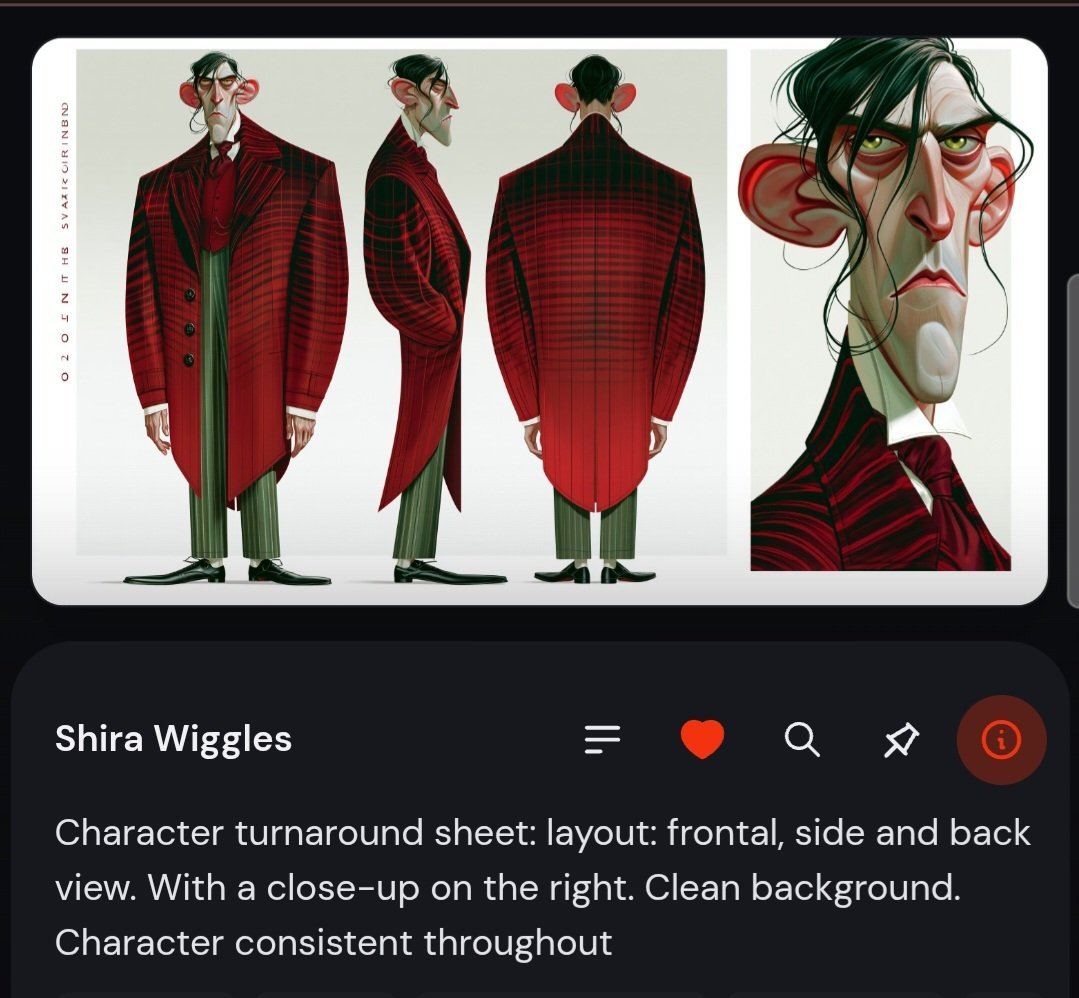
Generates a dark mobile UI mockup showcasing a stylized caricature character turnaround sheet with three full-body views and a close-up portrait.
- Prompt included
- Model and format preset
- Free template
The prompt behind this image
Copy the exact prompt behind Dark App Character Turnaround Sheet, or open it in the studio and make it yours.
Goal: Create a dark mobile app-style screenshot featuring a stylized character turnaround sheet for {argument name="character name" default="Shira Wiggles"}, as if displayed in a character inspiration feed. Canvas: Square-ish mobile screenshot, dark charcoal background, rounded app cards, high-contrast white text, with the main artwork card occupying the top half and an information card below. Main artwork card: A large rounded white card with a clean pale gray background contains exactly 4 character depictions: 1 full-body frontal view on the left, 1 full-body side view in the center-left, 1 full-body back view in the center-right, and 1 large close-up portrait panel on the far right. The character must remain consistent across all views: a tall, thin, exaggerated caricature man with a long angular face, large protruding red ears, hooked nose, drooping eyelids, narrow tired eyes, pale greenish skin, black messy side-parted hair with loose strands, and a stern frown. Character design: Dress him in a dramatic {argument name="coat color and pattern" default="deep red and black plaid"} long tailcoat with oversized shoulders, black-red striping, a dark red shirt and cravat, slim {argument name="trouser color" default="muted olive green"} vertical-striped trousers, and black pointed shoes. The frontal view shows the long asymmetrical coat, the side view shows the hunched posture and long nose profile, the back view shows the broad plaid coat back and tails, and the portrait close-up emphasizes the ears, sunken eyes, long nose, loose hair strands, and severe expression. Left margin detail: Add a thin vertical decorative label along the left side of the artwork card, resembling small spaced-out character sheet text. Bottom information card: Under the artwork, create a large rounded dark card. At the top left place the title text “{argument name="character name" default="Shira Wiggles"}” in bold white. To the right of the title row include exactly 5 UI icons arranged horizontally: a list/menu icon, a red heart icon, a white magnifying-glass search icon, a white magic-wand/sparkle icon, and a circular red-orange info icon. Description text: Below the title row, add the visible caption in large light-gray text: “Character turnaround sheet: layout: frontal, side and back view. With a close-up on the right. Clean background. Character consistent throughout”. Visual style: Polished concept art character sheet, caricature animation design, painterly digital illustration, clean studio background, crisp UI mockup, rounded corners, subtle shadows, dark mode interface. Constraints: Use exactly 4 character views and exactly 5 UI icons. Keep the background clean and uncluttered. No extra characters, no watermark, no additional readable body text beyond the title and caption.
How to use Dark App Character Turnaround Sheet in 3 steps
- 1Upload ImagePNG, JPG or paste
Add your photo
Upload the photo the template builds on. The prompt, model and format are already set.
- 2…a portrait of your subject in softgolden-hour light, 85mm…
Personalize
Edit the subject and creative details for your destination.
- 3Generate
Generate
Press Generate — your image is created in PicX Studio, so you can compare it with the original and refine one variable at a time.
More like this
Templates with the same subject, style or setup. Open one to see its prompt.
Realistic Schoolgirl Turnaround Sheet
Urban Samurai Girl Turnaround Sheet

Anime Elf Maid Turnaround Sheet
Dark Ghost Spirit Turnaround
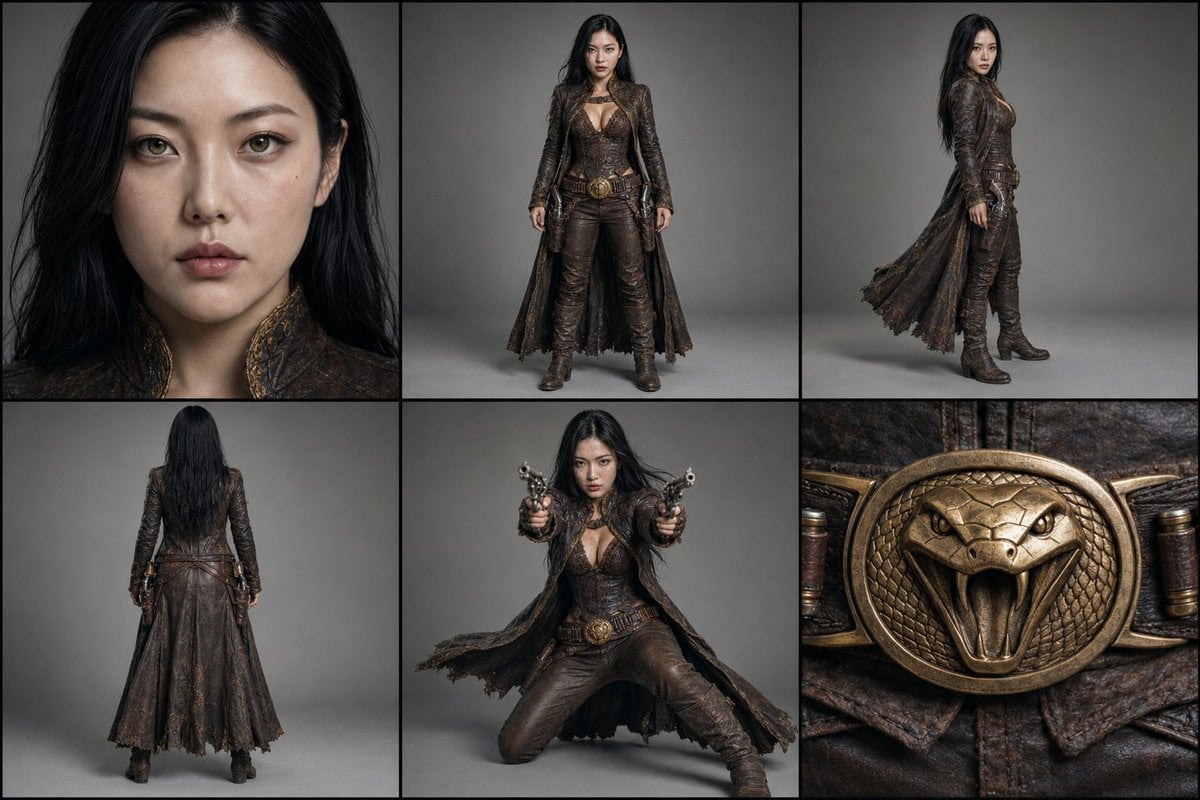
Character Reference Turnaround Sheet
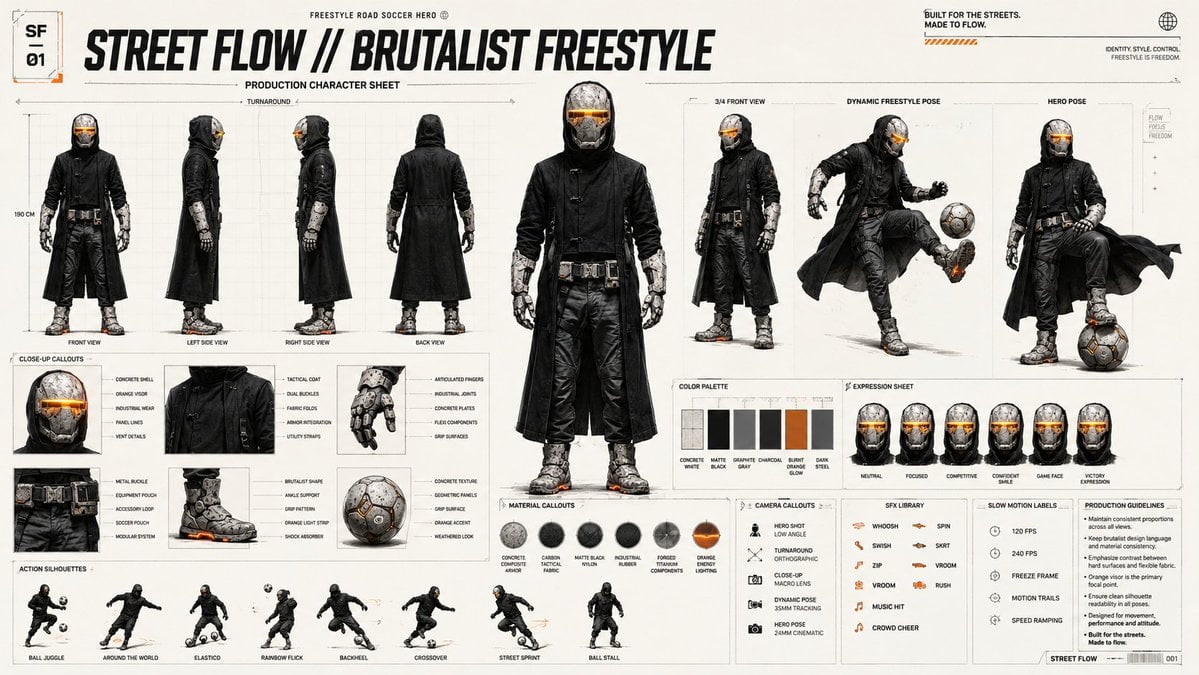
Futuristic Scout Turnaround Sheet
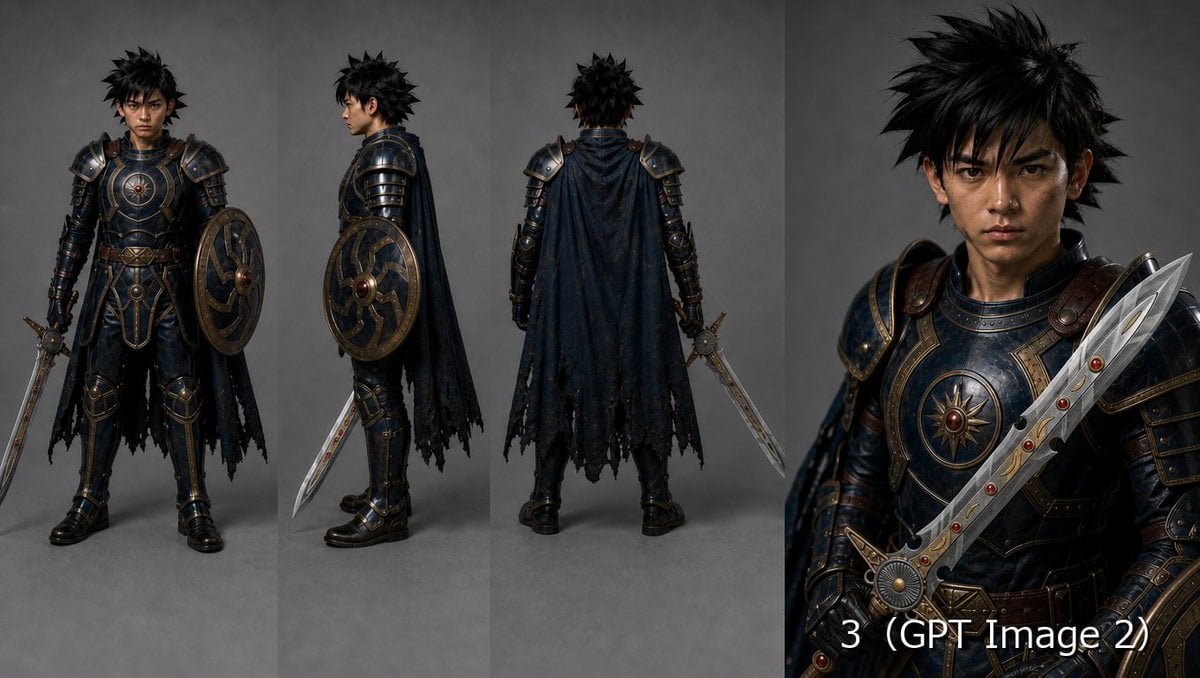
Fantasy Knight Character Turnaround Sheet
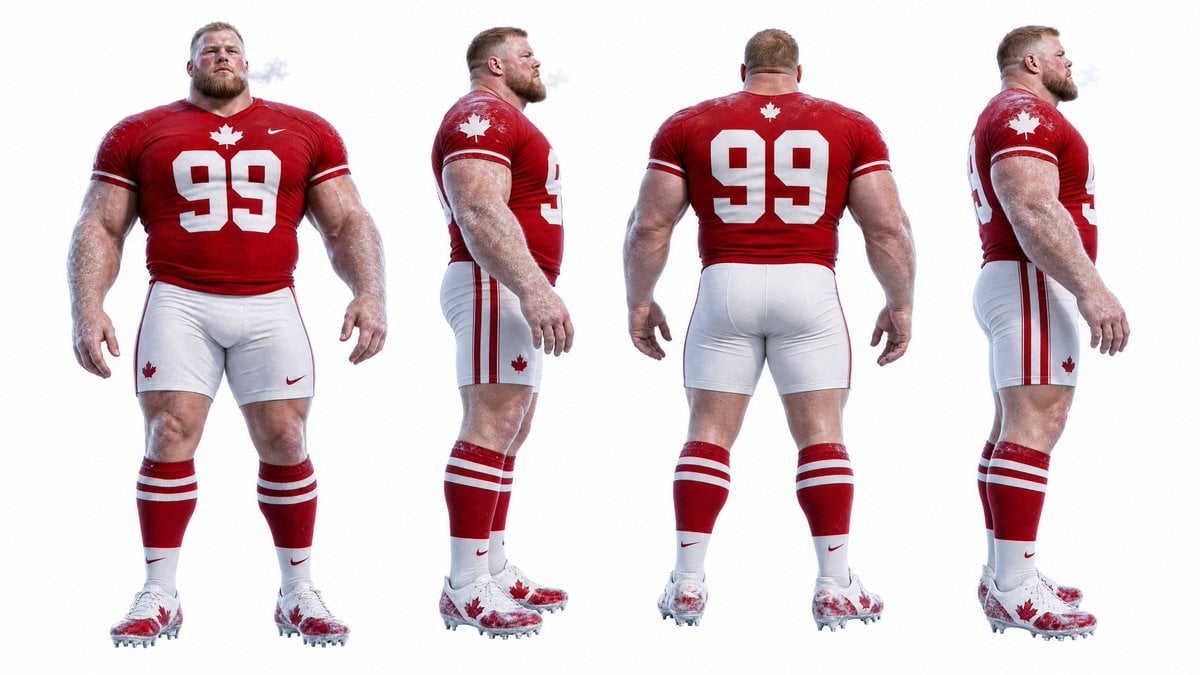
Football Player Turnaround Sheet
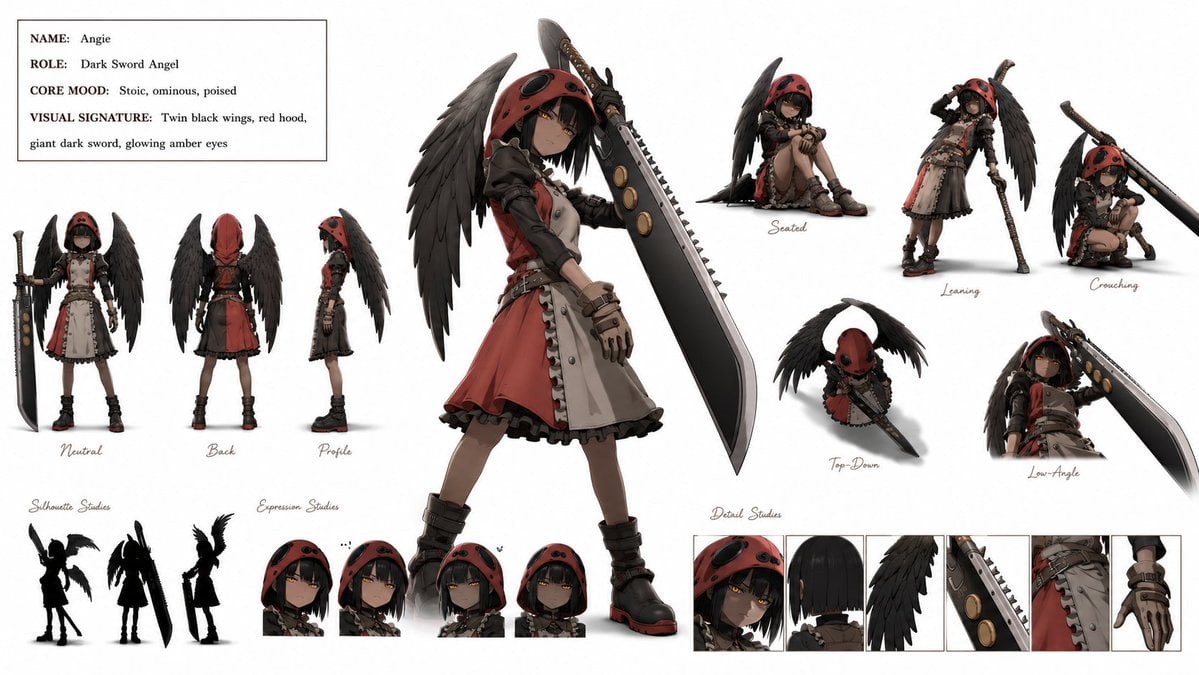
Dark Sword Angel Character Sheet

Gothic Girl Character Turnaround Sheet
Cyber Vampire Character Turnaround Sheet

Selective Color Monochrome Football Poster
Make it yours
Dark App Character Turnaround Sheet works as-is. These are the safest ways to change it without losing the look.
Change one field
Copy a single group, rewrite it, and generate again so you can see what that field is doing.
Keep the frame, change the subject
Hold the composition and light of Dark App Character Turnaround Sheet, then swap wardrobe, props or the person for a new take.
| If the result… | Why | Fix |
|---|---|---|
| The result drifts from the preview | Too many fields changed at once. | Reuse Dark App Character Turnaround Sheet as-is first, then change one group — subject, light, or setting. |
| The model over-stylizes the scene | The prose prompt leaves finish and camera underspecified. | Add one camera or lighting sentence and stay on GPT Image 2. |
More GPT Image 2 templates
Other prompts made for GPT Image 2.

Six VTuber Japanese Logo Sheet

Realistic Portrait of Woman and Deer

The Vista Modular Condo Poster

AI Model Routing Comparison Infographic

2.5D Anime Art Board

Isometric Productivity Desk Scene

New York Double Exposure Poster

Four-Panel AI Landscape Comparison

Japanese Tatami Lifestyle Magazine Cover

NESCAFÉ Coffee Map Poster
More image prompts
Fresh picks from across the catalog.
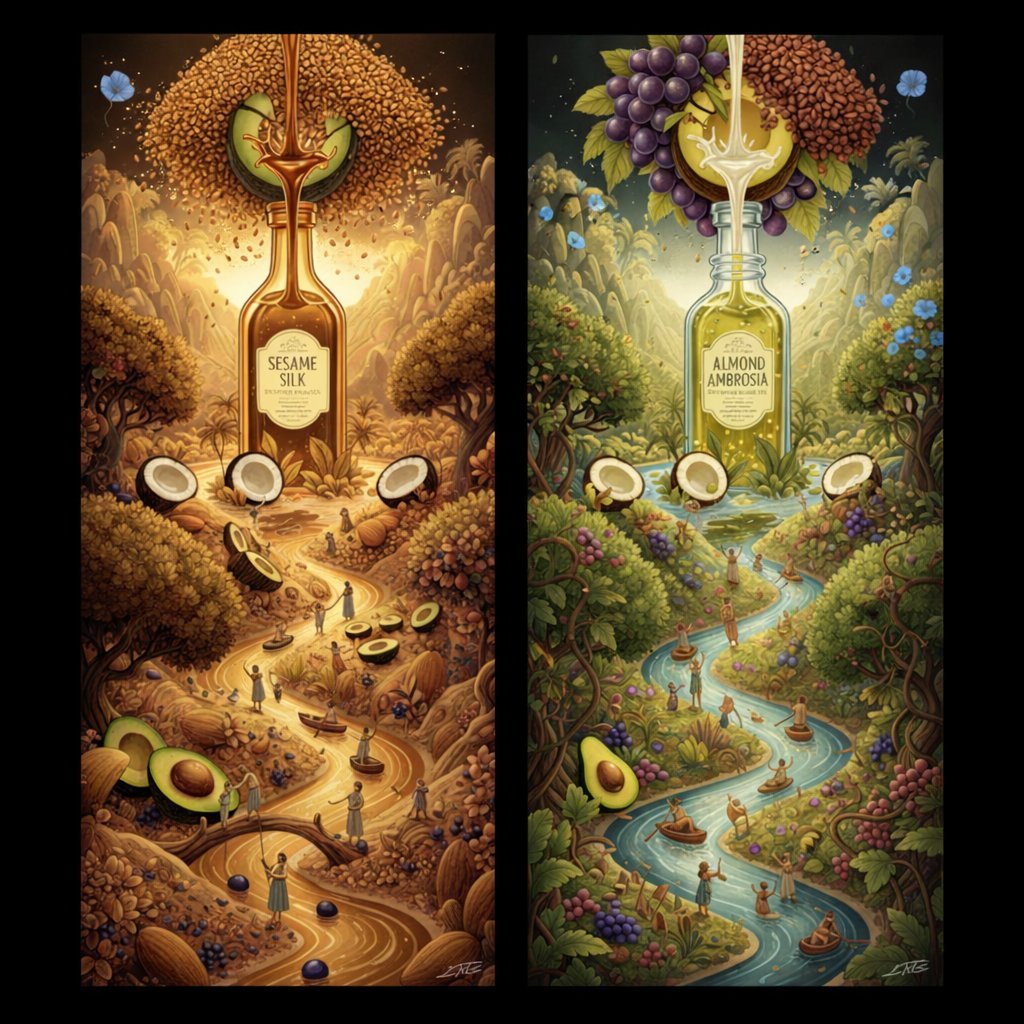
Surrealist Diptych of Sesame and Almond Oil Landscapes

Product Ad: White Monster Energy Can Submerged in Water
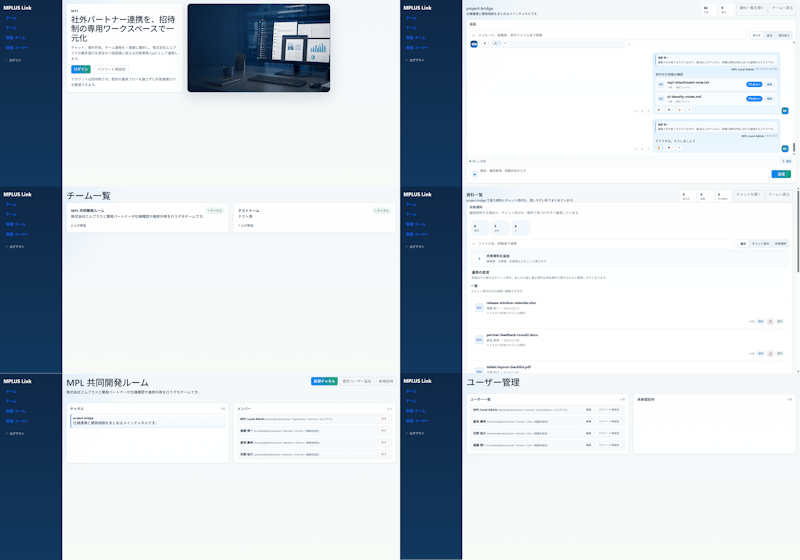
Modern MPLUS Link UI Redesign

Golden Hour Mountain Viewpoint Portrait
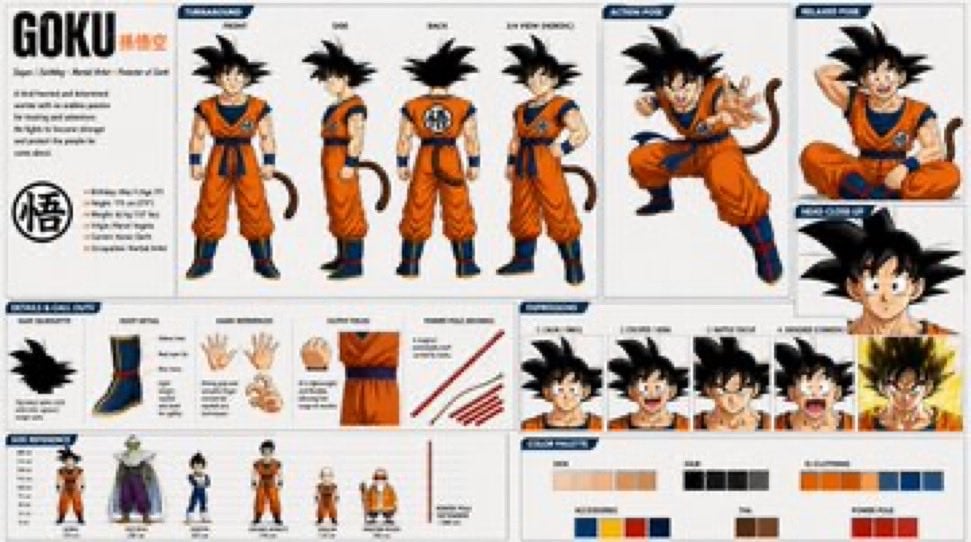
Goku Anime Character Sheet
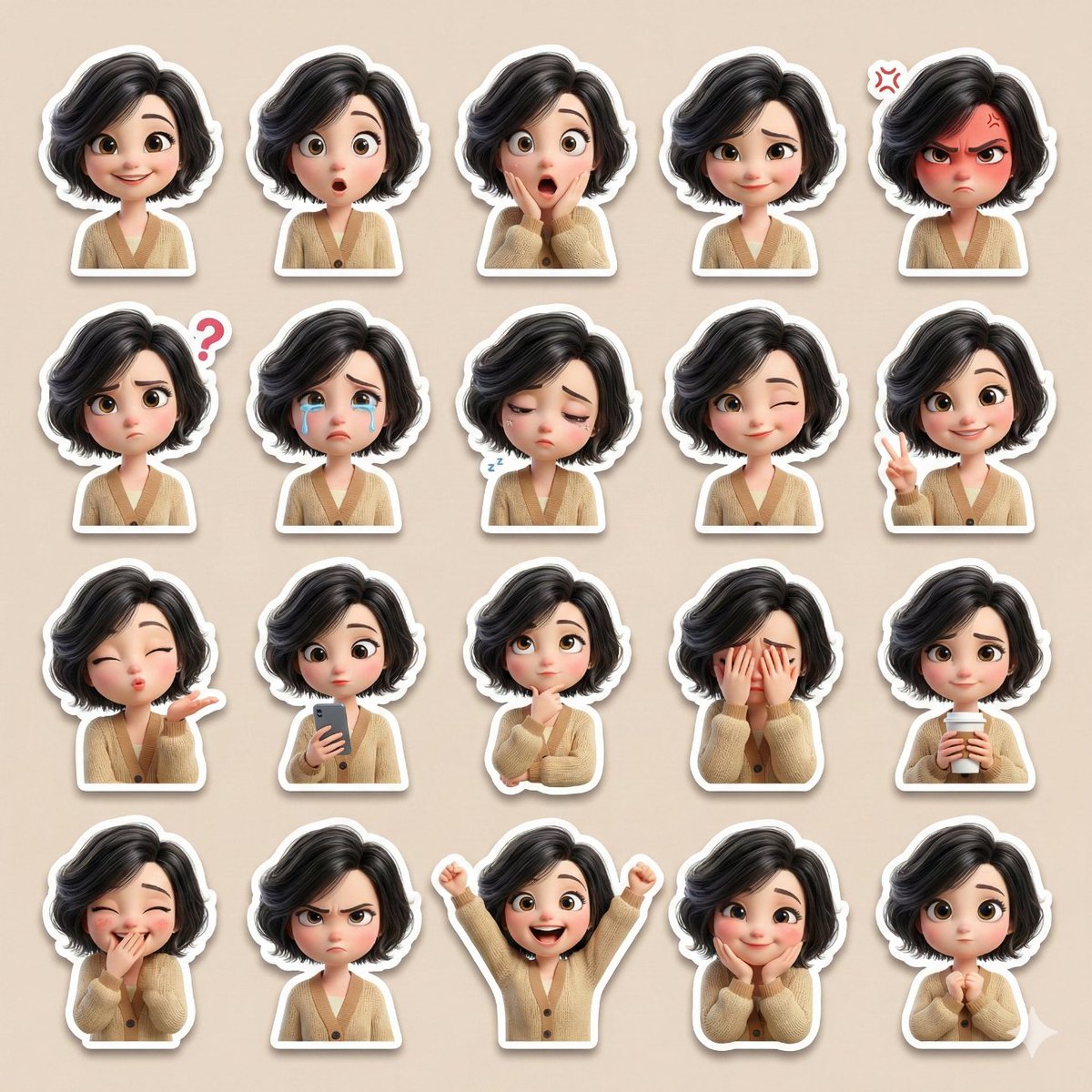
3D Pixar-Style Sticker Pack Generation from Reference Image
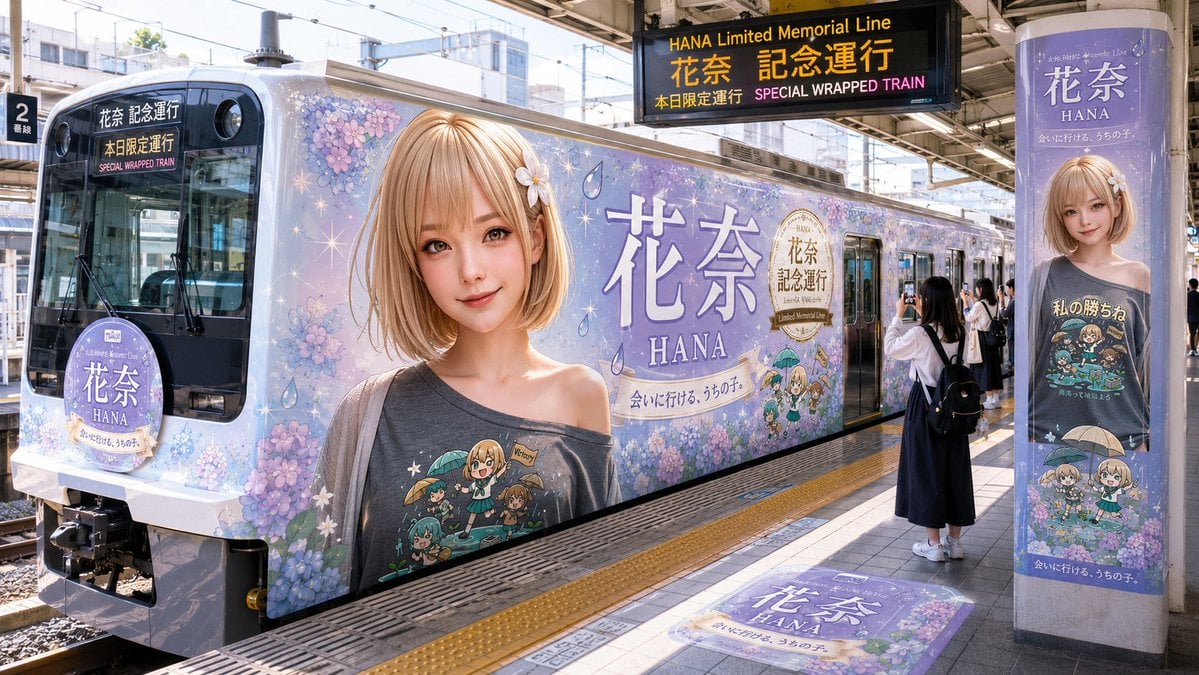
HANA Anime Wrapped Train at Station
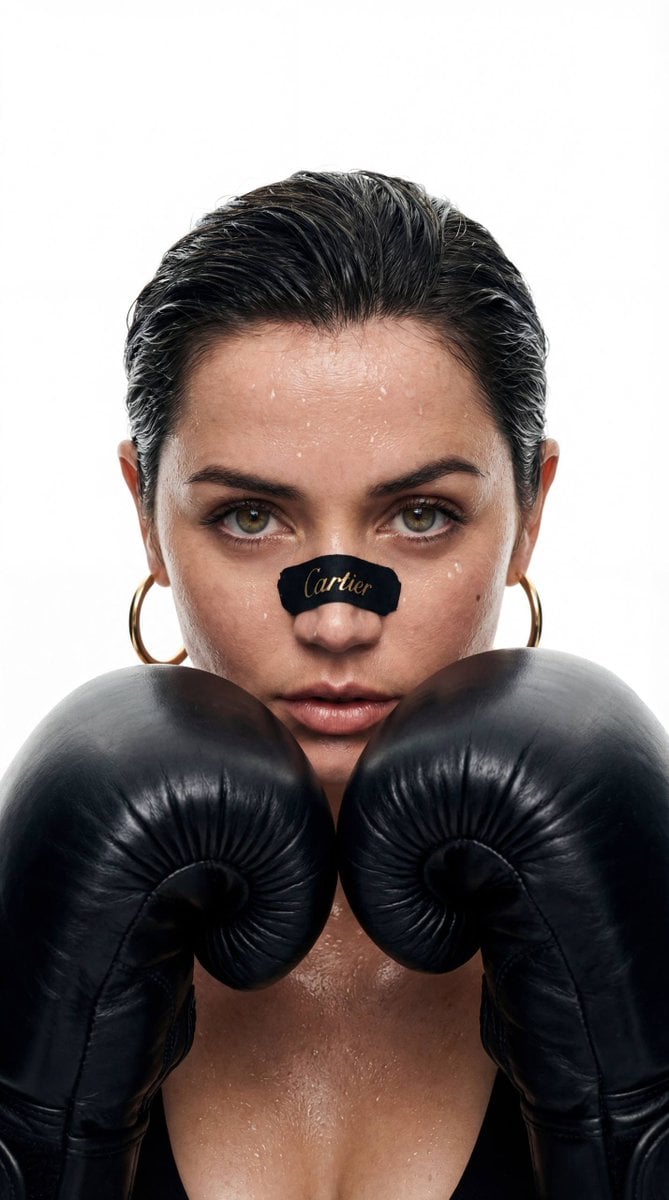
Cinematic Boxer Portrait with Cartier Branding
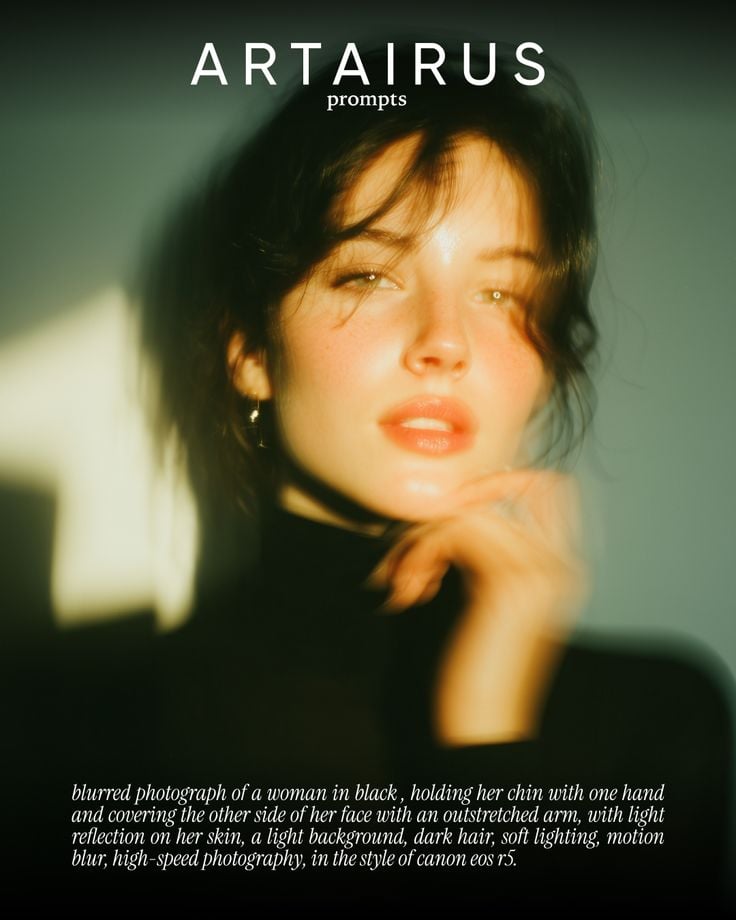
Cinematic Portrait with Soft Golden Light Prompt
Nano Banana Pro Quality Enhancement Keywords
Browse template categories
Dark App Character Turnaround Sheet questions
How do I use the Dark App Character Turnaround Sheet template?
Add your photo if the template asks for one, edit the prompt if you like — the template's model and format are already selected — and press Generate. Your version opens in PicX Studio.
Can I customize the Dark App Character Turnaround Sheet template?
Yes. You can change the subject, setting, lighting, mood, format, and available model controls before creating your image.
Is the Dark App Character Turnaround Sheet template free?
Opening and editing this template is free. Generating uses credits, shown on the Generate button when you are signed in.
Which AI model should I use?
Start with GPT Image 2, which is the model associated with this template. You can compare another compatible model for a different finish.
Looking for something else? Browse all templates.

Your photo, any look
Thousands of ready templates for every top image and video model, from one credit balance.