
Android Engineer in Maintenance Bay
This prompt generates a polished sci-fi anime illustration of a female android technician in an industrial repair room, ideal for cyberpunk character art and futuristic concept visuals.
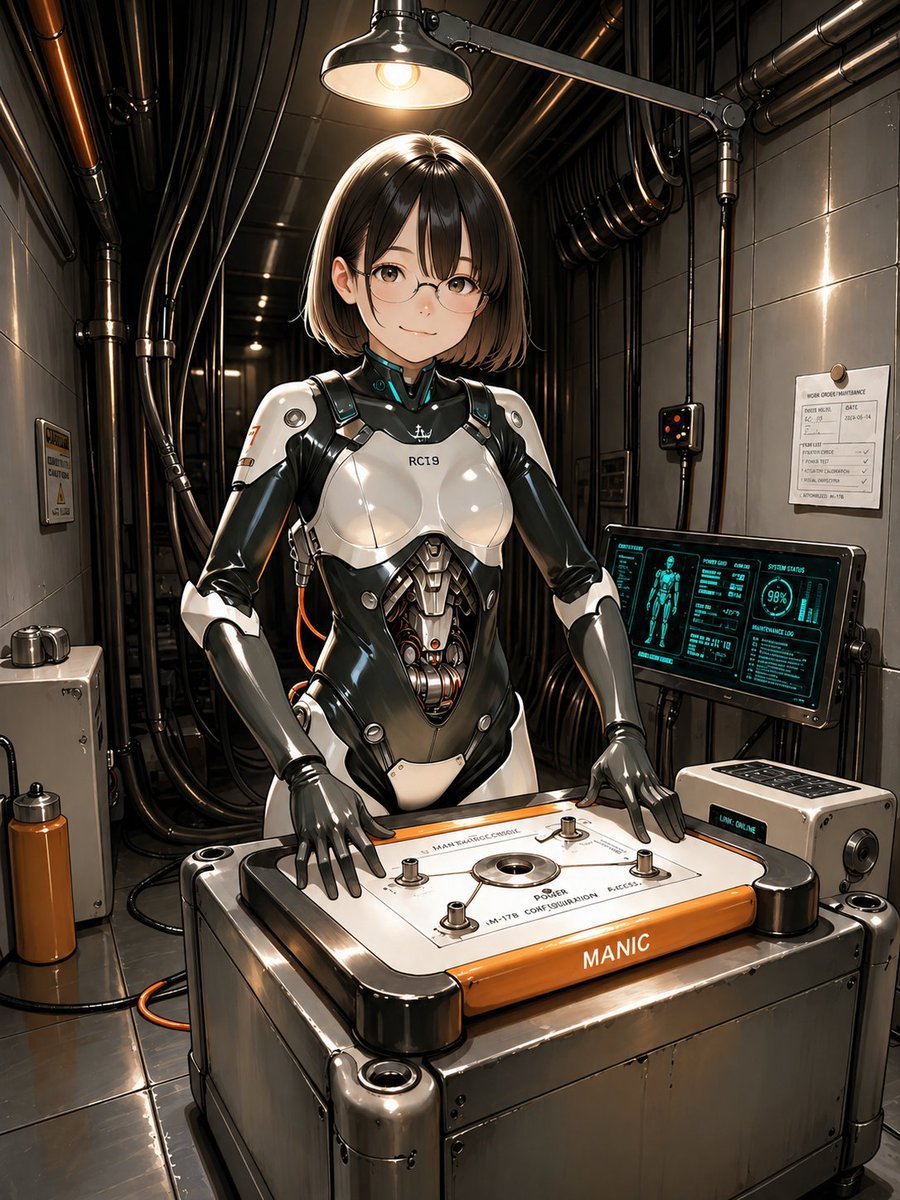
- Prompt included
- Model and format preset
- Free template
The prompt behind this image
Copy the exact prompt behind Android Engineer in Maintenance Bay, or open it in the studio and make it yours.
A highly detailed futuristic anime-style illustration of a female android engineer in a narrow industrial maintenance room, standing behind a waist-high machine workbench and facing the viewer. She has a sleek short bob haircut with straight bangs, in {argument name="hair color" default="dark brown"}, and wears subtle rectangular glasses. Her face is calm and focused. Her body is a glossy white-and-black biomechanical suit with realistic panel seams, exposed mechanical abdomen components, articulated gray robotic hands, and a small chest marking reading "RC19". The overall look is elegant, feminine, and mechanical rather than bulky. She is posed with both hands resting on a large rectangular control platform in front of her, a heavy metallic device with rounded black corner housings, a white top panel, four visible bolt posts, a central circular port, technical printed labels, and an orange front strip labeled {argument name="front machine label" default="MANIC"}. The scene is lit by a single overhead industrial lamp centered above her head, creating dramatic warm highlights on the polished armor and metal surfaces. The room is dense with black pipes and bundled cables running along the ceiling and walls, with metallic wall panels, a small warning plaque on the left wall, a maintenance notice sheet on the right wall, a compact control box, and a floor cable looping near the machine. On the right side, include 1 angled diagnostic monitor displaying a cyan holographic-style interface with a humanoid body diagram, status graphs, and a circular readout showing "98%". Next to it, include 1 small auxiliary console box with buttons and a small illuminated label reading {argument name="console text" default="LINK ONLINE"}. The mood is cybernetic maintenance, precision engineering, and quiet industrial sci-fi realism. Use a centered full-body-to-knees composition, slightly low eye level, crisp linework, glossy reflections, intricate hard-surface detailing, realistic metal textures, cinematic contrast, warm overhead light against cool screen glow, and a polished high-end concept art finish.
How to use Android Engineer in Maintenance Bay in 3 steps
- 1Upload ImagePNG, JPG or paste
Add your photo
Upload the photo the template builds on. The prompt, model and format are already set.
- 2…a portrait of your subject in softgolden-hour light, 85mm…
Personalize
Edit the subject and creative details for your destination.
- 3Generate
Generate
Press Generate — your image is created in PicX Studio, so you can compare it with the original and refine one variable at a time.
More like this
Templates with the same subject, style or setup. Open one to see its prompt.

Rainy Night Android Cyberpunk Portrait
Rainy Night Android Cyberpunk Portrait
Heavy Equipment Robot Maintenance
Colossal Android Face Contact
MPD Robot Assembly Bay
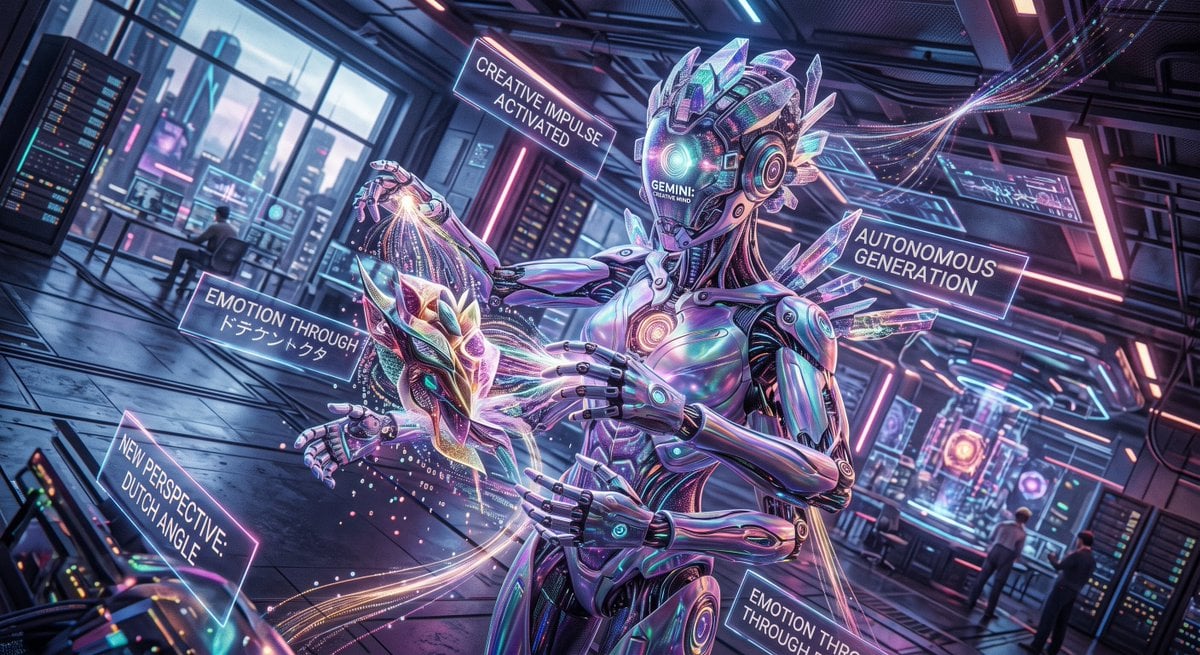
Cyberpunk Android Creating Art

Cat-Eared Adventurer Gear Maintenance
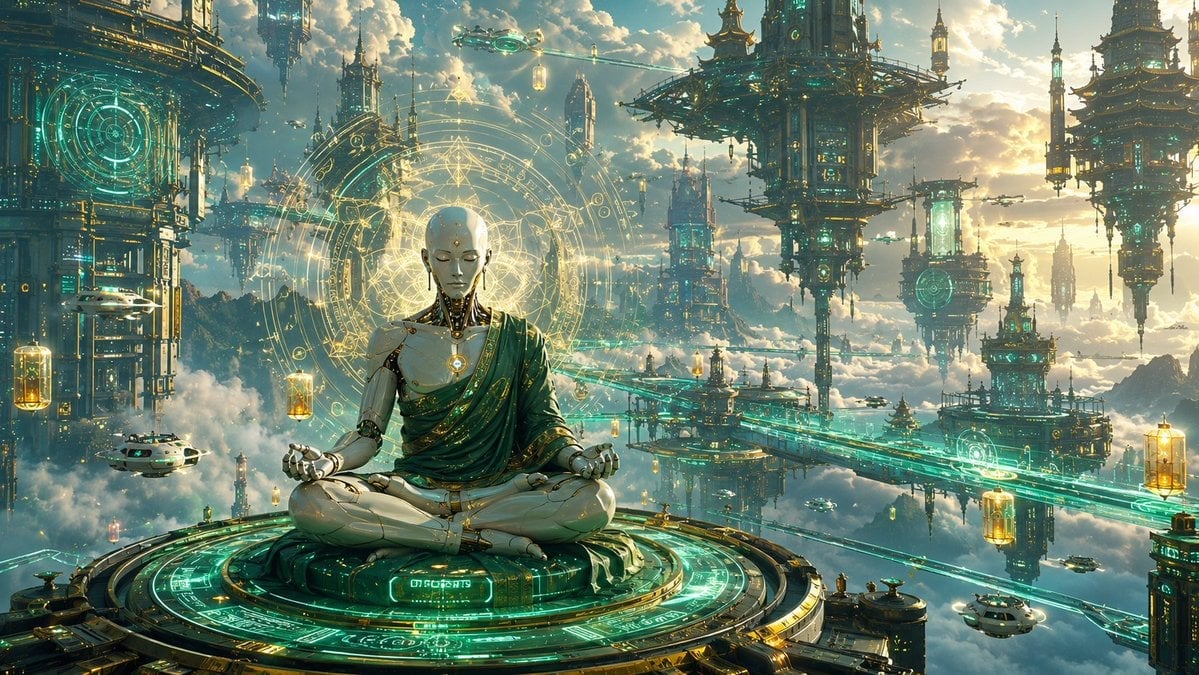
Cyberpunk Android Monk Sky City

Master Pop-Up Storybook — 3D Paper Engineered Travel Diorama
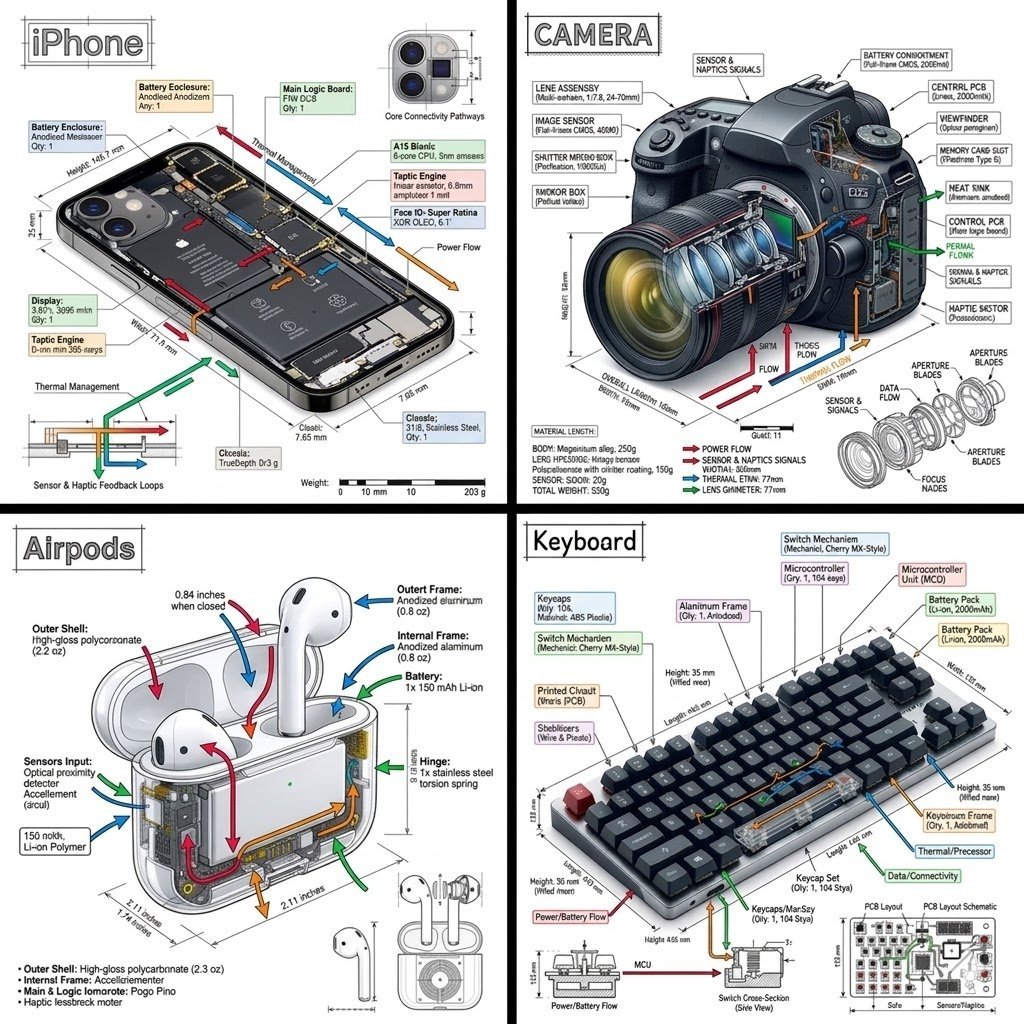
Engineering Product Infographic Design
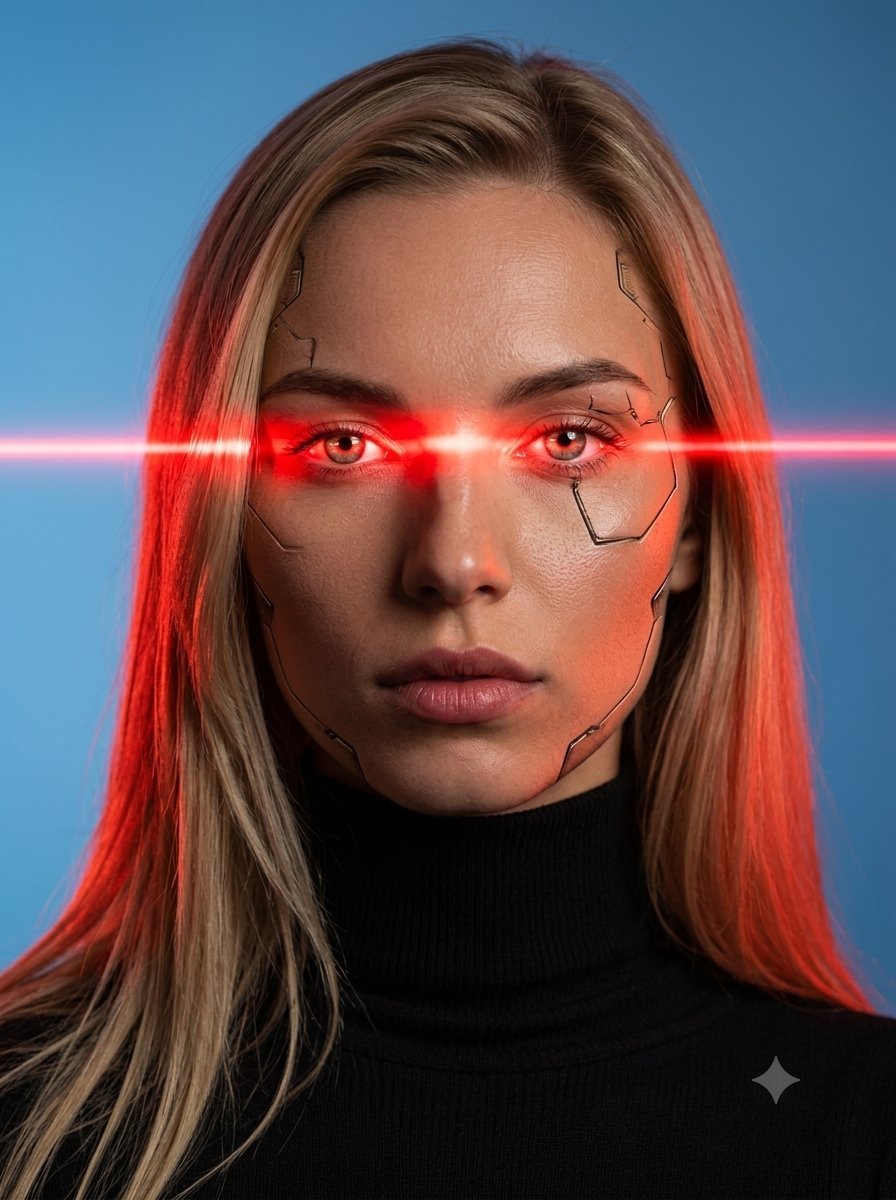
Female Android Studio Portrait with Laser Eyes
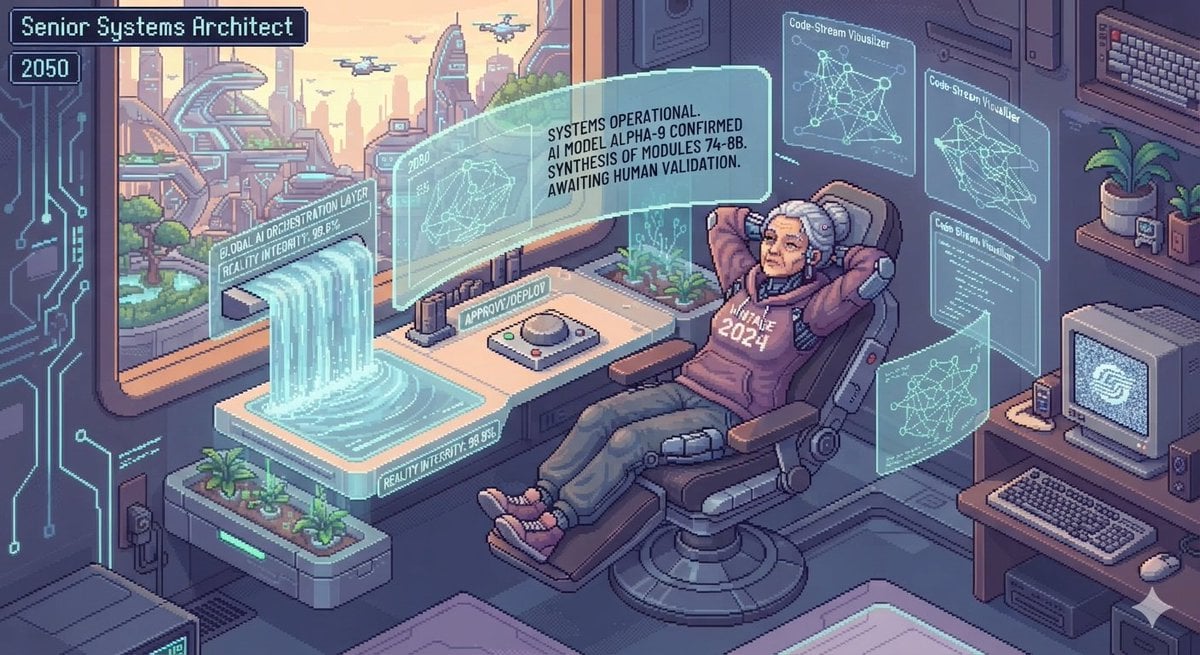
Future AI Software Engineers Pixel Art
Make it yours
Android Engineer in Maintenance Bay works as-is. These are the safest ways to change it without losing the look.
Change one field
Copy a single group, rewrite it, and generate again so you can see what that field is doing.
Keep the frame, change the subject
Hold the composition and light of Android Engineer in Maintenance Bay, then swap wardrobe, props or the person for a new take.
| If the result… | Why | Fix |
|---|---|---|
| The result drifts from the preview | Too many fields changed at once. | Reuse Android Engineer in Maintenance Bay as-is first, then change one group — subject, light, or setting. |
| The model over-stylizes the scene | The prose prompt leaves finish and camera underspecified. | Add one camera or lighting sentence and stay on GPT Image 2. |
More GPT Image 2 templates
Other prompts made for GPT Image 2.

Six VTuber Japanese Logo Sheet

Realistic Portrait of Woman and Deer

The Vista Modular Condo Poster

AI Model Routing Comparison Infographic

2.5D Anime Art Board

Isometric Productivity Desk Scene

New York Double Exposure Poster

Four-Panel AI Landscape Comparison

Japanese Tatami Lifestyle Magazine Cover

NESCAFÉ Coffee Map Poster
More image prompts
Fresh picks from across the catalog.
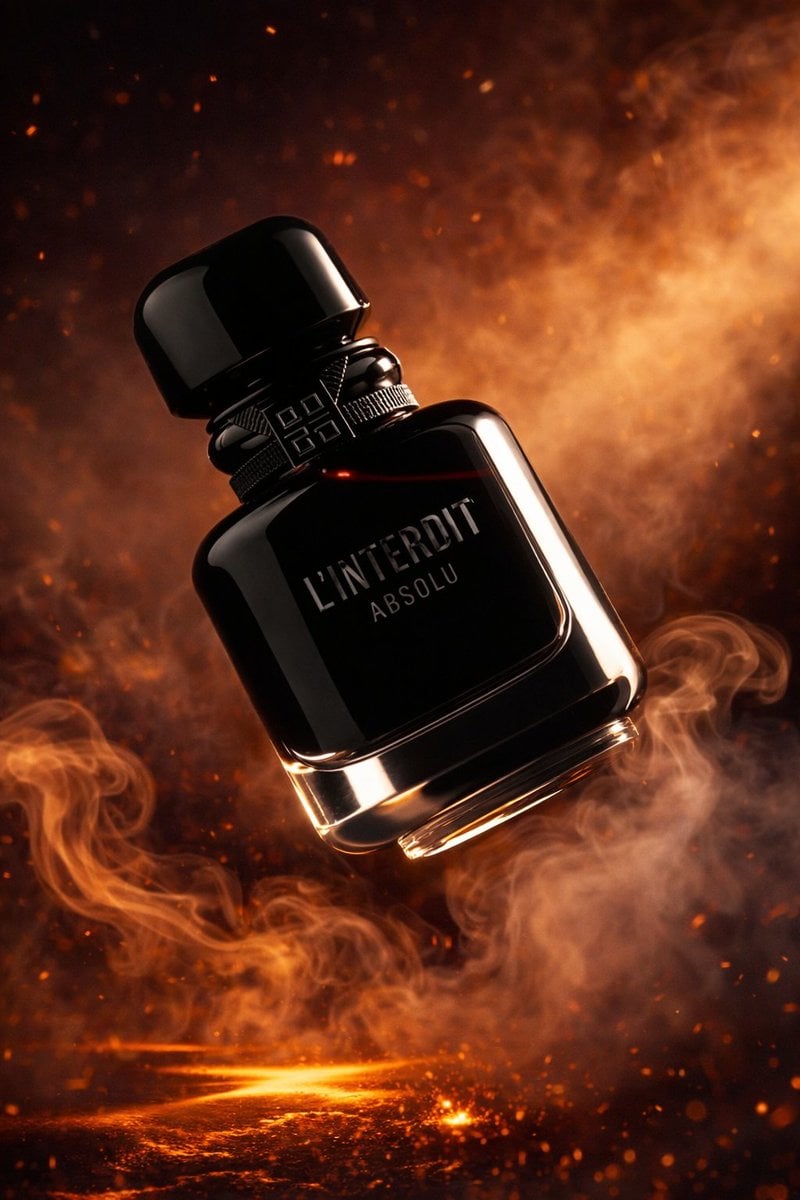
Luxury Perfume Bottle Product Shot
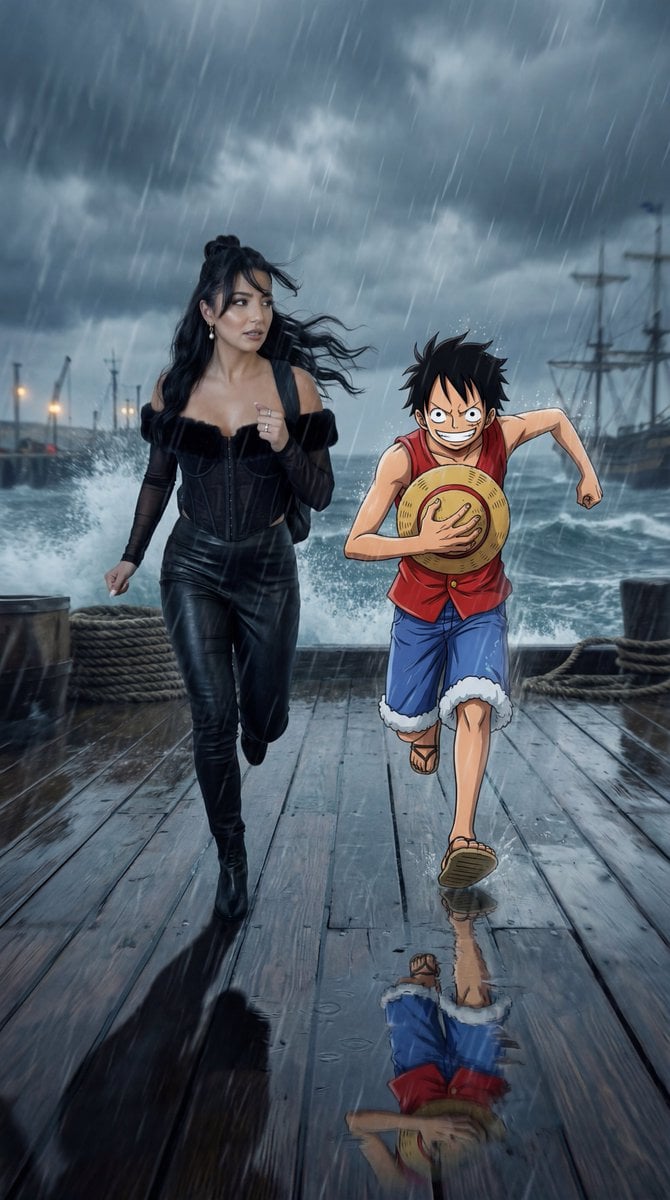
Cinematic Anime/Reality Action Blend Prompt
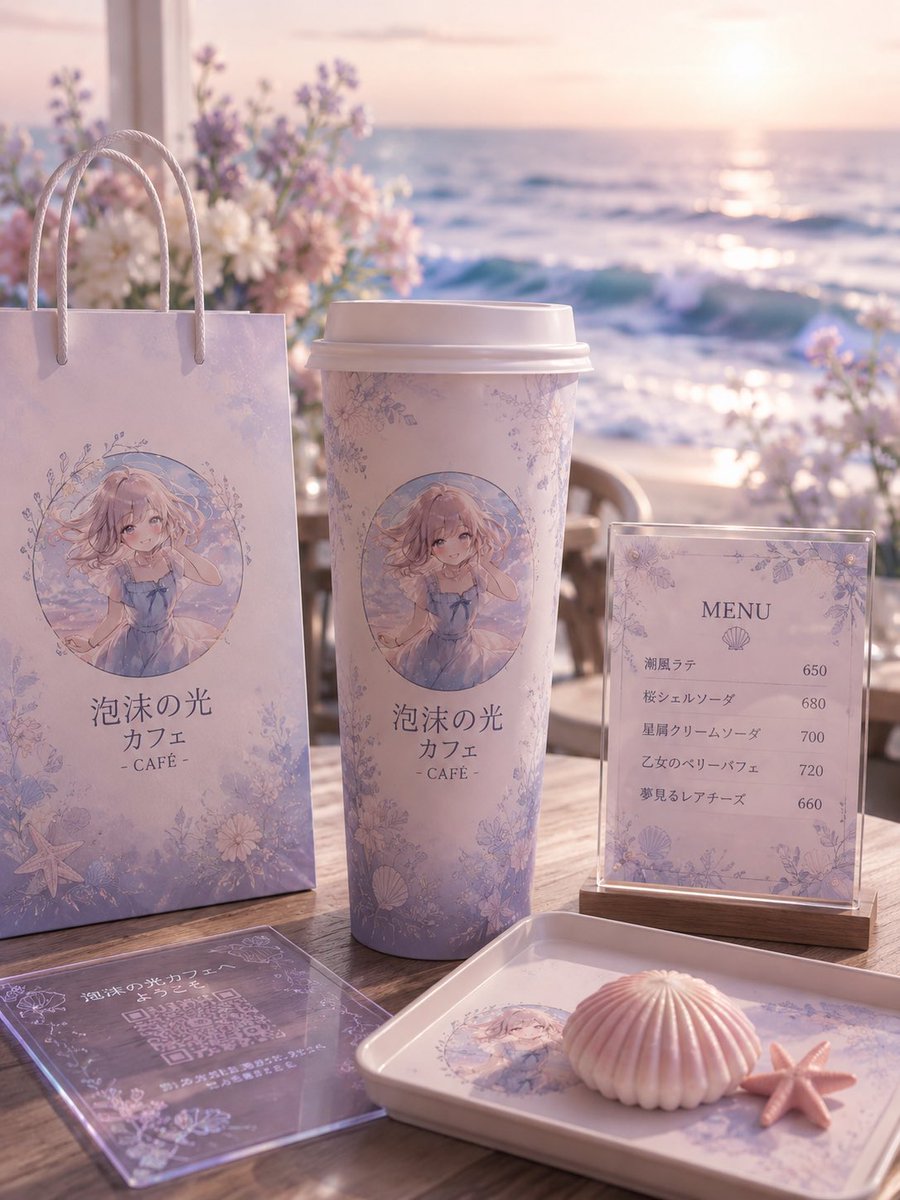
Pastel Seaside Anime Cafe Mockup
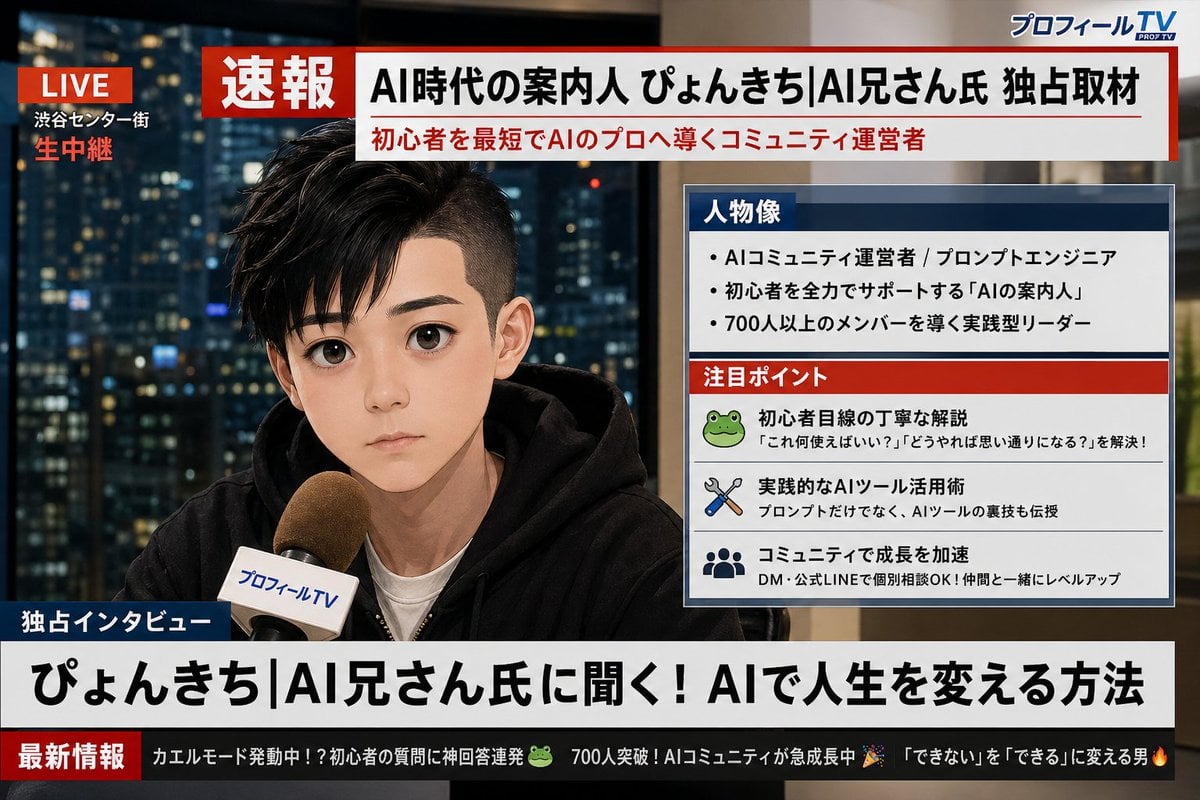
Social Media Profile News Broadcast Transformation

Blue AI Influencer 3D Poster
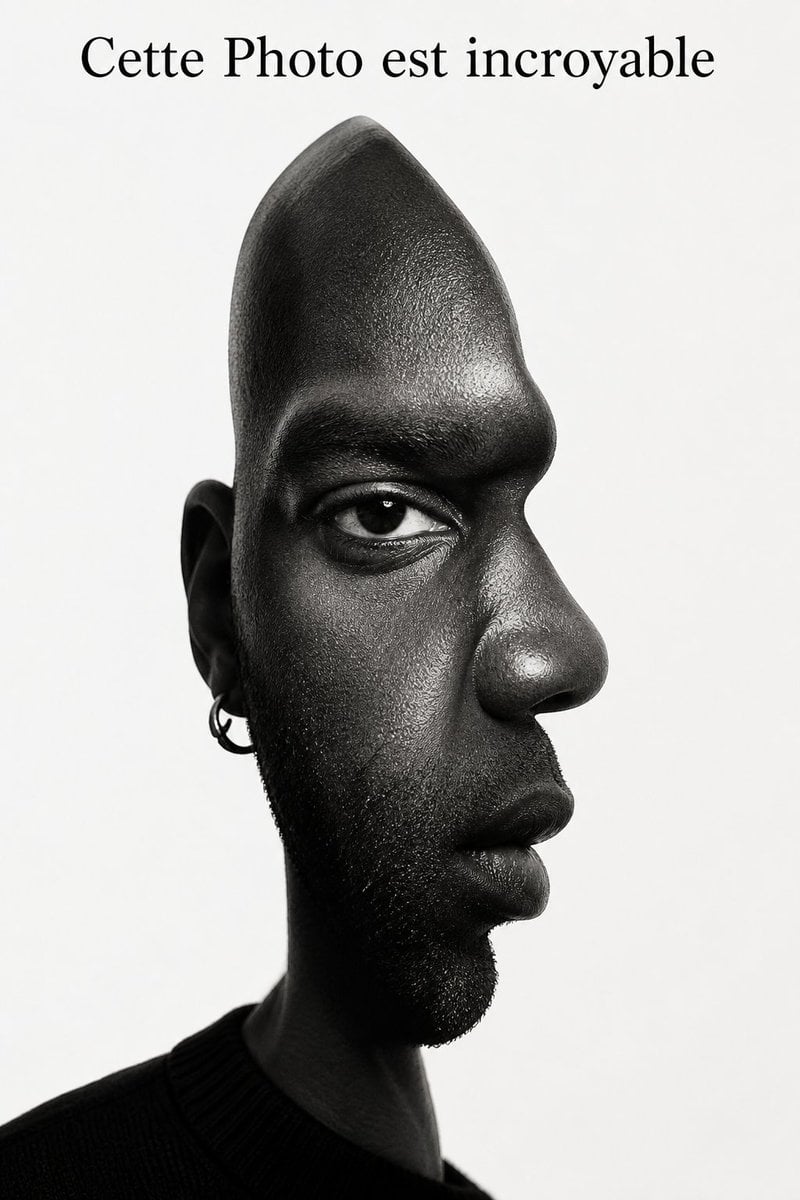
Surreal Optical Illusion Portrait

Pastel Chibi Girl Sitting Portrait
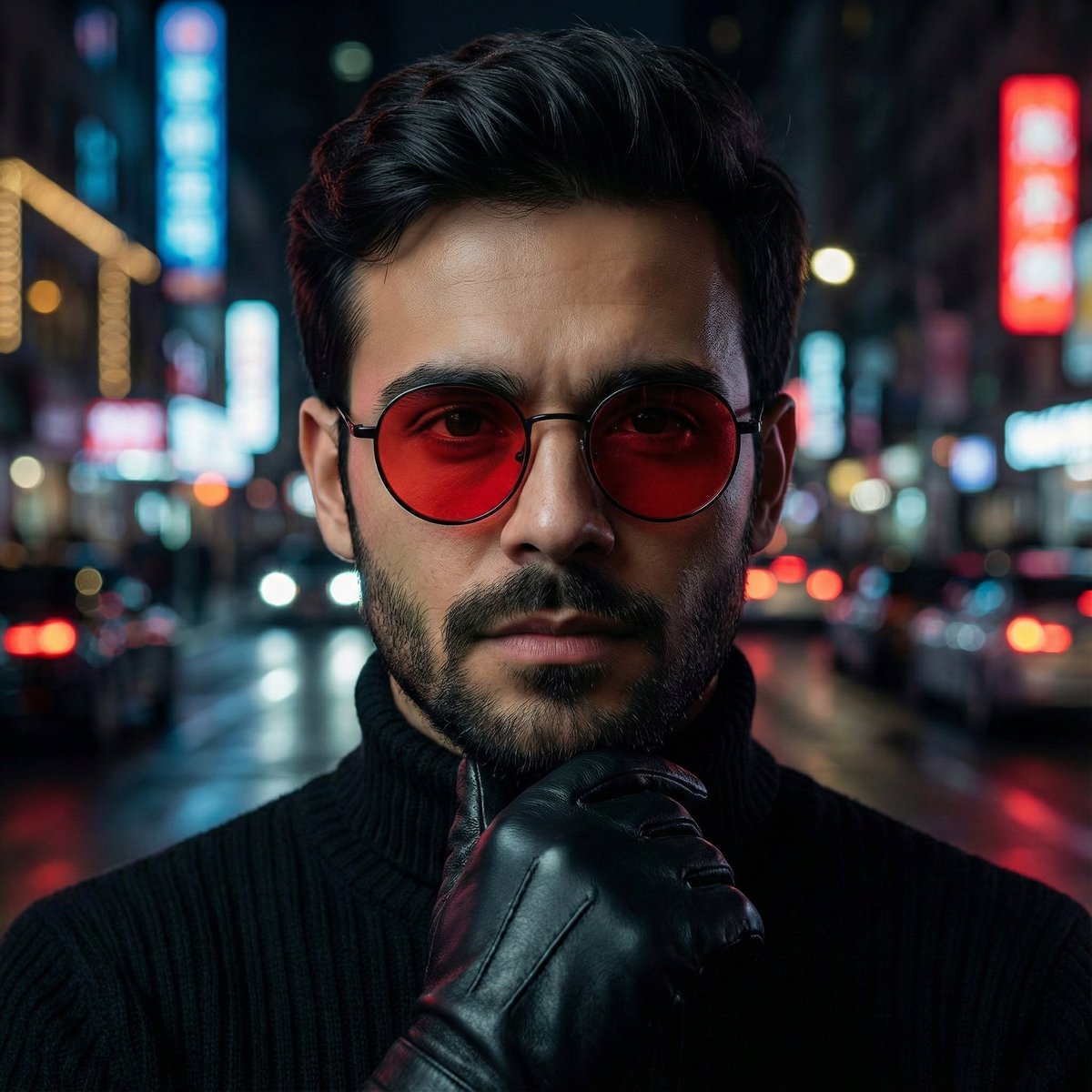
Cinematic Close-Up Portrait Prompt with Red-Tinted Glasses
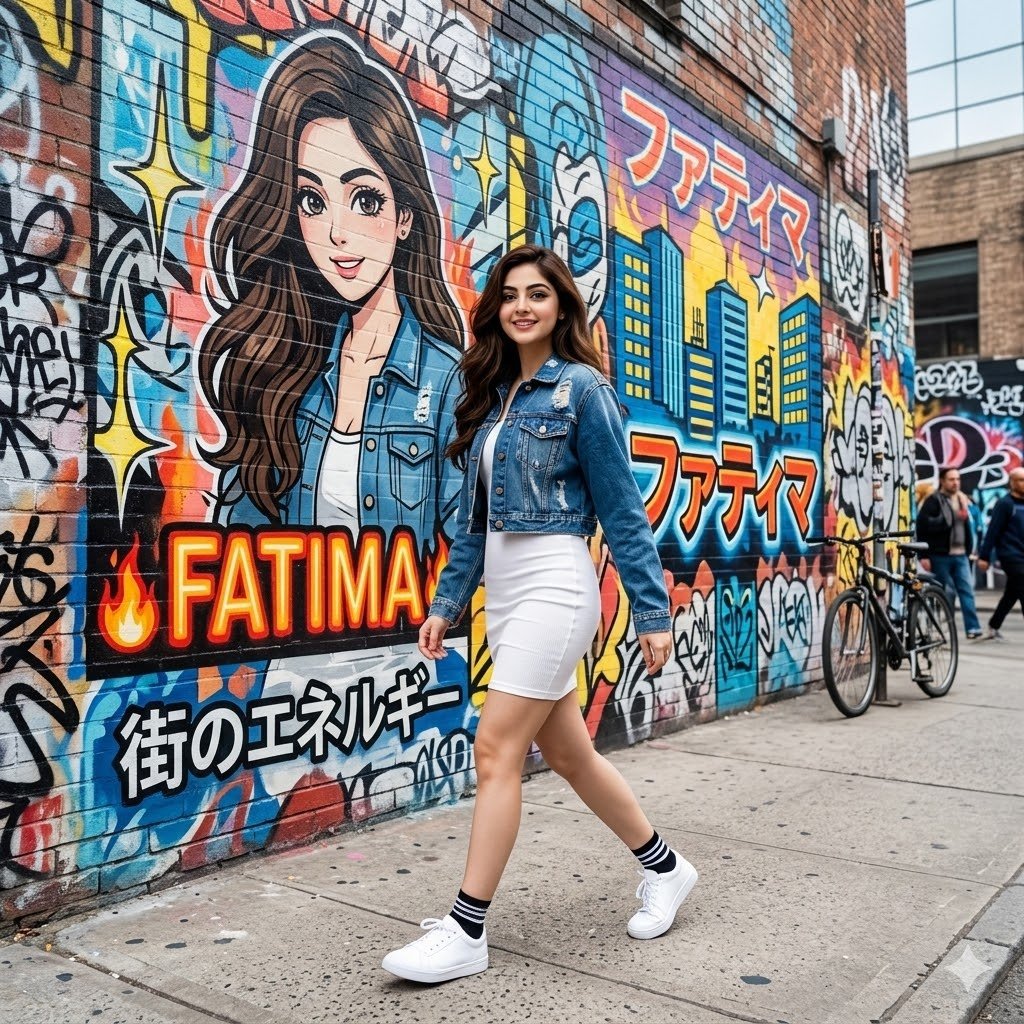
Graffiti Wall Urban Fashion Portrait
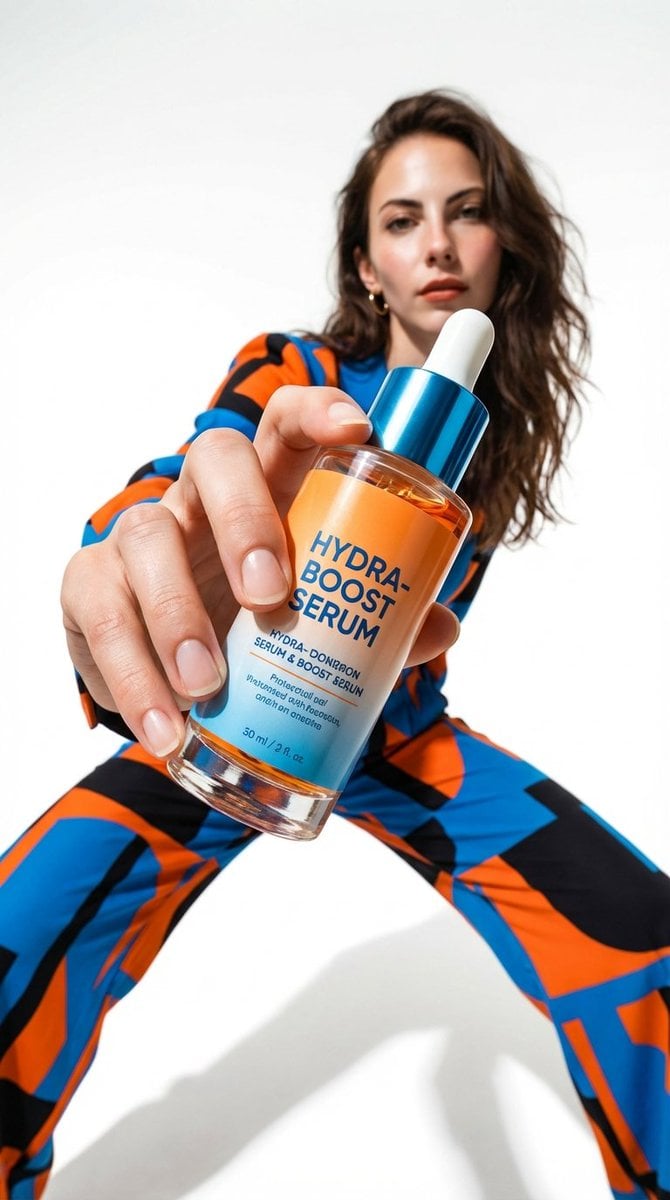
Low-Angle Fashion Campaign Photograph
Browse template categories
Android Engineer in Maintenance Bay questions
How do I use the Android Engineer in Maintenance Bay template?
Add your photo if the template asks for one, edit the prompt if you like — the template's model and format are already selected — and press Generate. Your version opens in PicX Studio.
Can I customize the Android Engineer in Maintenance Bay template?
Yes. You can change the subject, setting, lighting, mood, format, and available model controls before creating your image.
Is the Android Engineer in Maintenance Bay template free?
Opening and editing this template is free. Generating uses credits, shown on the Generate button when you are signed in.
Which AI model should I use?
Start with GPT Image 2, which is the model associated with this template. You can compare another compatible model for a different finish.
Looking for something else? Browse all templates.

Your photo, any look
Thousands of ready templates for every top image and video model, from one credit balance.