
App Promo Infographic Flyer
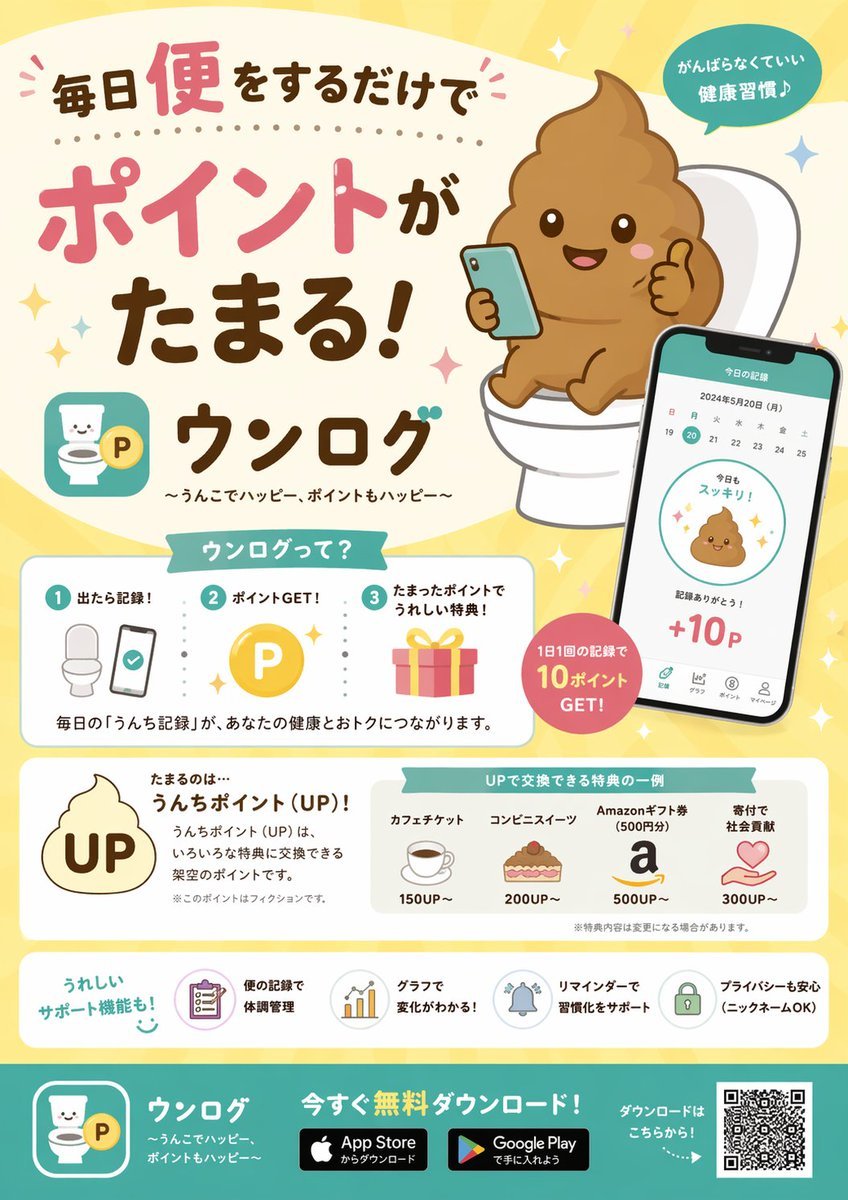
Generates a structured, cute promotional flyer for a mobile app featuring UI mockups, step-by-step guides, and reward tiers.
- Prompt included
- Model and format preset
- Free template
The prompt behind this image
Copy the exact prompt behind App Promo Infographic Flyer, or open it in the studio and make it yours.
- Type
- promotional app infographic flyer
- Style
- cute, pastel colors, approachable, flat vector illustrations mixed with soft shading, Japanese promotional design
- Header › Headline
- {argument name="main headline" default="毎日便をするだけでポイントがたまる!"}
- Header › App Name
- {argument name="app name" default="ウンログ"}
- Header › Subtitle
- {argument name="app subtitle" default="〜うんこでハッピー、ポイントもハッピー〜"}
- Header › Top Right Badge
- がんばらなくていい 健康習慣♪
- Header › Main Illustration
- cute smiling brown poop emoji character sitting on a white toilet, holding a smartphone and giving a thumbs up
- Layout › Sections › 0 › Title
- ウンログって?
- Layout › Sections › 0 › Position
- middle-left
- Layout › Sections › 0 › Type
- how_it_works
- Layout › Sections › 0 › Count
- 3
- Layout › Sections › 0 › Steps › 0 › Number
- 1
- Layout › Sections › 0 › Steps › 0 › Label
- 出たら記録!
- Layout › Sections › 0 › Steps › 0 › Icon
- toilet and smartphone
- Layout › Sections › 0 › Steps › 1 › Number
- 2
- Layout › Sections › 0 › Steps › 1 › Label
- ポイントGET!
- Layout › Sections › 0 › Steps › 1 › Icon
- gold P coin
- Layout › Sections › 0 › Steps › 2 › Number
- 3
- Layout › Sections › 0 › Steps › 2 › Label
- たまったポイントでうれしい特典!
- Layout › Sections › 0 › Steps › 2 › Icon
- pink gift box
- Layout › Sections › 0 › Description
- 毎日の「うんち記録」が、あなたの健康とおトクにつながります。
- Layout › Sections › 1 › Type
- app_ui_mockup
- Layout › Sections › 1 › Position
- middle-right
- Layout › Sections › 1 › Description
- smartphone displaying a calendar, a cute poop icon saying '今日もスッキリ!', and '+10P'
Raw JSON
{
  "type": "promotional app infographic flyer",
  "style": "cute, pastel colors, approachable, flat vector illustrations mixed with soft shading, Japanese promotional design",
  "header": {
    "headline": "{argument name=\"main headline\" default=\"毎日便をするだけでポイントがたまる!\"}",
    "app_name": "{argument name=\"app name\" default=\"ウンログ\"}",
    "subtitle": "{argument name=\"app subtitle\" default=\"〜うんこでハッピー、ポイントもハッピー〜\"}",
    "top_right_badge": "がんばらなくていい 健康習慣♪",
    "main_illustration": "cute smiling brown poop emoji character sitting on a white toilet, holding a smartphone and giving a thumbs up"
  },
  "layout": {
    "sections": [
      {
        "title": "ウンログって?",
        "position": "middle-left",
        "type": "how_it_works",
        "count": 3,
        "steps": [
          {"number": 1, "label": "出たら記録!", "icon": "toilet and smartphone"},
          {"number": 2, "label": "ポイントGET!", "icon": "gold P coin"},
          {"number": 3, "label": "たまったポイントでうれしい特典!", "icon": "pink gift box"}
        ],
        "description": "毎日の「うんち記録」が、あなたの健康とおトクにつながります。"
      },
      {
        "type": "app_ui_mockup",
        "position": "middle-right",
        "description": "smartphone displaying a calendar, a cute poop icon saying '今日もスッキリ!', and '+10P'",
        "floating_badge": "1日1回の記録で 10ポイント GET!"
      },
      {
        "title": "たまるのは…",
        "position": "lower-middle-left",
        "point_system": "{argument name=\"point name\" default=\"うんちポイント (UP)!\"}",
        "icon": "poop shape with UP text inside"
      },
      {
        "title": "UPで交換できる特典の一例",
        "position": "lower-middle-right",
        "type": "rewards_list",
        "count": 4,
        "items": [
          {"label": "カフェチケット", "cost": "150UP~", "icon": "coffee cup"},
          {"label": "コンビニスイーツ", "cost": "200UP~", "icon": "cake"},
          {"label": "Amazonギフト券 (500円分)", "cost": "500UP~", "icon": "letter a"},
          {"label": "寄付で社会貢献", "cost": "300UP~", "icon": "heart in hands"}
        ]
      },
      {
        "title": "うれしいサポート機能も!",
        "position": "bottom-above-footer",
        "type": "features_list",
        "count": 4,
        "items": [
          {"label": "便の記録で体調管理", "icon": "clipboard"},
          {"label": "グラフで変化がわかる!", "icon": "bar chart"},
          {"label": "リマインダーで習慣化をサポート", "icon": "bell"},
          {"label": "プライバシーも安心 (ニックネームOK)", "icon": "lock"}
        ]
      }
    ],
    "footer": {
      "background_color": "teal",
      "call_to_action": "{argument name=\"call to action\" default=\"今すぐ無料ダウンロード!\"}",
      "elements": ["app logo", "App Store badge", "Google Play badge", "QR code"]
    }
  }
}How to use App Promo Infographic Flyer in 3 steps
- 1Upload ImagePNG, JPG or paste
Add your photo
Upload the photo the template builds on. The prompt, model and format are already set.
- 2…a portrait of your subject in softgolden-hour light, 85mm…
Personalize
Edit the subject and creative details for your destination.
- 3Generate
Generate
Press Generate — your image is created in PicX Studio, so you can compare it with the original and refine one variable at a time.
More like this
Templates with the same subject, style or setup. Open one to see its prompt.
Gpt2 Apple Pods Pro 3 Infographic
Japanese Supermarket Promotional Flyer

Japan Travel Brochure Poster
Highlighted App Promo Cover
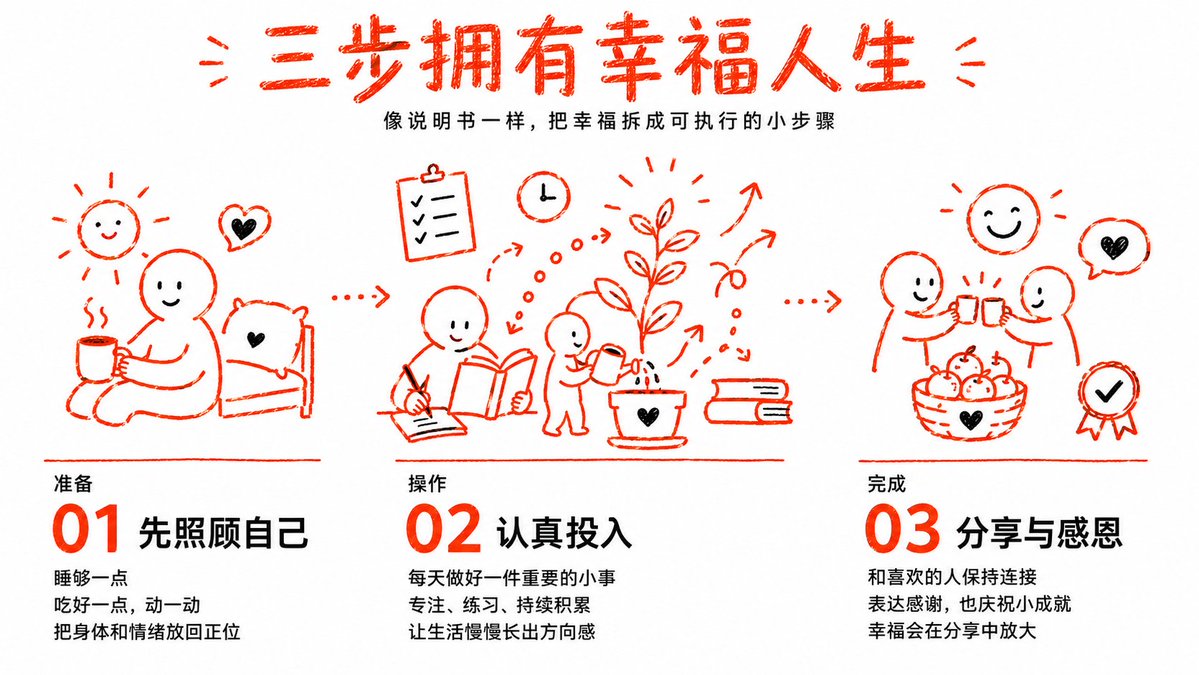
Three Steps to a Happy Life Infographic

Isometric Process Educational Diorama

Isometric Vehicle Teardown Infographic Template
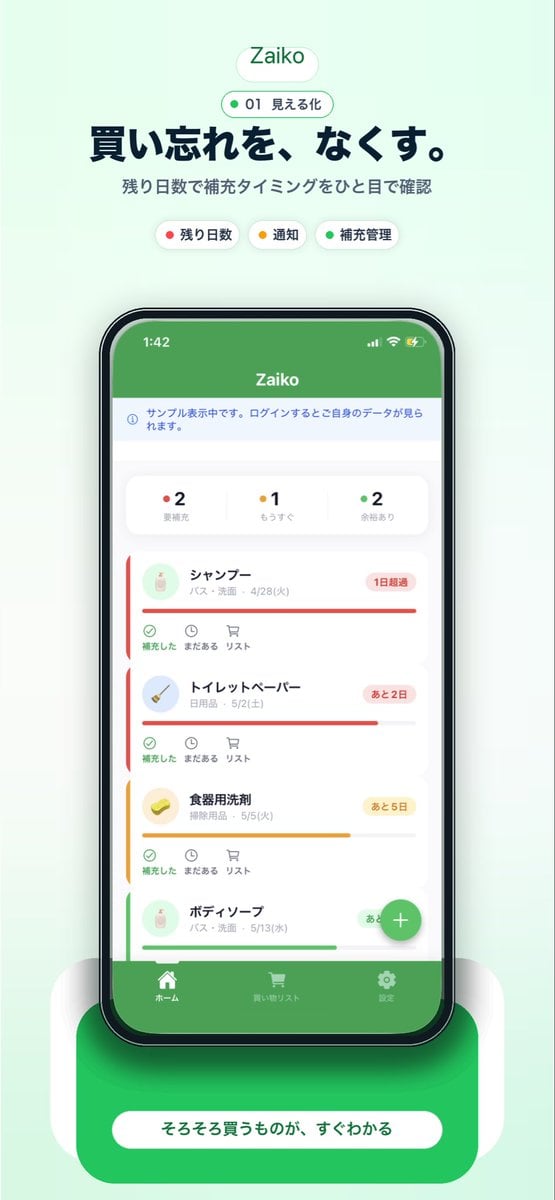
Japanese Inventory App Promo Poster
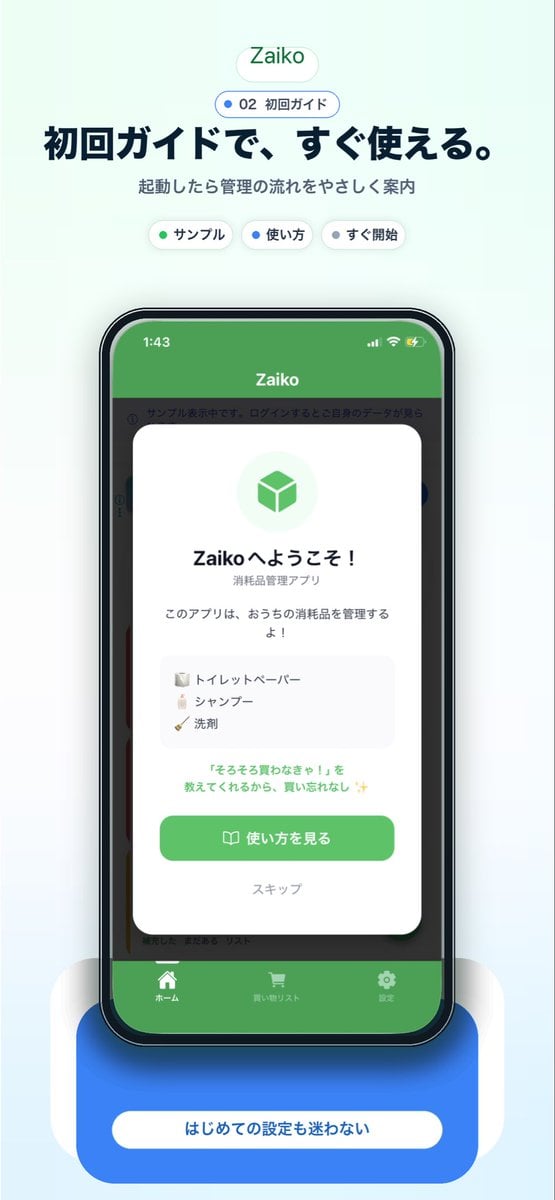
Japanese app onboarding promo mockup
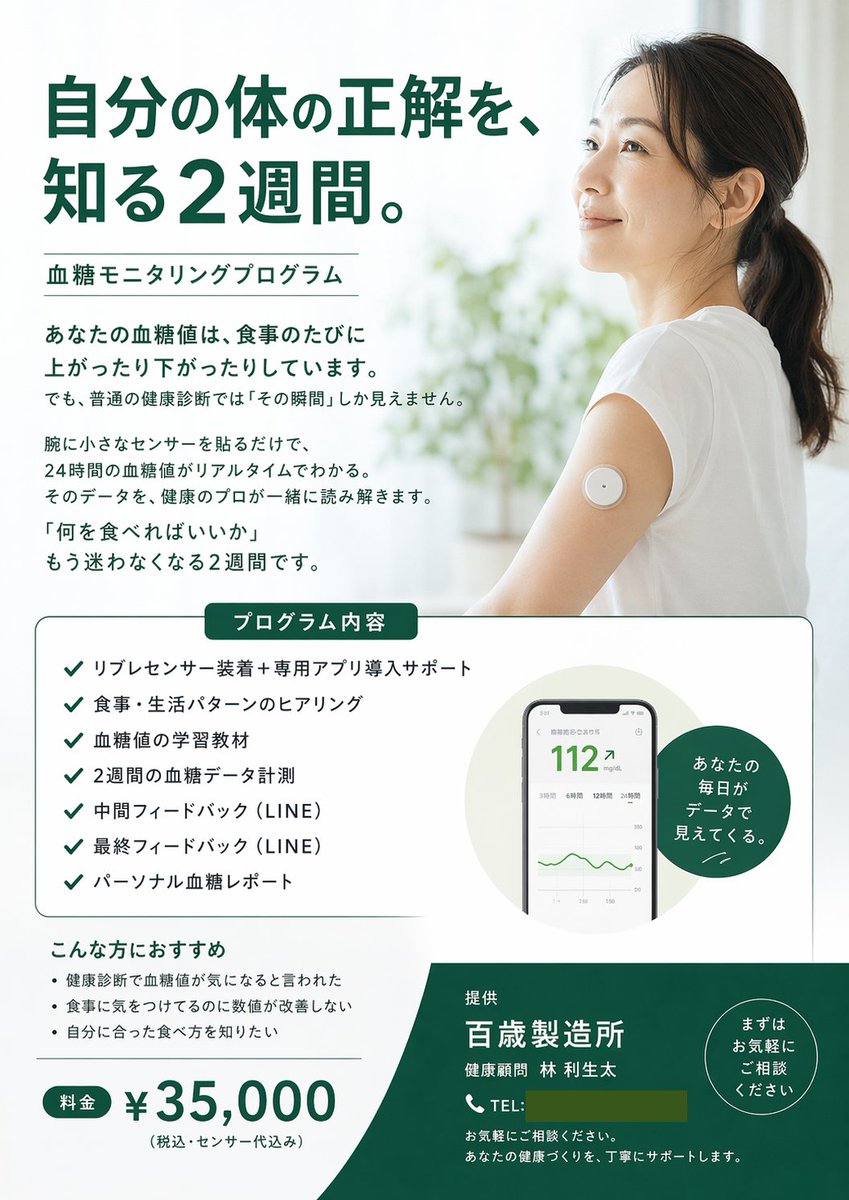
Medical Program Promotional Flyer
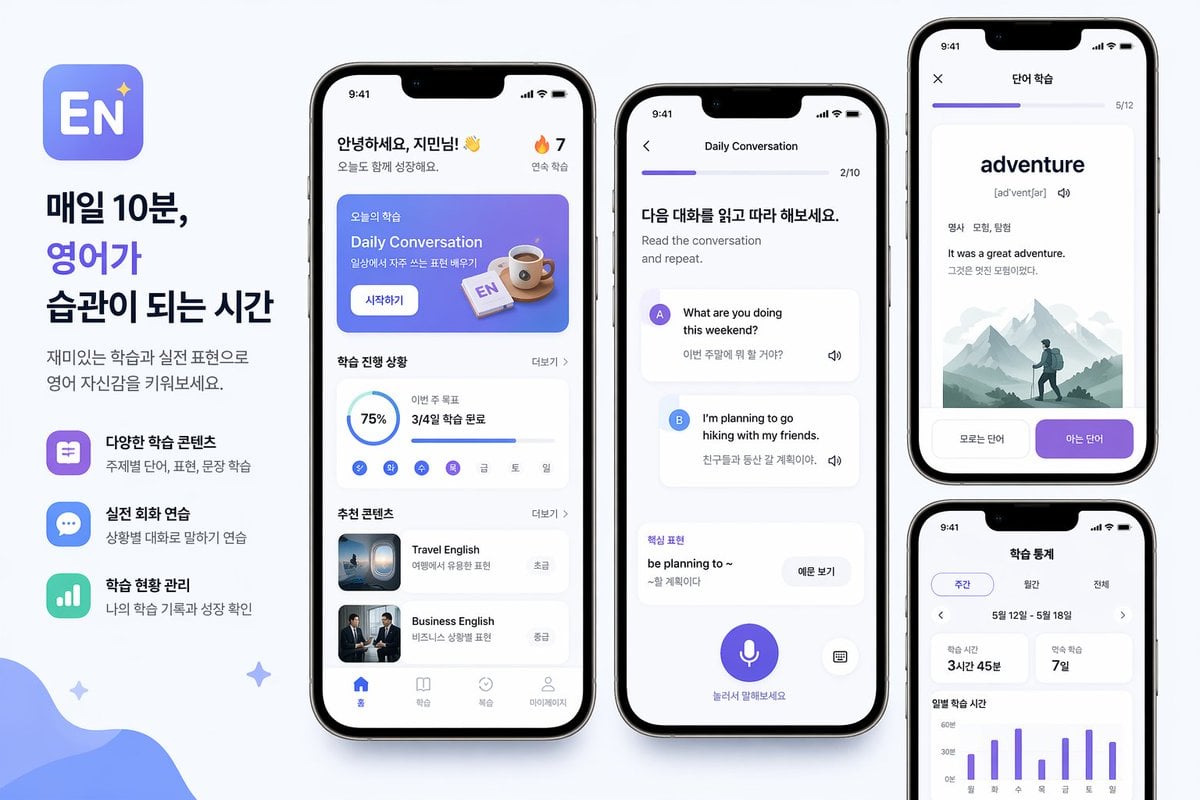
Korean English Learning App Promo
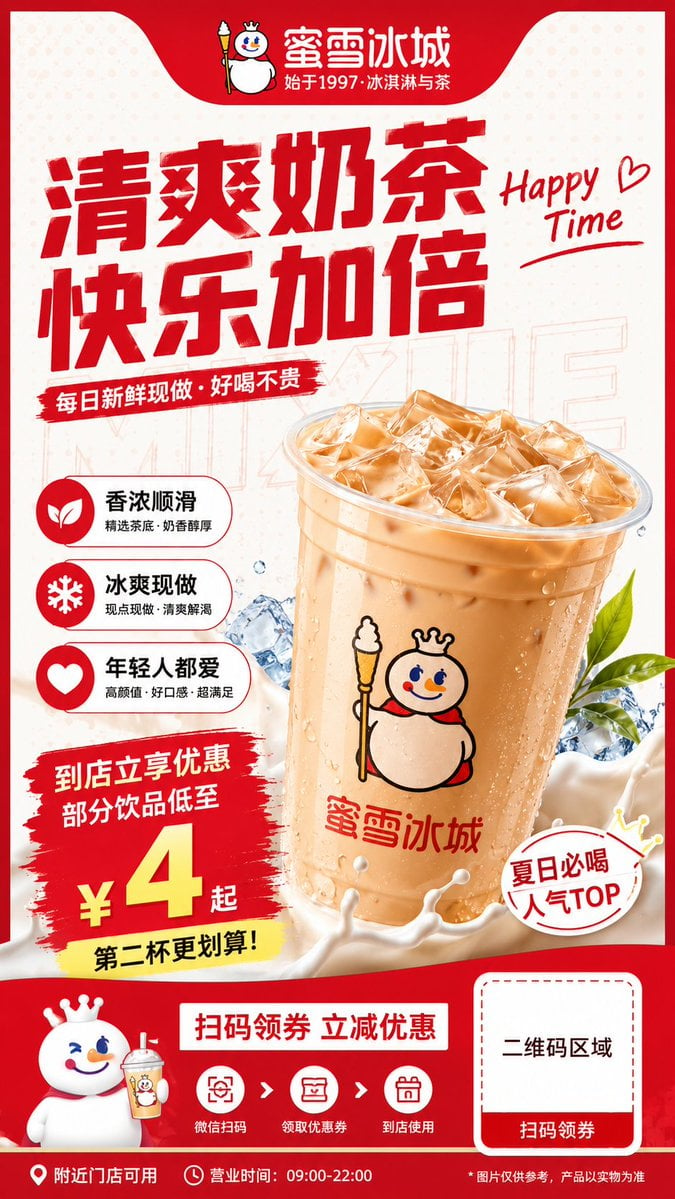
Modern Milk Tea Promotional Flyer
Make it yours
App Promo Infographic Flyer works as-is. These are the safest ways to change it without losing the look.
Swap the setting
Keep the rest of the prompt and replace the location block. The current setting is “teal”.
Change one field
Copy a single group, rewrite it, and generate again so you can see what that field is doing.
Keep the frame, change the subject
Hold the composition and light of App Promo Infographic Flyer, then swap wardrobe, props or the person for a new take.
| If the result… | Why | Fix |
|---|---|---|
| The result drifts from the preview | Too many fields changed at once. | Reuse App Promo Infographic Flyer as-is first, then change one group — subject, light, or setting. |
| GPT Image 2 ignores part of the JSON | Some models flatten or skip nested keys. | Keep the same values and paste them as a short paragraph instead. |
More GPT Image 2 templates
Other prompts made for GPT Image 2.

Six VTuber Japanese Logo Sheet

Realistic Portrait of Woman and Deer

The Vista Modular Condo Poster

AI Model Routing Comparison Infographic

2.5D Anime Art Board

Isometric Productivity Desk Scene

New York Double Exposure Poster

Four-Panel AI Landscape Comparison

Japanese Tatami Lifestyle Magazine Cover

NESCAFÉ Coffee Map Poster
More image prompts
Fresh picks from across the catalog.
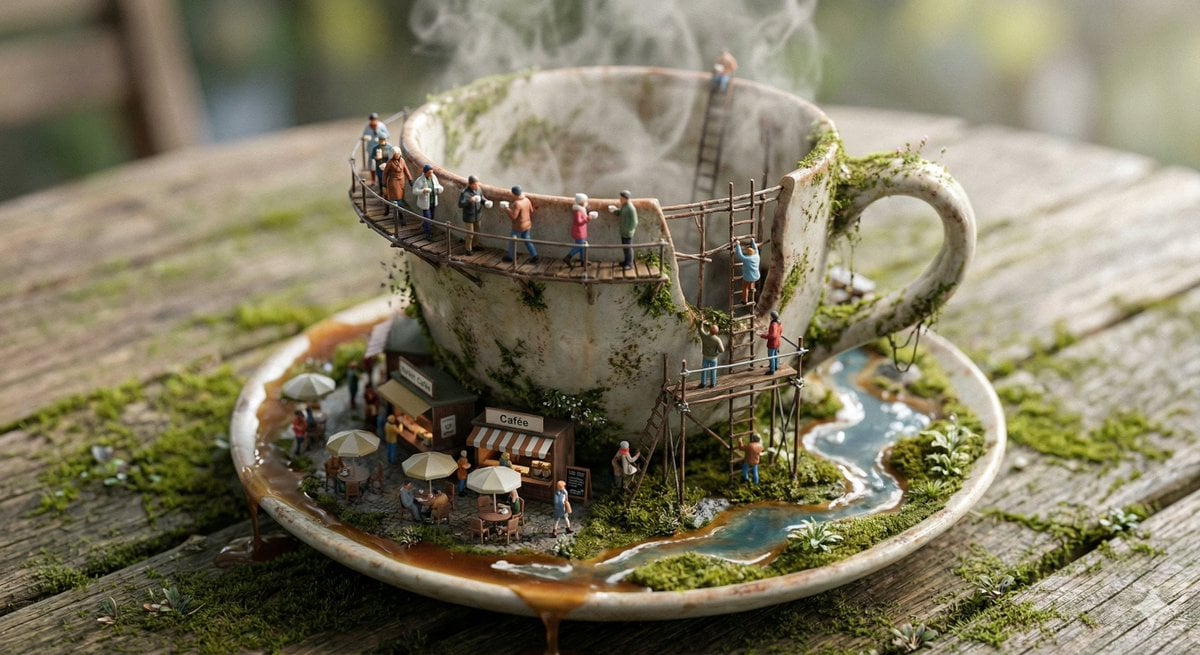
Miniature Ecosystem Diorama Prompt

Neon Anime Idol Fan Poster
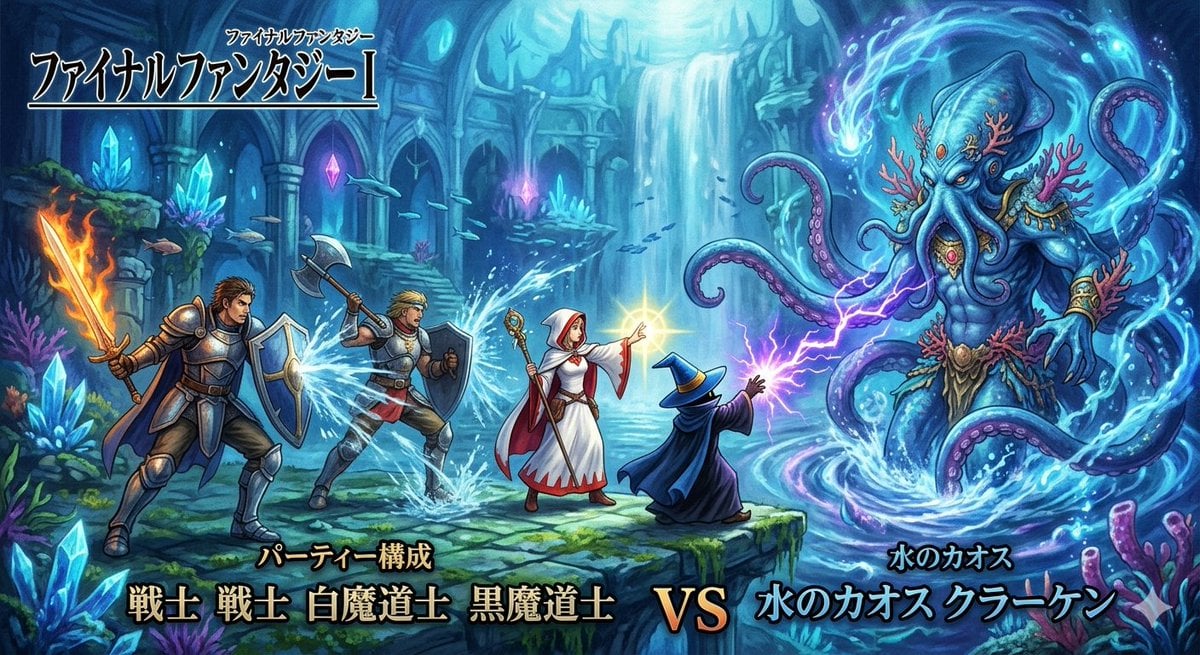
Final Fantasy Party vs. Kraken Image Generation

Epic Firework Wedding Kiss Image-to-Image Prompt for Nano Banana 2
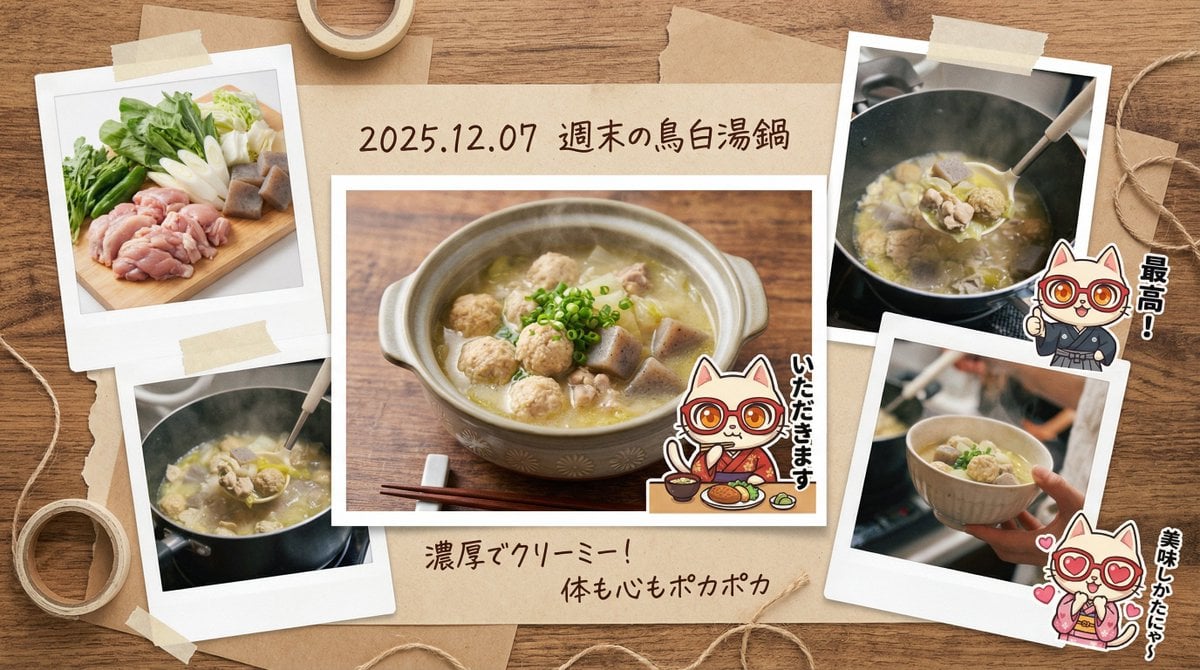
Japanese prompt for transforming a cooking photo into a scrapbook collage
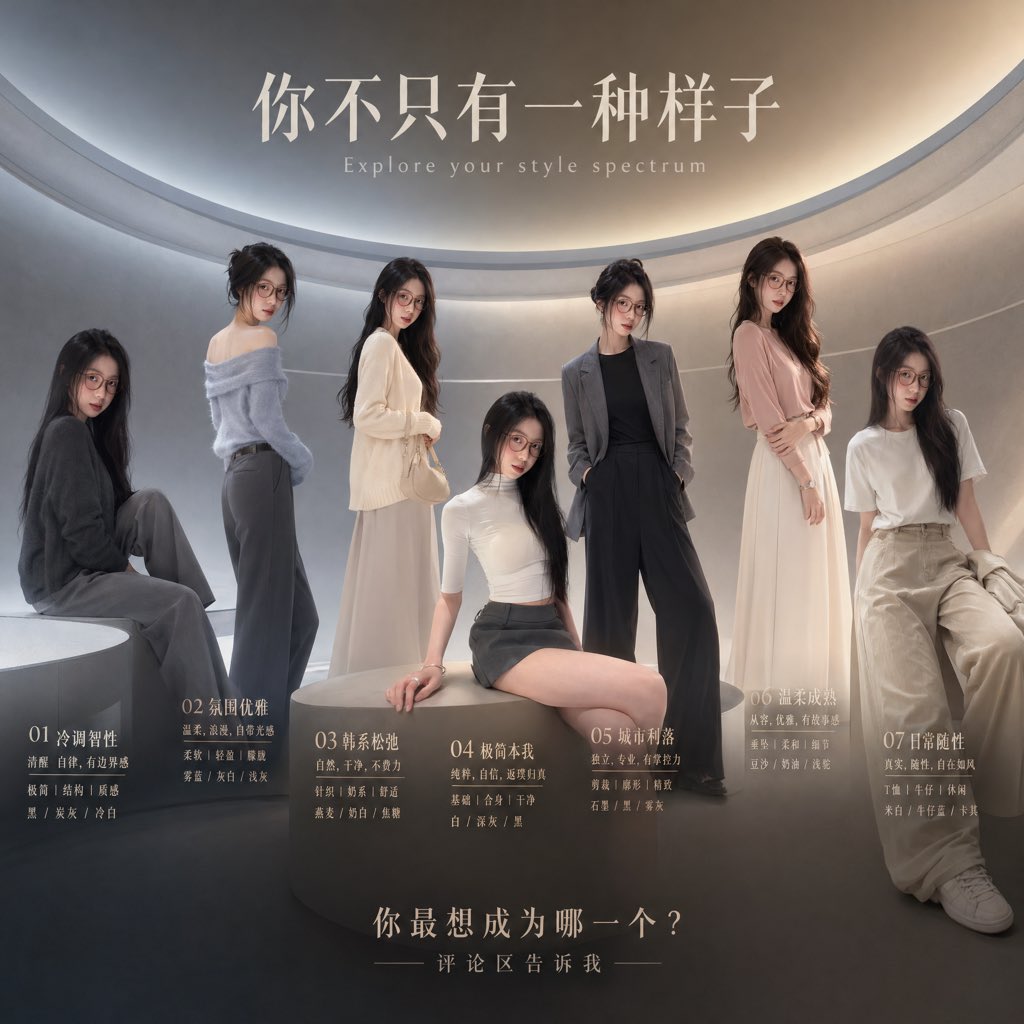
Fashion Style Spectrum Poster

Ethereal Portrait with Playful Wink
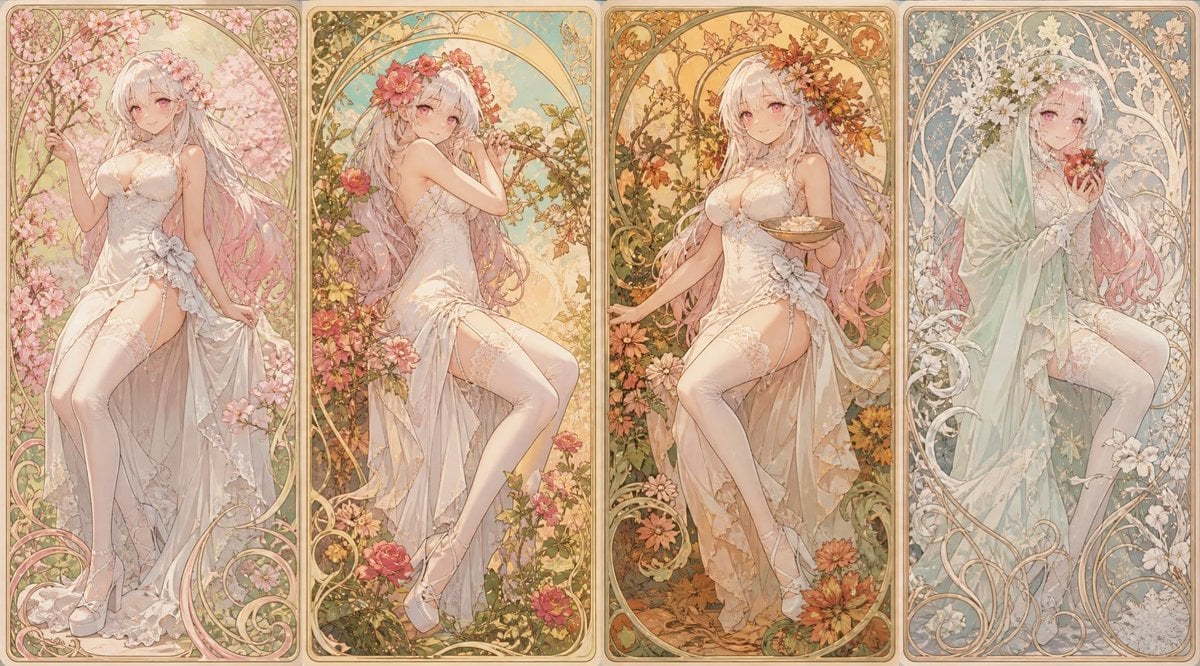
Mucha Style Seasonal Art Nouveau

Ultra-Cinematic Red Silhouette Portrait with Double Exposure
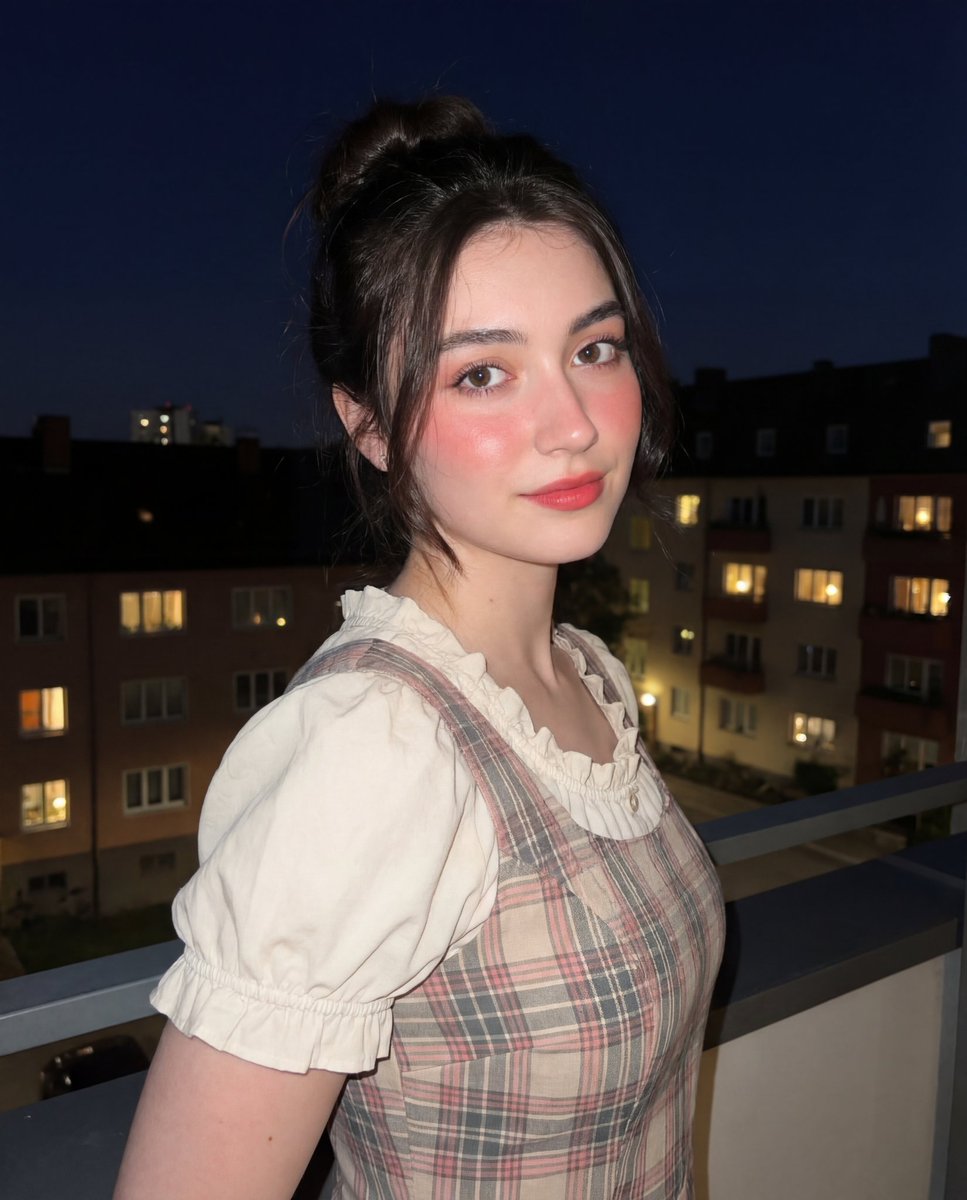
Soft-Glow Night Portrait with On-Camera Flash
Browse template categories
App Promo Infographic Flyer questions
How do I use the App Promo Infographic Flyer template?
Add your photo if the template asks for one, edit the prompt if you like — the template's model and format are already selected — and press Generate. Your version opens in PicX Studio.
Can I customize the App Promo Infographic Flyer template?
Yes. You can change the subject, setting, lighting, mood, format, and available model controls before creating your image.
Is the App Promo Infographic Flyer template free?
Opening and editing this template is free. Generating uses credits, shown on the Generate button when you are signed in.
Which AI model should I use?
Start with GPT Image 2, which is the model associated with this template. You can compare another compatible model for a different finish.
Looking for something else? Browse all templates.

Your photo, any look
Thousands of ready templates for every top image and video model, from one credit balance.