
Zombie Shoppers Point Sale Cover
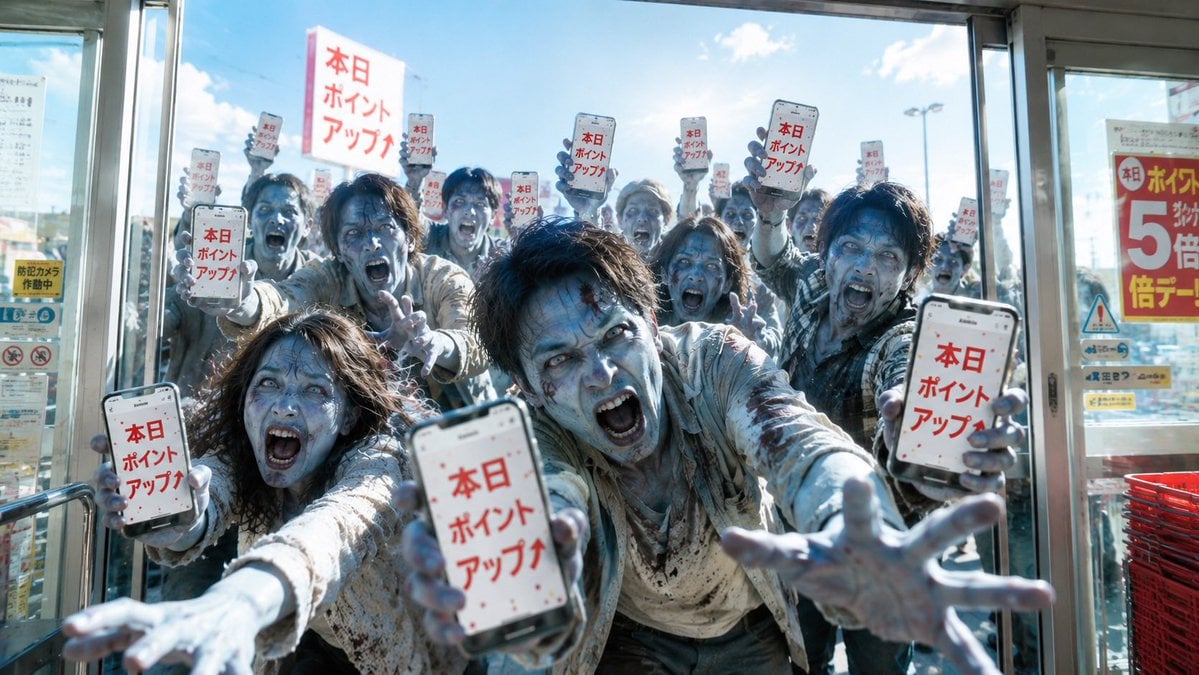
A photorealistic Japanese blog cover scene of zombie-like shoppers crowding a store entrance while holding sale-point smartphones.
- Prompt included
- Model and format preset
- Free template
The prompt behind this image
Copy the exact prompt behind Zombie Shoppers Point Sale Cover, or open it in the studio and make it yours.
Create a cinematic photorealistic blog cover image showing a chaotic crowd of zombie-like shoppers pressed against the glass entrance of a Japanese retail store on a bright sunny day. The camera is inside the store looking outward through automatic sliding glass doors, wide 16:9 composition, low slightly wide-angle perspective, intense backlight, blue sky and small clouds outside, reflections on the glass, metal door frames, posters on the side windows, and a stack of red shopping baskets at the lower right. About 14 pale, dirty, frantic people in torn light-colored clothes crowd the doorway with outstretched hands and smeared grime, like a consumer stampede. Exactly 10 visible smartphone screens are held up toward the camera, each displaying large red Japanese sale text {argument name="phone screen text" default="本日ポイントアップ↑"} on a white background with small red confetti dots; include 3 large foreground phones, 5 raised background phones, and 2 smaller partially visible side phones. Include 1 large raised rectangular placard near the upper left-center with the same red Japanese text, and 1 bright red-and-yellow store poster on the right window advertising {argument name="poster sale text" default="ポイント 5倍"}. Add exactly 9 opaque dark gray rectangular anonymization blocks covering faces in different sizes, including one large block in the center foreground, one large block on the right foreground, one large block on the left foreground, and six smaller blocks across the background crowd. Keep the scene realistic rather than cartoonish: gritty clothing texture, bluish corpse-like hands, motion blur on reaching arms, shallow depth of field, high-contrast daylight, documentary disaster-movie atmosphere, no extra readable English text, no watermark.
How to use Zombie Shoppers Point Sale Cover in 3 steps
- 1Upload ImagePNG, JPG or paste
Add your photo
Upload the photo the template builds on. The prompt, model and format are already set.
- 2…a portrait of your subject in softgolden-hour light, 85mm…
Personalize
Edit the subject and creative details for your destination.
- 3Generate
Generate
Press Generate — your image is created in PicX Studio, so you can compare it with the original and refine one variable at a time.
More like this
Templates with the same subject, style or setup. Open one to see its prompt.
Seedance 2.0 - Zombie Girl Escapes
Seedance 2.0 - Zombie Girl Escapes
Luxury Real Estate Sales Poster
Minimalist Real Estate Sales Poster
Autumn Onsen Gourmet Sale Poster
Hyper-Realistic Eye Focal Point Portrait

Anime Woman Pointing at Growth Arrow
A first-person point-of-view POV shot inside a modern supermarket aisle

Off Duty Fashion Magazine Cover

Japanese Tatami Lifestyle Magazine Cover
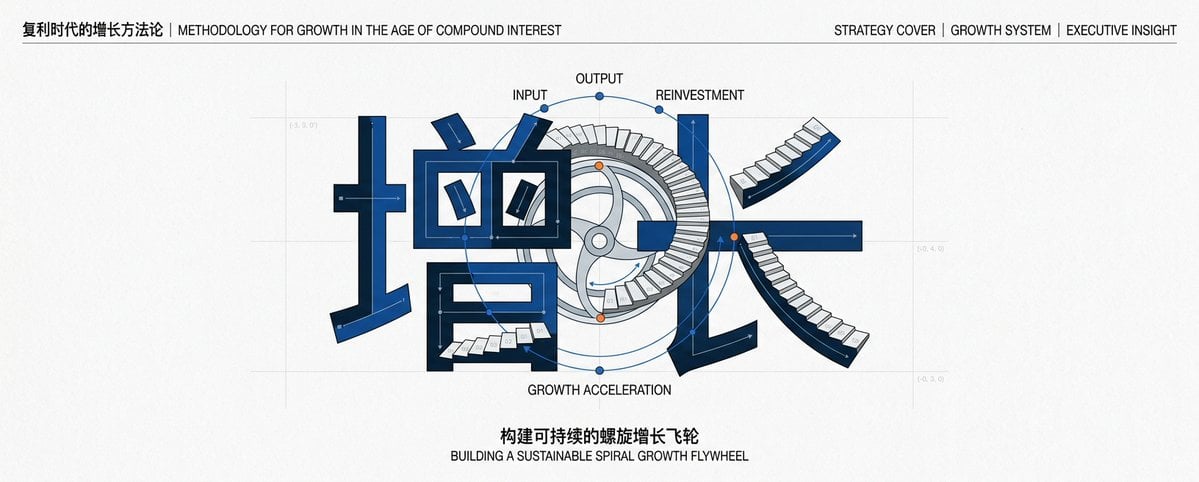
Chinese Growth Flywheel Strategy Cover

Cinematic Wuxia Fantasy Cover
Make it yours
Zombie Shoppers Point Sale Cover works as-is. These are the safest ways to change it without losing the look.
Change one field
Copy a single group, rewrite it, and generate again so you can see what that field is doing.
Keep the frame, change the subject
Hold the composition and light of Zombie Shoppers Point Sale Cover, then swap wardrobe, props or the person for a new take.
| If the result… | Why | Fix |
|---|---|---|
| The result drifts from the preview | Too many fields changed at once. | Reuse Zombie Shoppers Point Sale Cover as-is first, then change one group — subject, light, or setting. |
| The model over-stylizes the scene | The prose prompt leaves finish and camera underspecified. | Add one camera or lighting sentence and stay on GPT Image 2. |
More GPT Image 2 templates
Other prompts made for GPT Image 2.

Six VTuber Japanese Logo Sheet

Realistic Portrait of Woman and Deer

The Vista Modular Condo Poster

AI Model Routing Comparison Infographic

2.5D Anime Art Board

Isometric Productivity Desk Scene

New York Double Exposure Poster

Four-Panel AI Landscape Comparison

NESCAFÉ Coffee Map Poster

Brutalist Cogito Chinese Typography Poster
More image prompts
Fresh picks from across the catalog.
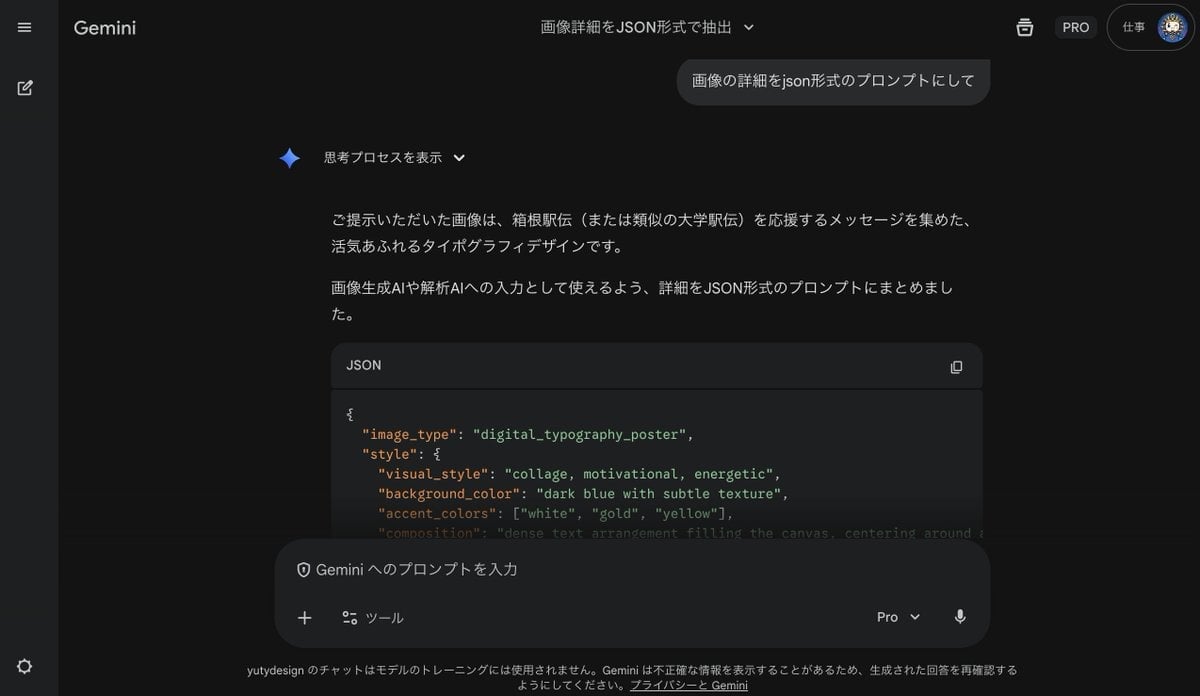
Generating Prompts from Reference Images with Nano Banana Pro
Image prompt for a whimsical, high-detail, 3D rendered banana character
3D Breakout Effect Editorial Ad
Contextual Image Generation Prompt
Nancy and Max Realistic Portrait
Windows 11 desktop with Chrome and MrBeast on YouTube
Cinematic London Underground Commuter Portrait Prompt
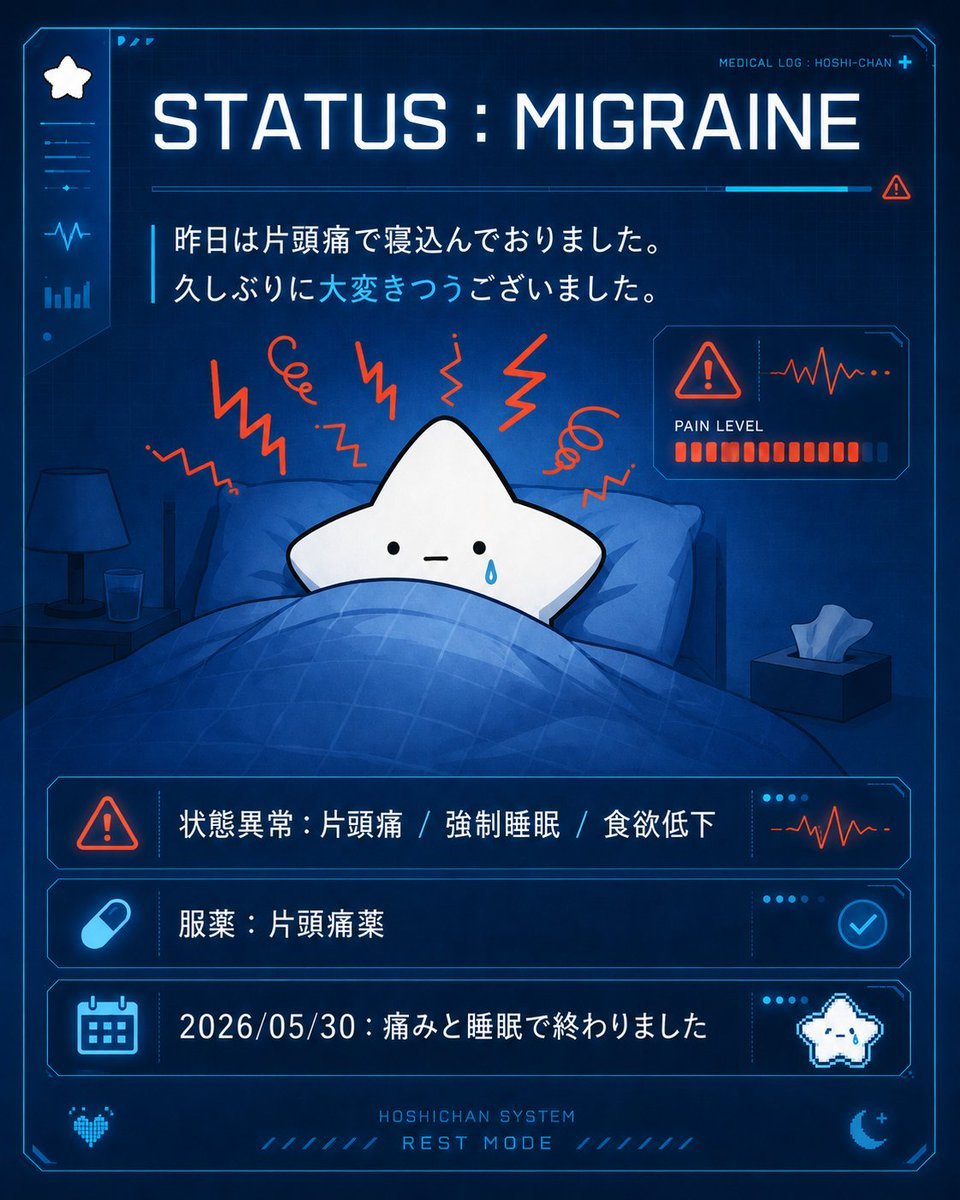
Cute Star Migraine HUD
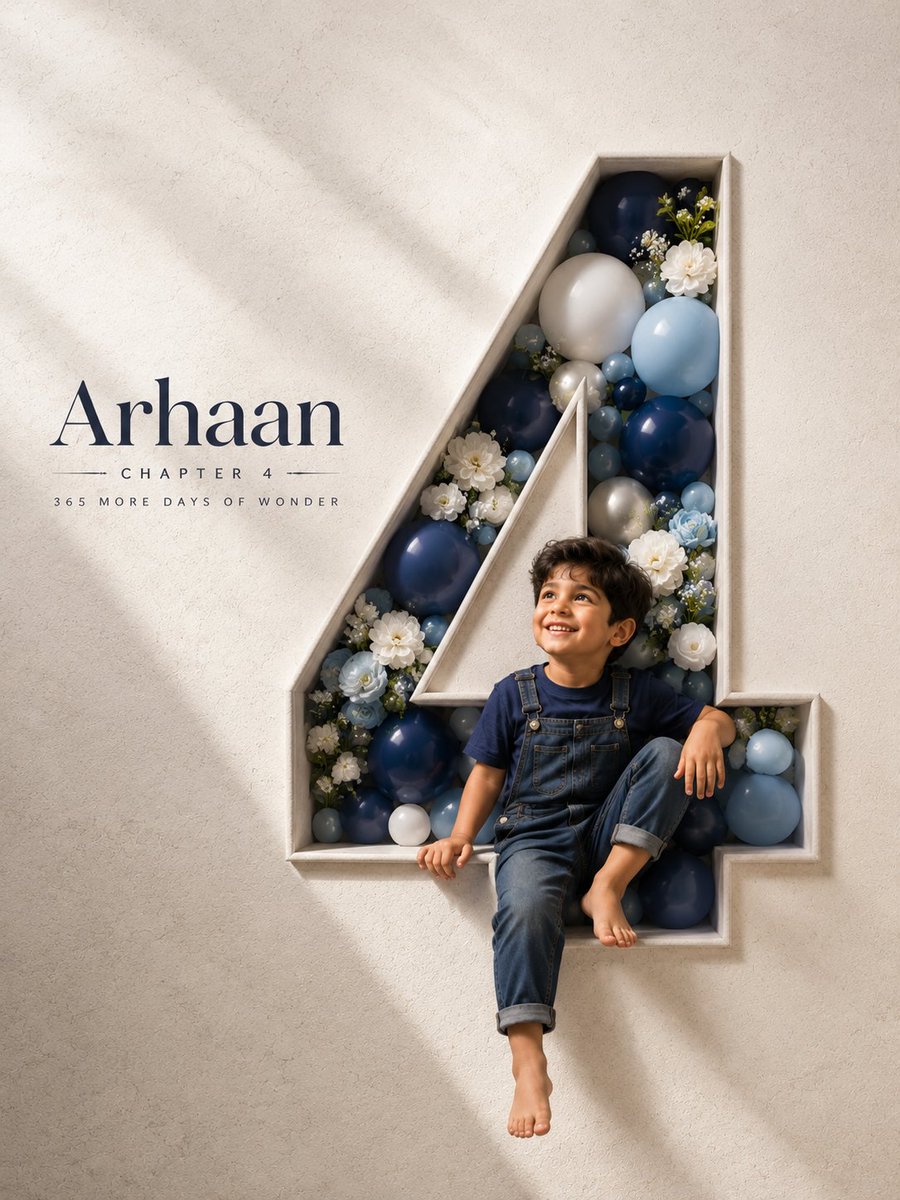
3D Carved Luxury Birthday Poster

JSON prompt for construction site AR blueprint overlay
Browse template categories
Zombie Shoppers Point Sale Cover questions
How do I use the Zombie Shoppers Point Sale Cover template?
Add your photo if the template asks for one, edit the prompt if you like — the template's model and format are already selected — and press Generate. Your version opens in PicX Studio.
Can I customize the Zombie Shoppers Point Sale Cover template?
Yes. You can change the subject, setting, lighting, mood, format, and available model controls before creating your image.
Is the Zombie Shoppers Point Sale Cover template free?
Opening and editing this template is free. Generating uses credits, shown on the Generate button when you are signed in.
Which AI model should I use?
Start with GPT Image 2, which is the model associated with this template. You can compare another compatible model for a different finish.
Looking for something else? Browse all templates.

Your photo, any look
Thousands of ready templates for every top image and video model, from one credit balance.