
Futuristic AI Era City Poster
A cinematic sci-fi poster of a businessman and a holographic AI overlooking a future city, ideal for technology branding, keynote visuals, and AI industry campaigns.
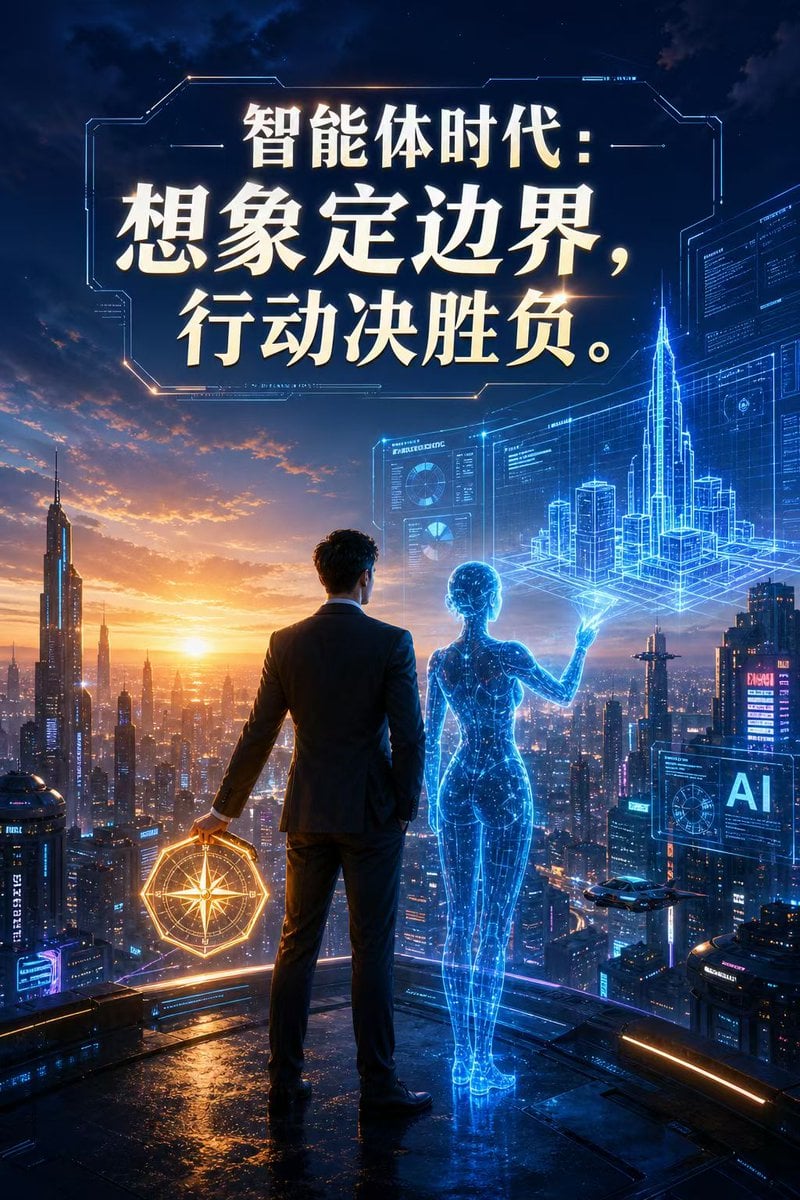
- Prompt included
- Model and format preset
- Premium template
The prompt behind this image
Copy the exact prompt behind Futuristic AI Era City Poster, or open it in the studio and make it yours.
A cinematic vertical sci-fi poster set on a rooftop observation deck above a vast futuristic megacity at sunset, viewed from behind. In the foreground, 2 central figures stand side by side: a tall adult man in a fitted dark business suit, black shoes, and white shirt, seen from the back, and a glowing translucent blue female humanoid AI hologram with a slim body made of light particles, wireframe lines, and constellation-like nodes. The human stands confidently facing the skyline, while the holographic AI raises one hand and projects a luminous holographic city blueprint made of neon-blue architectural outlines and transparent UI panels. The man holds 1 glowing golden octagonal device in his left hand, designed like a compass or navigation emblem with bright radial lines. The city is dense with skyscrapers, aerial traffic, digital billboards, and cyberpunk lighting in blue, cyan, and magenta accents; 1 flying car is visible on the right side. The sky transitions from warm orange sunlight near the horizon to deep blue night above, with dramatic clouds and a high-tech optimistic atmosphere. Add 4 major holographic interface clusters: 1 large projected city model above the AI’s hand, 1 mid-center analytics panel with charts and circular diagrams, 1 upper-right transparent data screen, and 1 lower-right billboard-like screen showing large “AI” text. At the top center, place a huge futuristic framed headline in bold glowing Chinese characters with metallic white-gold lettering: {argument name="headline text" default="智能体时代:想象定边界,行动决胜负。"}. The composition should feel visionary, corporate, inspirational, and premium, with ultra-detailed lighting, reflective wet rooftop surfaces, volumetric glow, sharp focus, epic scale, and polished gpt-image-2 poster aesthetics.
How to use Futuristic AI Era City Poster in 3 steps
- 1Upload ImagePNG, JPG or paste
Add your photo
Upload the photo the template builds on. The prompt, model and format are already set.
- 2…a portrait of your subject in softgolden-hour light, 85mm…
Personalize
Edit the subject and creative details for your destination.
- 3Generate
Generate
Press Generate — your image is created in PicX Studio, so you can compare it with the original and refine one variable at a time.
More like this
Templates with the same subject, style or setup. Open one to see its prompt.
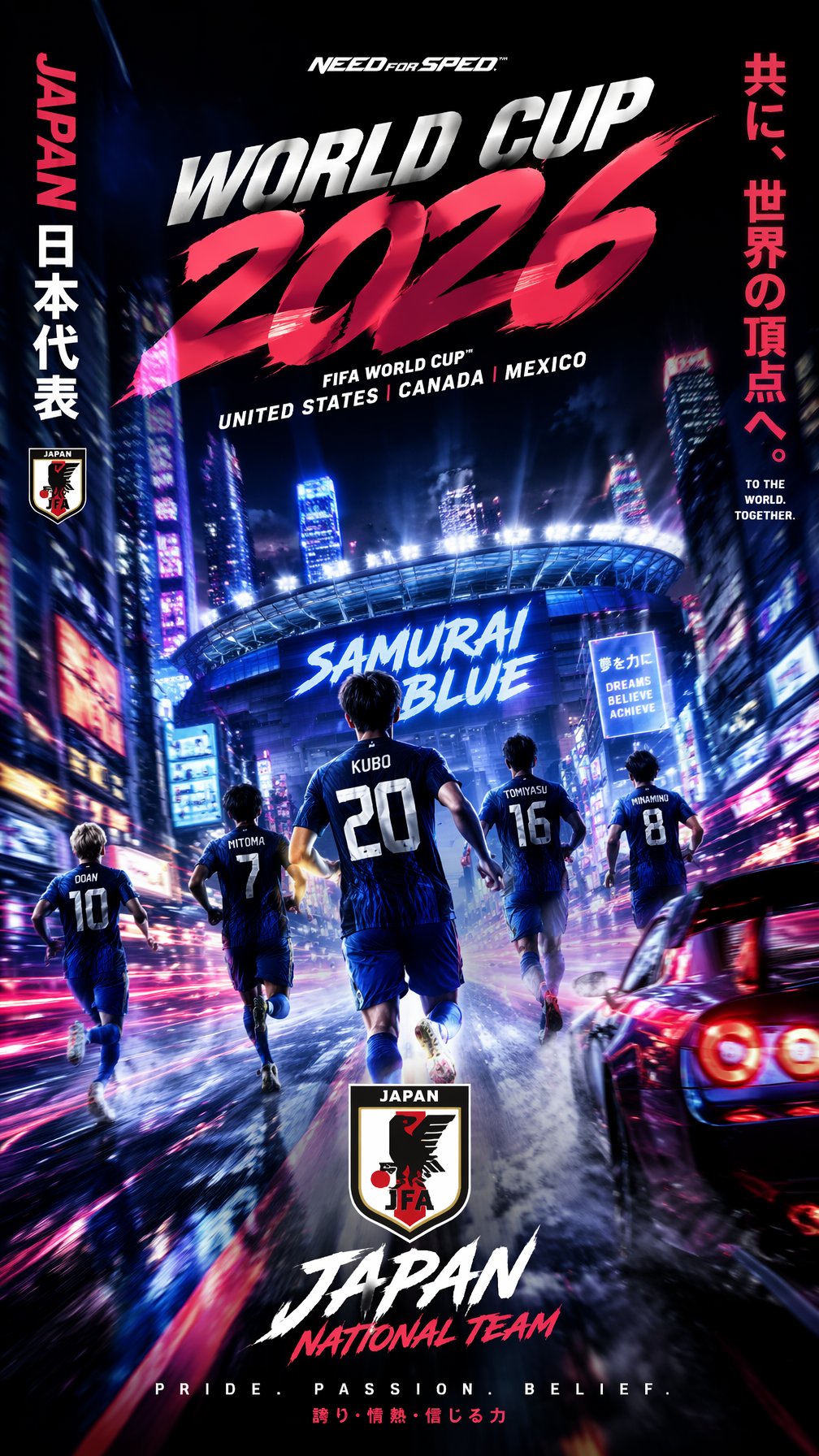
Japan Neon Speed City Racing Poster
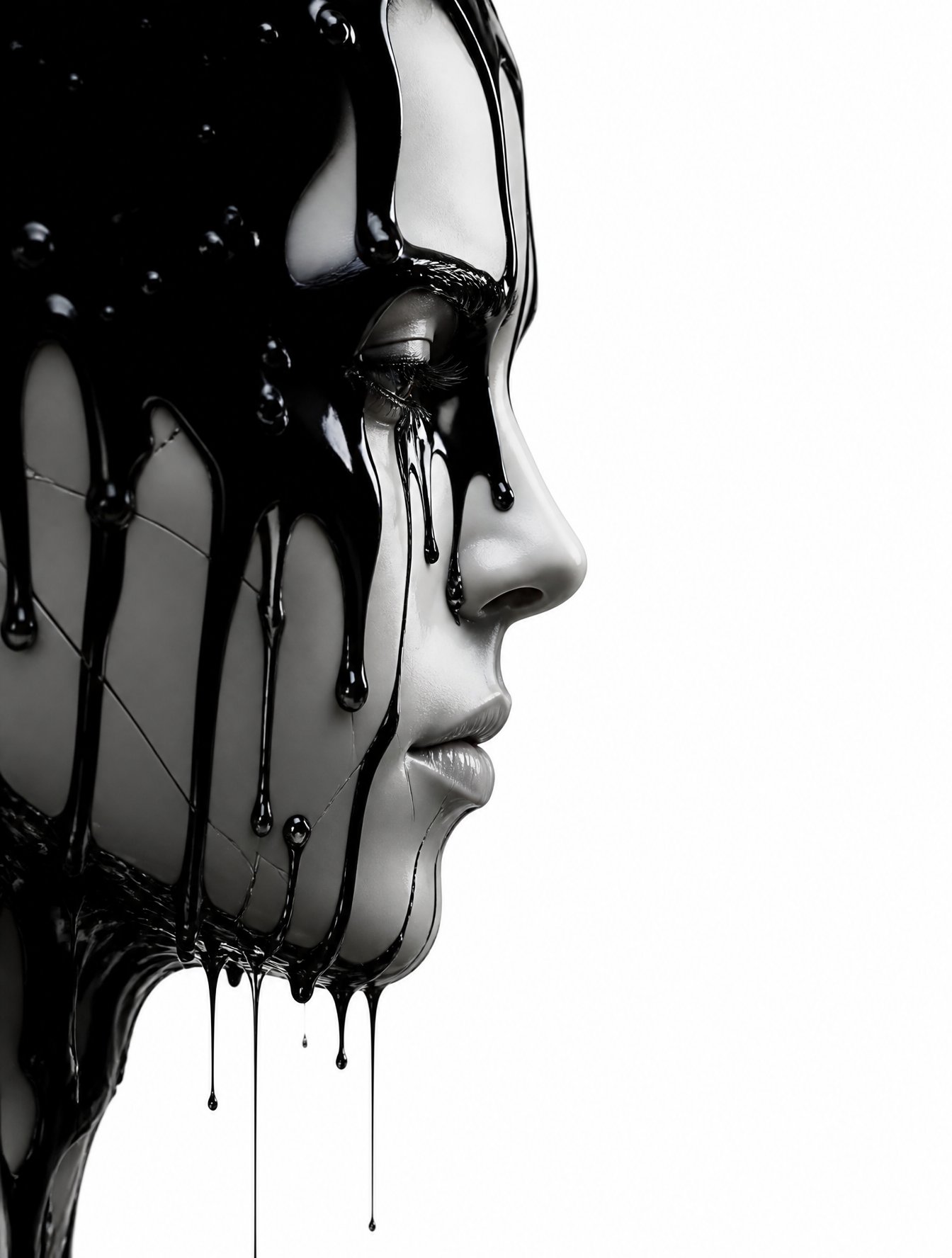
Black Liquid Cyberpunk Portrait Poster
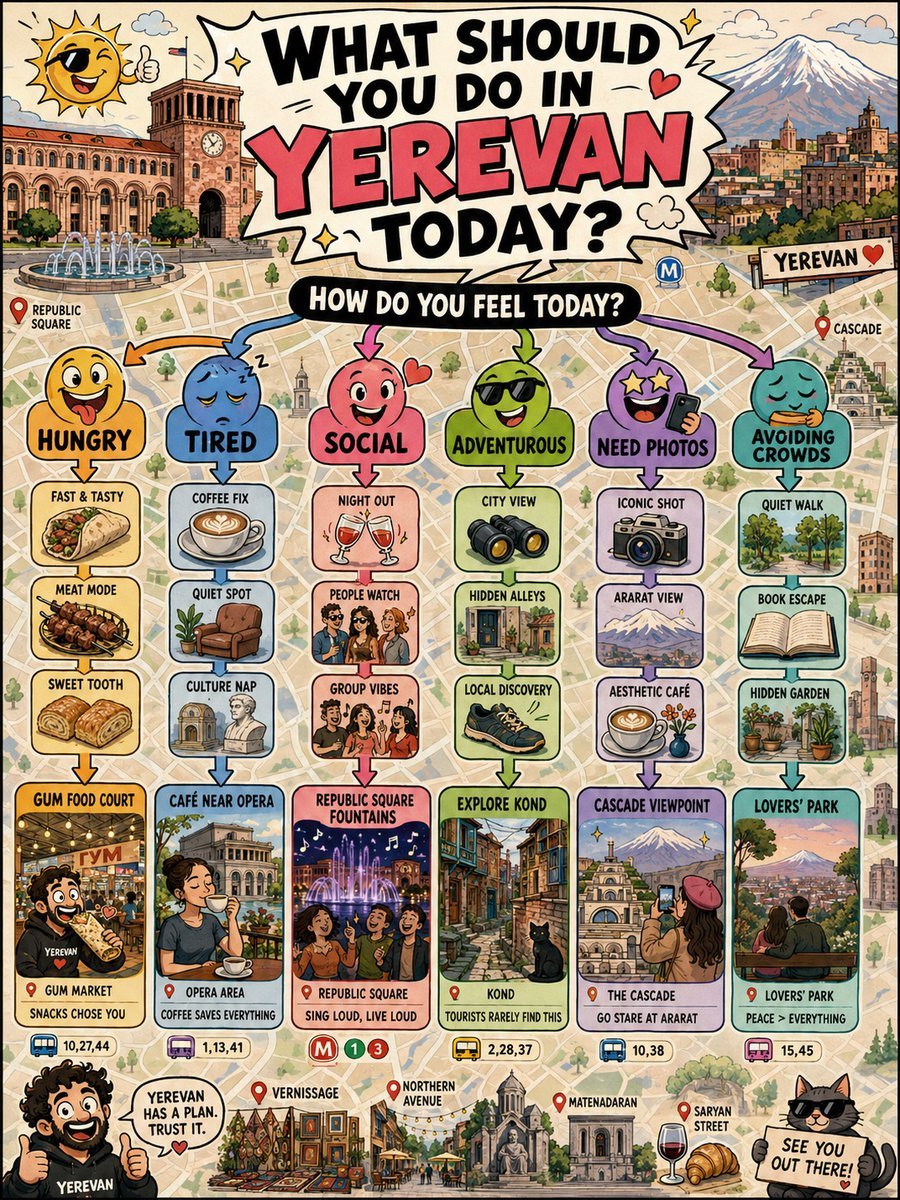
Interactive City Guide Poster

Japan Travel Brochure Poster
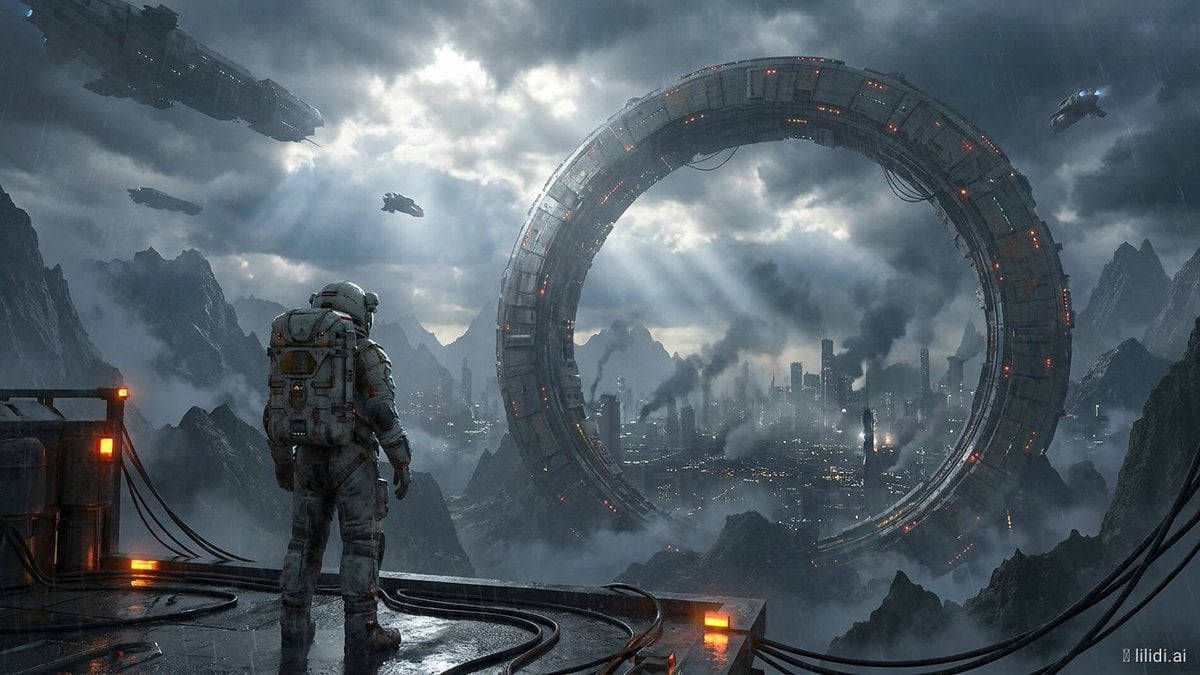
Futuristic Ring Megacity Concept Art

Cartoon TV Show Poster Pack

Trendy Cafe Drink Promo Poster

Urban Fashion Editorial Collage Streetwear Poster

Premium Fashion Editorial Cover Layout System

Polo Ralph Lauren Luxury American Heritage Fashion Campaign

Monochrome Halftone Editorial Fashion Poster

Retro Mirror Luxury Fashion Campaign Poster
Make it yours
Futuristic AI Era City Poster works as-is. These are the safest ways to change it without losing the look.
Change one field
Copy a single group, rewrite it, and generate again so you can see what that field is doing.
Keep the frame, change the subject
Hold the composition and light of Futuristic AI Era City Poster, then swap wardrobe, props or the person for a new take.
| If the result… | Why | Fix |
|---|---|---|
| The result drifts from the preview | Too many fields changed at once. | Reuse Futuristic AI Era City Poster as-is first, then change one group — subject, light, or setting. |
| The model over-stylizes the scene | The prose prompt leaves finish and camera underspecified. | Add one camera or lighting sentence and stay on GPT Image 2. |
More GPT Image 2 templates
Other prompts made for GPT Image 2.

Six VTuber Japanese Logo Sheet

Realistic Portrait of Woman and Deer

The Vista Modular Condo Poster

AI Model Routing Comparison Infographic

2.5D Anime Art Board

Isometric Productivity Desk Scene

New York Double Exposure Poster

Four-Panel AI Landscape Comparison

Japanese Tatami Lifestyle Magazine Cover

NESCAFÉ Coffee Map Poster
More image prompts
Fresh picks from across the catalog.

Character Generation Prompt (Step 1)
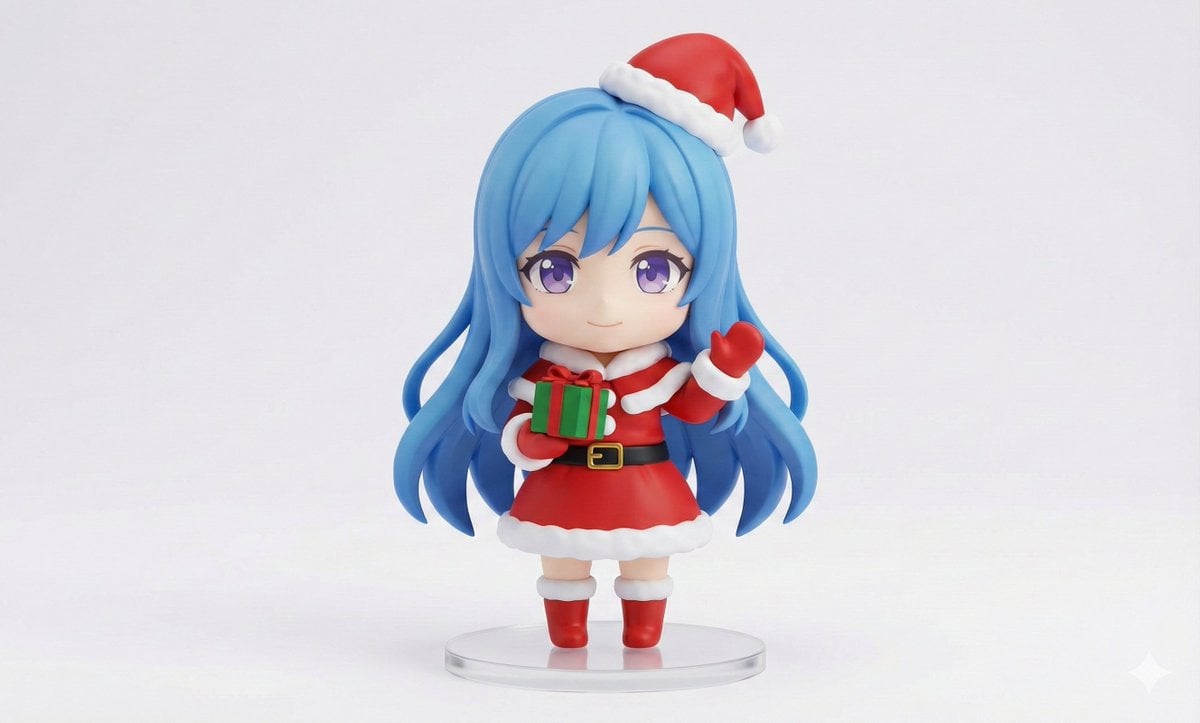
Chibi Santa Character Figure Generation Prompt
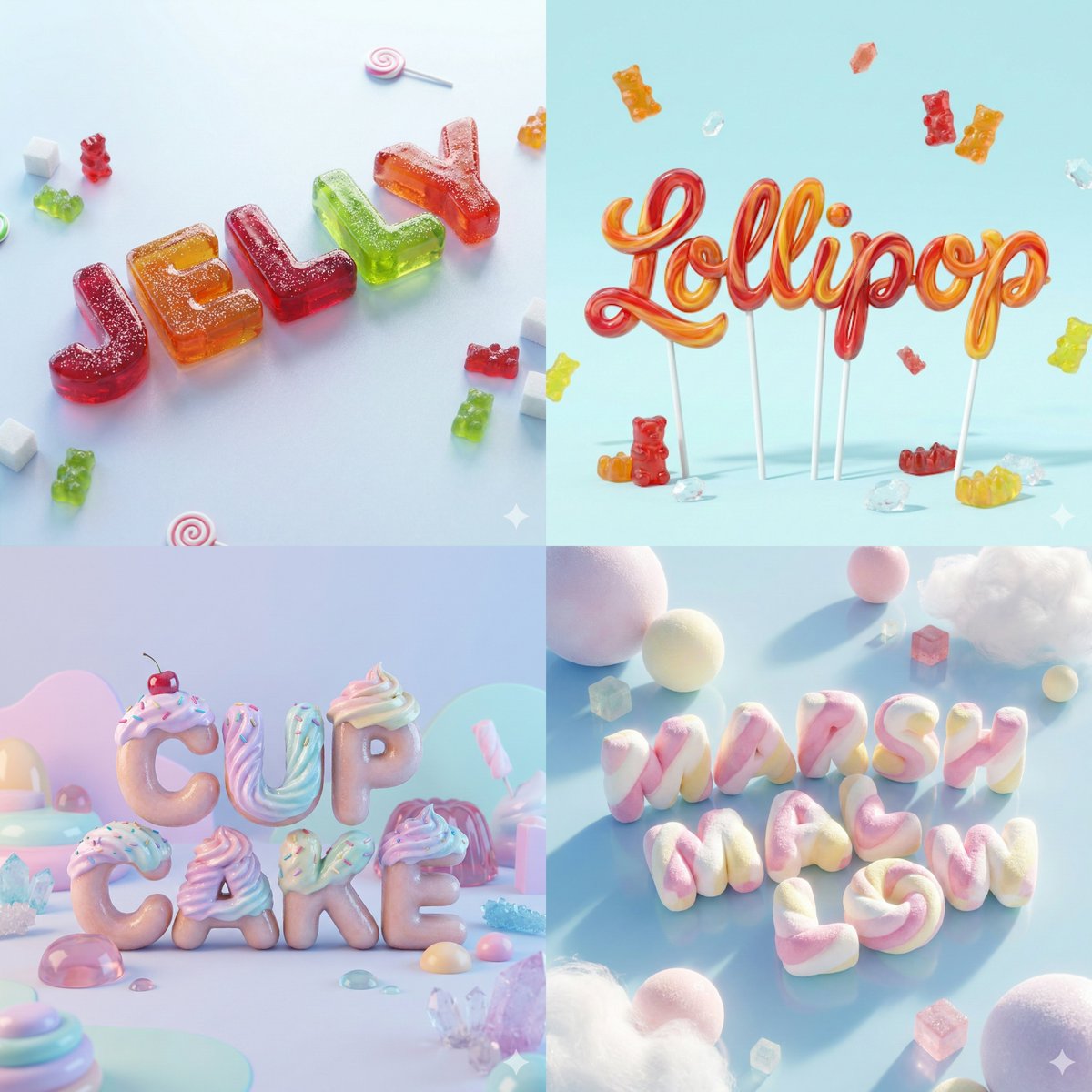
3D Render of Edible Letters Candy
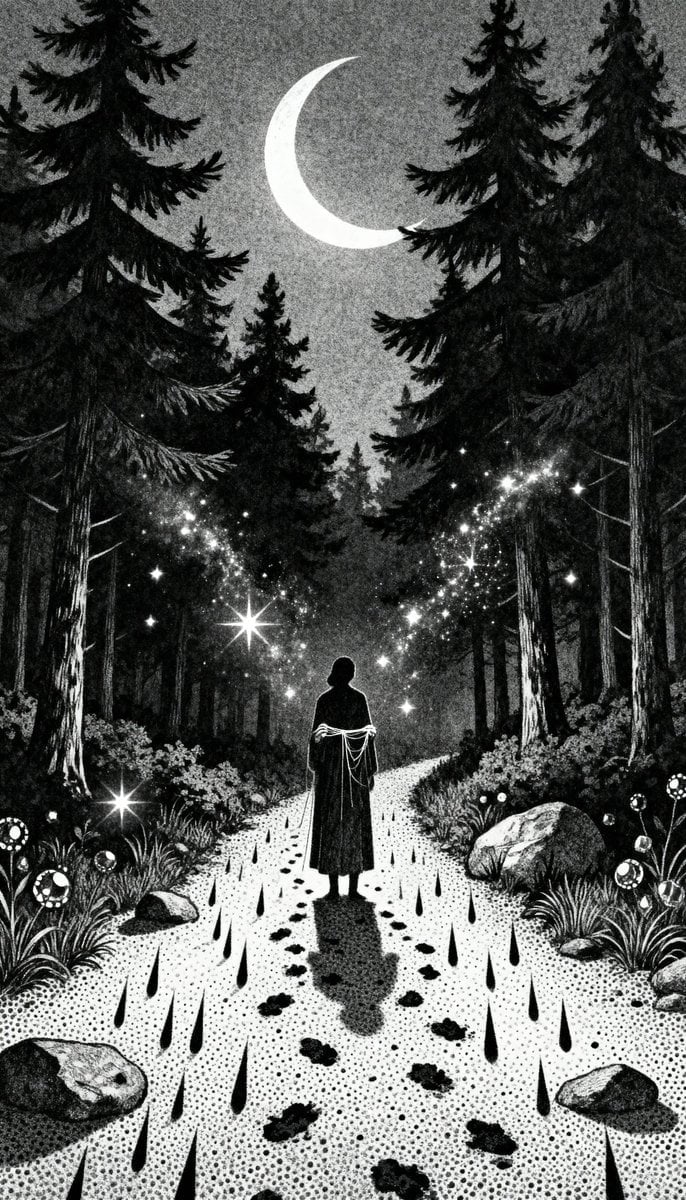
Gothic Stipple Art Poem Visualization
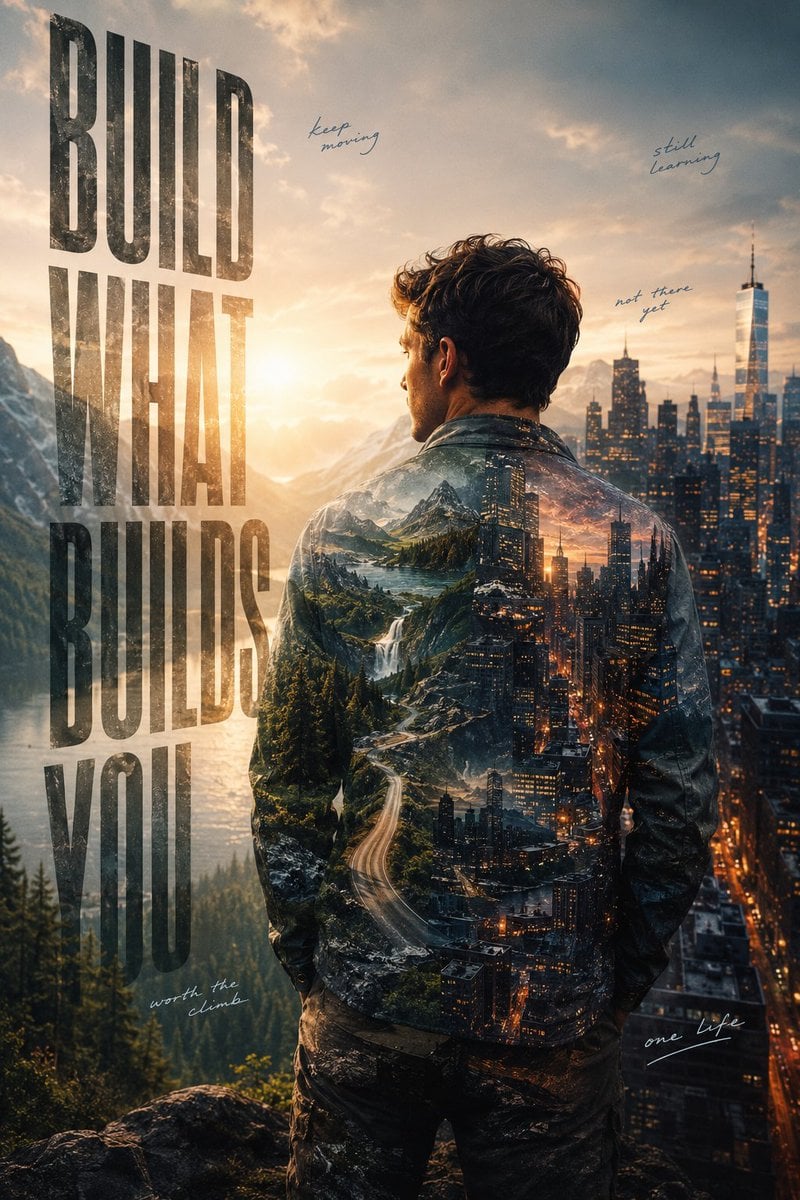
Ambition Visual Metaphor Poster

Gpt2 E Commerce Main Image Elegant Cosmetic Poster
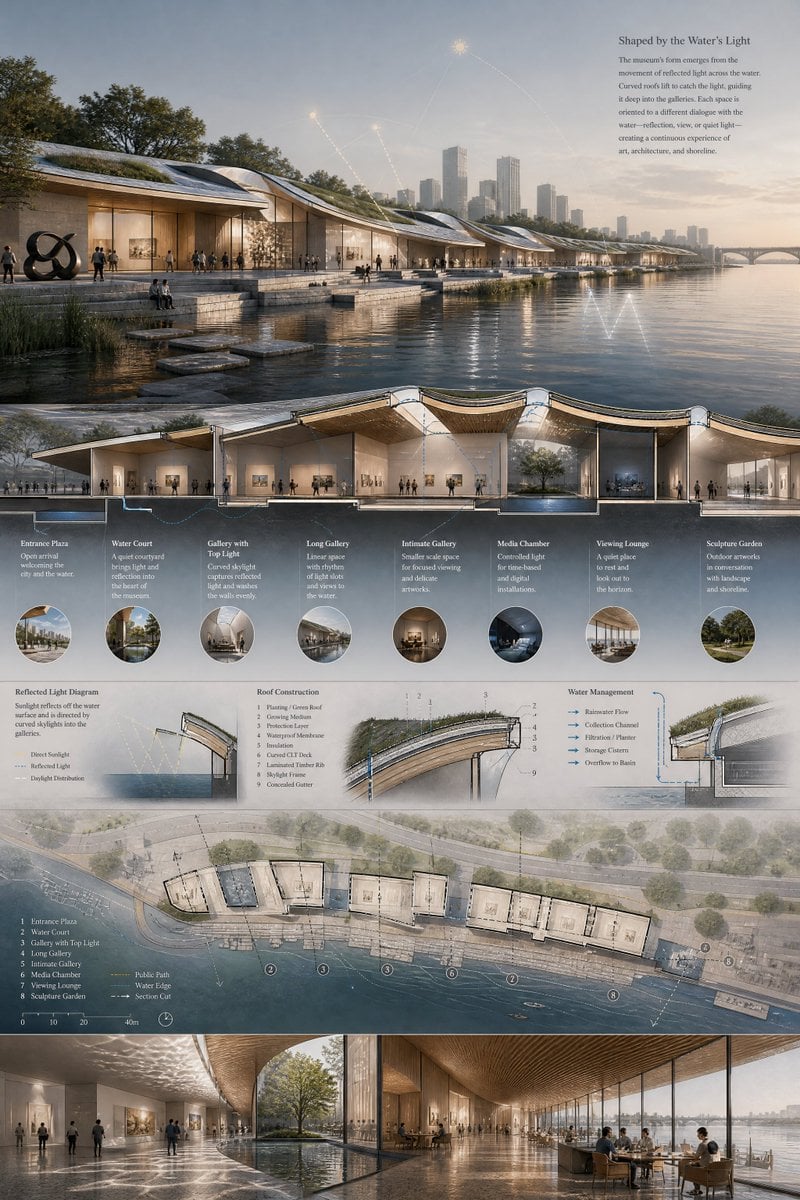
Waterfront Museum Architecture Board

Melancholic Cinematic Portrait Prompt for Nano Banana Pro
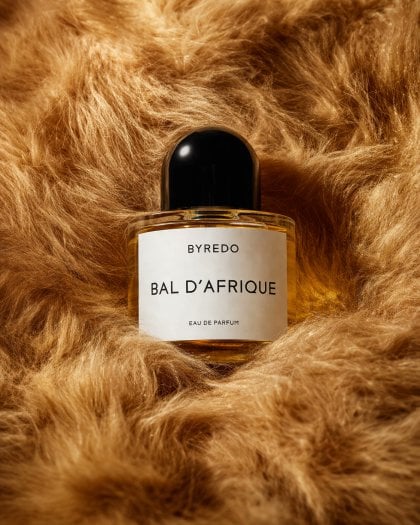
Editorial Perfume Bottle in Golden Fur
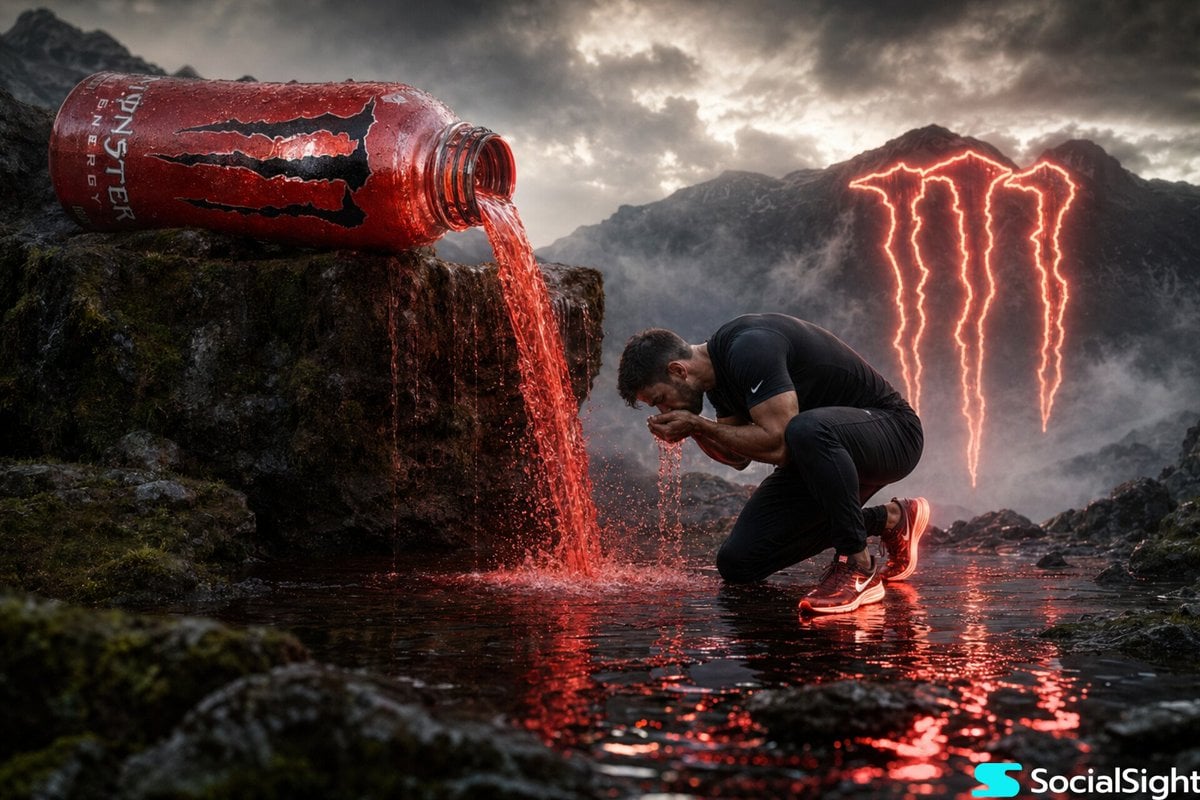
Cinematic Energy Drink Ad
Browse template categories
Futuristic AI Era City Poster questions
How do I use the Futuristic AI Era City Poster template?
Add your photo if the template asks for one, edit the prompt if you like — the template's model and format are already selected — and press Generate. Your version opens in PicX Studio.
Can I customize the Futuristic AI Era City Poster template?
Yes. You can change the subject, setting, lighting, mood, format, and available model controls before creating your image.
Is the Futuristic AI Era City Poster template free?
Opening and editing this template is free. Generating uses credits, shown on the Generate button when you are signed in.
Which AI model should I use?
Start with GPT Image 2, which is the model associated with this template. You can compare another compatible model for a different finish.
Looking for something else? Browse all templates.

Your photo, any look
Thousands of ready templates for every top image and video model, from one credit balance.