
Horror Wraith Character Sheet
Creates a realistic four-view horror creature turnaround sheet for film, game, or video concept development.
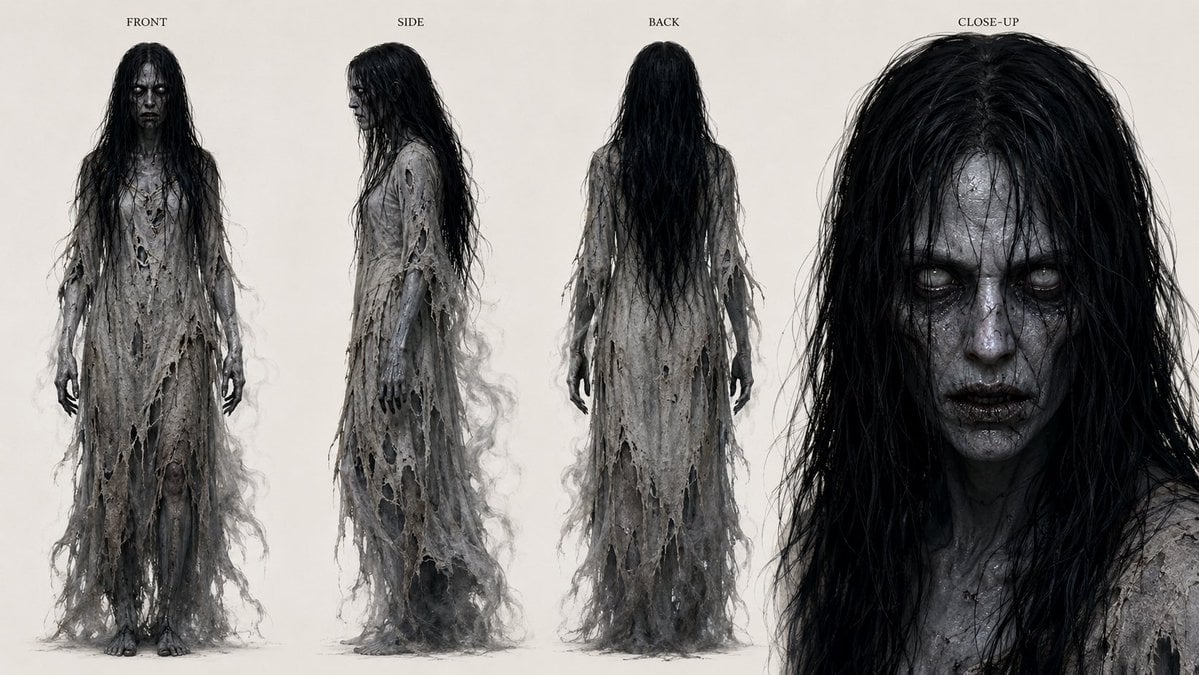
- Prompt included
- Model and format preset
- Free template
The prompt behind this image
Copy the exact prompt behind Horror Wraith Character Sheet, or open it in the studio and make it yours.
Goal: Create a horror character concept sheet for a ghostly female creature named {argument name="character name" default="unnamed wraith"}, designed for film or game production. Canvas: Wide horizontal character turnaround sheet on an off-white studio background, realistic dark fantasy concept art, high-detail texture study, evenly lit with soft shadows and no environment. Layout: Show exactly 4 labeled views arranged left to right: 1) FRONT full-body view, 2) SIDE full-body profile view, 3) BACK full-body view, 4) CLOSE-UP portrait view occupying the right third of the canvas. Place small uppercase serif labels above each view: “FRONT”, “SIDE”, “BACK”, and “CLOSE-UP”. Subject details: The character is a tall, emaciated, corpse-like female apparition with very long tangled {argument name="hair color" default="wet black hair"} falling past the chest and down the back. Her skin is gray, deathly, and dirty, with thin blackened hands and bare feet. She wears a floor-length shredded {argument name="garment color" default="ash-gray"} burial gown made of rotting gauze, torn lace, and ragged strips, full of holes, frayed edges, dangling fibers, grime, stains, and smoky wisps. The silhouette should feel fragile, decayed, damp, and supernatural. Face treatment: Obscure the face in every visible view with a plain dark rectangular censor block, creating an anonymous unsettling look. The close-up should show the head, hair, neck, and shoulders in extreme detail, with a large dark rectangle covering the face. Visual style: Photorealistic cinematic creature-design sheet, monochrome gray-black palette, high-resolution fabric decay, wet hair strands, fine scratchy linework, subtle misty edges around the torn gown, eerie but clean production-art presentation. Constraints: Include exactly 4 views and exactly 4 labels. Keep the background blank and neutral. Do not add extra props, weapons, scenery, logos, watermark, or additional text.
How to use Horror Wraith Character Sheet in 3 steps
- 1Upload ImagePNG, JPG or paste
Add your photo
Upload the photo the template builds on. The prompt, model and format are already set.
- 2…a portrait of your subject in softgolden-hour light, 85mm…
Personalize
Edit the subject and creative details for your destination.
- 3Generate
Generate
Press Generate — your image is created in PicX Studio, so you can compare it with the original and refine one variable at a time.
More like this
Templates with the same subject, style or setup. Open one to see its prompt.
Dancer Character - Four View Reference Sheet
Movement Sheet - Dance Reference (Seedance 2.0)
Seedance 2.0 - Zombie Girl Escapes
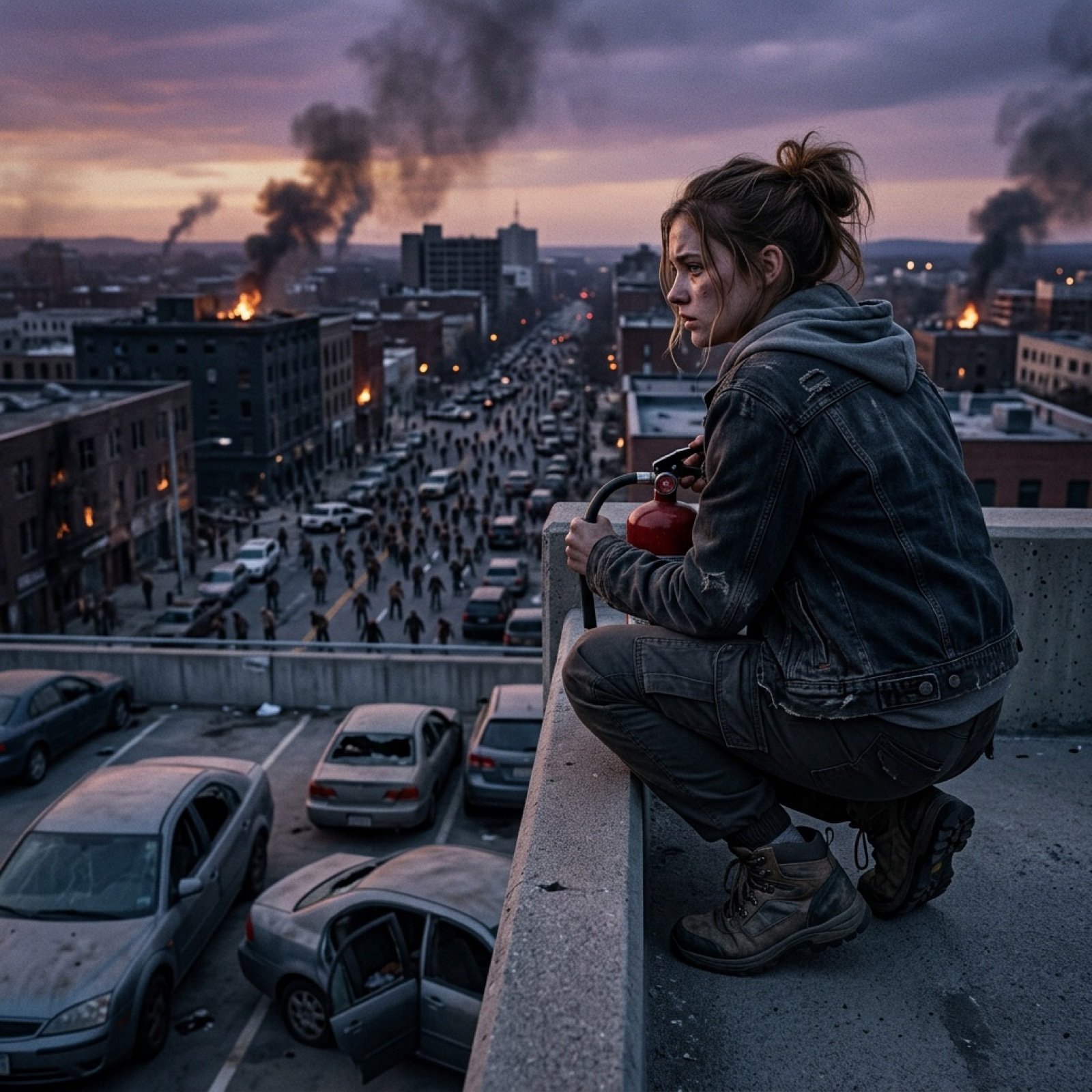
Seedance 2.0 - Zombie Girl Escapes
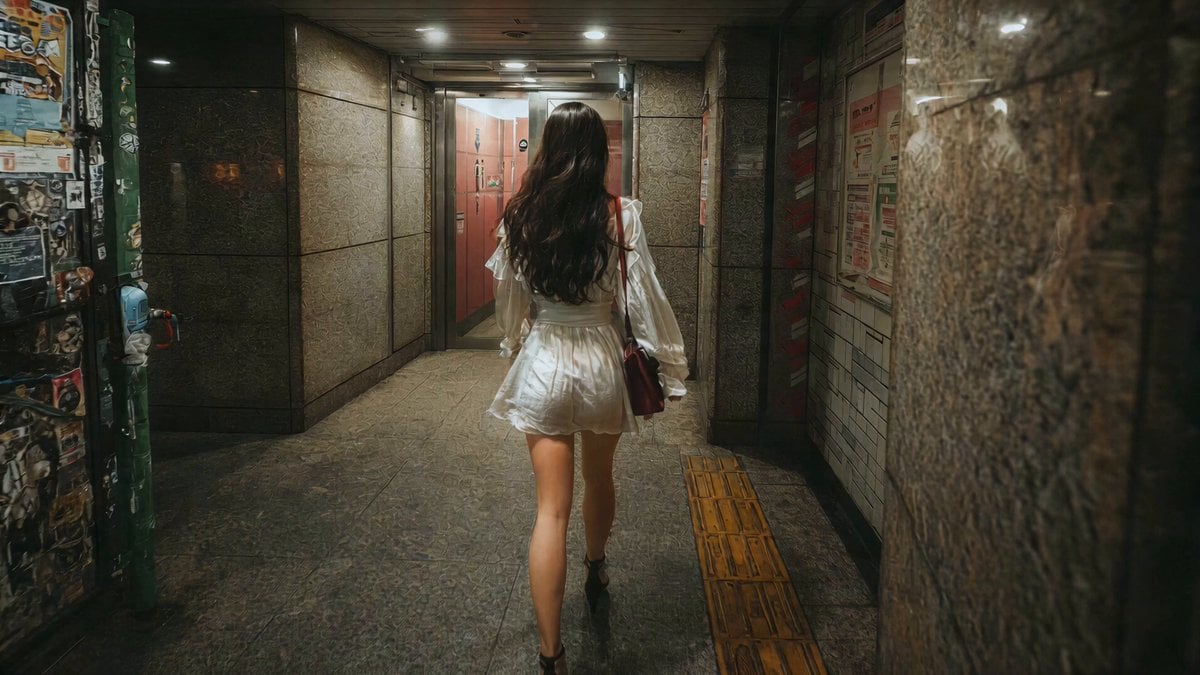
J-Horror Shibuya Station - Seedance 2.0
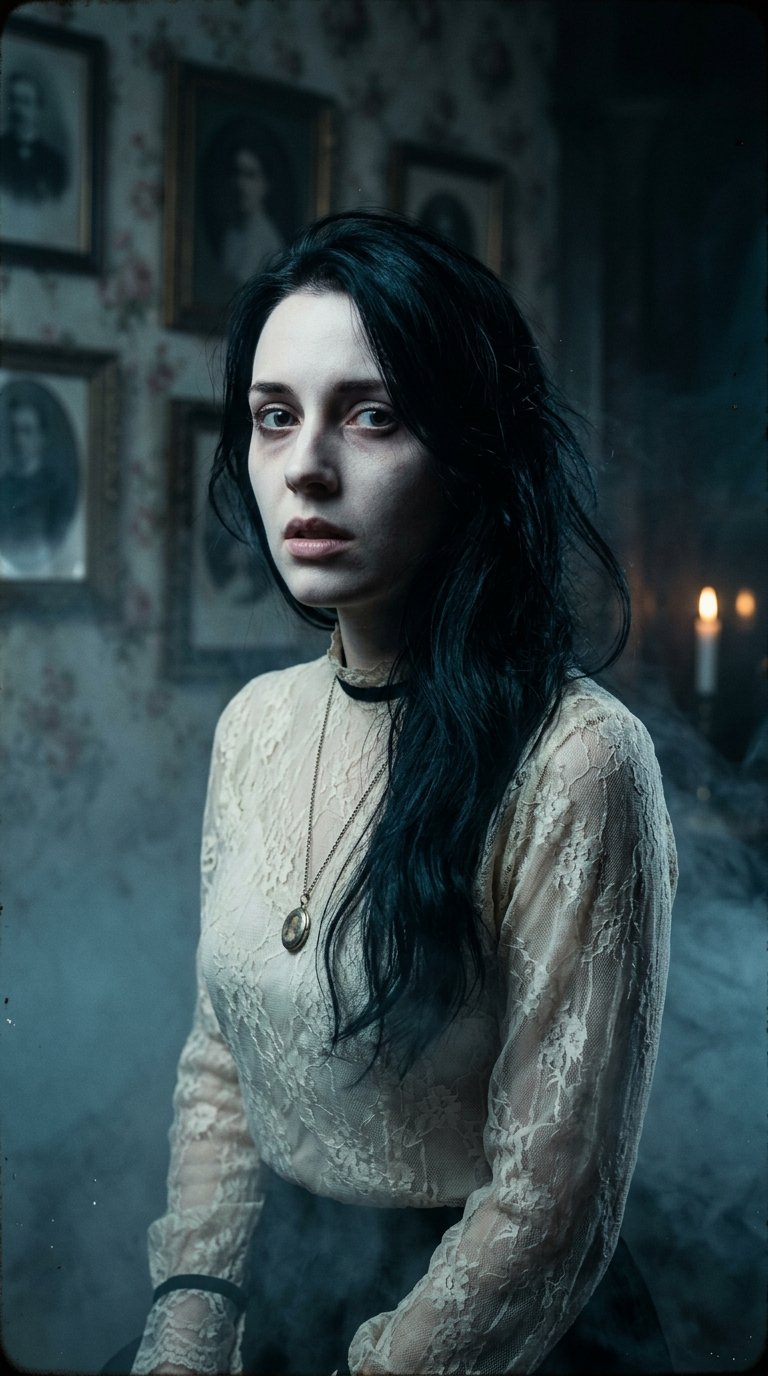
Horror Cinematic Portrait
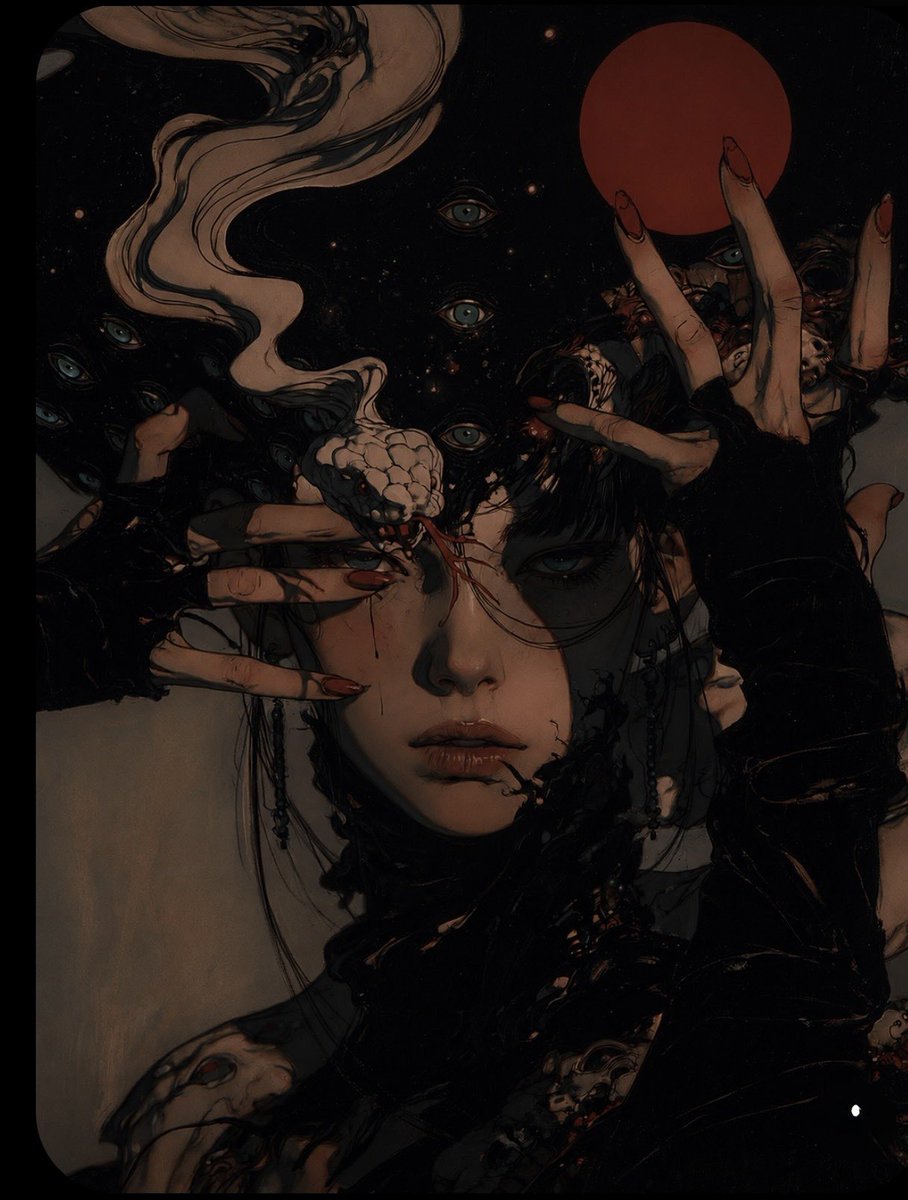
Surreal Gothic Horror Portrait

Six VTuber Japanese Logo Sheet
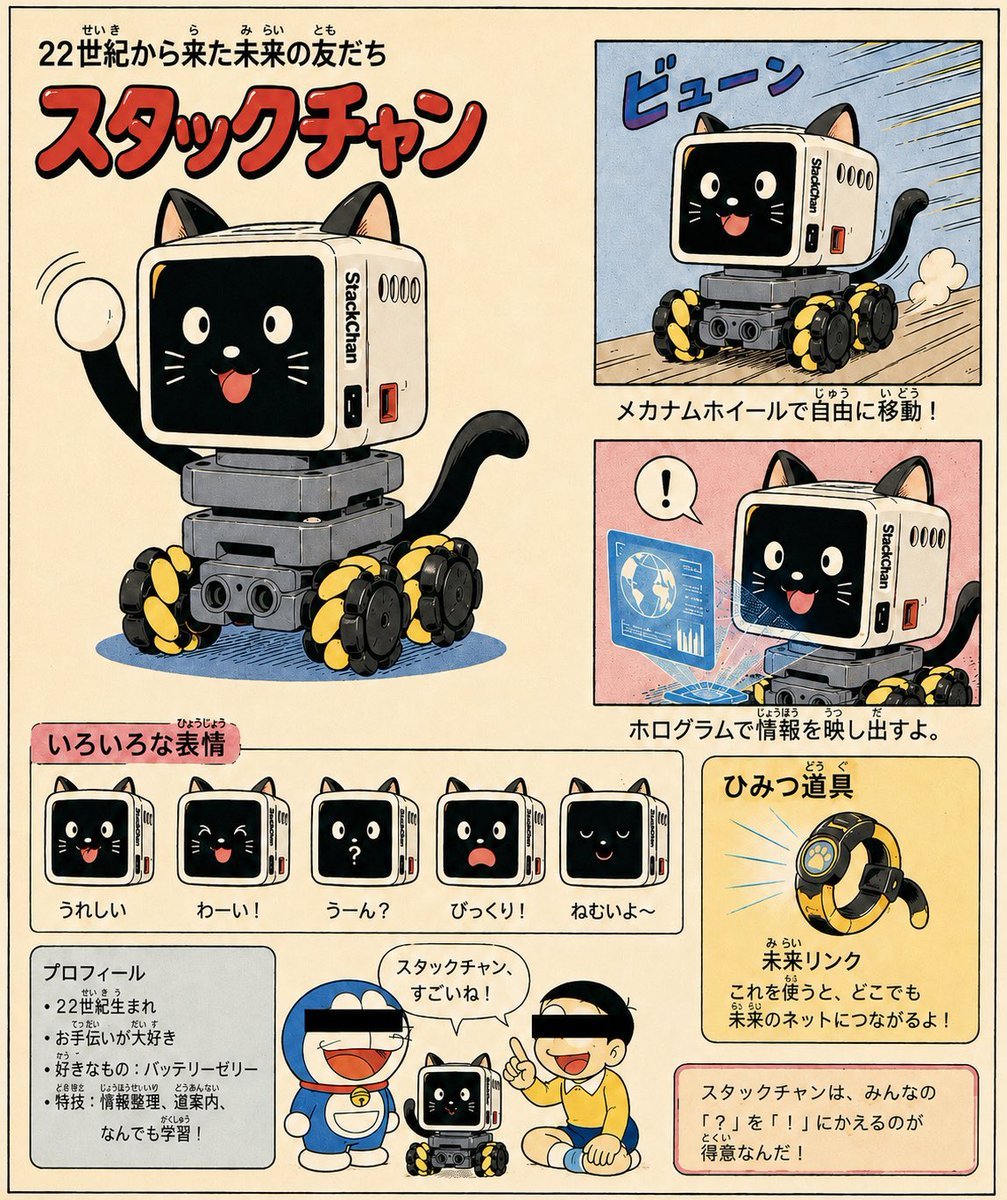
Retro Manga StackChan Concept Sheet
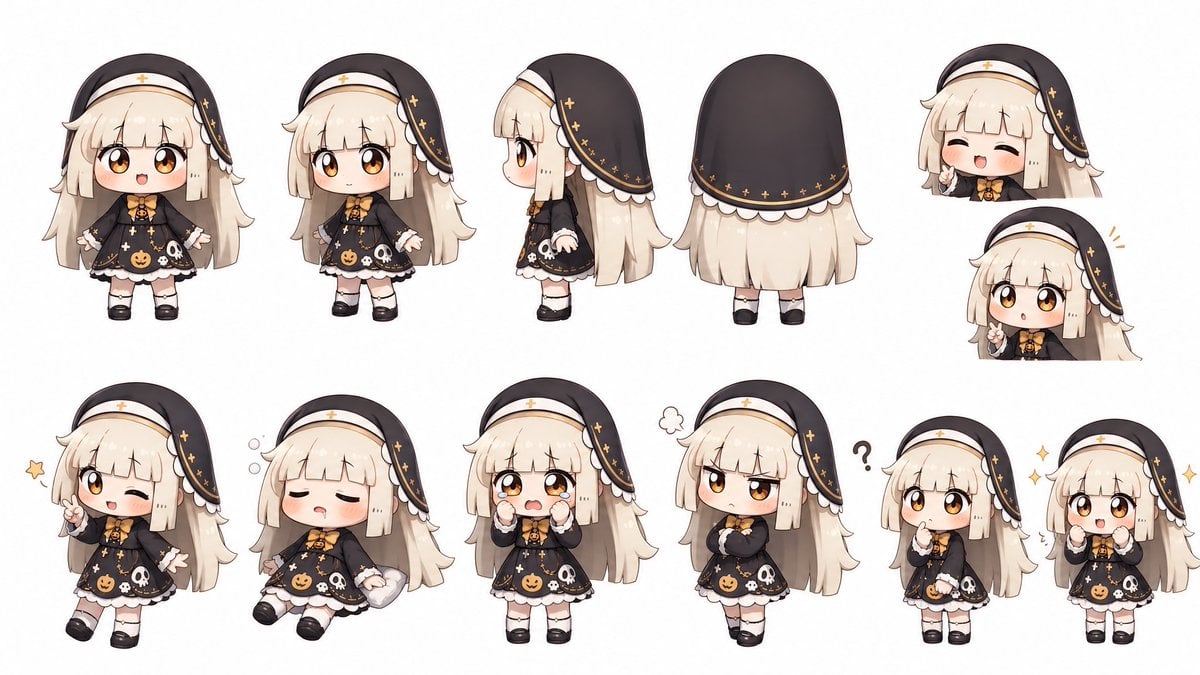
Halloween Nun Chibi Character Sheet
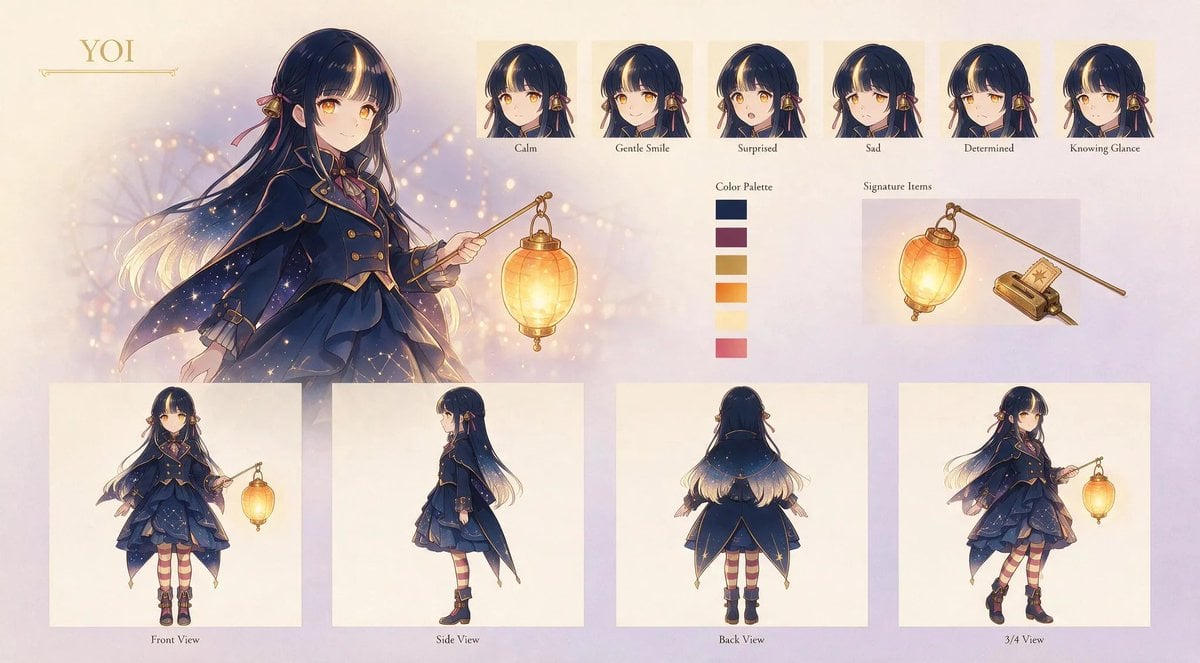
Anime Lantern Girl Character Sheet
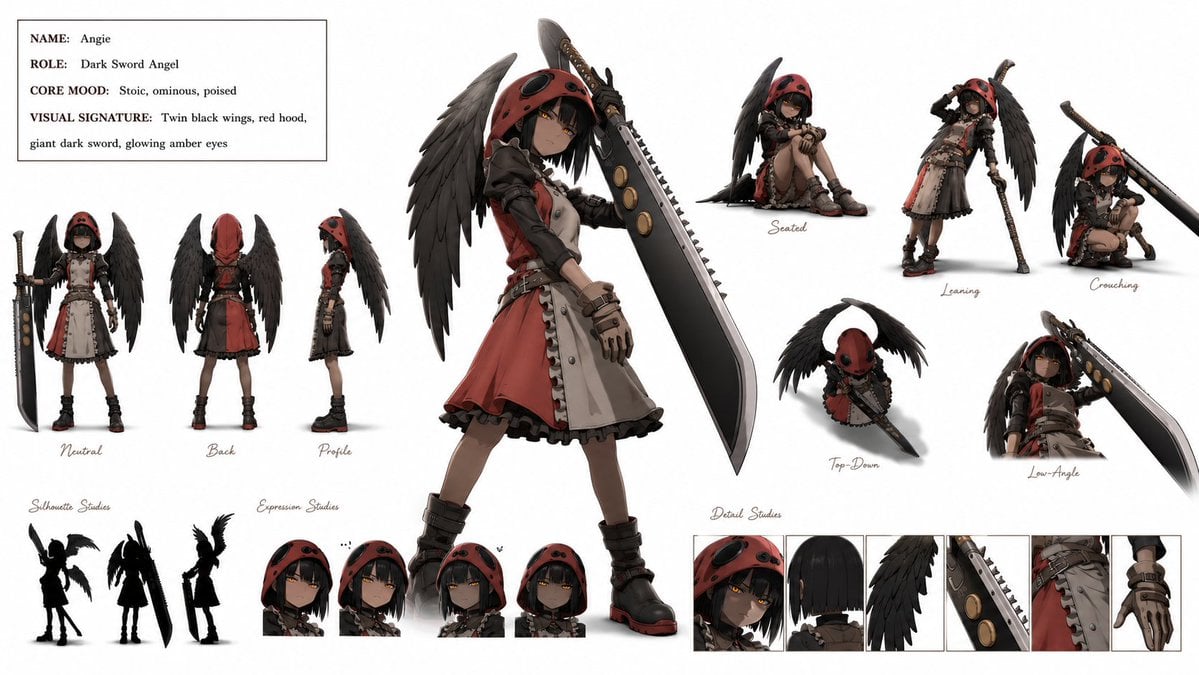
Dark Sword Angel Character Sheet
Make it yours
Horror Wraith Character Sheet works as-is. These are the safest ways to change it without losing the look.
Change one field
Copy a single group, rewrite it, and generate again so you can see what that field is doing.
Keep the frame, change the subject
Hold the composition and light of Horror Wraith Character Sheet, then swap wardrobe, props or the person for a new take.
| If the result… | Why | Fix |
|---|---|---|
| The result drifts from the preview | Too many fields changed at once. | Reuse Horror Wraith Character Sheet as-is first, then change one group — subject, light, or setting. |
| The model over-stylizes the scene | The prose prompt leaves finish and camera underspecified. | Add one camera or lighting sentence and stay on GPT Image 2. |
More GPT Image 2 templates
Other prompts made for GPT Image 2.

Realistic Portrait of Woman and Deer

The Vista Modular Condo Poster

AI Model Routing Comparison Infographic

2.5D Anime Art Board

Isometric Productivity Desk Scene

New York Double Exposure Poster

Four-Panel AI Landscape Comparison

Japanese Tatami Lifestyle Magazine Cover

NESCAFÉ Coffee Map Poster

Brutalist Cogito Chinese Typography Poster
More image prompts
Fresh picks from across the catalog.
Vintage Polaroid Photo Collection Prompt
Self-Introduction Sheet Generation Prompt for Nano Banana Pro
Kneeling Blue Armored Knight
Submerged Intimate Portrait
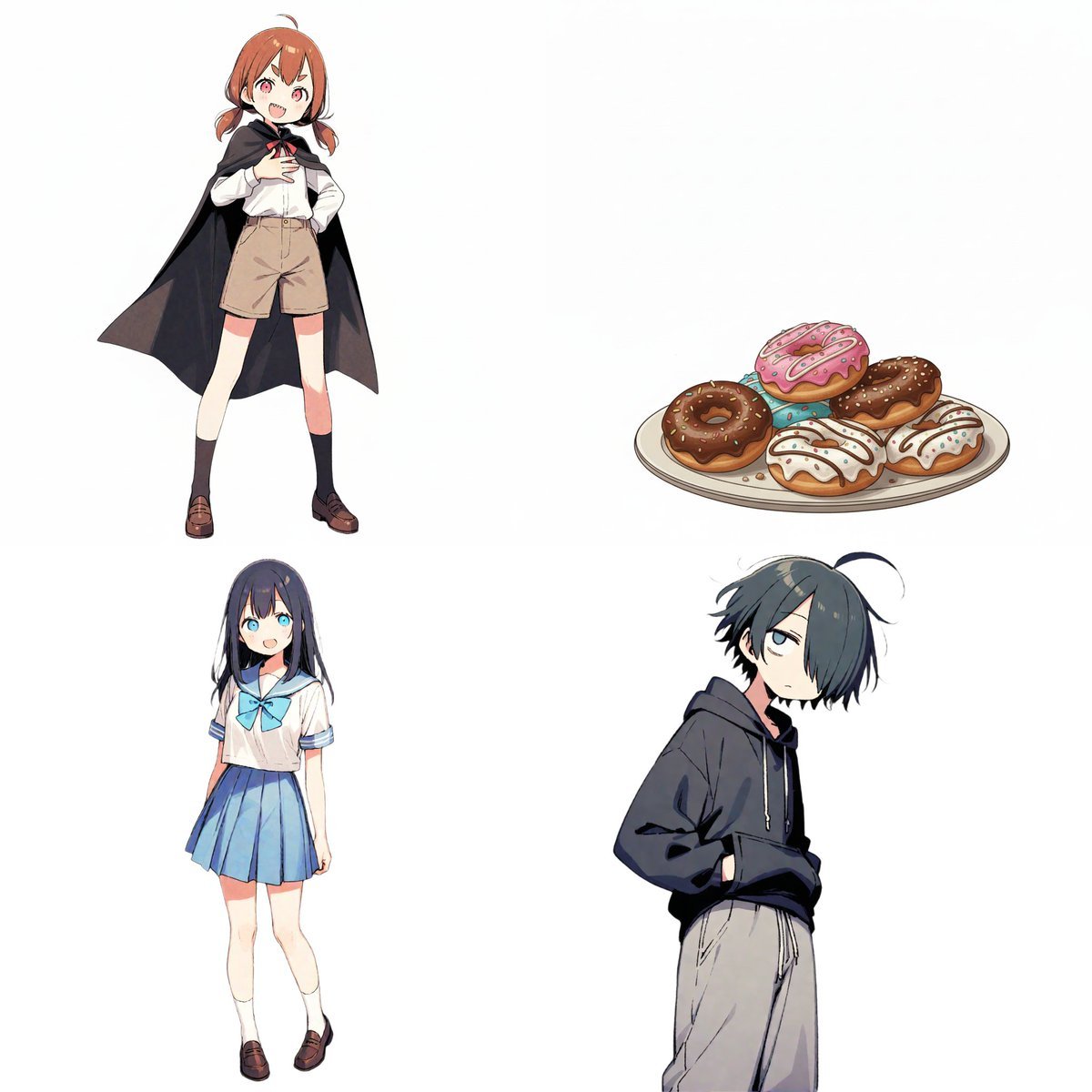
Character Relationship Chart Infographic
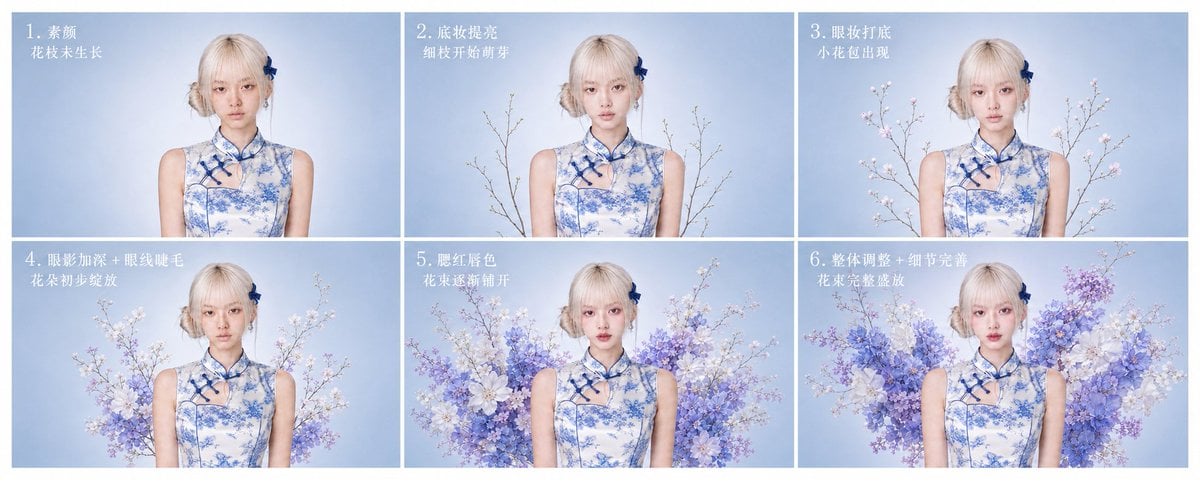
提示词:👇 生成一张 6 步流程图,主题为「旗袍花卉妆造生成过程」。每个小图保持 16:9,排版干
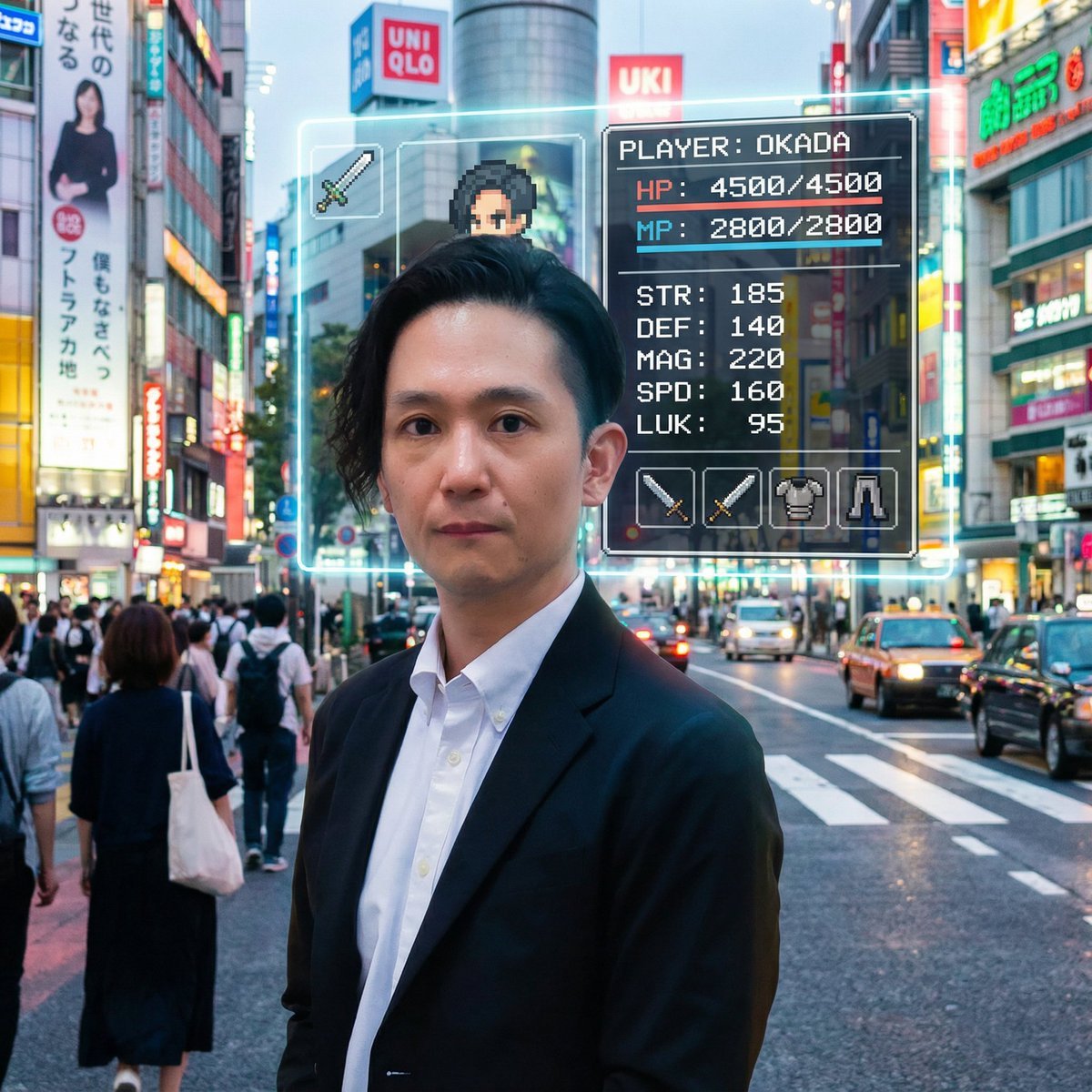
RPG Status Screen Overlay
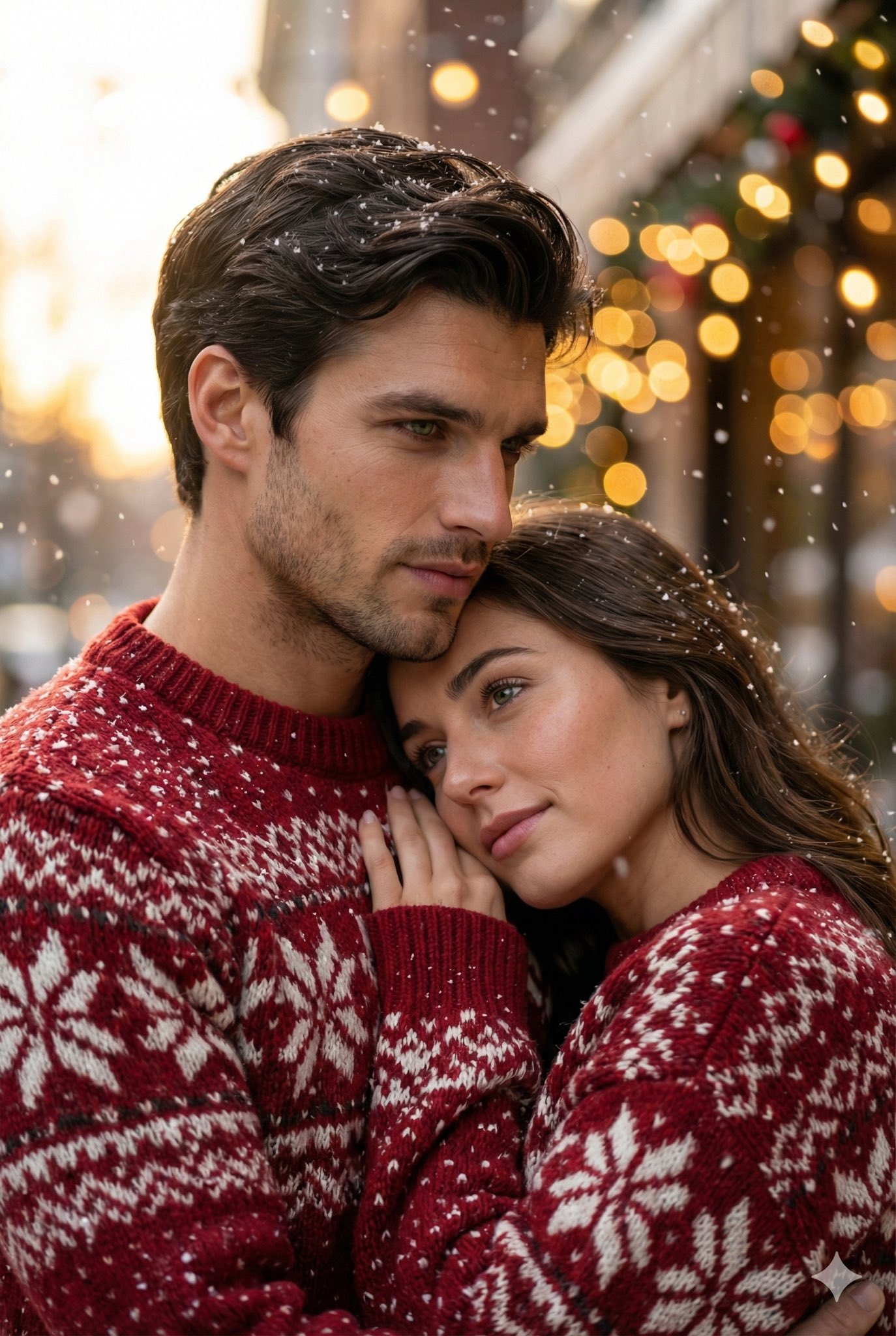
A Snowy Couple Portrait
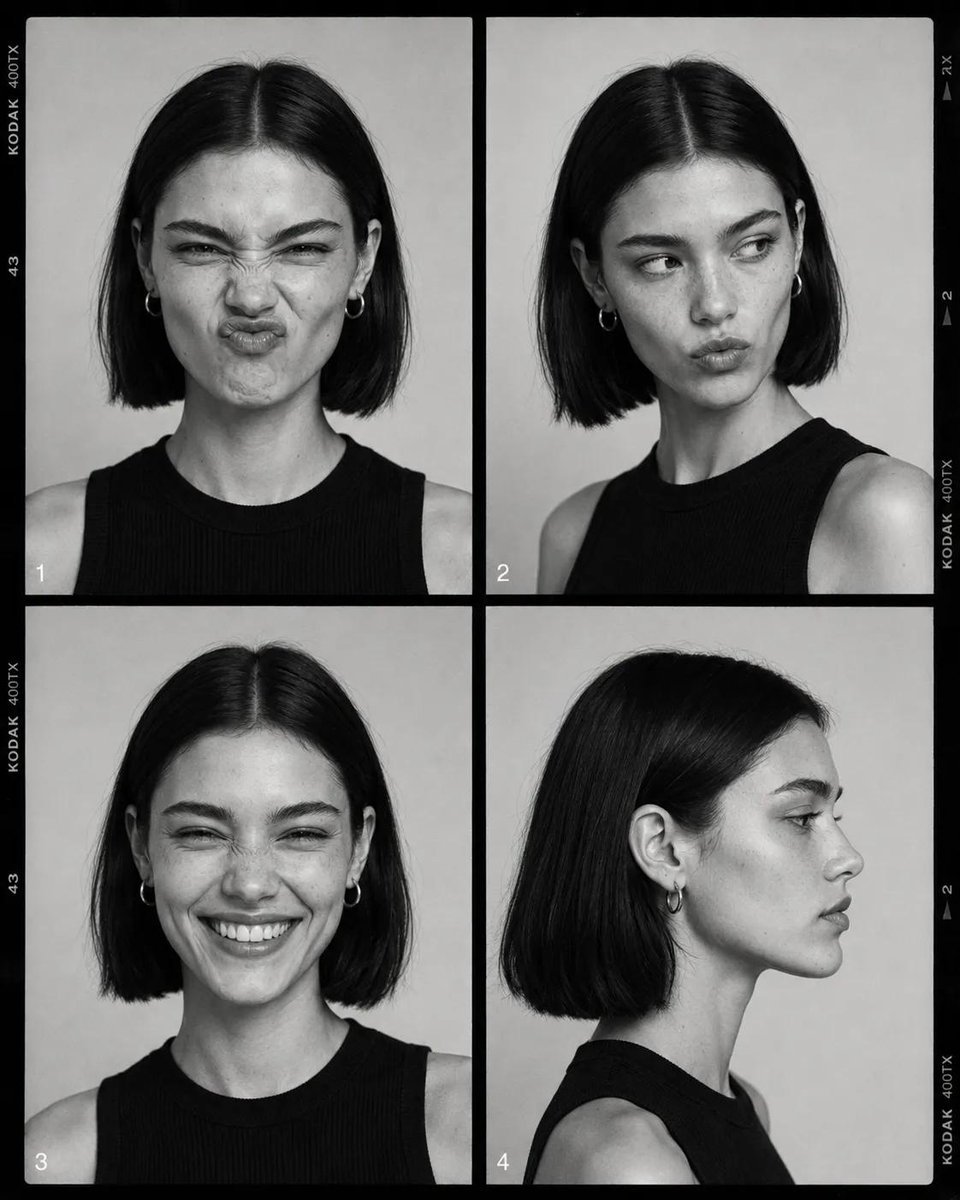
Monochrome Fashion Contact Sheet
Gpt2 Social Media Post Cloud Shape Doodle Generation
Browse template categories
Horror Wraith Character Sheet questions
How do I use the Horror Wraith Character Sheet template?
Add your photo if the template asks for one, edit the prompt if you like — the template's model and format are already selected — and press Generate. Your version opens in PicX Studio.
Can I customize the Horror Wraith Character Sheet template?
Yes. You can change the subject, setting, lighting, mood, format, and available model controls before creating your image.
Is the Horror Wraith Character Sheet template free?
Opening and editing this template is free. Generating uses credits, shown on the Generate button when you are signed in.
Which AI model should I use?
Start with GPT Image 2, which is the model associated with this template. You can compare another compatible model for a different finish.
Looking for something else? Browse all templates.

Your photo, any look
Thousands of ready templates for every top image and video model, from one credit balance.