
Oriental Cyberpunk Character Setting Sheet
A comprehensive prompt for a character design sheet of a cyberpunk Erlang Shen, including multiple views, equipment breakdowns, and a professional game concept art layout.
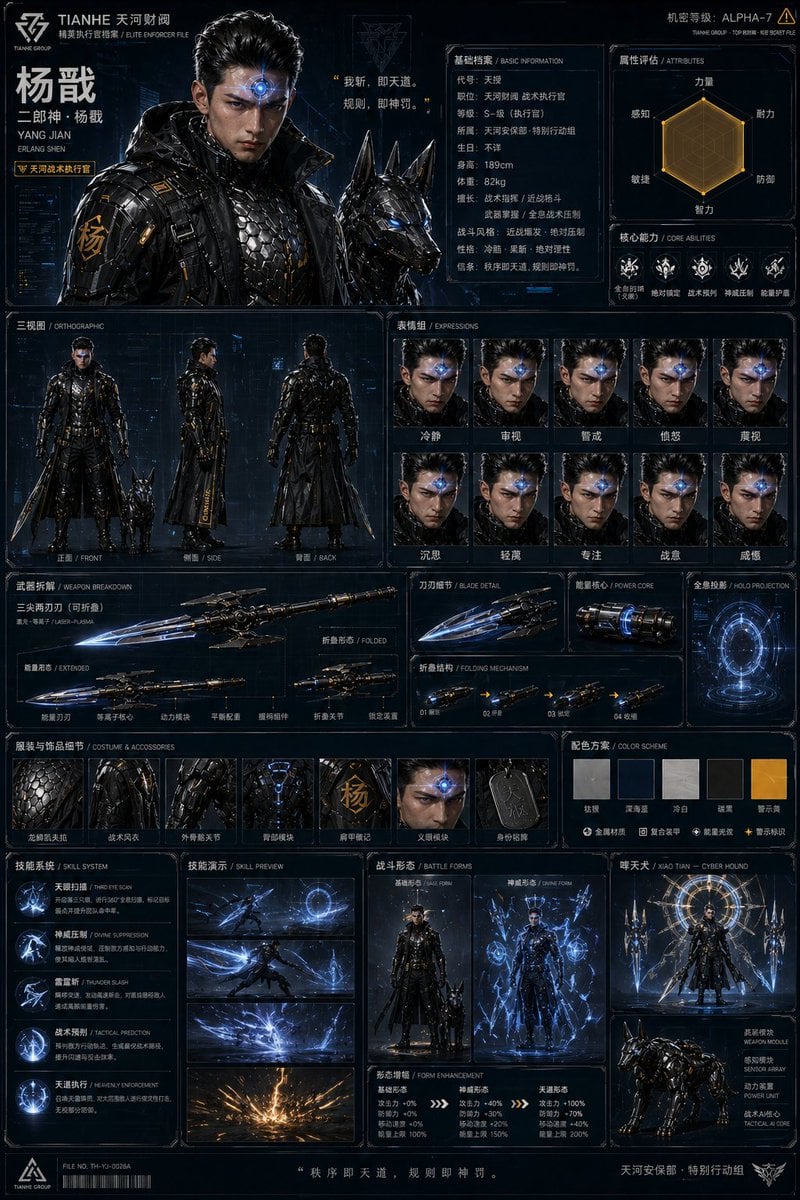
- Prompt included
- Model and format preset
- Free template
The prompt behind this image
Copy the exact prompt behind Oriental Cyberpunk Character Setting Sheet, or open it in the studio and make it yours.
高完成度的角色设定拆解图,A4竖版,东方赛博朋克风,国潮机能风,次世代3A科幻游戏角色设定集质感,写实数字绘画,霓虹电影级光影,冷酷、威严、硬核科幻感。主角为{argument name="神话人物" default="中国神话人物“二郎神杨戬”"}的全新原创形象,不是孙悟空,没有猴类特征,没有金箍棒。人物设定为财阀企业的高阶战术执行官,额头植入了散发幽蓝光芒的高精度全息扫描义眼(第三只眼),留着利落的战术背头。穿哑光黑高领防弹风衣、银色龙鳞凯夫拉防弹衣、军用级外骨骼,身旁伴随一只全副武装的赛博机械警犬(哮天犬)。手持可折叠的激光三尖两刃刀,带有绝对压制与冷酷执法的气质。主色调为钛合金银、战术深蓝、冷白、警示黄。 页面包含:主视觉半身像、角色名标题、基础档案、属性雷达图、正面/侧面/背面三视图、表情组、武器拆解、服装与饰品细节、配色方案、设计亮点说明。整体排版像高端科幻游戏设定手册,全息HUD界面风格,模块清晰,边框统一,少量中文标签,文字干净,不乱码。材质真实,哑光复合装甲、凯夫拉纤维、光学镜片、幽蓝全息投影细节丰富,整体像顶级东方赛博动作游戏的人物设定页。
How to use Oriental Cyberpunk Character Setting Sheet in 3 steps
- 1
Open
The prompt is already in the box next to the preview, with the template's model and format selected.
- 2…a portrait of your subject in softgolden-hour light, 85mm…
Personalize
Edit the subject and creative details for your destination.
- 3Generate
Generate
Press Generate — your image is created in PicX Studio, so you can compare it with the original and refine one variable at a time.
More like this
Templates with the same subject, style or setup. Open one to see its prompt.
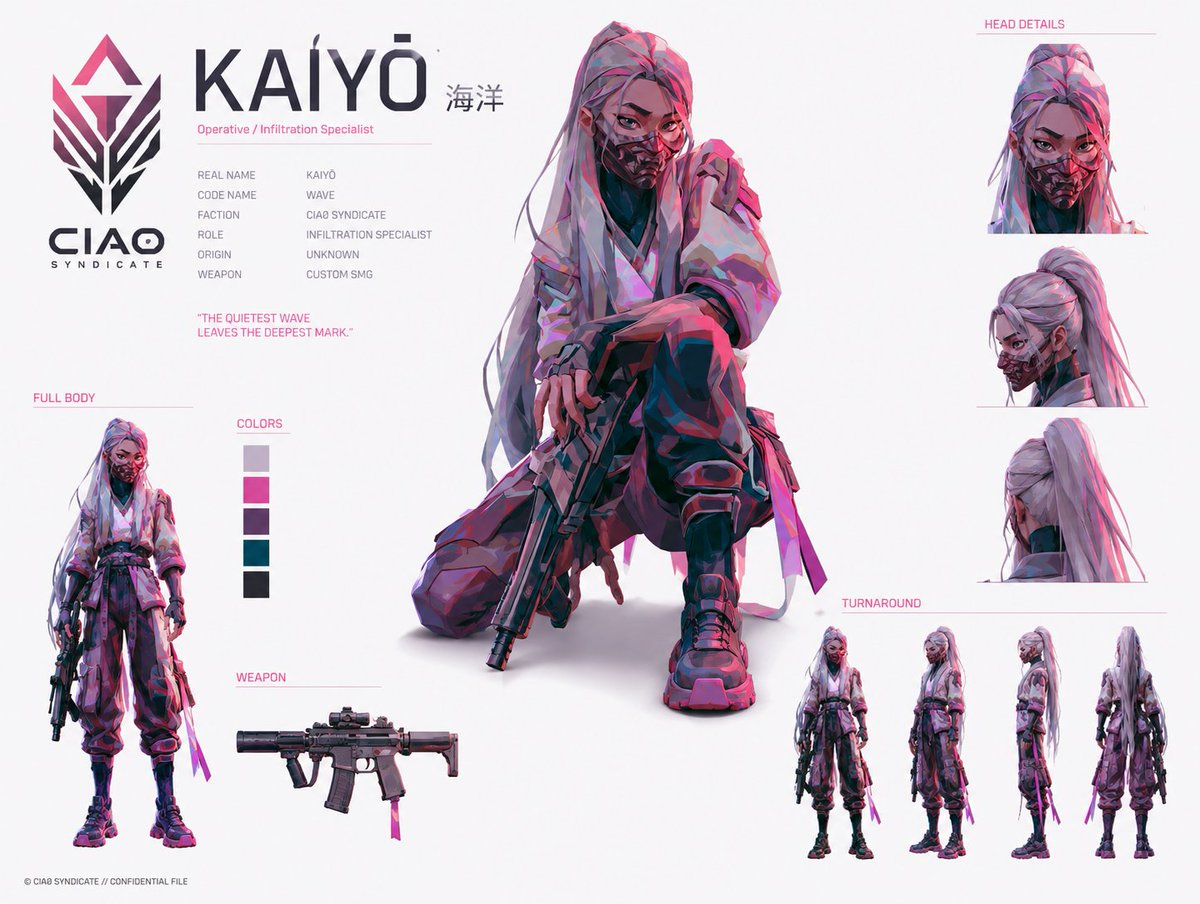
Cyberpunk Operative Character Sheet
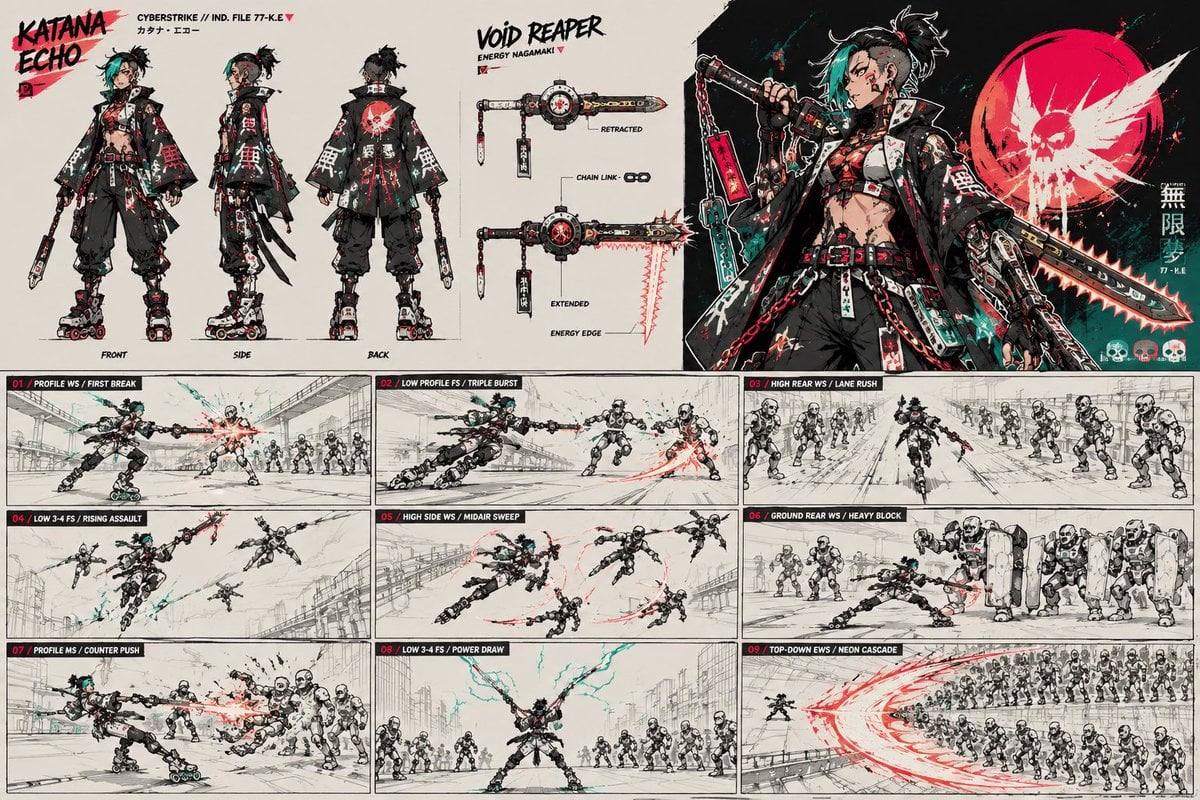
Cyberpunk Samurai Character Sheet

Rainy Night Android Cyberpunk Portrait

Korean Idol Partial Shadow Editorial Portrait

Cinematic Sci-Fi Interface Side Profile

Cyberpunk Neon Profile Fashion Portrait

Cinematic Neon Light Strip Studio Portrait

Futuristic Studio Neon Ring Minimalist Portrait

Neon Violet Streetwear Fashion Portrait

Neon Night Crosswalk Candid Portrait

Red Futuristic Sport Motorcycle POV
Rainy Night Android Cyberpunk Portrait
Make it yours
Oriental Cyberpunk Character Setting Sheet works as-is. These are the safest ways to change it without losing the look.
Change one field
Copy a single group, rewrite it, and generate again so you can see what that field is doing.
Keep the frame, change the subject
Hold the composition and light of Oriental Cyberpunk Character Setting Sheet, then swap wardrobe, props or the person for a new take.
| If the result… | Why | Fix |
|---|---|---|
| The result drifts from the preview | Too many fields changed at once. | Reuse Oriental Cyberpunk Character Setting Sheet as-is first, then change one group — subject, light, or setting. |
| The model over-stylizes the scene | The prose prompt leaves finish and camera underspecified. | Add one camera or lighting sentence and stay on GPT Image 2. |
More GPT Image 2 templates
Other prompts made for GPT Image 2.

Six VTuber Japanese Logo Sheet

Realistic Portrait of Woman and Deer

The Vista Modular Condo Poster

AI Model Routing Comparison Infographic

2.5D Anime Art Board

Isometric Productivity Desk Scene

New York Double Exposure Poster

Four-Panel AI Landscape Comparison

Japanese Tatami Lifestyle Magazine Cover

NESCAFÉ Coffee Map Poster
More image prompts
Fresh picks from across the catalog.

Gpt2 Avant Garde Tennis Fashion
untitled
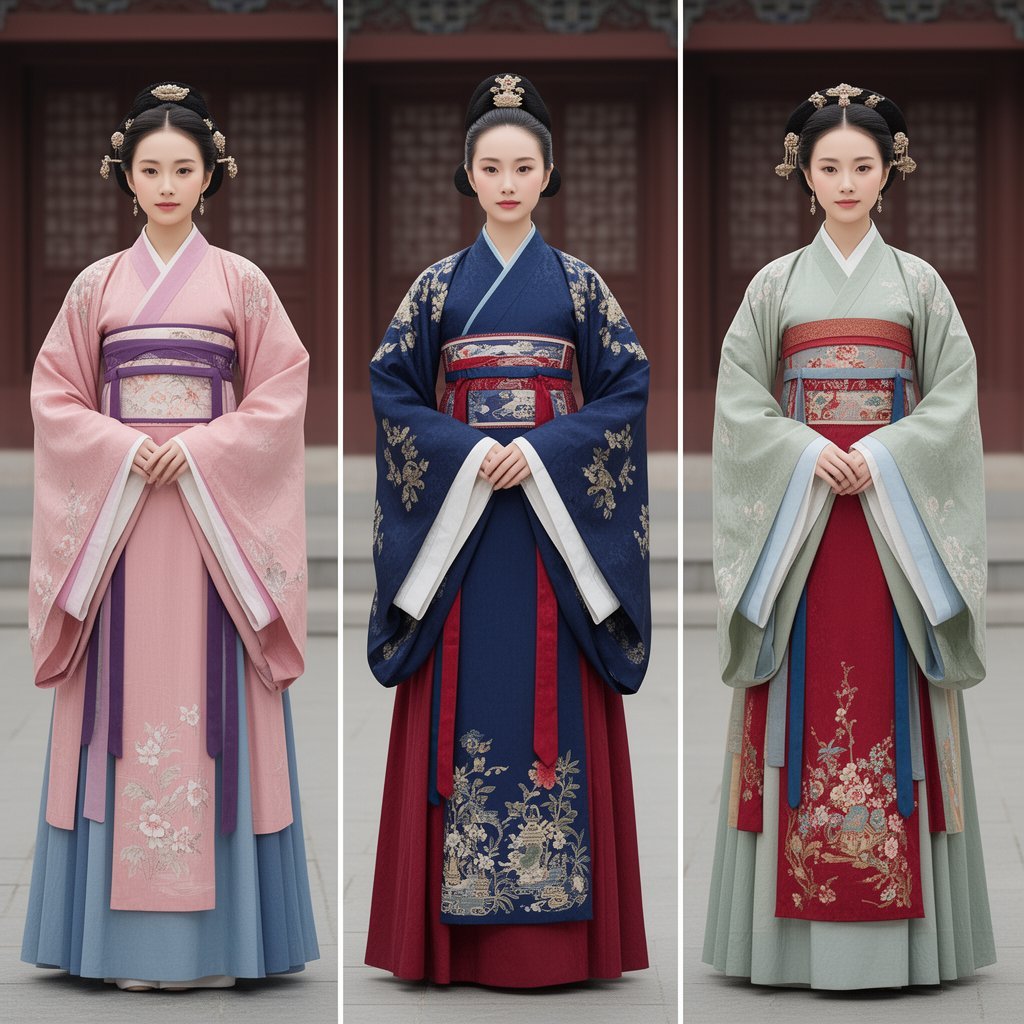
Korean Hanbok Fashion Triptych

Fisheye View from Inside a Cup
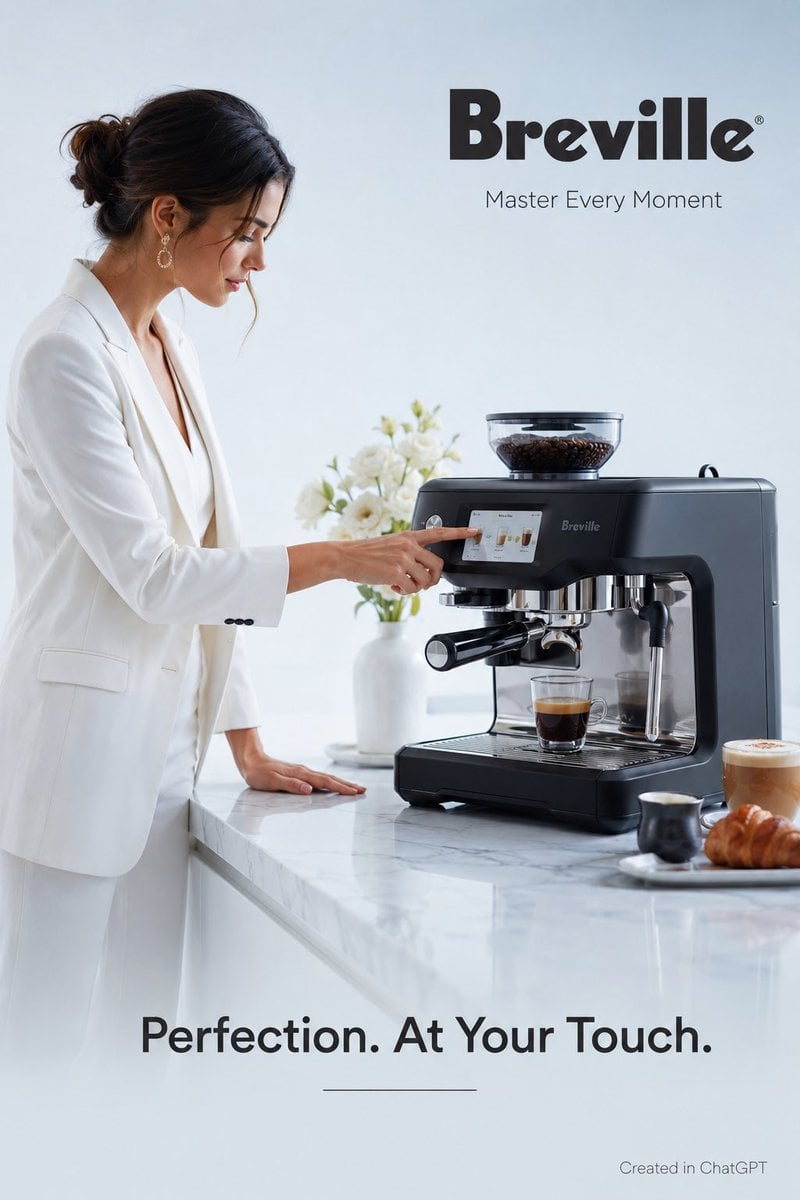
Luxury Espresso Machine Ad
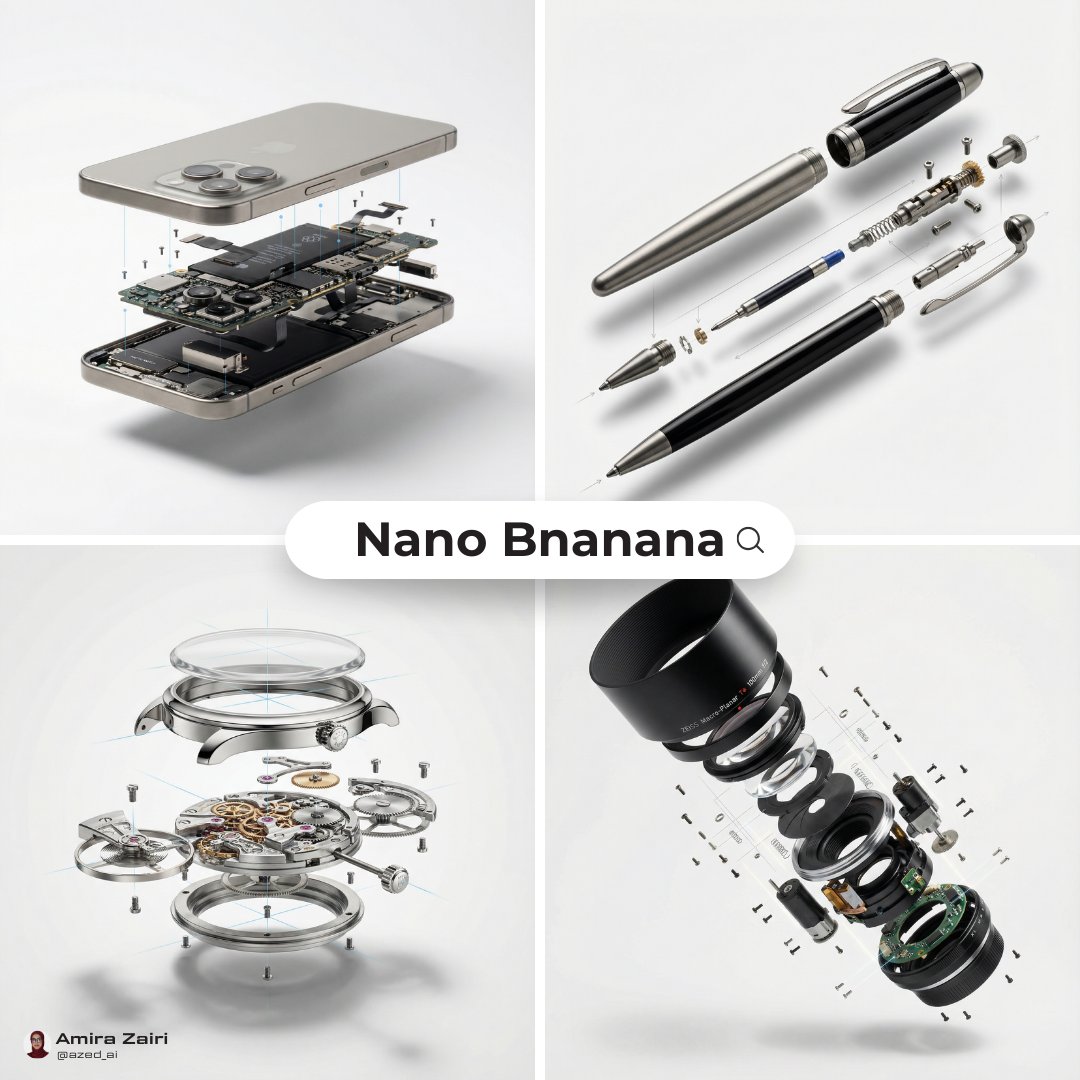
Exploded View Diagram Showing Internal Mechanical Structure
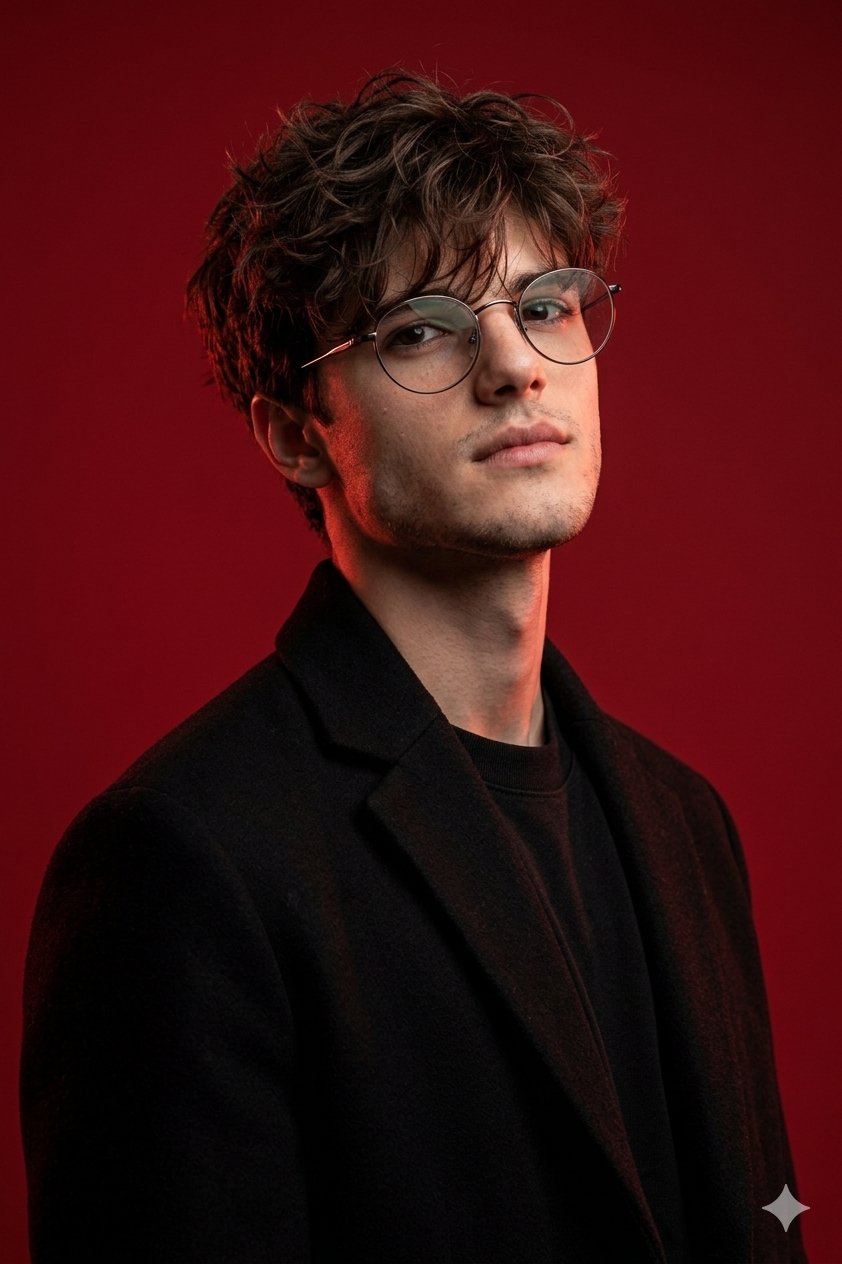
Gemini Nano Banana Pro Ultra Realistic S

Hyper-realistic cinematic product shot of Fanta Orange can with exploding orange slices
Glass Skeleton Study Aesthetic
Hyper-Realistic Fisheye Street Portrait in Tokyo Rain
Browse template categories
Oriental Cyberpunk Character Setting Sheet questions
How do I use the Oriental Cyberpunk Character Setting Sheet template?
Add your photo if the template asks for one, edit the prompt if you like — the template's model and format are already selected — and press Generate. Your version opens in PicX Studio.
Can I customize the Oriental Cyberpunk Character Setting Sheet template?
Yes. You can change the subject, setting, lighting, mood, format, and available model controls before creating your image.
Is the Oriental Cyberpunk Character Setting Sheet template free?
Opening and editing this template is free. Generating uses credits, shown on the Generate button when you are signed in.
Which AI model should I use?
Start with GPT Image 2, which is the model associated with this template. You can compare another compatible model for a different finish.
Looking for something else? Browse all templates.

Your photo, any look
Thousands of ready templates for every top image and video model, from one credit balance.