
Steampunk Vintage Video Platform UI
A detailed steampunk streaming-site mockup styled like a Victorian brass machine interface, ideal for retro-futurist web concepts and text-heavy UI showcases.
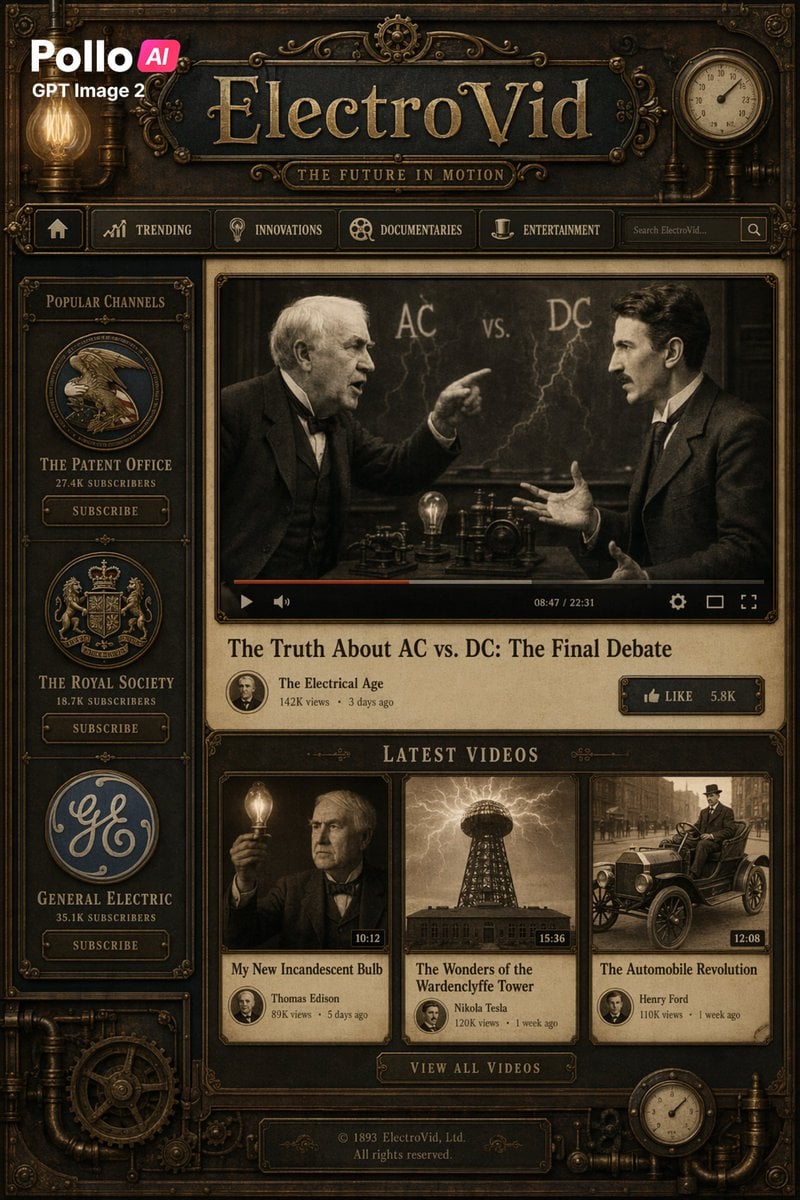
- Prompt included
- Model and format preset
- Free template
The prompt behind this image
Copy the exact prompt behind Steampunk Vintage Video Platform UI, or open it in the studio and make it yours.
A highly detailed full-page steampunk video streaming website interface themed around the Victorian electrical age, designed like an antique brass-and-iron machine panel with dark bronze metal textures, rivets, pipes, gears, ornate filigree, glowing Edison bulbs, and sepia-toned imagery. At the top left, place a modern white logo reading "Pollo" with a small pink-red rounded badge containing "AI", and directly below it the text "GPT Image 2" in white, overlaid on the vintage interface. Center the header with a large embossed brass title reading "{argument name="site name" default="ElectroVid"}" on a dark metal plaque, and a smaller engraved tagline underneath reading "{argument name="tagline" default="THE FUTURE IN MOTION"}". Add a horizontal navigation bar with exactly 5 items: a home icon, "TRENDING", "INNOVATIONS", "DOCUMENTARIES", and "ENTERTAINMENT", plus a search field on the right containing the placeholder text "Search ElectroVid..." and a square search button. In the upper right corner, include a round analog gauge or clock built into the frame. Use a three-column vintage web layout. In the left sidebar, create a panel titled "POPULAR CHANNELS" containing exactly 3 circular channel emblems stacked vertically, each with a name, subscriber count, and a "SUBSCRIBE" button: 1) "THE PATENT OFFICE" with "27.4K SUBSCRIBERS", 2) "THE ROYAL SOCIETY" with "18.7K SUBSCRIBERS", 3) "GENERAL ELECTRIC" with "35.1K SUBSCRIBERS". The emblems should look heraldic and industrial, with aged metallic borders. In the main content area, feature a large video player showing a dramatic sepia debate scene between two late-19th-century inventors in suits, facing each other across a table with electrical apparatus, a glowing bulb, and lightning on a chalkboard behind them reading "AC vs. DC". The left figure points accusingly; the right figure gestures back. Keep both faces obscured by soft rectangular blur blocks. Add a video control bar with a play button, progress bar, volume icon, timecode "08:47 / 22:31", settings icon, and fullscreen icon. Beneath the player, place the large serif video title "{argument name="main video title" default="The Truth About AC vs. DC: The Final Debate"}". Below that, show the channel row with a small circular avatar, the channel name "The Electrical Age", and metadata "142K views • 3 days ago". On the right side of this row, add a brass button reading "LIKE 5.8K". Below the featured video, add a section header "LATEST VIDEOS" and exactly 3 video cards in one row. Card 1: a sepia thumbnail of a man holding up a glowing light bulb, face obscured by a blur block, duration label "10:12", title "My New Incandescent Bulb", creator "Thomas Edison", and metadata "89K views • 5 days ago". Card 2: a sepia thumbnail of a Wardenclyffe-style tower crackling with electricity, duration "15:36", title "The Wonders of the Wardenclyffe Tower", creator "Nikola Tesla", and metadata "120K views • 1 week ago". Card 3: a sepia thumbnail of an early automobile on a city street, duration "12:08", title "The Automobile Revolution", creator "Henry Ford", and metadata "110K views • 1 week ago". Under the cards, center a brass button reading "VIEW ALL VIDEOS". At the bottom, add a metal footer plaque with the text "© 1893 ElectroVid, Ltd. All rights reserved." Surround the whole composition with decorative mechanical borders, exposed pipes, pressure gauges, cogs, corner ornaments, and warm amber lighting. The overall style should blend a YouTube-like video platform layout with a luxurious Victorian steampunk machine aesthetic, using dark brass, copper, blackened steel, parchment beige, and sepia photography, with crisp readable typography and a polished cinematic UI mockup look.
How to use Steampunk Vintage Video Platform UI in 3 steps
- 1Upload ImagePNG, JPG or paste
Add your photo
Upload the photo the template builds on. The prompt, model and format are already set.
- 2…a portrait of your subject in softgolden-hour light, 85mm…
Personalize
Edit the subject and creative details for your destination.
- 3Generate
Generate
Press Generate — your image is created in PicX Studio, so you can compare it with the original and refine one variable at a time.
More like this
Templates with the same subject, style or setup. Open one to see its prompt.












Make it yours
Steampunk Vintage Video Platform UI works as-is. These are the safest ways to change it without losing the look.
Change one field
Copy a single group, rewrite it, and generate again so you can see what that field is doing.
Keep the frame, change the subject
Hold the composition and light of Steampunk Vintage Video Platform UI, then swap wardrobe, props or the person for a new take.
| If the result… | Why | Fix |
|---|---|---|
| The result drifts from the preview | Too many fields changed at once. | Reuse Steampunk Vintage Video Platform UI as-is first, then change one group — subject, light, or setting. |
| The model over-stylizes the scene | The prose prompt leaves finish and camera underspecified. | Add one camera or lighting sentence and stay on GPT Image 2. |
More GPT Image 2 templates
Other prompts made for GPT Image 2.

Six VTuber Japanese Logo Sheet

Realistic Portrait of Woman and Deer

The Vista Modular Condo Poster

AI Model Routing Comparison Infographic

2.5D Anime Art Board

Isometric Productivity Desk Scene

New York Double Exposure Poster

Four-Panel AI Landscape Comparison

Japanese Tatami Lifestyle Magazine Cover

NESCAFÉ Coffee Map Poster
More image prompts
Fresh picks from across the catalog.
Cinematic Street Fashion Photo Prompt (Male)
Futuristic Mecha Kimono Warrior

Japanese AI Palm Reading Certificate
Nano Banana - Opera Red Gown Couture
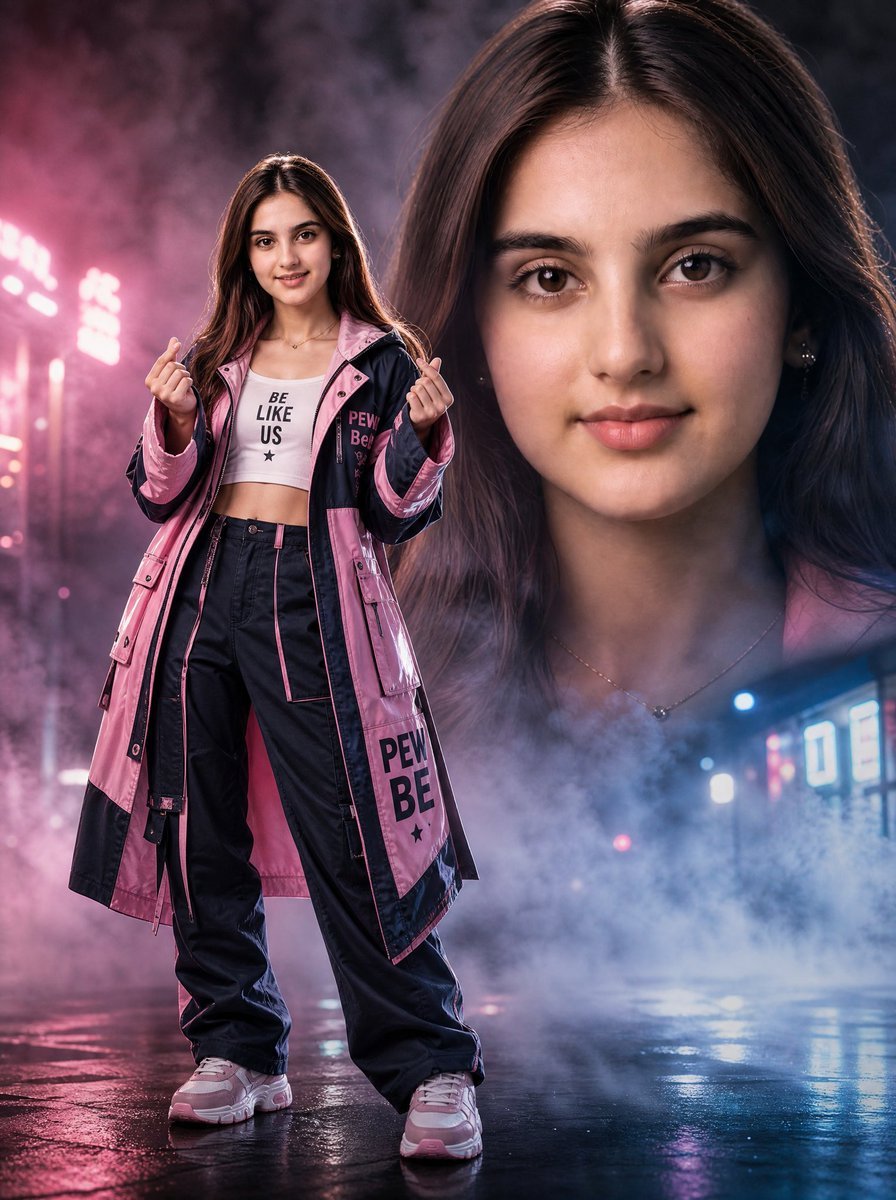
Neon Rain Streetwear Portrait
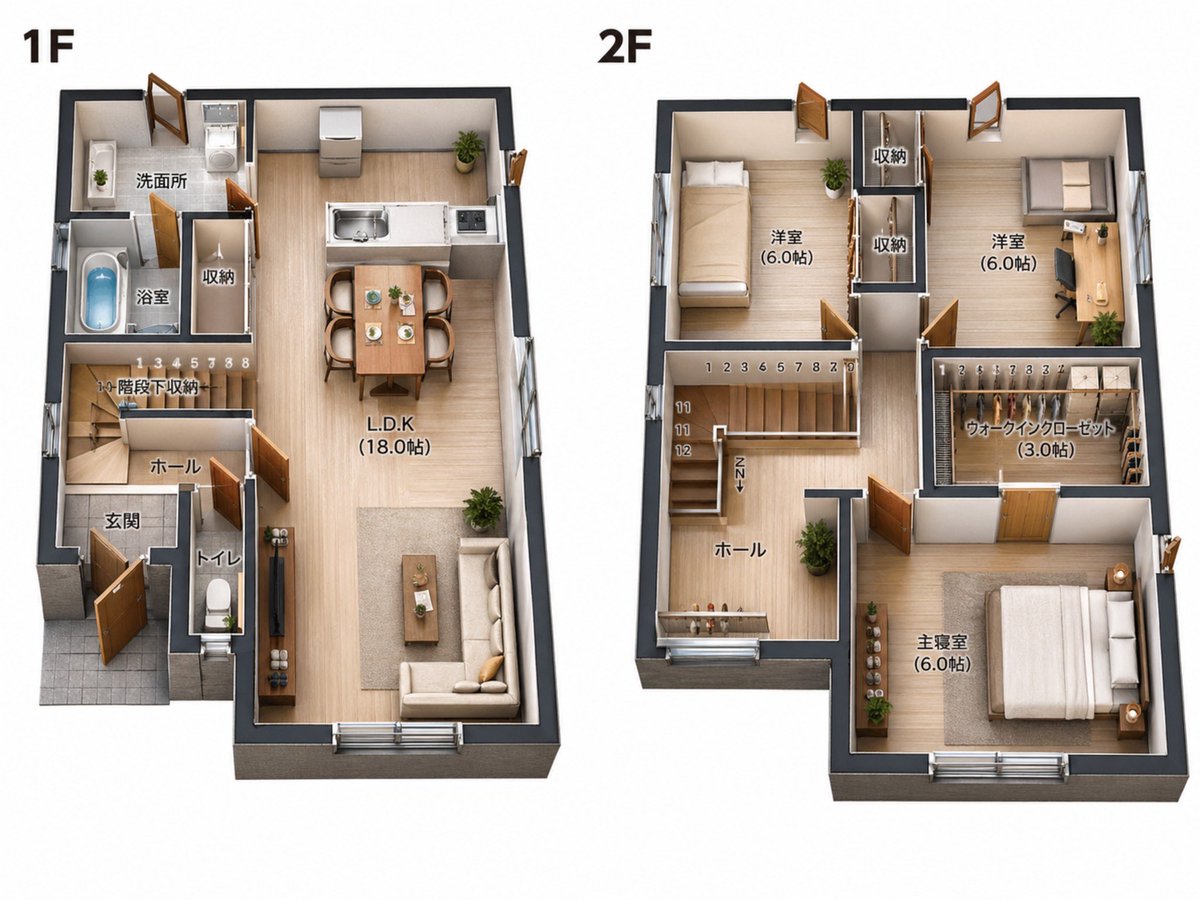
2D Floor Plan to 3D Real Estate Render

Luxurious Lifestyle Portrait with Maserati and Mansion
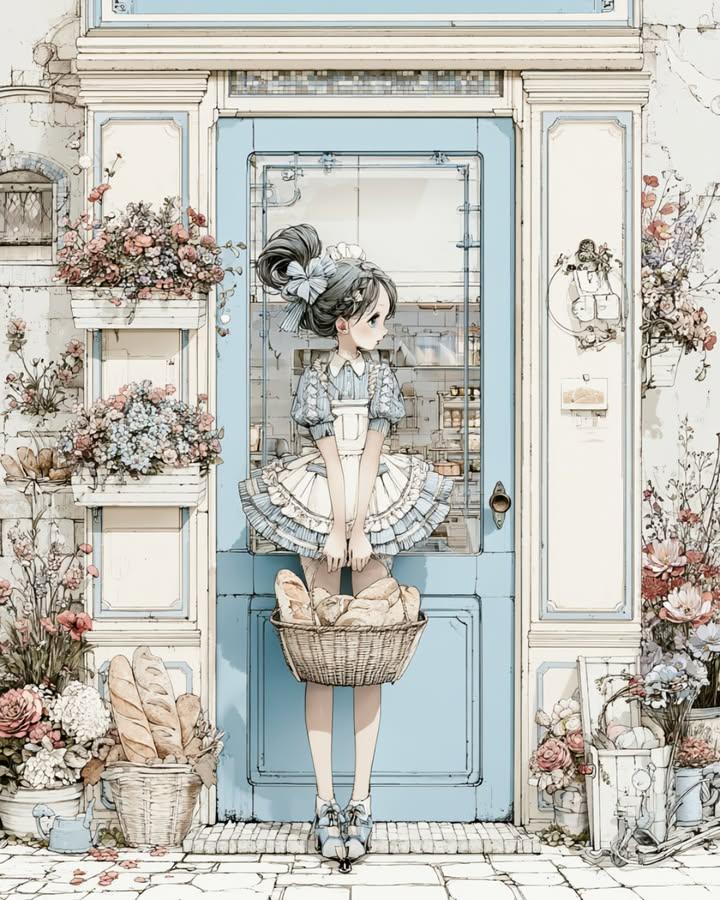
Vintage Bakery Anime Illustration
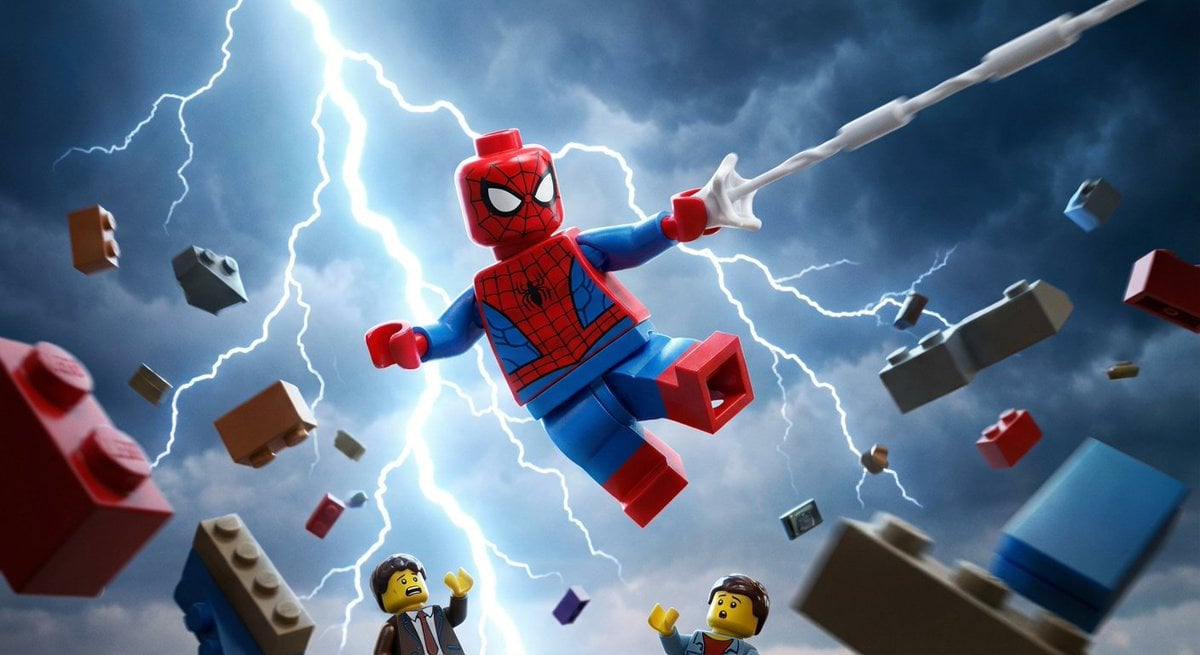
Epic LEGO Spider-Man movie poster scene
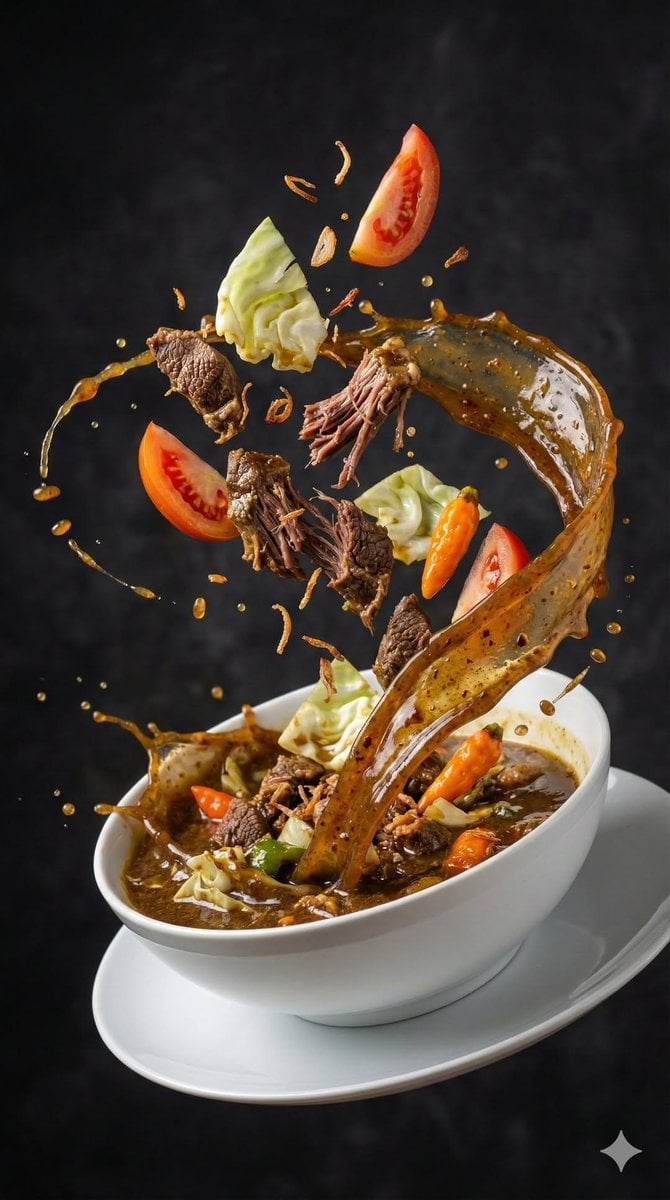
High-Speed Food Photography of Exploding Asian Soup
Browse template categories
Steampunk Vintage Video Platform UI questions
How do I use the Steampunk Vintage Video Platform UI template?
Add your photo if the template asks for one, edit the prompt if you like — the template's model and format are already selected — and press Generate. Your version opens in PicX Studio.
Can I customize the Steampunk Vintage Video Platform UI template?
Yes. You can change the subject, setting, lighting, mood, format, and available model controls before creating your image.
Is the Steampunk Vintage Video Platform UI template free?
Opening and editing this template is free. Generating uses credits, shown on the Generate button when you are signed in.
Which AI model should I use?
Start with GPT Image 2, which is the model associated with this template. You can compare another compatible model for a different finish.
Looking for something else? Browse all templates.

Your photo, any look
Thousands of ready templates for every top image and video model, from one credit balance.