
Retro Miami GTA-Style Character Poster
Generates a full-body 1980s Miami-inspired illustrated character poster with tropical palms, neon colors, and GTA-style promotional art energy.
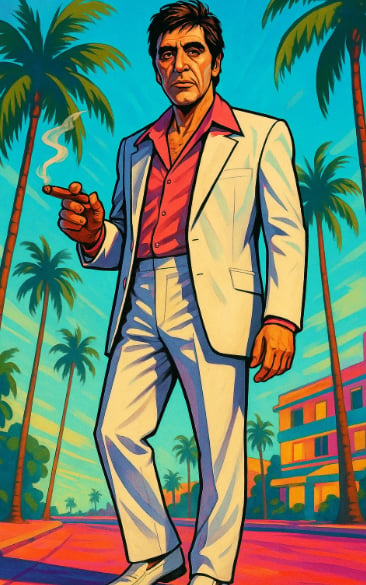
- Prompt included
- Model and format preset
- Premium template
The prompt behind this image
Copy the exact prompt behind Retro Miami GTA-Style Character Poster, or open it in the studio and make it yours.
Create a full-body illustrated poster of a confident 1980s Miami crime-drama protagonist in a GTA V-inspired American retro promotional art style. The character is a stylish adult man with {argument name="hair style" default="dark slicked-back wavy hair"}, standing in a relaxed power pose, facing slightly left while looking forward; keep his face area intentionally obscured by a soft rectangular blur as if anonymized. He wears a cream-white suit with broad shoulders and sharp black ink outlines, a vivid coral-red open-collar dress shirt, a dark belt, cream trousers, and white shoes. His left hand is down by his side and his right hand holds a lit brown cigar with curling smoke. Set him on a neon tropical boulevard at sunset in {argument name="city setting" default="1980s Miami"}, with exactly 8 visible palm trees: 2 large framing palms at the top left and top right, 2 tall skinny palms on the right side, 1 tall palm on the far left, and 3 smaller background palms along the street. Include a colorful low-rise art deco building on the lower right with orange, teal, and magenta accents, a bright pink-orange road or sidewalk in the foreground, and a turquoise-to-yellow sky with diagonal sunlit streaks. Use bold comic-book linework, saturated teal, cyan, magenta, orange, and yellow colors, dramatic cel shading, high contrast, glossy poster finish, dynamic perspective from slightly below, vertical composition, no text, no logo, no watermark.
How to use Retro Miami GTA-Style Character Poster in 3 steps
- 1Upload ImagePNG, JPG or paste
Add your photo
Upload the photo the template builds on. The prompt, model and format are already set.
- 2…a portrait of your subject in softgolden-hour light, 85mm…
Personalize
Edit the subject and creative details for your destination.
- 3Generate
Generate
Press Generate — your image is created in PicX Studio, so you can compare it with the original and refine one variable at a time.
More like this
Templates with the same subject, style or setup. Open one to see its prompt.







Make it yours
Retro Miami GTA-Style Character Poster works as-is. These are the safest ways to change it without losing the look.
Change one field
Copy a single group, rewrite it, and generate again so you can see what that field is doing.
Keep the frame, change the subject
Hold the composition and light of Retro Miami GTA-Style Character Poster, then swap wardrobe, props or the person for a new take.
| If the result… | Why | Fix |
|---|---|---|
| The result drifts from the preview | Too many fields changed at once. | Reuse Retro Miami GTA-Style Character Poster as-is first, then change one group — subject, light, or setting. |
| The model over-stylizes the scene | The prose prompt leaves finish and camera underspecified. | Add one camera or lighting sentence and stay on GPT Image 2. |
More GPT Image 2 templates
Other prompts made for GPT Image 2.

Six VTuber Japanese Logo Sheet

Realistic Portrait of Woman and Deer

The Vista Modular Condo Poster

AI Model Routing Comparison Infographic

2.5D Anime Art Board

Isometric Productivity Desk Scene

New York Double Exposure Poster

Four-Panel AI Landscape Comparison

Japanese Tatami Lifestyle Magazine Cover

NESCAFÉ Coffee Map Poster
More image prompts
Fresh picks from across the catalog.
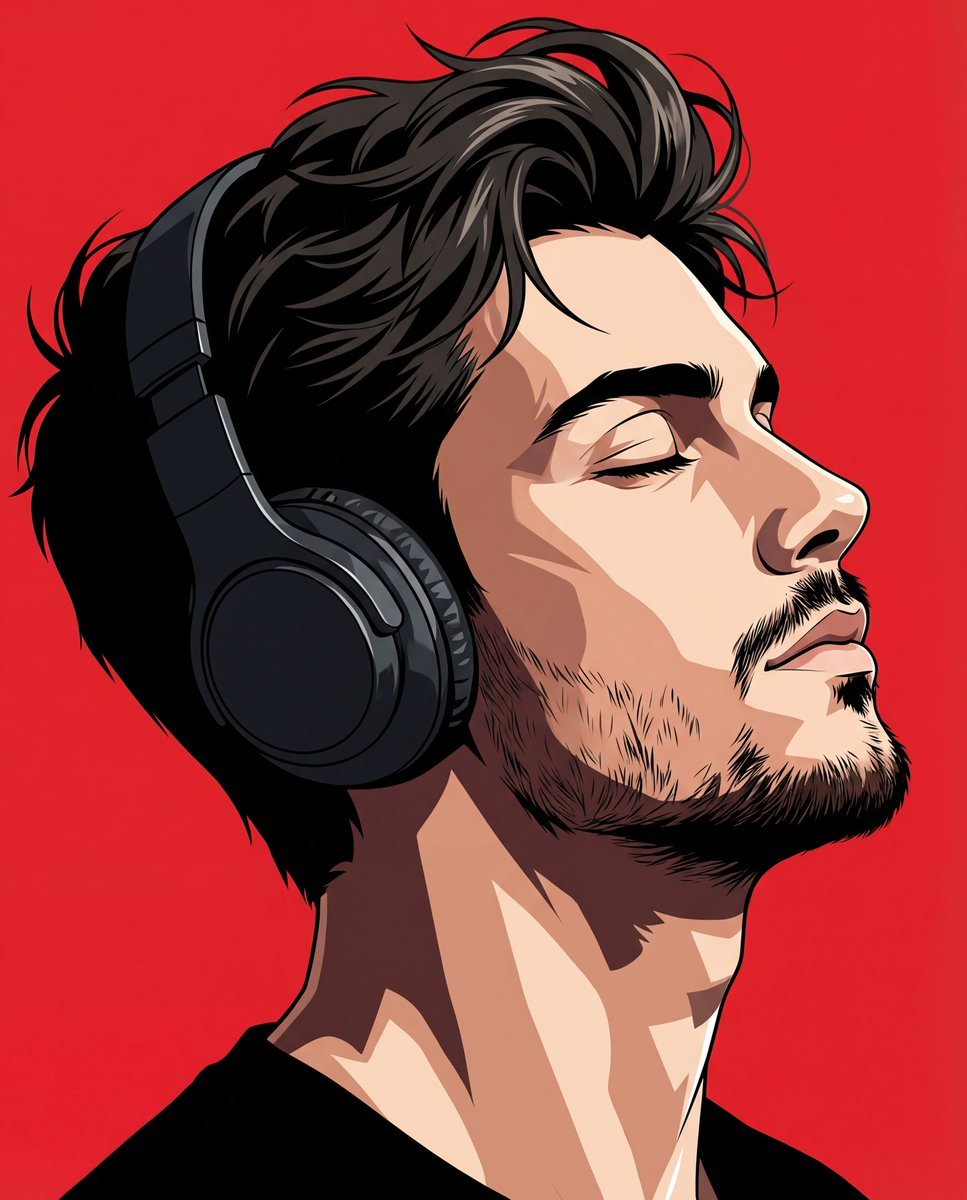
Transform Photo into Modern Anime Vector Illustration
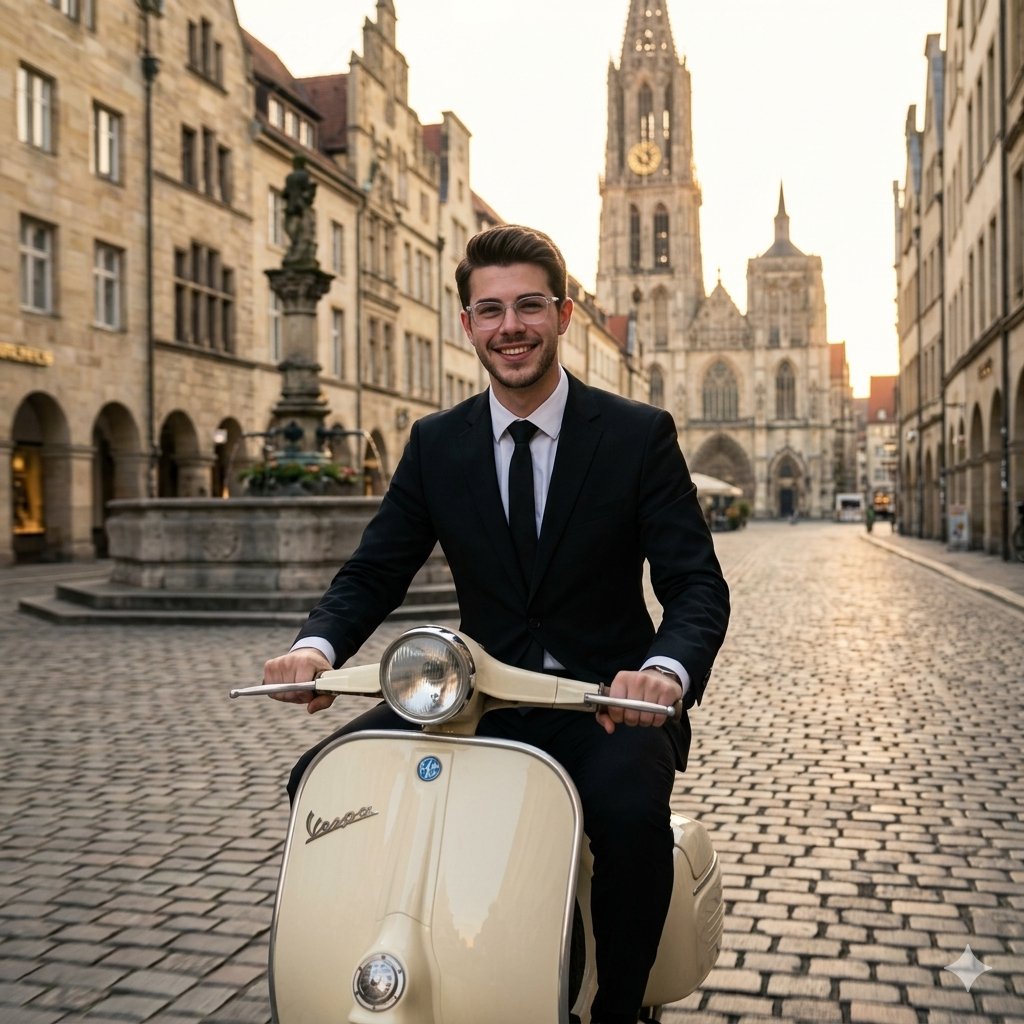
Vintage European Scooter Ride
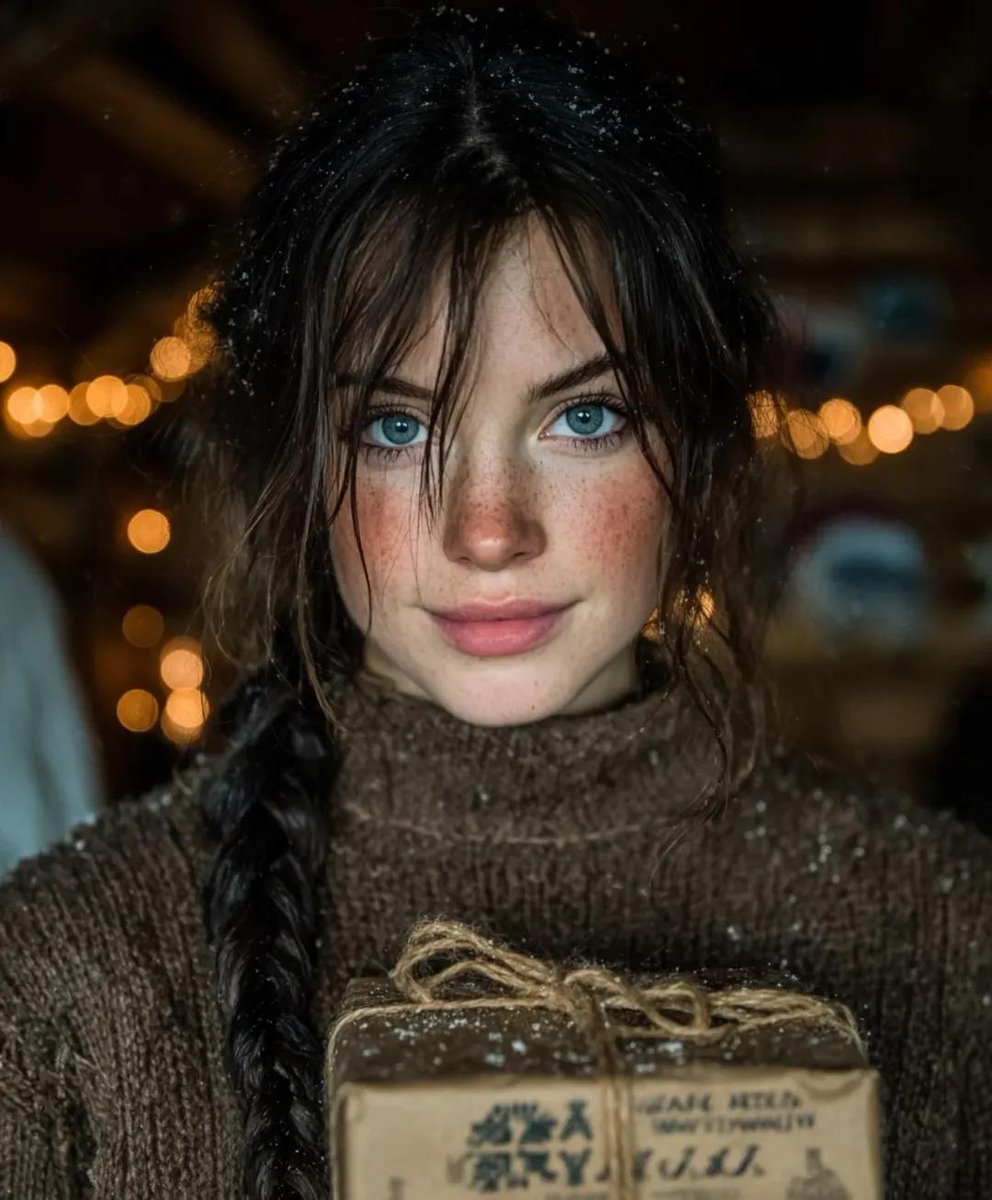
Cinematic Winter Portrait with Shallow Depth of Field
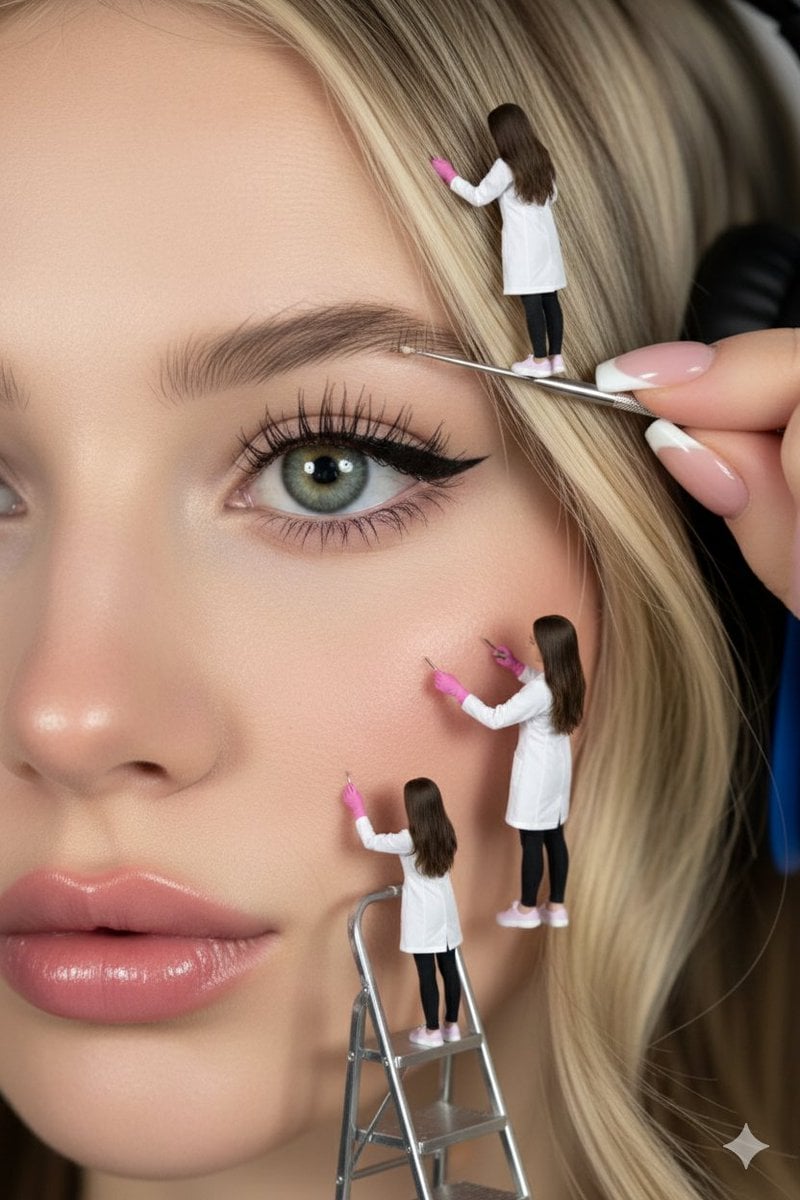
Hyper-realistic close-up of a woman's face being 'maintained' by miniature aesthetic doctors
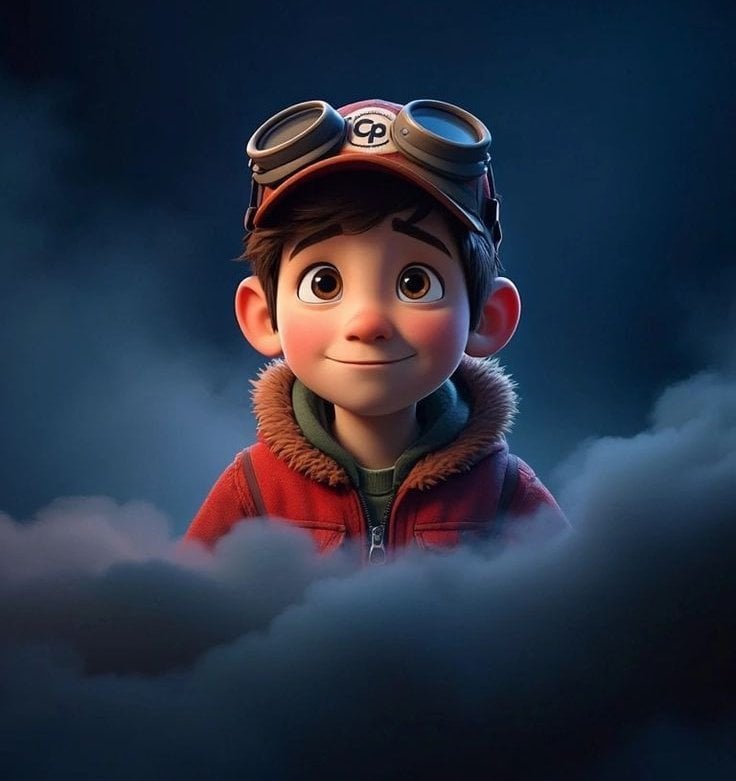
3D Animated Boy Portrait
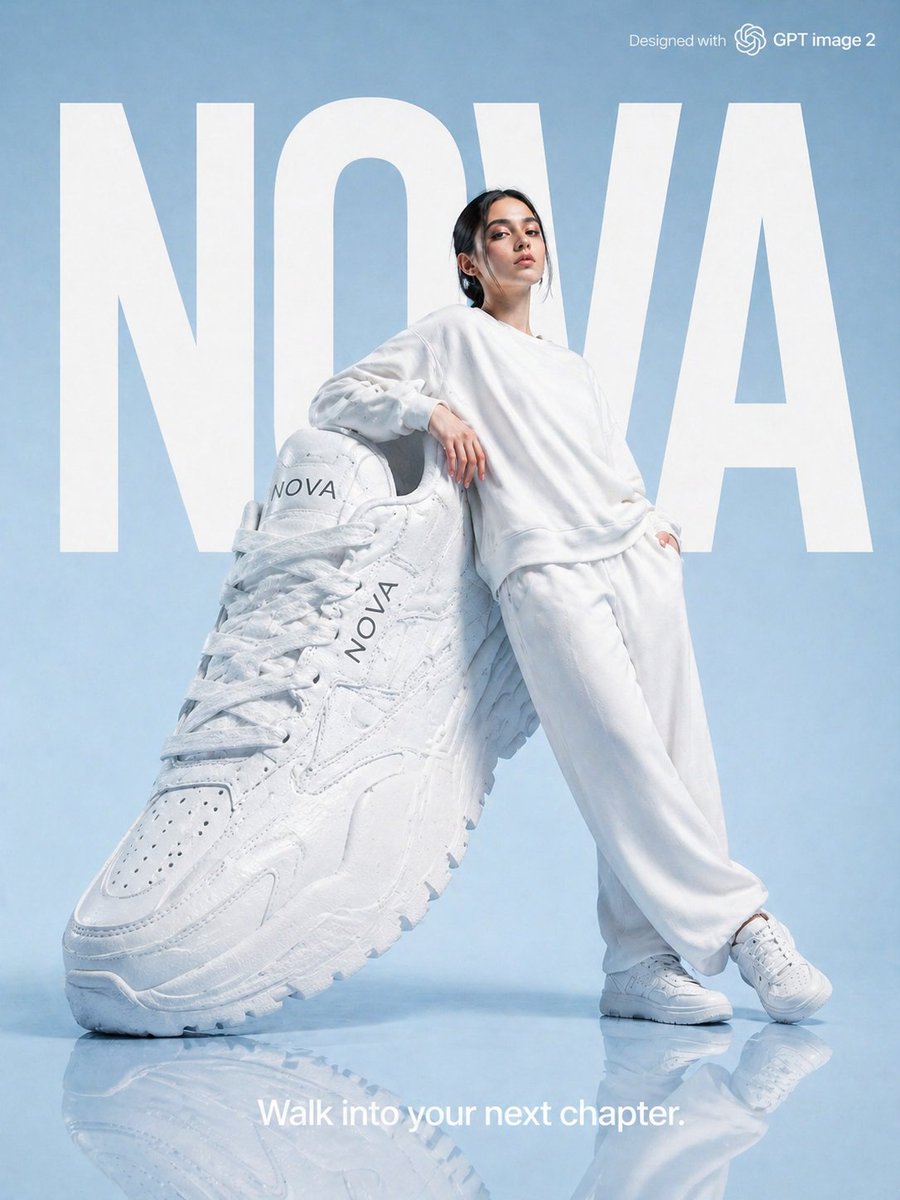
High-Fashion Brand Advertising Layout
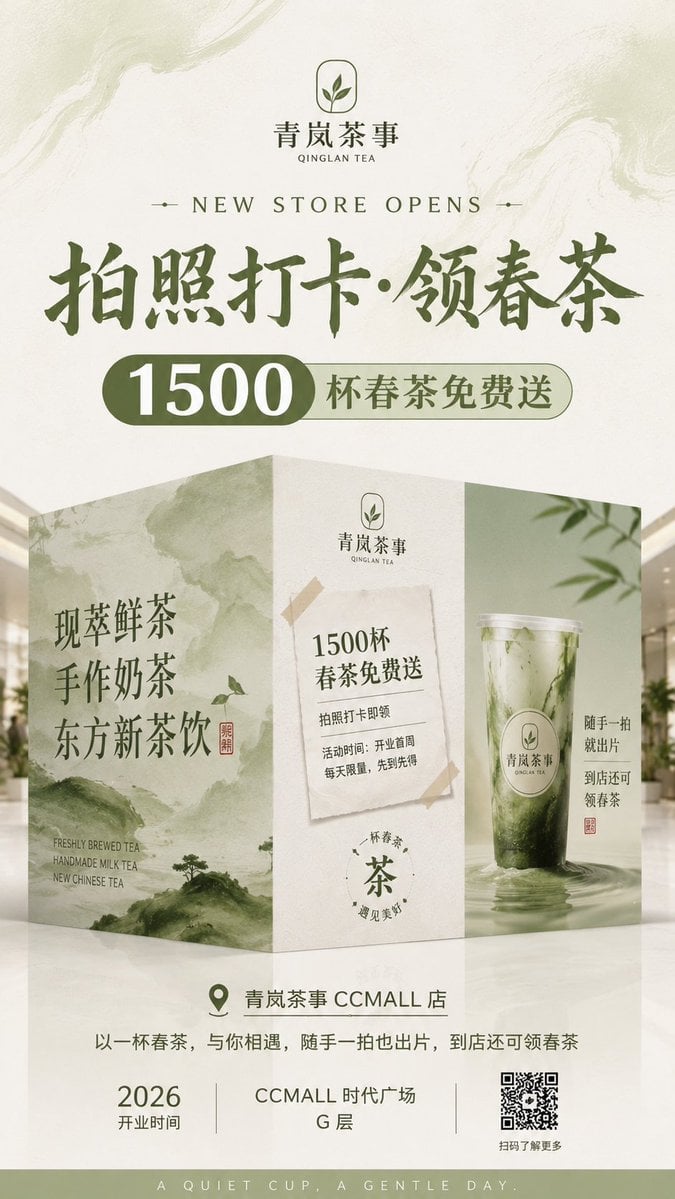
New Chinese Tea Store Hoarding Poster
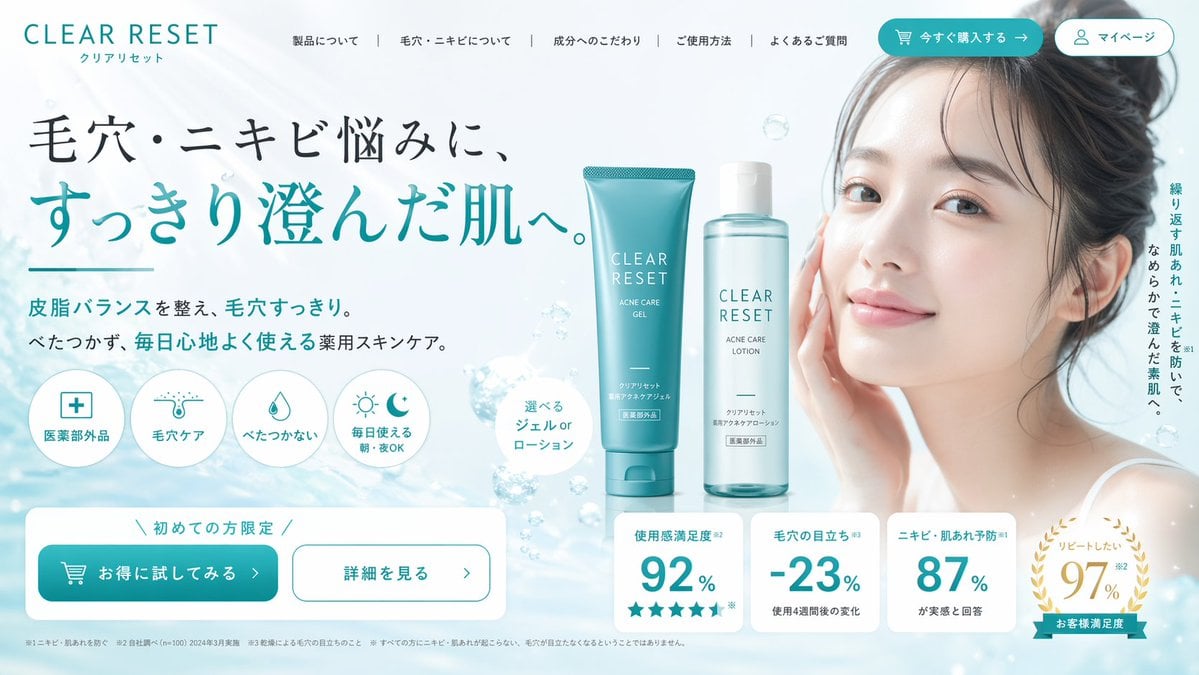
Skincare Landing Page Hero Section
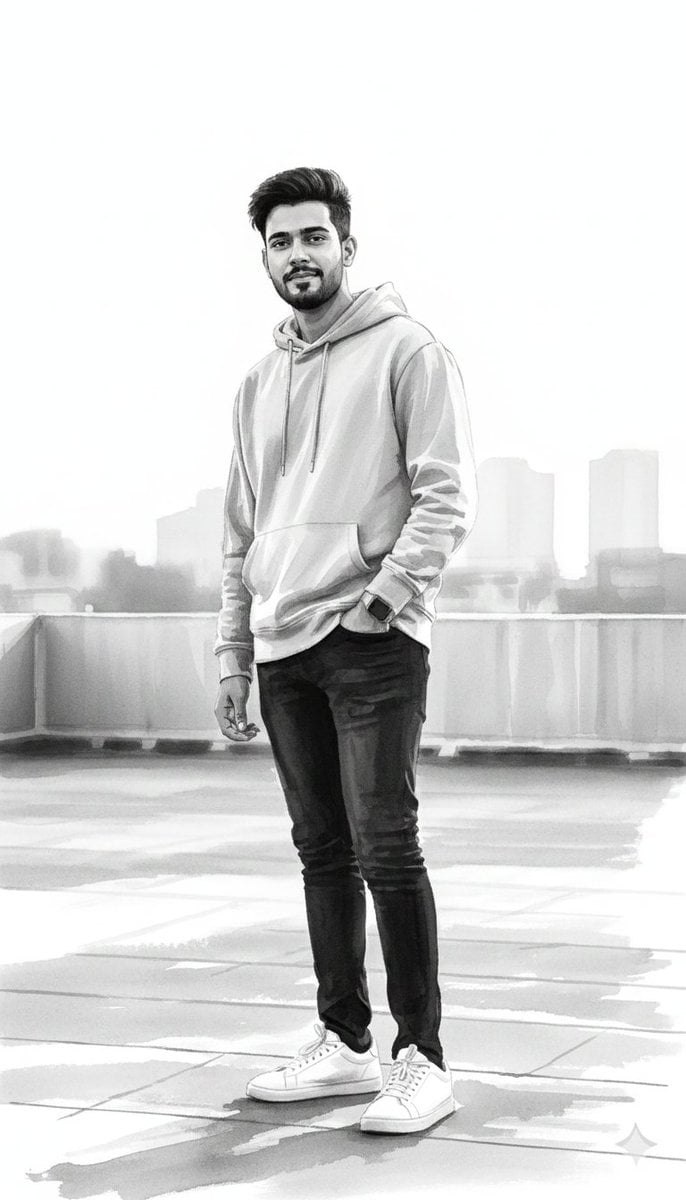
Image-to-Image Ink-Wash Fashion Editorial Prompt
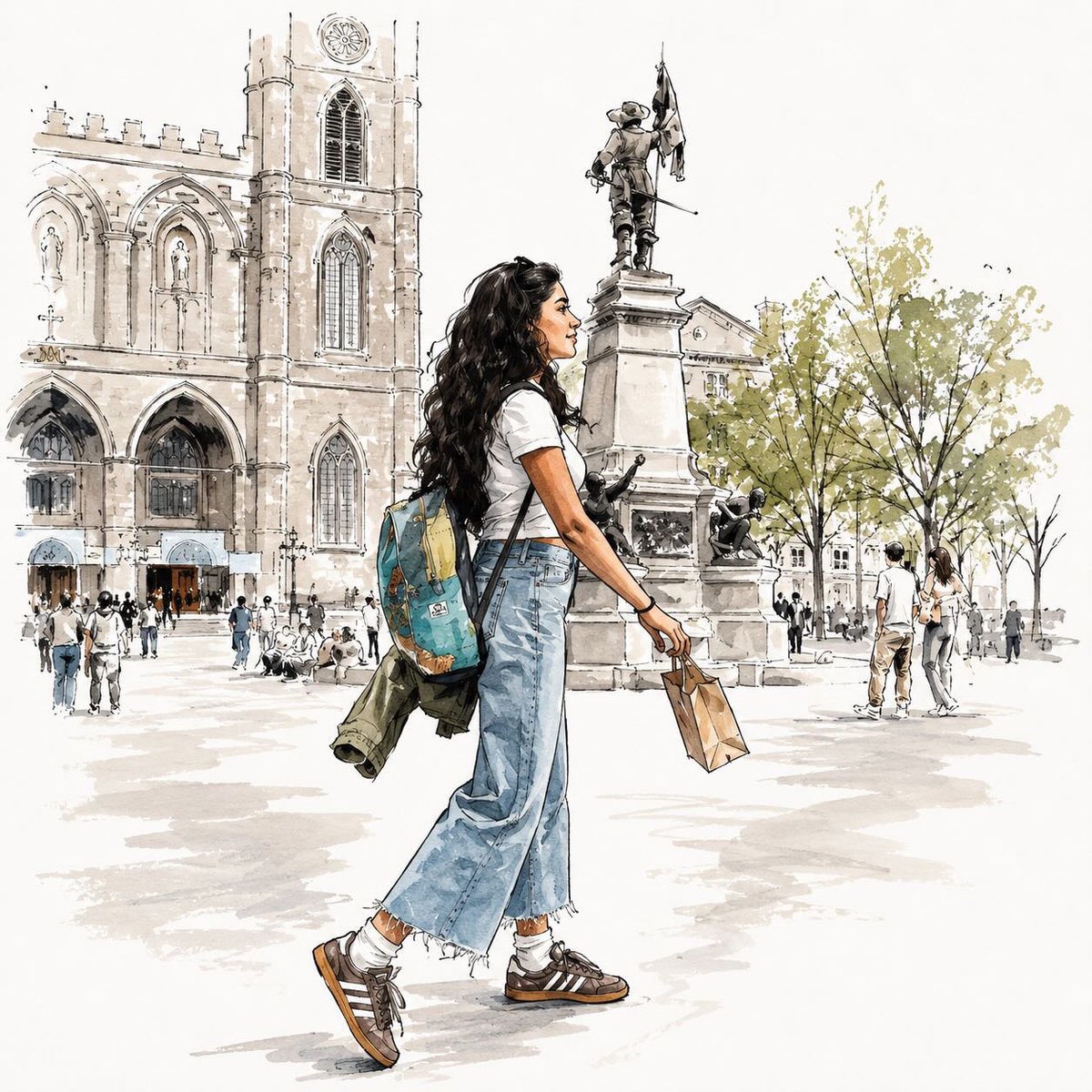
Vogue Style Fashion Illustration
Browse template categories
Retro Miami GTA-Style Character Poster questions
How do I use the Retro Miami GTA-Style Character Poster template?
Add your photo if the template asks for one, edit the prompt if you like — the template's model and format are already selected — and press Generate. Your version opens in PicX Studio.
Can I customize the Retro Miami GTA-Style Character Poster template?
Yes. You can change the subject, setting, lighting, mood, format, and available model controls before creating your image.
Is the Retro Miami GTA-Style Character Poster template free?
Opening and editing this template is free. Generating uses credits, shown on the Generate button when you are signed in.
Which AI model should I use?
Start with GPT Image 2, which is the model associated with this template. You can compare another compatible model for a different finish.
Looking for something else? Browse all templates.

Your photo, any look
Thousands of ready templates for every top image and video model, from one credit balance.