
Blue Line-Art Infrastructure Poster
Generates a vintage blueprint-style poster of a Chinese coastal cross-sea bridge and highway interchange with bilingual transportation signage.
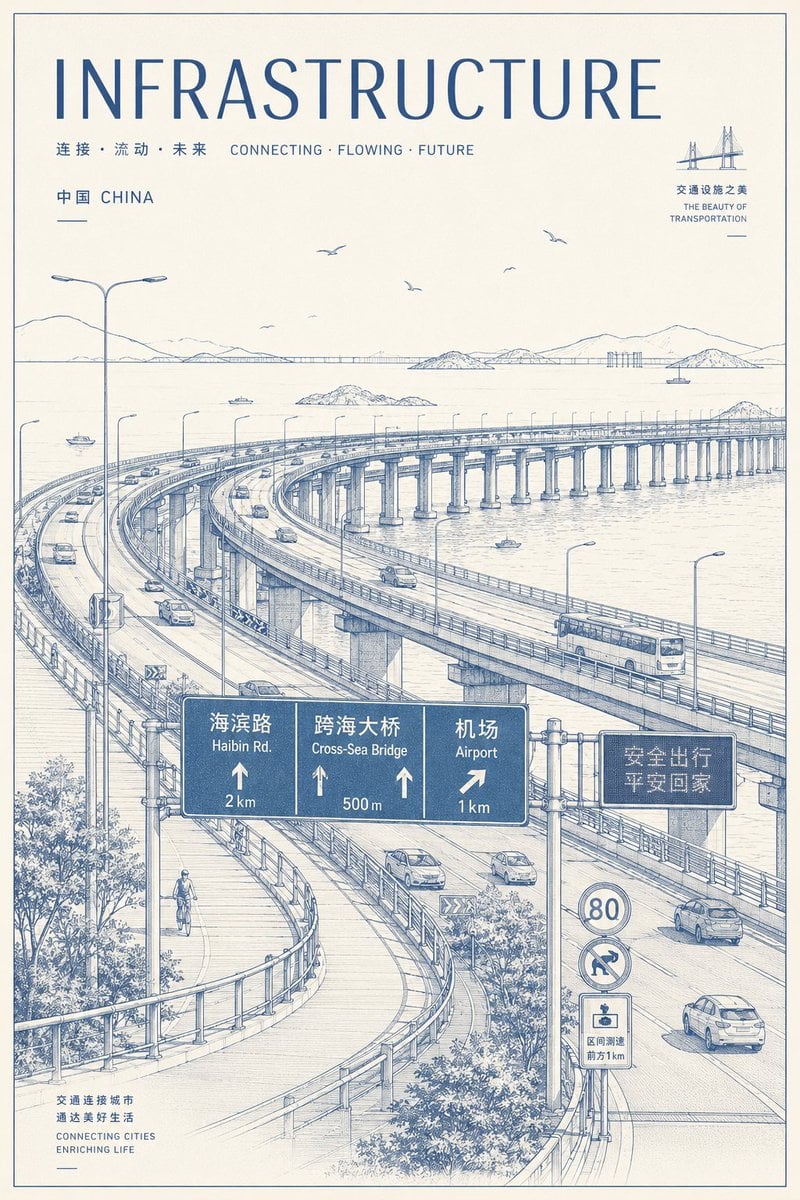
- Prompt included
- Model and format preset
- Free template
The prompt behind this image
Copy the exact prompt behind Blue Line-Art Infrastructure Poster, or open it in the studio and make it yours.
- Type
- vertical infrastructure travel poster / technical line-art illustration
- Style
- cream paper background with monochrome blue ink, precise architectural drafting, fine hatching, blueprint-like contour lines, minimal vintage poster design, clean margins and thin border
- Format › Aspect Ratio
- 2:3 vertical poster
- Format › Color Palette
- off-white paper and deep muted blue only
- Headline › Text
- {argument name="headline text" default="INFRASTRUCTURE"}
- Headline › Position
- top
- Headline › Style
- very large widely spaced uppercase sans-serif letters
- Subheadings › Count
- 3
- Subheadings › Items › 0 › Text
- 连接 · 流动 · 未来 CONNECTING · FLOWING · FUTURE
- Subheadings › Items › 0 › Position
- under headline, left
- Subheadings › Items › 1 › Text
- 中国 CHINA
- Subheadings › Items › 1 › Position
- upper left
- Subheadings › Items › 2 › Text
- 交通设施之美 / THE BEAUTY OF TRANSPORTATION
- Subheadings › Items › 2 › Position
- upper right beside a tiny bridge icon
- Main Scene › Location
- {argument name="location" default="China coastal bay"}
- Main Scene › Subject
- sweeping elevated cross-sea highway bridge interchange over water
- Main Scene › Composition
- high viewpoint looking down at multiple curving bridge ramps in the foreground, a long bridge extending across the sea to distant islands and mountains, wide open sky with small birds
- Main Scene › Details
- many slender bridge columns reflected in calm water, guardrails, street lamps, lane markings, small boats, distant ships, islands, shoreline mountains, trees and bushes in the lower foreground
- Main Scene › Vehicles
- cars, sedans, vans, and one bus traveling on the elevated roads
- Road Signage › Count
- 5
- Road Signage › Items › 0 › Description
- large overhead blue directional sign divided into 3 panels
- Road Signage › Items › 0 › Position
- lower center
- Road Signage › Items › 0 › Labels
- 海滨路 / Haibin Rd. / 2 km, 跨海大桥 / Cross-Sea Bridge / 500 m, 机场 / Airport / 1 km
- Road Signage › Items › 1 › Description
- electronic message board
Raw JSON
{"type":"vertical infrastructure travel poster / technical line-art illustration","style":"cream paper background with monochrome blue ink, precise architectural drafting, fine hatching, blueprint-like contour lines, minimal vintage poster design, clean margins and thin border","format":{"aspect_ratio":"2:3 vertical poster","color_palette":"off-white paper and deep muted blue only"},"headline":{"text":"{argument name=\"headline text\" default=\"INFRASTRUCTURE\"}","position":"top","style":"very large widely spaced uppercase sans-serif letters"},"subheadings":{"count":3,"items":[{"text":"连接 · 流动 · 未来 CONNECTING · FLOWING · FUTURE","position":"under headline, left"},{"text":"中国 CHINA","position":"upper left"},{"text":"交通设施之美 / THE BEAUTY OF TRANSPORTATION","position":"upper right beside a tiny bridge icon"}]},"main_scene":{"location":"{argument name=\"location\" default=\"China coastal bay\"}","subject":"sweeping elevated cross-sea highway bridge interchange over water","composition":"high viewpoint looking down at multiple curving bridge ramps in the foreground, a long bridge extending across the sea to distant islands and mountains, wide open sky with small birds","details":"many slender bridge columns reflected in calm water, guardrails, street lamps, lane markings, small boats, distant ships, islands, shoreline mountains, trees and bushes in the lower foreground","vehicles":"cars, sedans, vans, and one bus traveling on the elevated roads"},"road_signage":{"count":5,"items":[{"description":"large overhead blue directional sign divided into 3 panels","position":"lower center","labels":["海滨路 / Haibin Rd. / 2 km","跨海大桥 / Cross-Sea Bridge / 500 m","机场 / Airport / 1 km"]},{"description":"electronic message board","position":"right of overhead sign","label":"安全出行 / 平安回家"},{"description":"round speed limit sign","position":"lower right","label":"80"},{"description":"round lane or turn instruction sign","position":"below speed limit sign","label":"curved arrow symbol"},{"description":"small rectangular regional-road warning sign","position":"bottom of sign stack","label":"区间测速 / 前方1km"}]},"human_element":{"count":1,"description":"one tiny cyclist riding on a separated pedestrian or bicycle path in the lower left foreground"},"footer_text":{"text":"交通连接城市 / 通达美好生活 / CONNECTING CITIES / ENRICHING LIFE","position":"bottom left"},"rendering_instructions":"Use no photorealistic color; keep everything as delicate blue pen-and-ink drafting on warm paper. Emphasize infrastructure scale, elegant bridge curves, precise perspective, and poster typography. Preserve the visible Chinese and English text exactly as specified where possible."}How to use Blue Line-Art Infrastructure Poster in 3 steps
- 1Upload ImagePNG, JPG or paste
Add your photo
Upload the photo the template builds on. The prompt, model and format are already set.
- 2…a portrait of your subject in softgolden-hour light, 85mm…
Personalize
Edit the subject and creative details for your destination.
- 3Generate
Generate
Press Generate — your image is created in PicX Studio, so you can compare it with the original and refine one variable at a time.
More like this
Templates with the same subject, style or setup. Open one to see its prompt.
Monochrome Portrait Jersey Accent Poster

Japan Travel Brochure Poster

Cartoon TV Show Poster Pack

Trendy Cafe Drink Promo Poster

Urban Fashion Editorial Collage Streetwear Poster

Premium Fashion Editorial Cover Layout System

Polo Ralph Lauren Luxury American Heritage Fashion Campaign

Monochrome Halftone Editorial Fashion Poster

Retro Mirror Luxury Fashion Campaign Poster
Luxury Fashion Campaign Typography Poster System
Premium Fashion Editorial Campaign Poster System
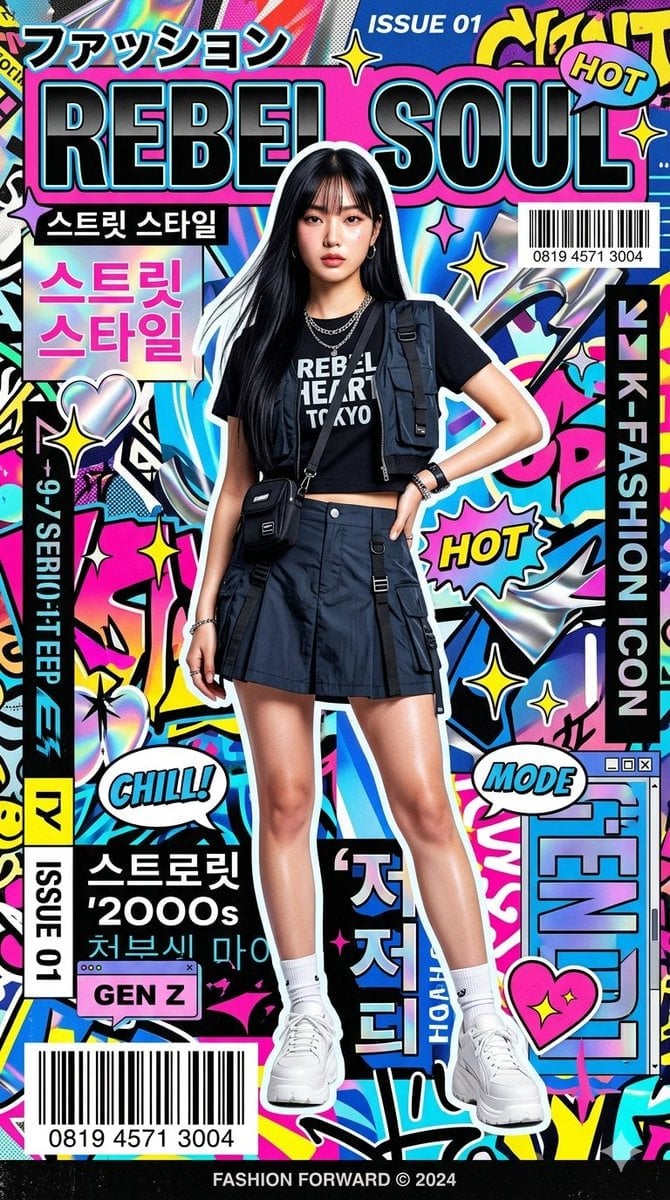
Ultra-Stylized High-Fashion Streetwear Poster
Make it yours
Blue Line-Art Infrastructure Poster works as-is. These are the safest ways to change it without losing the look.
Swap the setting
Keep the rest of the prompt and replace the location block. The current setting is “{argument name="location" default="China coastal bay"}”.
Change one field
Copy a single group, rewrite it, and generate again so you can see what that field is doing.
Keep the frame, change the subject
Hold the composition and light of Blue Line-Art Infrastructure Poster, then swap wardrobe, props or the person for a new take.
| If the result… | Why | Fix |
|---|---|---|
| The result drifts from the preview | Too many fields changed at once. | Reuse Blue Line-Art Infrastructure Poster as-is first, then change one group — subject, light, or setting. |
| GPT Image 2 ignores part of the JSON | Some models flatten or skip nested keys. | Keep the same values and paste them as a short paragraph instead. |
More GPT Image 2 templates
Other prompts made for GPT Image 2.

Six VTuber Japanese Logo Sheet

Realistic Portrait of Woman and Deer

The Vista Modular Condo Poster

AI Model Routing Comparison Infographic

2.5D Anime Art Board

Isometric Productivity Desk Scene

New York Double Exposure Poster

Four-Panel AI Landscape Comparison

Japanese Tatami Lifestyle Magazine Cover

NESCAFÉ Coffee Map Poster
More image prompts
Fresh picks from across the catalog.
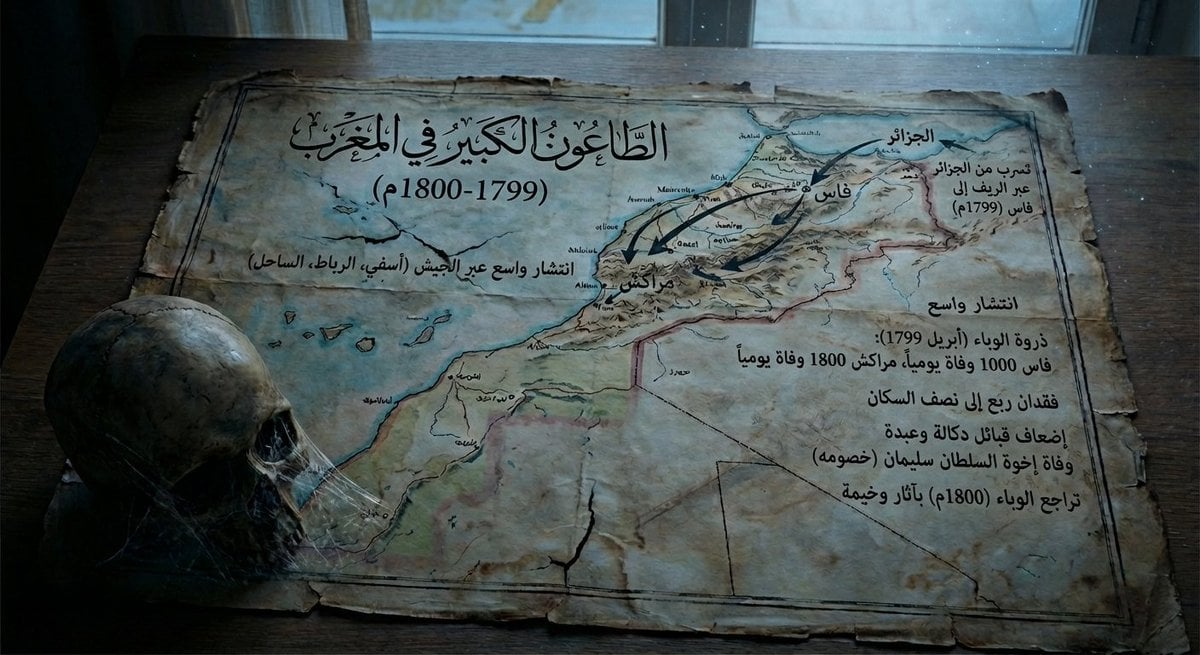
Map of Morocco during the 1799–1800 plague

Backlit Indoor Window Portrait
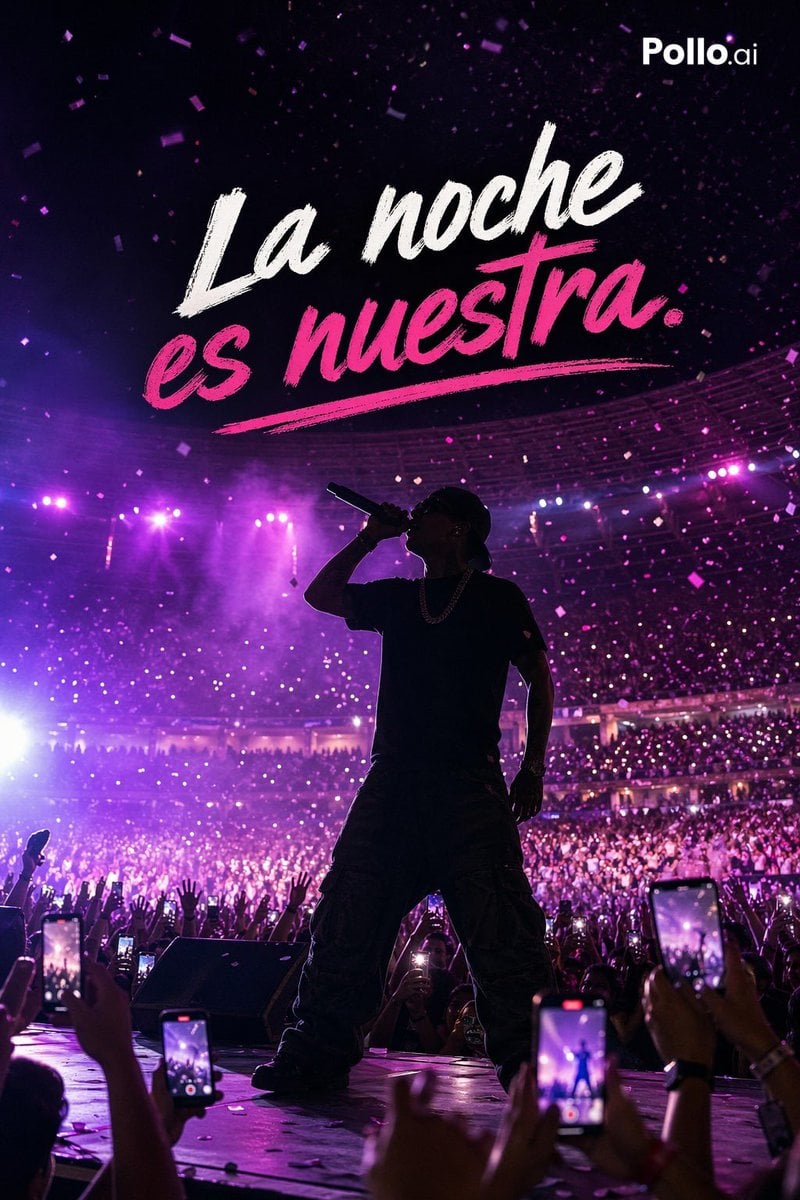
Neon Arena Concert Ad Poster
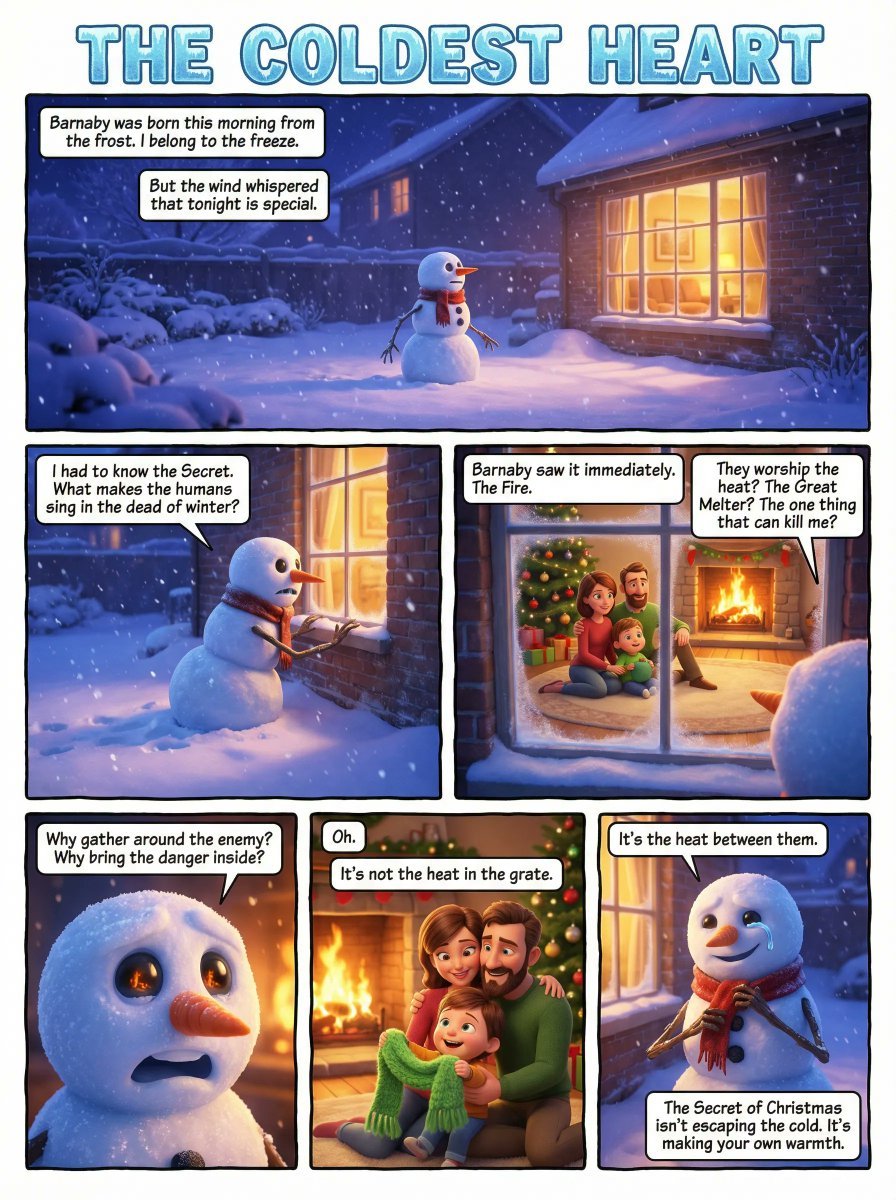
Comic Book Page Generation
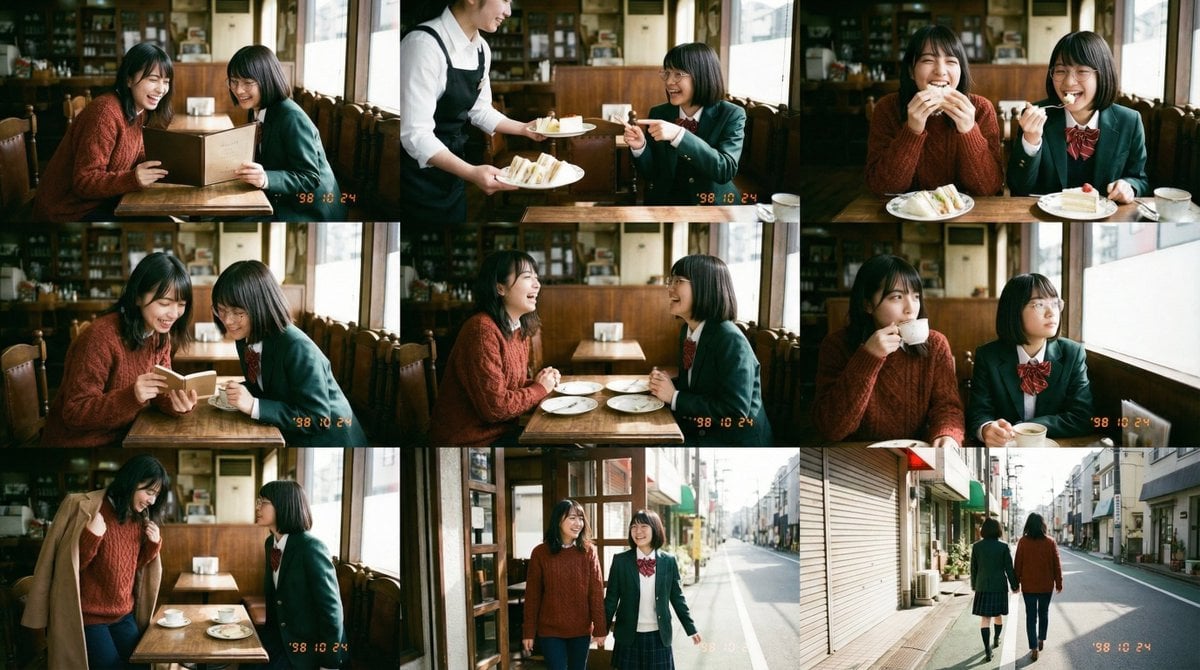
Panel Episode Continuation Prompt
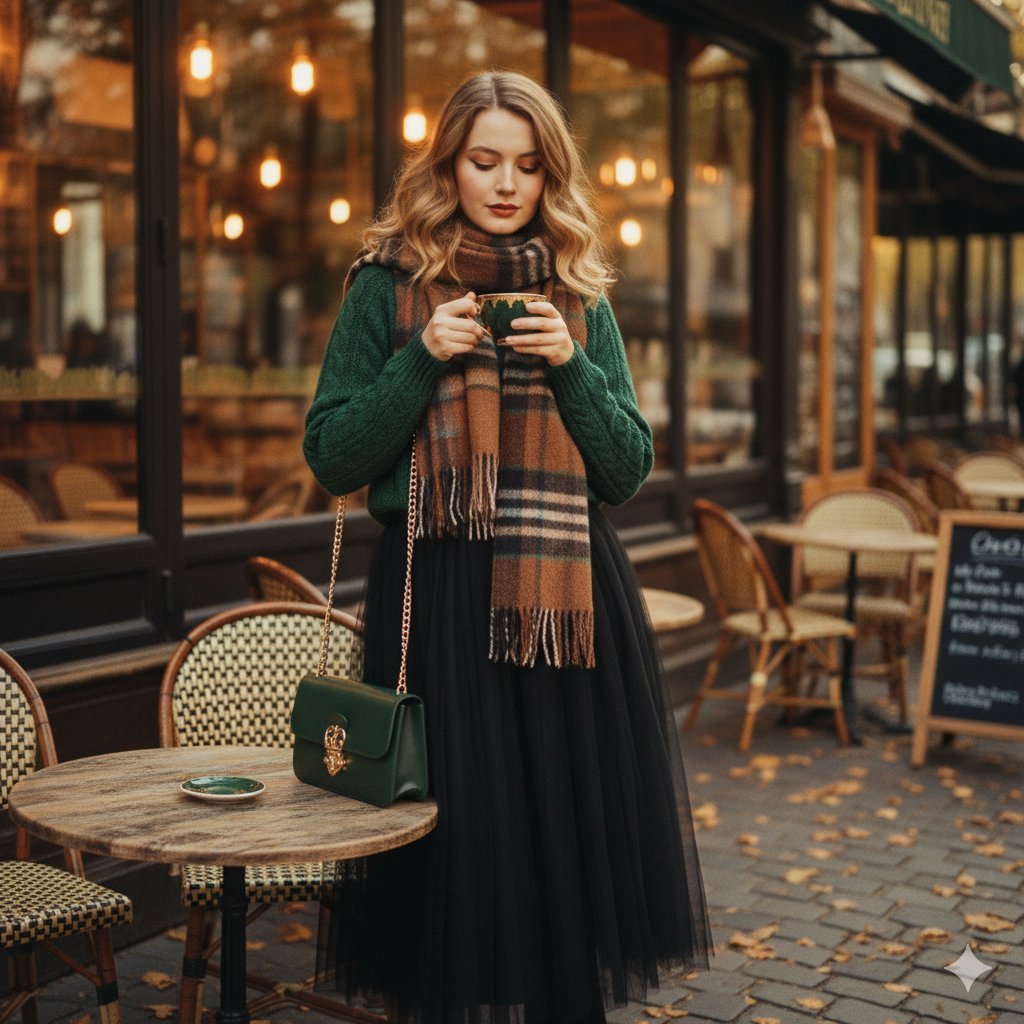
70s Vintage Café Fashion

Anime Lion Costume Safari Study
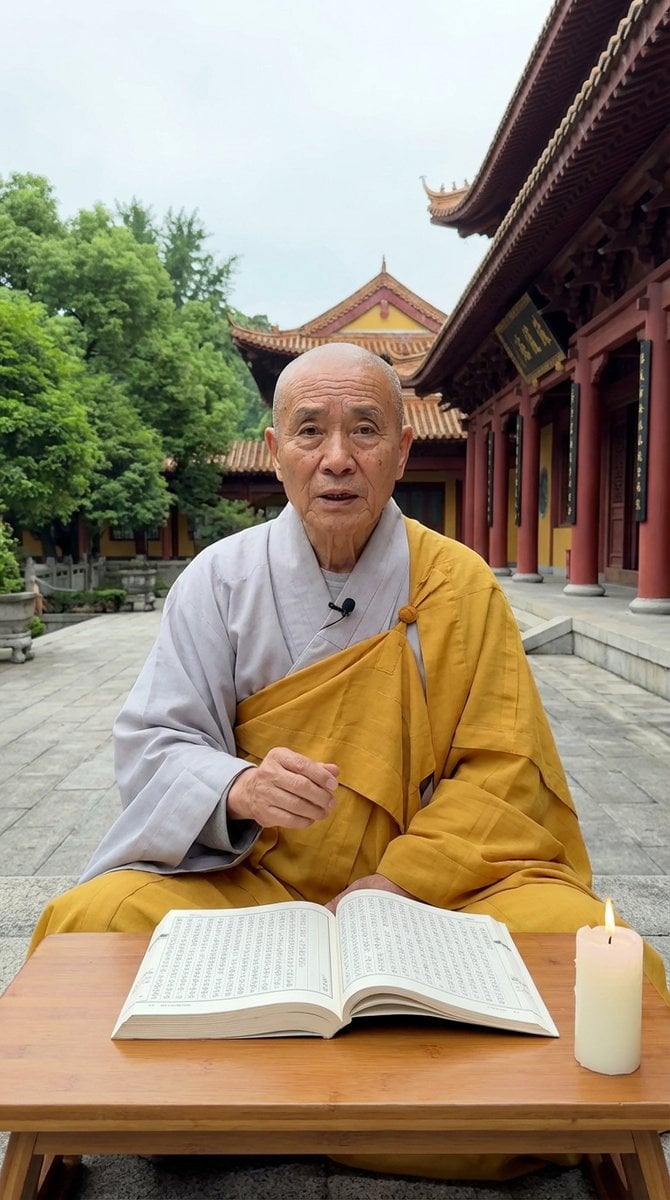
Monk Delivering Life Advice Video Still Prompt
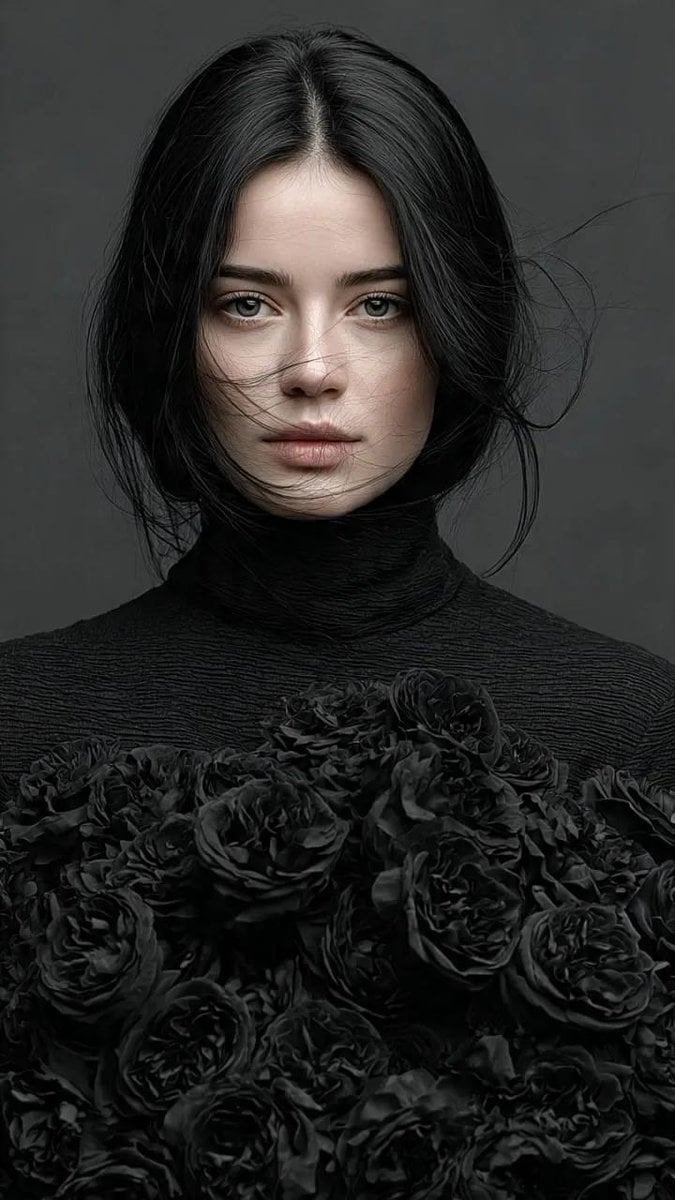
Gothic Elegance Fine-Art Editorial Portrait
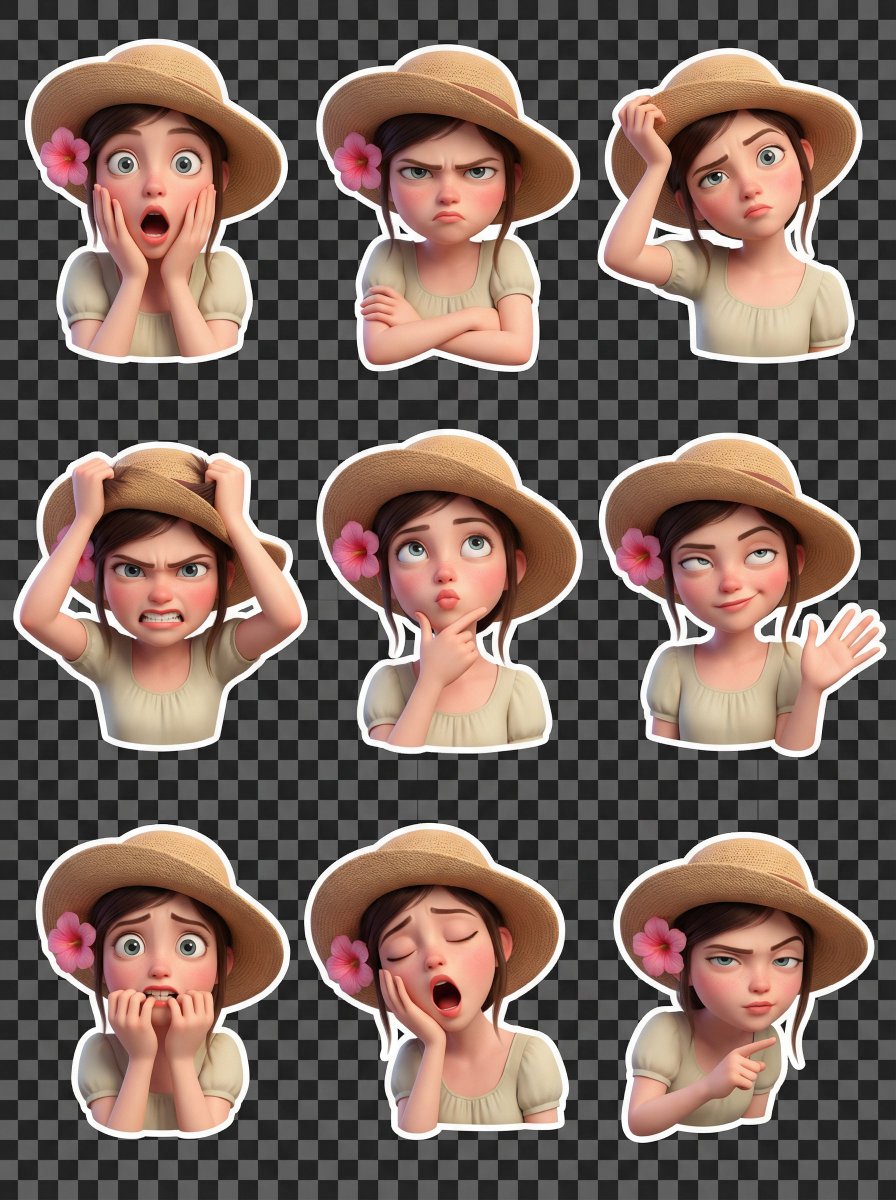
Pixar Style 3D Emoji Sticker Pack
Browse template categories
Blue Line-Art Infrastructure Poster questions
How do I use the Blue Line-Art Infrastructure Poster template?
Add your photo if the template asks for one, edit the prompt if you like — the template's model and format are already selected — and press Generate. Your version opens in PicX Studio.
Can I customize the Blue Line-Art Infrastructure Poster template?
Yes. You can change the subject, setting, lighting, mood, format, and available model controls before creating your image.
Is the Blue Line-Art Infrastructure Poster template free?
Opening and editing this template is free. Generating uses credits, shown on the Generate button when you are signed in.
Which AI model should I use?
Start with GPT Image 2, which is the model associated with this template. You can compare another compatible model for a different finish.
Looking for something else? Browse all templates.

Your photo, any look
Thousands of ready templates for every top image and video model, from one credit balance.