
Good Morning Bird VTuber Frame
Generates a cheerful spring morning social frame with birds, flowers, sky space, and decorative event text for VTuber posts.
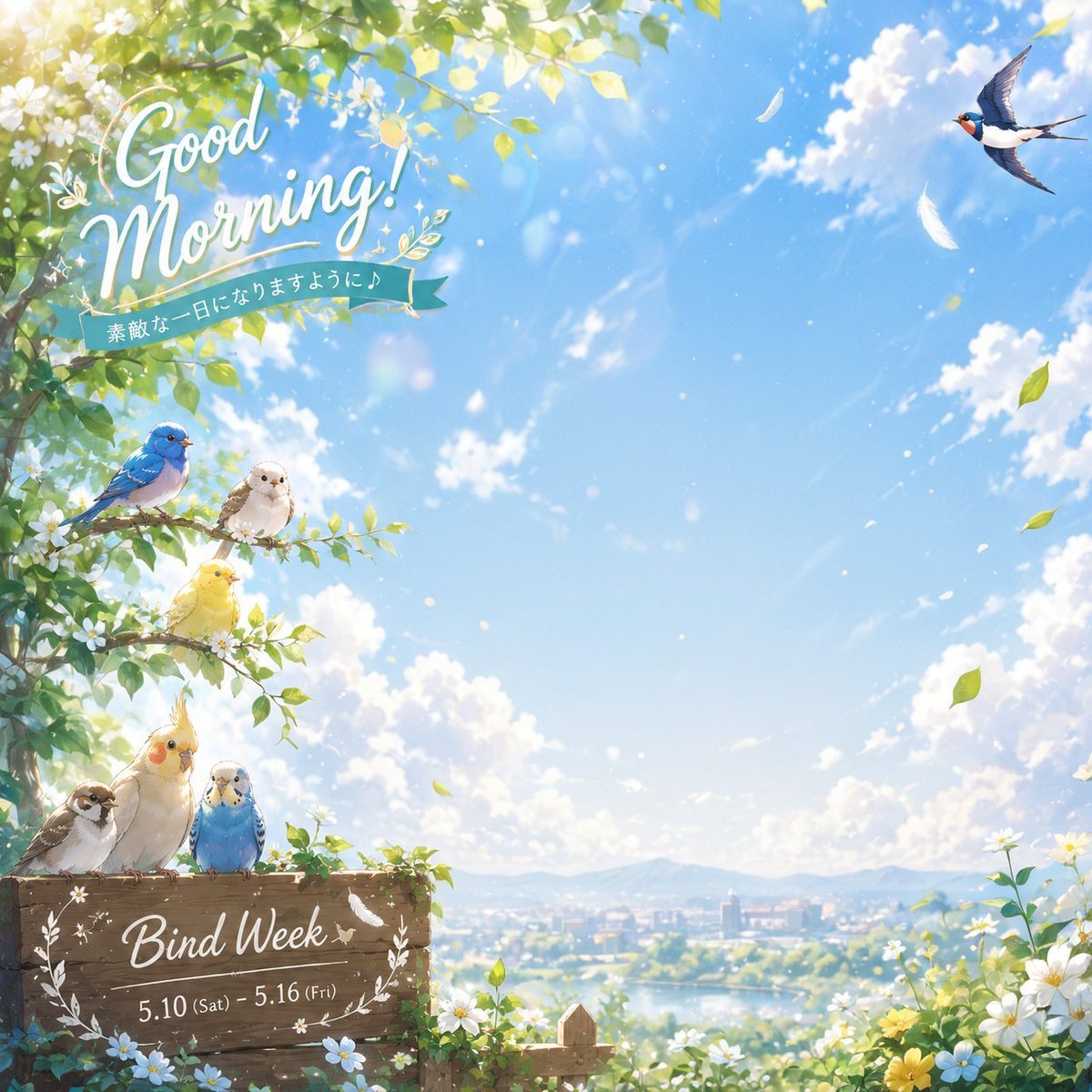
- Prompt included
- Model and format preset
- Free template
The prompt behind this image
Copy the exact prompt behind Good Morning Bird VTuber Frame, or open it in the studio and make it yours.
Create a bright square VTuber “good morning” social media frame in a soft anime watercolor style, with a wide open center-right area of clear blue sky for placing a character or photo. The scene is a cheerful spring morning landscape viewed from a leafy garden: sunlit green branches and small white blossoms frame the top-left and left edge, with glowing lens flare, drifting petals, white feathers, and scattered green leaves across the sky. Add exactly 7 birds: 3 small birds perched on a flowering branch at left-middle, colored blue, white, and yellow; 3 birds perched on a rustic wooden sign at bottom-left, a brown sparrow, a pale yellow cockatiel with orange cheeks, and a blue budgerigar; and 1 swallow flying in the upper-right sky. In the upper-left, place elegant white hand-lettered script reading {argument name="headline text" default="Good Morning!"}, decorated with tiny leaves and sparkles, with a teal ribbon underneath containing the Japanese text {argument name="ribbon text" default="素敵な一日になりますように♪"}. At the bottom-left, make a weathered wooden plank sign wrapped with small flowers, vines, a white laurel motif, and a feather, with white script text {argument name="event title" default="Bind Week"} and a smaller date line {argument name="date range" default="5.10 (Sat) - 5.16 (Fri)"}. The background should show a soft distant town, lake or river, and pale mountains under fluffy white clouds, with daisies and yellow flowers blooming in the lower-right foreground. Use a fresh pastel palette, airy composition, high detail, gentle sunlight, clean decorative typography, and leave the center of the sky mostly uncluttered for overlay use.
How to use Good Morning Bird VTuber Frame in 3 steps
- 1Upload ImagePNG, JPG or paste
Add your photo
Upload the photo the template builds on. The prompt, model and format are already set.
- 2…a portrait of your subject in softgolden-hour light, 85mm…
Personalize
Edit the subject and creative details for your destination.
- 3Generate
Generate
Press Generate — your image is created in PicX Studio, so you can compare it with the original and refine one variable at a time.
More like this
Templates with the same subject, style or setup. Open one to see its prompt.
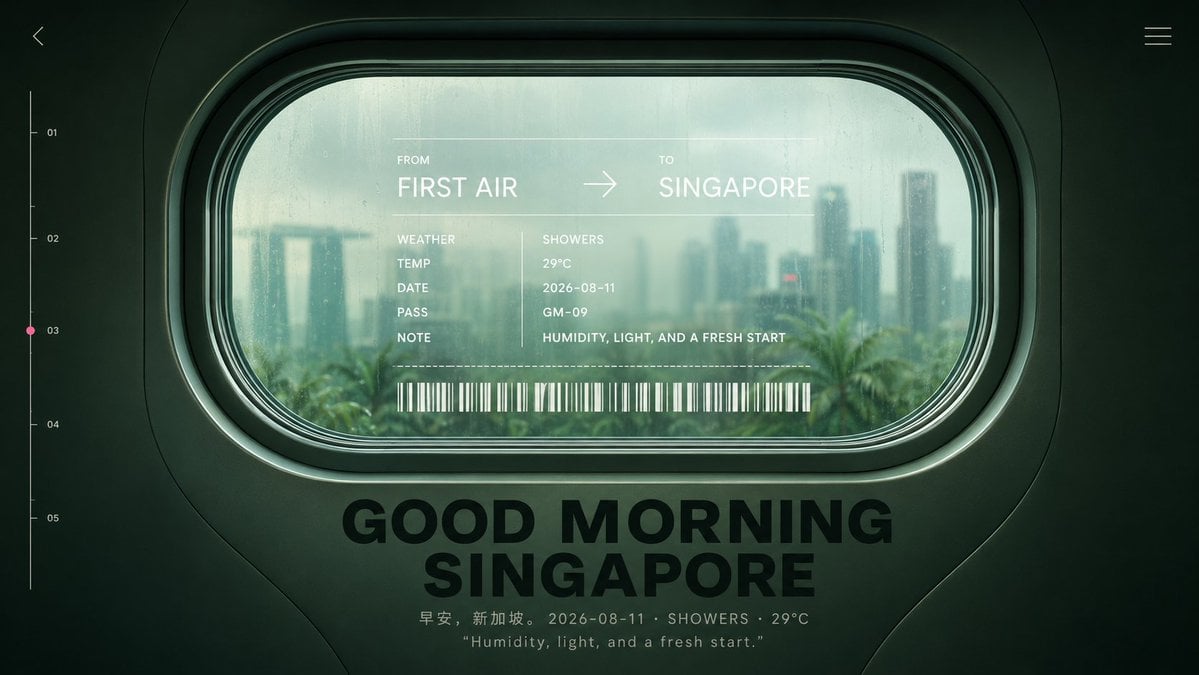
Good Morning Singapore Window Poster
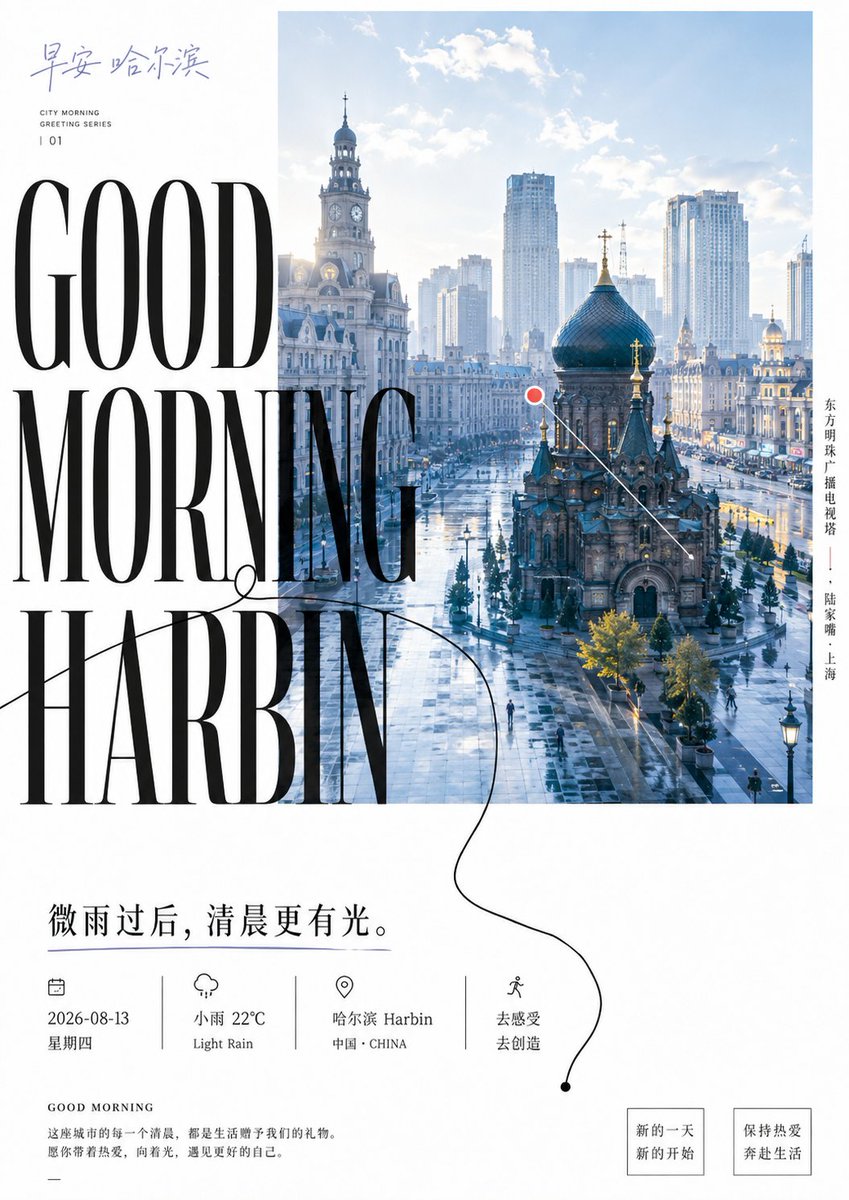
Good Morning Harbin Magazine Poster
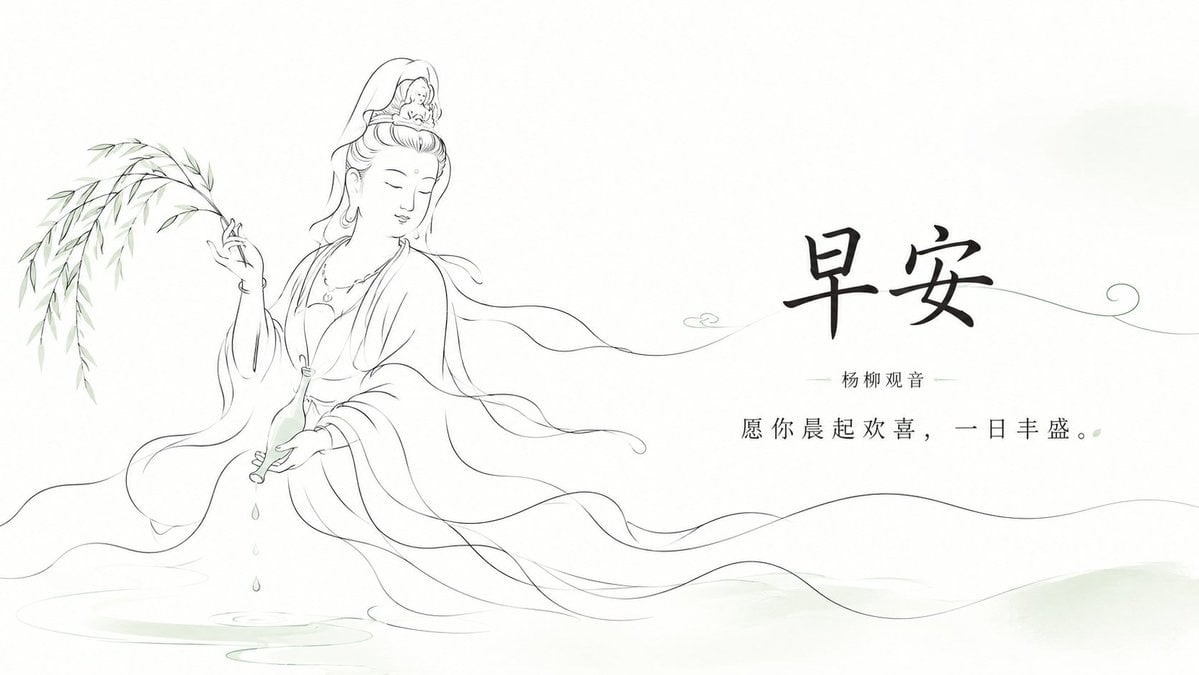
Zen Guanyin Good Morning Greeting
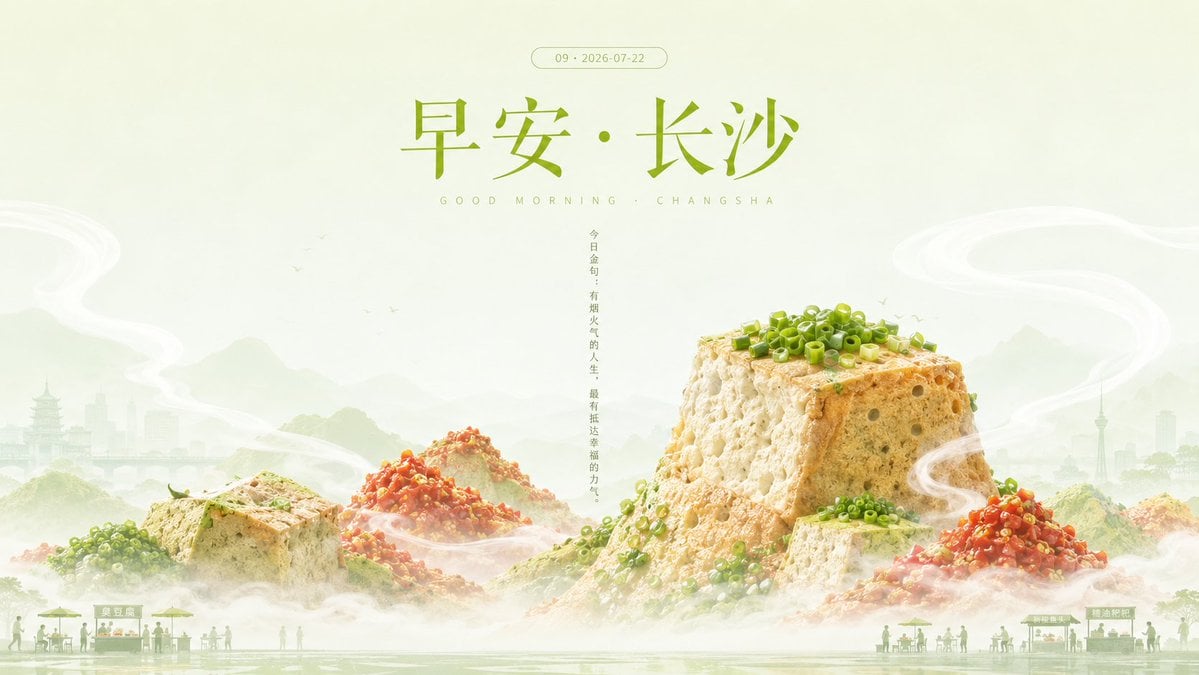
Good Morning Changsha Food Poster

Futuristic Good Morning Beijing Poster

Healing Good Morning Hangzhou Poster
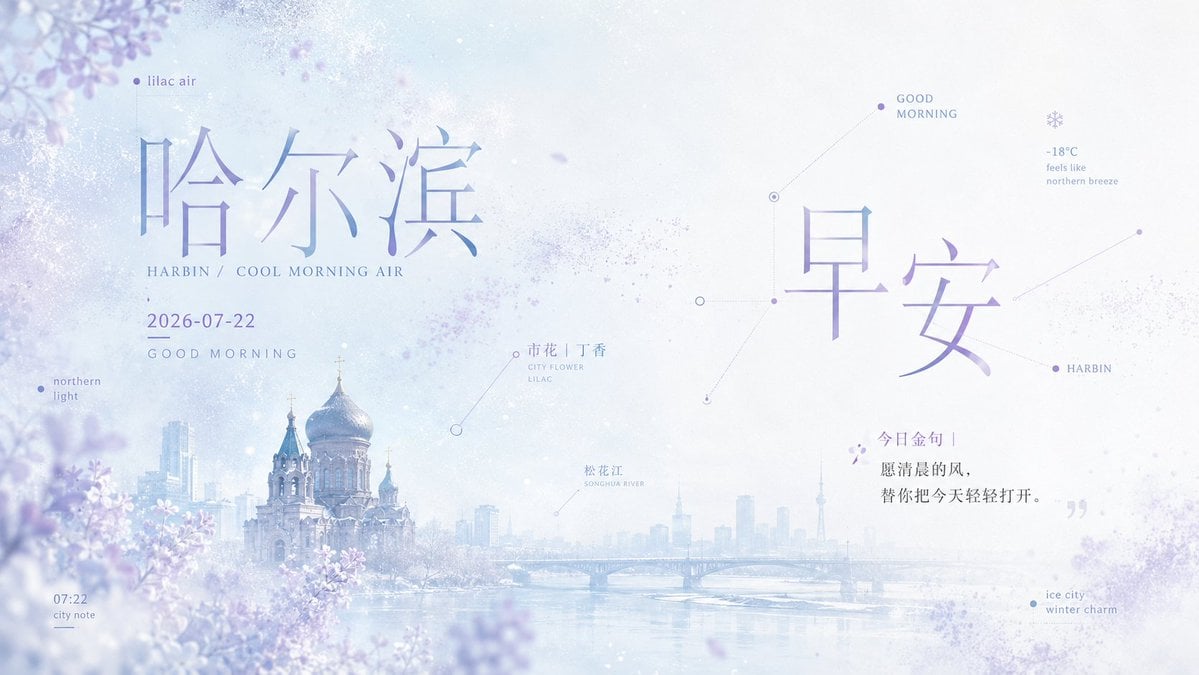
Lilac Harbin Good Morning Poster

Pixar-Style Chibi Café Morning Scene
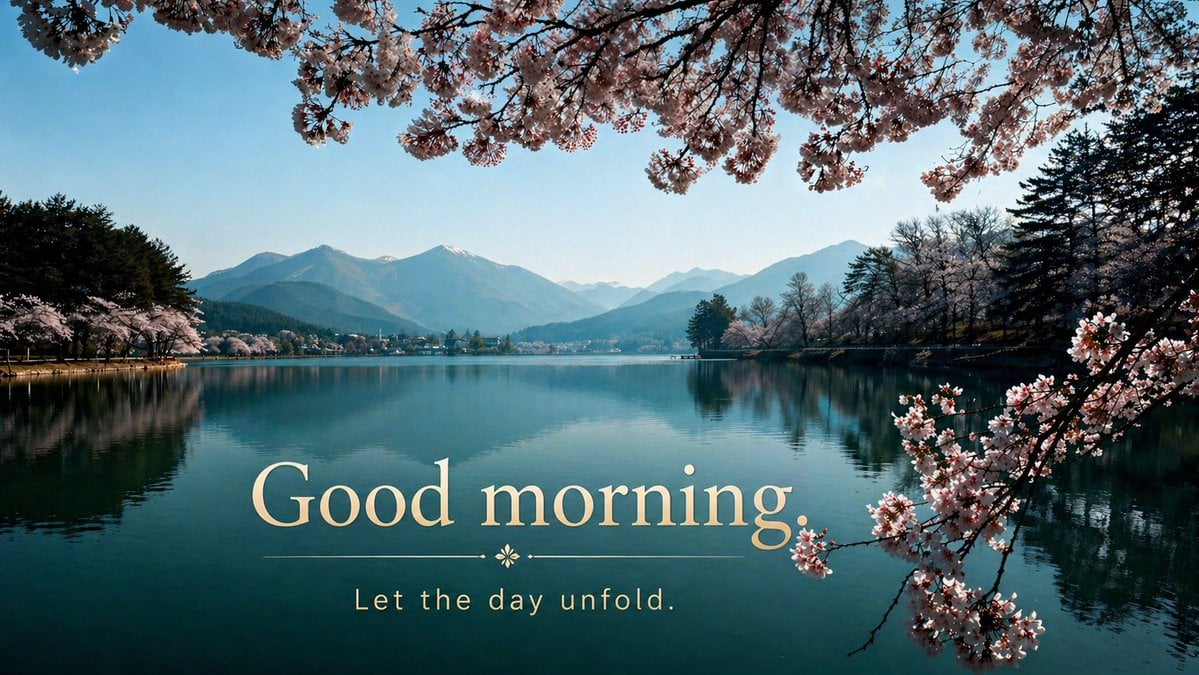
Cherry Blossom Good Morning Lake
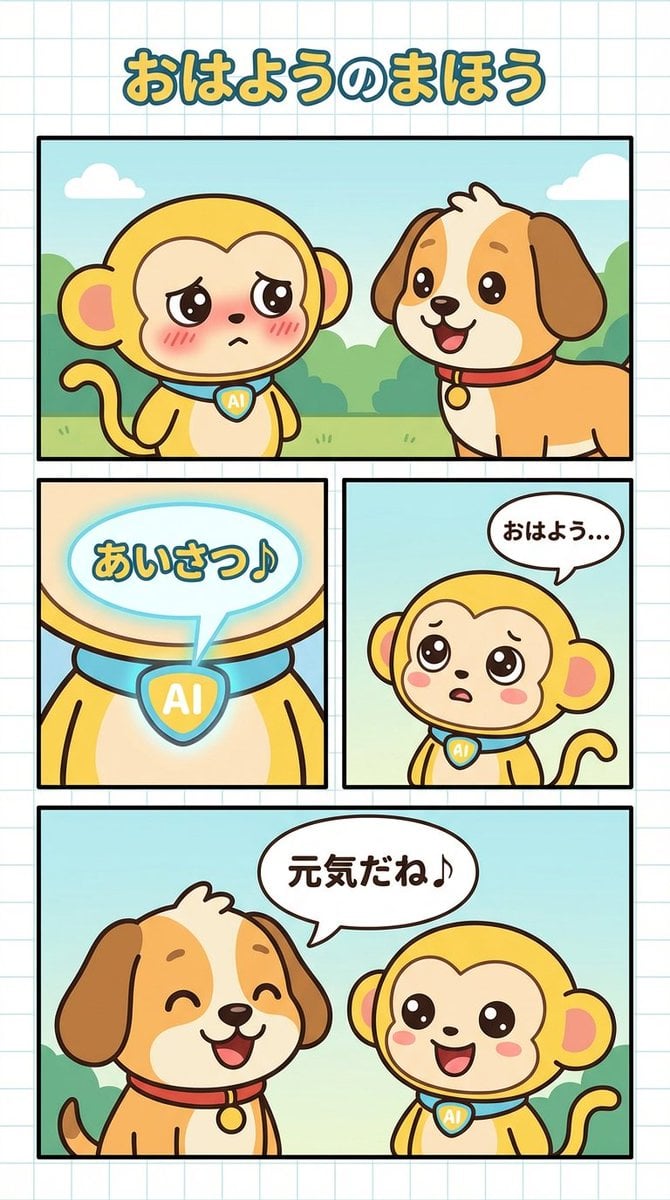
Manga Generation Prompt: Good Morning Magic
Watercolor Fantasy Dragon-Bird Boy
Cinematic Fashion with Red Angry Bird
Make it yours
Good Morning Bird VTuber Frame works as-is. These are the safest ways to change it without losing the look.
Change one field
Copy a single group, rewrite it, and generate again so you can see what that field is doing.
Keep the frame, change the subject
Hold the composition and light of Good Morning Bird VTuber Frame, then swap wardrobe, props or the person for a new take.
| If the result… | Why | Fix |
|---|---|---|
| The result drifts from the preview | Too many fields changed at once. | Reuse Good Morning Bird VTuber Frame as-is first, then change one group — subject, light, or setting. |
| The model over-stylizes the scene | The prose prompt leaves finish and camera underspecified. | Add one camera or lighting sentence and stay on GPT Image 2. |
More GPT Image 2 templates
Other prompts made for GPT Image 2.

Six VTuber Japanese Logo Sheet

Realistic Portrait of Woman and Deer

The Vista Modular Condo Poster

AI Model Routing Comparison Infographic

2.5D Anime Art Board

Isometric Productivity Desk Scene

New York Double Exposure Poster

Four-Panel AI Landscape Comparison

Japanese Tatami Lifestyle Magazine Cover

NESCAFÉ Coffee Map Poster
More image prompts
Fresh picks from across the catalog.
Universal Creative Advertising Template
Mechanical Keyboard Keycap Product Photography Prompt
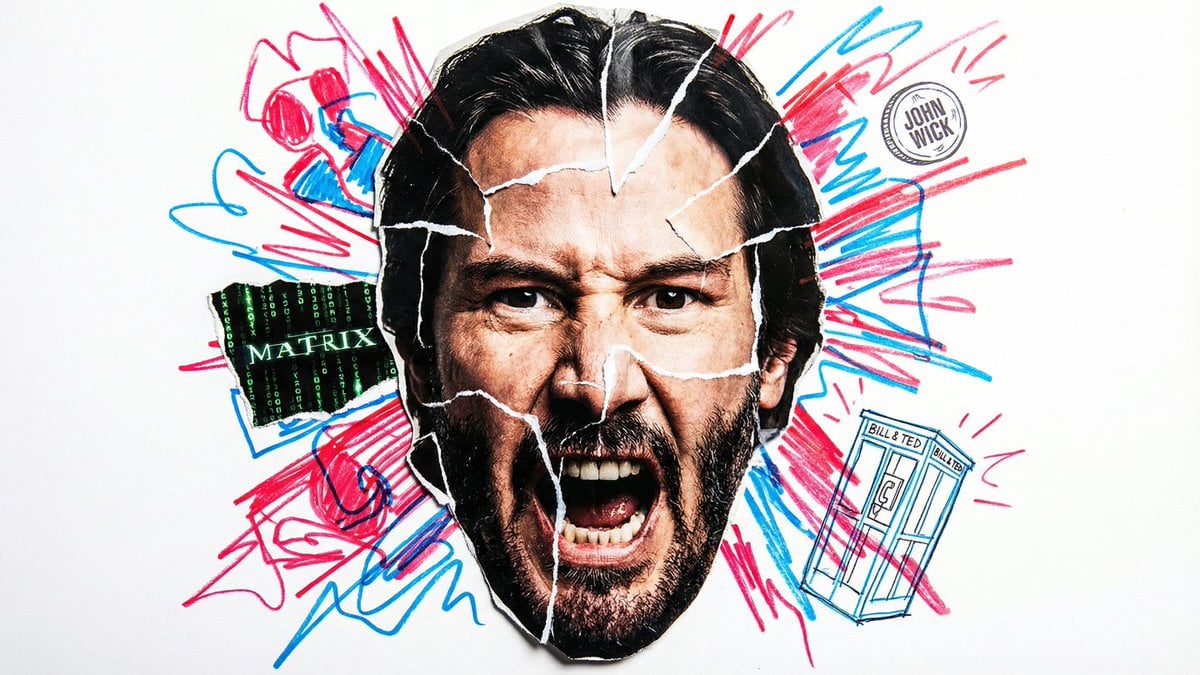
Simple Nano Banana Prompt for Urban Caricature
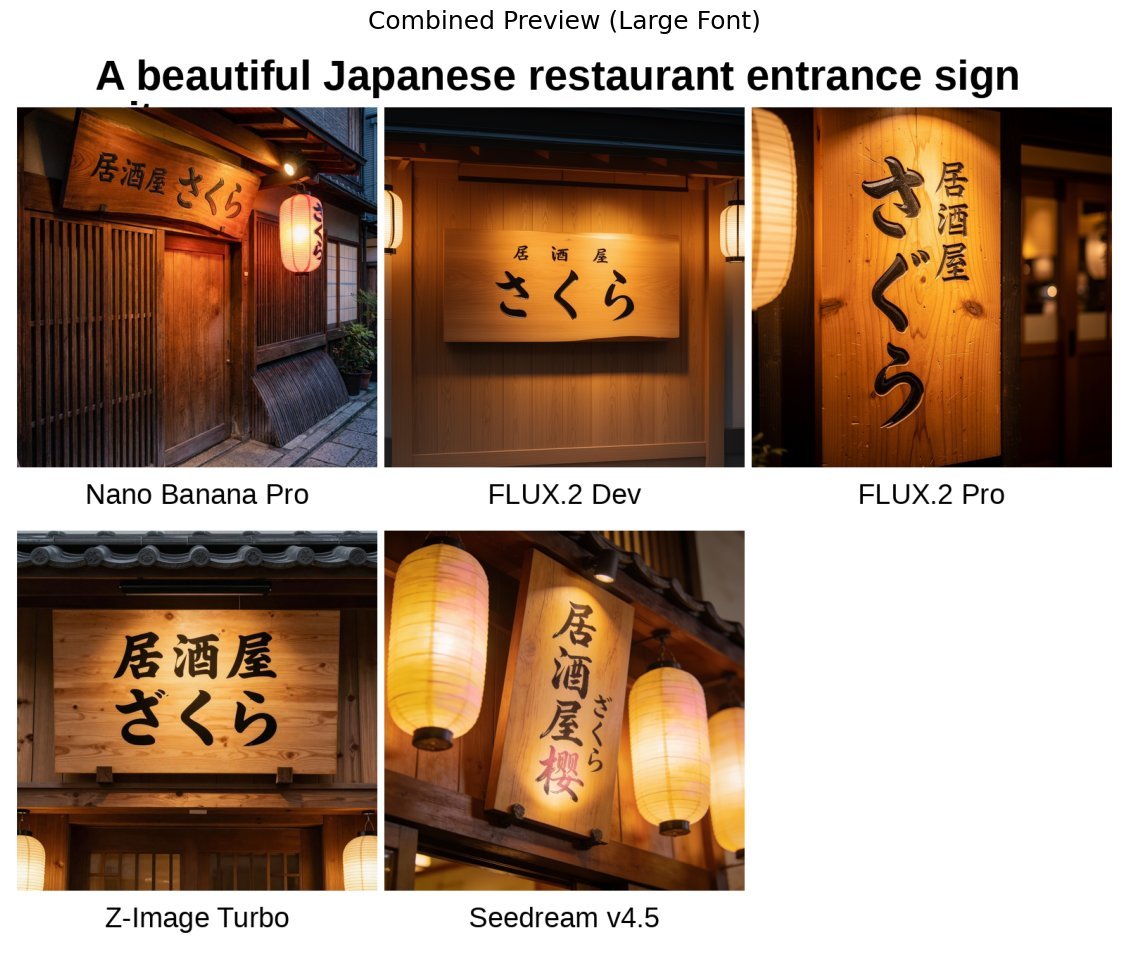
Japanese izakaya entrance sign image prompt for Nano Banana Pro
Character Robotization and Technical Diagram Prompt
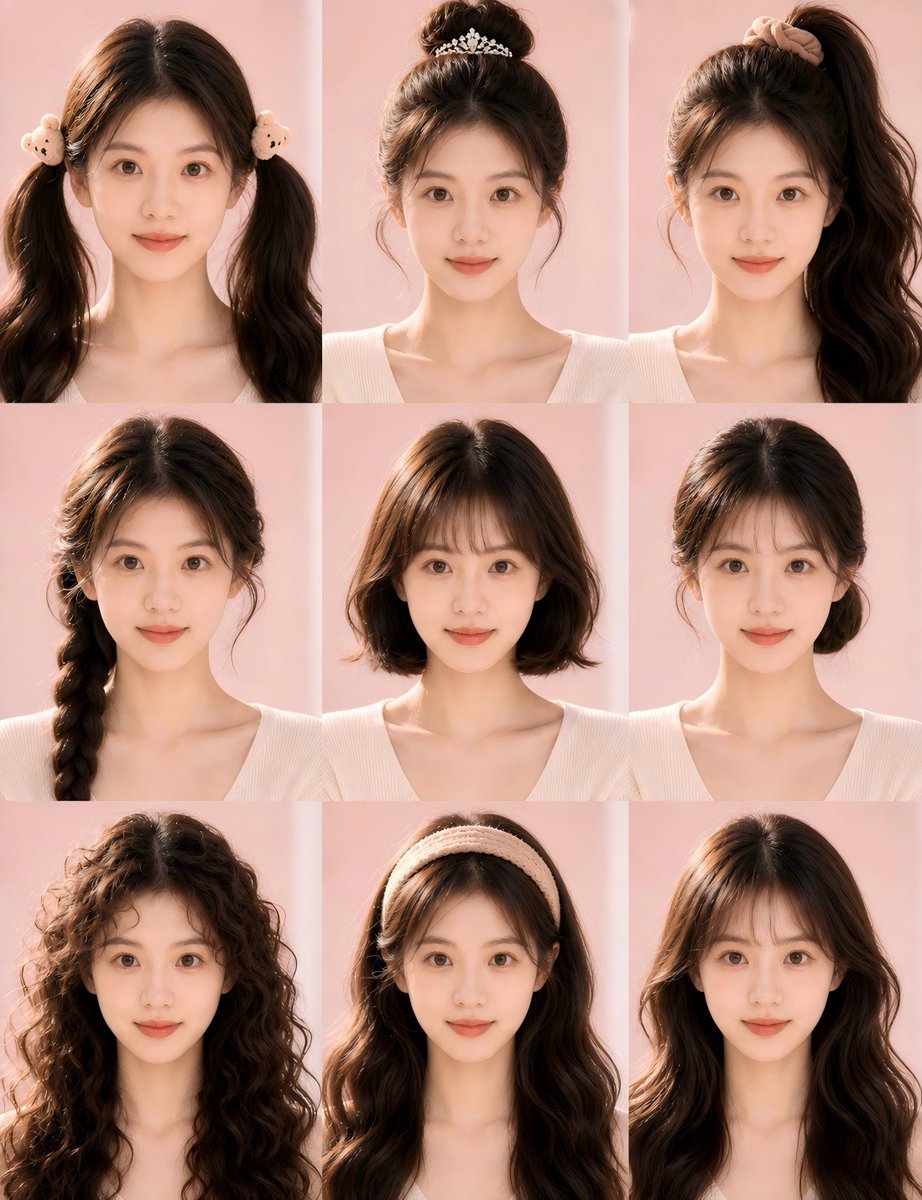
Nine-Style Hairstyle Try-On Collage
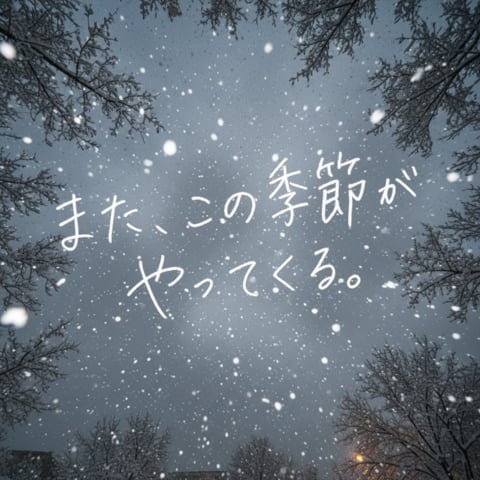
Snowy Sky with Handwritten Japanese Text
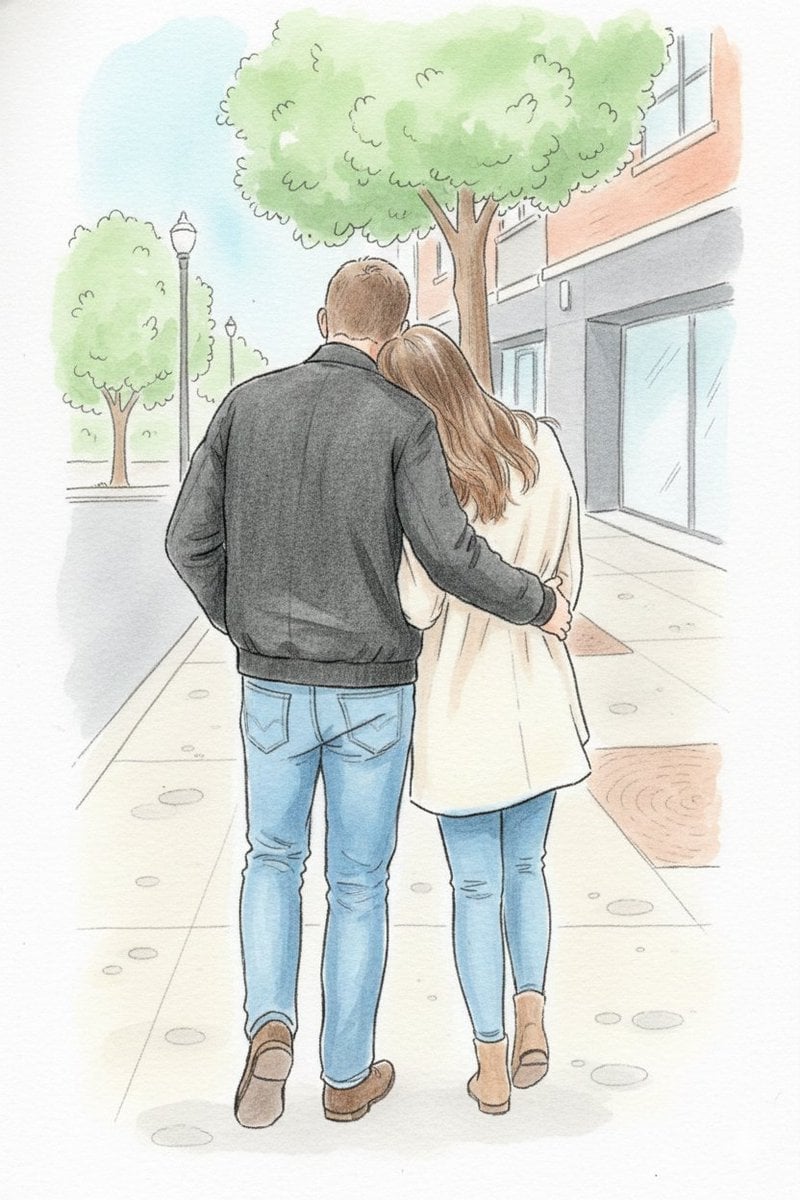
Identity-Preserving Storybook Illustration
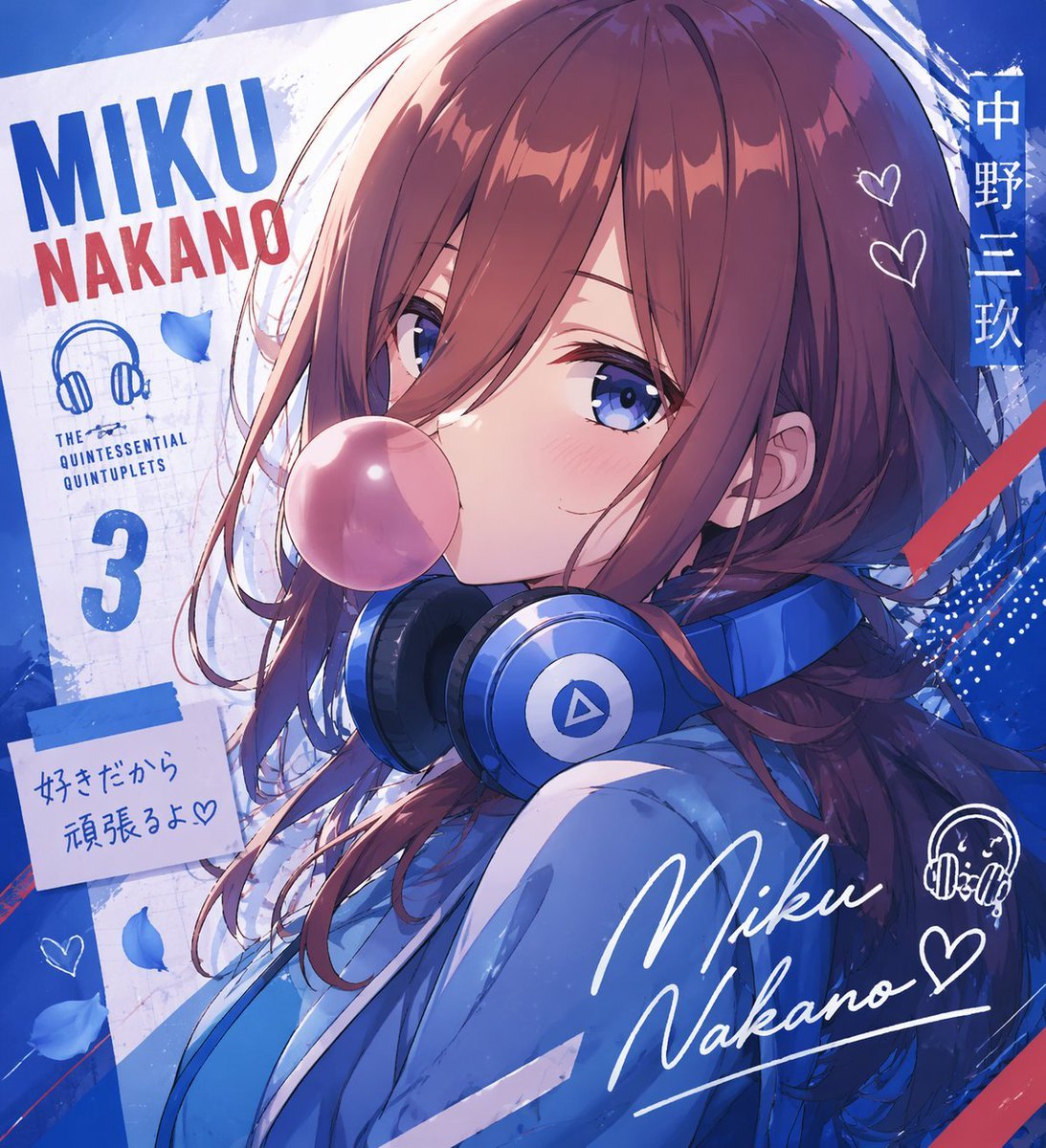
Anime Character Typography Poster
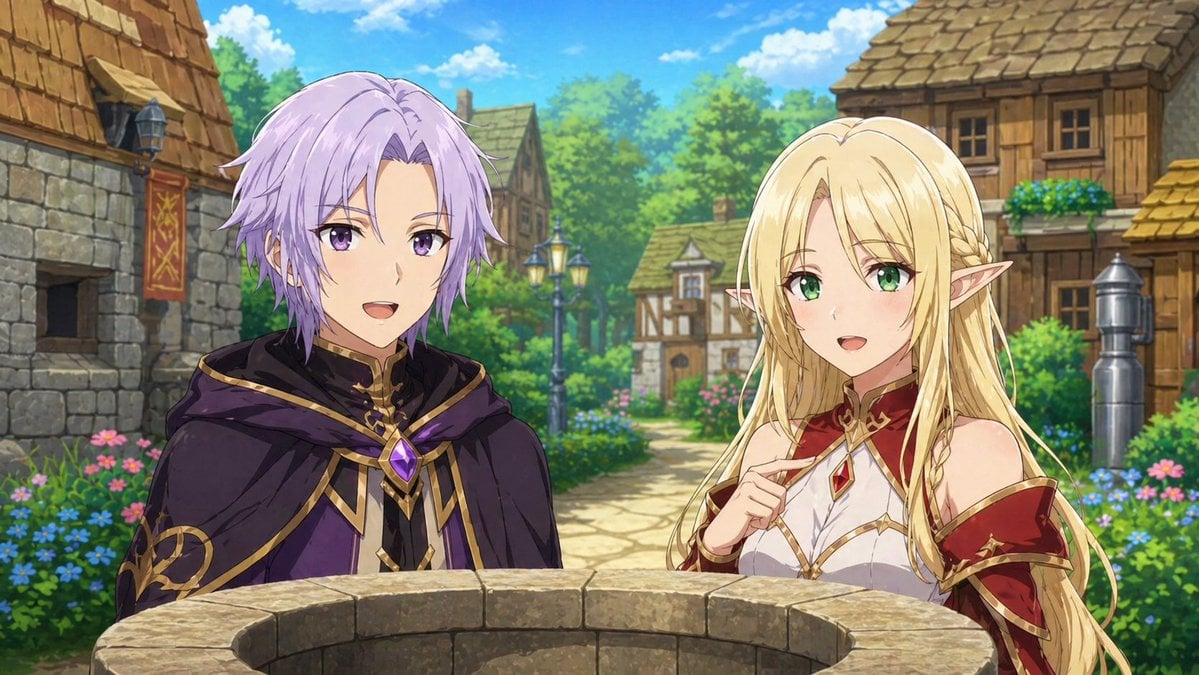
Fantasy Anime Scene Still
Browse template categories
Good Morning Bird VTuber Frame questions
How do I use the Good Morning Bird VTuber Frame template?
Add your photo if the template asks for one, edit the prompt if you like — the template's model and format are already selected — and press Generate. Your version opens in PicX Studio.
Can I customize the Good Morning Bird VTuber Frame template?
Yes. You can change the subject, setting, lighting, mood, format, and available model controls before creating your image.
Is the Good Morning Bird VTuber Frame template free?
Opening and editing this template is free. Generating uses credits, shown on the Generate button when you are signed in.
Which AI model should I use?
Start with GPT Image 2, which is the model associated with this template. You can compare another compatible model for a different finish.
Looking for something else? Browse all templates.

Your photo, any look
Thousands of ready templates for every top image and video model, from one credit balance.