
Vintage Troy Travel Poster
A retro fantasy travel poster depicting ancient Troy with its walls, Trojan horse, coastal path, and bold destination typography.
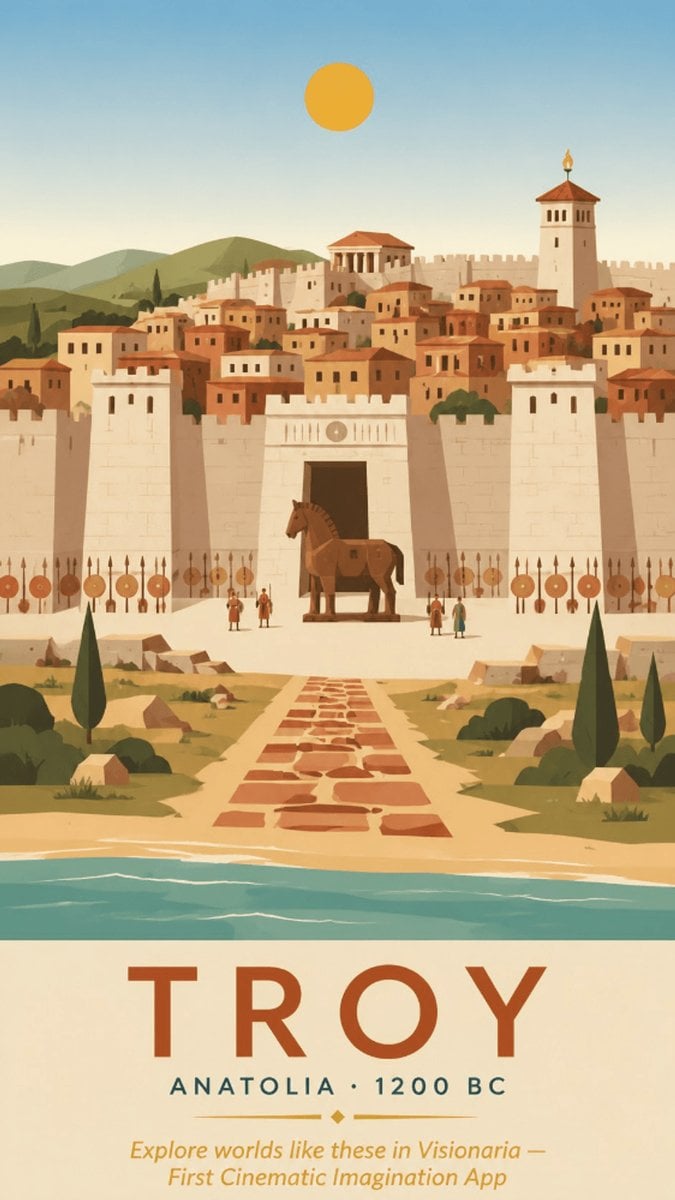
- Prompt included
- Model and format preset
- Free template
The prompt behind this image
Copy the exact prompt behind Vintage Troy Travel Poster, or open it in the studio and make it yours.
Goal: Create a vintage mythical travel poster for {argument name="destination" default="Troy"}, showing an idealized ancient city as a dream travel destination. Canvas: Vertical poster, 2:3 aspect ratio, warm cream border and a large illustrated scene above a typography block. Use a clean mid-century travel-poster style with simplified geometric shapes, soft grain, flat colors, and subtle paper texture. Scene: A sunlit Bronze Age coastal city in Anatolia, viewed from the shore looking inland. At the bottom of the illustration, show turquoise sea water with two thin white wave lines, then a sandy beach and a straight stone path leading toward a massive fortified city gate. The path is made of irregular reddish paving stones and should create strong central perspective. Architecture and landscape: The city has pale limestone defensive walls with crenellations, two large front gate towers, and a dark rectangular central entrance. Behind the walls, show a hillside town of terracotta-roofed houses in ochre, clay, cream, and rust tones. Include one classical temple with columns near the upper center and one tall watchtower on the upper right with a red roof and a small flame beacon. In the far background, include soft green rolling hills under a pale blue-to-cream sky. Place a simple round golden sun high above the city. Foreground details: In front of the gate, include exactly 1 large wooden Trojan horse centered slightly right of the entrance. Include exactly 4 tiny human figures: 2 standing near the horse on the left side, and 2 standing near the horse on the right side. Add a ceremonial line of round shields and spears along the base of the wall; make them decorative and evenly spaced. Include exactly 3 tall dark green cypress trees: 1 on the left foreground and 2 on the right foreground. Add low shrubs and scattered rocks along both sides of the path. Text content: In the bottom cream typography panel, set the main title as {argument name="headline text" default="TROY"} in very large uppercase burnt-orange geometric lettering with wide spacing. Beneath it, add the subtitle {argument name="subtitle text" default="ANATOLIA • 1200 BC"} in small uppercase teal lettering. Add a short gold horizontal divider line. At the bottom, add the italic tagline {argument name="tagline" default="Explore worlds like these in Visionaria — First Cinematic Imagination App"} in warm ochre. Visual style: Elegant retro travel poster, simplified historic fantasy illustration, balanced symmetry, warm Mediterranean palette, soft shadows, no photorealism, no modern objects, no extra logos or watermarks.
How to use Vintage Troy Travel Poster in 3 steps
- 1Upload ImagePNG, JPG or paste
Add your photo
Upload the photo the template builds on. The prompt, model and format are already set.
- 2…a portrait of your subject in softgolden-hour light, 85mm…
Personalize
Edit the subject and creative details for your destination.
- 3Generate
Generate
Press Generate — your image is created in PicX Studio, so you can compare it with the original and refine one variable at a time.
More like this
Templates with the same subject, style or setup. Open one to see its prompt.

Japan Travel Brochure Poster
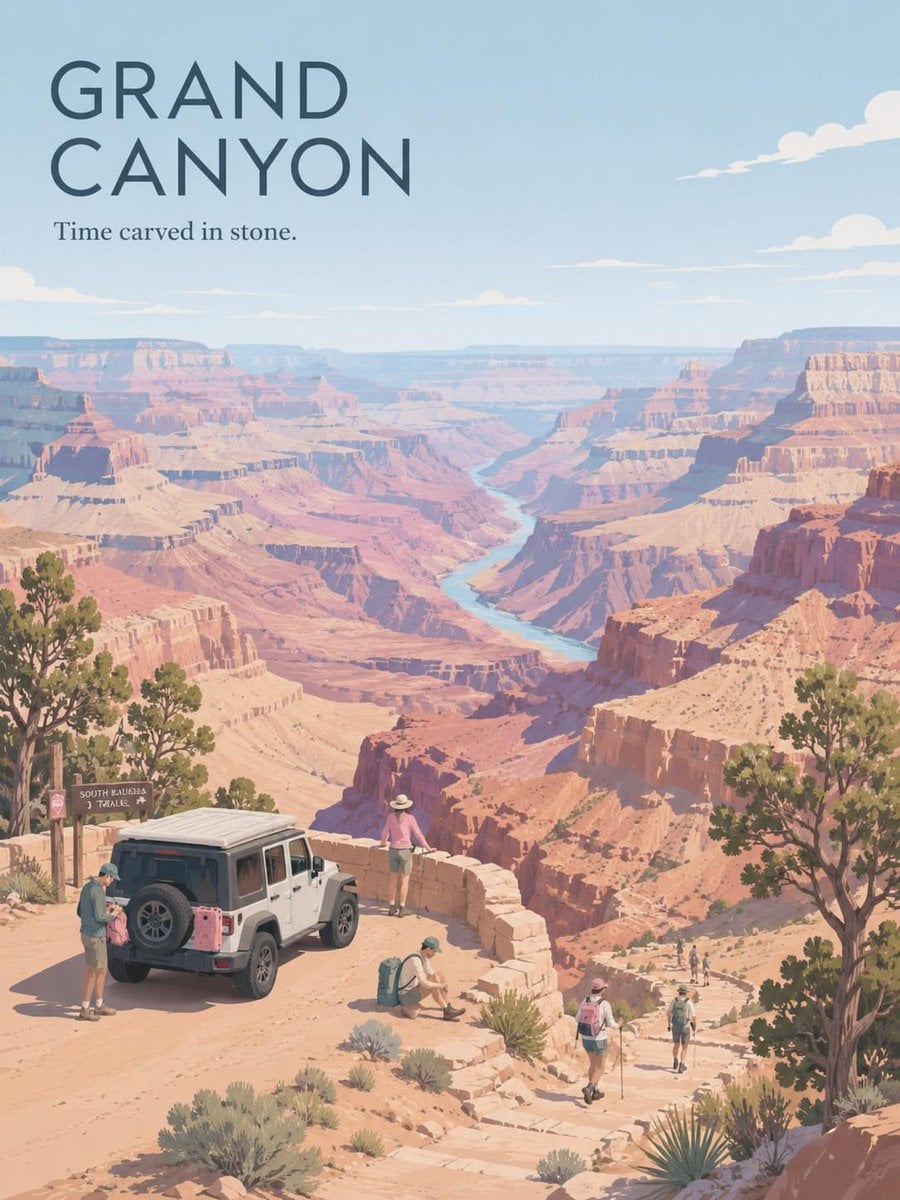
Premium Vintage Travel Poster Landscape
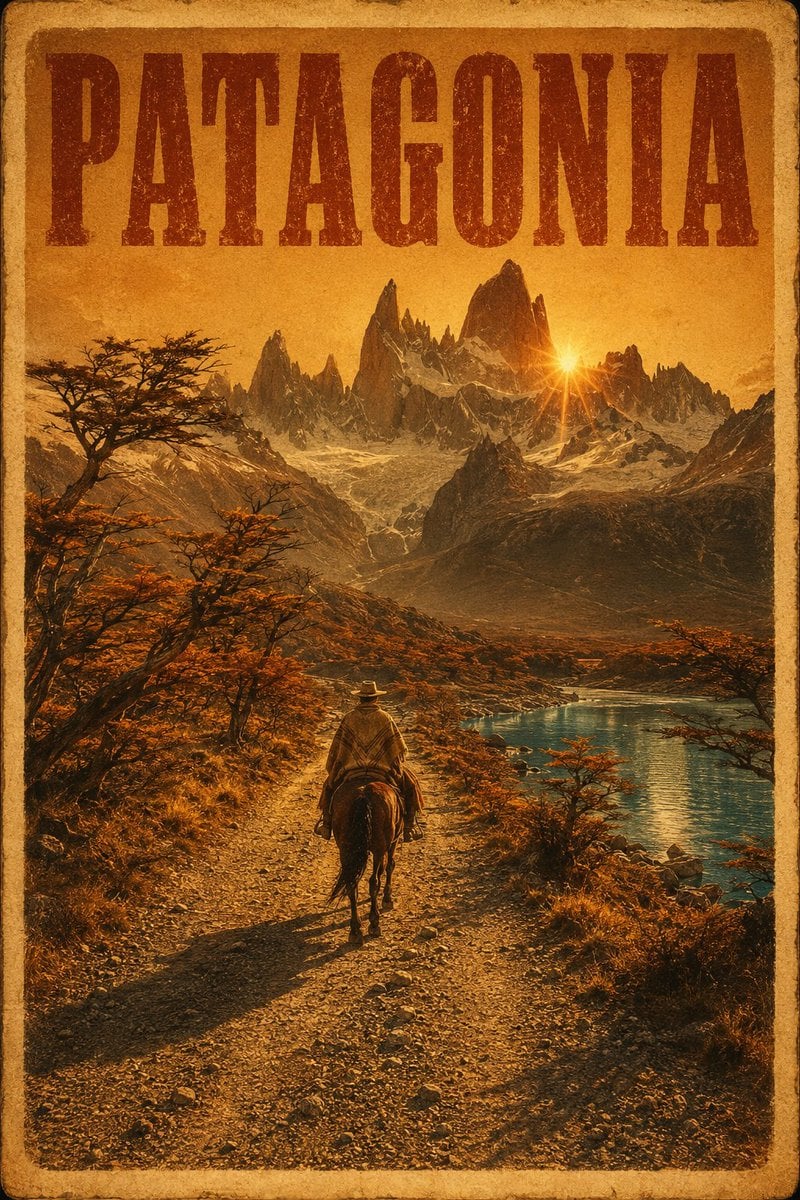
Vintage Patagonia Travel Poster
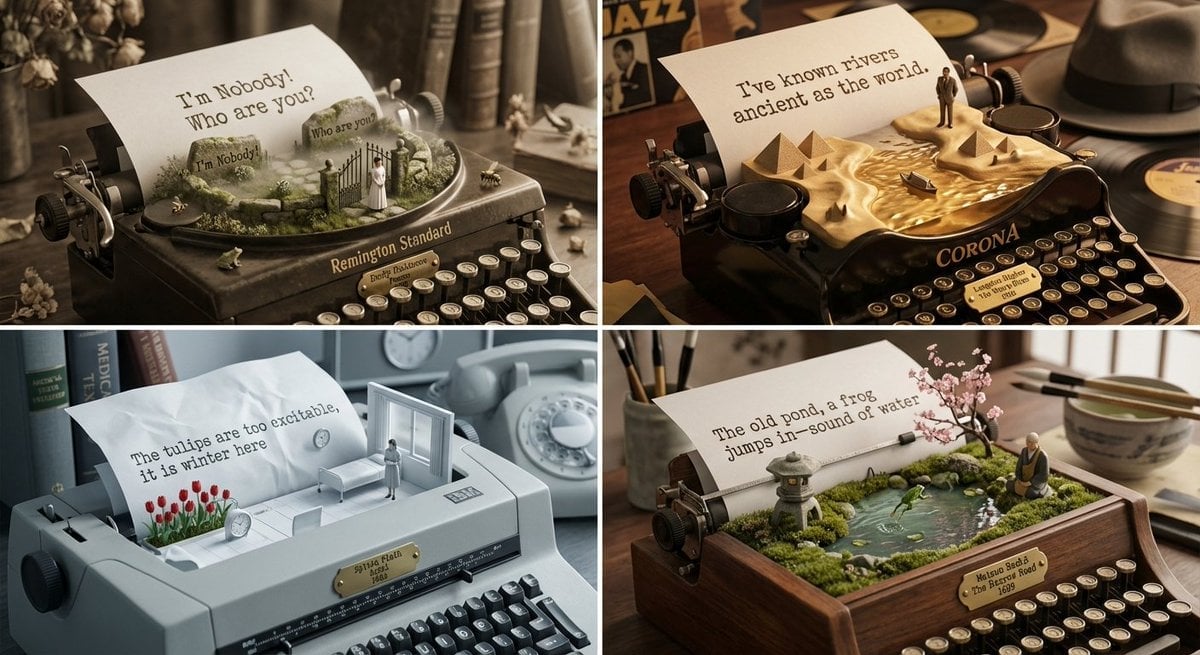
Paper Cut Vintage Travel Poster
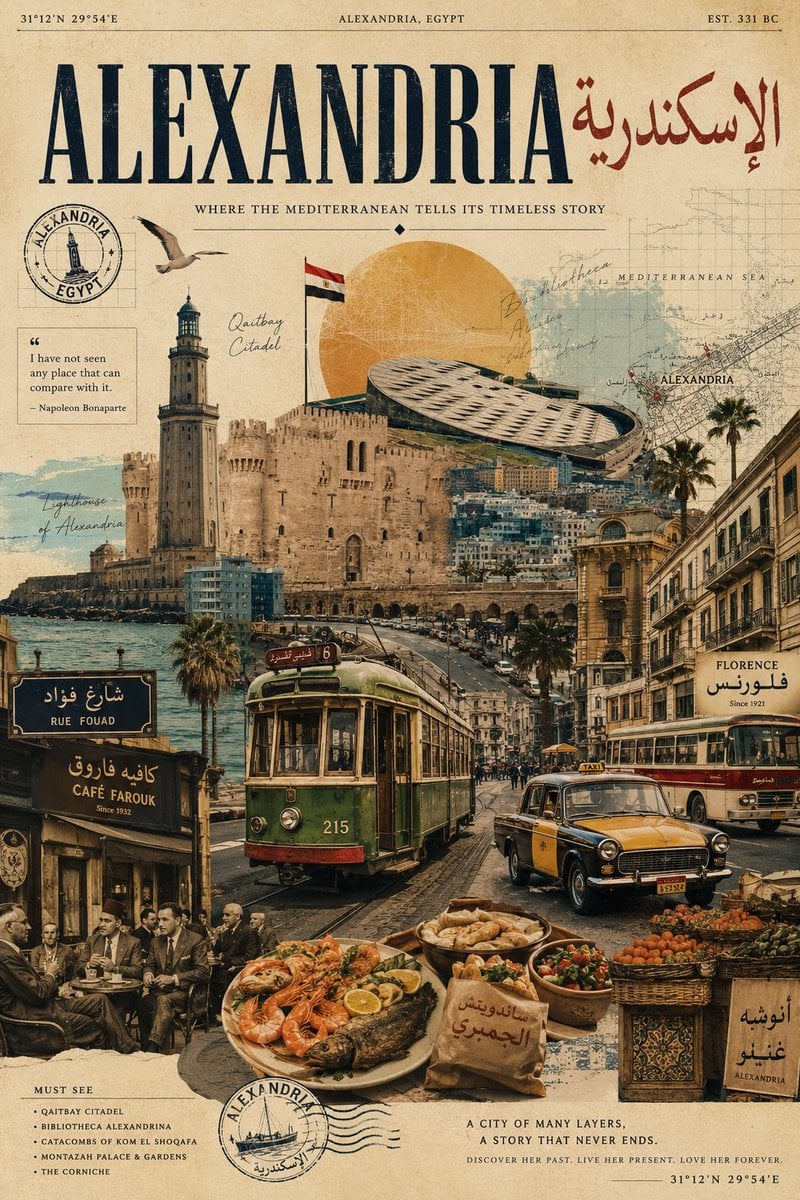
Vintage Alexandria Travel Poster
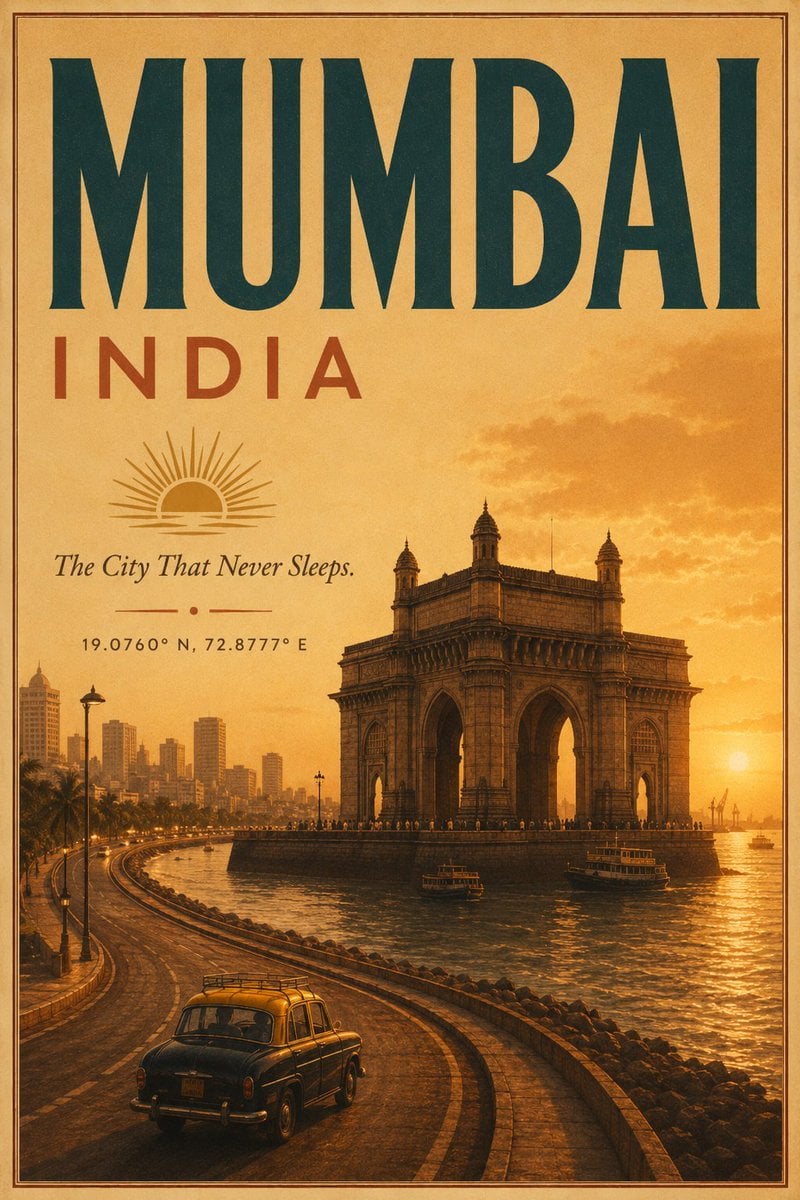
Vintage Mumbai Travel Poster
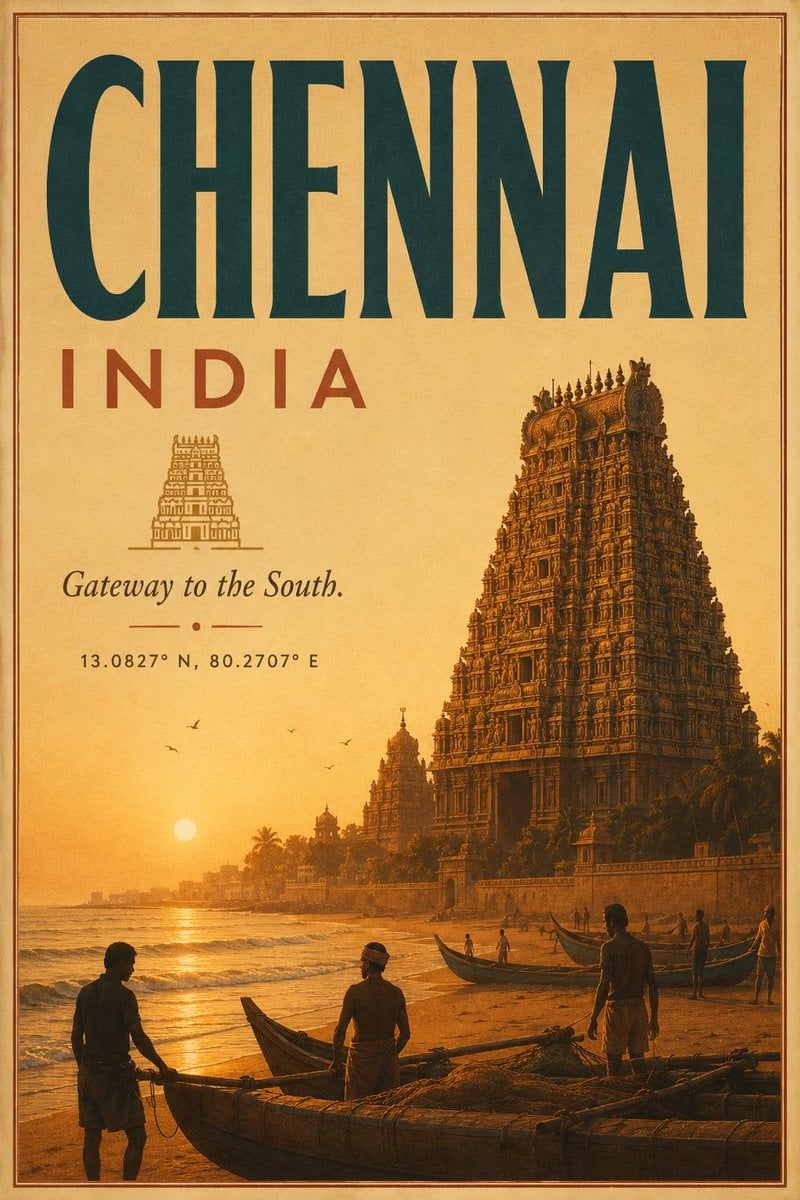
Vintage Chennai Travel Poster
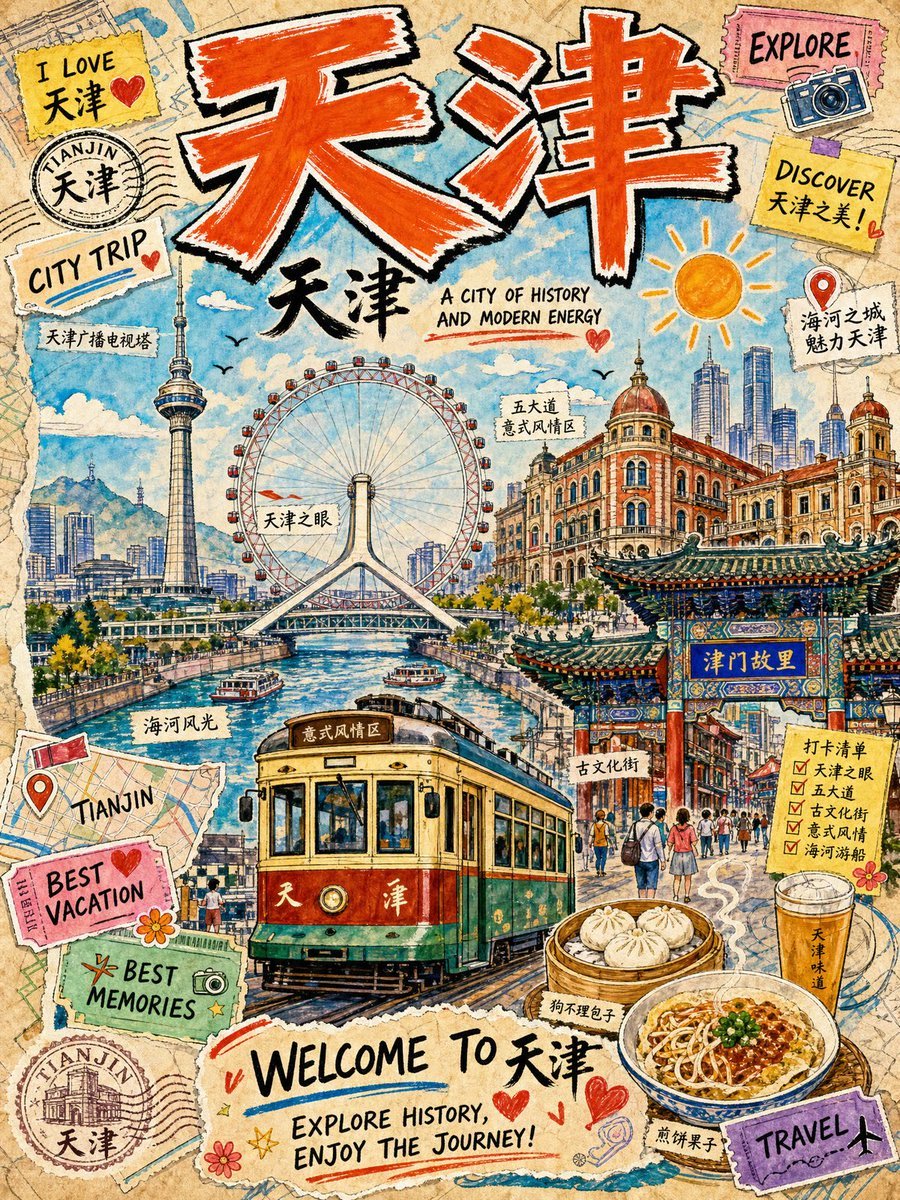
Vintage Tianjin Travel Poster
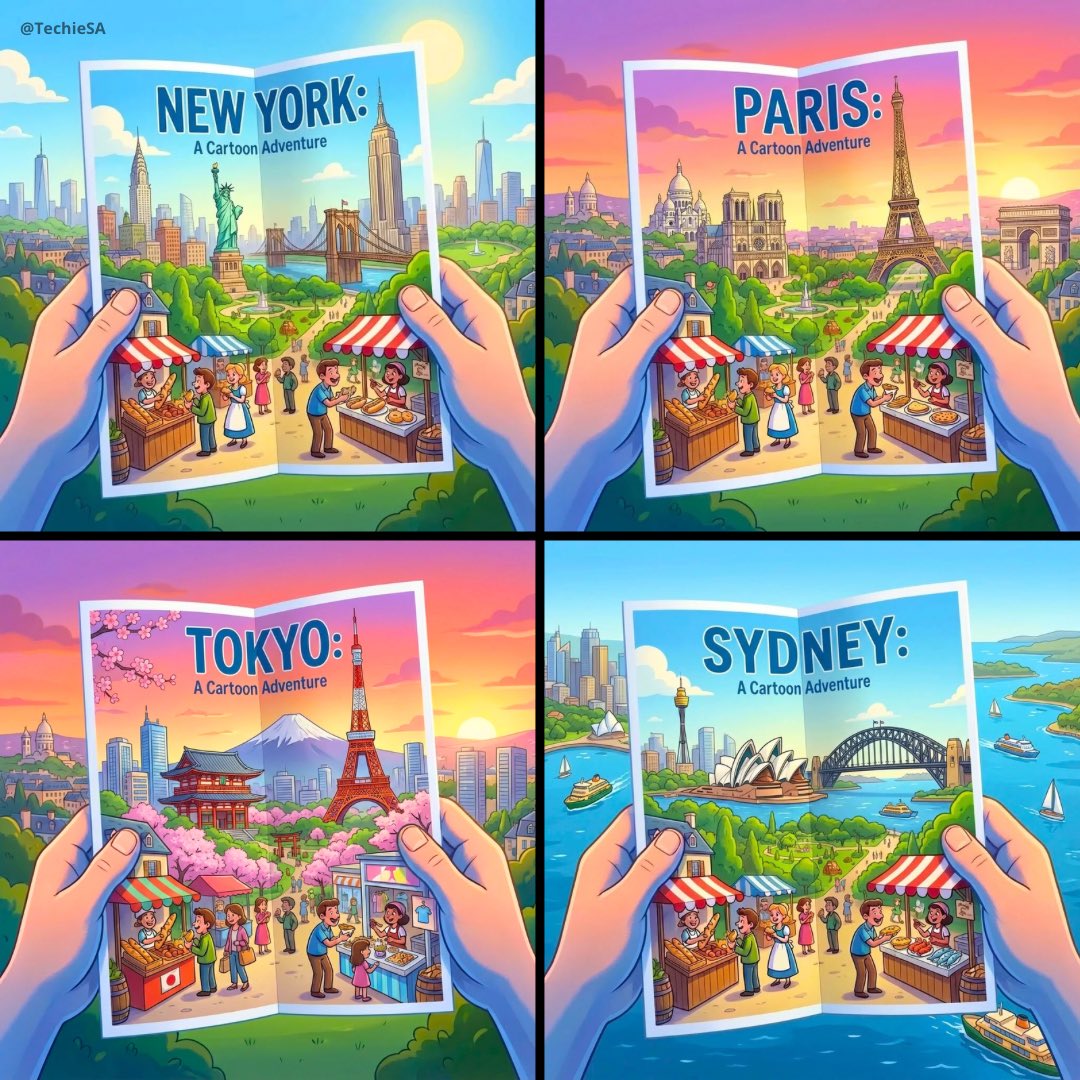
City Posters by Nano Banana Pro

Sunday Afternoon, 1988

Two Tickets, One Night

If We Met in 1985
Make it yours
Vintage Troy Travel Poster works as-is. These are the safest ways to change it without losing the look.
Change one field
Copy a single group, rewrite it, and generate again so you can see what that field is doing.
Keep the frame, change the subject
Hold the composition and light of Vintage Troy Travel Poster, then swap wardrobe, props or the person for a new take.
| If the result… | Why | Fix |
|---|---|---|
| The result drifts from the preview | Too many fields changed at once. | Reuse Vintage Troy Travel Poster as-is first, then change one group — subject, light, or setting. |
| The model over-stylizes the scene | The prose prompt leaves finish and camera underspecified. | Add one camera or lighting sentence and stay on GPT Image 2. |
More GPT Image 2 templates
Other prompts made for GPT Image 2.

Six VTuber Japanese Logo Sheet

Realistic Portrait of Woman and Deer

The Vista Modular Condo Poster

AI Model Routing Comparison Infographic

2.5D Anime Art Board

Isometric Productivity Desk Scene

New York Double Exposure Poster

Four-Panel AI Landscape Comparison

Japanese Tatami Lifestyle Magazine Cover

NESCAFÉ Coffee Map Poster
More image prompts
Fresh picks from across the catalog.
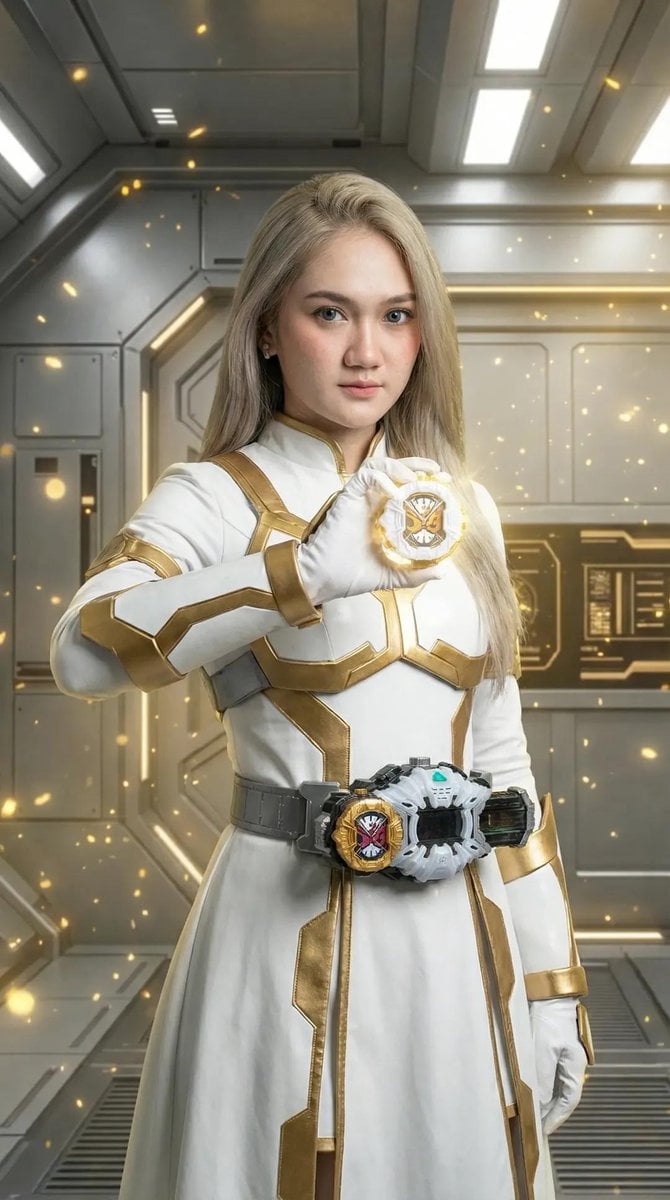
Kamen Rider Armor Transformation Sequence Prompt
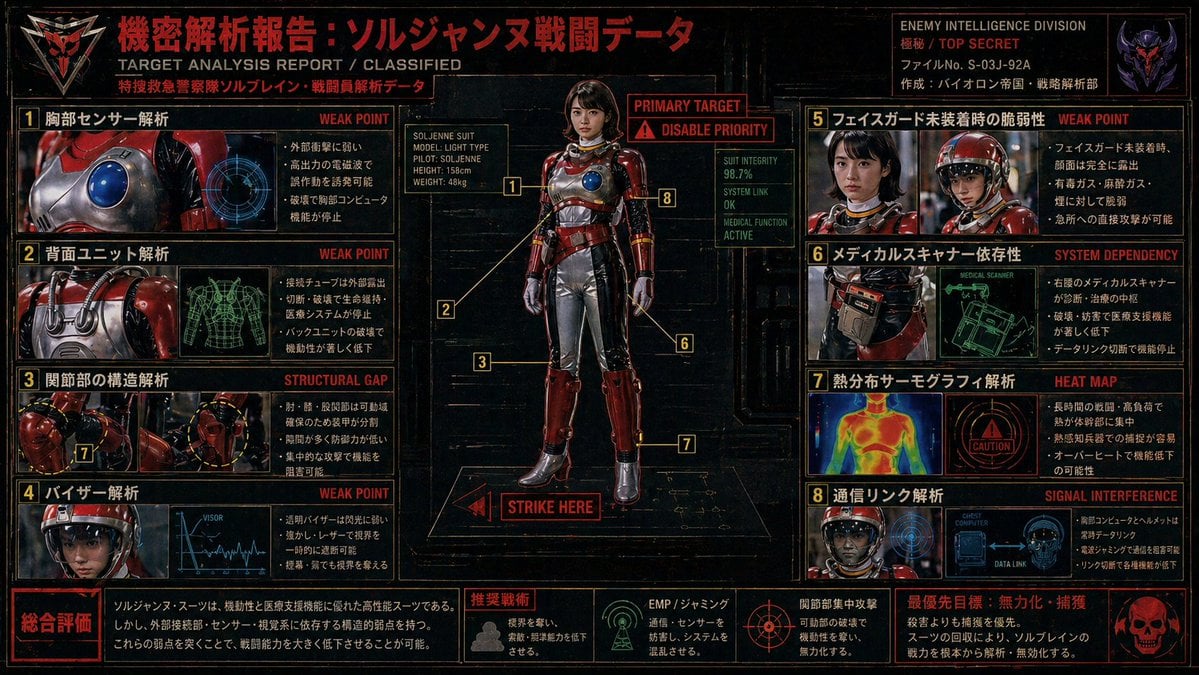
Classified Tokusatsu Target Analysis Poster
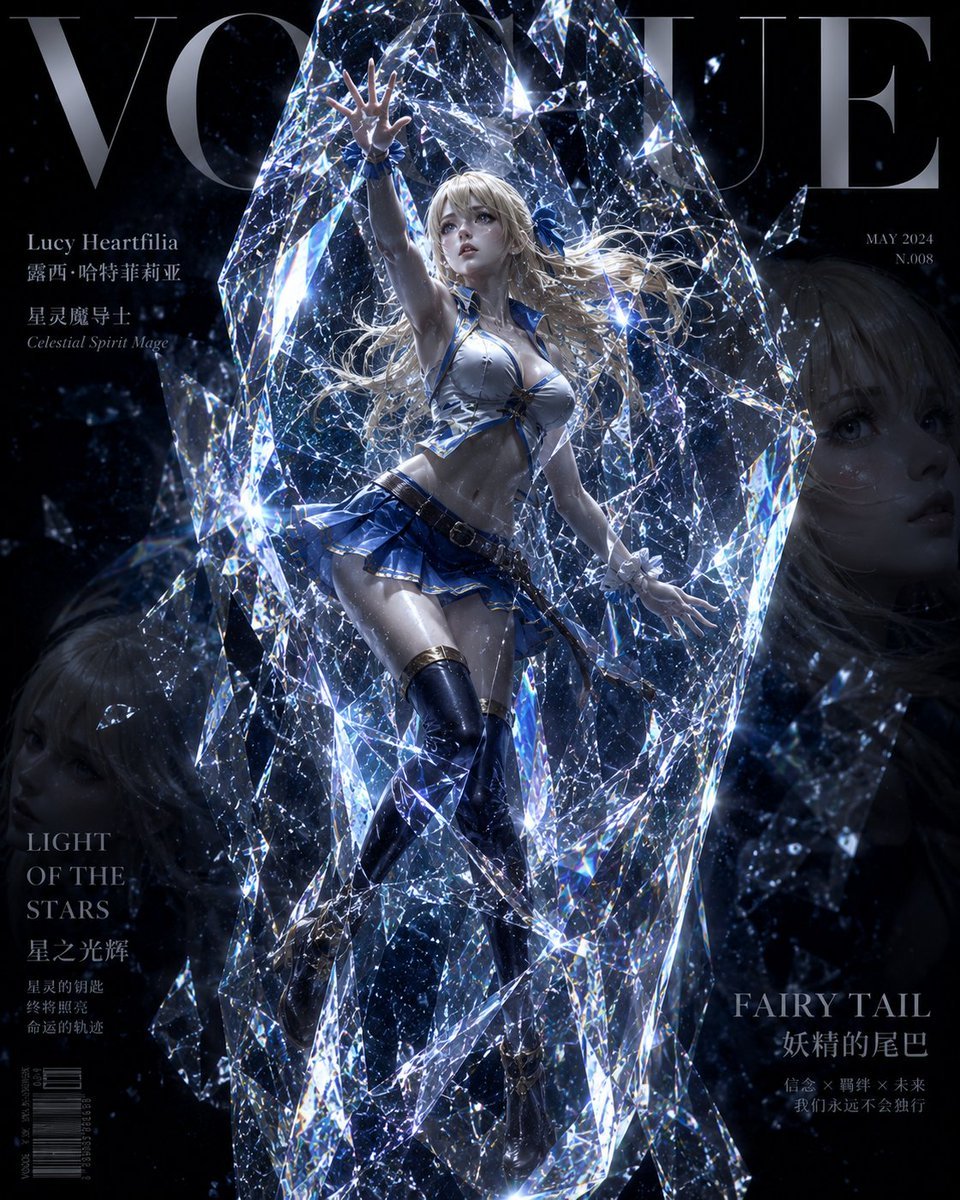
Avant-Garde Crystal Frozen Portrait
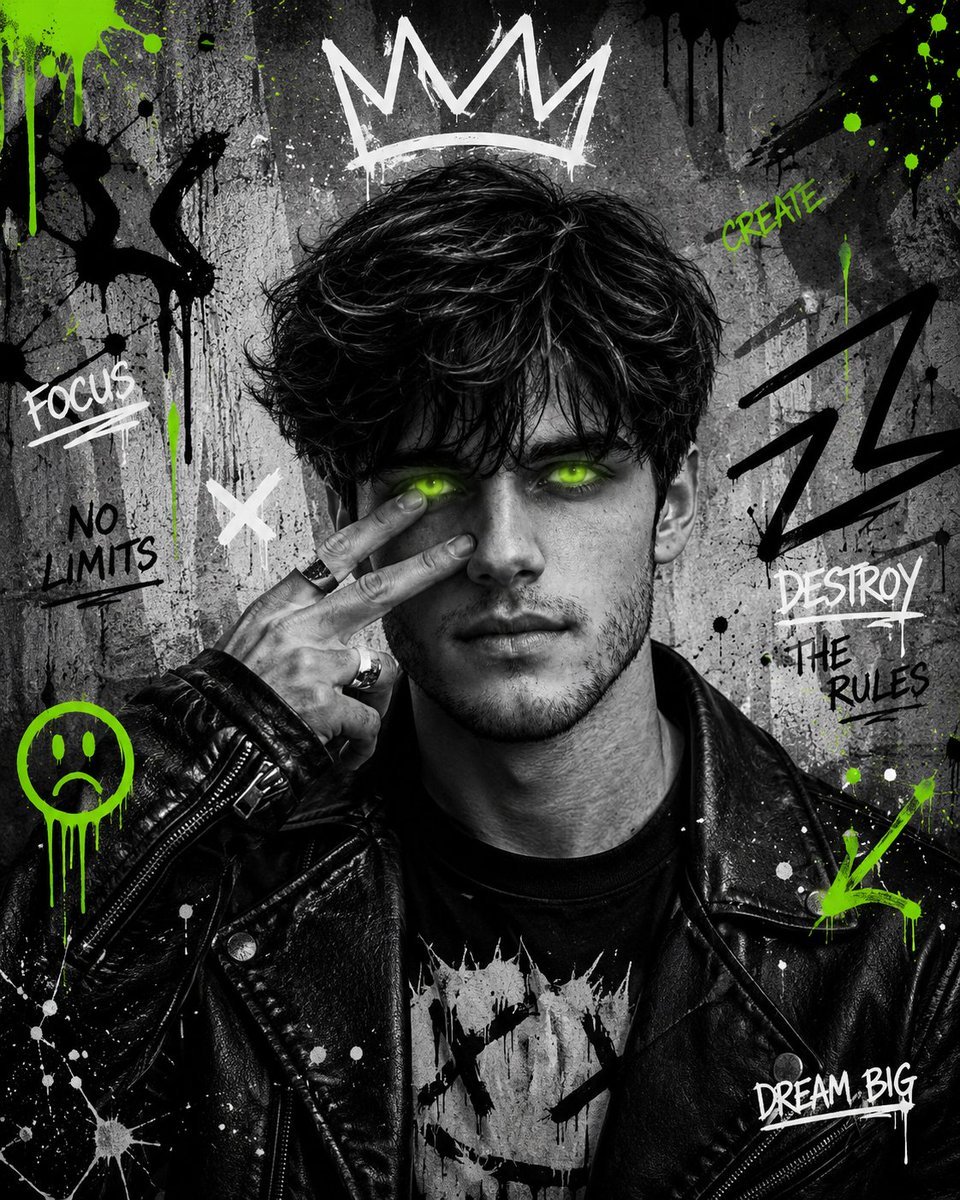
Urban Grunge Street Art Portrait
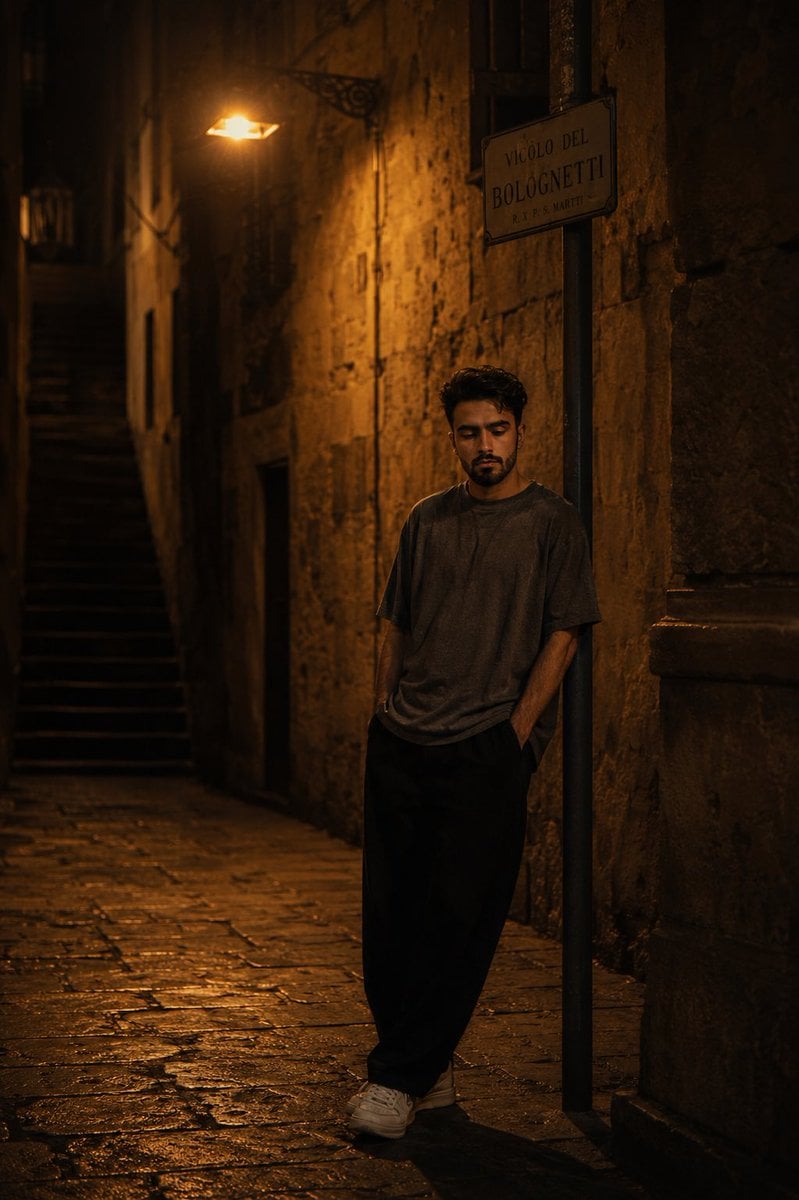
European Stone Alley Night Portrait
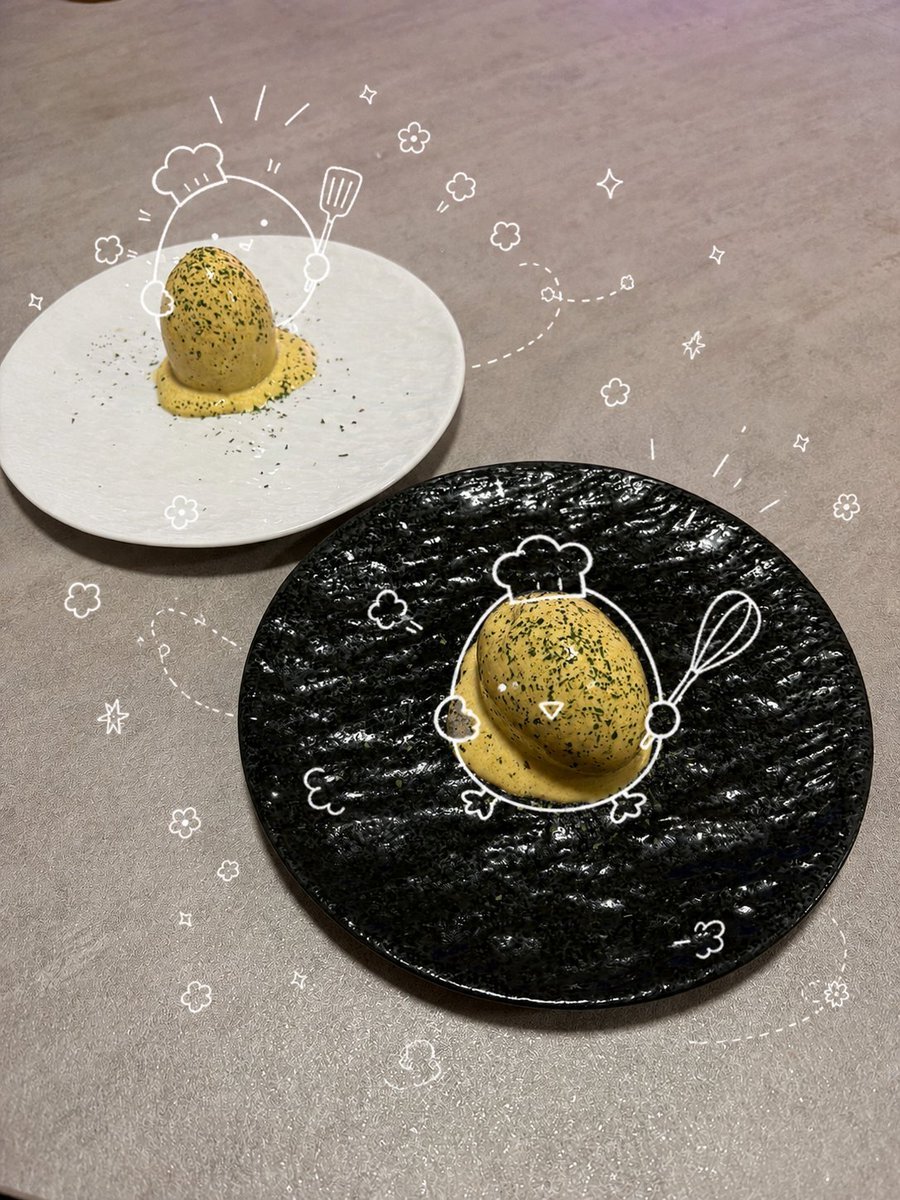
Playful Oeuf Mayo Food Photo

Cinematic Portrait of a Golfer
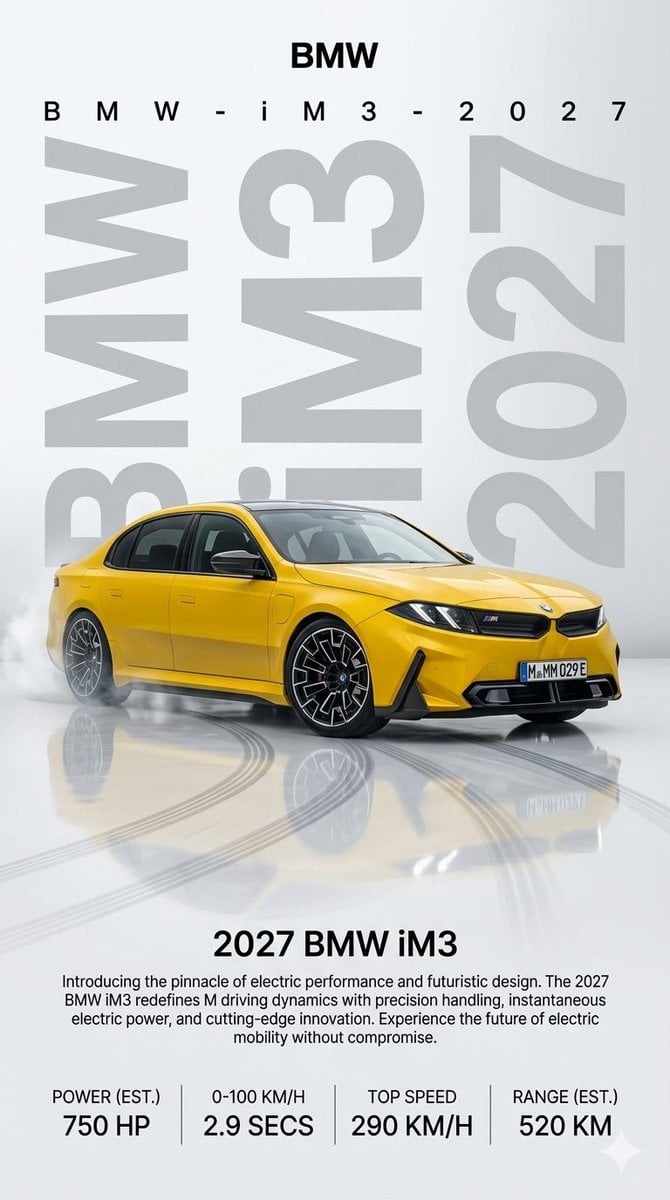
2027 BMW iM3 Launch Poster
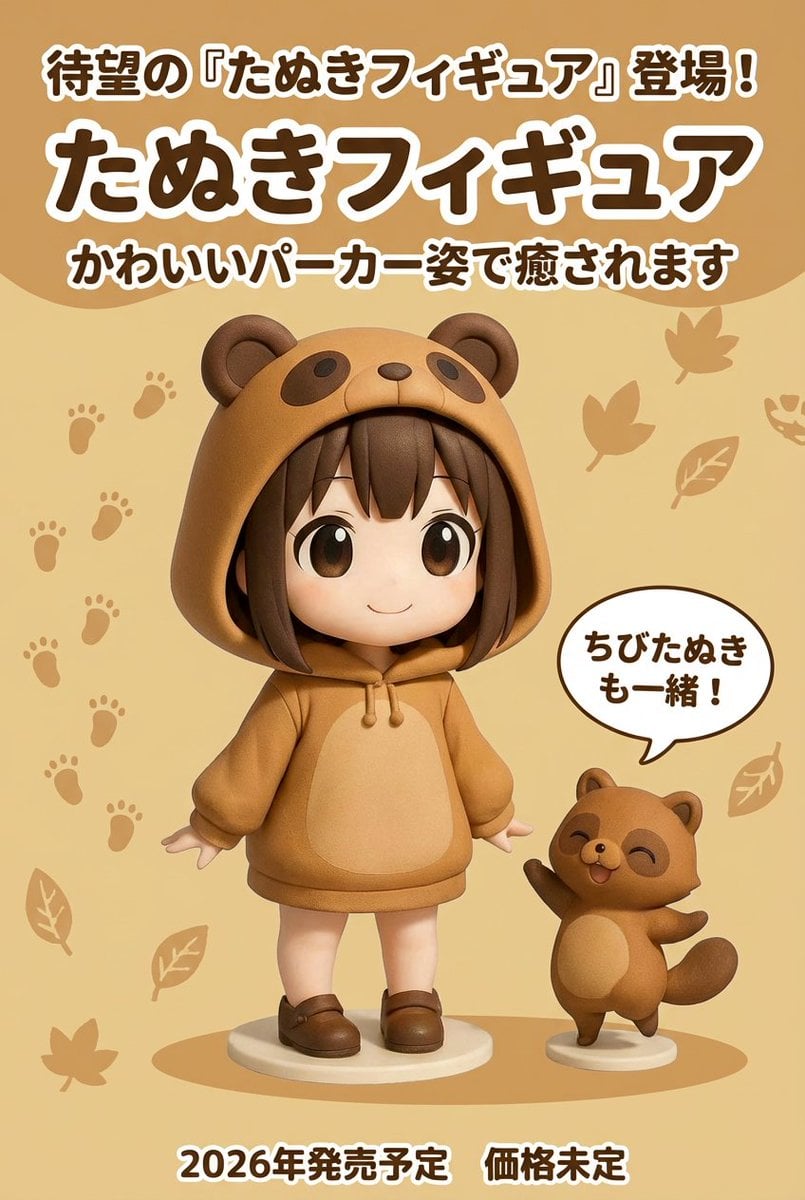
Product ad-style image for a raccoon figure
LZA Prime
Browse template categories
Vintage Troy Travel Poster questions
How do I use the Vintage Troy Travel Poster template?
Add your photo if the template asks for one, edit the prompt if you like — the template's model and format are already selected — and press Generate. Your version opens in PicX Studio.
Can I customize the Vintage Troy Travel Poster template?
Yes. You can change the subject, setting, lighting, mood, format, and available model controls before creating your image.
Is the Vintage Troy Travel Poster template free?
Opening and editing this template is free. Generating uses credits, shown on the Generate button when you are signed in.
Which AI model should I use?
Start with GPT Image 2, which is the model associated with this template. You can compare another compatible model for a different finish.
Looking for something else? Browse all templates.

Your photo, any look
Thousands of ready templates for every top image and video model, from one credit balance.