
Raul Creed Office Redraw
Generates a two-panel anime-style Ergo Proxy office redraw with a color version above a grayscale version for comparison posts.
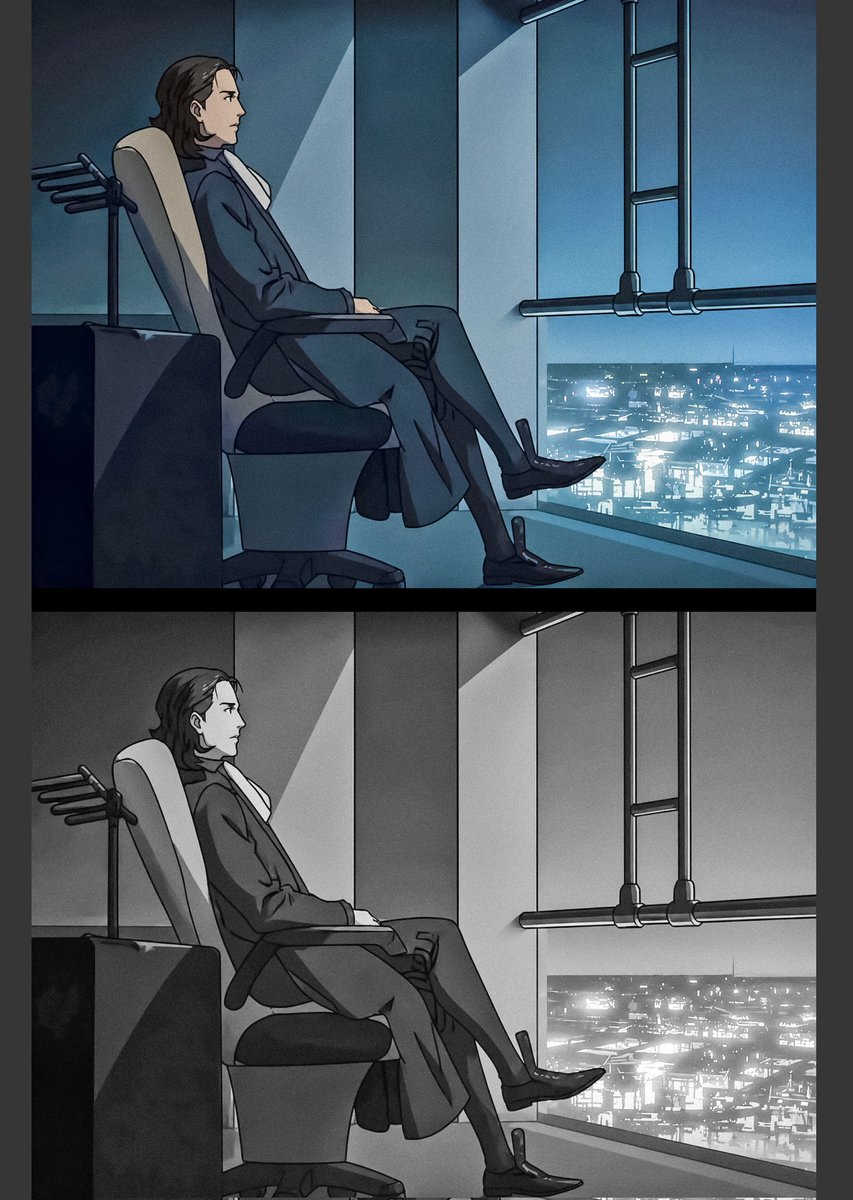
- Prompt included
- Model and format preset
- Free template
The prompt behind this image
Copy the exact prompt behind Raul Creed Office Redraw, or open it in the studio and make it yours.
Goal: Create a two-panel anime redraw comparison of {argument name="character name" default="Raul Creed"} from Ergo Proxy, showing the same office scene twice: the top panel in cool blue color and the bottom panel in monochrome grayscale. Canvas: Vertical image, approximately 3:4 aspect ratio, with a thick black horizontal divider separating exactly 2 stacked panels. Add narrow dark margins on the left and right edges. Layout: The image contains exactly 2 panels: 1) top panel, full-color blue cyberpunk version; 2) bottom panel, identical composition in black-and-white grayscale. In both panels, place the character in profile on the left half of the frame, seated in a reclining office chair facing right, with a large floor-to-ceiling window on the right overlooking a glowing futuristic city at night. Subject details: The character is an adult man with medium-length dark brown hair swept back, wearing a dark formal suit, white shirt, long trousers, and polished black dress shoes. He sits relaxed but serious, leaning back in the chair with one leg crossed over the other, hands resting near the chair arms. His face is intentionally obscured by a soft rectangular blur, preserving the head silhouette but hiding facial features. Environment: A dim executive office or command-room interior with teal-blue ambient lighting in the top panel. Include a high-backed ergonomic chair with a pale headrest, dark armrests, a visible pedestal base, and a small dark desk or cabinet at the far left. Behind the chair, add a small coat-rack-like fixture with four short horizontal pegs. The right side has tall vertical wall panels, a bright diagonal shaft of light on the wall, and a large window showing a dense futuristic cityscape filled with tiny white and cyan lights. Add dark industrial ceiling or window pipes on the upper right: exactly 2 vertical pipes connected by exactly 3 horizontal rungs, plus one long horizontal pipe running across the window area. Visual style: Mature 2000s psychological sci-fi anime style, clean cel-shaded linework, moody noir atmosphere, cinematic composition, subdued shadows, crisp outlines, subtle film grain, high contrast between the dark office and luminous city. Top panel palette: deep teal, cyan, navy, black, and cool white. Bottom panel: identical drawing converted to grayscale, with the city lights still bright. Constraints: Preserve the exact two-panel stacked comparison format, do not add captions or logos, do not add extra characters, keep the blurred face in both panels, and keep both panels aligned so they appear like a color version above a grayscale version of the same frame.
How to use Raul Creed Office Redraw in 3 steps
- 1Upload ImagePNG, JPG or paste
Add your photo
Upload the photo the template builds on. The prompt, model and format are already set.
- 2…a portrait of your subject in softgolden-hour light, 85mm…
Personalize
Edit the subject and creative details for your destination.
- 3Generate
Generate
Press Generate — your image is created in PicX Studio, so you can compare it with the original and refine one variable at a time.
More like this
Templates with the same subject, style or setup. Open one to see its prompt.
Artistic Hollow Line Font Redraw
Editorial Caricature Redraw
Anime Character Sheet Redraw
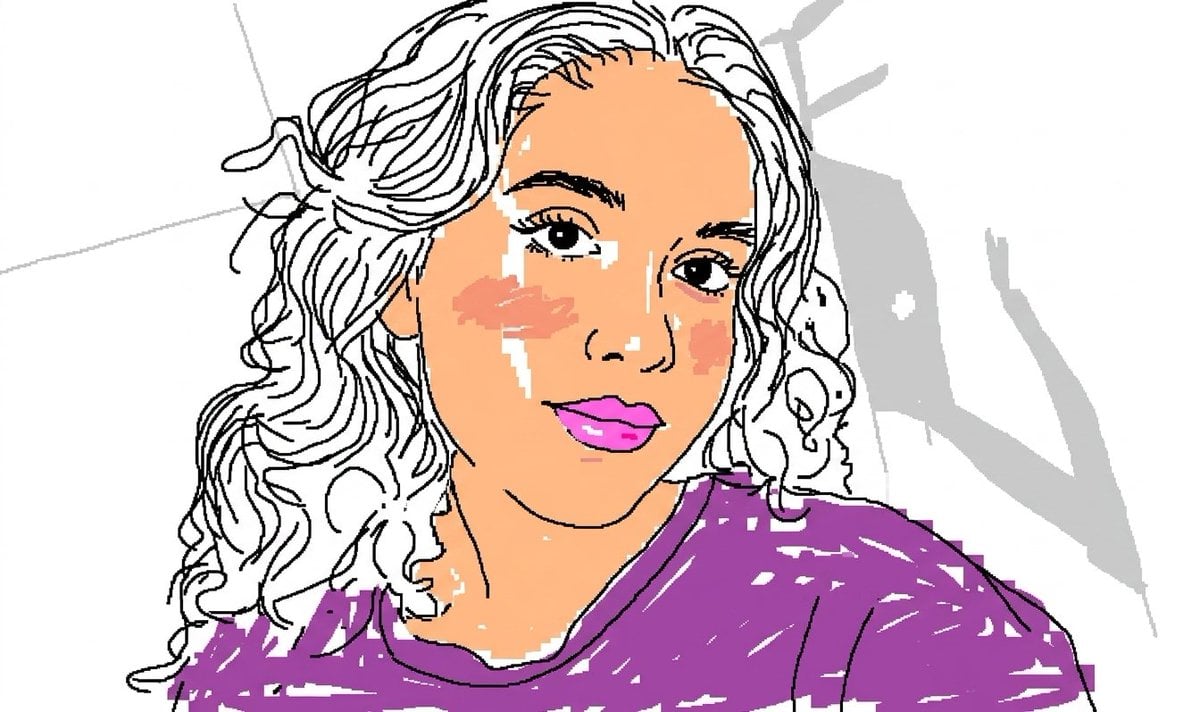
Scribbly MS Paint Redraw
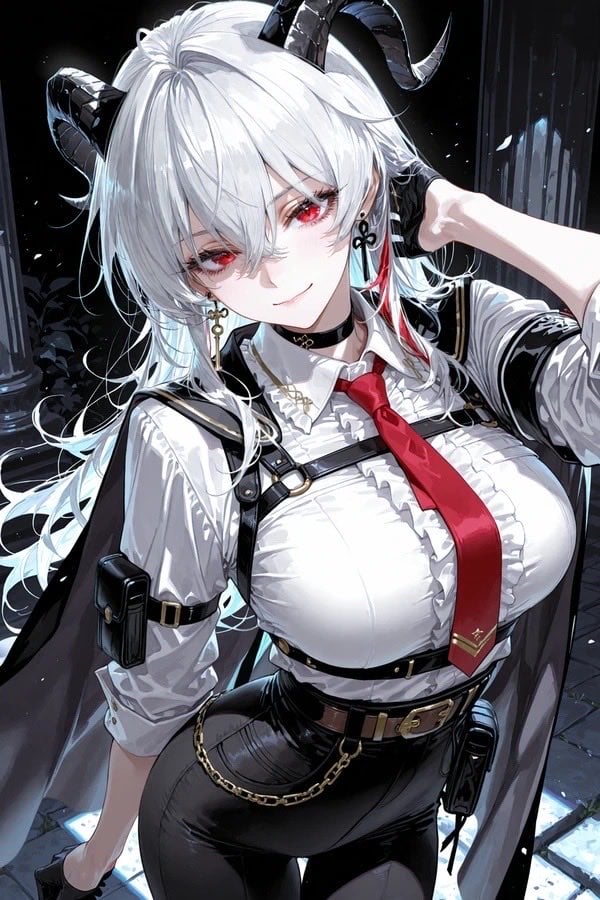
Anime Redraw of Original Horned Character
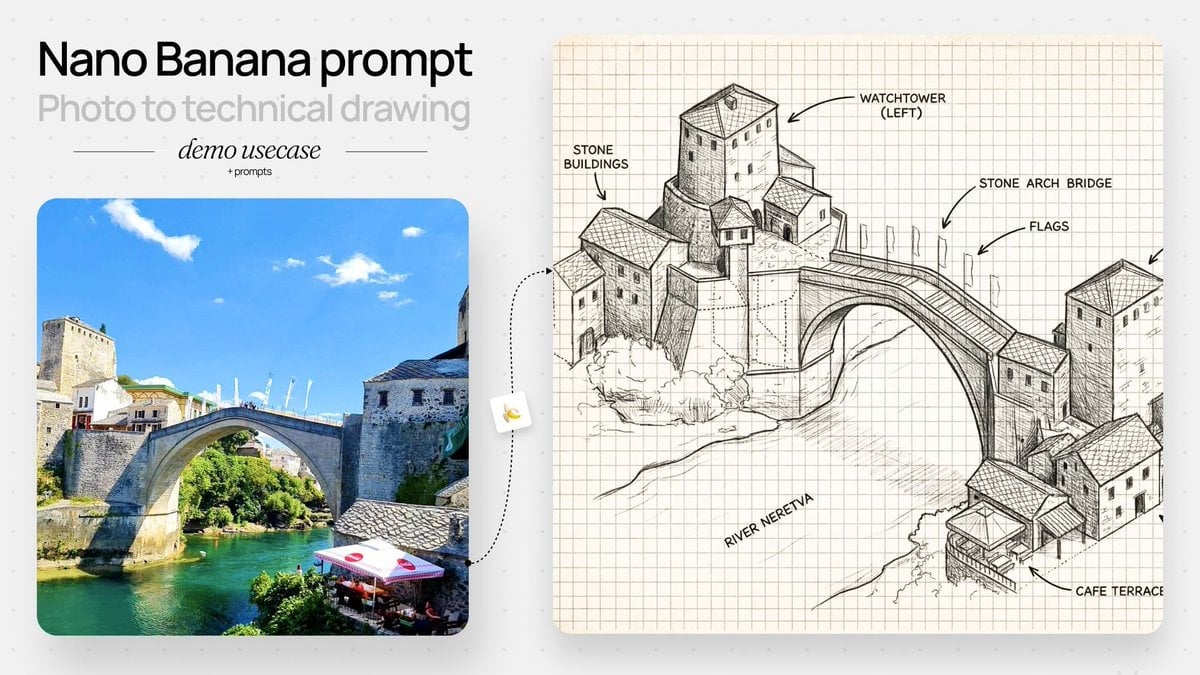
Isometric Schematic Architectural Redraw
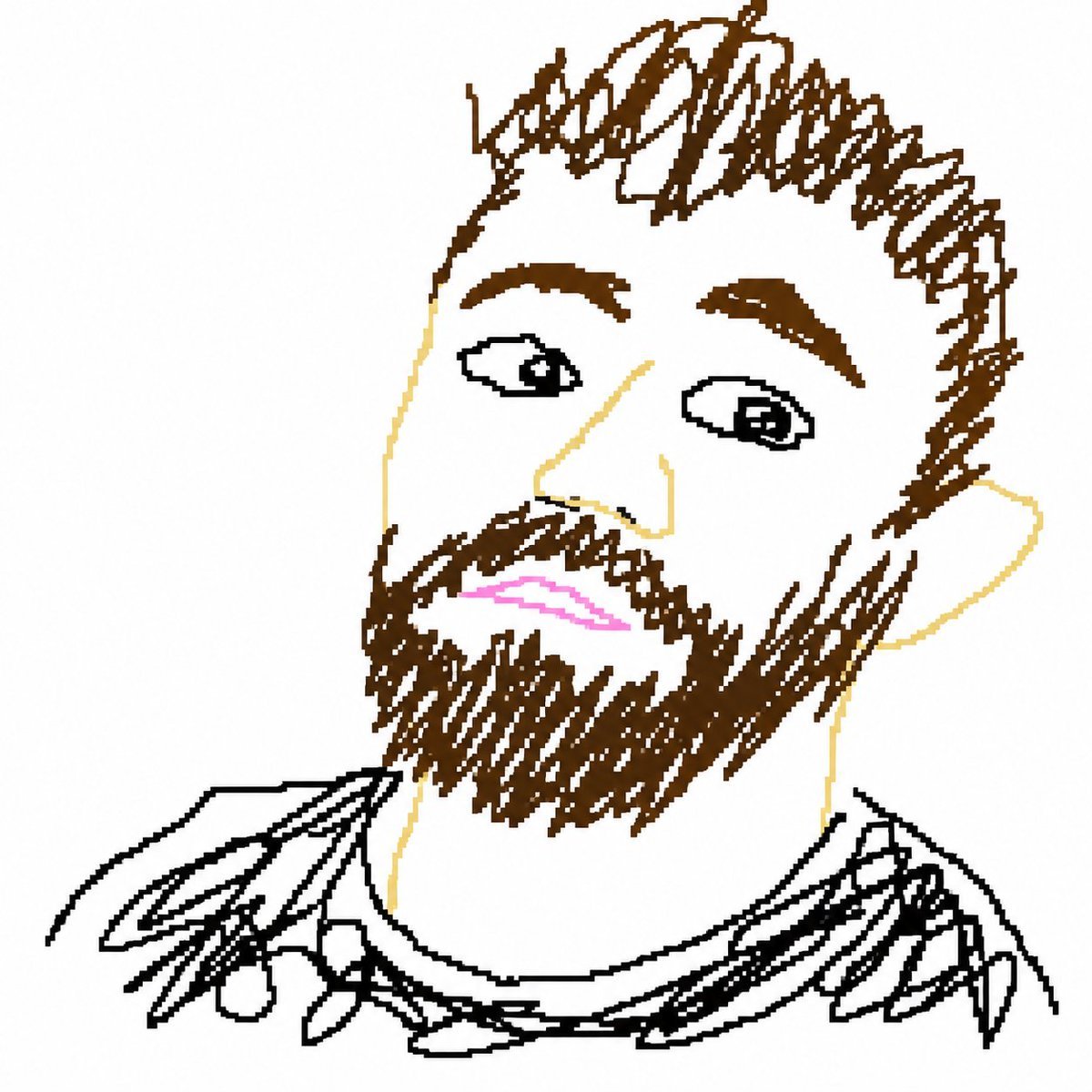
Bad MS Paint Redraw
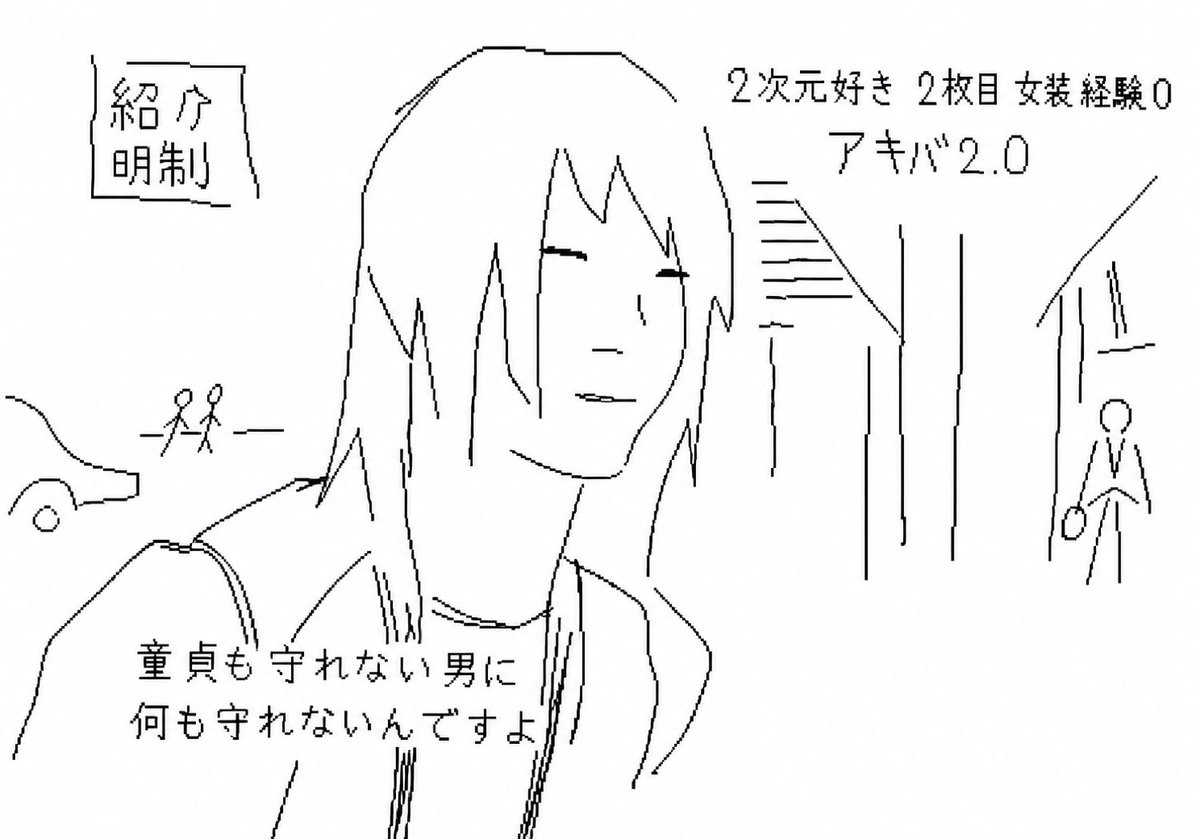
Purposefully Bad MS Paint Redraw
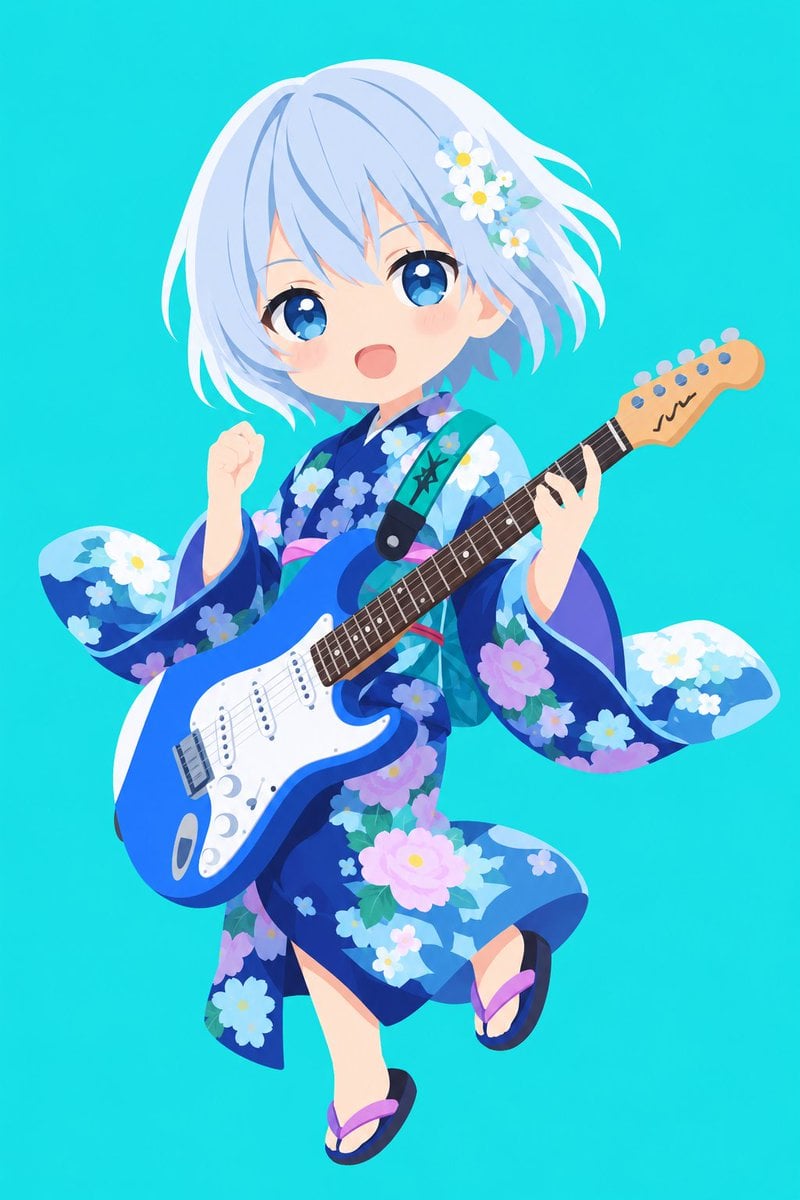
Vector Style Character Redraw
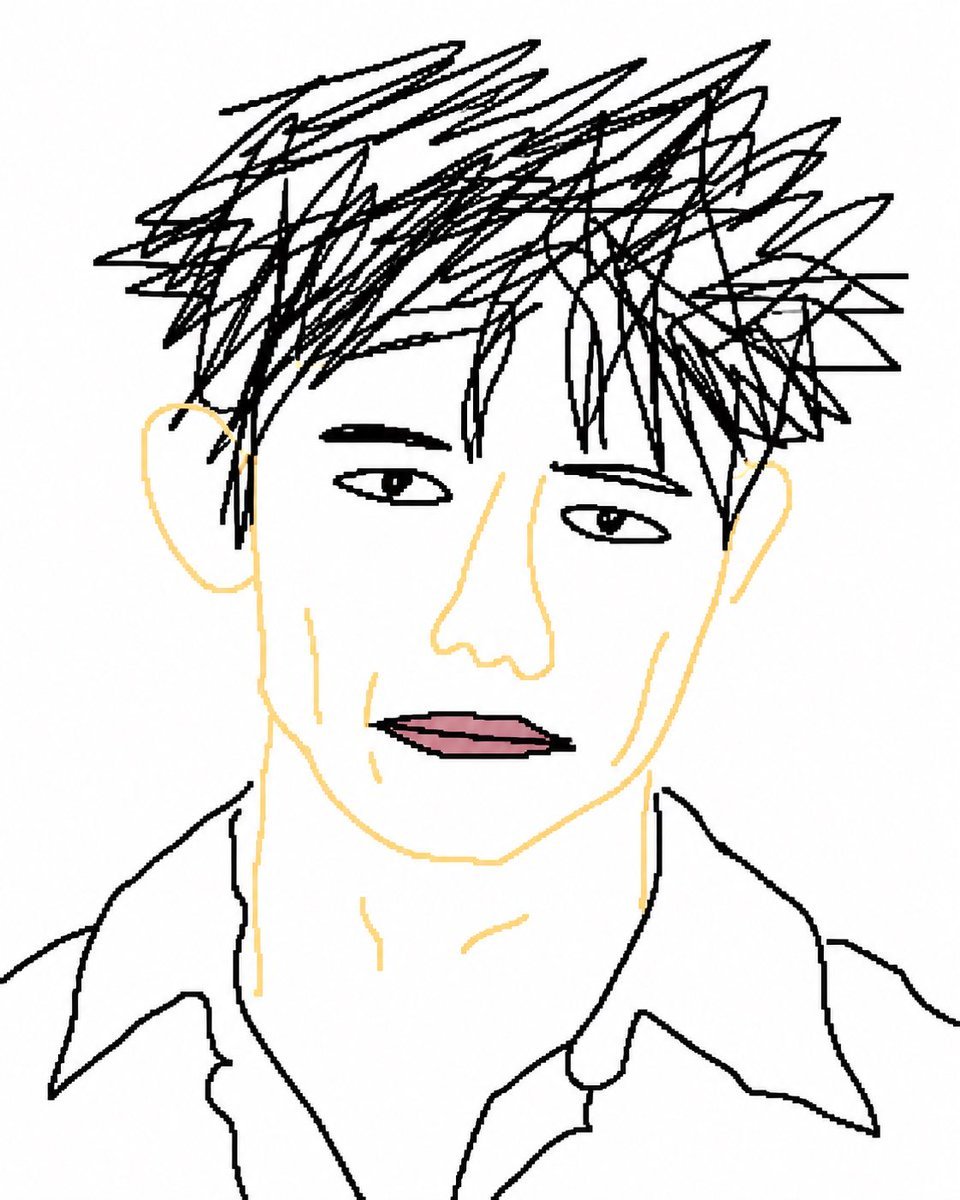
Intentionally Bad MS Paint Redraw
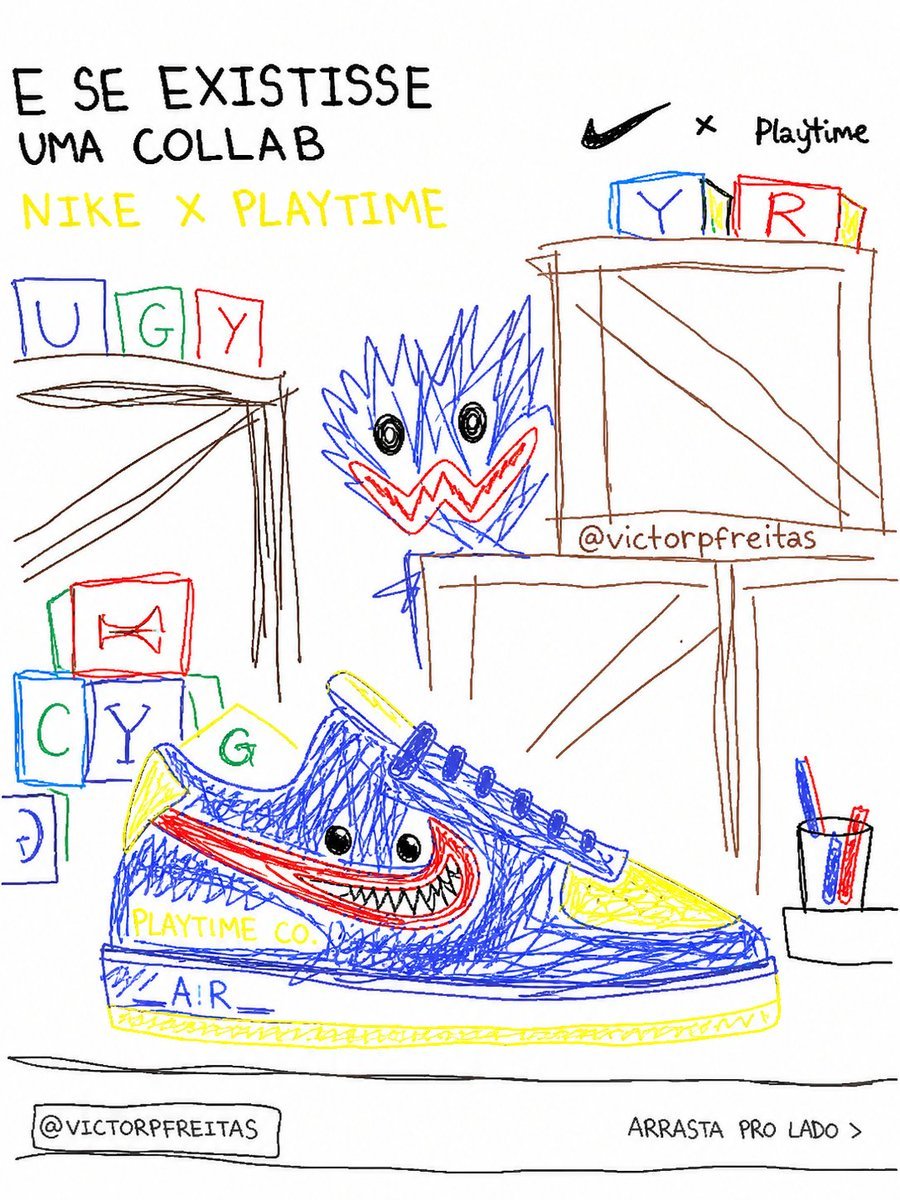
Bad MS Paint Redraw
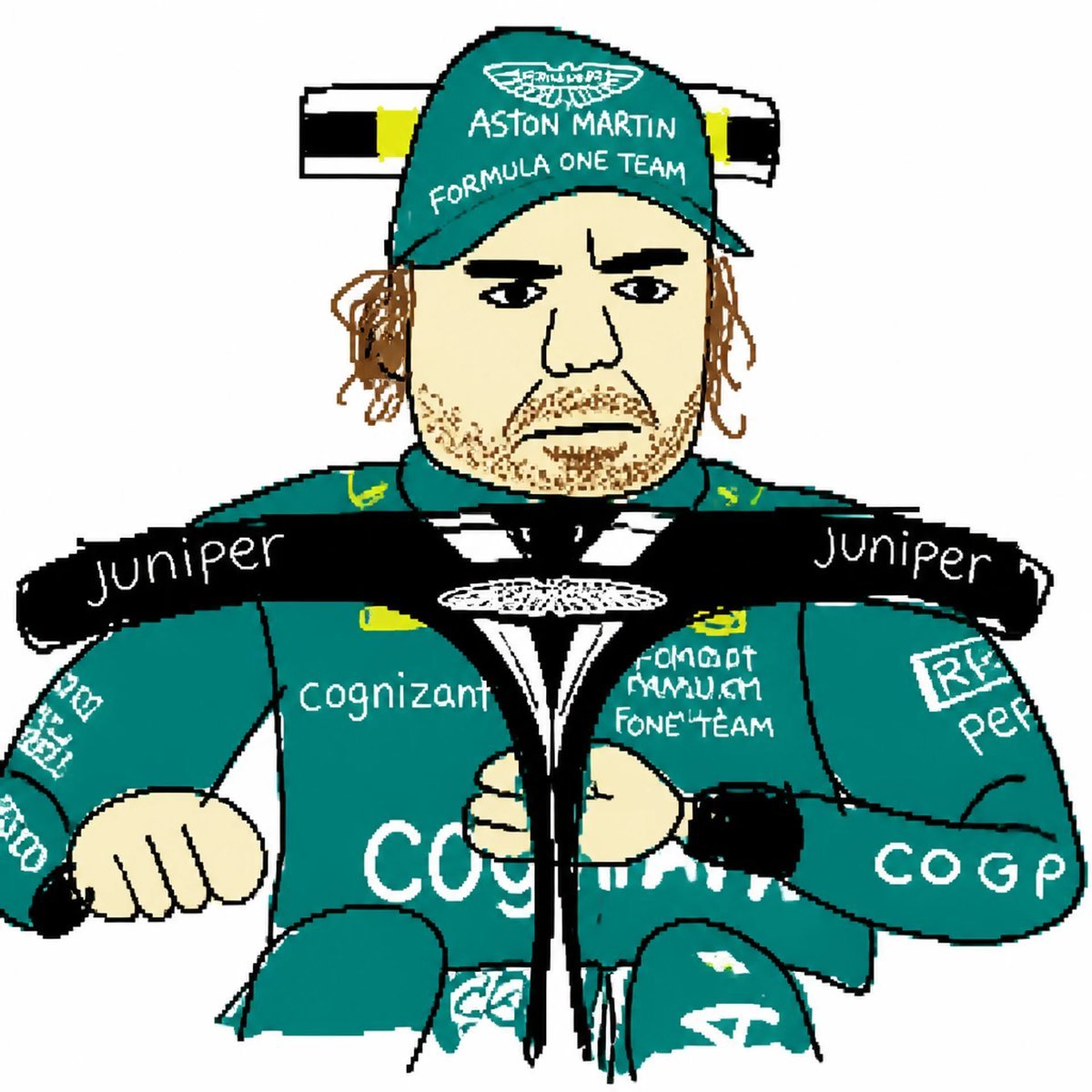
MS Paint Style Redraw
Make it yours
Raul Creed Office Redraw works as-is. These are the safest ways to change it without losing the look.
Change one field
Copy a single group, rewrite it, and generate again so you can see what that field is doing.
Keep the frame, change the subject
Hold the composition and light of Raul Creed Office Redraw, then swap wardrobe, props or the person for a new take.
| If the result… | Why | Fix |
|---|---|---|
| The result drifts from the preview | Too many fields changed at once. | Reuse Raul Creed Office Redraw as-is first, then change one group — subject, light, or setting. |
| The model over-stylizes the scene | The prose prompt leaves finish and camera underspecified. | Add one camera or lighting sentence and stay on GPT Image 2. |
More GPT Image 2 templates
Other prompts made for GPT Image 2.

Six VTuber Japanese Logo Sheet

Realistic Portrait of Woman and Deer

The Vista Modular Condo Poster

AI Model Routing Comparison Infographic

2.5D Anime Art Board

Isometric Productivity Desk Scene

New York Double Exposure Poster

Four-Panel AI Landscape Comparison

Japanese Tatami Lifestyle Magazine Cover

NESCAFÉ Coffee Map Poster
More image prompts
Fresh picks from across the catalog.
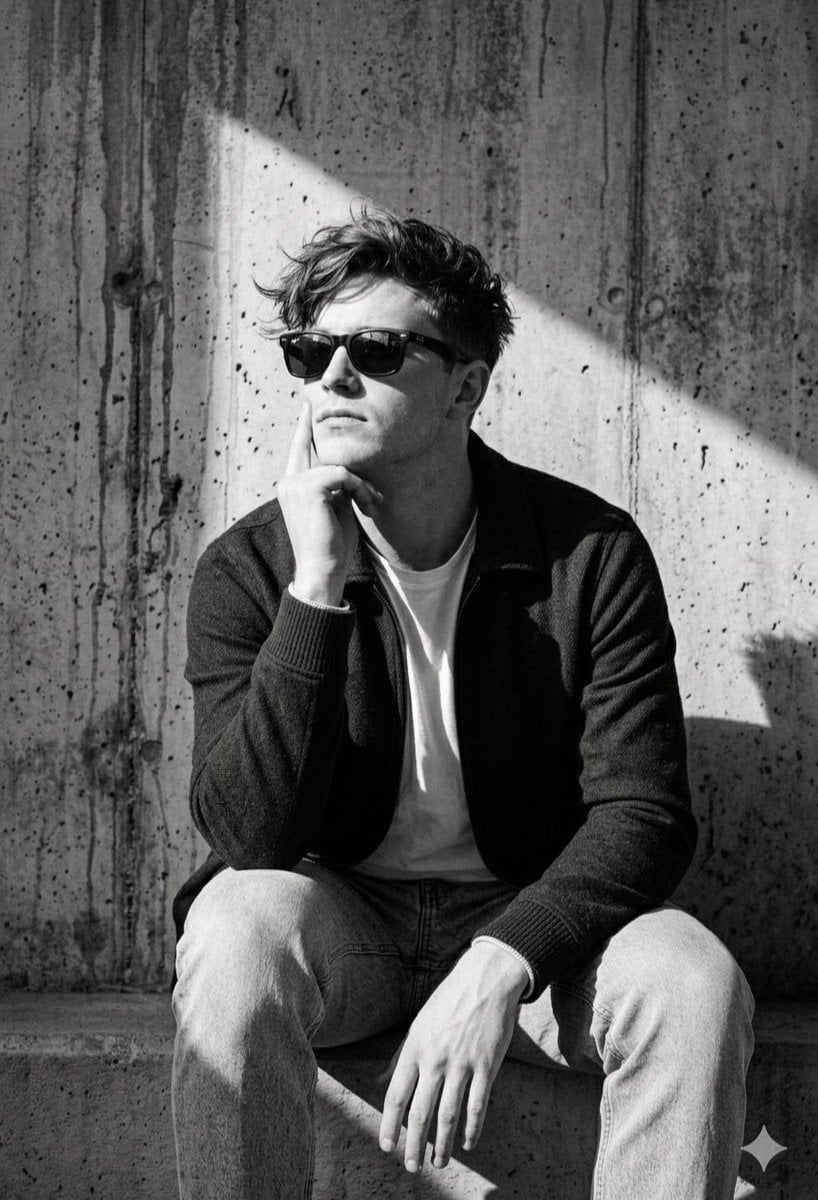
Industrial Concrete Portrait

Flashy Gold AI Income Thumbnail
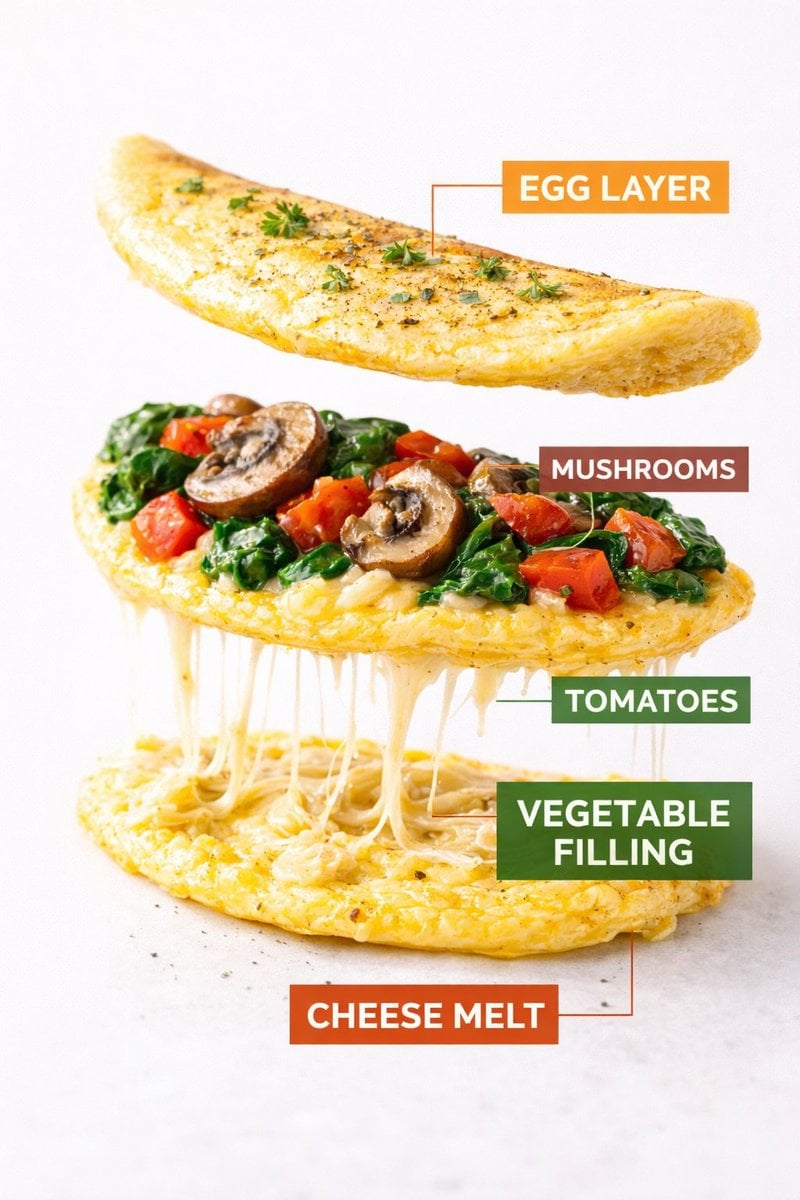
Kling AI + Google Nano Banana Pro Prompt (Video and Image)

Gpt2 Infographic Edu Visual Ethnographic Plate for Tibetan Ceremonial Hat
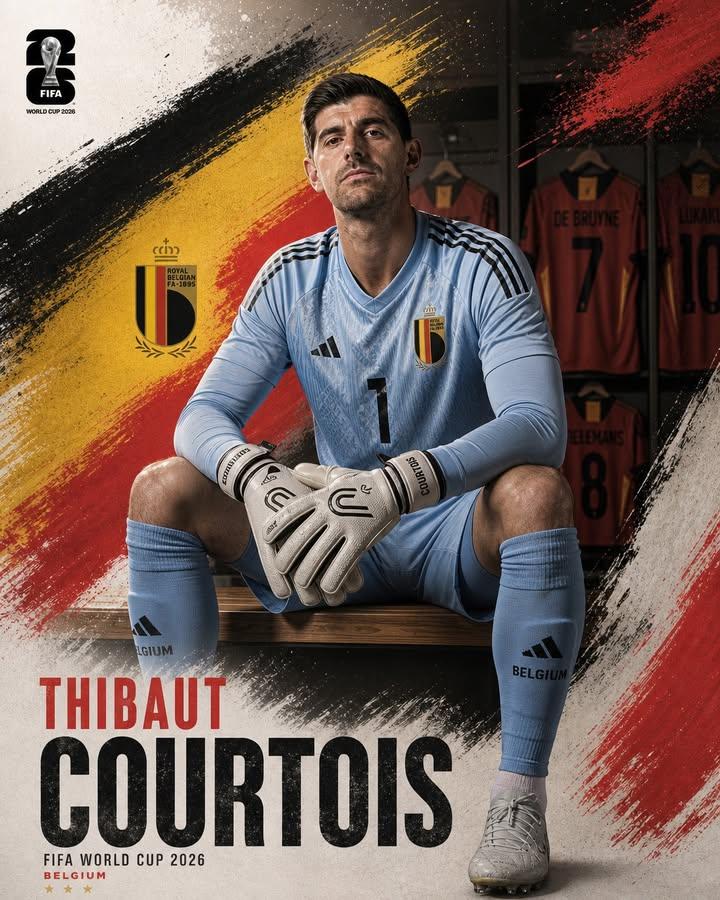
Professional Footballer Locker Room Poster
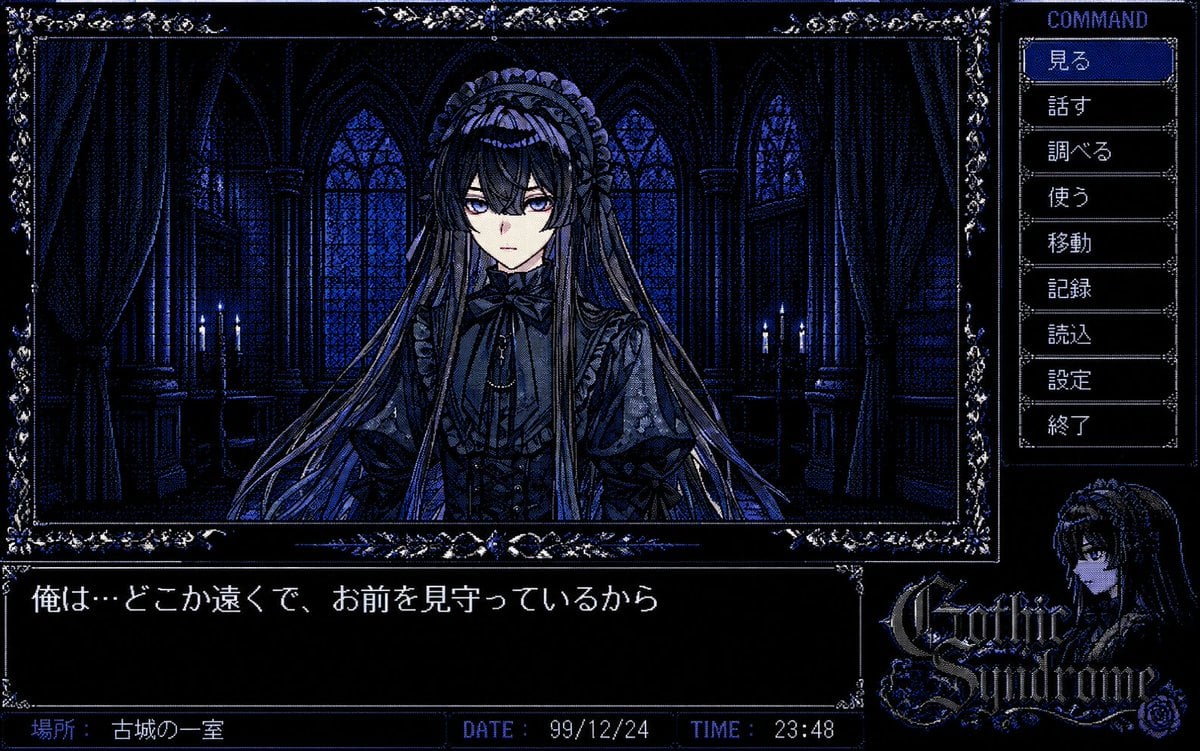
PC-98 Gothic Adventure Game UI
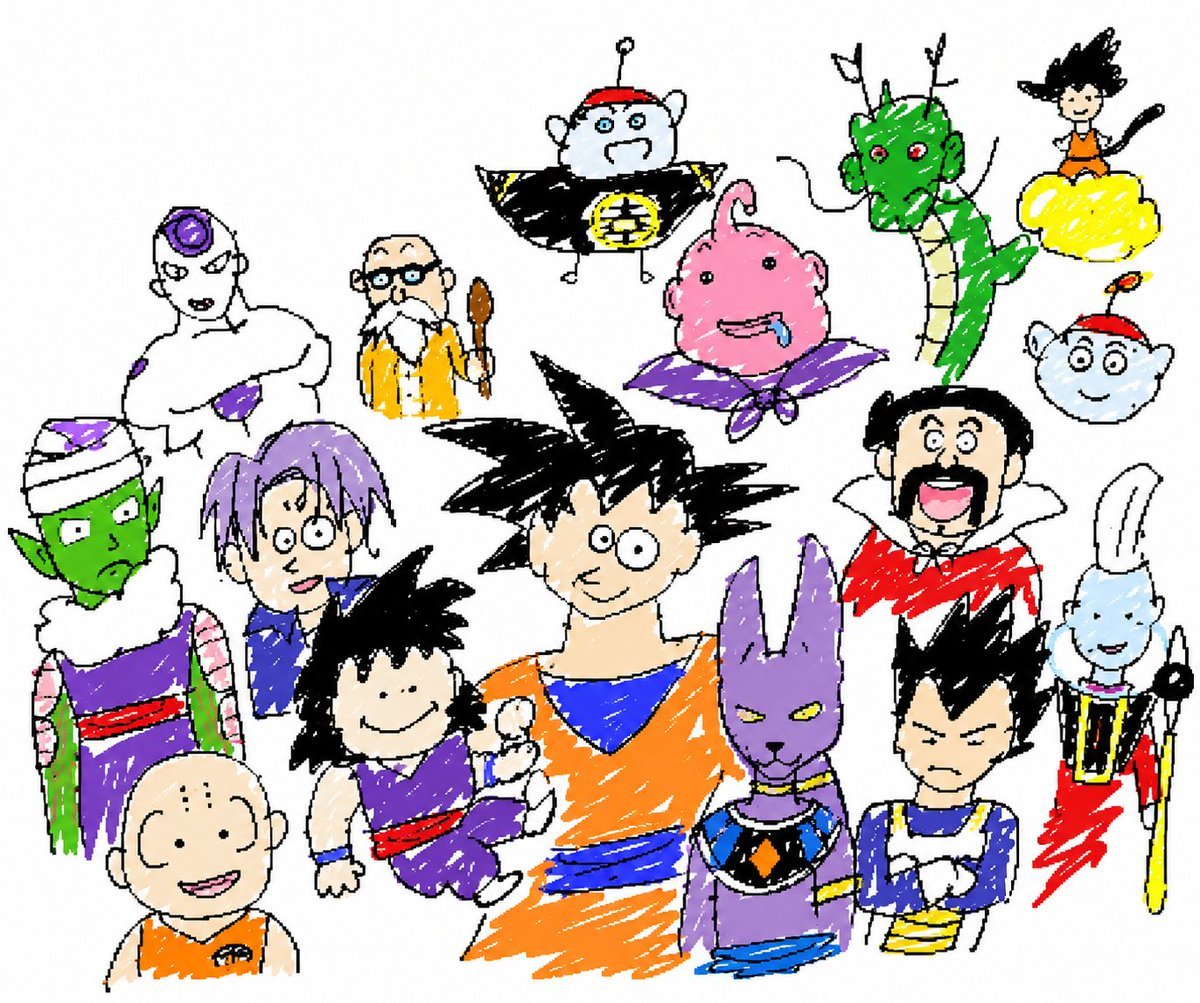
Unrestricted Photo Restoration Parody
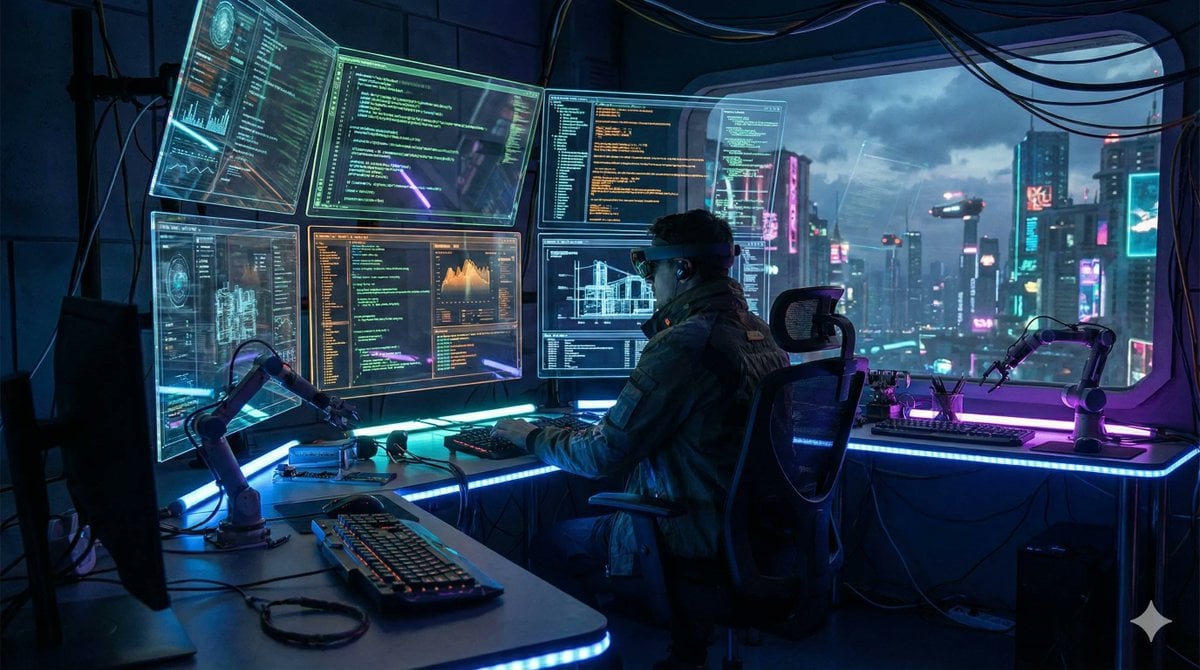
JSON Prompt Template for Defining Canvas Size
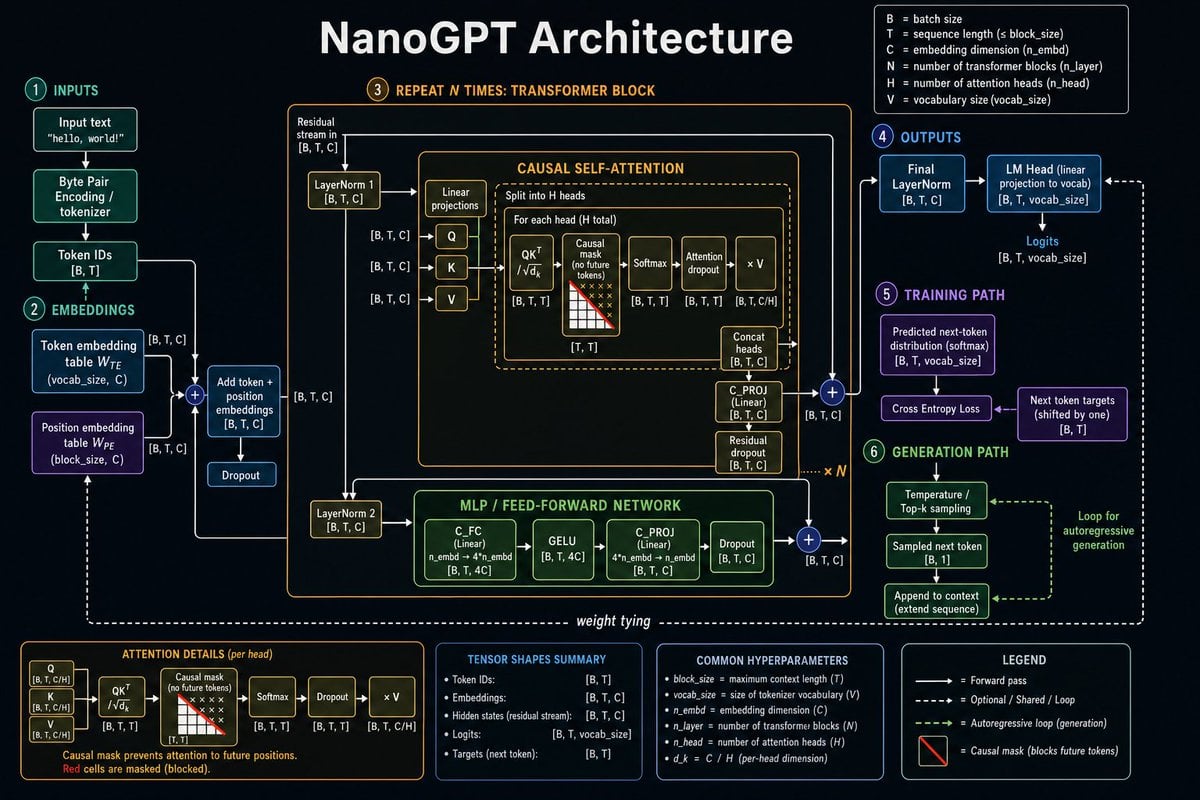
Neural Network Architecture Diagram
Weathered Custom Cub Concept Bike
Browse template categories
Raul Creed Office Redraw questions
How do I use the Raul Creed Office Redraw template?
Add your photo if the template asks for one, edit the prompt if you like — the template's model and format are already selected — and press Generate. Your version opens in PicX Studio.
Can I customize the Raul Creed Office Redraw template?
Yes. You can change the subject, setting, lighting, mood, format, and available model controls before creating your image.
Is the Raul Creed Office Redraw template free?
Opening and editing this template is free. Generating uses credits, shown on the Generate button when you are signed in.
Which AI model should I use?
Start with GPT Image 2, which is the model associated with this template. You can compare another compatible model for a different finish.
Looking for something else? Browse all templates.

Your photo, any look
Thousands of ready templates for every top image and video model, from one credit balance.