
Citrus Crayon Fashion Portrait
Generates a bold rough pastel illustration of a woman with orange hair, lemon sunglasses, and a citrus pendant for editorial or poster-style artwork.
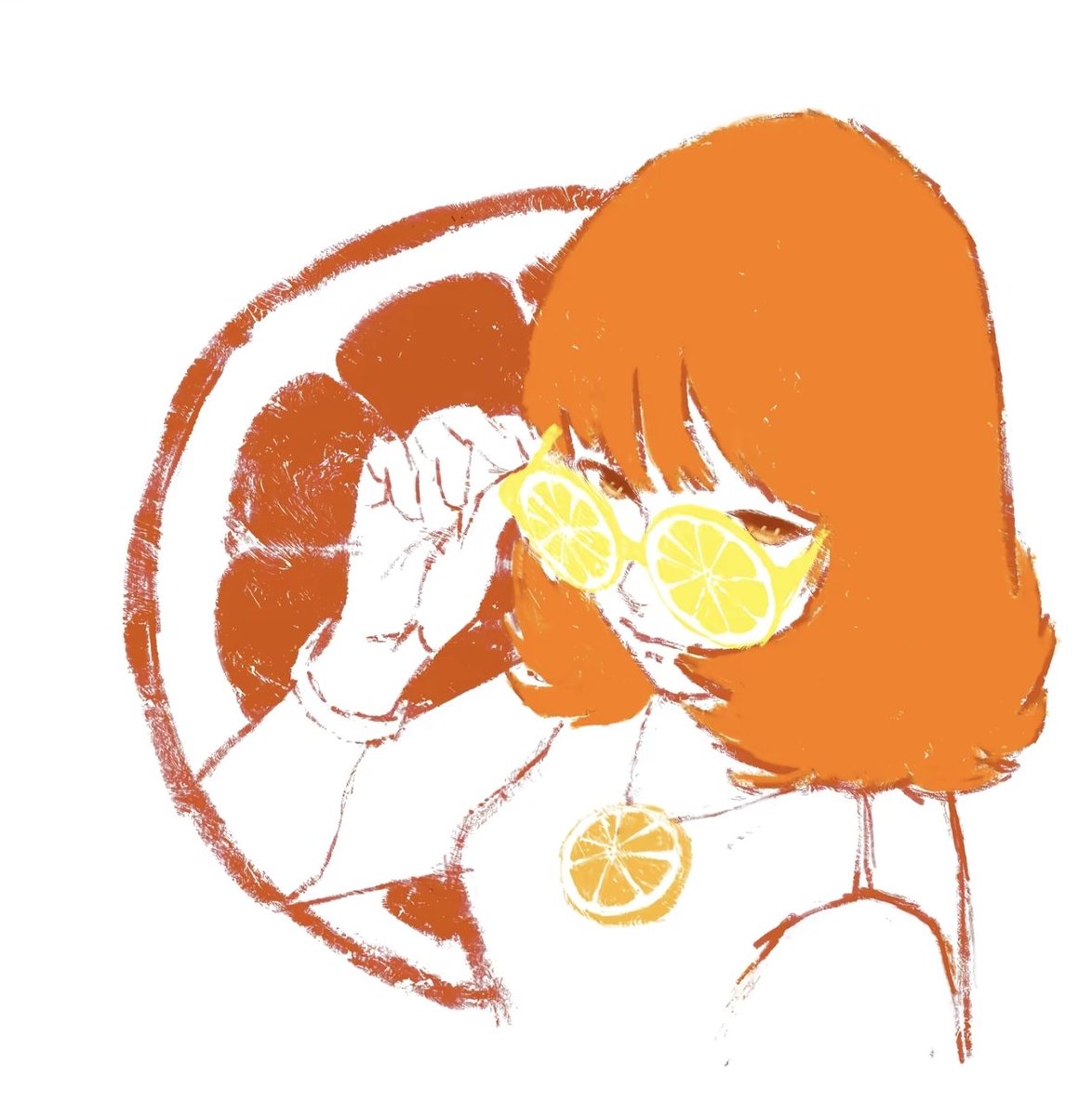
- Prompt included
- Model and format preset
- Free template
The prompt behind this image
Copy the exact prompt behind Citrus Crayon Fashion Portrait, or open it in the studio and make it yours.
Create a minimalist rough crayon-style illustration on a plain white background, using a very limited citrus palette of vivid orange, red-orange, yellow, and white negative space. Show a stylized young woman in three-quarter view facing left, cropped from the chest up, with a large rounded bob haircut in {argument name="hair color" default="bright orange"} that fills the upper right of the composition and covers much of her face. She wears playful lemon-slice sunglasses with exactly 2 round yellow citrus lenses, each drawn with white segment lines and a white rim; her right hand is raised to adjust the glasses, with thin sketchy red-orange linework defining the fingers. Include exactly 1 round orange-slice pendant necklace centered on her chest, also with white citrus segments. Behind her on the left, draw exactly 1 large loose red-orange circular citrus-peel arc framing the head and arm, with rough scribbled orange fill patches. Keep the body mostly white with sparse red-orange outlines, one visible shoulder strap, and no detailed facial features except the shaded nose/mouth area partly hidden by the glasses and hair. The overall look should be energetic, hand-drawn, poster-like, imperfect, textured, and grainy, as if made with oil pastel or wax crayon, with visible scratchy strokes and uneven edges. No text, no watermark, no photorealism, no background objects.
How to use Citrus Crayon Fashion Portrait in 3 steps
- 1Upload ImagePNG, JPG or paste
Add your photo
Upload the photo the template builds on. The prompt, model and format are already set.
- 2…a portrait of your subject in softgolden-hour light, 85mm…
Personalize
Edit the subject and creative details for your destination.
- 3Generate
Generate
Press Generate — your image is created in PicX Studio, so you can compare it with the original and refine one variable at a time.
More like this
Templates with the same subject, style or setup. Open one to see its prompt.
Nano Banana 2 High Fashion Sports Campai
Couture Fashion Editorial Woman and Drag
Ive Yujin Fashion Portrait in Blue
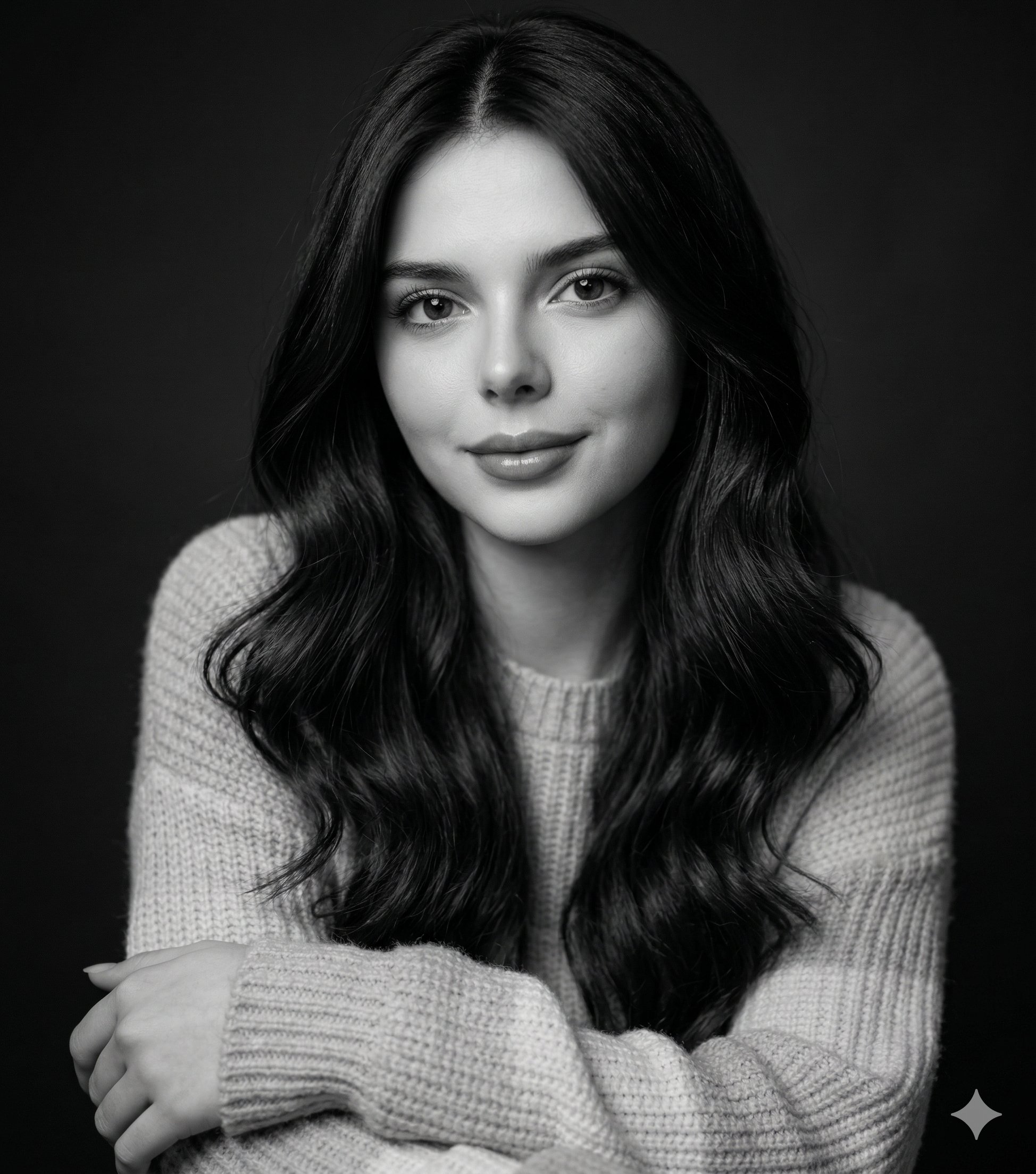
Nano Banana 2 Editorial Fashion Portrait
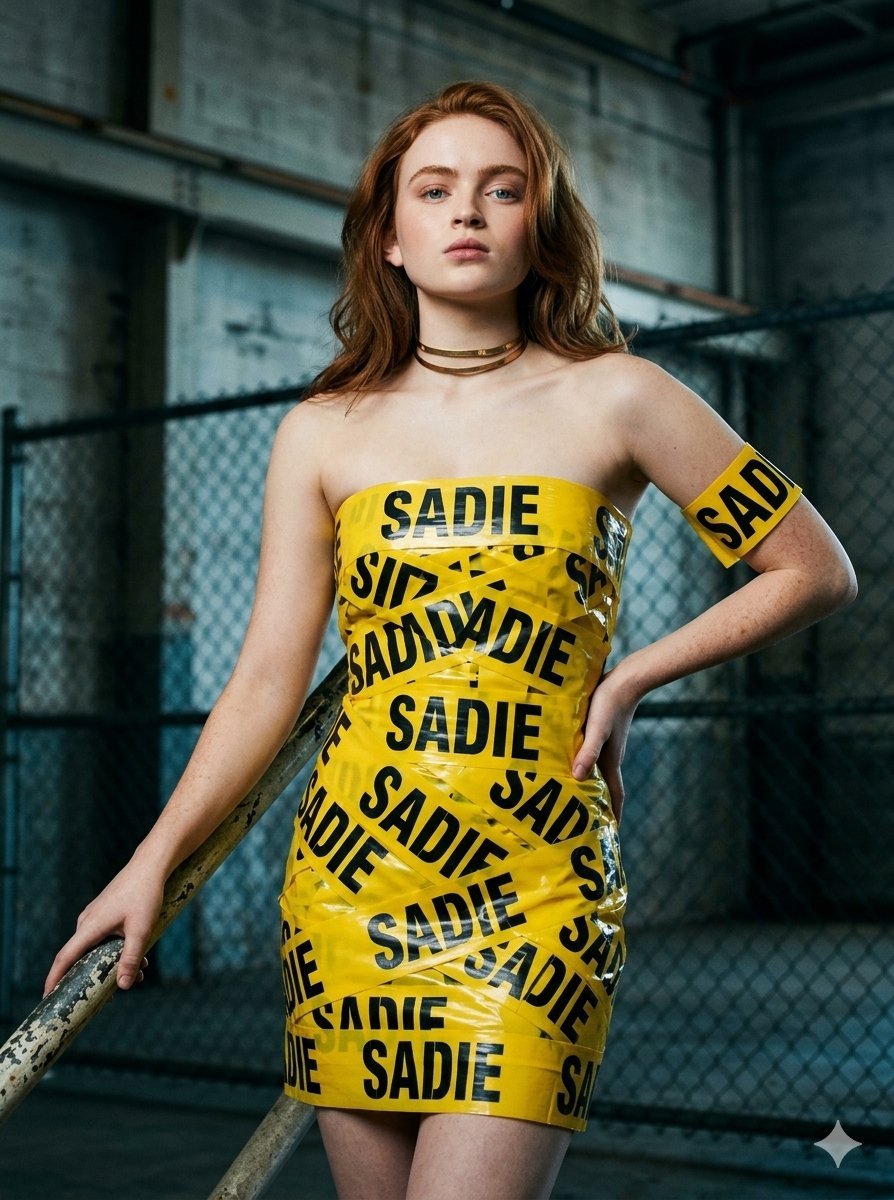
Caution Tape Fashion — Industrial Editorial
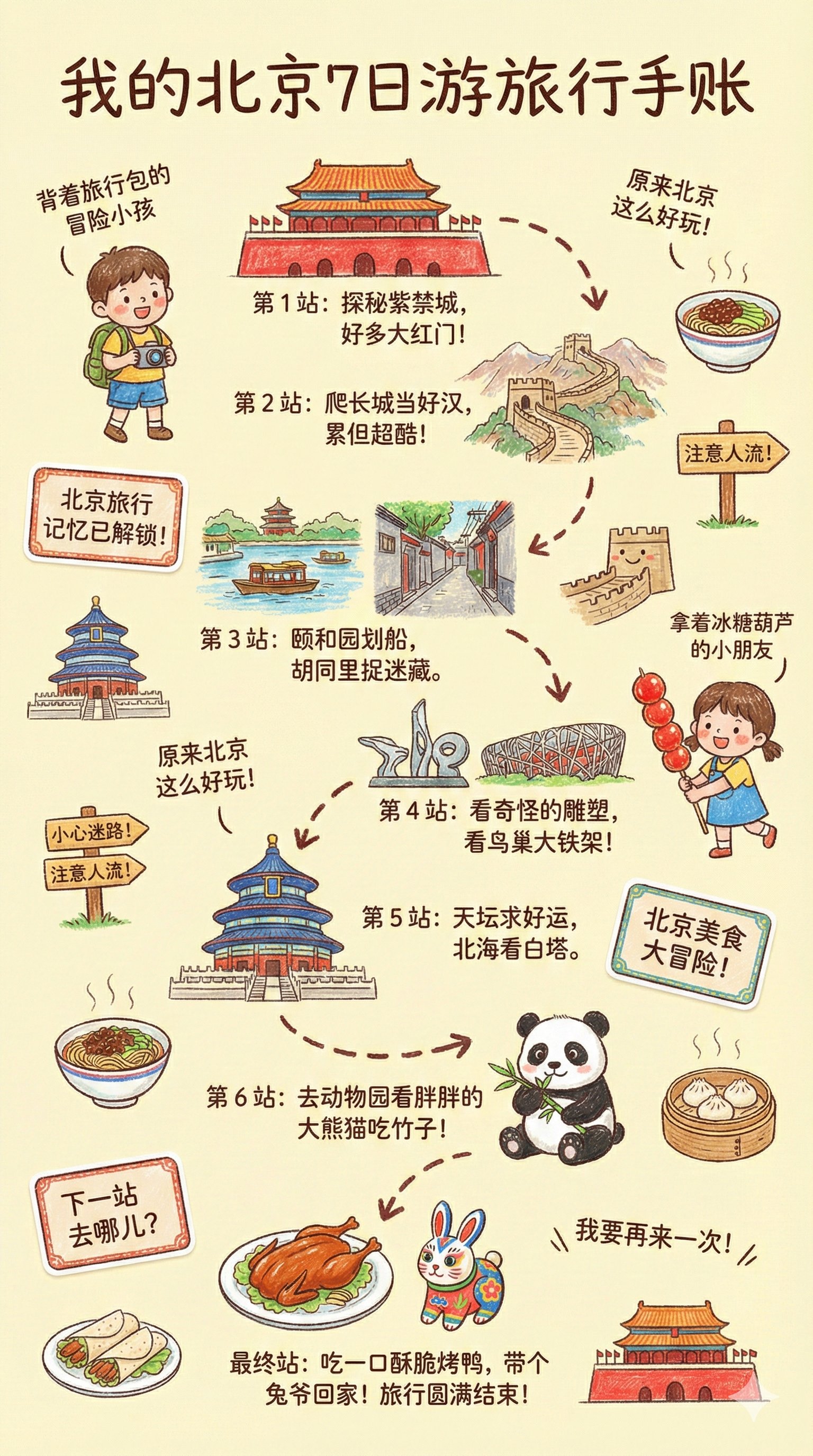
Kids Crayon Travel Journal Illustration
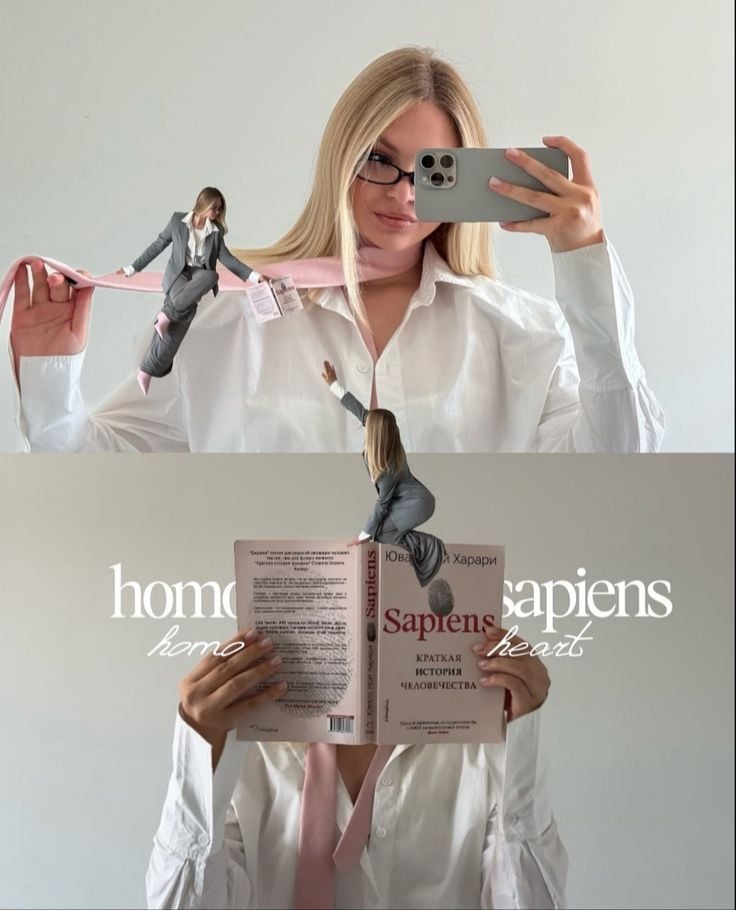
Miniature Self Portrait Collage

Found Photograph: Us, 1970

80s Couple Studio Portrait
80s College Gate
1988 Mall Style
80s Polka Dot Saree
Make it yours
Citrus Crayon Fashion Portrait works as-is. These are the safest ways to change it without losing the look.
Change one field
Copy a single group, rewrite it, and generate again so you can see what that field is doing.
Keep the frame, change the subject
Hold the composition and light of Citrus Crayon Fashion Portrait, then swap wardrobe, props or the person for a new take.
| If the result… | Why | Fix |
|---|---|---|
| The result drifts from the preview | Too many fields changed at once. | Reuse Citrus Crayon Fashion Portrait as-is first, then change one group — subject, light, or setting. |
| The model over-stylizes the scene | The prose prompt leaves finish and camera underspecified. | Add one camera or lighting sentence and stay on GPT Image 2. |
More GPT Image 2 templates
Other prompts made for GPT Image 2.

Six VTuber Japanese Logo Sheet

Realistic Portrait of Woman and Deer

The Vista Modular Condo Poster

AI Model Routing Comparison Infographic

2.5D Anime Art Board

Isometric Productivity Desk Scene

New York Double Exposure Poster

Four-Panel AI Landscape Comparison

Japanese Tatami Lifestyle Magazine Cover

NESCAFÉ Coffee Map Poster
More image prompts
Fresh picks from across the catalog.
Sgraffito Mechanical Blueprint of NVIDIA 4090 GPU
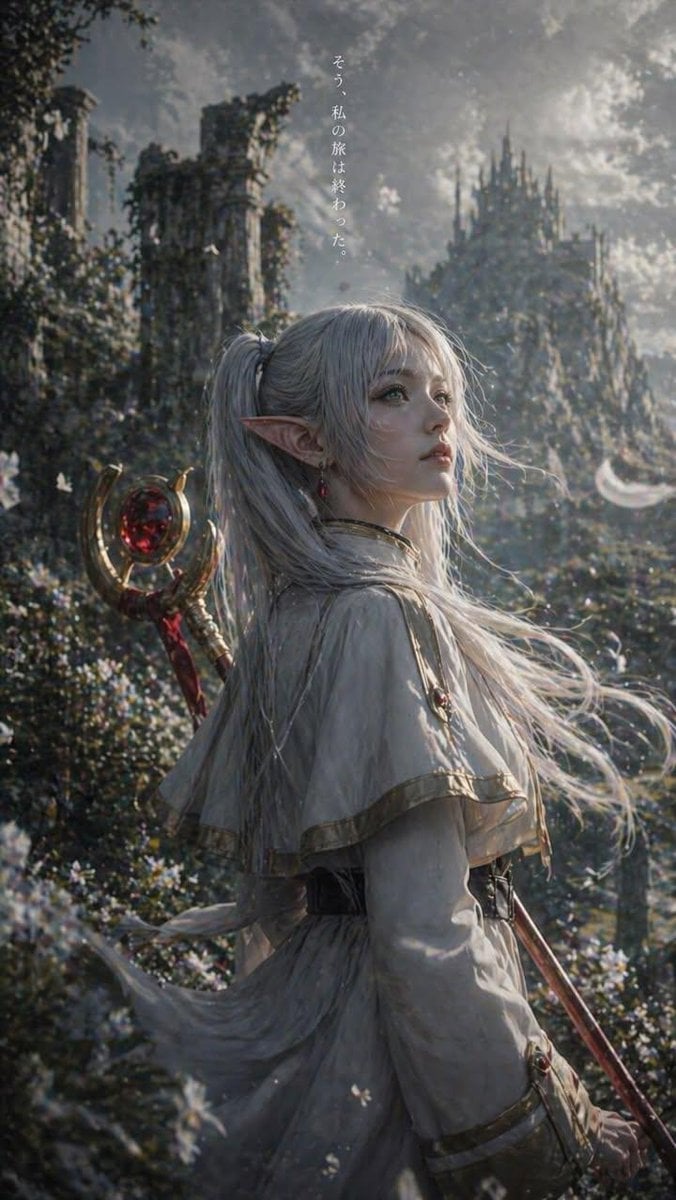
Anime Silhouette Character Poster
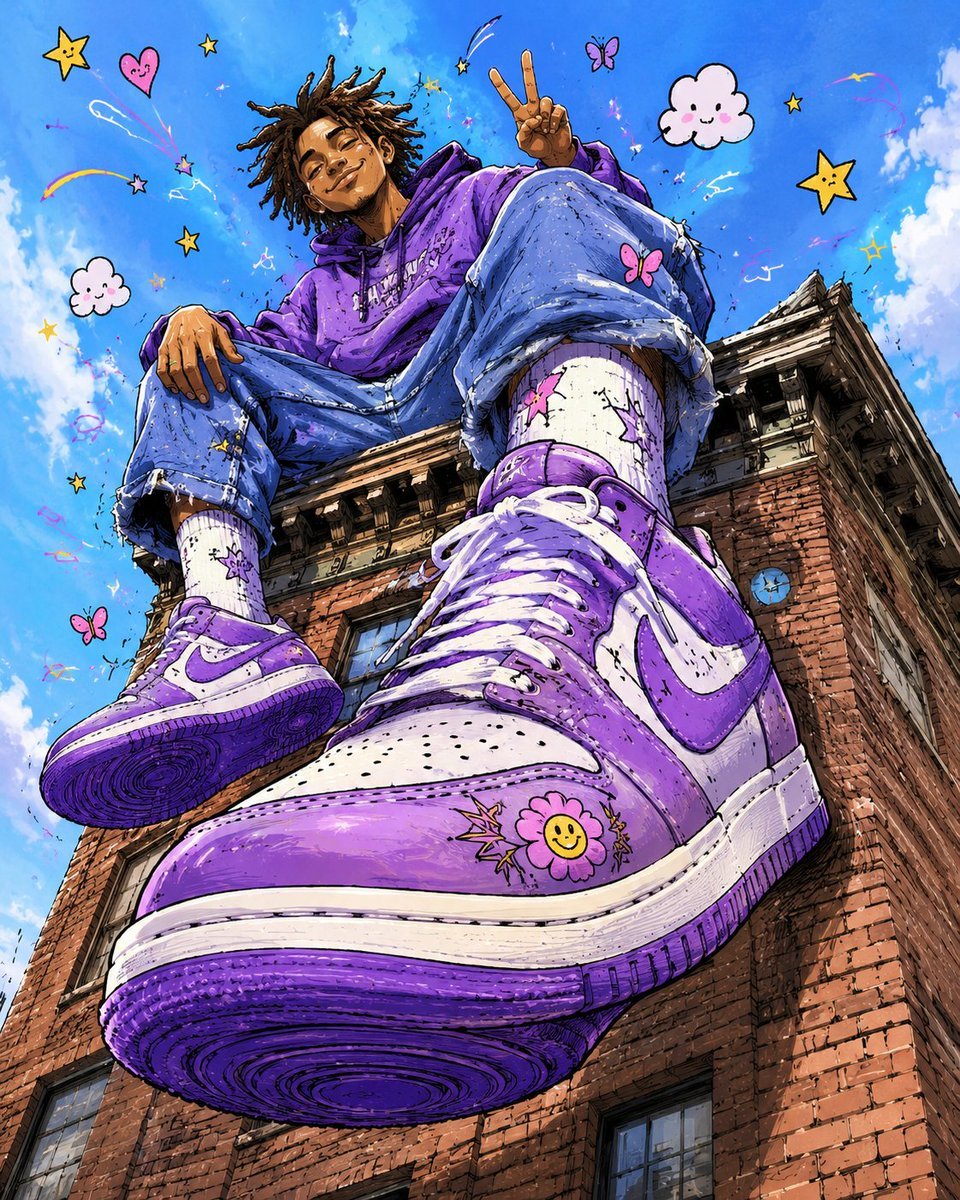
Cartoon Sneaker Advertising Campaign
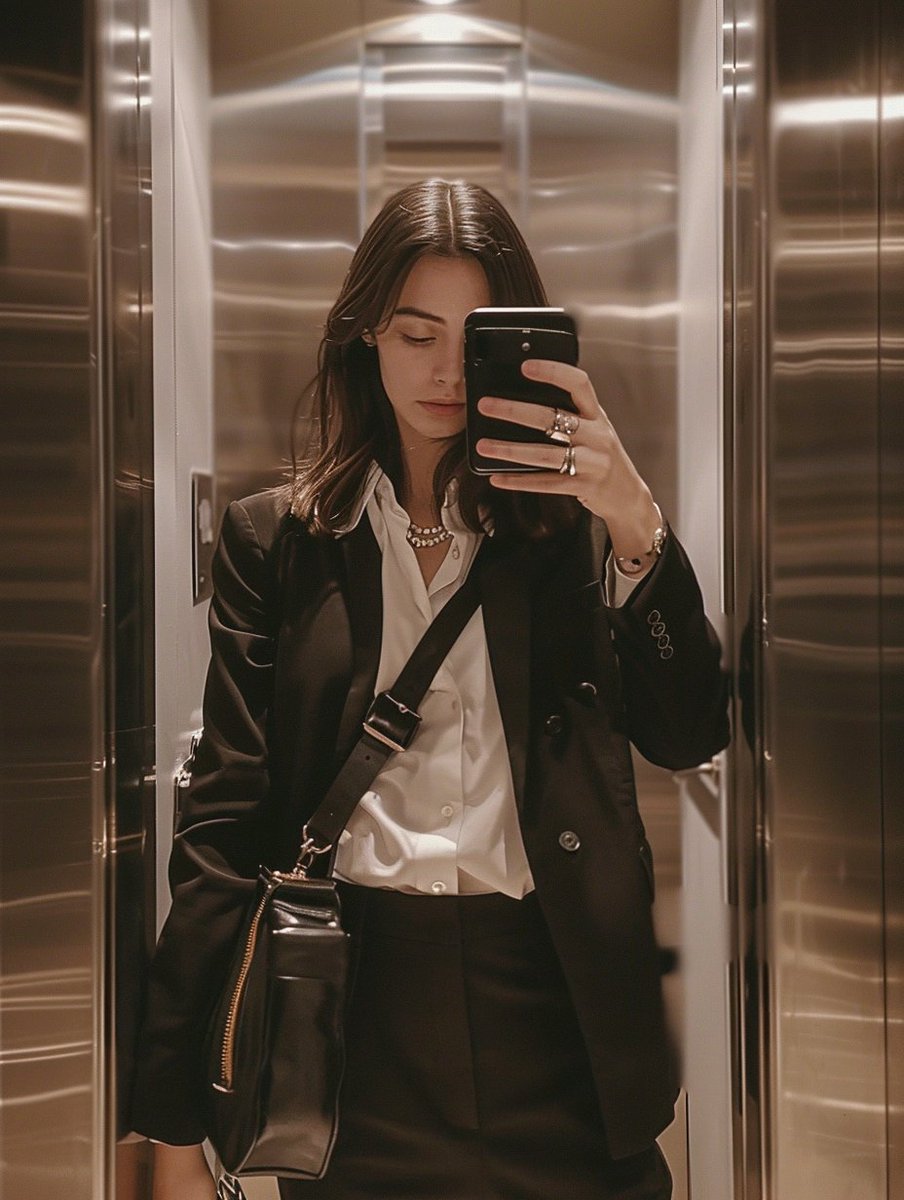
iPhone Mirror Selfie with Old Money Corporate Elegance Vibe
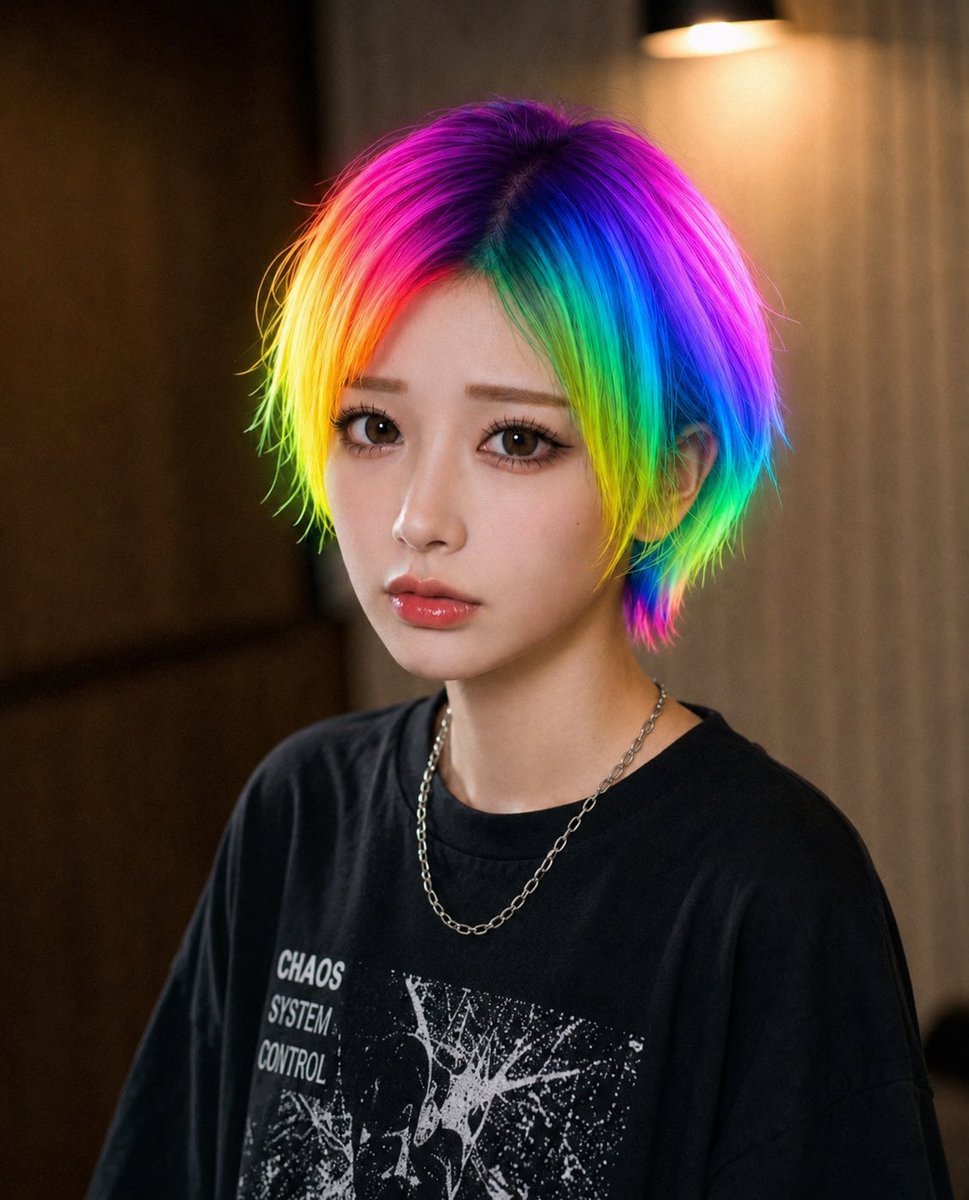
Rainbow Hair Censored Portrait
Japanese Neon Marketing Thumbnail
Classic Gameboy Pokemon Style Pixel Art
Luxury Fashion Magazine Cover Prompt
Cream Monochrome Urban Fashion Portrait
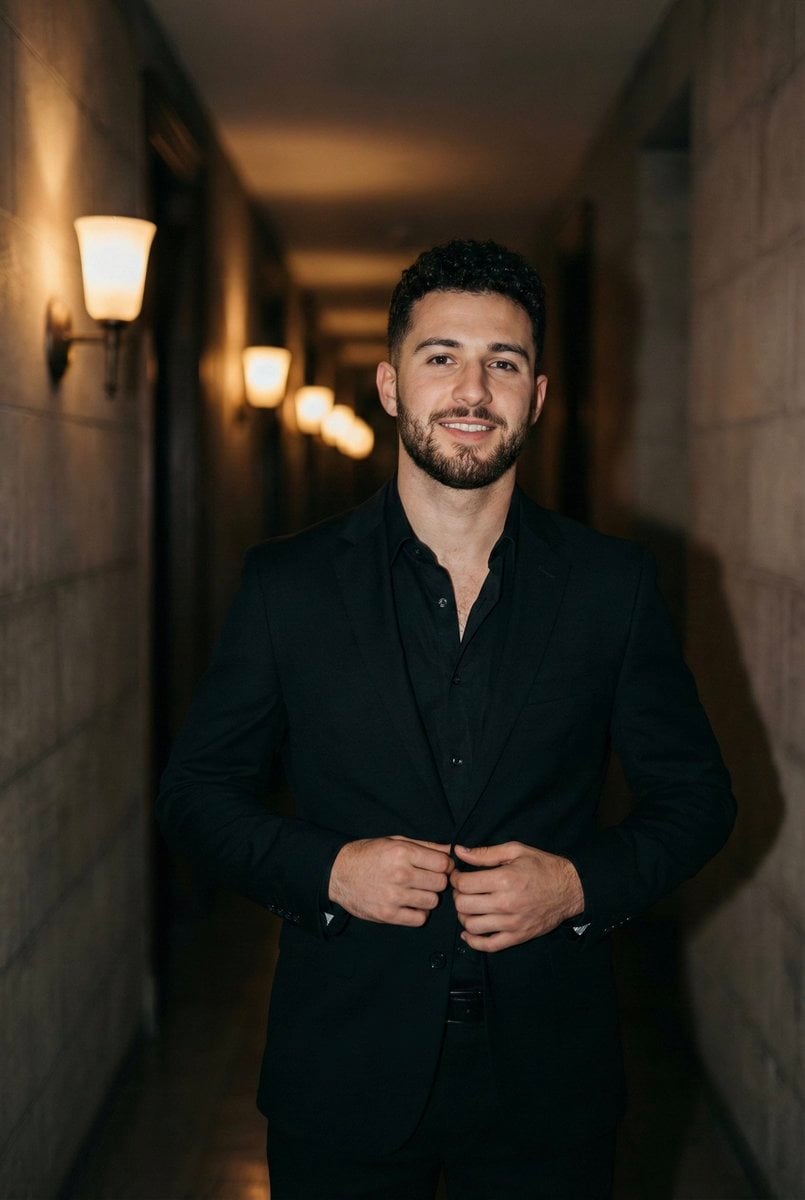
Cinematic Portrait of a Man in a Dimly Lit Hallway
Browse template categories
Citrus Crayon Fashion Portrait questions
How do I use the Citrus Crayon Fashion Portrait template?
Add your photo if the template asks for one, edit the prompt if you like — the template's model and format are already selected — and press Generate. Your version opens in PicX Studio.
Can I customize the Citrus Crayon Fashion Portrait template?
Yes. You can change the subject, setting, lighting, mood, format, and available model controls before creating your image.
Is the Citrus Crayon Fashion Portrait template free?
Opening and editing this template is free. Generating uses credits, shown on the Generate button when you are signed in.
Which AI model should I use?
Start with GPT Image 2, which is the model associated with this template. You can compare another compatible model for a different finish.
Looking for something else? Browse all templates.

Your photo, any look
Thousands of ready templates for every top image and video model, from one credit balance.