
Cyberpunk Energy Duel Animation
A high-intensity 13-second hand-drawn 2.5D animation prompt for a duel in a cyberpunk mall, featuring energy guns, blades, and complex action choreography.
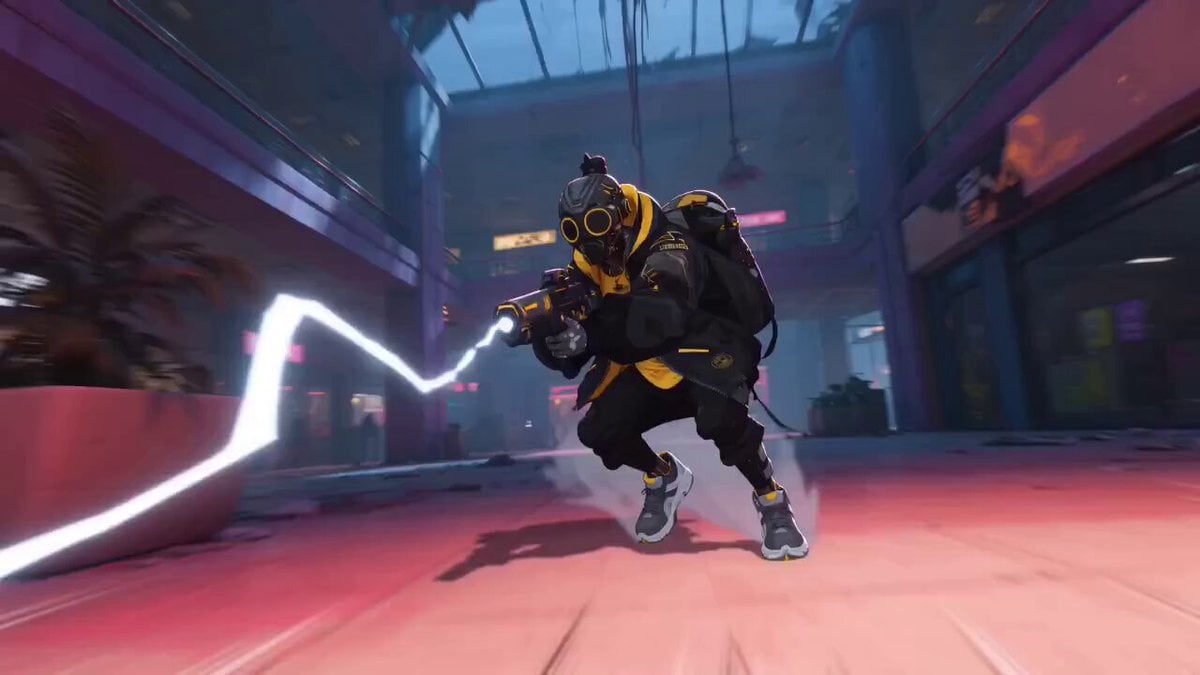
- Prompt included
- Model and format preset
- Free template
The prompt behind this video
Copy the exact prompt behind Cyberpunk Energy Duel Animation, or open it in the studio and make it yours.
Cinematic hand-drawn 2.5D hybrid animation (3D base model + 2D brushstroke coloring), 24fps, 13 seconds. The energy gun user refers to image1. The blade user refers to image2, using the blade design from image3. The setting refers to image4. **Cinematography:** Multi-shot edit with 6 cuts. 18–35mm ultra-wide/wide-angle lens with strong perspective and distinct parallax. Dynamic handheld tracking with natural micro-shakes and slight footstep movement (no smooth gimbal motion); occasional Dutch angles; fast but readable motion trails and compositions. Character stability is high with no flickering, artifacts, or extra limbs. No text, logos, or watermarks. **Environment:** Inside a cyberpunk abandoned shopping mall. Features a shattered glass dome, collapsed structures, blue dust mist, and neon magenta/pink light leaks. Includes damaged escalators, a large open atrium, hanging cables, scattered debris, flickering signs, volumetric light beams, and floating dust. **Character Settings:** * **Gunner:** Full face mask, black clothing with white lightning accents. Fires energy bolts with a "black core + white lightning" texture. * **Blader:** Uses an orange energy blade (orange glowing edge + mechanical structure). Agile movement specializing in wall-running, aerial evasion, and lightning-fast teleport/afterimage dashes. **Action Sequence (13 seconds, 6 cuts):** * **Cut 1 (0–2s):** Low-angle wide shot. Gunner moves laterally with high-speed lightning steps, firing three black-and-white energy bolts. Handheld camera follows with exaggerated perspective and ground-level parallax. * **Cut 2 (2–4s):** Blader enters with a low-to-the-ground slide, easily deflecting the bolts with the energy blade. Sparks and air pressure rings diffuse outward. Fast whip-pan follows the projectile trajectory without jump-cutting. * **Cut 3 (4–6s):** High-to-low tilting shot. Gunner spirals through the air while firing precision shots with electric arc trails. Blader wall-runs up a pillar and leaps over a broken railing, creating strong depth between foreground and background. * **Cut 4 (6–8s):** Brief bullet-time (slow motion) as an energy bolt grazes a mask; immediately returns to full speed. Blader uses the blade tip to parry a bolt, creating a clear reflection trajectory. * **Cut 5 (8–10.5s):** Blader performs a zigzag teleport dash with trailing afterimages, falling from above for a heavy downward slash. Gunner retreats while adjusting their stance. * **Cut 6 (10.5–13s):** Gunner deploys a translucent arc energy shield with their free hand to block the heavy slash. The two clash in mid-air over the escalator void with high-speed exchanges of bolts and blades. A final heavy impact creates a ring-shaped shockwave of dust and debris as both land and separate. **Effects and Motion:** Energy bolts feature black cores, white lightning textures, crackling arcs, and air pressure cones. The blade features orange glowing edge + mechanical structure.
How to use Cyberpunk Energy Duel Animation in 3 steps
- 1
Open
The prompt is already in the box next to the preview, with the template's model and format selected.
- 2…a portrait of your subject in softgolden-hour light, 85mm…
Personalize
Edit the subject and creative details for your destination.
- 3Generate
Generate
Press Generate — your video is created in PicX Studio, so you can compare it with the original and refine one variable at a time.
More like this
Templates with the same subject, style or setup. Open one to see its prompt.

Cyberpunk Holographic Dance Performance - Seedance 2.5

3D Glossy Fairy Animation - Seedance 2.5

RX-7 to Mech Transformation Cyberpunk
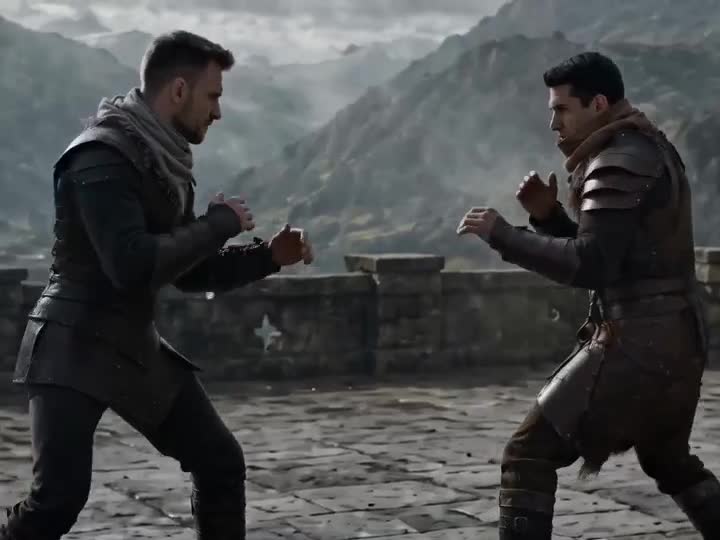
Medieval Duel Style Transfer
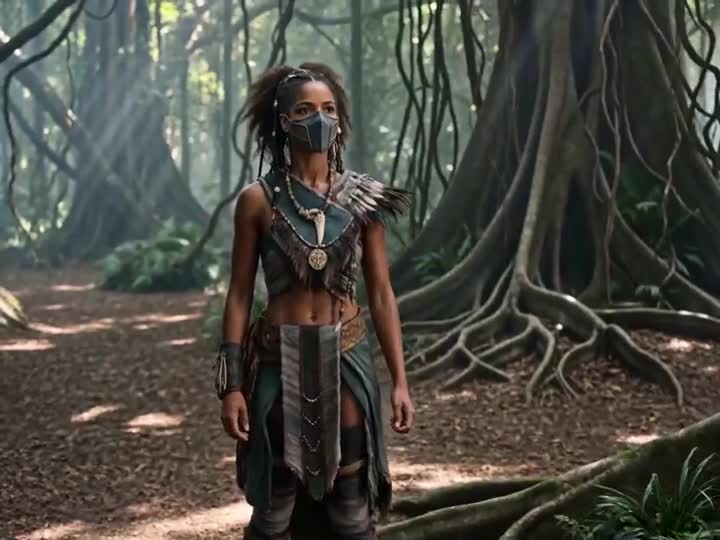
Energy Bow Jungle Edit

Silk Road Pomegranate Folk Animation

Multilingual Creative Typography Loop
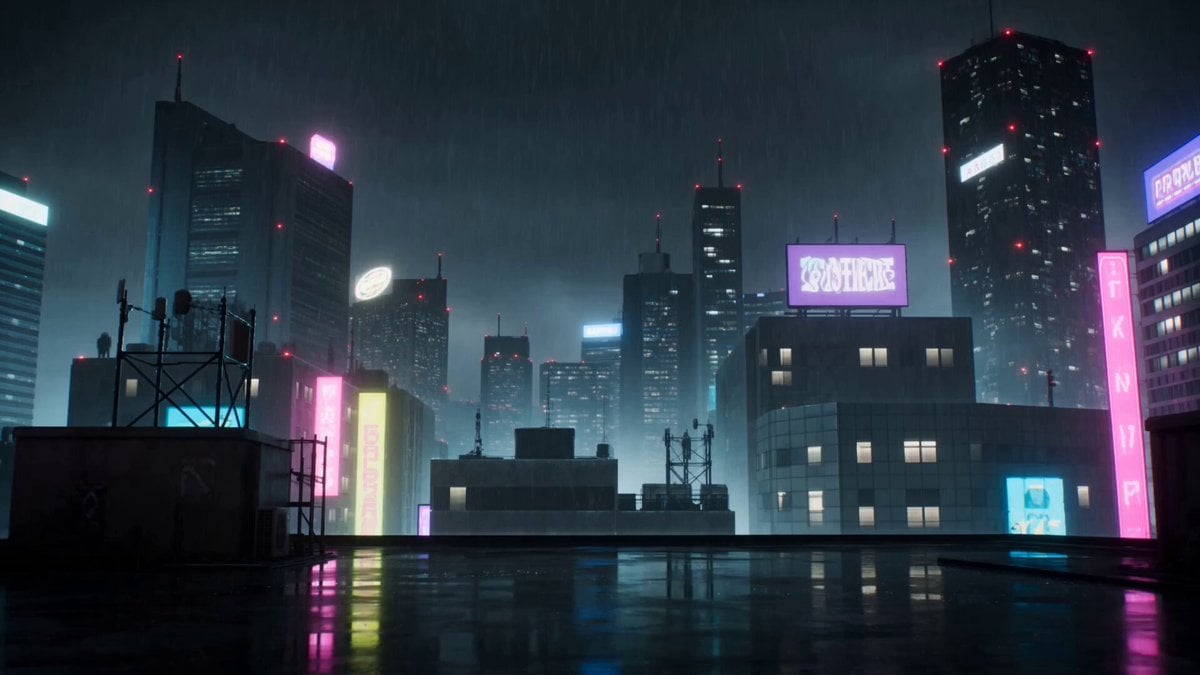
Cyberpunk Anime Duel Action
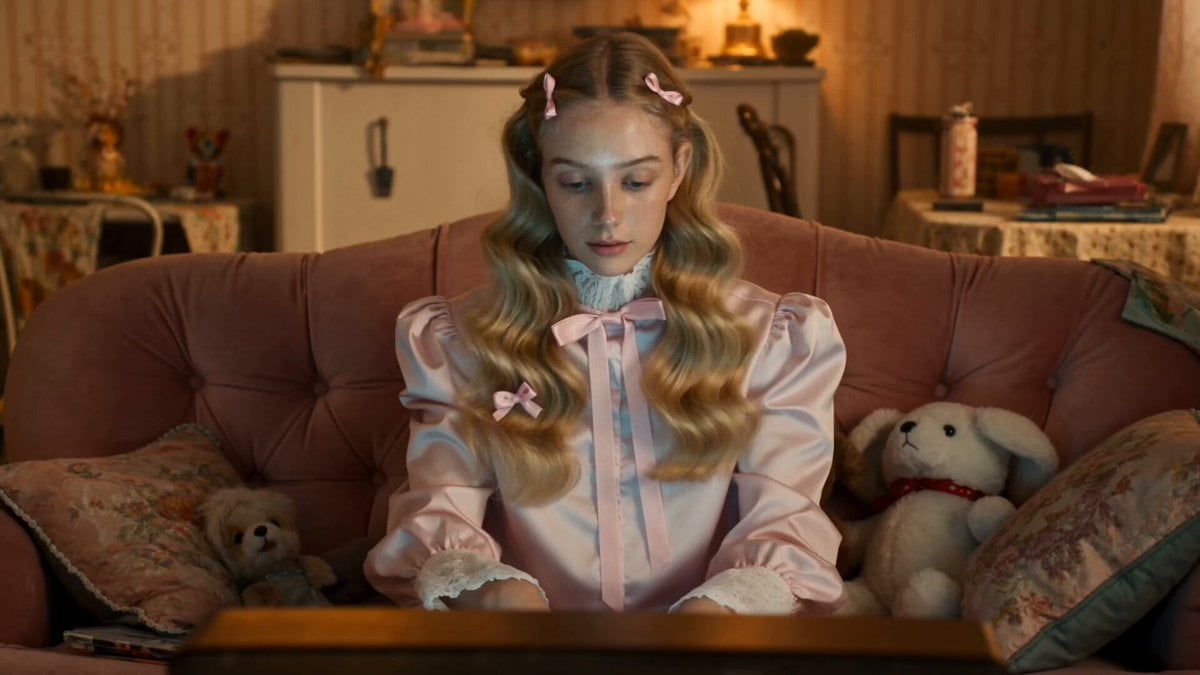
Odette Vane Cyberpunk Arena Animation
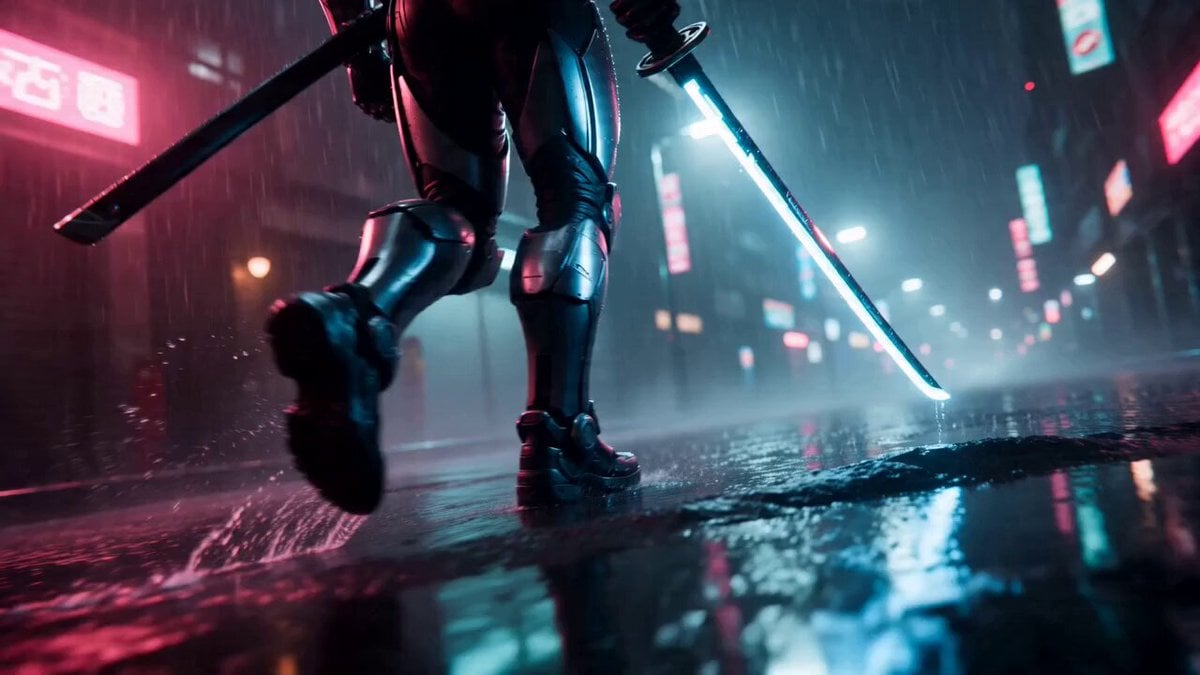
Cyberpunk Neon Samurai Duel
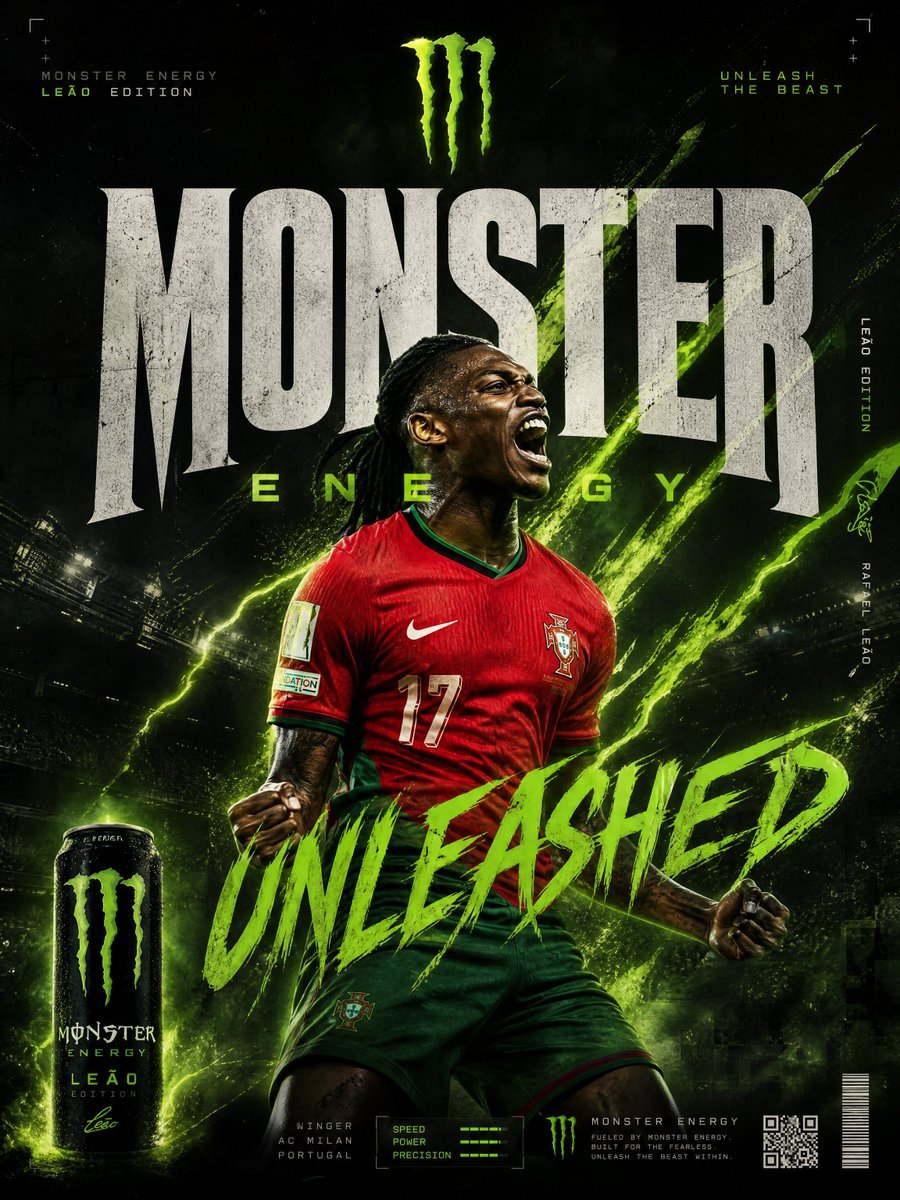
Monster Energy Rafael Leão Football Animation

Walking Factory with Rebel on Hoverbike - Wasteland
Make it yours
Cyberpunk Energy Duel Animation works as-is. These are the safest ways to change it without losing the look.
Change one field
Copy a single group, rewrite it, and generate again so you can see what that field is doing.
Keep the frame, change the subject
Hold the composition and light of Cyberpunk Energy Duel Animation, then swap wardrobe, props or the person for a new take.
| If the result… | Why | Fix |
|---|---|---|
| The result drifts from the preview | Too many fields changed at once. | Reuse Cyberpunk Energy Duel Animation as-is first, then change one group — subject, light, or setting. |
| The model over-stylizes the scene | The prose prompt leaves finish and camera underspecified. | Add one camera or lighting sentence and stay on Seedance 2.0. |
More Seedance 2.0 templates
Other prompts made for Seedance 2.0.

Comical Martial Arts Punch Scene

Maglev Train Action Sequence

Martial Arts Fight Sequence

Wuxia Protection and Trust Script

Vintage Korean Arcade MiniDV Vlog

Ancient Roman Celestial Flight

Mercedes 190 SL Luxury Ad

Rainy Night Supernatural Reverse Comedy Video Script

Amazon Civilization Discovery

Futuristic South Asian City Transformation
More video prompts
Fresh picks from across the catalog.
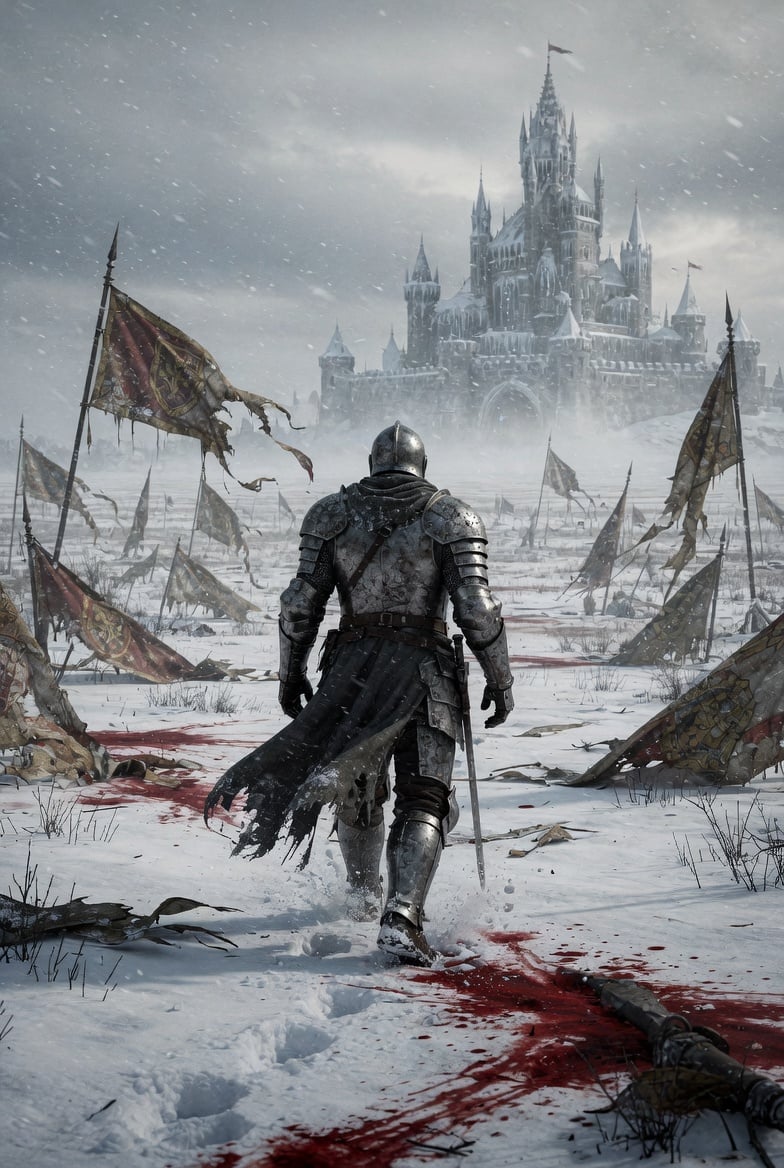
Lone Medieval Knight in Snowy Field Video Prompt
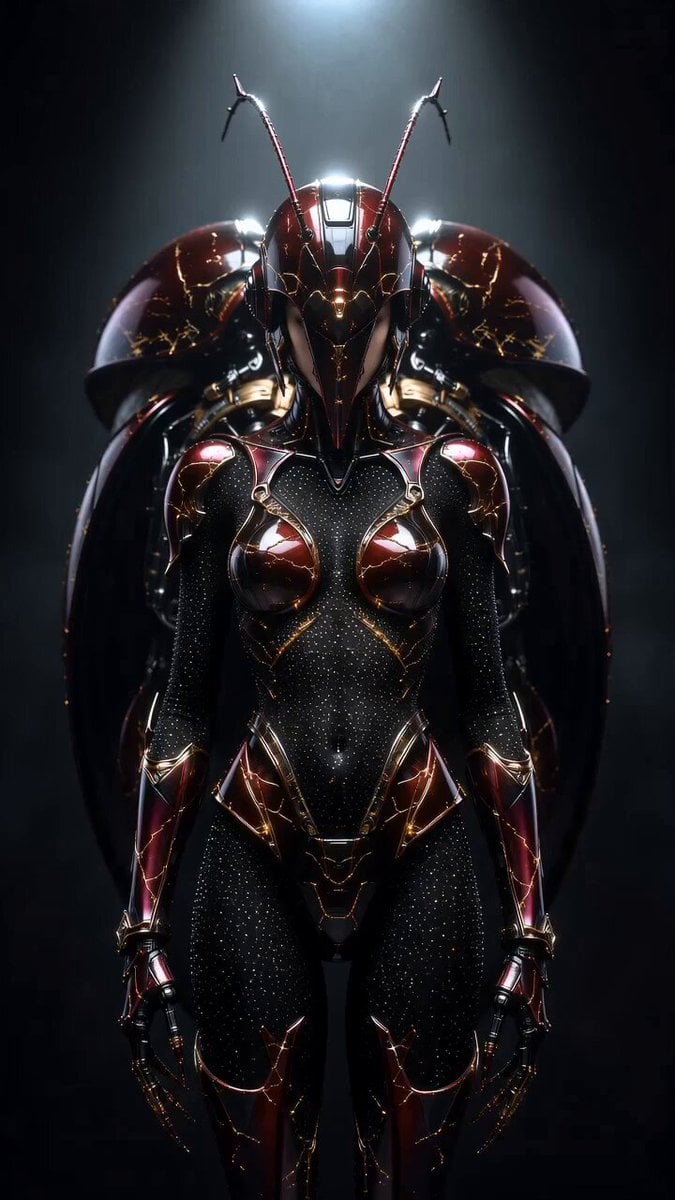
Transformers Biomechanical Beetle Transformation
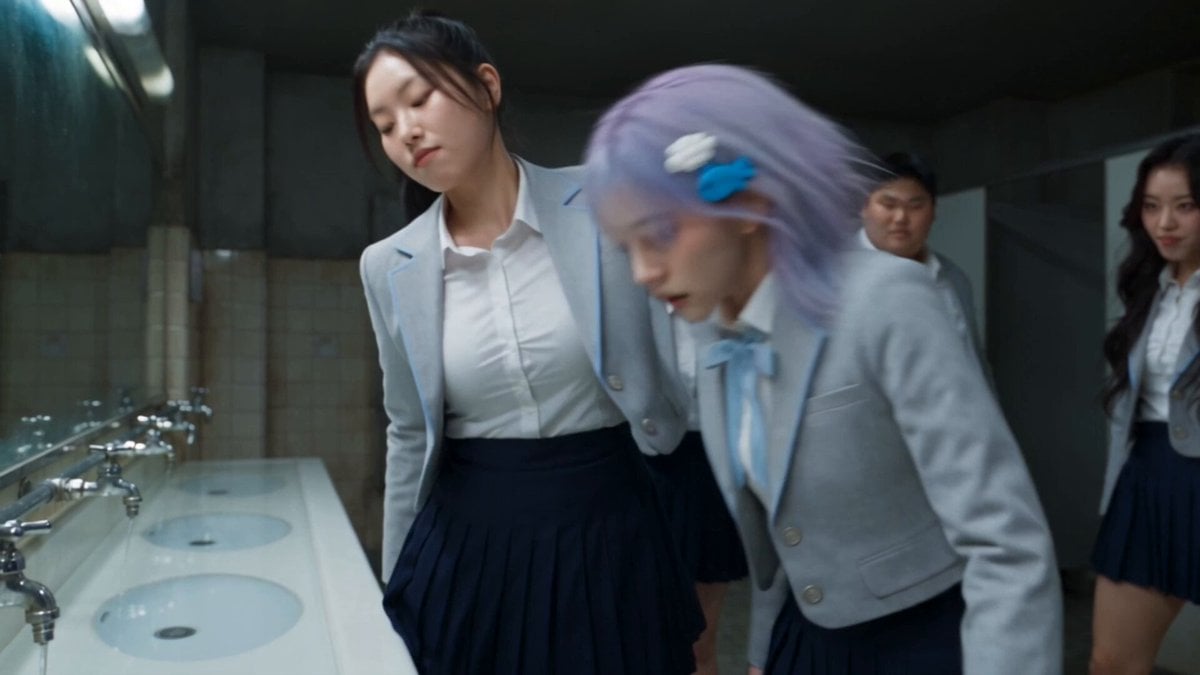
Seedance 2.5 Supernatural Action Short Film

Ethereal Fairy-Elf on a Crystal Throne Video
Cinematic horror scene with creature attack
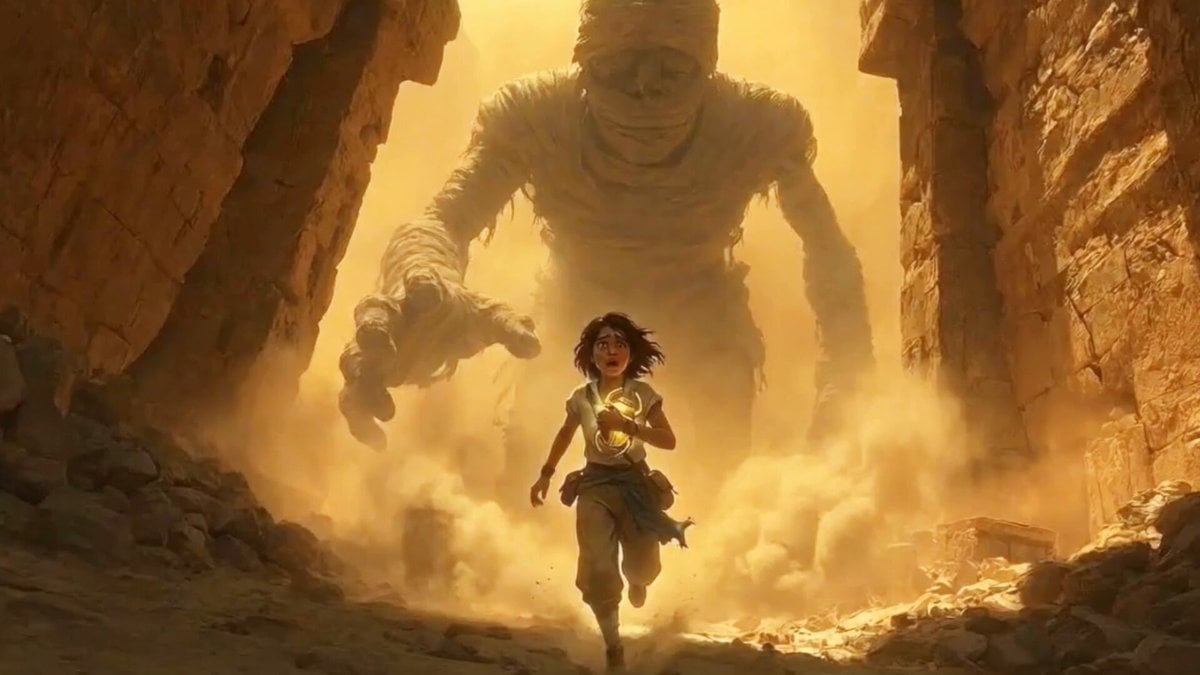
Cinematic Tracking Shot of Explorer Chased by Mummy
Martial Arts Comedy: The Echoing Secret

Florist Shop Bouquet — Kling 3.0 v3 Standard
Grok Imagine Video Prompt: Horse Riding on a Storm
Cyberpunk Guerrilla Girl Video Generation
Browse template categories
Cyberpunk Energy Duel Animation questions
How do I use the Cyberpunk Energy Duel Animation template?
Add your photo if the template asks for one, edit the prompt if you like — the template's model and format are already selected — and press Generate. Your version opens in PicX Studio.
Can I customize the Cyberpunk Energy Duel Animation template?
Yes. You can change the subject, setting, lighting, mood, format, and available model controls before creating your video.
Is the Cyberpunk Energy Duel Animation template free?
Opening and editing this template is free. Generating uses credits, shown on the Generate button when you are signed in.
Which AI model should I use?
Start with Seedance 2.0, which is the model associated with this template. You can compare another compatible model for a different finish.
Looking for something else? Browse all templates.

Your photo, any look
Thousands of ready templates for every top image and video model, from one credit balance.