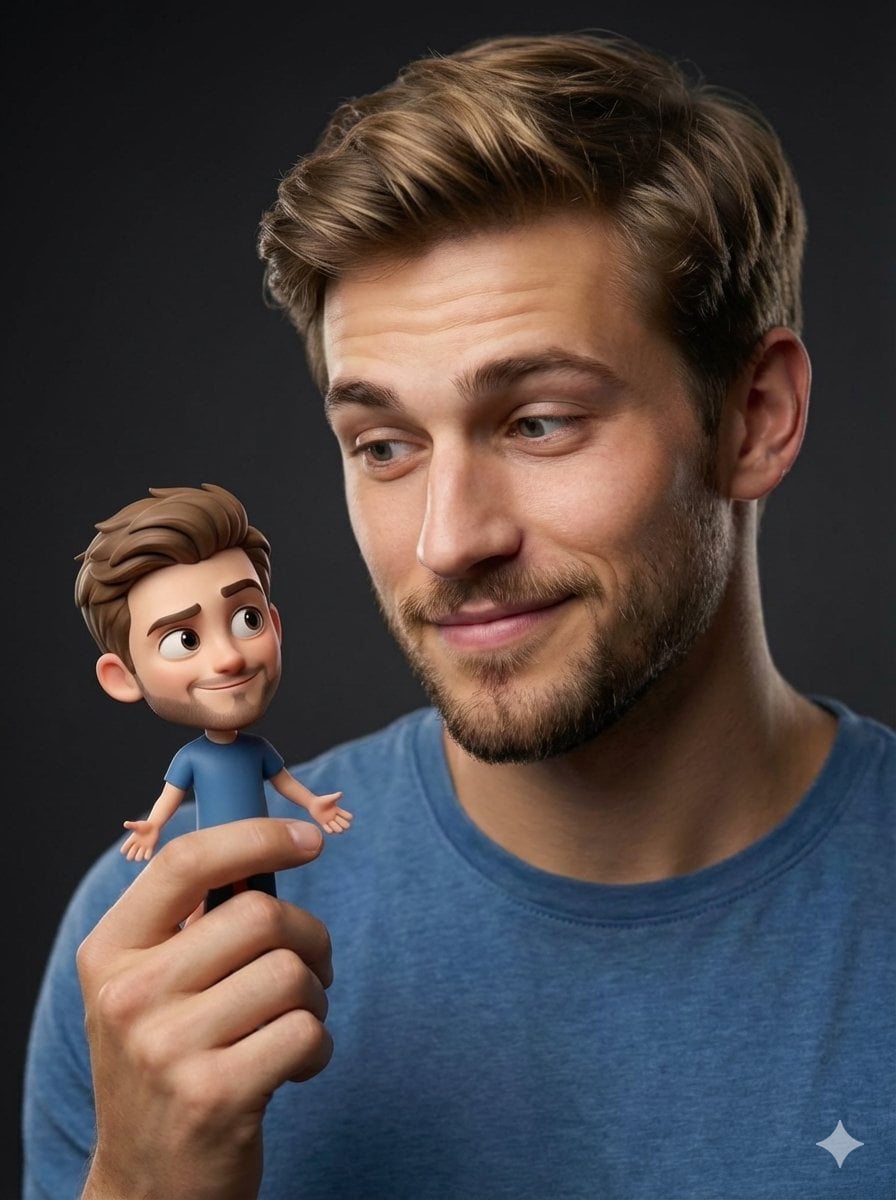
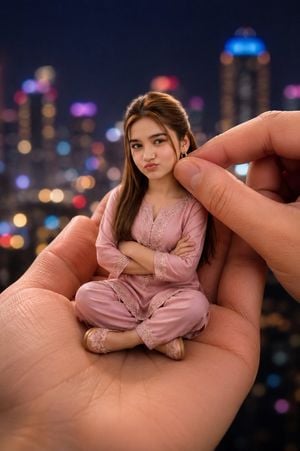
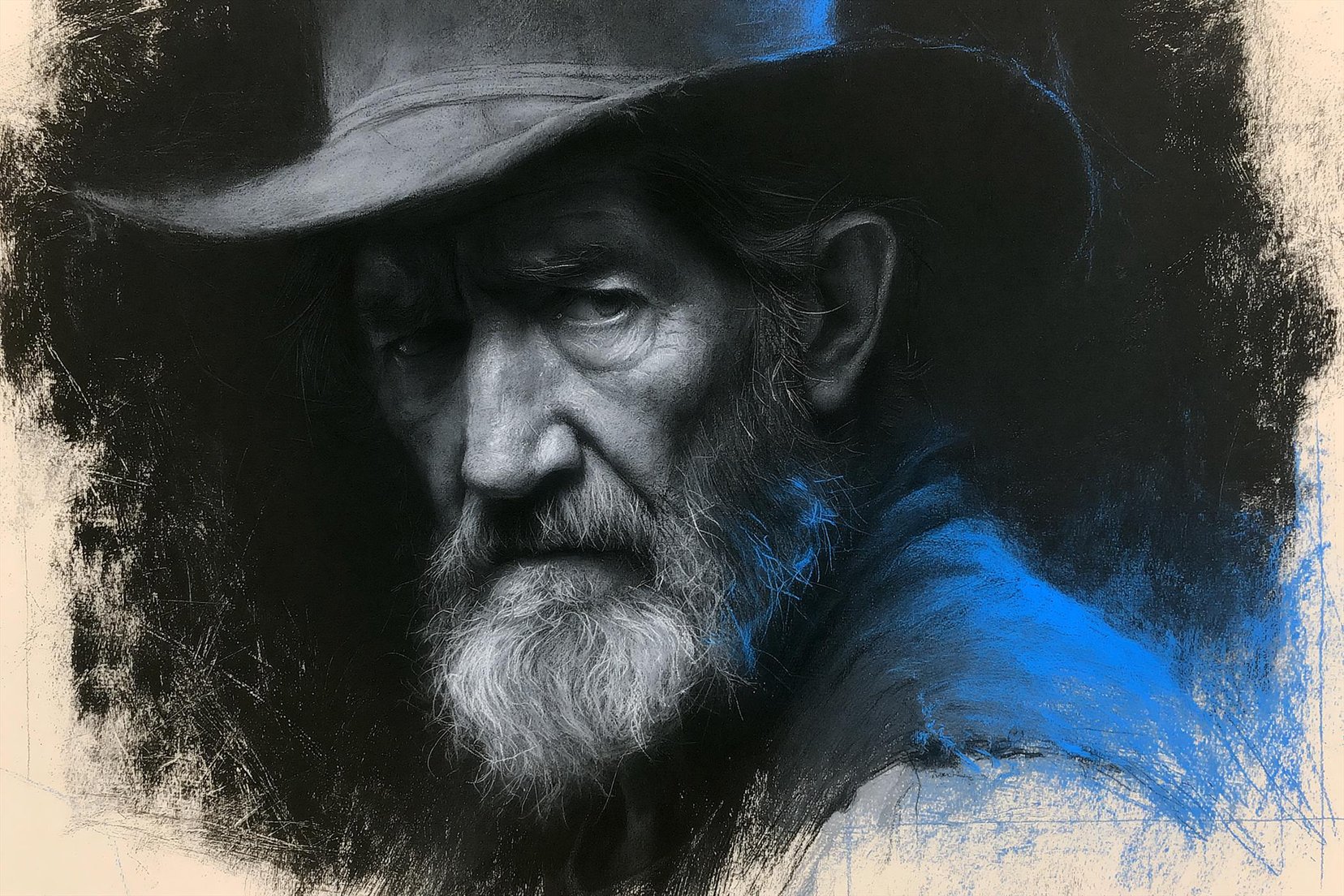
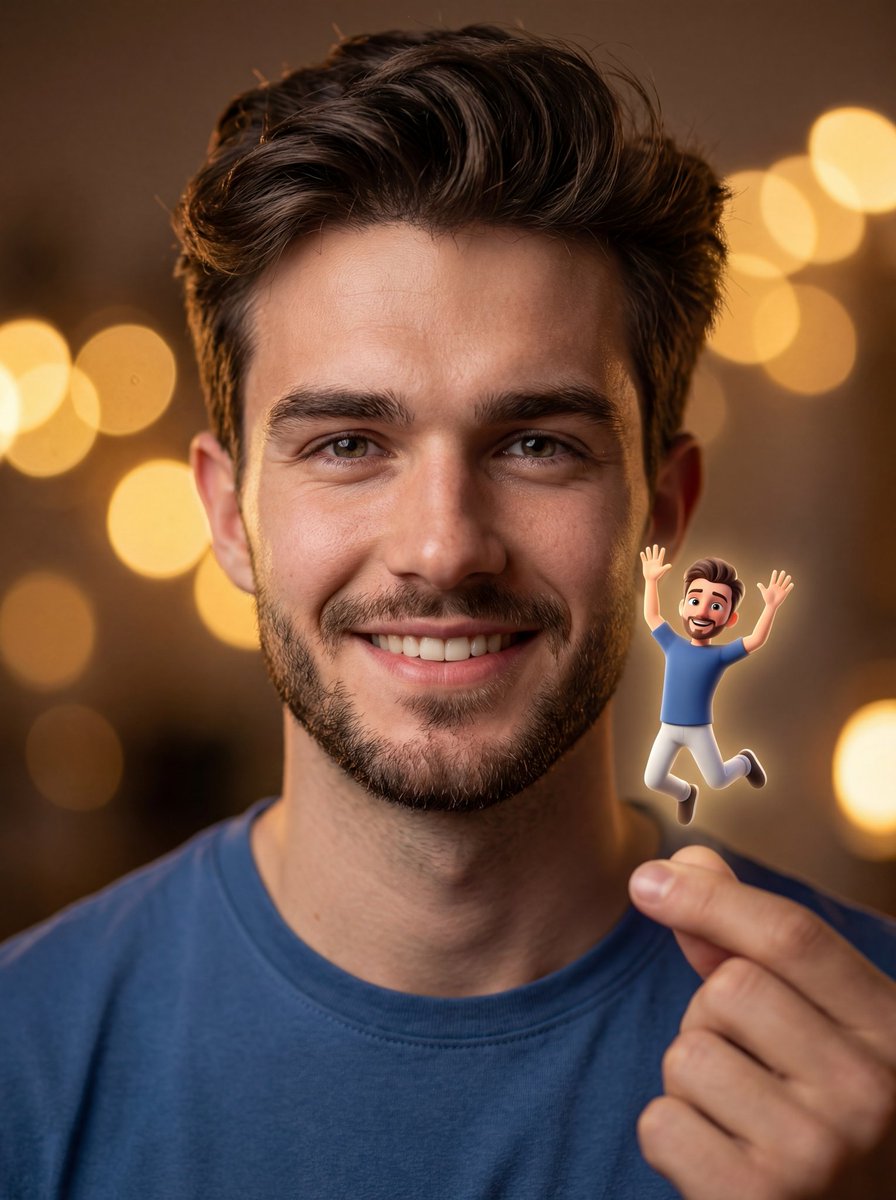
How do I use the Cinematic Chiaroscuro Man with Miniature Self template?
Edit the prompt in the box under the preview — the template's model and format are already selected — and press Generate. Your version appears right on this page.
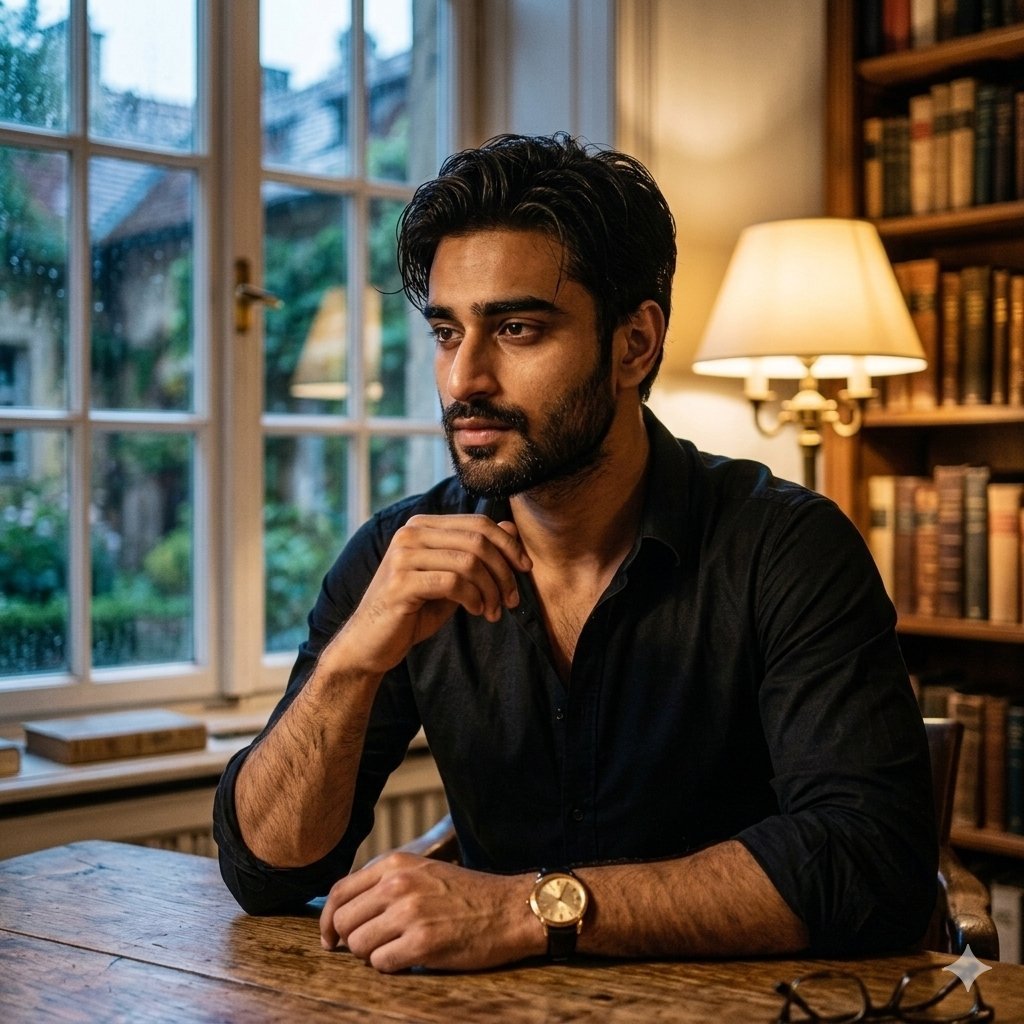
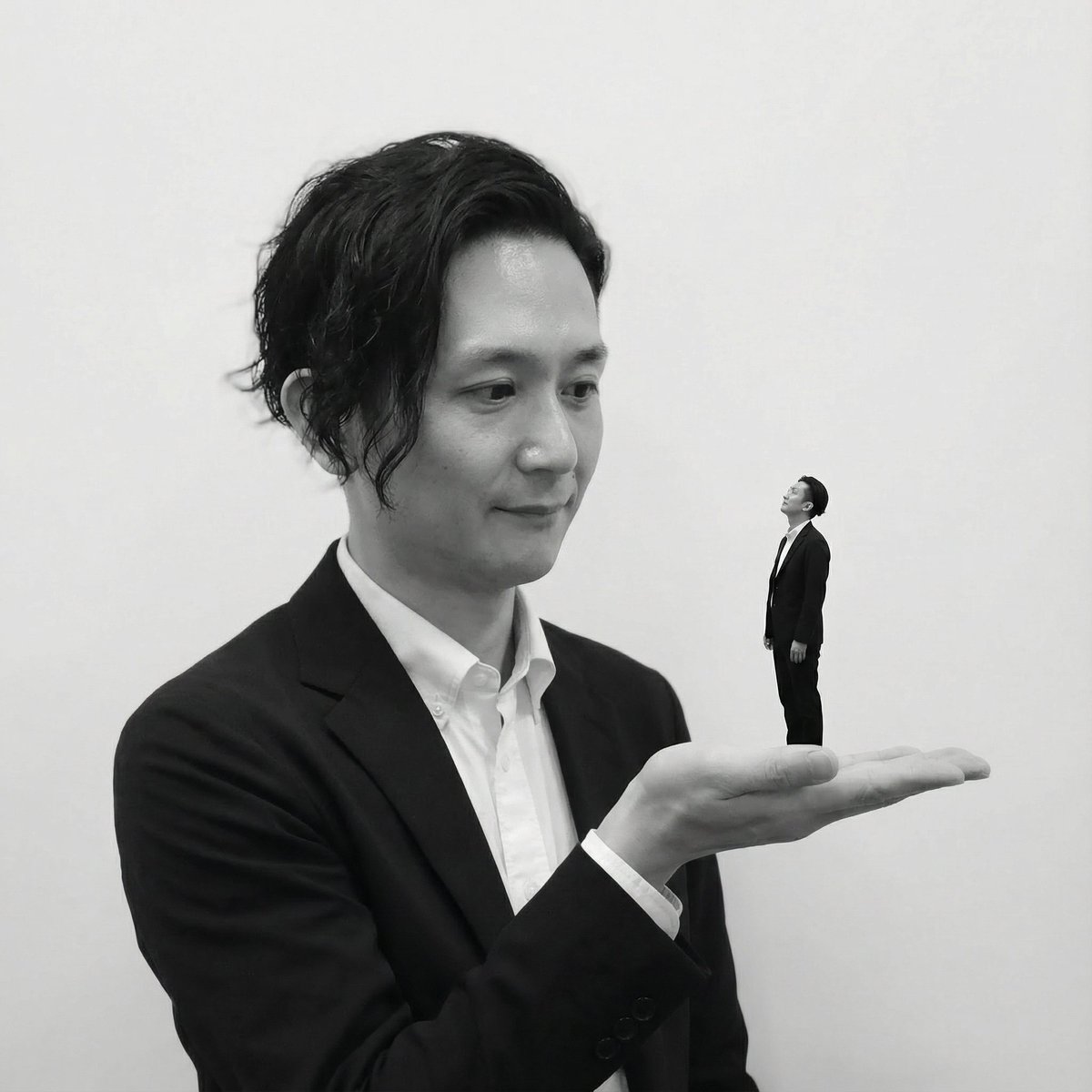
A highly detailed cinematic prompt for a hyper-realistic scene of a man holding a miniature version of himself in a glowing container.

A stunning, hyper-realistic 8k medium shot, 50mm lens. The man (uploaded face as reference) is wearing a {argument name="clothing" default="black minimalist hoodie"}, holding a high-tech, cylindrical glass container with both hands. Inside the container, a miniature, glowing {argument name="glow color" default="neon-cyan"} version of himself (uploaded face as reference) is floating, its hand pressed against the glass. The main character’s face is close to the glass, his eyes wide with a mix of curiosity and empathy, his reflection visible on the surface. Intense {argument name="glow color" default="neon-cyan"} light emanates from inside the jar, casting sharp highlights on the man’s nose, forehead, and the texture of his hoodie. The lighting is "Chiaroscuro" style, with deep shadows and vibrant highlights. The background is a soft-focus {argument name="background" default="urban night scene through a window"}.
A stunning, hyper-realistic 8k medium shot, 50mm lens. The man (uploaded face as reference) is wearing a {argument name="clothing" default="black minimalist hoodie"}, holding a high-tech, cylindrical glass container with both hands. Inside the container, a miniature, glowing {argument name="glow color" default="neon-cyan"} version of himself (uploaded face as reference) is floating, its hand pressed against the glass. The main character’s face is close to the glass, his eyes wide with a mix of curiosity and empathy, his reflection visible on the surface. Intense {argument name="glow color" default="neon-cyan"} light emanates from inside the jar, casting sharp highlights on the man’s nose, forehead, and the texture of his hoodie. The lighting is "Chiaroscuro" style, with deep shadows and vibrant highlights. The background is a soft-focus {argument name="background" default="urban night scene through a window"}.
Edit the prompt in the box under the preview — the template's model and format are already selected — and press Generate. Your version appears right on this page.
Yes. You can change the subject, setting, lighting, mood, format, and available model controls before creating your image.
Opening and editing this template is free. Generating uses credits, shown on the Generate button when you are signed in.
Start with Nano Banana 2, which is the model associated with this template. You can compare another compatible model for a different finish.
Follow a topic to a crawlable collection of related PicX Studio templates.