
Geometric Mosaic Portrait Illustration
Generates a detailed geometric mosaic portrait with cubist abstraction and technical drawing elements.
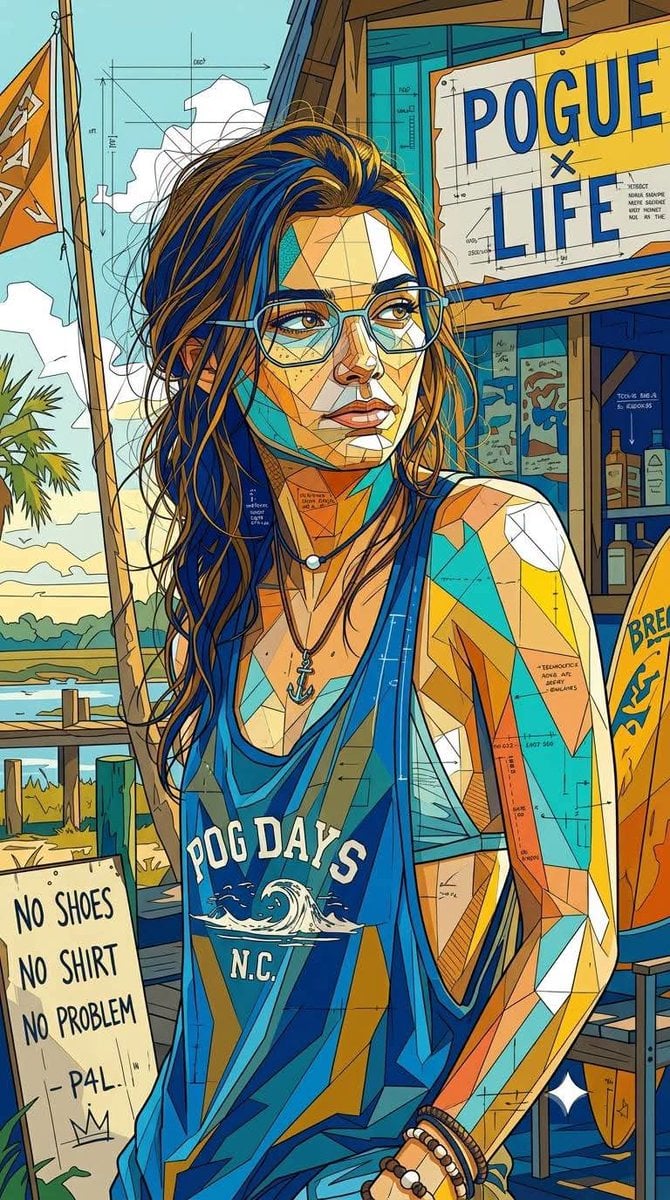
- Prompt included
- Model and format preset
- Free template
The prompt behind this image
Copy the exact prompt behind Geometric Mosaic Portrait Illustration, or open it in the studio and make it yours.
An ultra-detailed {argument name="style" default="geometric mosaic portrait illustration"} blending cubist abstraction, architectural blueprint aesthetics, and contemporary editorial pop-art design. Constructed from thousands of interlocking angular polygon fragments with no color lines, fragmented planes, segmented colorless contours, and intricate line grids. The highly structured composition, with layered technical drawing details embedded throughout, creates a complex look that blends schematic and artwork. Bold {argument name="colors" default="complementary color blocks are dominated by saturated cobalt blue, yellow, turquoise, vibrant golden earth tones, warm orange, and sharp white accents"}. The color treatment is flat yet dimensional, with a balanced contrast between large color fields and subtle geometric micro-details. Clean, vector-like precision combines with the imperfection of hand-drawn sketches and the texture of architectural drawings. Expressive contemporary {argument name="subject" default="character design with stylized facial construction, exaggerated eyeglass shapes, and fragmented surface geometry"}. A dense network of thin construction lines, blueprint markings, technical annotations, abstract map-like divisions, and layered polygonal textures seamlessly integrate into the subject and background. A mixed-media blend of cubism, urban mural art, technical illustration, generative geometry, and modern magazine cover aesthetics. Sharp edge definition, highly detailed surface articulation, intricate tessellation patterns, crystalline segmentation, and sophisticated visual rhythms. The background and subject are treated as a unified geometric ecosystem, with forms flowing continuously throughout. Premium gallery-quality digital artwork, razor-sharp linework, complex layered depth, contemporary design language, architectural abstraction, vibrant modernist color harmonies, highly detailed geometric storytelling, and a visually rich yet clean and organized composition. R 9:16.
How to use Geometric Mosaic Portrait Illustration in 3 steps
- 1
Open
The prompt is already in the box next to the preview, with the template's model and format selected.
- 2…a portrait of your subject in softgolden-hour light, 85mm…
Personalize
Edit the subject and creative details for your destination.
- 3Generate
Generate
Press Generate — your image is created in PicX Studio, so you can compare it with the original and refine one variable at a time.
More like this
Templates with the same subject, style or setup. Open one to see its prompt.

Geometric Color-Block Beauty Editorial Portrait
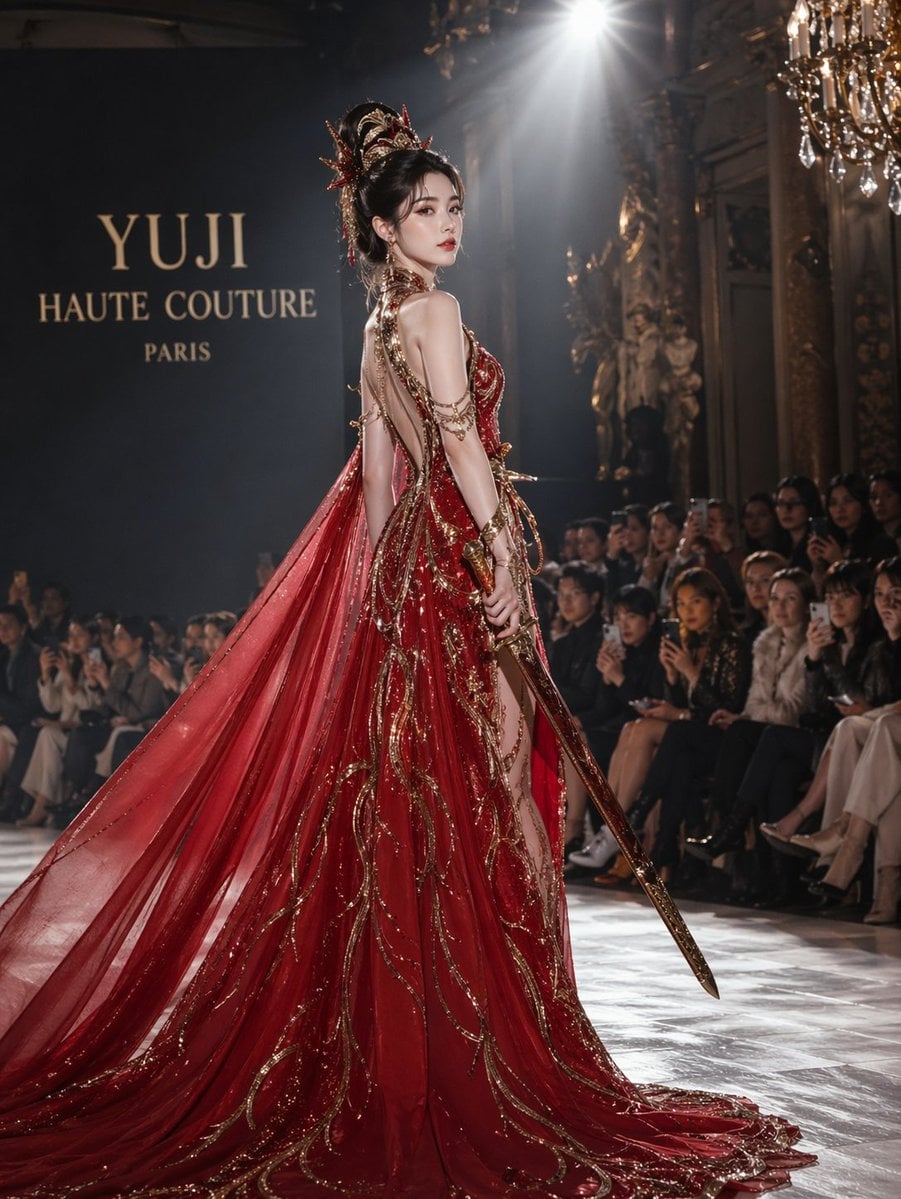
High-Fashion Bauhaus Geometric Cutout Editorial
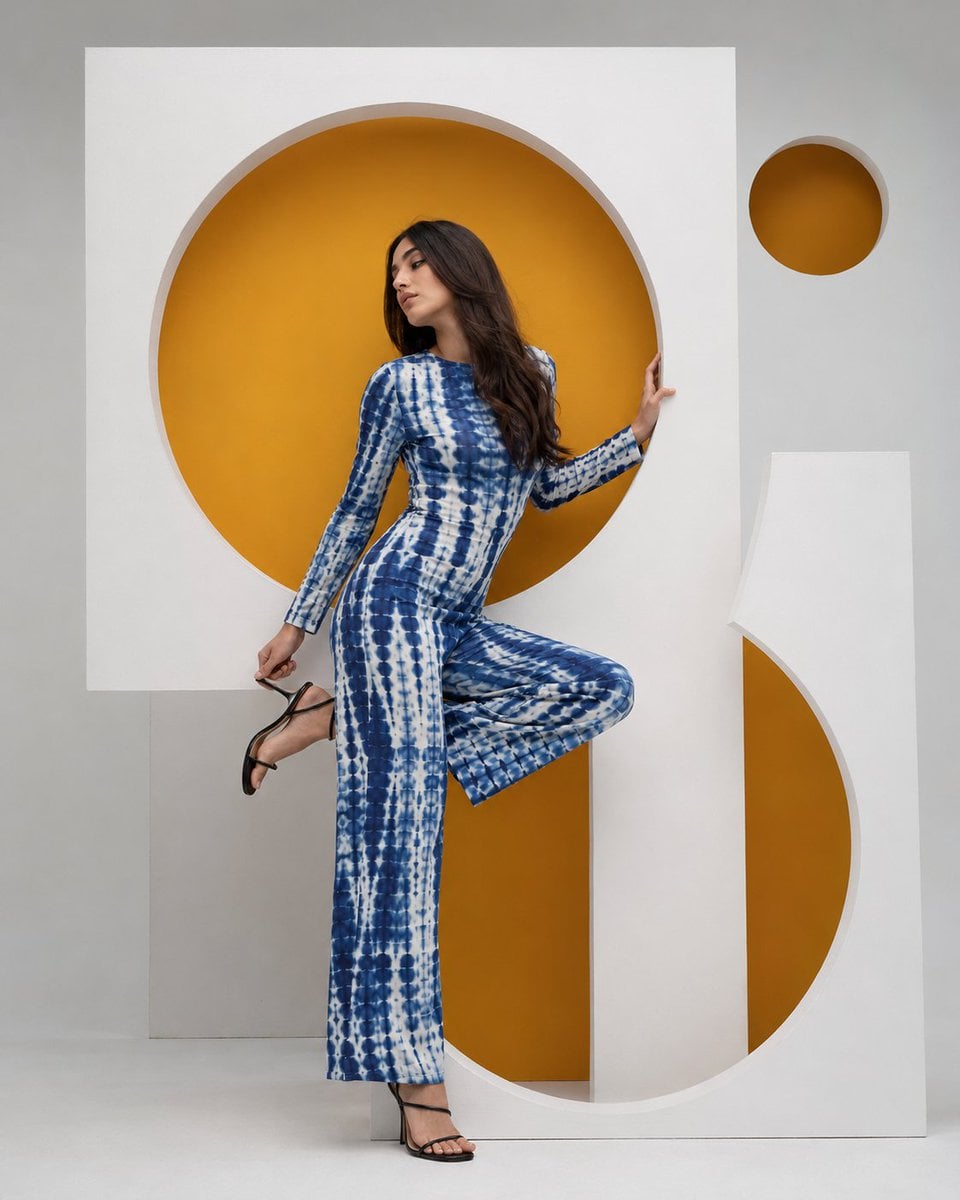
High-Fashion Bauhaus Geometric Cutout Editorial

Kids Crayon Travel Journal Illustration

Found Photograph: Us, 1970

80s Couple Studio Portrait

80s Bollywood Star

80s Golden Hour Cinema

Me in 1985

1985 Studio Portrait
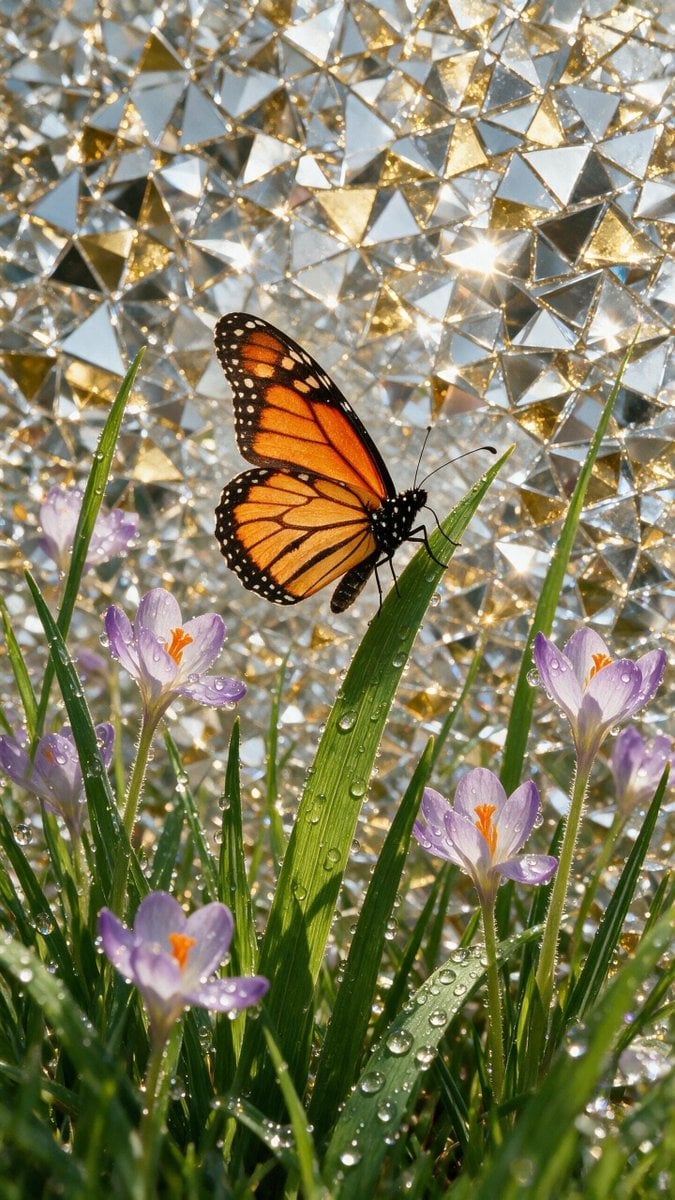
Mosaic Butterfly and Geometric Coffee Art
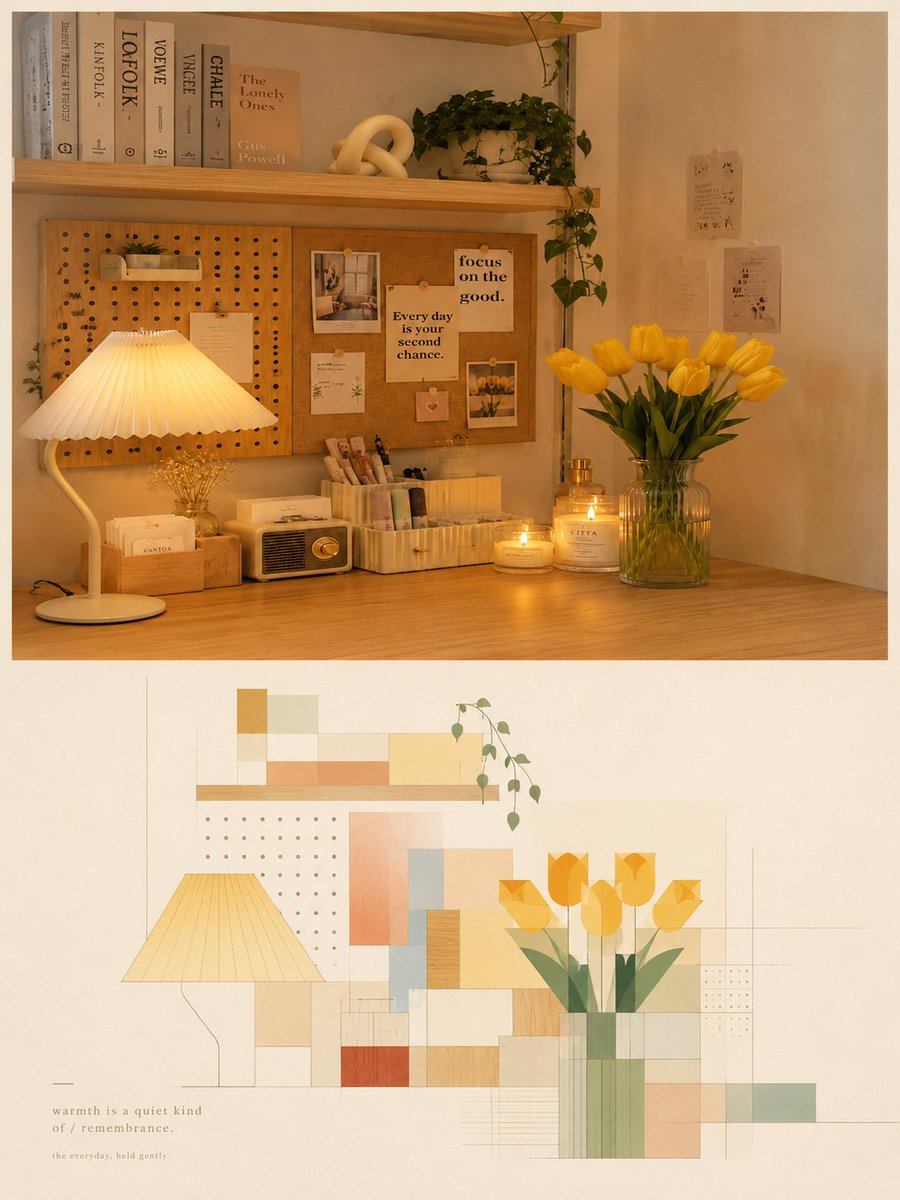
Modern Geometric Mosaic Collage Poster
Make it yours
Geometric Mosaic Portrait Illustration works as-is. These are the safest ways to change it without losing the look.
Change one field
Copy a single group, rewrite it, and generate again so you can see what that field is doing.
Keep the frame, change the subject
Hold the composition and light of Geometric Mosaic Portrait Illustration, then swap wardrobe, props or the person for a new take.
| If the result… | Why | Fix |
|---|---|---|
| The result drifts from the preview | Too many fields changed at once. | Reuse Geometric Mosaic Portrait Illustration as-is first, then change one group — subject, light, or setting. |
| The model over-stylizes the scene | The prose prompt leaves finish and camera underspecified. | Add one camera or lighting sentence and stay on Nano Banana 2. |
More Nano Banana 2 templates
Other prompts made for Nano Banana 2.

Photorealistic Leaf Shaped Like a Dragon

K-Pop Idol Portrait Grid for Rapid Selection

Poetic Rain Forest Portrait During Golden Hour

Urban Street Portrait with Cartoon Inner Self Duo

Candid Nighttime Photo with Cat Prompt

High-Concept 3D Diorama Generation Prompt

Cinematic Futuristic Studio Portrait Template

Skincare Editorial Photography Collage Prompt

Hyper-Realistic Commercial Product Photography (Splash Effect)

Hyper-Realistic Nightclub Portrait Prompt
More image prompts
Fresh picks from across the catalog.
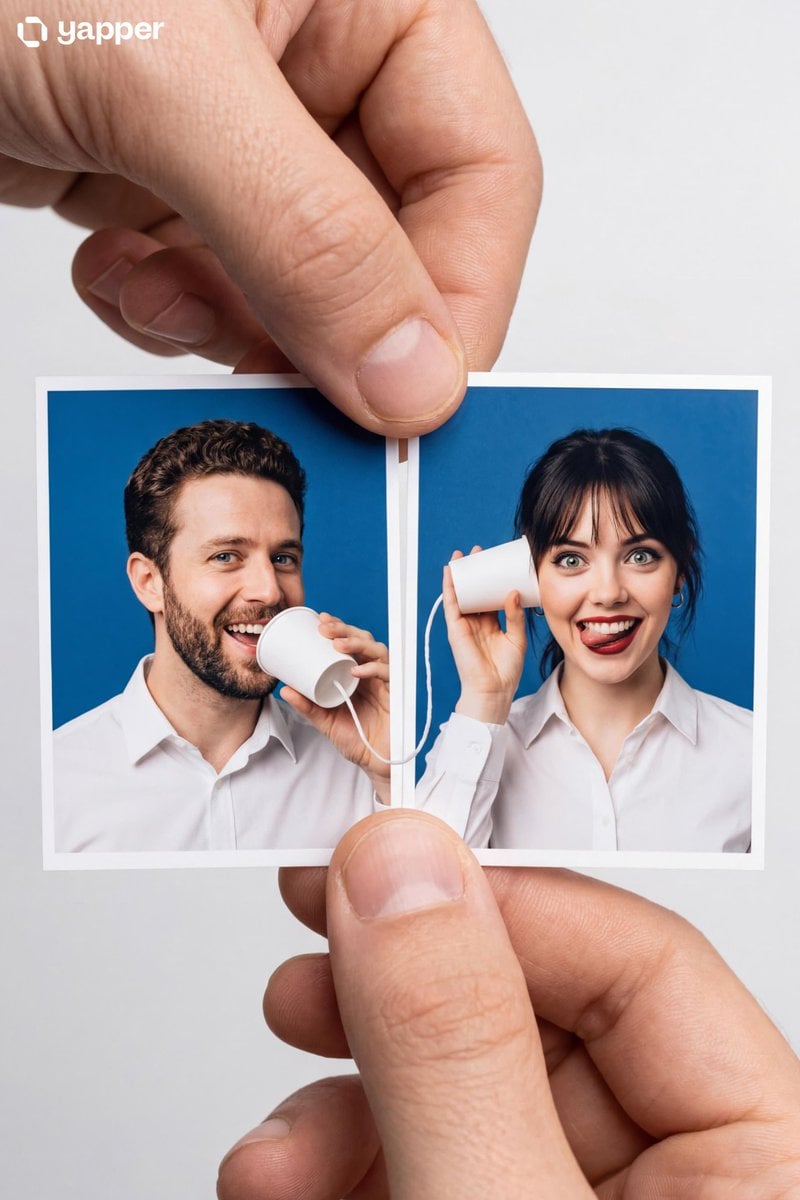
Portrait Master Object: String Phone Passport Photos

Did Some Experimenting and Figured Out T

Cyber-Horror YouTube Thumbnail Generator
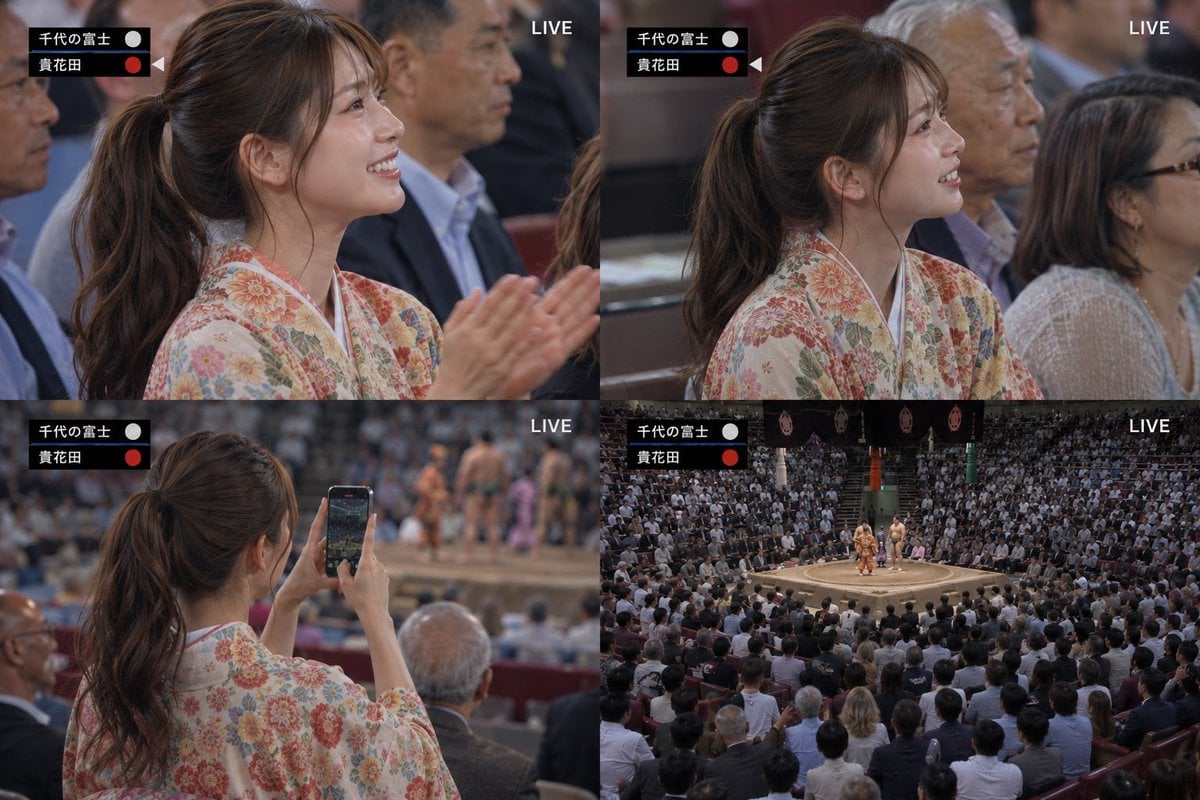
Live Sumo Broadcast Collage
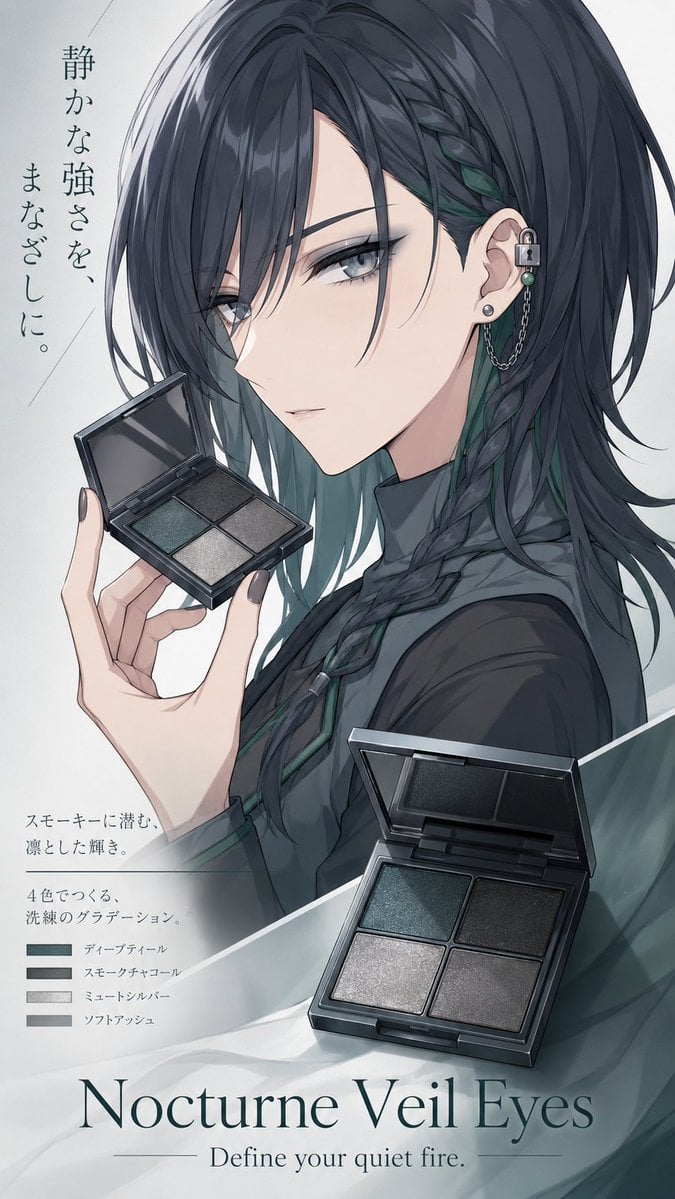
Nocturne Veil Eyes Anime Beauty Poster
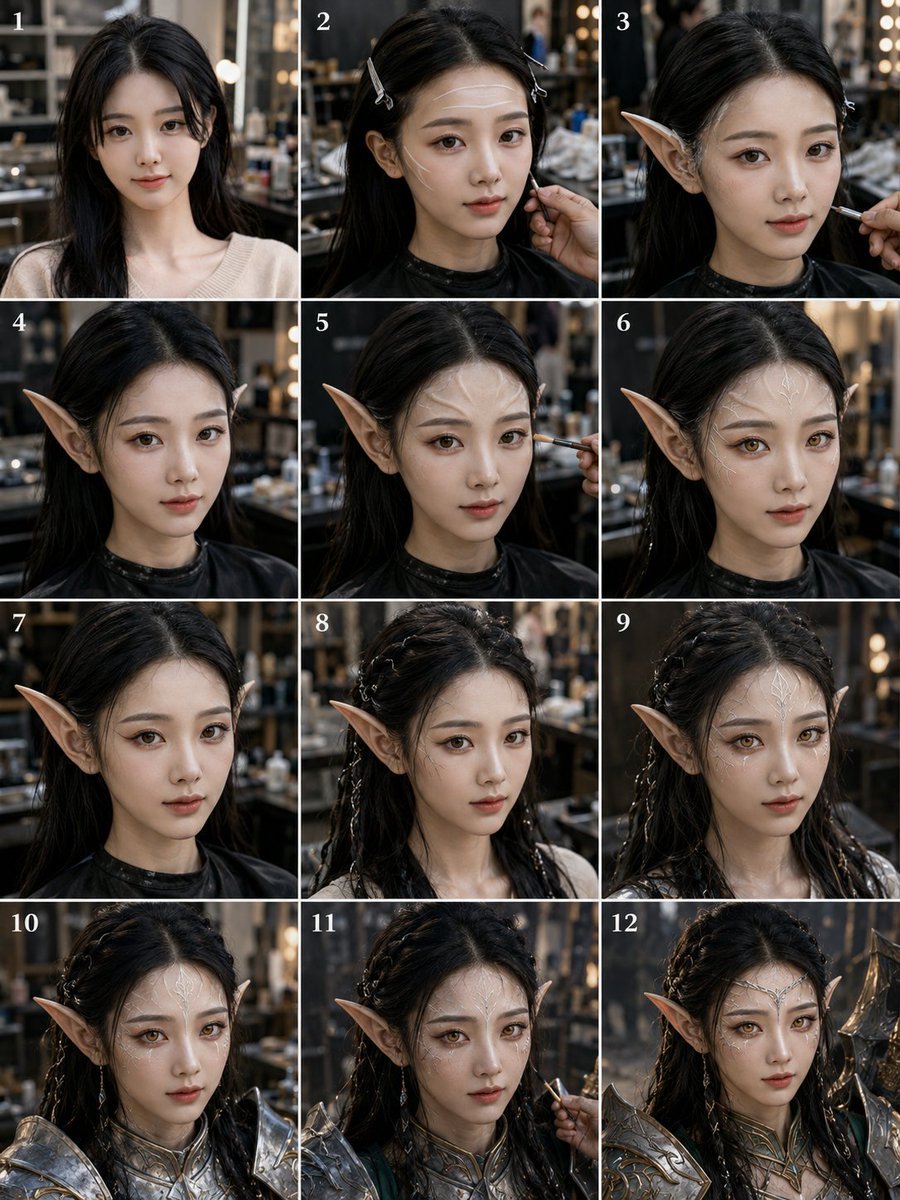
Panel Elf Warrior Transformation
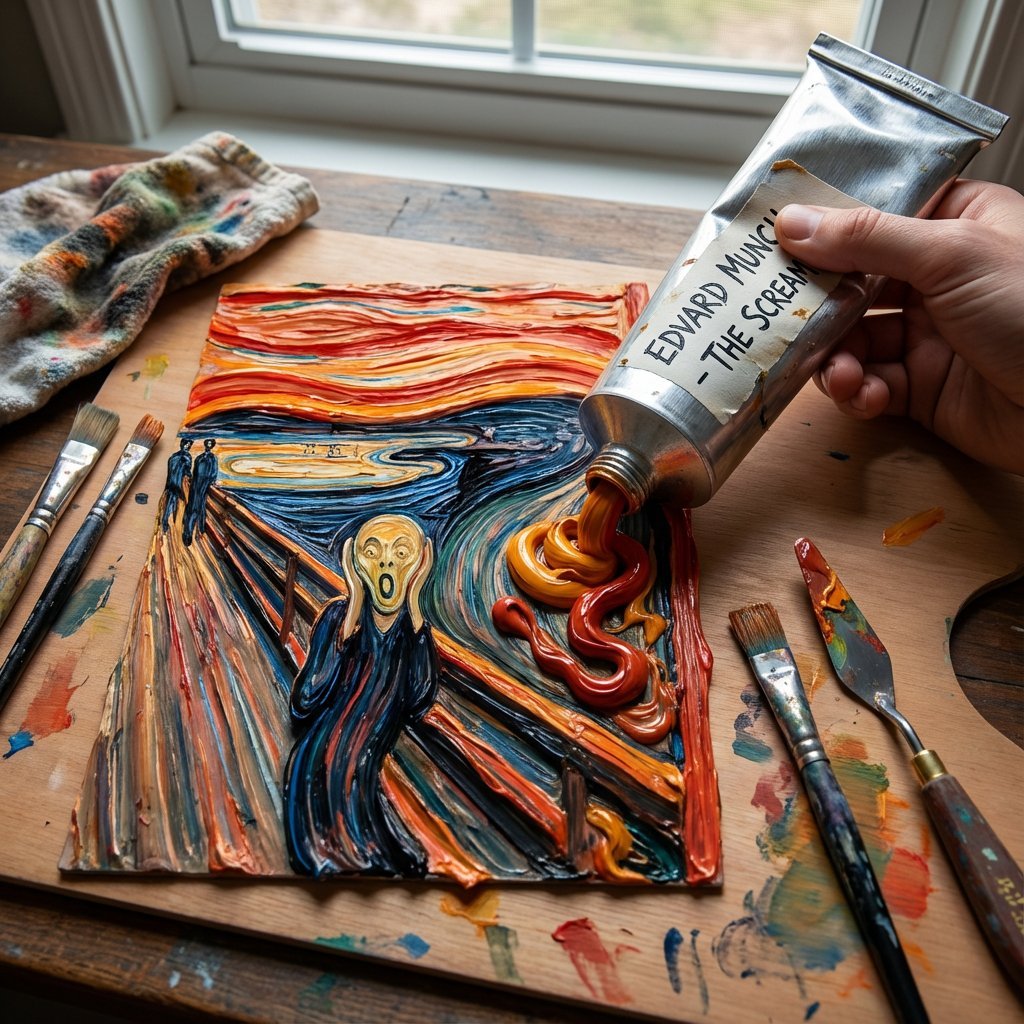
Paint Tube Squeeze: Famous Asian Painting in 3D Relief
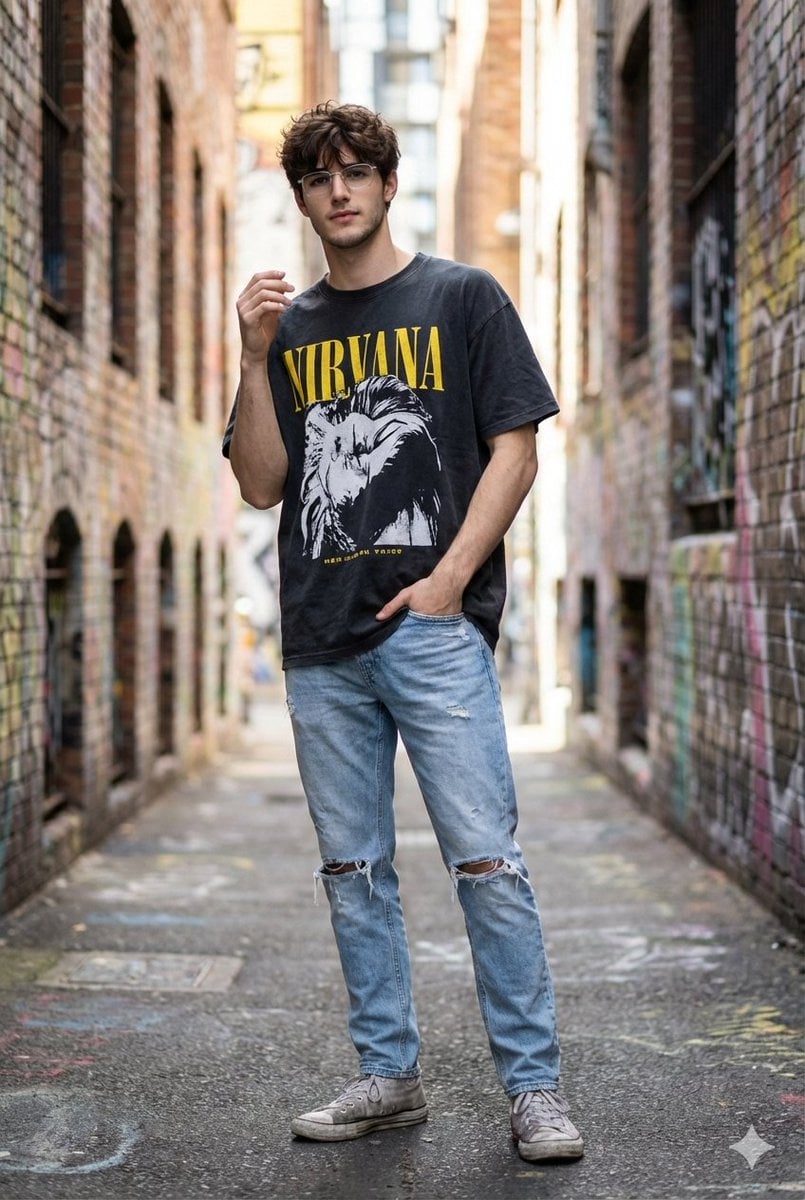
Hyper-Realistic Street Style Portrait Prompt
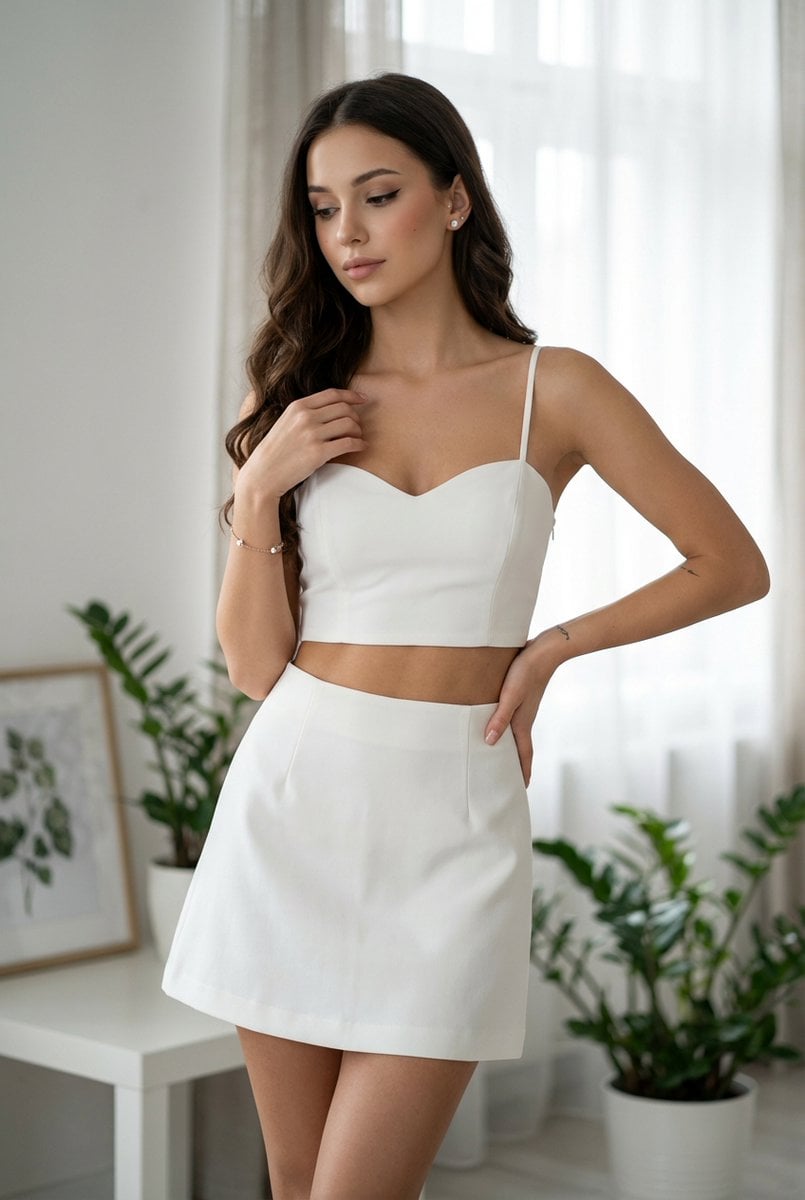
Chic White Outfit Fashion Editorial Prompt
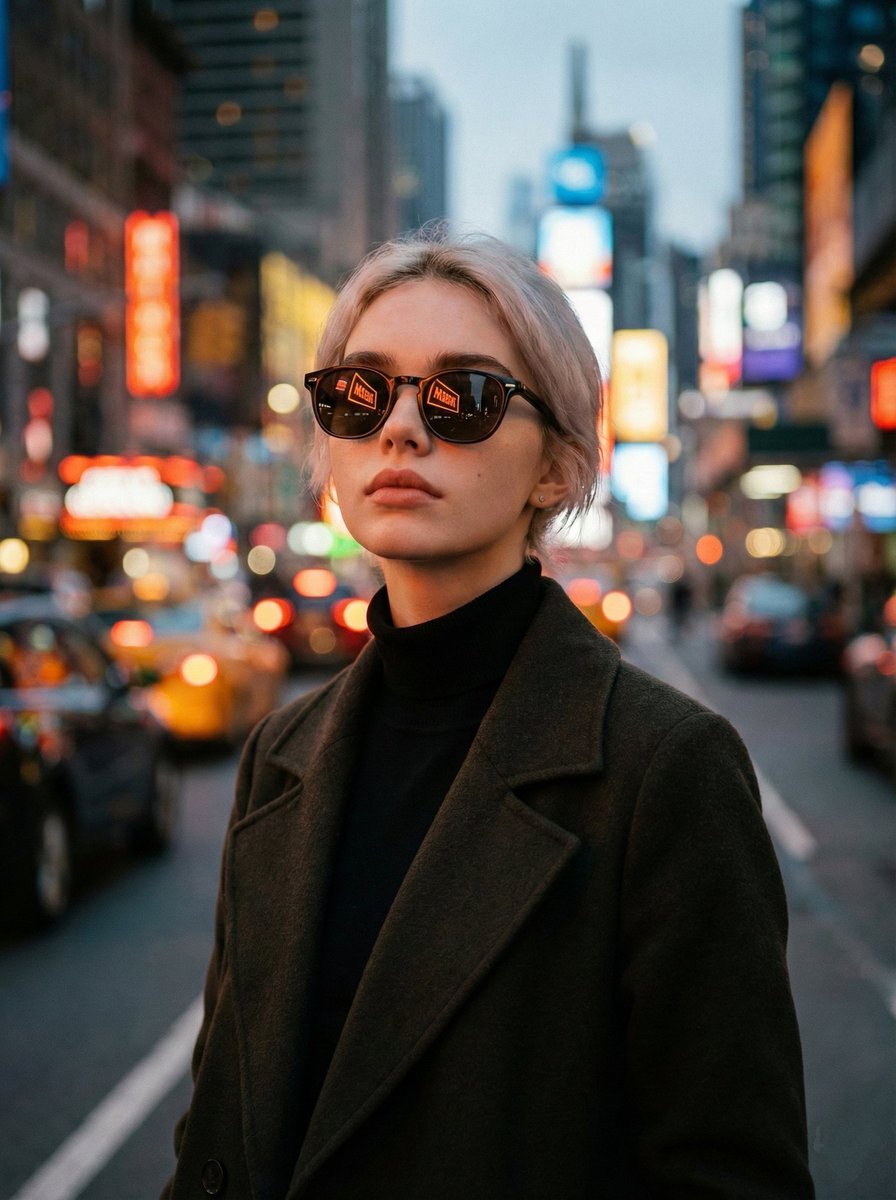
Cinematic Twilight City Portrait with Neon Reflections
Browse template categories
Geometric Mosaic Portrait Illustration questions
How do I use the Geometric Mosaic Portrait Illustration template?
Add your photo if the template asks for one, edit the prompt if you like — the template's model and format are already selected — and press Generate. Your version opens in PicX Studio.
Can I customize the Geometric Mosaic Portrait Illustration template?
Yes. You can change the subject, setting, lighting, mood, format, and available model controls before creating your image.
Is the Geometric Mosaic Portrait Illustration template free?
Opening and editing this template is free. Generating uses credits, shown on the Generate button when you are signed in.
Which AI model should I use?
Start with Nano Banana 2, which is the model associated with this template. You can compare another compatible model for a different finish.
Looking for something else? Browse all templates.

Your photo, any look
Thousands of ready templates for every top image and video model, from one credit balance.