How do I use the Mediterranean Vintage Car Portrait template?
Edit the prompt in the box under the preview — the template's model and format are already selected — and press Generate. Your version appears right on this page.
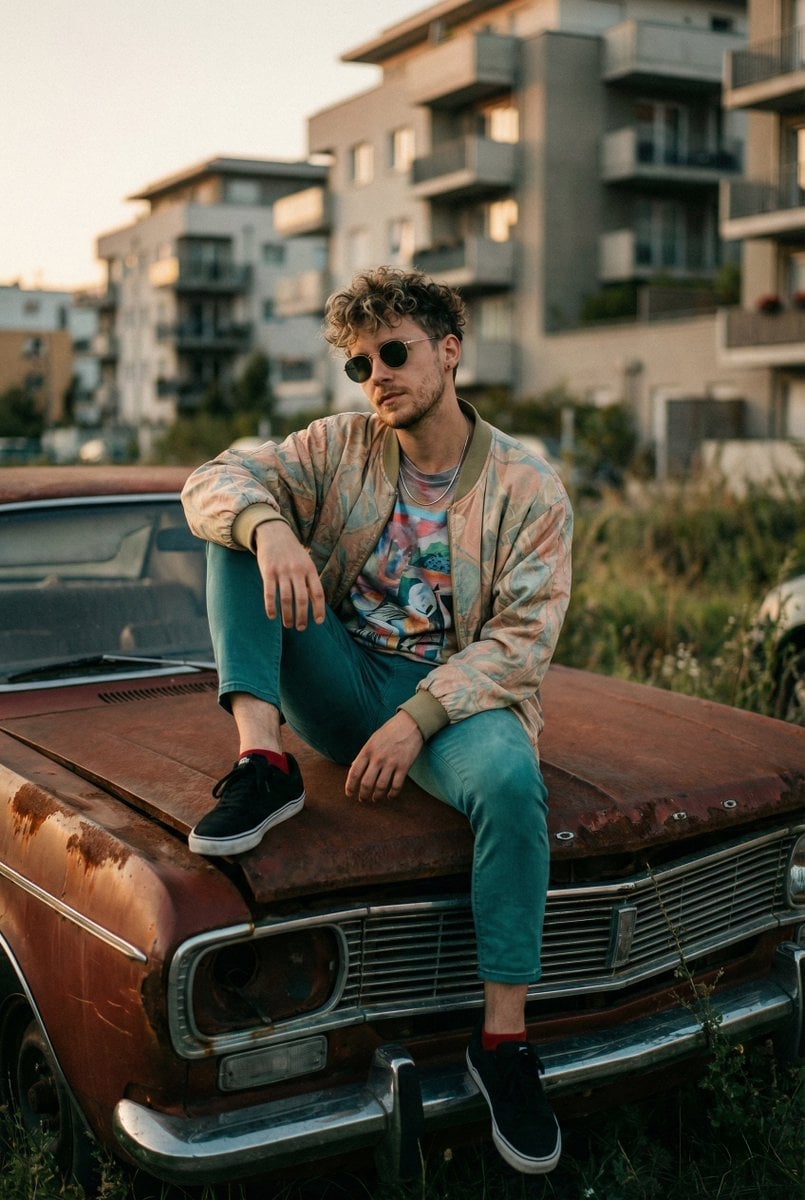
A sophisticated prompt for generating a high-quality portrait of a well-dressed man leaning against a classic Mercedes-Benz in warm, golden Mediterranean sunlight.

A straight-on, full-body shot displays a {argument name="subject" default="man"}, casually leaning against the front grille of a {argument name="car" default="white classic Mercedes-Benz convertible"}. He sports a {argument name="outfit" default="beige long-sleeve knit polo shirt"} with the sleeves rolled to the forearms and relaxed-fit, high-waisted white pleated linen trousers. His ensemble is complemented by dark brown leather loafers and he accessorizes with square-lensed sunglasses and a wristwatch with a metallic band, contributing to a suave, affluent aesthetic. The background reveals an exterior stone building in golden afternoon or early evening sunlight, with climbing foliage and deep shadows creating a warm, luxurious atmosphere. The setting is elegantly Mediterranean, with an impression of ended or approaching leisure. The vintage car’s emblem is in sharp detail, occupying the foreground. The overall color palette is dominated by soft creams, sun-warmed sand, and deep ogre shadows. Captured using a digital or high-quality film camera with moderate depth of field, the subject is crisply in focus and the image exhibits rich, dense shadows, volumetric sunlight, and a mood which is nostalgic and aspirational.
A straight-on, full-body shot displays a {argument name="subject" default="man"}, casually leaning against the front grille of a {argument name="car" default="white classic Mercedes-Benz convertible"}. He sports a {argument name="outfit" default="beige long-sleeve knit polo shirt"} with the sleeves rolled to the forearms and relaxed-fit, high-waisted white pleated linen trousers. His ensemble is complemented by dark brown leather loafers and he accessorizes with square-lensed sunglasses and a wristwatch with a metallic band, contributing to a suave, affluent aesthetic. The background reveals an exterior stone building in golden afternoon or early evening sunlight, with climbing foliage and deep shadows creating a warm, luxurious atmosphere. The setting is elegantly Mediterranean, with an impression of ended or approaching leisure. The vintage car’s emblem is in sharp detail, occupying the foreground. The overall color palette is dominated by soft creams, sun-warmed sand, and deep ogre shadows. Captured using a digital or high-quality film camera with moderate depth of field, the subject is crisply in focus and the image exhibits rich, dense shadows, volumetric sunlight, and a mood which is nostalgic and aspirational.
Edit the prompt in the box under the preview — the template's model and format are already selected — and press Generate. Your version appears right on this page.
Yes. You can change the subject, setting, lighting, mood, format, and available model controls before creating your image.
Opening and editing this template is free. Generating uses credits, shown on the Generate button when you are signed in.
Start with Nano Banana 2, which is the model associated with this template. You can compare another compatible model for a different finish.
Follow a topic to a crawlable collection of related PicX Studio templates.