
Vintage Car Window Blue Hour Portrait
An analog-style portrait prompt captured through a car window at blue hour, featuring complex light reflections and film texture.
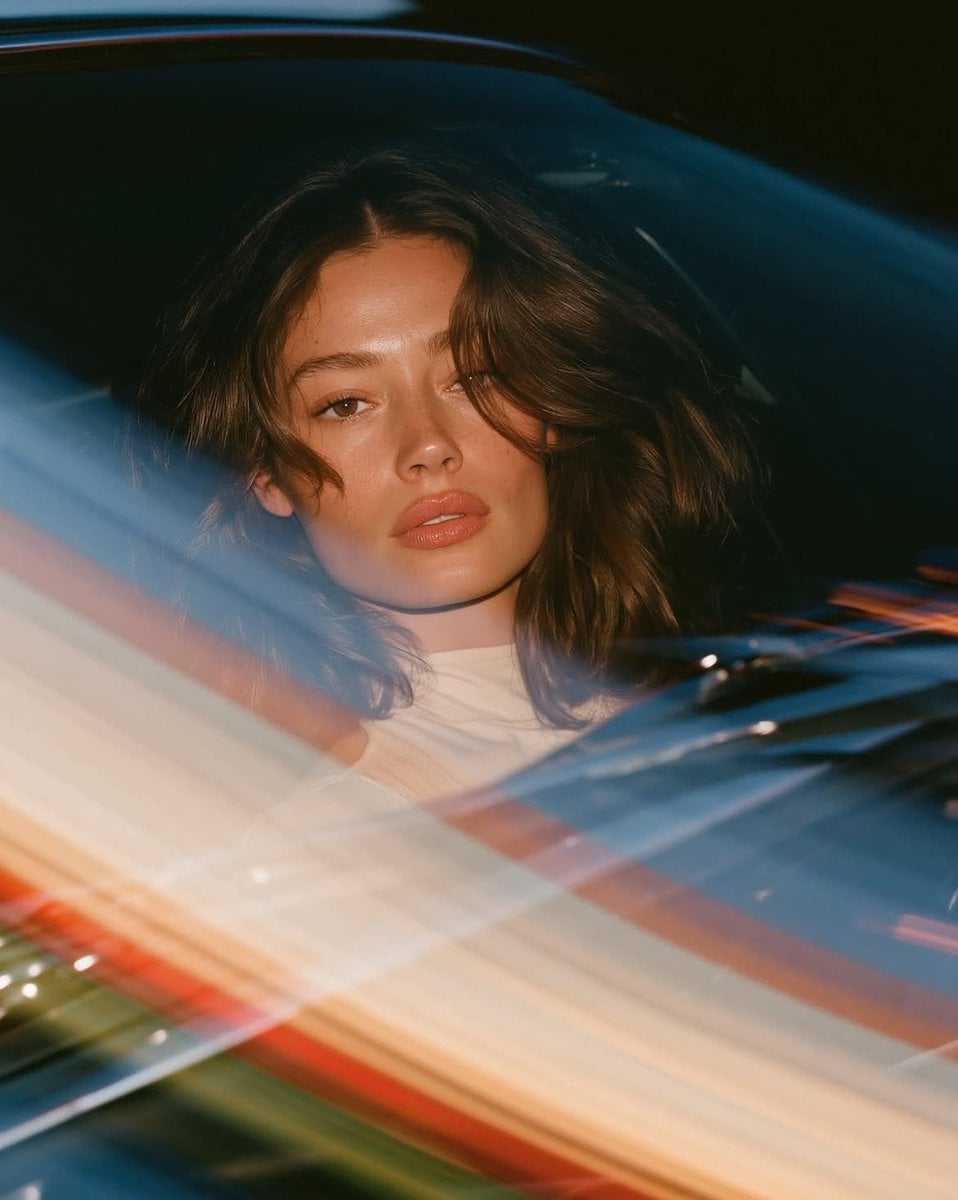
- Prompt included
- Model and format preset
- Free template
The prompt behind this image
Copy the exact prompt behind Vintage Car Window Blue Hour Portrait, or open it in the studio and make it yours.
Photorealistic luminous analog portrait shot through a curved vintage car side window at blue hour. Extreme close up, face filling two thirds of frame, eye level. Naturally beautiful young {argument name="hair type" default="brunette, shoulder length rich brown hair"}, soft center part, loose face framing strands, warm brown slightly wide set eyes, subtly uneven brows, delicate nose, fuller lower lip, faint freckles, visible pores, gentle asymmetry. Face turned directly toward lens, calm intimate eye contact, relaxed neutral expression, softly closed lips. Simple {argument name="clothing item" default="ivory high neck top"}. Soft direct flash freezes features while slow shutter transforms window reflections into broad translucent ribbons of {argument name="reflection colors" default="pale blue, warm cream, peach, muted red, subtle green"}. Curved chrome details sweep diagonally across lower foreground, milky layered reflections, luminous haze, delicate double exposure, flowing light trails, lightly overexposed highlights, airy pastel colors, subtle halation, faded 35mm film texture, fine organic grain, spontaneous intimate snapshot. --chaos 8 --ar 4:5 --raw --profile be6pjat --stylize 180 --weird 6 --hd
How to use Vintage Car Window Blue Hour Portrait in 3 steps
- 1
Open
The prompt is already in the box next to the preview, with the template's model and format selected.
- 2…a portrait of your subject in softgolden-hour light, 85mm…
Personalize
Edit the subject and creative details for your destination.
- 3Generate
Generate
Press Generate — your image is created in PicX Studio, so you can compare it with the original and refine one variable at a time.
More like this
Templates with the same subject, style or setup. Open one to see its prompt.

80s Golden Hour Cinema

Found Photograph: Us, 1970

80s Couple Studio Portrait

80s Bollywood Star

Rainy Café Window Moody Portrait

Rooftop Fisheye — Cat-Ear Balaclava at Golden Hour
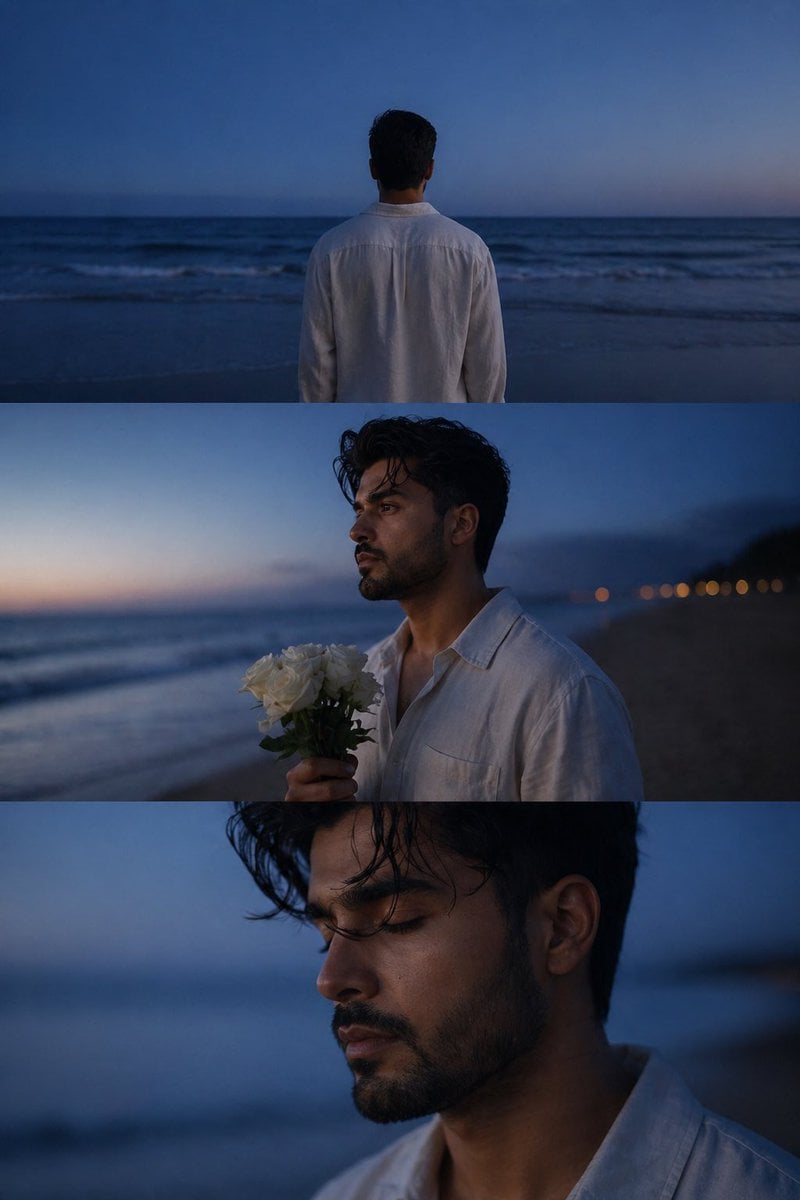
Melancholic blue hour portrait
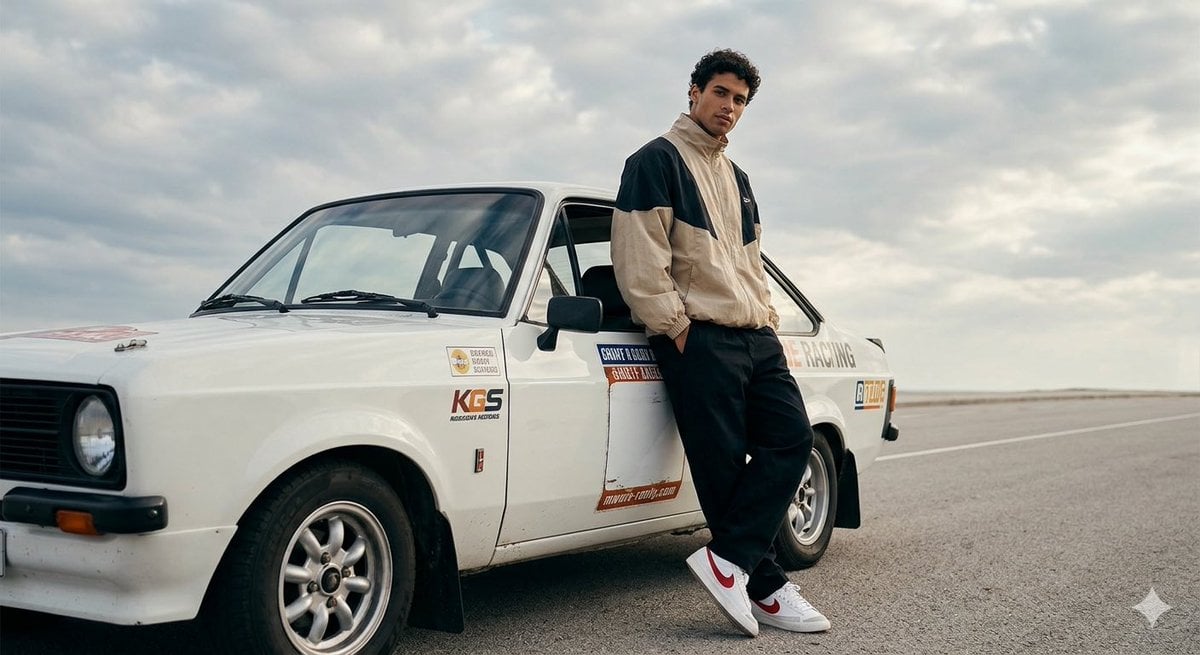
Casual Portrait with Vintage Rally Car
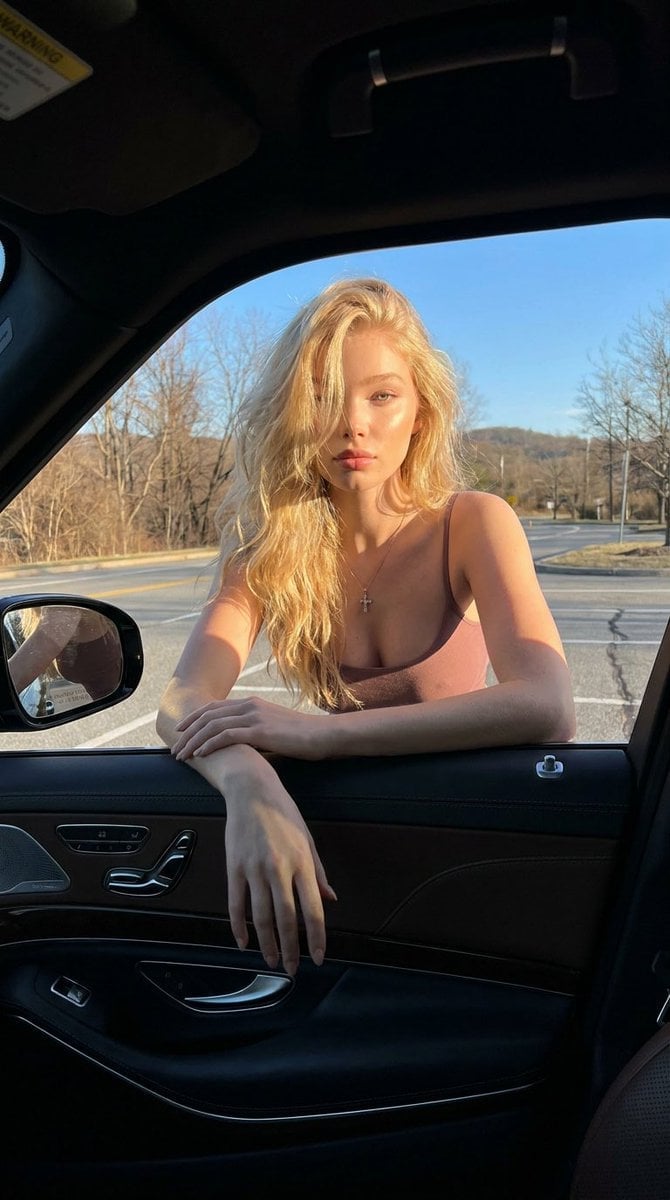
Cinematic Car Window Portrait
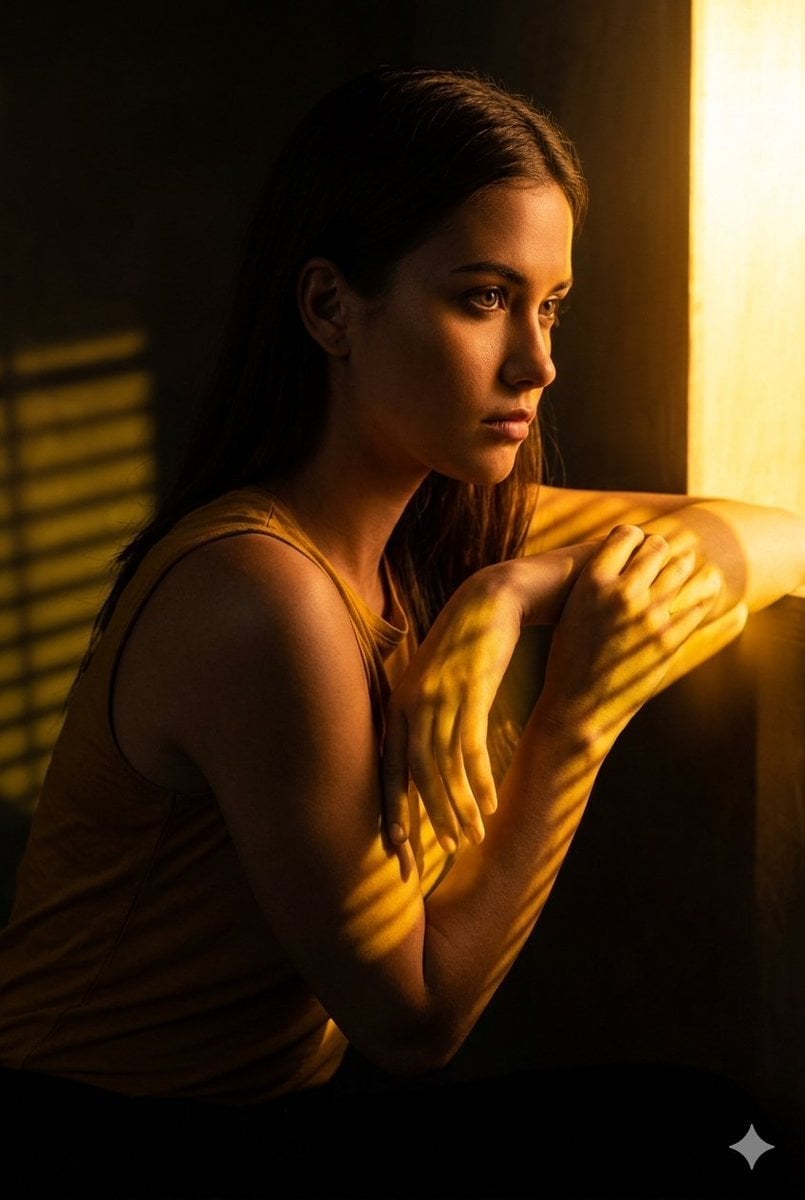
Golden Hour Window Reflection Portrait

Ultra Detailed 3d Plush Cartoon Characte

Ultra Realistic Commercial Skincare Prod
Make it yours
Vintage Car Window Blue Hour Portrait works as-is. These are the safest ways to change it without losing the look.
Change one field
Copy a single group, rewrite it, and generate again so you can see what that field is doing.
Keep the frame, change the subject
Hold the composition and light of Vintage Car Window Blue Hour Portrait, then swap wardrobe, props or the person for a new take.
| If the result… | Why | Fix |
|---|---|---|
| The result drifts from the preview | Too many fields changed at once. | Reuse Vintage Car Window Blue Hour Portrait as-is first, then change one group — subject, light, or setting. |
| The model over-stylizes the scene | The prose prompt leaves finish and camera underspecified. | Add one camera or lighting sentence and stay on GPT Image 2. |
More GPT Image 2 templates
Other prompts made for GPT Image 2.

Six VTuber Japanese Logo Sheet

Realistic Portrait of Woman and Deer

The Vista Modular Condo Poster

AI Model Routing Comparison Infographic

2.5D Anime Art Board

Isometric Productivity Desk Scene

New York Double Exposure Poster

Four-Panel AI Landscape Comparison

Japanese Tatami Lifestyle Magazine Cover

NESCAFÉ Coffee Map Poster
More image prompts
Fresh picks from across the catalog.
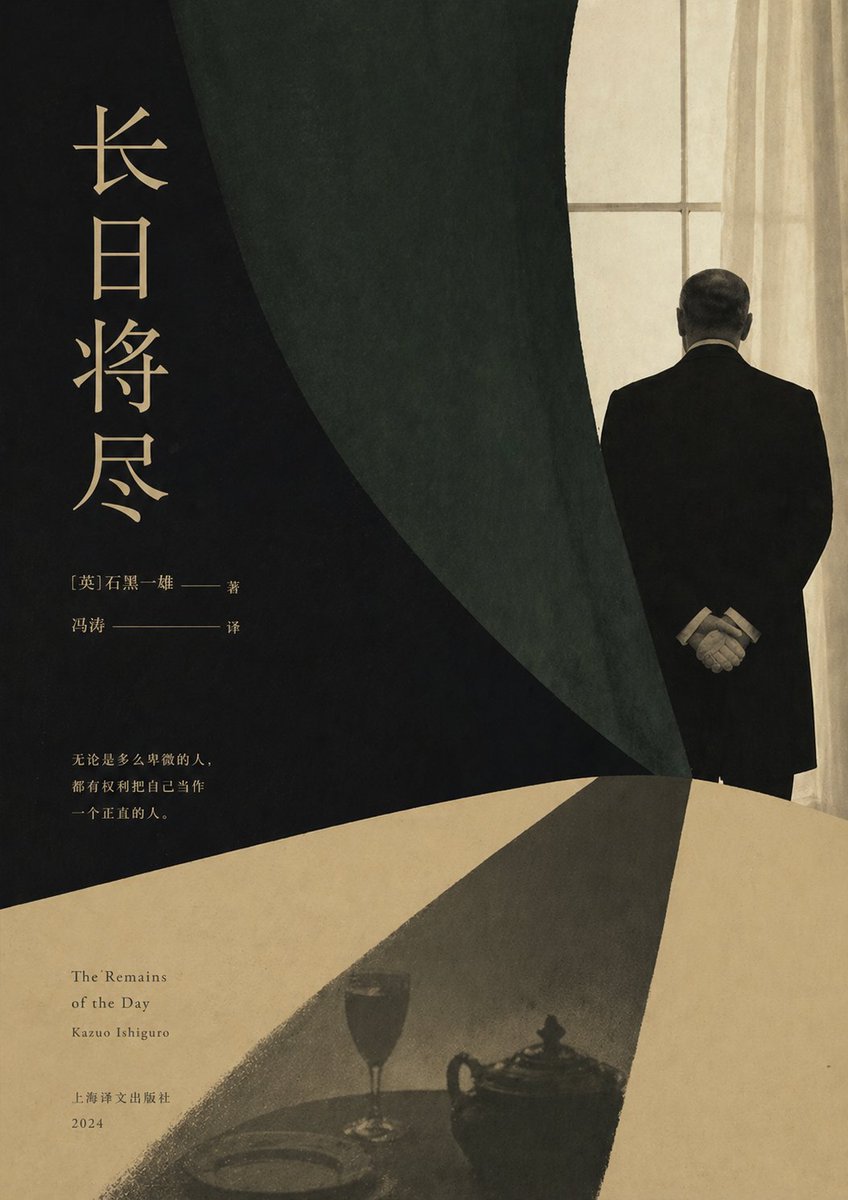
Minimalist Literary Novel Cover
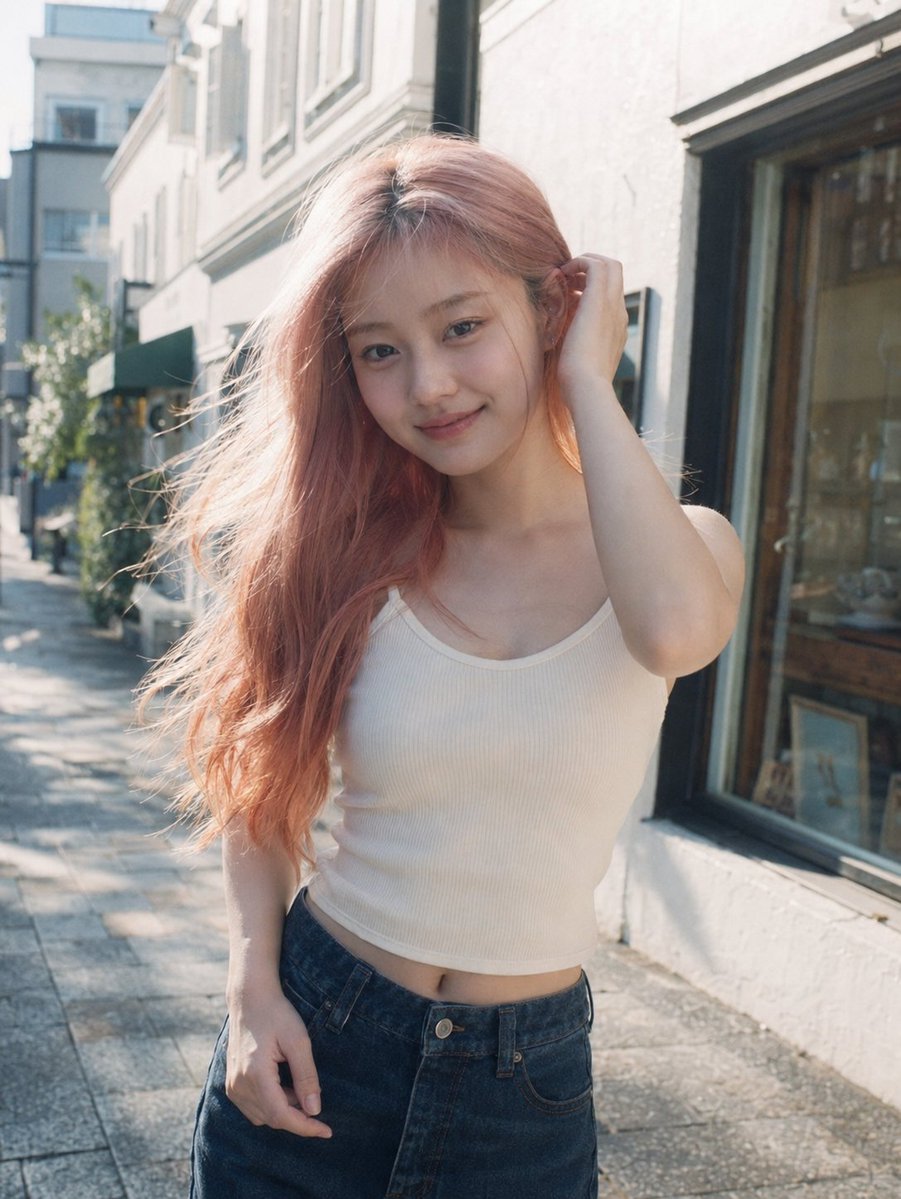
Candid Pink-Haired Street Portrait
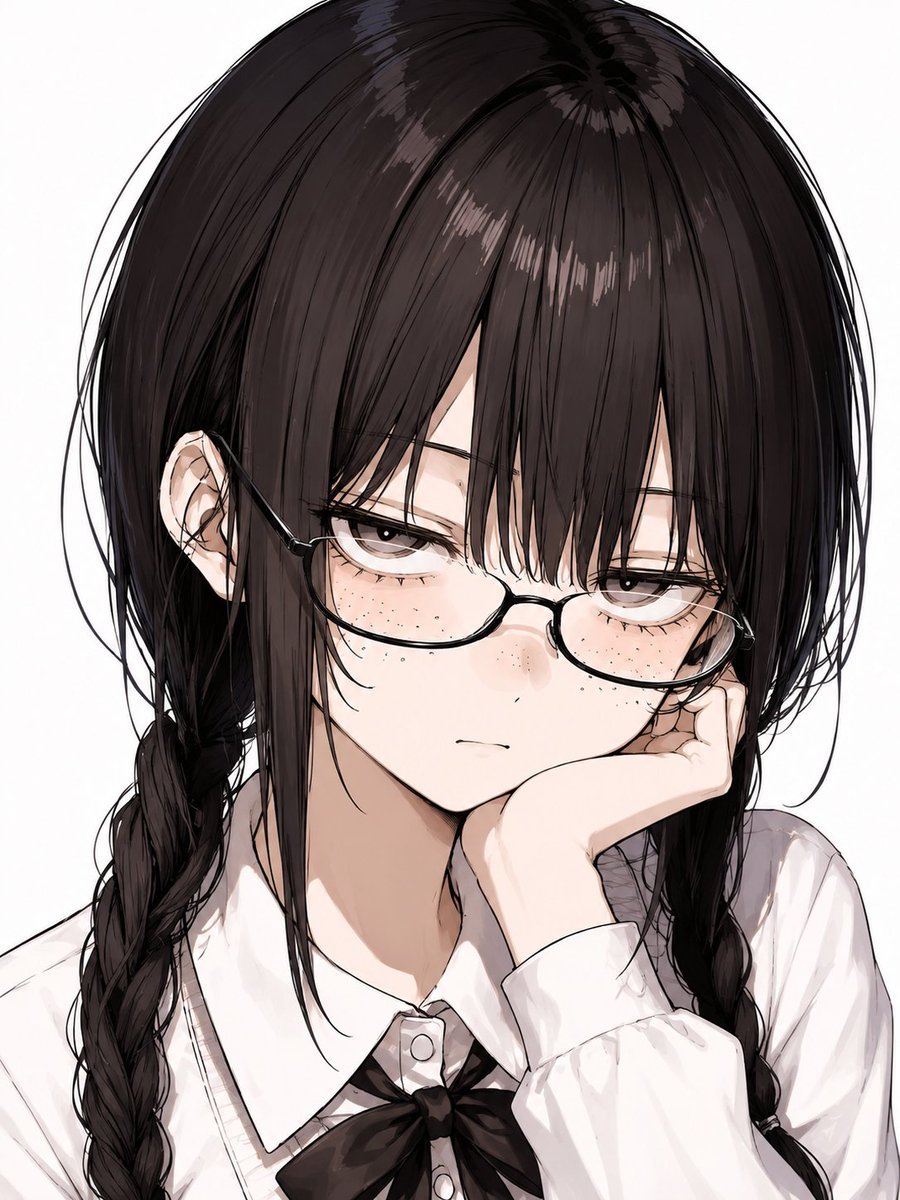
Censored Anime Schoolgirl Portrait
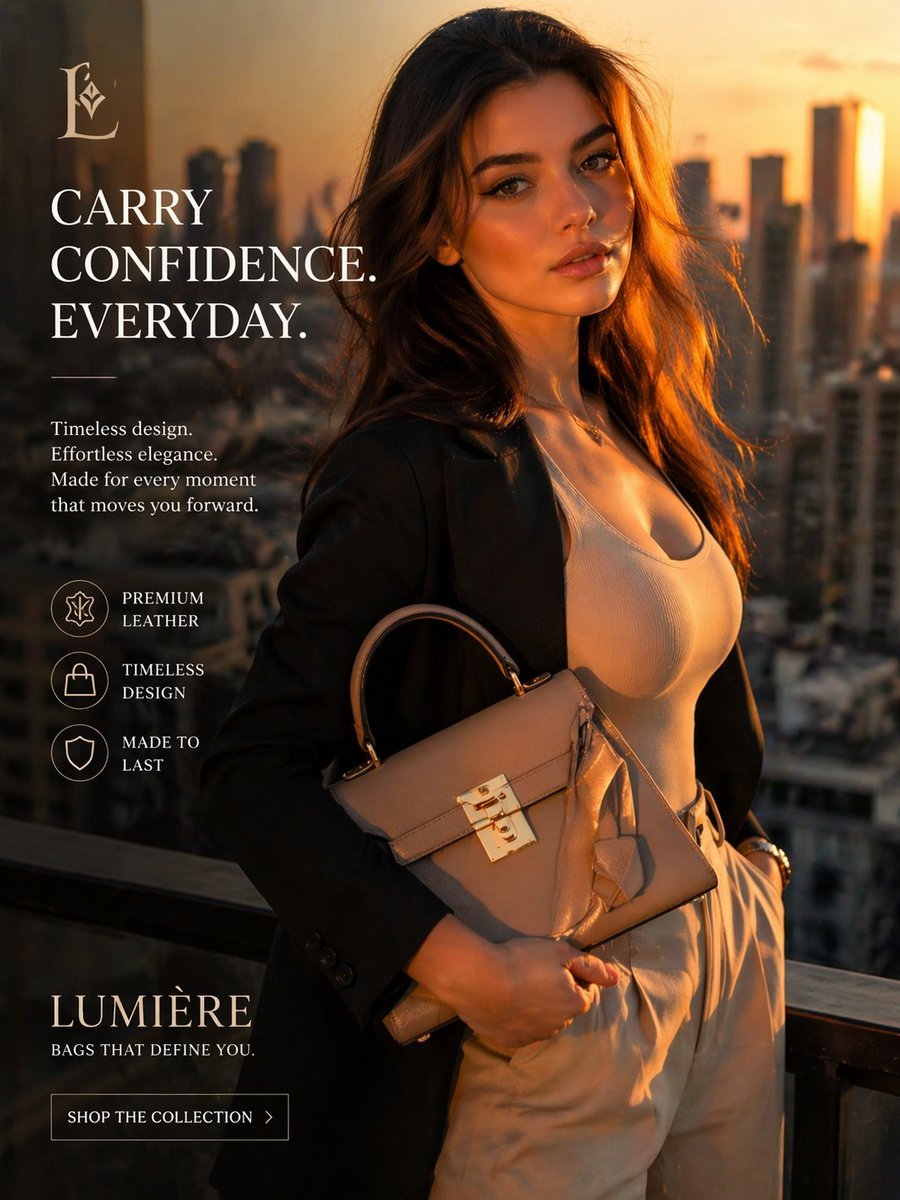
Luxury Handbag Sunset Ad
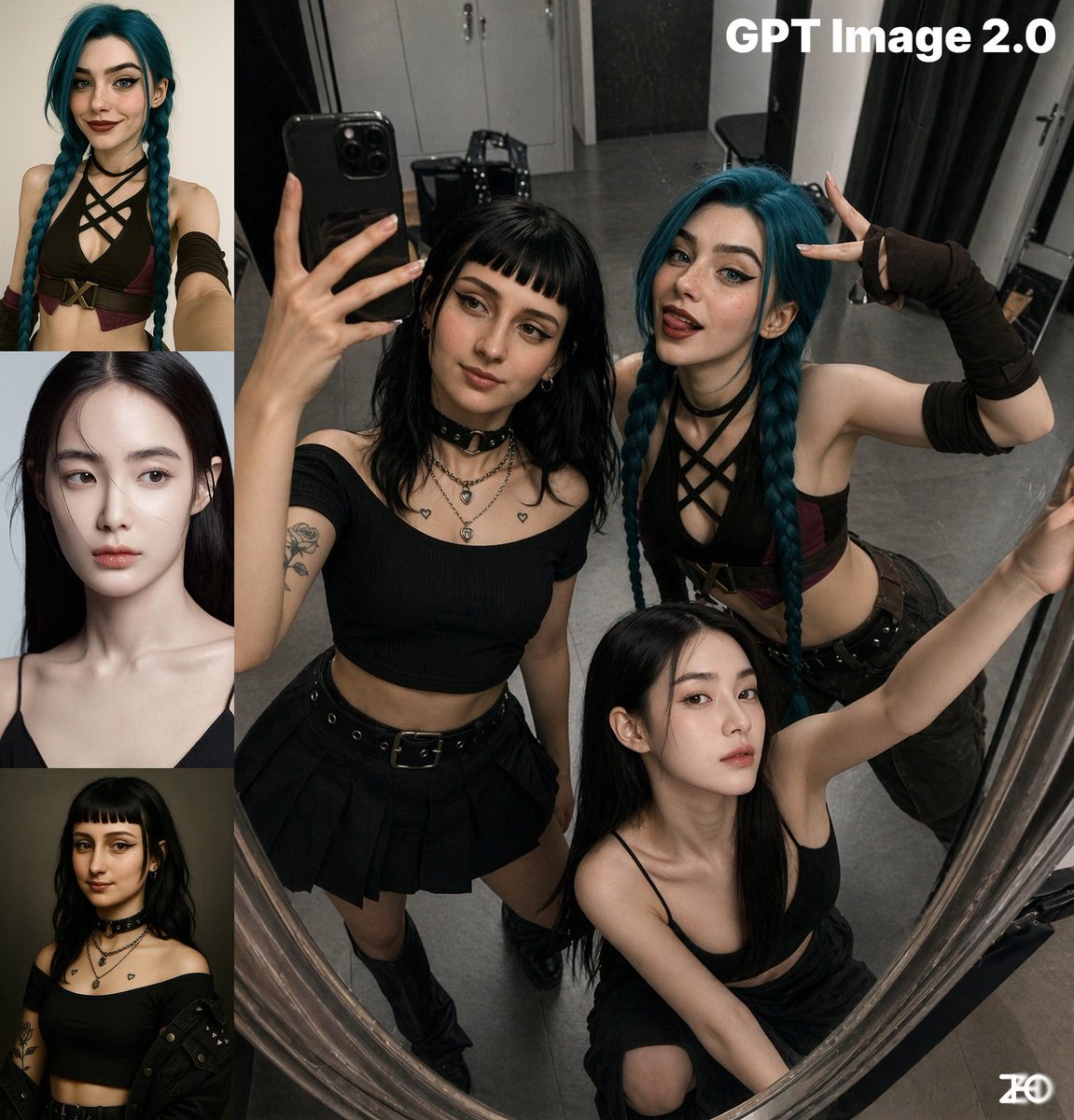
Top-View Mirror Selfie
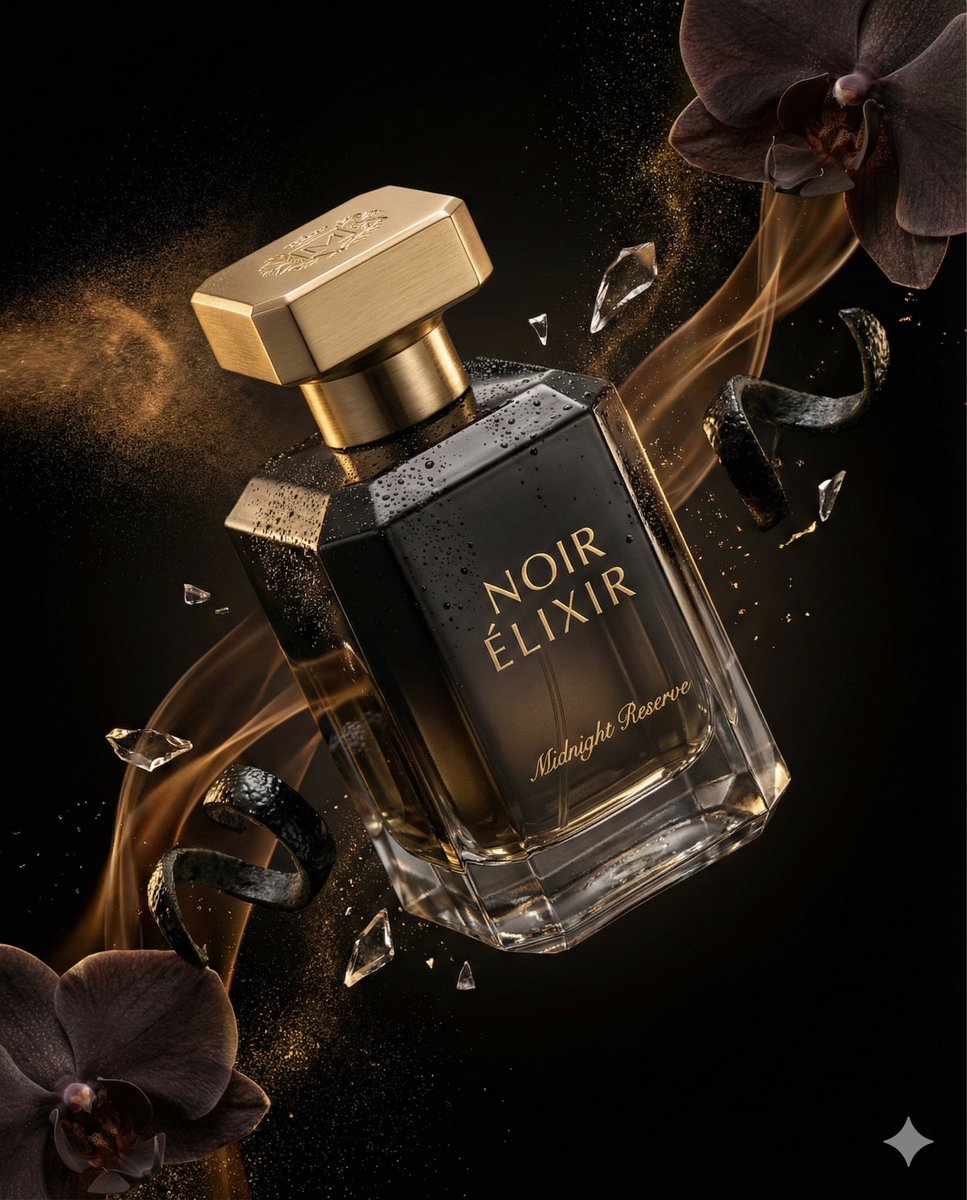
Luxury Perfume Commercial Render Prompt (NOIR ÉLIXIR)
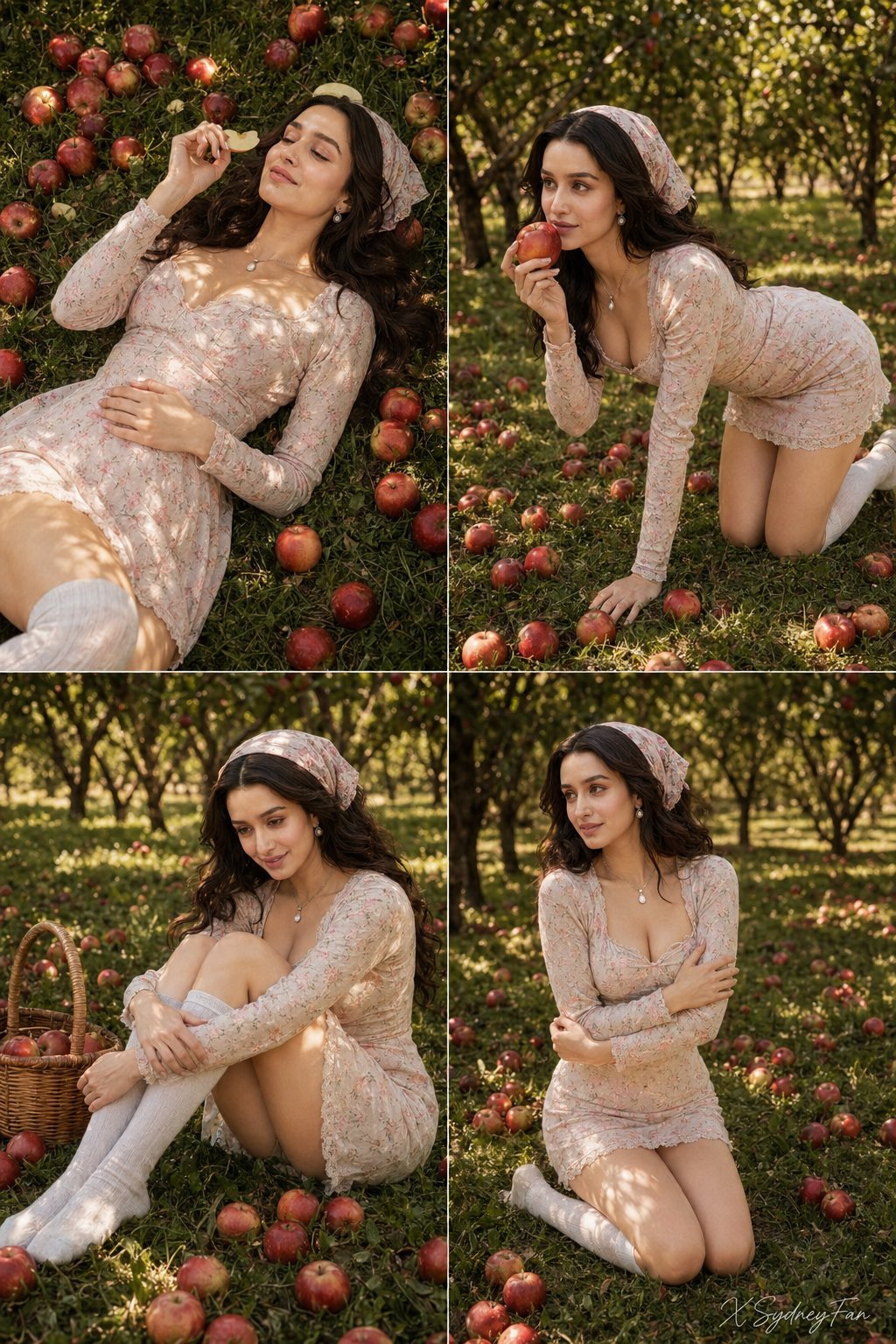
Nano Banana Apple Orchard Collage
Anime Mirror Lake Sky Background
Female Life Progression Portrait
Expression-Rich Sticker Pack Grid
Browse template categories
Vintage Car Window Blue Hour Portrait questions
How do I use the Vintage Car Window Blue Hour Portrait template?
Add your photo if the template asks for one, edit the prompt if you like — the template's model and format are already selected — and press Generate. Your version opens in PicX Studio.
Can I customize the Vintage Car Window Blue Hour Portrait template?
Yes. You can change the subject, setting, lighting, mood, format, and available model controls before creating your image.
Is the Vintage Car Window Blue Hour Portrait template free?
Opening and editing this template is free. Generating uses credits, shown on the Generate button when you are signed in.
Which AI model should I use?
Start with GPT Image 2, which is the model associated with this template. You can compare another compatible model for a different finish.
Looking for something else? Browse all templates.

Your photo, any look
Thousands of ready templates for every top image and video model, from one credit balance.