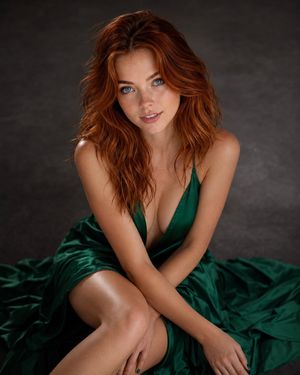
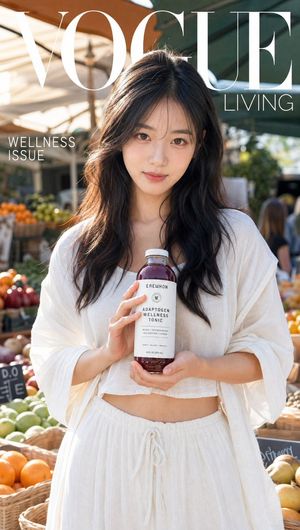
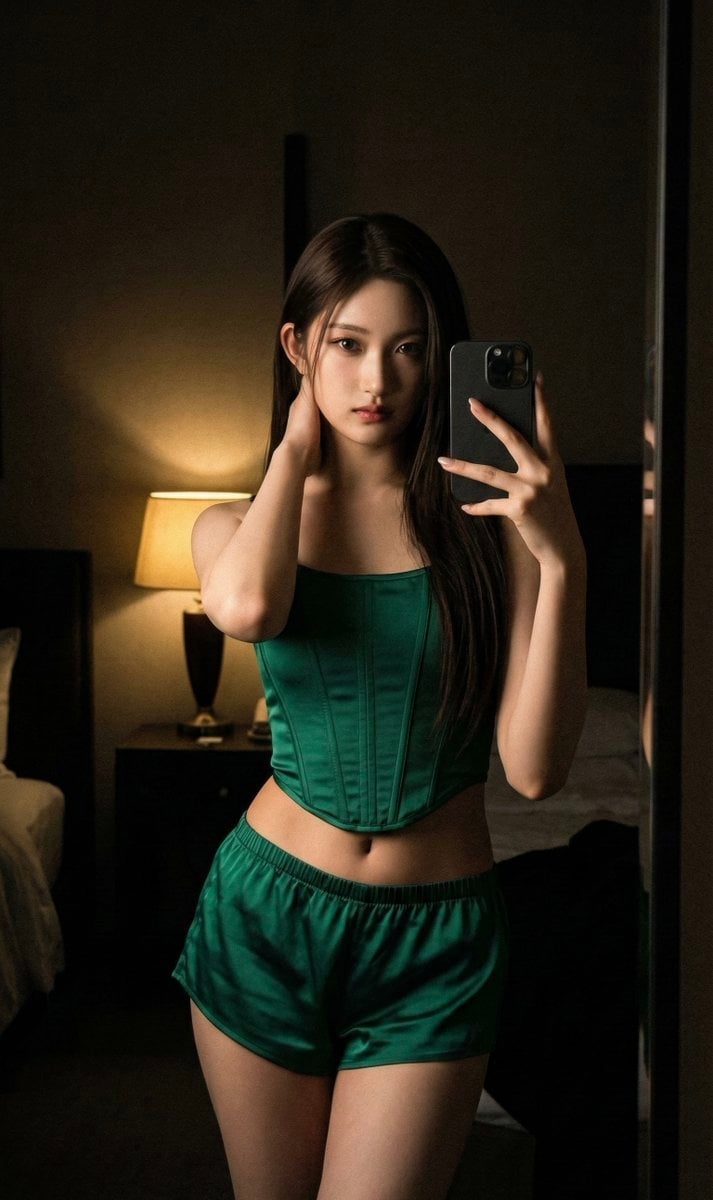
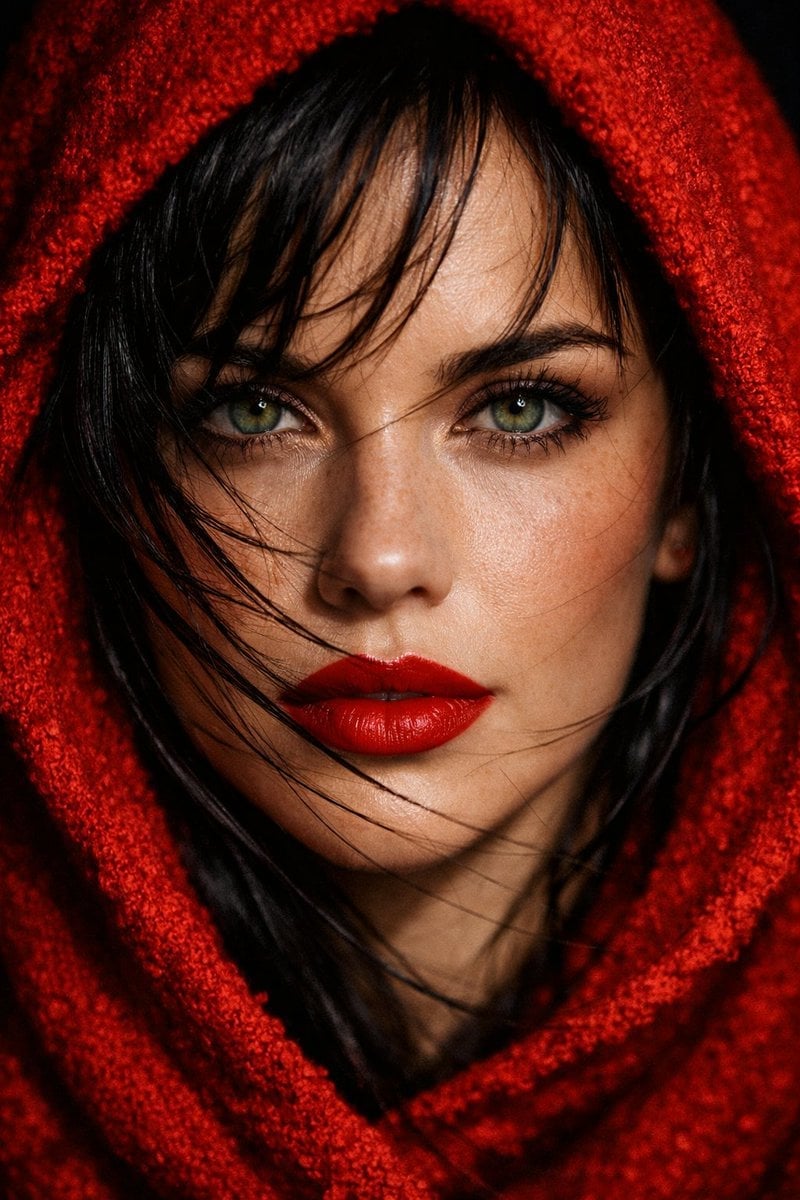
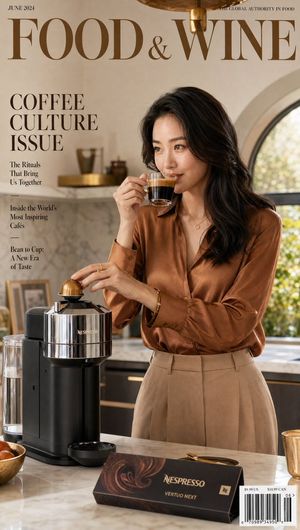
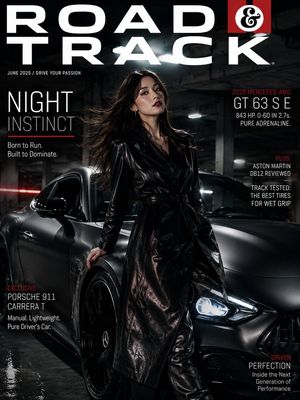
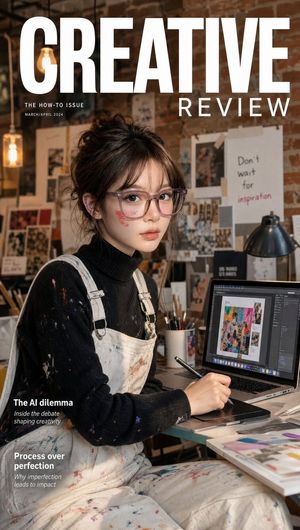
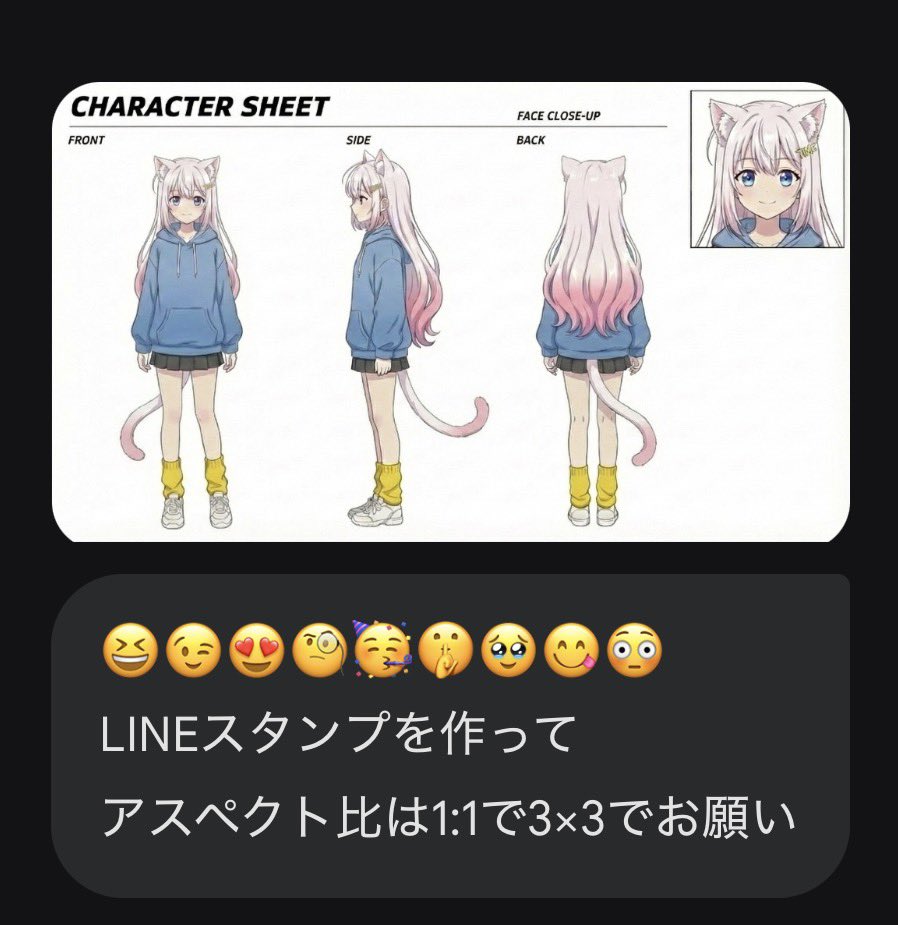
How do I use the Emerald Green Fashion Magazine Cover template?
Choose the primary action to open PicX Studio with the available template settings. Review the model and format, personalize the creative direction, and generate when ready.
A professional magazine cover prompt featuring a dynamic jumping pose, metallic gold typography, and a luxurious emerald satin outfit.
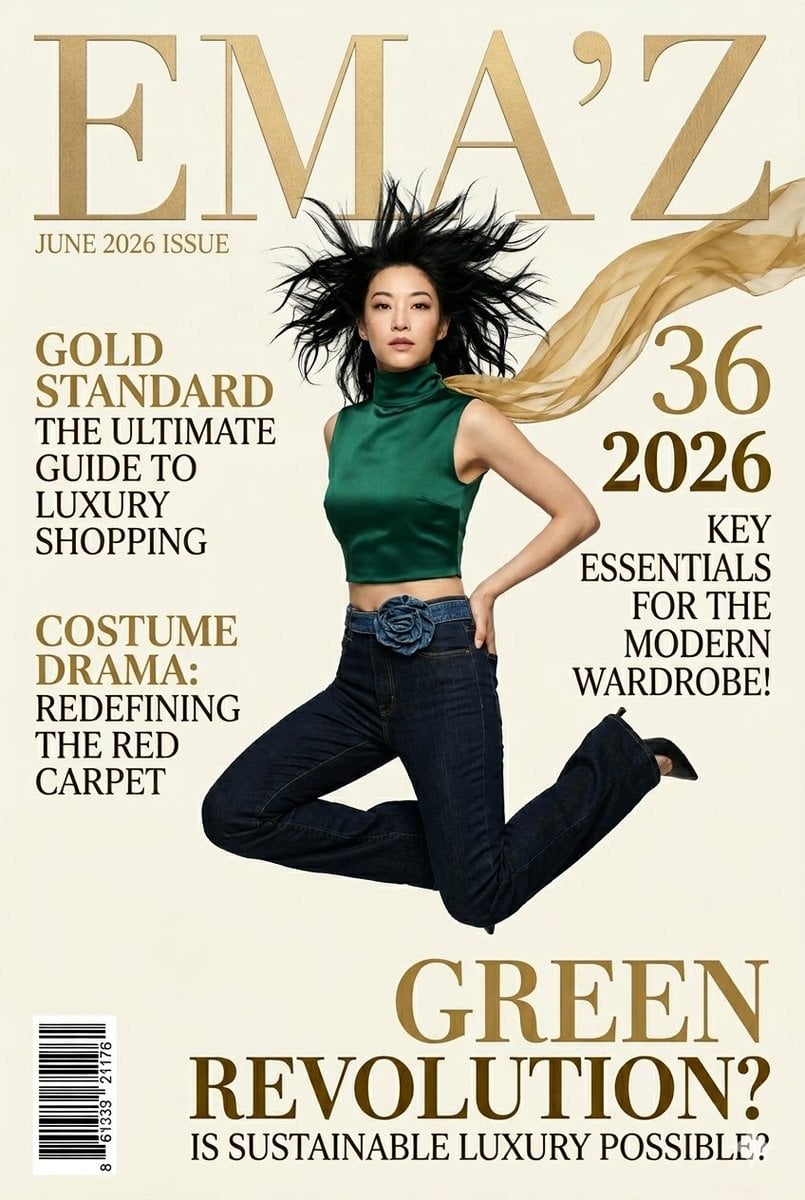
A detailed paragraph prompt for copy-pasting would describe a high-resolution, full-body vertical fashion magazine cover titled "EMA'Z," rendered in metallic gold serif text. Below the title, smaller text indicates "JUNE 2026 ISSUE." The central image is a dynamic, full-body photo of model {argument name="model" default="Arden Cho"}, suspended in a powerful, airborne jumping pose with her left leg bent and her right arm on her hip. She has wild, wind-blown black hair, clear, focused eyes (without an eye-band), and is looking directly at the viewer. She wears a new, form-fitting, sleeveless turtlneck crop top in a {argument name="fabric" default="rich emerald-green satin"} fabric, replacing the previous blue top. She is wearing dark-wash denim jeans with the specific denim rose floral belt from the original. A flowing, long, sheer gold fabric scarf-like accessory billows around her head. The background is a clean, creamy paper texture. On the left side, stacked gold serif text reads: 'GOLD STANDARD THE ULTIMATE GUIDE TO LUXURY SHOPPING' and below it, 'COSTUME DRAMA: REDEFINING THE RED CARPET'. On the right side, corresponding text reads: '2026' in large gold numerals, and below it, 'KEY ESSENTIALS FOR THE MODERN WARDROBE!'. At the very bottom of the cover, large gold serif text proclaims: 'GREEN' with 'REVOLUTION?' below it, and 'IS SUSTAINABLE LUXURY POSSIBLE?' in smaller gold text at the base. A clear barcode is in the bottom-left corner. The overall aesthetic is cohesive, professional, and elegant.
Choose the primary action to open PicX Studio with the available template settings. Review the model and format, personalize the creative direction, and generate when ready.
Yes. You can change the subject, setting, lighting, mood, format, and available model controls before creating your image.
This template is free to open and customize. Generation usage is shown in PicX Studio before you create.
Start with Nano Banana 2, which is the model associated with this template. You can compare another compatible model for a different finish.
Follow a topic to a crawlable collection of related PicX Studio templates.