How do I use the Urban Street Photography Portrait template?
Choose the primary action to open PicX Studio with the available template settings. Review the model and format, personalize the creative direction, and generate when ready.
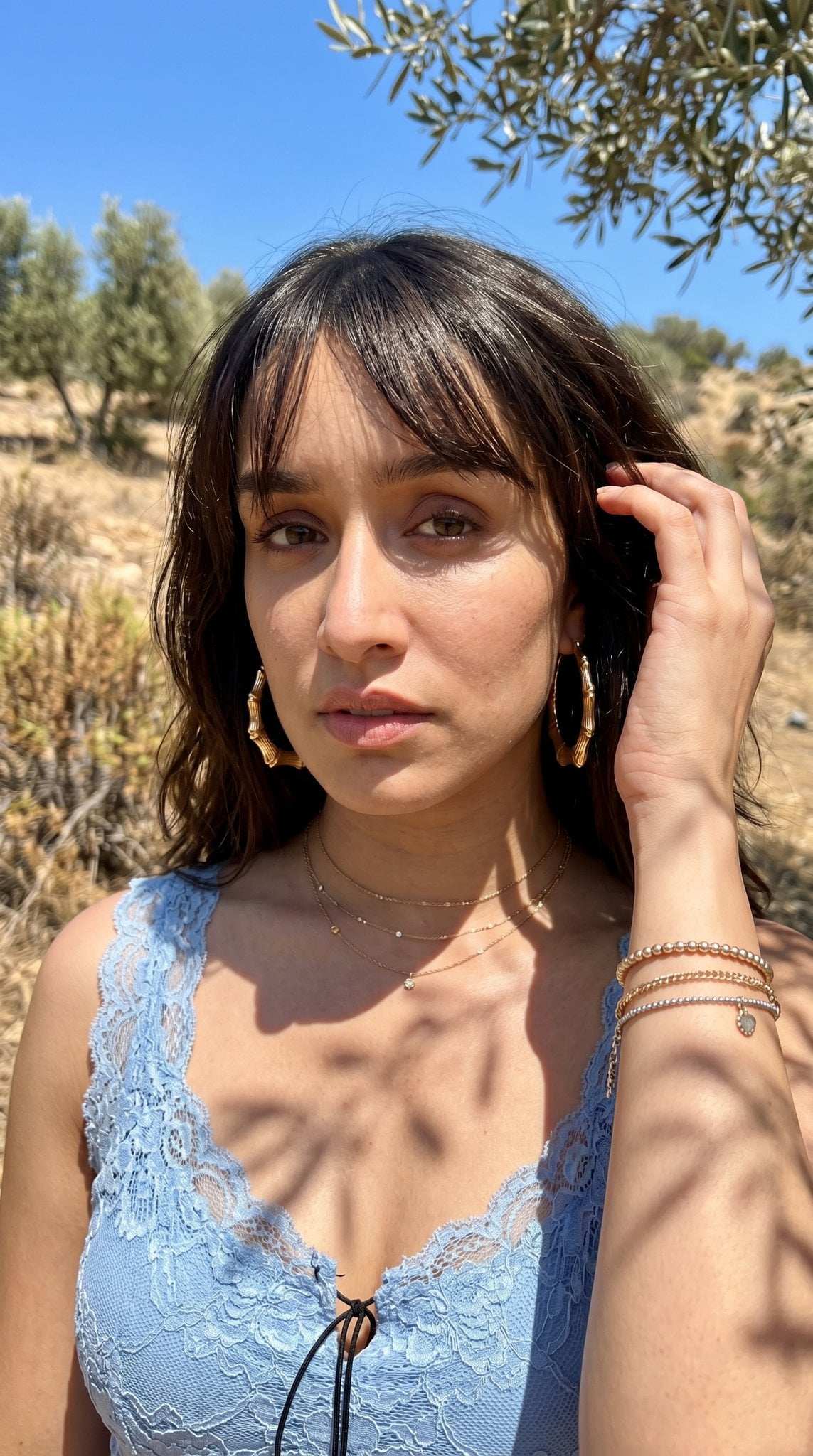
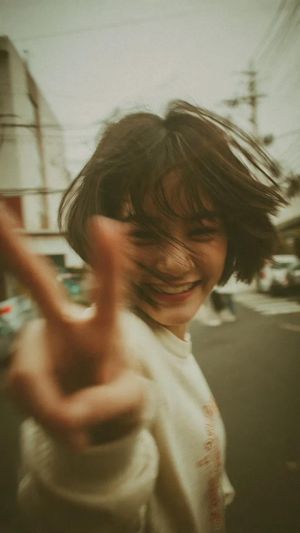
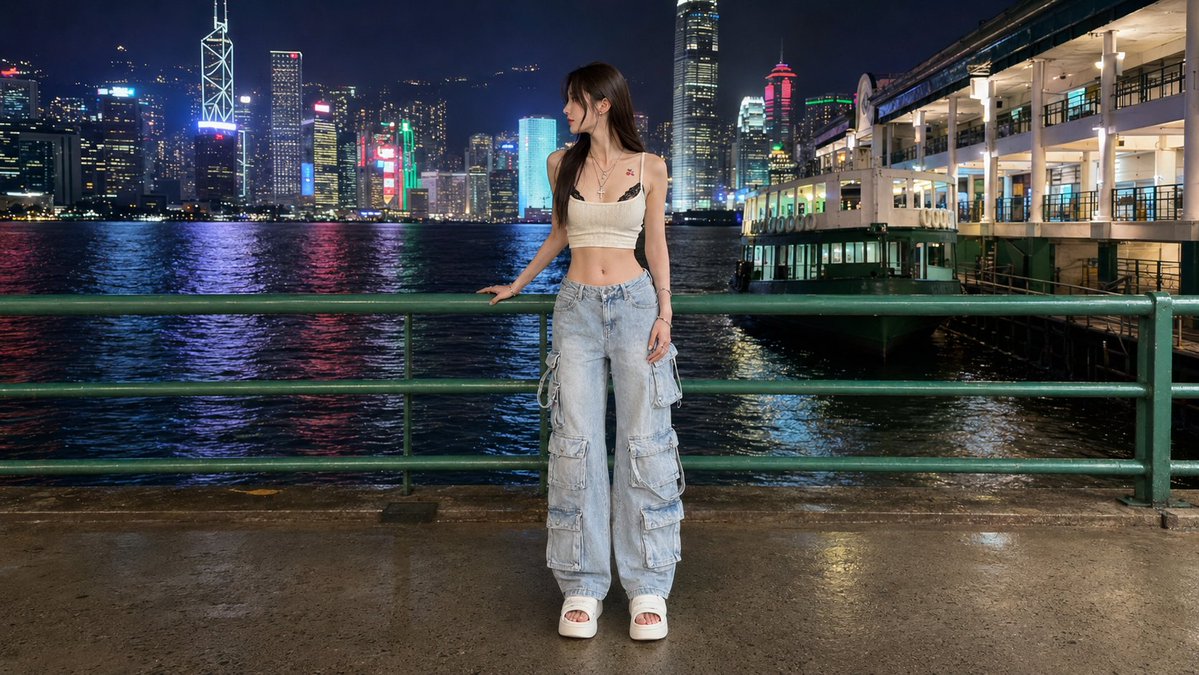
A prompt for a busy city street portrait designed to maintain subject consistency from a reference image.
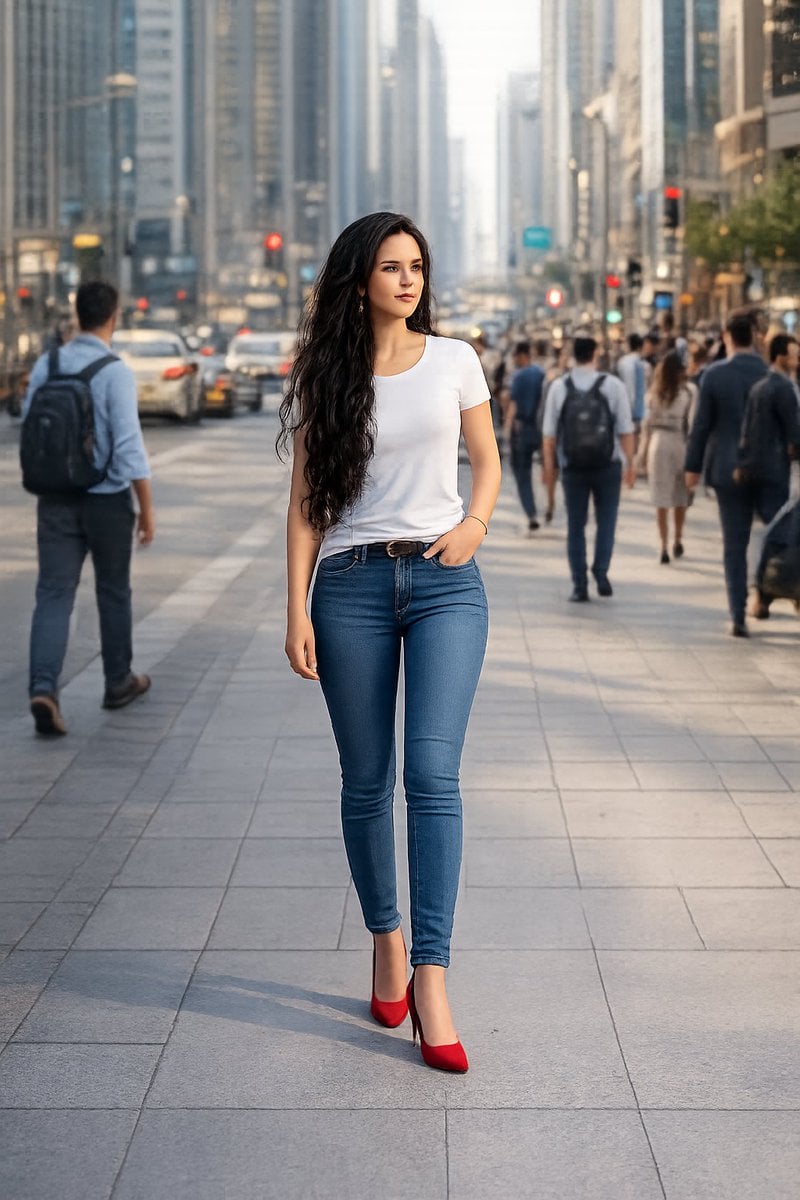
{ "prompt": "A high-quality, 8k resolution realistic photograph of the same woman from the uploaded reference image, now wearing a {argument name="outfit" default="simple white t-shirt and blue jeans"}, walking confidently through a {argument name="setting" default="busy, crowded city street"}. The background is filled with people walking, urban city architecture, shops, vehicles, and a bustling atmosphere. Natural daylight, highly detailed, sharp focus on the woman, professional street photography style.", "parameters": { "resolution": "8k", "quality": "photorealistic", "lighting": "natural daylight", "subject_consistency": "maintain facial features of the woman from the reference image", "setting": "busy urban city street with crowds" } }
Choose the primary action to open PicX Studio with the available template settings. Review the model and format, personalize the creative direction, and generate when ready.
Yes. You can change the subject, setting, lighting, mood, format, and available model controls before creating your image.
This template is free to open and customize. Generation usage is shown in PicX Studio before you create.
Start with Nano Banana 2, which is the model associated with this template. You can compare another compatible model for a different finish.
Follow a topic to a crawlable collection of related PicX Studio templates.