How do I use the 3D Miniature Instagram Diorama template?
Choose the primary action to open PicX Studio with the available template settings. Review the model and format, personalize the creative direction, and generate when ready.
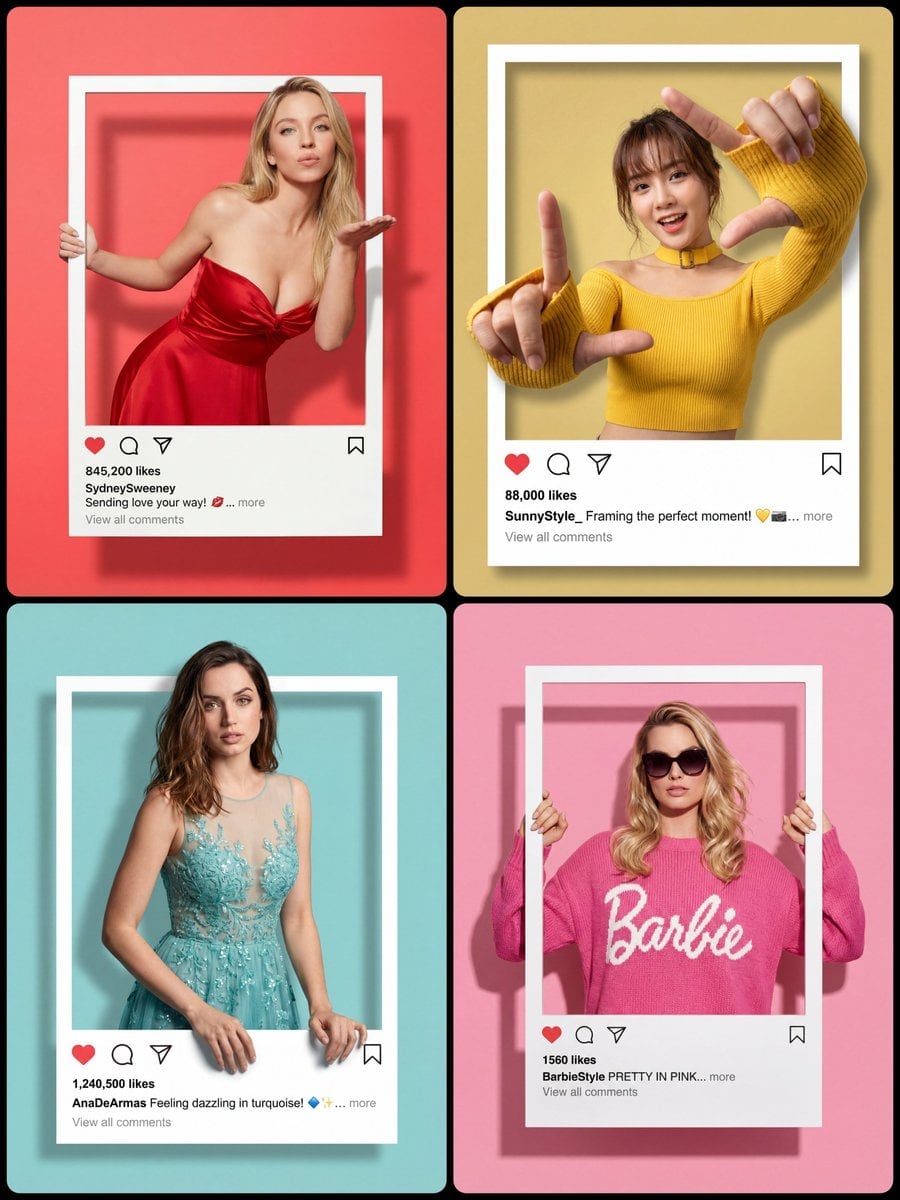
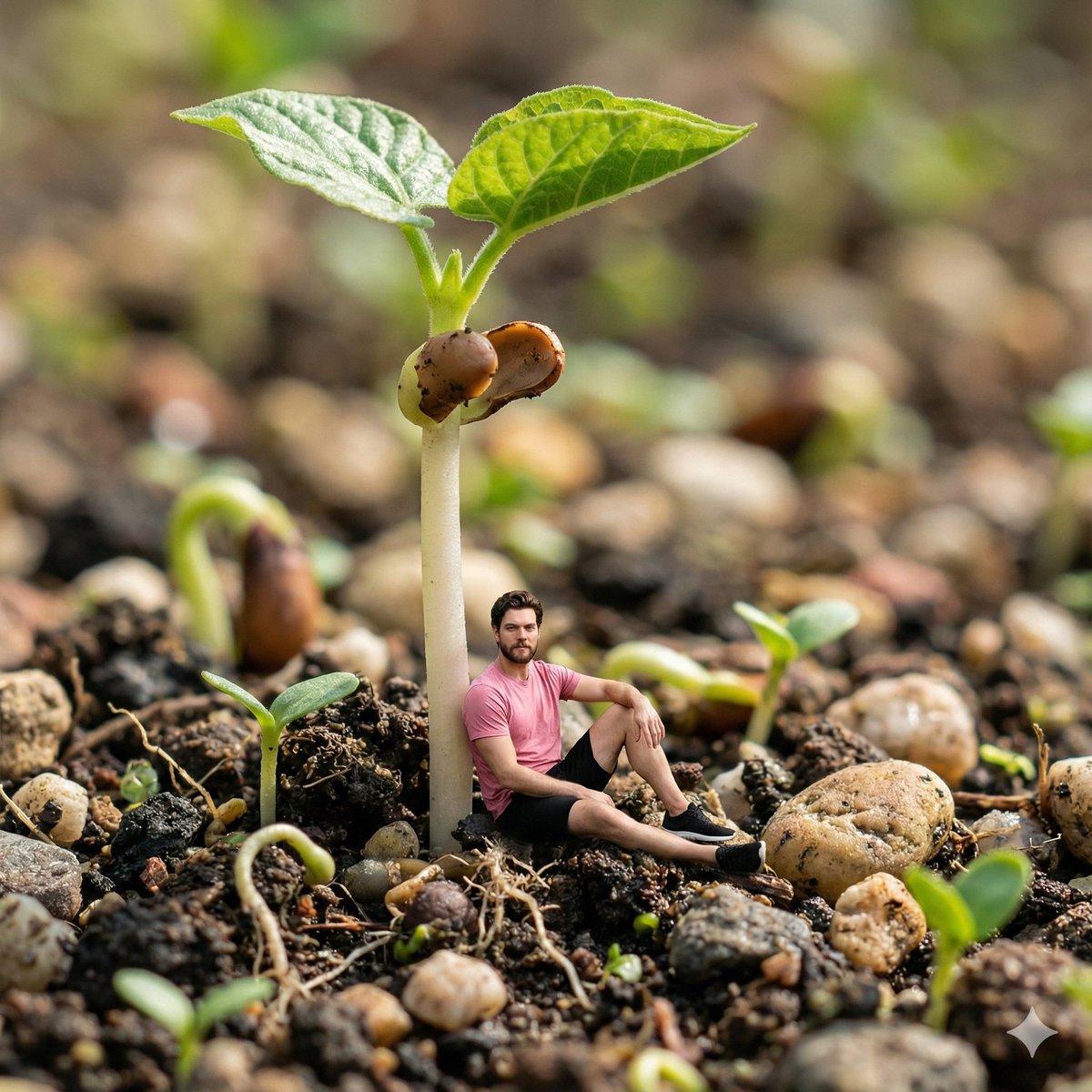
Generates a charming 3D miniature diorama of a person stepping out of an Instagram page, featuring cozy aesthetic decor and cinematic lighting.
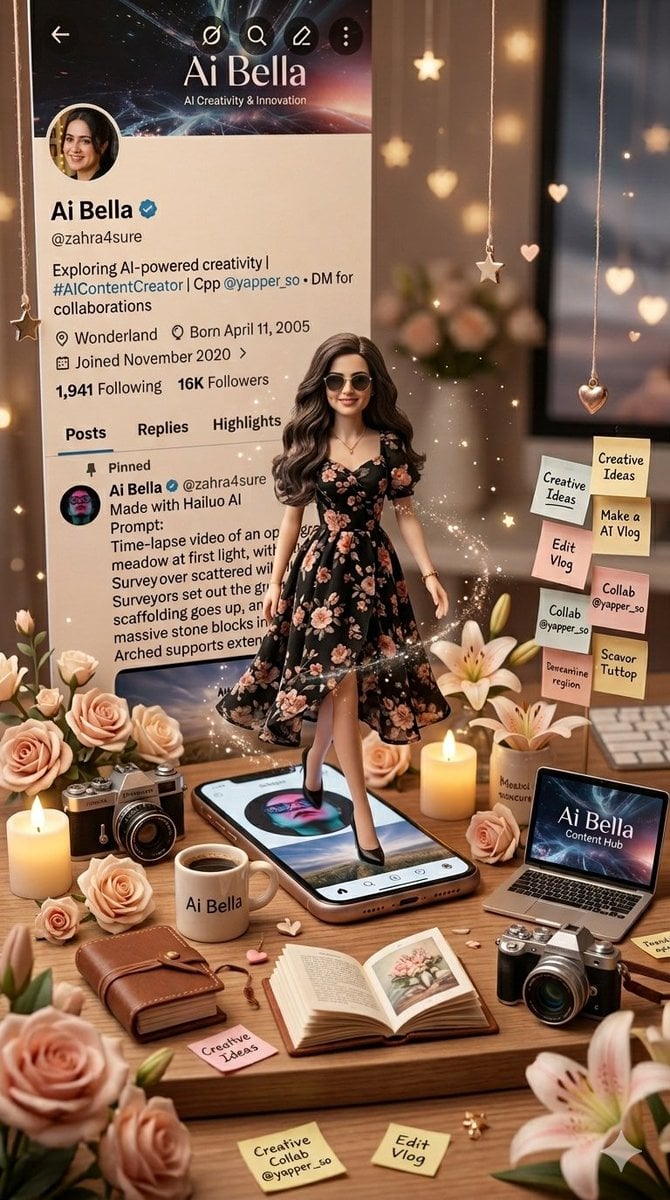
Create a cute ultra-detailed 3D miniature diorama of me stepping out of my Instagram profile page. Keep my real profile screenshot as the background UI. Add a mini realistic version of me from my reference photo — {argument name="hair and accessories" default="long wavy hair, sunglasses"}, {argument name="outfit" default="floral black dress"}, elegant pose — styled like a premium collectible doll. Surround with {argument name="decorations" default="flowers, candles, coffee mug, books, camera, laptop, sticky notes, and cozy aesthetic decor"}. Warm beige + blush pink tones, magical stars/hearts, cinematic lighting, luxury handcrafted miniature world, 9:16.
Choose the primary action to open PicX Studio with the available template settings. Review the model and format, personalize the creative direction, and generate when ready.
Yes. You can change the subject, setting, lighting, mood, format, and available model controls before creating your image.
This template is free to open and customize. Generation usage is shown in PicX Studio before you create.
Start with Nano Banana 2, which is the model associated with this template. You can compare another compatible model for a different finish.
Follow a topic to a crawlable collection of related PicX Studio templates.