How do I use the Cinematic Motion Blur Portrait with Typography template?
Choose the primary action to open PicX Studio with the available template settings. Review the model and format, personalize the creative direction, and generate when ready.
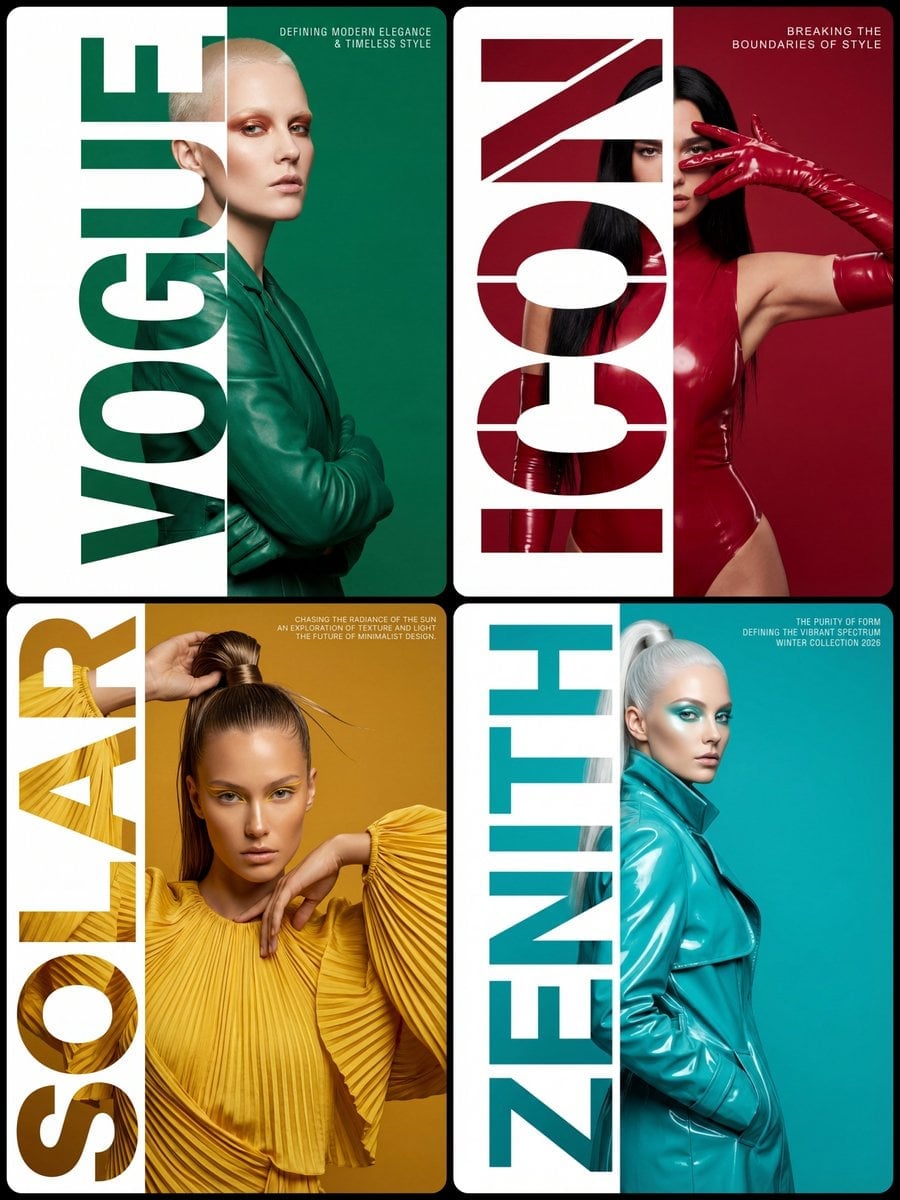
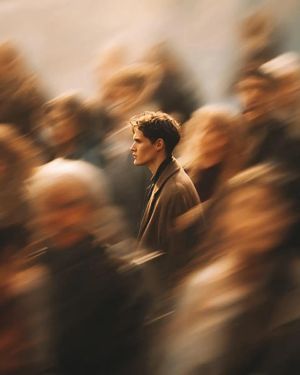
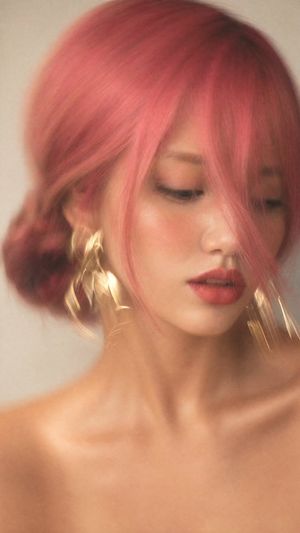
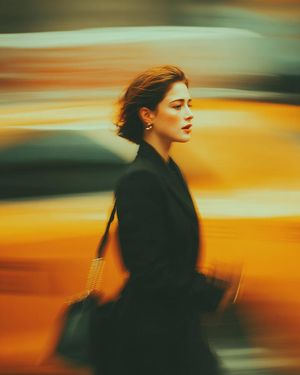
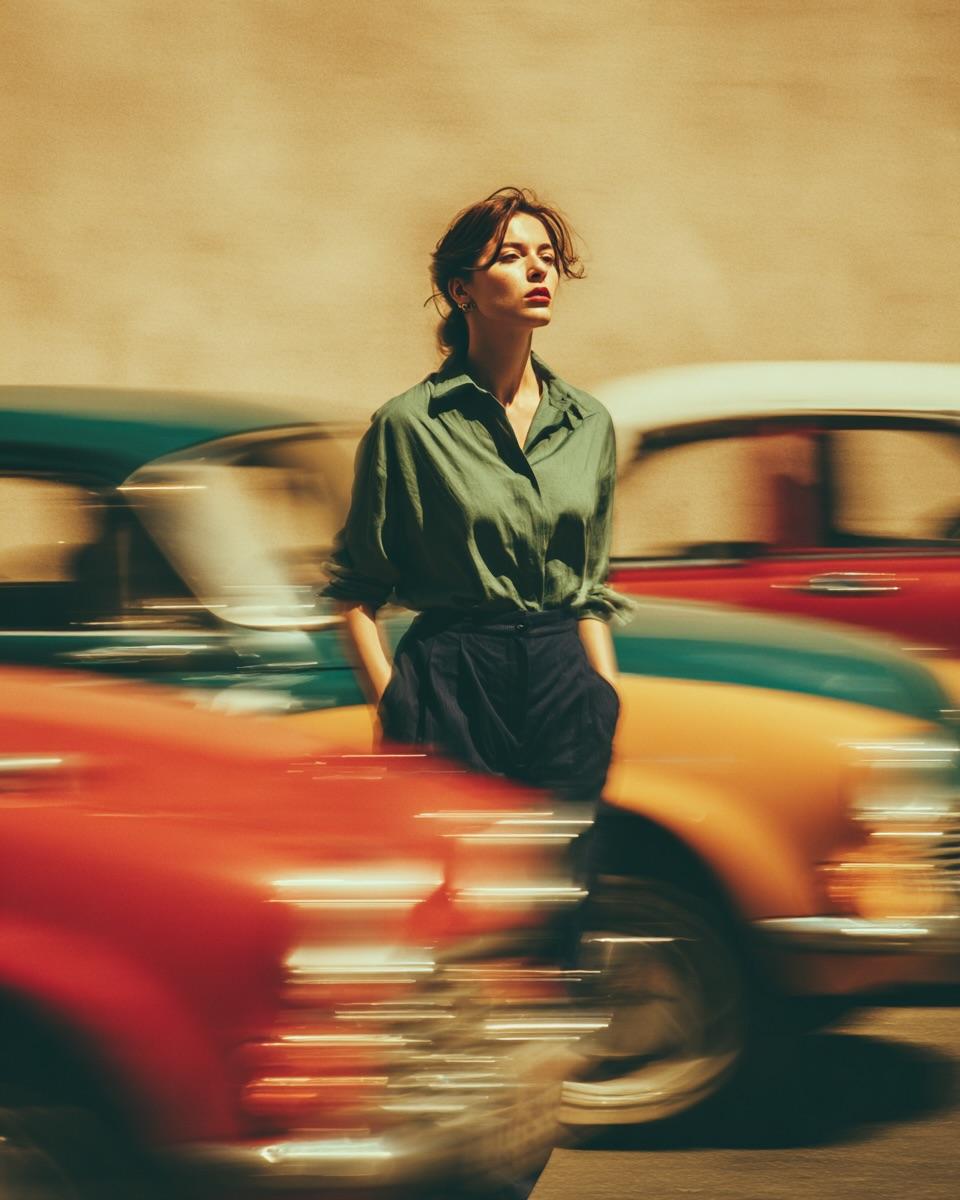
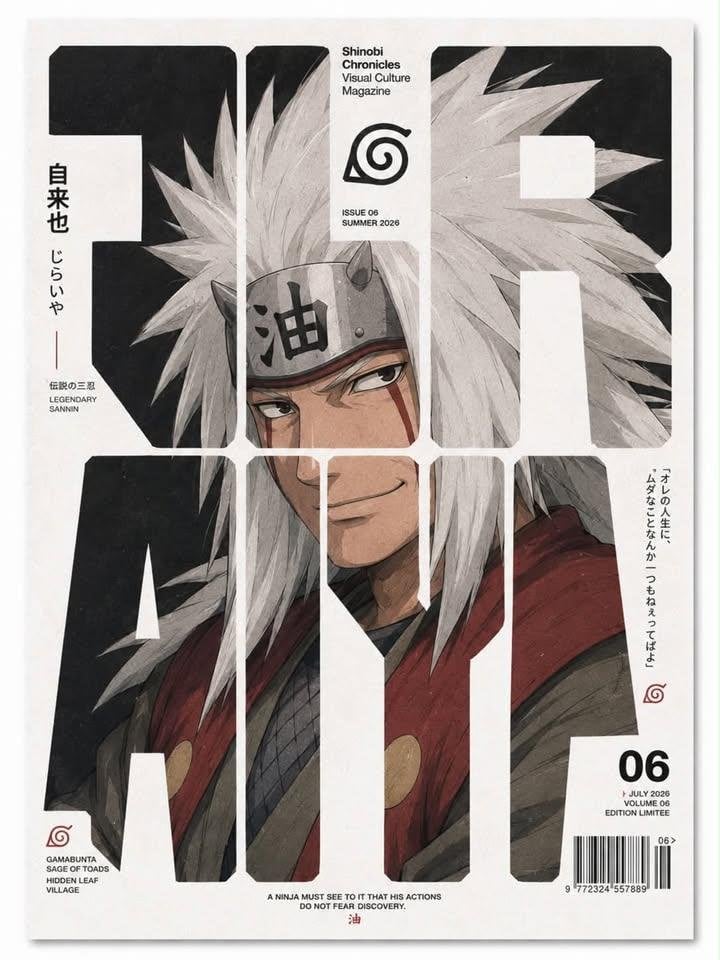
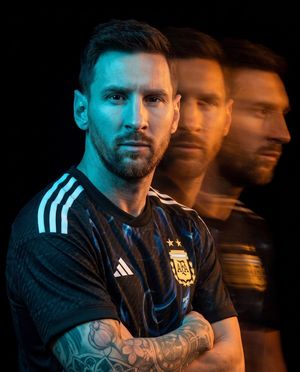
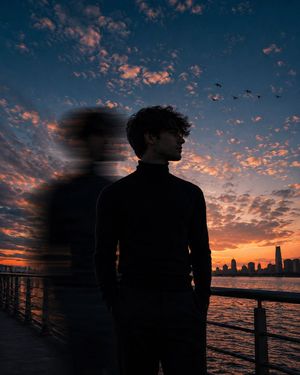
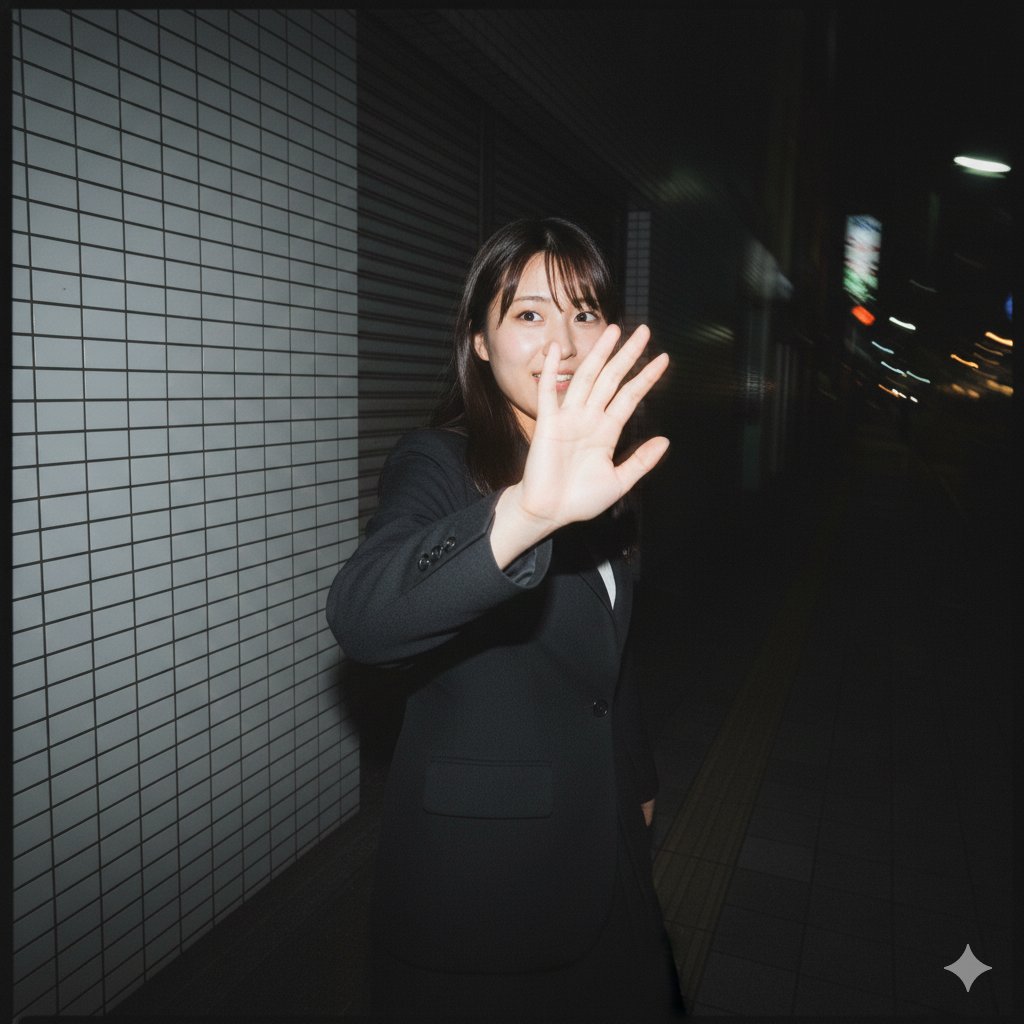
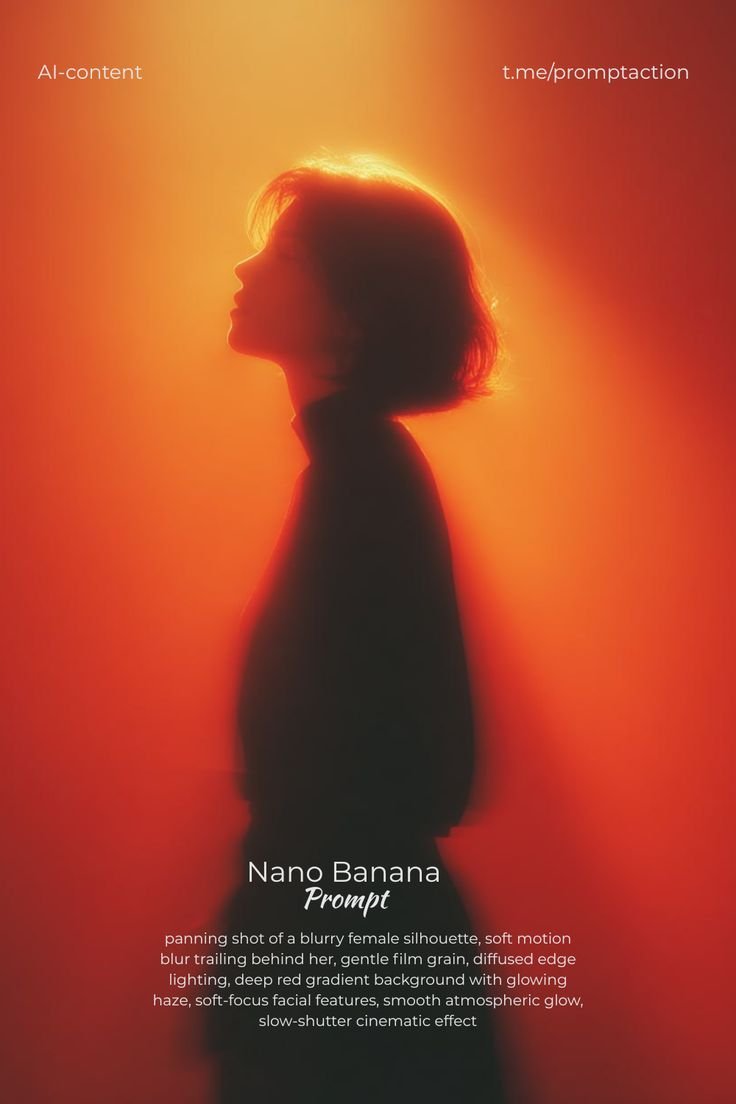
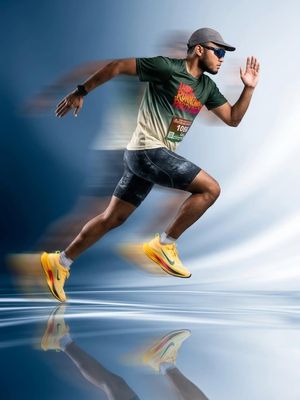
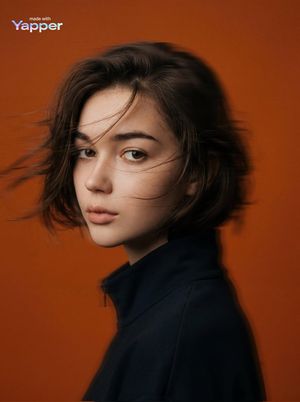
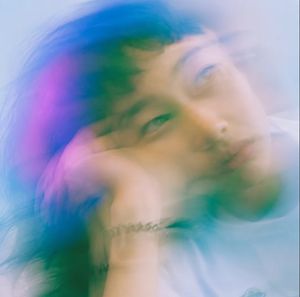
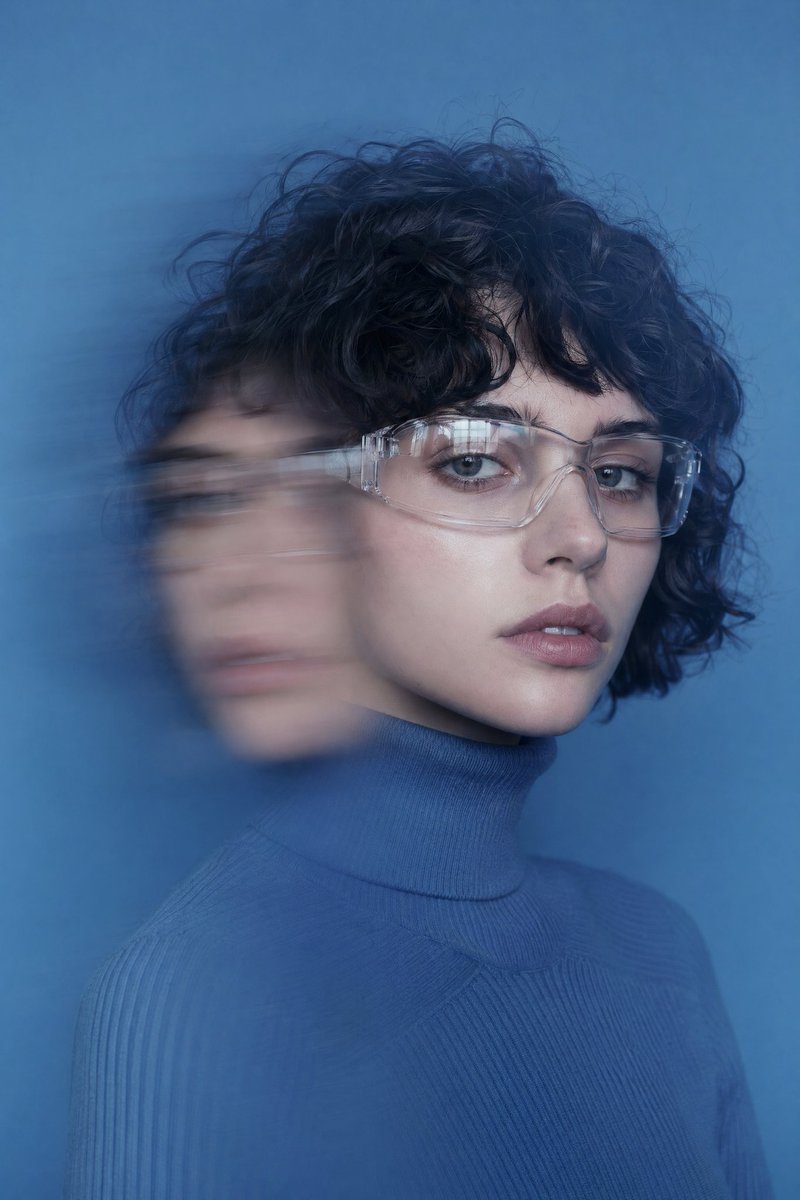
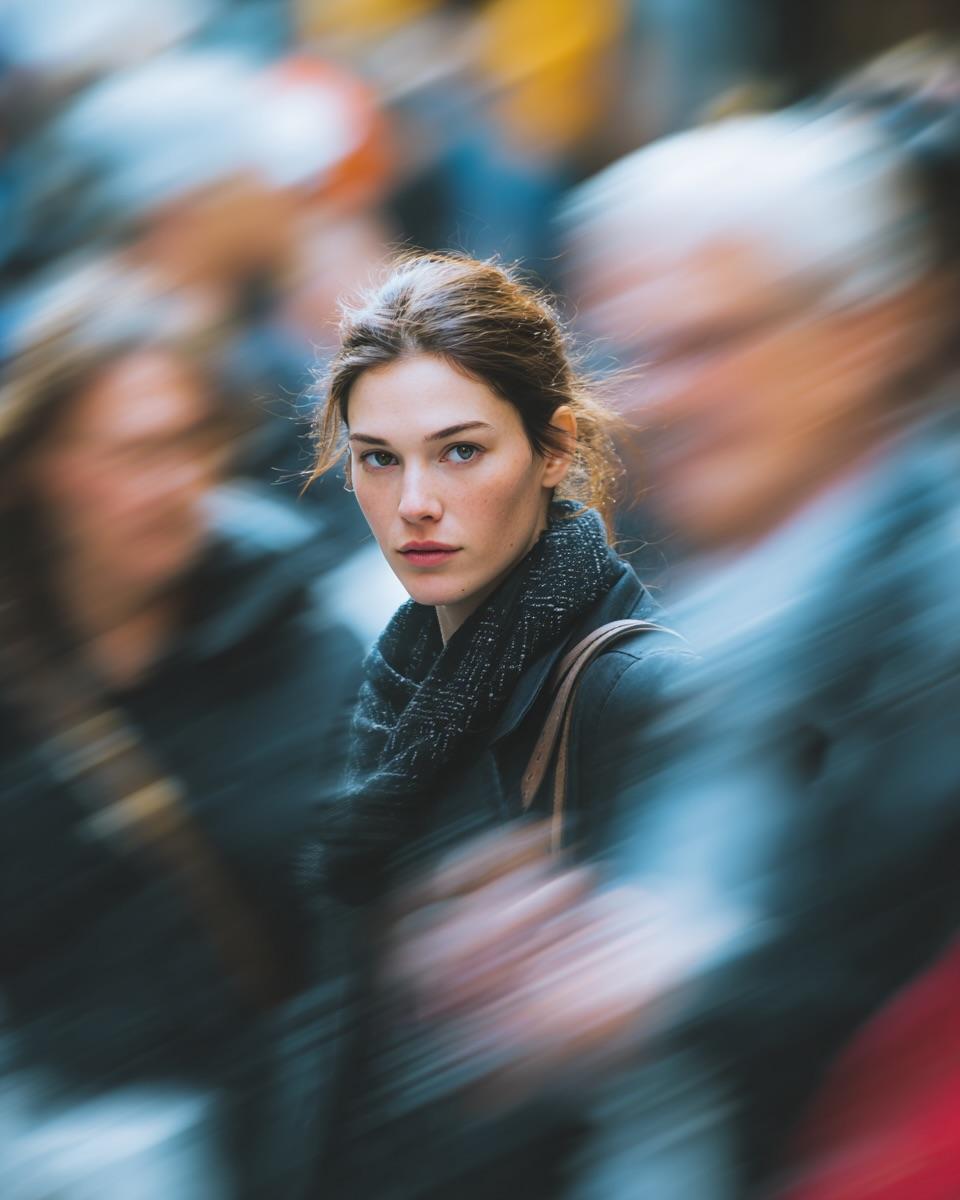
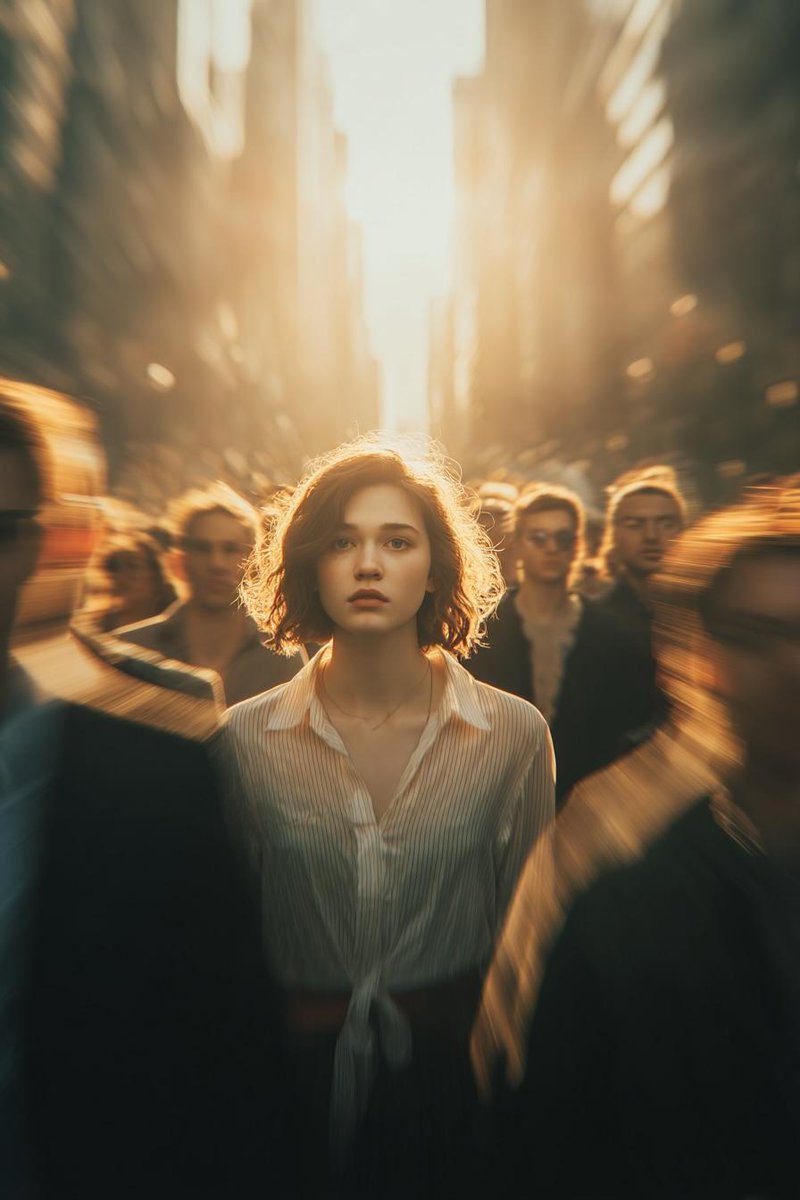
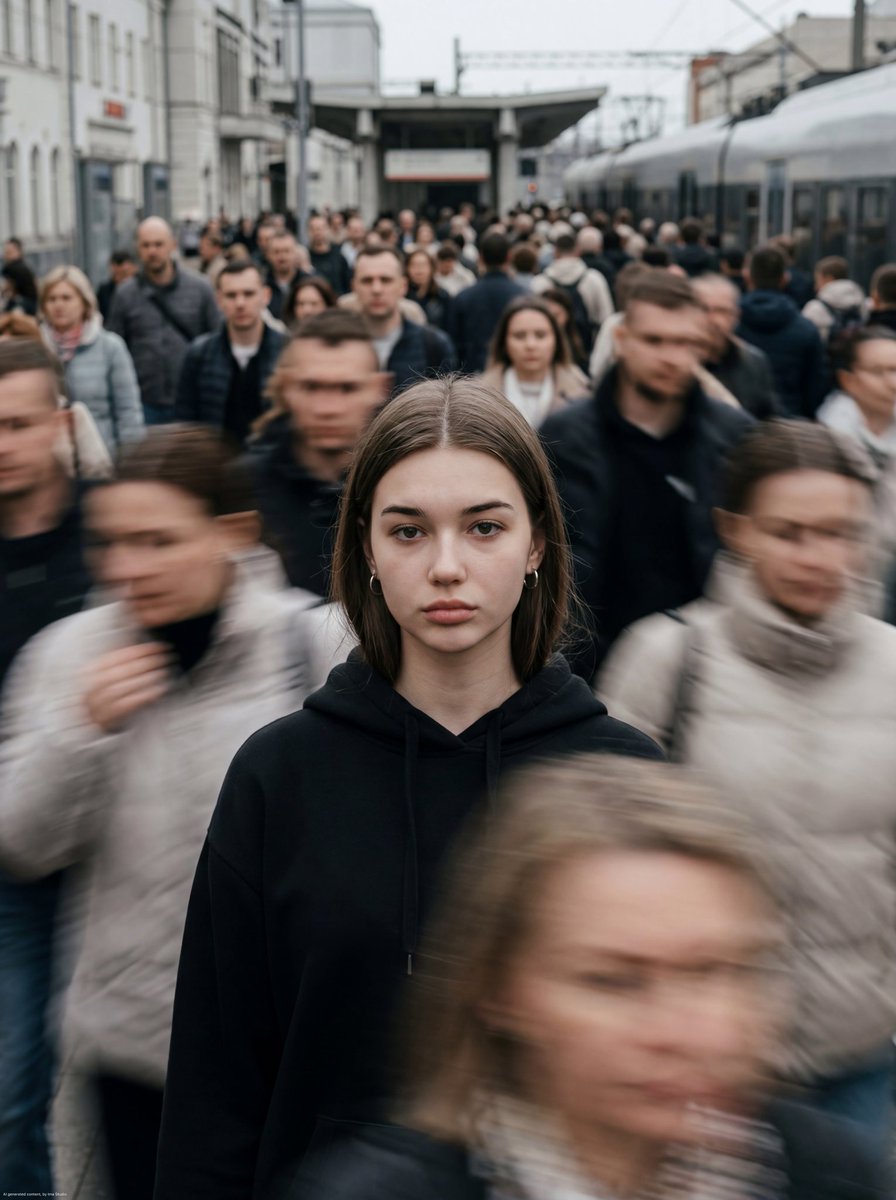
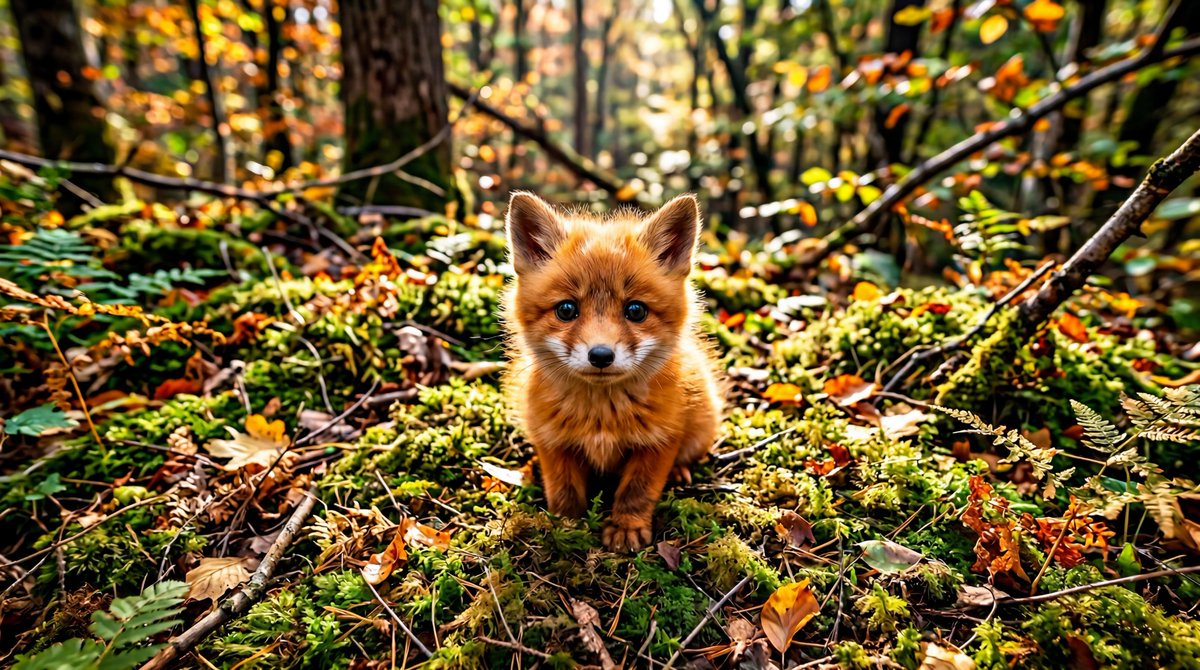
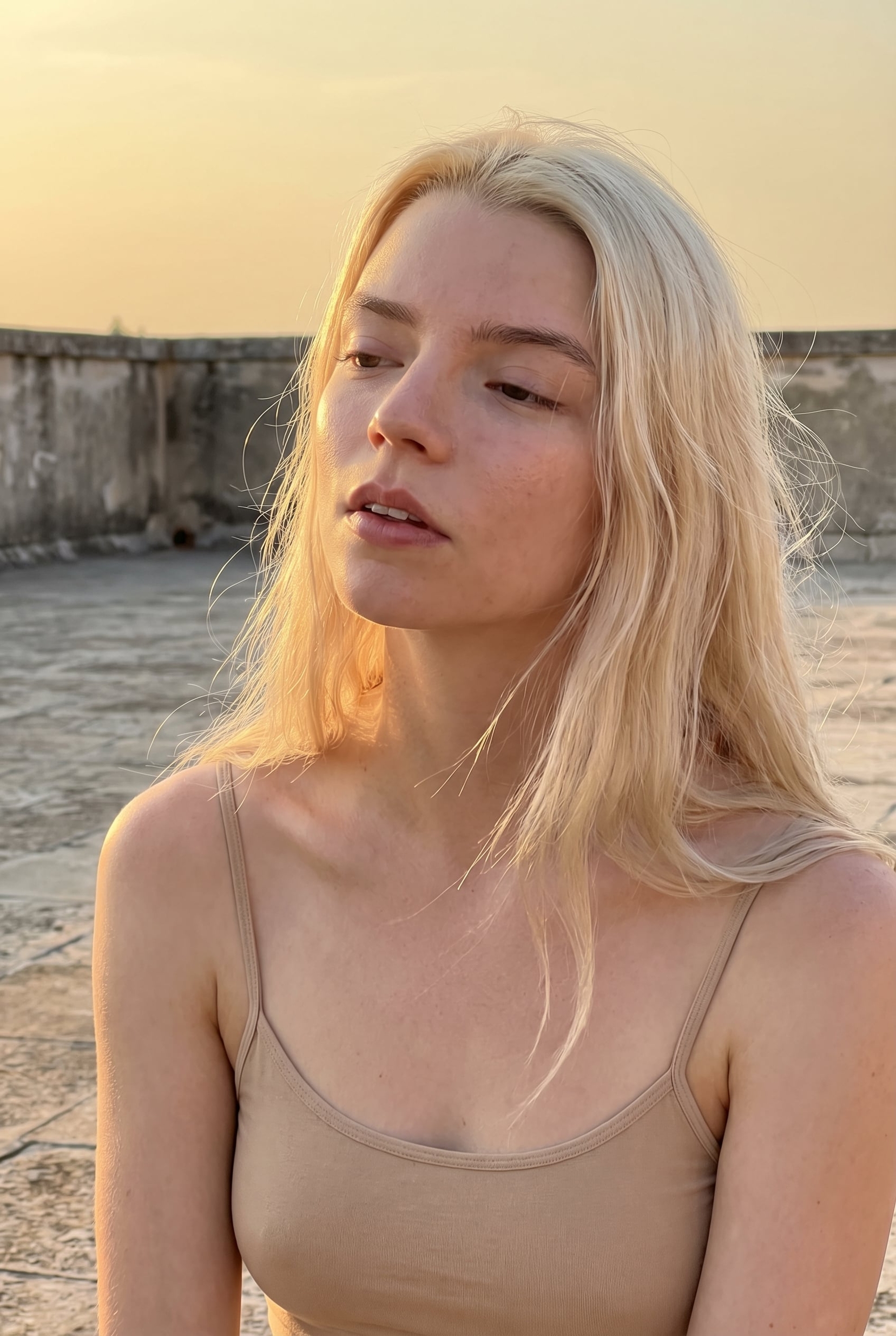
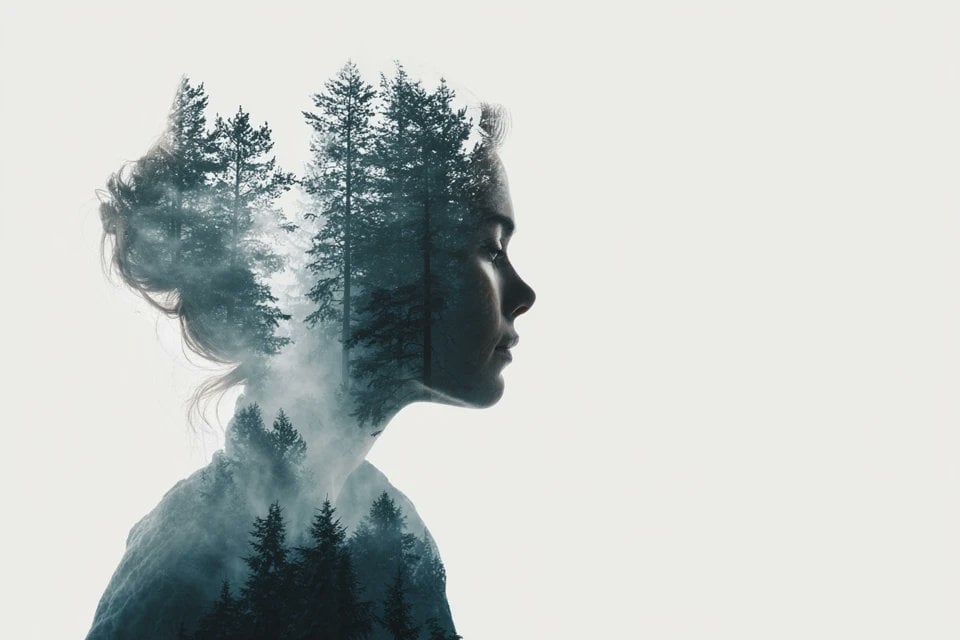
A highly creative prompt for generating ethereal portraits with dynamic motion blur and integrated modern typography, inspired by high-speed photography.
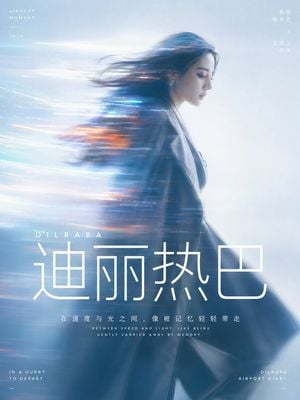
围绕{argument name="主题" default="在机场快步走的迪丽热巴"}生成一张具有电影感的动态拖影肖像画面:主体以安静的侧面轮廓或半身剪影占据主要视觉重量,面部边缘保持少量可辨识细节,身体和头发向一侧被拉成长距离水平运动模糊,拖影像光带一样穿过主体并逐渐融入背景,使人物像正在被速度、记忆或信息流带走。背景是一整片高明度、清透、柔和的空气场,不做复杂场景,色彩从主题自身的材质、情绪和叙事温度中提取,保留大面积明亮冷静底色、较深主体暗部、少量高饱和发光强调色与干净色阶之间的关系,形成梦幻而清洁的冷暖张力,避免浑浊、陈旧和烟灰感。光线柔软扩散,焦点略松,边缘有轻微胶片颗粒和镜头晕散,但整体仍然通风、透明、现代。画面信息密度很低,留出大量空域让速度感呼吸;文字作为视觉结构的一部分使用纯白现代无衬线字体,核心词用极大字号放在主体下方或画面重心附近,短句说明使用较小字号、紧凑行距和居中节奏,所有文字像叠在光雾上的清晰界面层,既压住画面层级,又不破坏柔焦影像的流动感。 比例{argument name="比例" default="3:4"}
Choose the primary action to open PicX Studio with the available template settings. Review the model and format, personalize the creative direction, and generate when ready.
Yes. You can change the subject, setting, lighting, mood, format, and available model controls before creating your image.
This template is free to open and customize. Generation usage is shown in PicX Studio before you create.
Start with GPT Image 2, which is the model associated with this template. You can compare another compatible model for a different finish.
Follow a topic to a crawlable collection of related PicX Studio templates.