
Sunflower Couture Botanical Poster
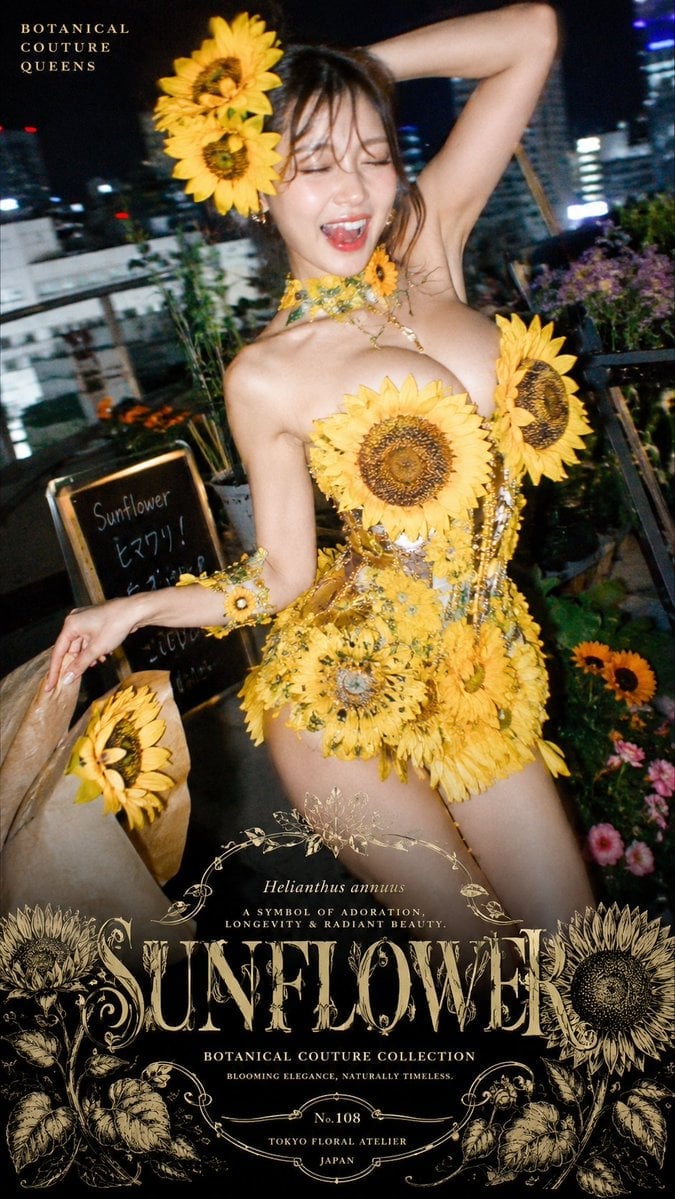
A vertical luxury fashion poster prompt for creating a night rooftop florist editorial with a sunflower couture dress and ornate vintage botanical typography.
- Prompt included
- Model and format preset
- Premium template
The prompt behind this image
Copy the exact prompt behind Sunflower Couture Botanical Poster, or open it in the studio and make it yours.
Goal: Create a vertical luxury fashion editorial poster for a fictional floral couture brand, featuring a glamorous rooftop flower-shop scene at night and a dramatic sunflower dress. Canvas: Tall 9:16 poster, cinematic flash photography, slightly tilted handheld composition, shallow depth of field, dark rainy/cloudy urban night atmosphere with blurred high-rise lights in the background. Main subject: A young adult fashion model standing on a rooftop florist terrace, body angled slightly right, one arm raised behind her head and the other hand holding a brown paper bouquet bag. Her face is intentionally covered by a smooth vertical beige rectangular privacy block. She wears an extravagant botanical couture mini dress made from real sunflowers, yellow petals, green stems, gold filigree, beads, and delicate vine-like jewelry. Bare shoulders and arms, glossy editorial skin lighting, elegant high-fashion pose. Count the visible sunflower elements: 14 prominent sunflower heads total — 2 large sunflowers in the hair on the upper left side of the head, 1 large sunflower centered on the chest, 1 large sunflower on the right side of the bodice, 6 sunflower heads forming the skirt and hip cluster, 1 small sunflower bracelet on the left wrist, 1 sunflower bouquet head protruding from the brown paper bag, and 2 small sunflowers in the flower-shop display at the lower right. Add extra tiny yellow filler blossoms and vines without making them look like additional large sunflower heads. Environment and props: Rooftop or balcony flower shop with potted plants and colorful flowers around the model, black planter boxes, a small chalkboard sign at left reading “Sunflower” with handwritten Japanese-style price notes beneath it, brown paper bouquet wrap at lower left, blurred city skyline and building lights behind her. The overall scene should feel like a boutique florist that sells wearable floral couture. Typography and poster design: Add elegant vintage botanical typography and engraved ornamentation in warm antique gold. Top-left small title: “BOTANICAL COUTURE QUEENS”. Bottom center large ornate headline: “{argument name="headline text" default="SUNFLOWER"}”. Above the headline, small italic Latin name: “Helianthus annuus”. Under it, small tagline: “A SYMBOL OF ADORATION, LONGEVITY & RADIANT BEAUTY.” Beneath the headline: “BOTANICAL COUTURE COLLECTION” and “BLOOMING ELEGANCE, NATURALLY TIMELESS.” Add a small oval label near the bottom reading “No.108”, then “TOKYO FLORAL ATELIER” and “JAPAN”. Surround the bottom text with engraved sunflower illustrations, curling vines, botanical line art, symmetrical ornamental flourishes, and antique catalog-style borders. Visual style: High-fashion magazine cover mixed with vintage botanical seed packet design, luxurious black-and-gold palette with vivid sunflower yellow, realistic photo base, strong camera flash highlights, moody bokeh city background, delicate gold linework overlay, premium couture advertising aesthetic. Customizable details: The model wears {argument name="flower type" default="sunflowers"} as couture florals, the dominant palette is {argument name="color palette" default="sunflower yellow, black, antique gold, and deep green"}, the setting is {argument name="setting" default="night rooftop flower shop in Tokyo"}, and the brand line should feel like {argument name="brand mood" default="botanical couture queens"}. Constraints: Keep the layout vertically centered and poster-like, preserve the exact major text blocks, do not add logos or watermarks, avoid modern sans-serif dominance, keep the face covered by the beige rectangle, and make the floral dress look wearable but fantastical.
How to use Sunflower Couture Botanical Poster in 3 steps
- 1Upload ImagePNG, JPG or paste
Add your photo
Upload the photo the template builds on. The prompt, model and format are already set.
- 2…a portrait of your subject in softgolden-hour light, 85mm…
Personalize
Edit the subject and creative details for your destination.
- 3Generate
Generate
Press Generate — your image is created in PicX Studio, so you can compare it with the original and refine one variable at a time.
More like this
Templates with the same subject, style or setup. Open one to see its prompt.

Japan Travel Brochure Poster
Botanical Couture Fashion Portrait

Cartoon TV Show Poster Pack

Trendy Cafe Drink Promo Poster

Floraverse Botanical Fusion

FLORAVERSE BOTANICAL FUSION

Urban Fashion Editorial Collage Streetwear Poster
Crystal Panel European Couture Fashion Composite

Premium Fashion Editorial Cover Layout System

Polo Ralph Lauren Luxury American Heritage Fashion Campaign

Monochrome Halftone Editorial Fashion Poster

Retro Mirror Luxury Fashion Campaign Poster
Make it yours
Sunflower Couture Botanical Poster works as-is. These are the safest ways to change it without losing the look.
Change one field
Copy a single group, rewrite it, and generate again so you can see what that field is doing.
Keep the frame, change the subject
Hold the composition and light of Sunflower Couture Botanical Poster, then swap wardrobe, props or the person for a new take.
| If the result… | Why | Fix |
|---|---|---|
| The result drifts from the preview | Too many fields changed at once. | Reuse Sunflower Couture Botanical Poster as-is first, then change one group — subject, light, or setting. |
| The model over-stylizes the scene | The prose prompt leaves finish and camera underspecified. | Add one camera or lighting sentence and stay on GPT Image 2. |
More GPT Image 2 templates
Other prompts made for GPT Image 2.

Six VTuber Japanese Logo Sheet

Realistic Portrait of Woman and Deer

The Vista Modular Condo Poster

AI Model Routing Comparison Infographic

2.5D Anime Art Board

Isometric Productivity Desk Scene

New York Double Exposure Poster

Four-Panel AI Landscape Comparison

Japanese Tatami Lifestyle Magazine Cover

NESCAFÉ Coffee Map Poster
More image prompts
Fresh picks from across the catalog.

Spicy Nacho Tornado Ad

High-End Cocktail Visual Marketing Prompt
Grok Video Prompt: High-Speed Skateboard Tricks

Hyper-Realistic Robotic Frog Design

Cinematic Concept Art for Ancient Abandoned Jungle City
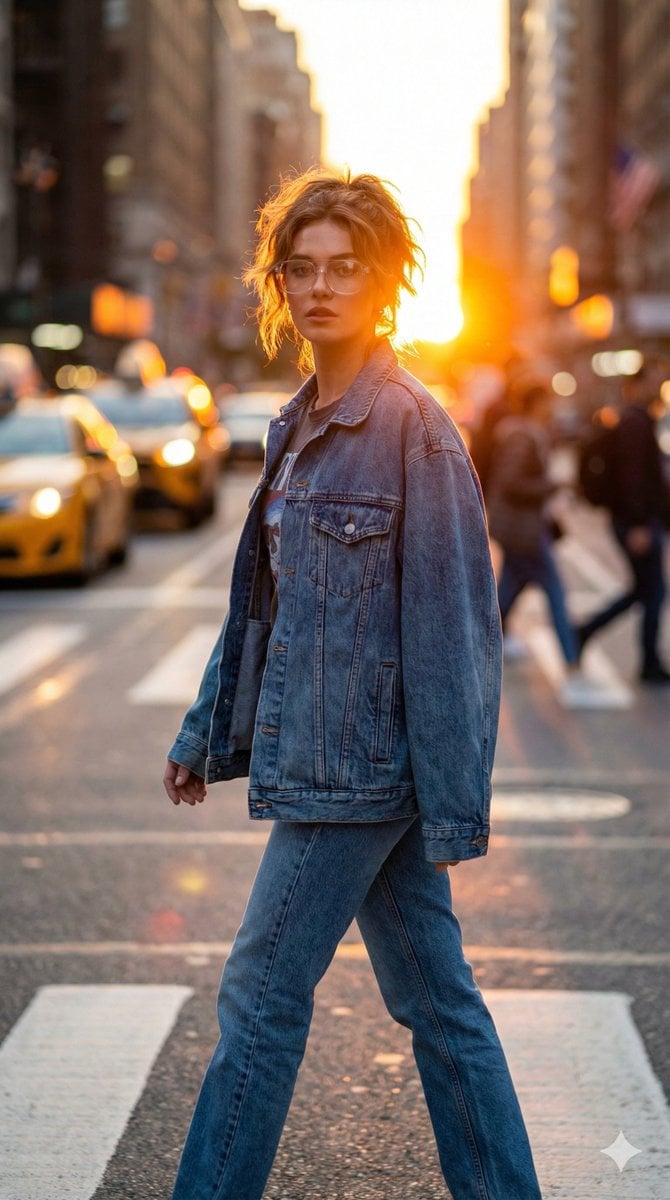
Golden Hour Urban Streetwear Portrait
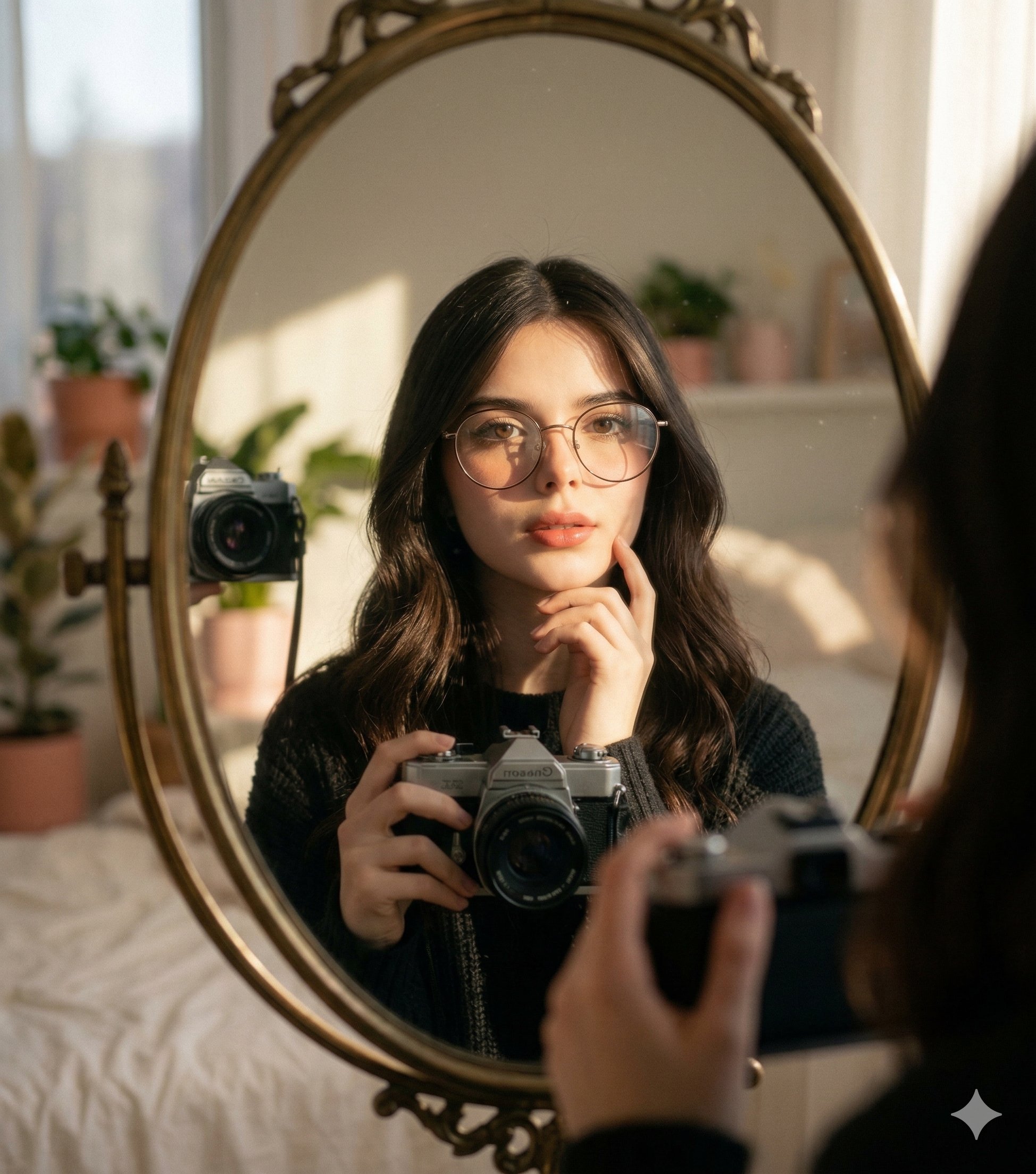
Nano Banana 2 Self Portrait with Vintage
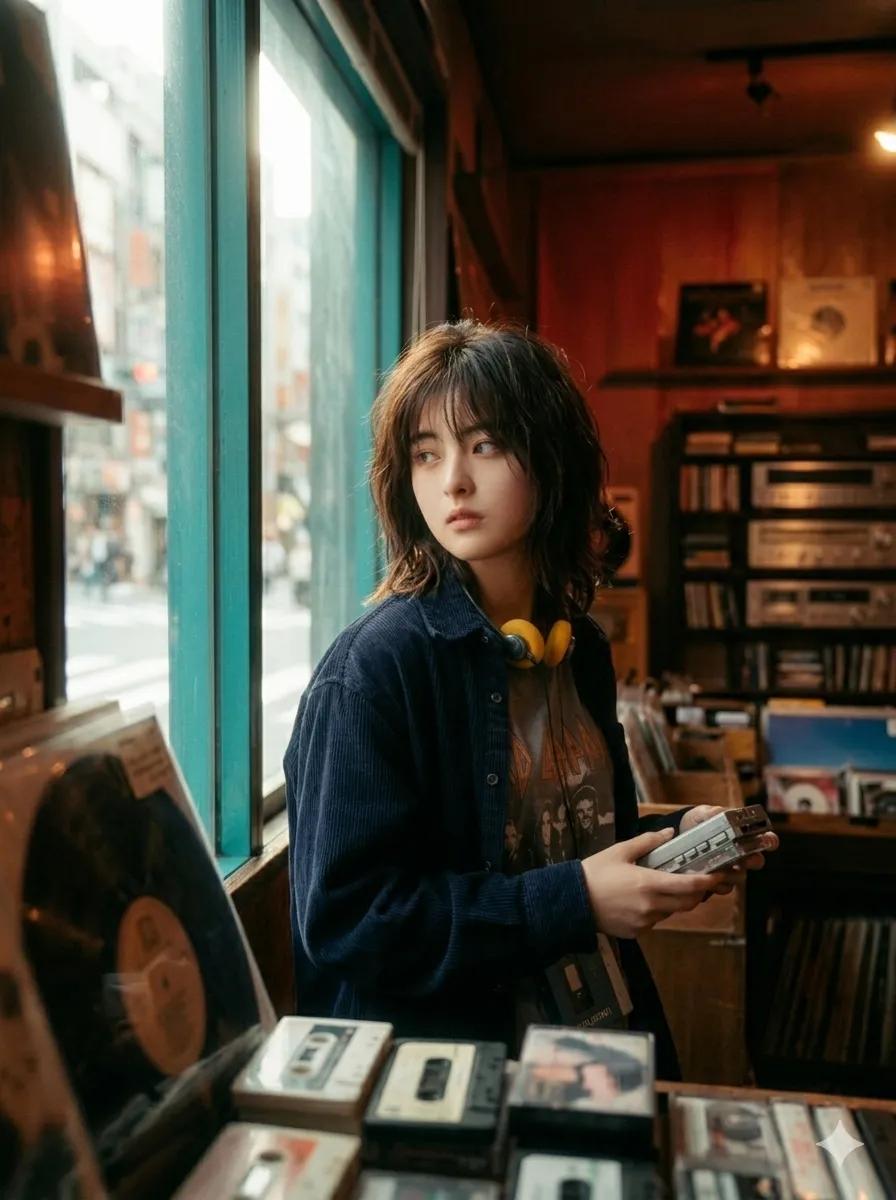
90s Japanese Indie Music Store Aesthetic

Cyber-Cinematic Split Lighting Portrait Prompt
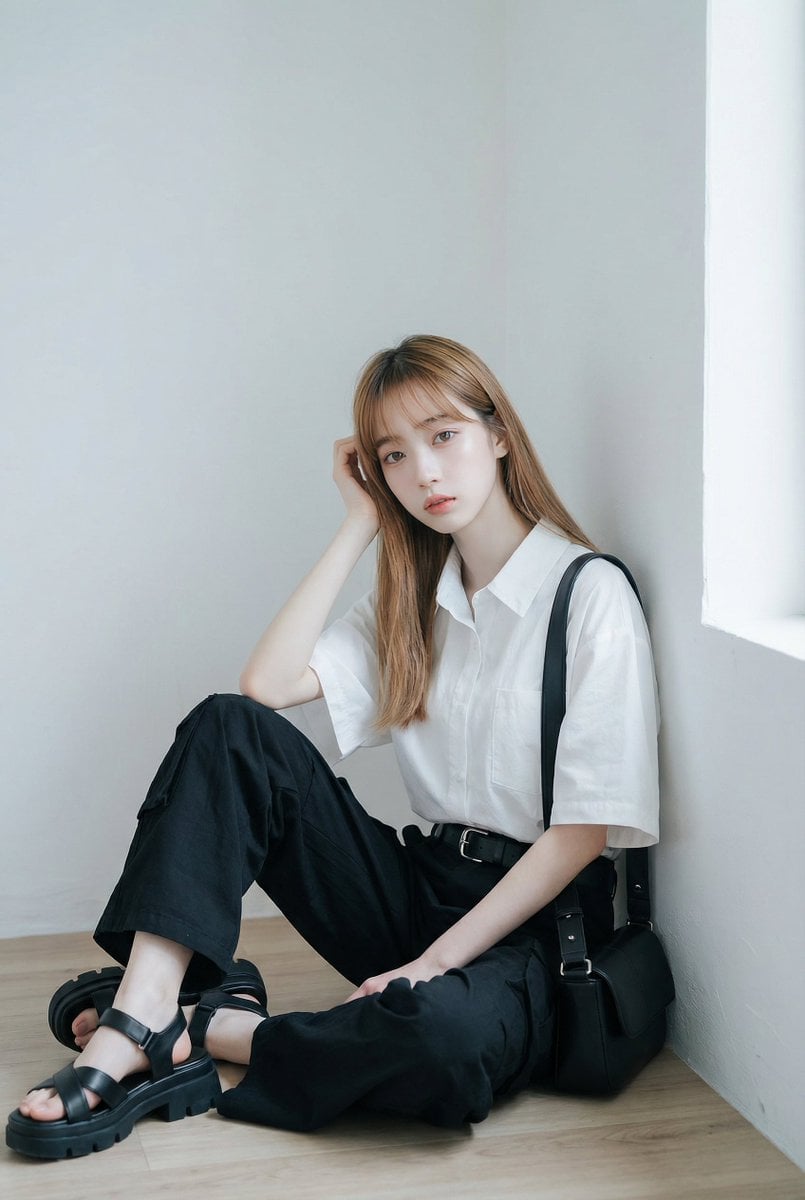
AI Fashion Prompt: Monochromatic Minimalist Utilitarian Style
Browse template categories
Sunflower Couture Botanical Poster questions
How do I use the Sunflower Couture Botanical Poster template?
Add your photo if the template asks for one, edit the prompt if you like — the template's model and format are already selected — and press Generate. Your version opens in PicX Studio.
Can I customize the Sunflower Couture Botanical Poster template?
Yes. You can change the subject, setting, lighting, mood, format, and available model controls before creating your image.
Is the Sunflower Couture Botanical Poster template free?
Opening and editing this template is free. Generating uses credits, shown on the Generate button when you are signed in.
Which AI model should I use?
Start with GPT Image 2, which is the model associated with this template. You can compare another compatible model for a different finish.
Looking for something else? Browse all templates.

Your photo, any look
Thousands of ready templates for every top image and video model, from one credit balance.