
NEONVEIL Silver Vocalist Poster
Generates an elegant anime-realistic music campaign poster featuring a silver-haired vocalist with crystal fashion styling and refined Japanese typography.
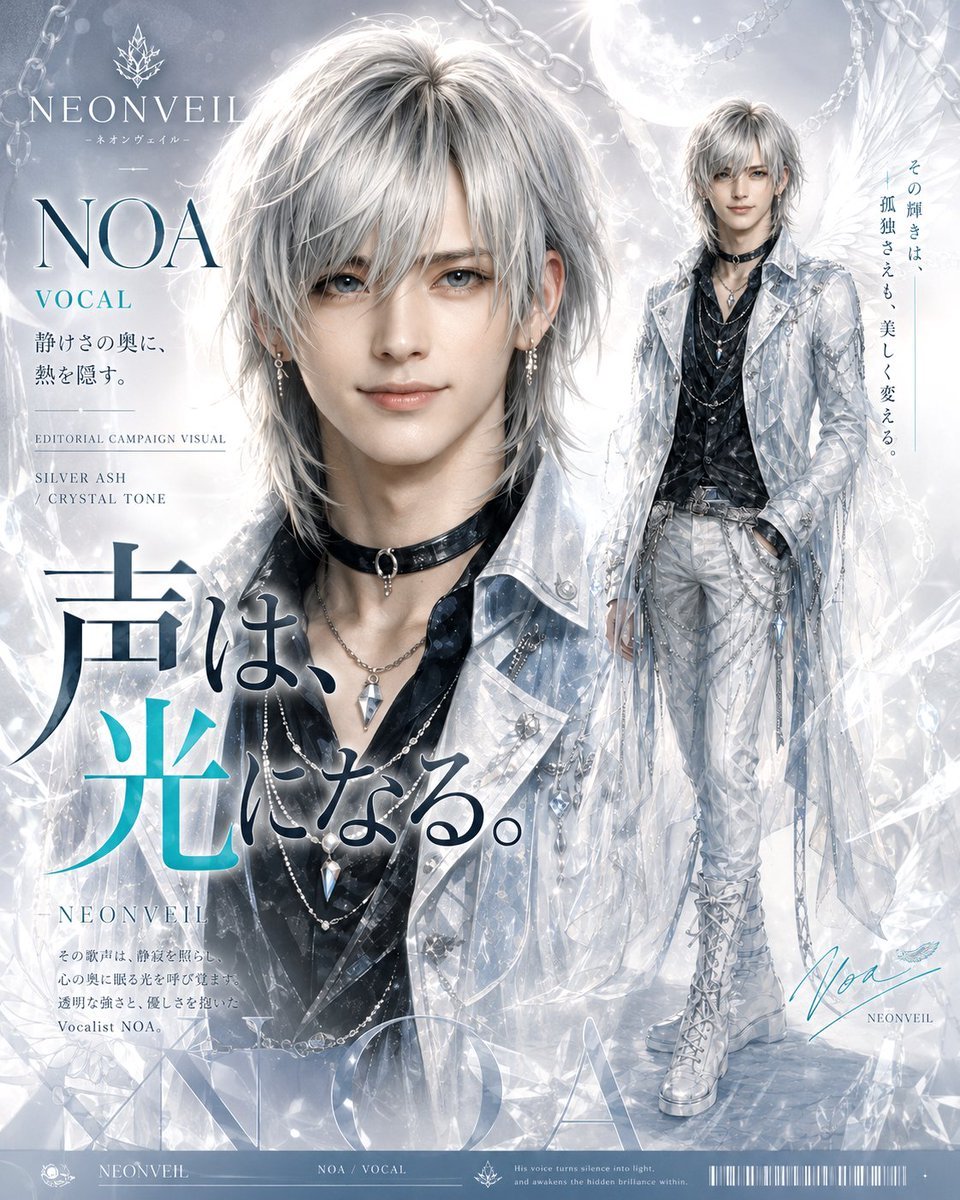
- Prompt included
- Model and format preset
- Premium template
The prompt behind this image
Copy the exact prompt behind NEONVEIL Silver Vocalist Poster, or open it in the studio and make it yours.
Goal: Create a luxury editorial character poster for the fictional music project {argument name="project name" default="NEONVEIL"}, featuring an androgynous silver-haired vocalist named {argument name="character name" default="NOA"} in a glowing crystal-and-moonlight aesthetic. Canvas: Vertical poster, approximately 4:5 aspect ratio, polished magazine campaign layout. Use a pale icy palette of silver, pearl white, translucent blue-gray, charcoal, and small cyan accents. The overall mood is elegant, ethereal, quiet, and high-fashion. Layout: Compose the poster with exactly two depictions of the same character: 1) a large close-up bust portrait dominating the left and center, cropped from the chest upward, looking directly at the viewer with a calm faint smile; 2) a smaller full-body fashion pose on the right, standing with one hand in pocket, surrounded by translucent crystal shards and feather-like wings. Place a bright full moon behind the full-body figure near the upper right, with silver chain loops crossing the top corners. Add icy bokeh, refracted light, glass prisms, and crystalline overlays throughout the background. Keep the design dense but refined, like a premium music campaign visual. Character details: The character is a beautiful young male vocalist with very pale skin, soft blue-gray eyes, delicate features, and layered shaggy silver ash hair with long bangs. Outfit: black glossy layered shirt and vest, black leather choker with a ring pendant, multiple silver necklaces with crystal pendants, dangling earrings, translucent icy-white long coat with metallic studs and ribbons, white fitted pants with straps and chains, tall white lace-up boots, and subtle crystal accessories. The full-body version should show the complete outfit clearly, while the close-up emphasizes hair texture, eyes, jewelry, and translucent coat details. Typography and visible text: Include a refined serif logotype at the upper left reading "NEONVEIL" with a small crystal leaf emblem above it and a tiny Japanese subtitle beneath it. Beneath that, large serif text reads "NOA" and smaller cyan text reads "VOCAL". Add small editorial captions: "EDITORIAL CAMPAIGN VISUAL" and "SILVER ASH / CRYSTAL TONE". Add a large Japanese headline across the lower-left to center area reading {argument name="main Japanese headline" default="声は、光になる。"}, mixing dark navy strokes with a bright cyan character accent. Add smaller Japanese copy below the headline in a neat editorial style. Add a vertical Japanese tagline on the right side reading {argument name="vertical Japanese tagline" default="その輝きは、孤独さえも、美しく変える。"}. Add a handwritten cyan signature near the lower right reading "Noa" with small "NEONVEIL" underneath. Along the bottom edge, create a thin poster footer strip with tiny branding, "NEONVEIL", "NOA / VOCAL", a small emblem, microtext, and a barcode-like graphic. Visual style: Hyper-detailed anime-realistic digital illustration with fashion magazine typography, luminous skin rendering, delicate hair strands, glassy reflections, misty atmosphere, crystal refractions, silver foil feeling, and subtle cyan highlights. The typography should be crisp, elegant, and integrated into the poster, with strong hierarchy and generous negative space around the face. Constraints: Use exactly two character depictions, one close-up and one full-body. Keep the character consistent between both depictions. Do not add extra characters. Avoid messy or unreadable text except for intentionally tiny footer microtext. No watermark, no logo from real brands.
How to use NEONVEIL Silver Vocalist Poster in 3 steps
- 1Upload ImagePNG, JPG or paste
Add your photo
Upload the photo the template builds on. The prompt, model and format are already set.
- 2…a portrait of your subject in softgolden-hour light, 85mm…
Personalize
Edit the subject and creative details for your destination.
- 3Generate
Generate
Press Generate — your image is created in PicX Studio, so you can compare it with the original and refine one variable at a time.
More like this
Templates with the same subject, style or setup. Open one to see its prompt.

Japan Travel Brochure Poster

Cartoon TV Show Poster Pack

Trendy Cafe Drink Promo Poster

Urban Fashion Editorial Collage Streetwear Poster

Premium Fashion Editorial Cover Layout System

Polo Ralph Lauren Luxury American Heritage Fashion Campaign

Monochrome Halftone Editorial Fashion Poster

Retro Mirror Luxury Fashion Campaign Poster

Luxury Fashion Campaign Typography Poster System

Premium Fashion Editorial Campaign Poster System

Ultra-Stylized High-Fashion Streetwear Poster

Urban Fashion Editorial Collage Poster
Make it yours
NEONVEIL Silver Vocalist Poster works as-is. These are the safest ways to change it without losing the look.
Change one field
Copy a single group, rewrite it, and generate again so you can see what that field is doing.
Keep the frame, change the subject
Hold the composition and light of NEONVEIL Silver Vocalist Poster, then swap wardrobe, props or the person for a new take.
| If the result… | Why | Fix |
|---|---|---|
| The result drifts from the preview | Too many fields changed at once. | Reuse NEONVEIL Silver Vocalist Poster as-is first, then change one group — subject, light, or setting. |
| The model over-stylizes the scene | The prose prompt leaves finish and camera underspecified. | Add one camera or lighting sentence and stay on GPT Image 2. |
More GPT Image 2 templates
Other prompts made for GPT Image 2.

Six VTuber Japanese Logo Sheet

Realistic Portrait of Woman and Deer

The Vista Modular Condo Poster

AI Model Routing Comparison Infographic

2.5D Anime Art Board

Isometric Productivity Desk Scene

New York Double Exposure Poster

Four-Panel AI Landscape Comparison

Japanese Tatami Lifestyle Magazine Cover

NESCAFÉ Coffee Map Poster
More image prompts
Fresh picks from across the catalog.
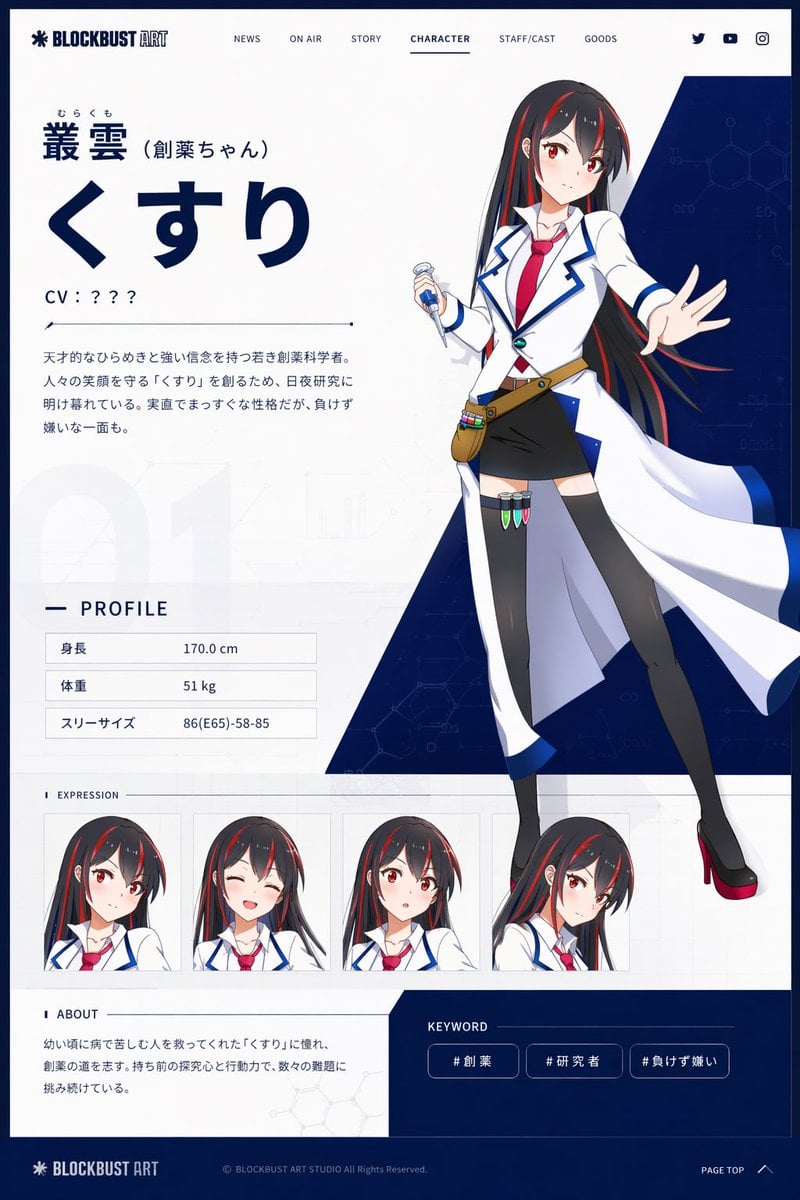
Anime Character Profile Web Sheet
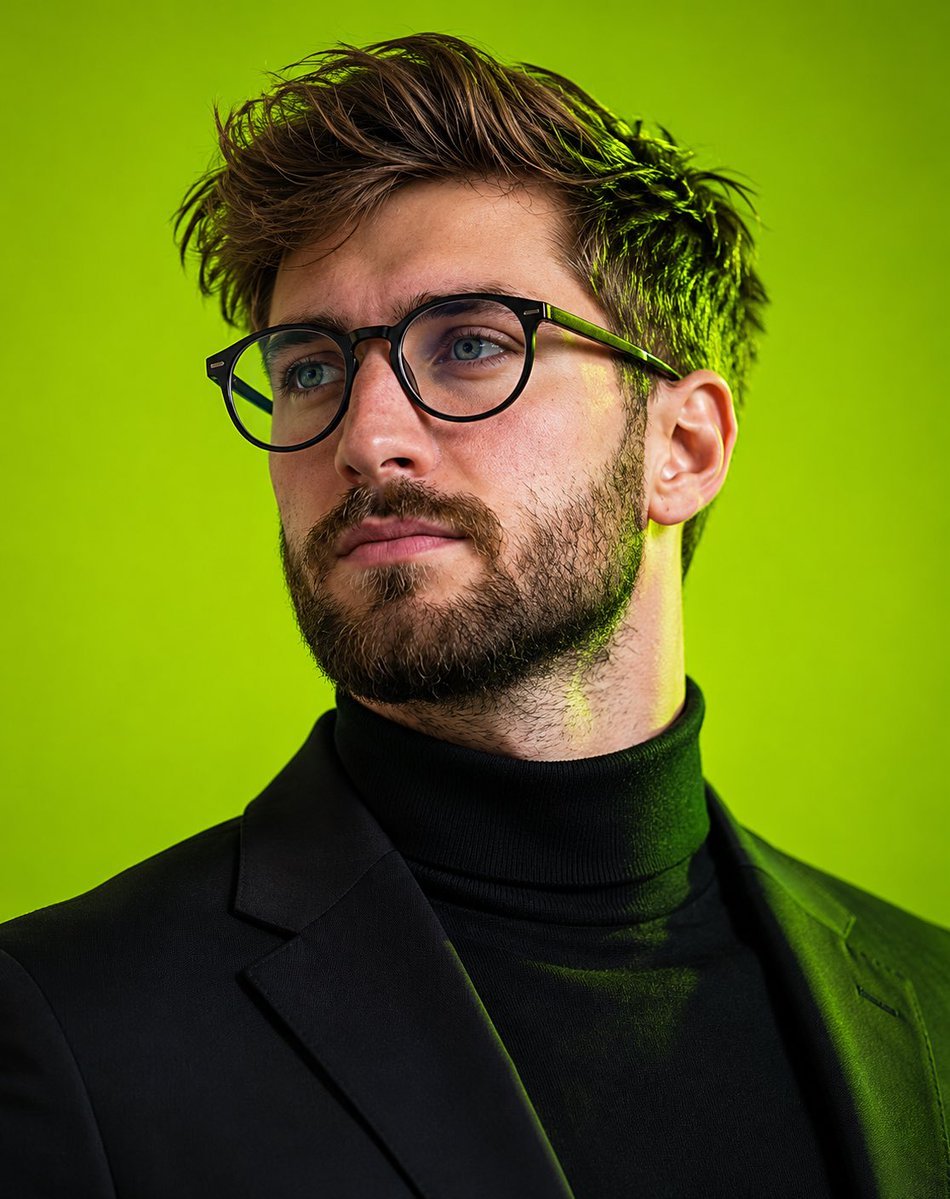
Editorial Male Portrait with Neon Lighting
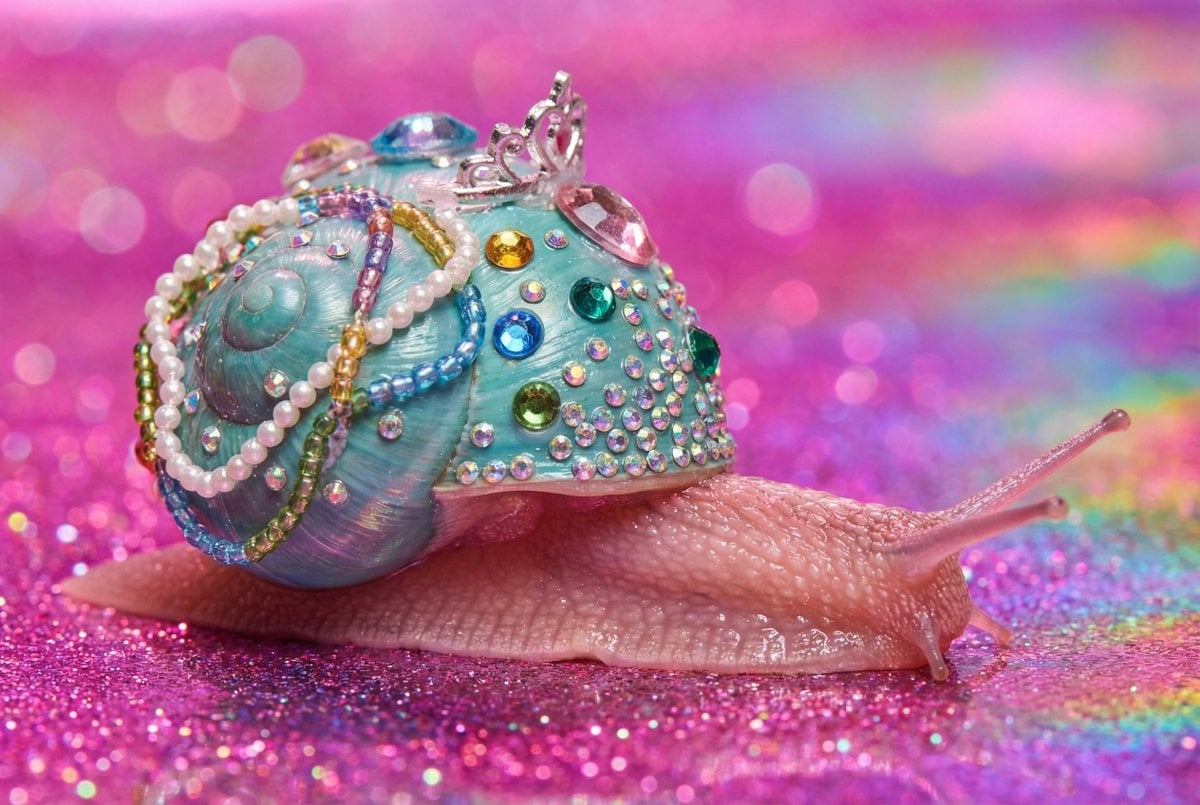
Macro Snail with Plastic Costume Jewelry
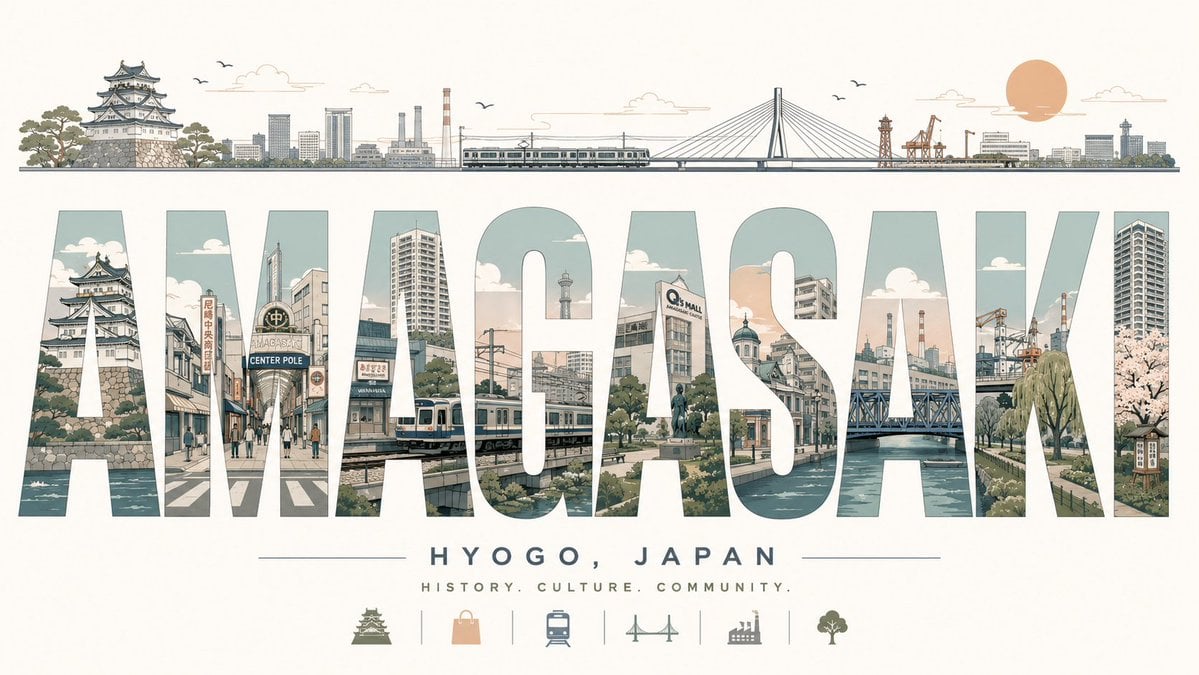
Retro Amagasaki Travel Poster
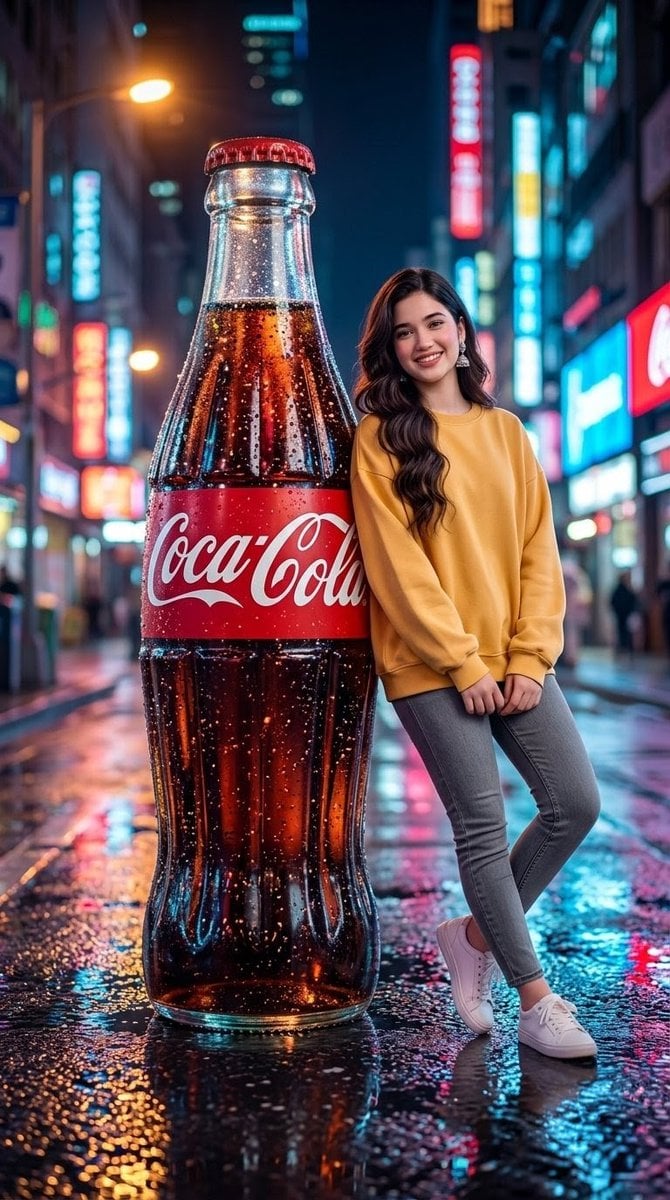
Neon City Soda Advertisement
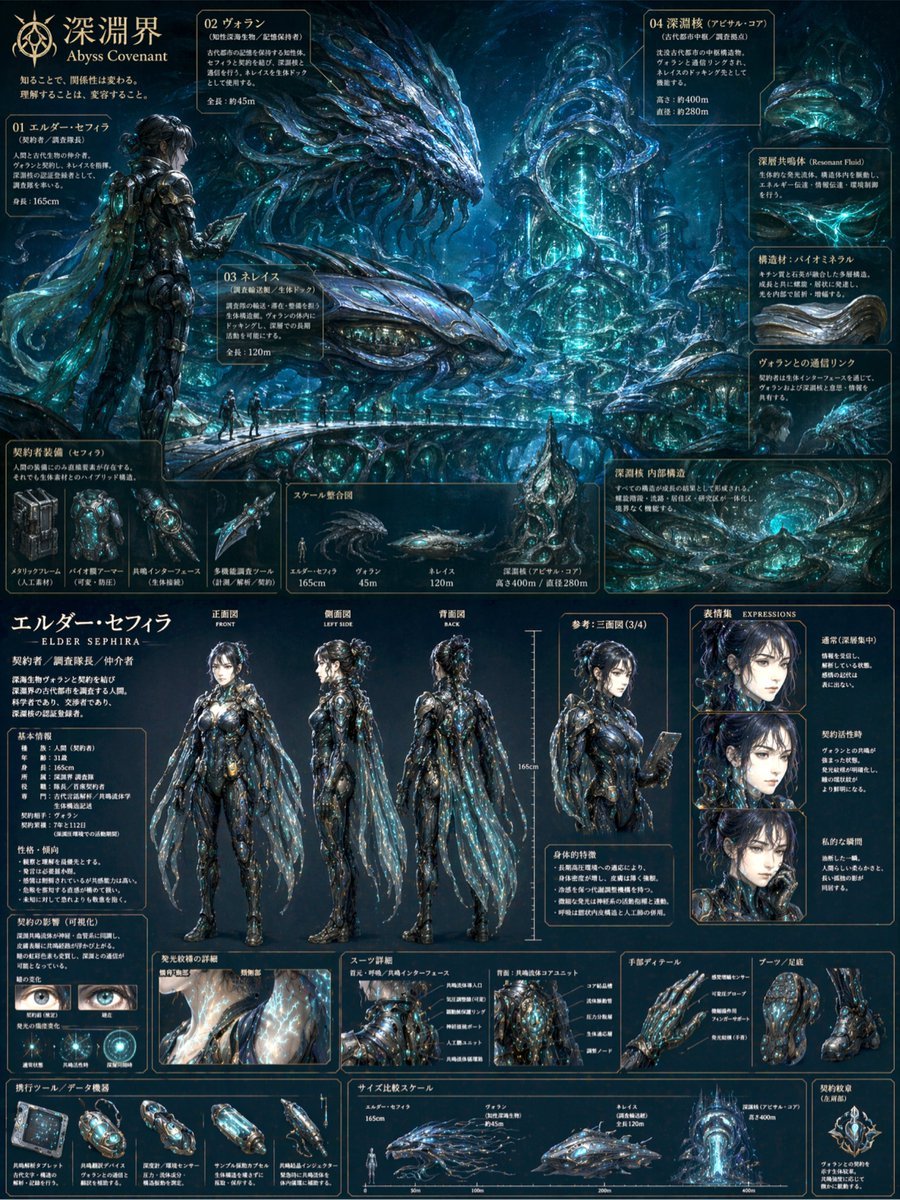
Sci-Fi Concept Art & Character Sheet
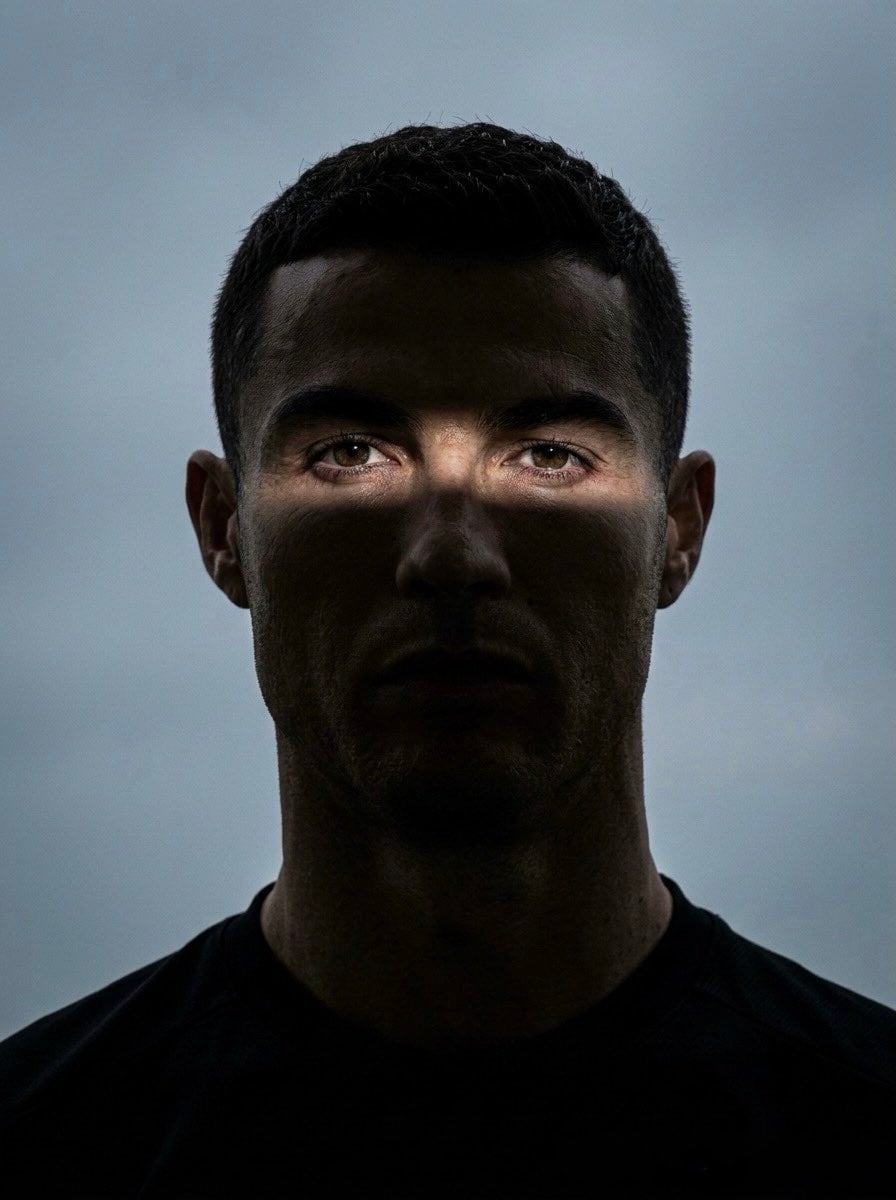
Moody Cinematic Eye Portrait
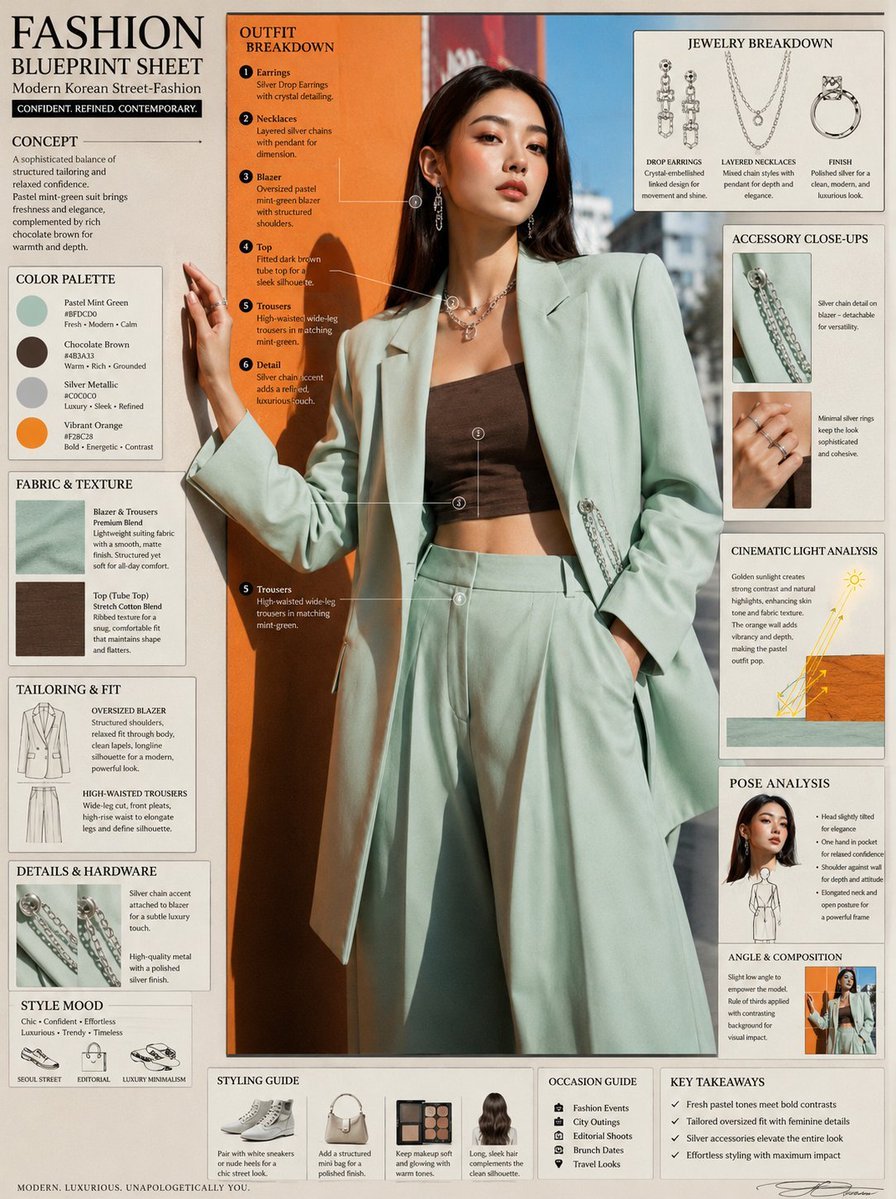
Fashion Editorial Blueprint Sheet
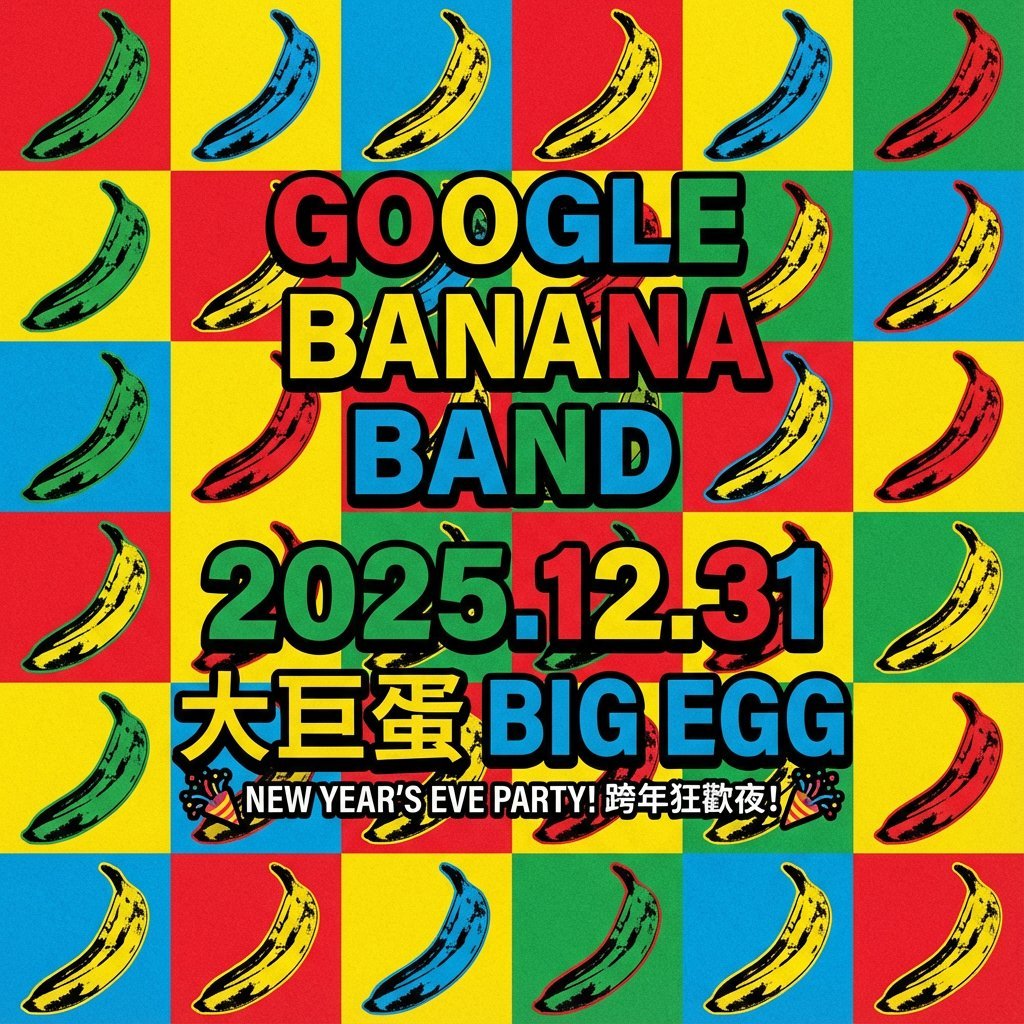
Concert poster for Google Banana Band
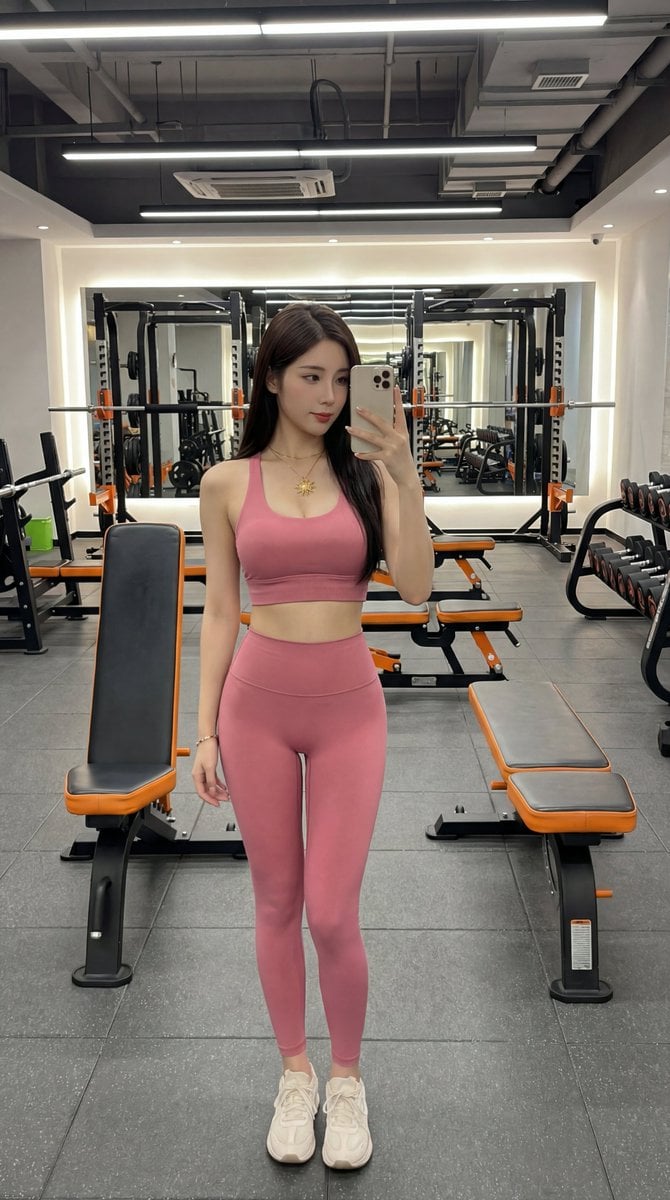
Photorealistic Gym Selfie Portrait with Specific Composition and Color Palette
Browse template categories
NEONVEIL Silver Vocalist Poster questions
How do I use the NEONVEIL Silver Vocalist Poster template?
Add your photo if the template asks for one, edit the prompt if you like — the template's model and format are already selected — and press Generate. Your version opens in PicX Studio.
Can I customize the NEONVEIL Silver Vocalist Poster template?
Yes. You can change the subject, setting, lighting, mood, format, and available model controls before creating your image.
Is the NEONVEIL Silver Vocalist Poster template free?
Opening and editing this template is free. Generating uses credits, shown on the Generate button when you are signed in.
Which AI model should I use?
Start with GPT Image 2, which is the model associated with this template. You can compare another compatible model for a different finish.
Looking for something else? Browse all templates.

Your photo, any look
Thousands of ready templates for every top image and video model, from one credit balance.