
AI Manga Tool Struggle Comic
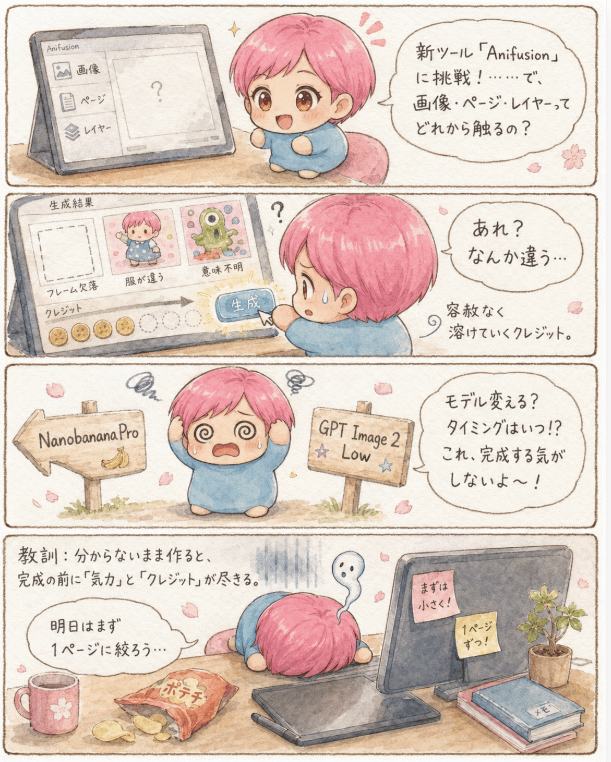
A four-panel kawaii watercolor diary manga about an anxious creator learning Anifusion and managing AI generation credits.
- Prompt included
- Model and format preset
- Premium template
The prompt behind this image
Copy the exact prompt behind AI Manga Tool Struggle Comic, or open it in the studio and make it yours.
Goal: Create a soft watercolor-style vertical 4-panel diary manga about struggling to learn a new AI manga tool, with cute anxious humor and handwritten Japanese text. Canvas: Portrait page, warm off-white paper texture, thin brown hand-drawn border around the whole page and around each of the 4 horizontal panels. Gentle beige shadows, pastel colors, small pink cherry blossom petals scattered throughout. Main character: A chibi creator with {argument name="hair color" default="short pink hair"}, large amber eyes, a round face, tiny body, and a simple loose blue outfit. The character appears exactly 5 times across the comic: curious beside a tablet in panel 1, worried while pressing a generate button in panel 2, panicking at a signpost in panel 3, collapsed face-down on a desk in panel 4, and as a small thumbnail in the generated-results UI in panel 2. Panel 1: On the left, show a tilted tablet or monitor displaying the Anifusion interface with exactly 3 selectable menu items labeled in Japanese: 「画像」, 「ページ」, 「レイヤー」. The main preview area contains a large question mark. On the right, the chibi character looks at the screen with uncertainty. Add a speech bubble reading: 「新ツール『Anifusion』に挑戦!……で、画像・ページ・レイヤーってどれから触るの?」 Include a tiny sparkle near the character. Panel 2: Show a close-up of the tool interface labeled 「生成結果」. It contains exactly 3 result cards: a blank dashed frame labeled 「フレーム欠損」, a cute pink-haired character image labeled 「服が違う」, and a strange green monster labeled 「意味不明」. Beneath them, show a credit meter with exactly 5 filled coin circles and 5 empty dotted circles, plus a large blue button labeled 「生成」 being clicked by the character. The main chibi character is seen from behind/right side, sweating. Add a speech bubble reading: 「あれ?なんか違う…」 and a small side note reading: 「容赦なく溶けていくクレジット。」 Panel 3: The chibi character stands in the center with spiral eyes, raised hands, sweat drops, and panic symbols above the head. On the left, a wooden sign arrow points left and reads 「NanobananaPro」 with a small banana drawing. On the right, a wooden sign points right and reads 「GPT Image 2 Low」 with tiny star decorations. Add a speech bubble reading: 「モデル変える?タイミングはいつ!? これ、完成する気がしないよ〜!」 Panel 4: A desk scene showing the exhausted chibi collapsed face-down in the center, only pink hair and blue outfit visible. On the left side of the desk, include exactly 3 snack/drink items: a pink mug with a flower, a small plate of potato chips, and an orange snack bag labeled 「ポテチ」. On the right, show a tablet or monitor with exactly 2 sticky notes: 「まずは小さく」 and 「1ページずつ!」. Also include a small potted plant and exactly 2 stacked notebooks, the top one labeled 「メモ」. Above the character, add a pale ghost-like sigh symbol. Add lesson text at upper left: 「教訓:分からないまま作ると、完成の前に『気力』と『クレジット』が尽きる。」 Add a speech bubble near the mug reading: 「明日はまず1ページに絞ろう…」 Visual style: Japanese kawaii diary manga, hand-painted watercolor, soft ink outlines, rounded forms, muted pastel palette, cozy handmade feel, slightly imperfect handwritten text, expressive chibi emotions, no harsh digital gradients. Constraints: Use exactly 4 horizontal comic panels and the exact counted elements listed above. Keep all text legible and handwritten in Japanese where specified. Do not add extra panels, extra characters, logos, watermarks, or unrelated UI elements.
How to use AI Manga Tool Struggle Comic in 3 steps
- 1Upload ImagePNG, JPG or paste
Add your photo
Upload the photo the template builds on. The prompt, model and format are already set.
- 2…a portrait of your subject in softgolden-hour light, 85mm…
Personalize
Edit the subject and creative details for your destination.
- 3Generate
Generate
Press Generate — your image is created in PicX Studio, so you can compare it with the original and refine one variable at a time.
More like this
Templates with the same subject, style or setup. Open one to see its prompt.
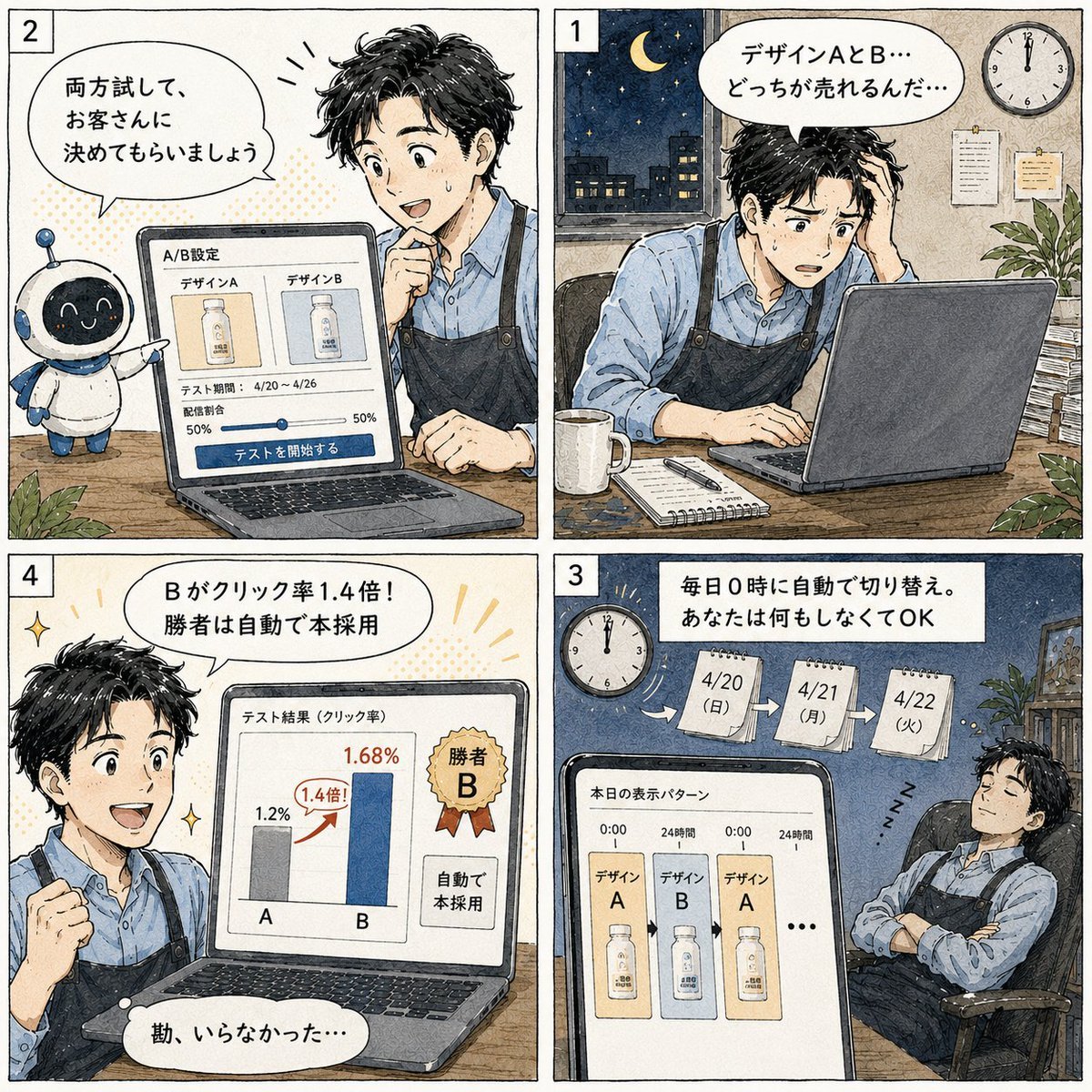
Japanese Manga A/B Testing Comic

Cute AI Manga Lesson Comic Page

Pop Art Superhero Explosion Poster

Hero Portrait Comic Multi-Panel Poster

Spider-Man Noir Detective Rain Alley
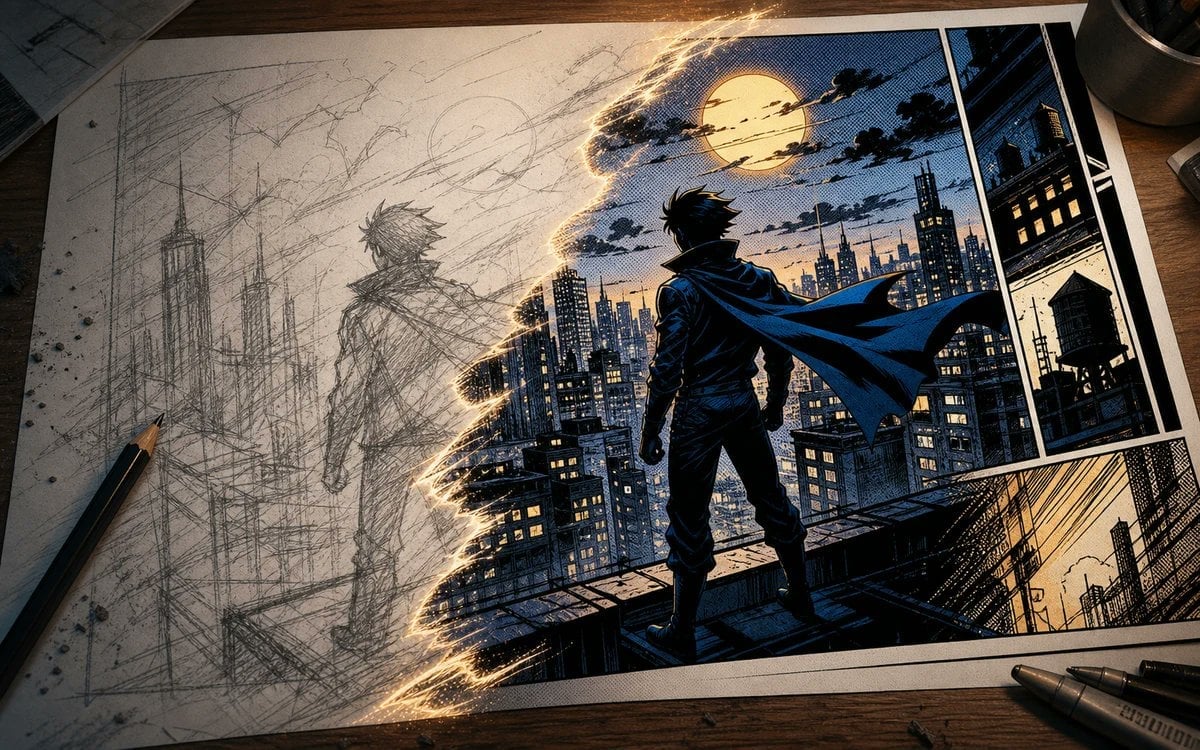
Sketch to Manga Comic Transformation
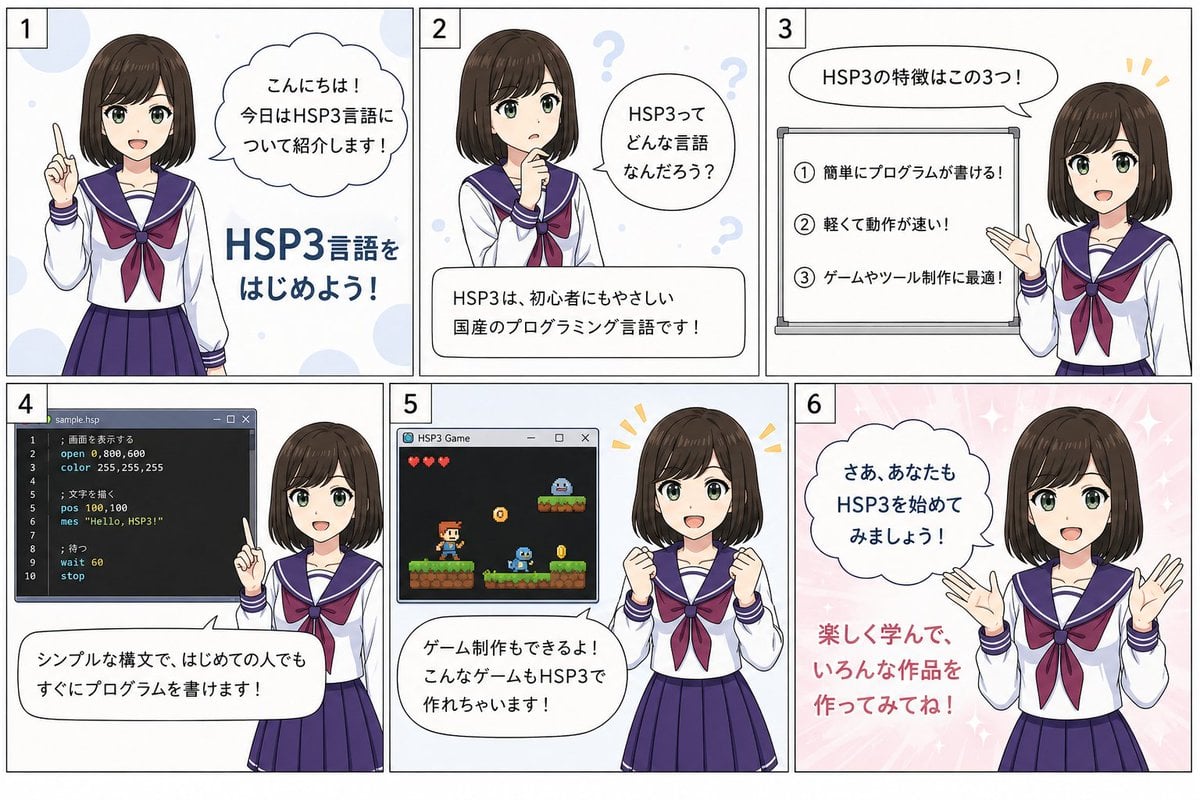
HSP3 Manga Introduction Comic
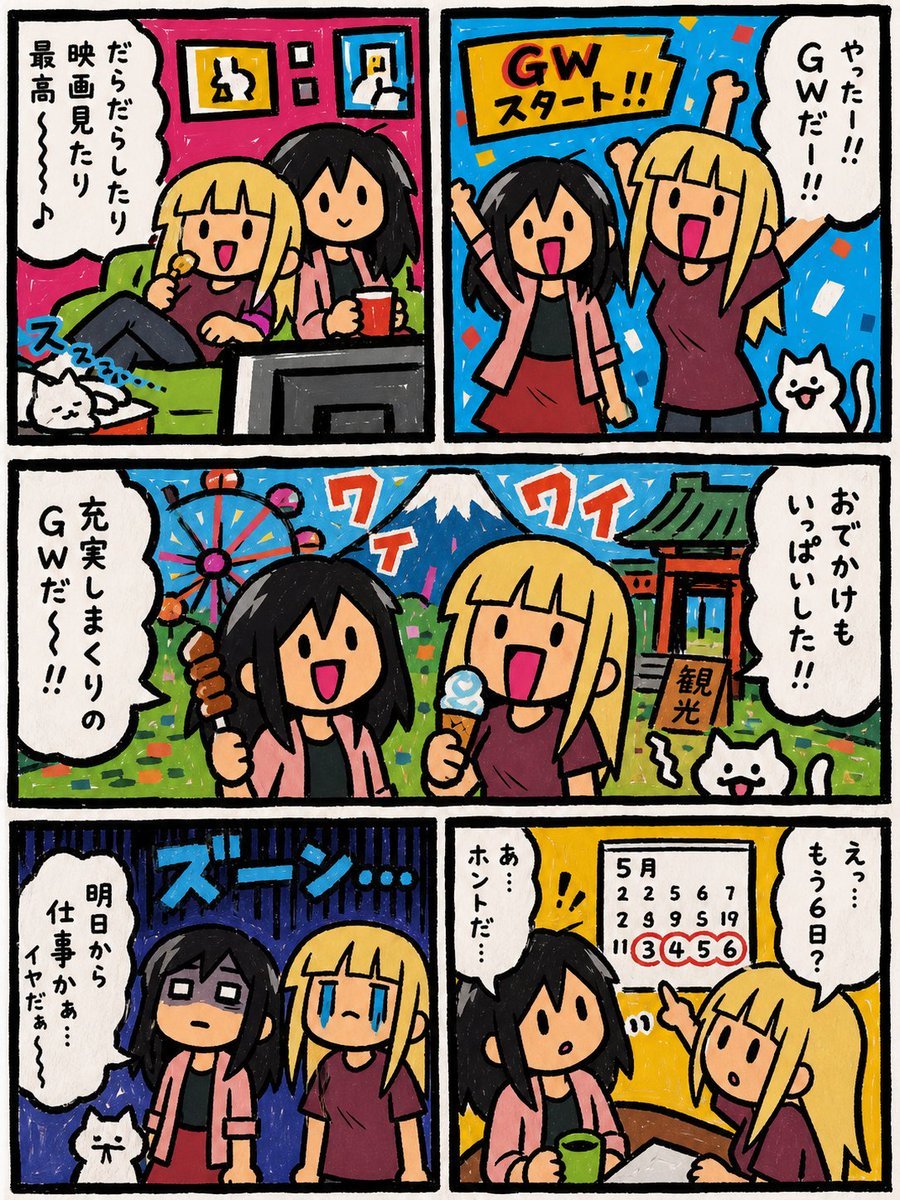
Six-Panel Golden Week Manga Comic
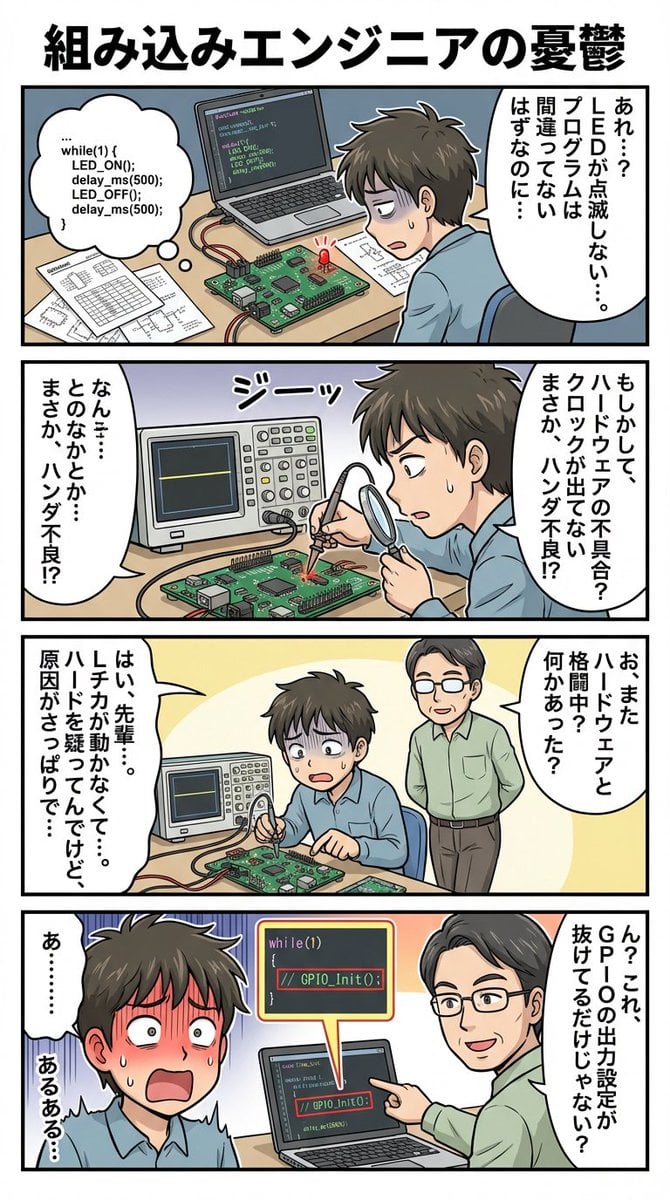
panel comic about embedded engineer struggles
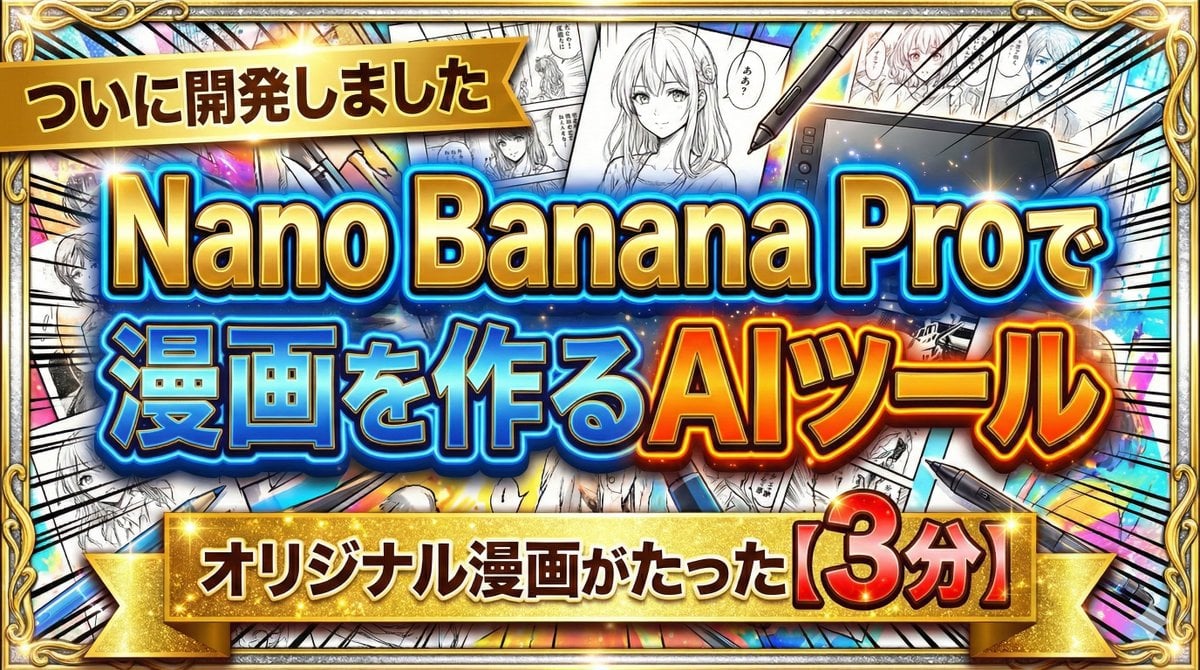
Developing a Nano Banana Pro Manga Creation Tool

Gpt2 E Commerce Main Image 9 Panel Product Tvc Storyboard

Retro Manga StackChan Concept Sheet
Make it yours
AI Manga Tool Struggle Comic works as-is. These are the safest ways to change it without losing the look.
Change one field
Copy a single group, rewrite it, and generate again so you can see what that field is doing.
Keep the frame, change the subject
Hold the composition and light of AI Manga Tool Struggle Comic, then swap wardrobe, props or the person for a new take.
| If the result… | Why | Fix |
|---|---|---|
| The result drifts from the preview | Too many fields changed at once. | Reuse AI Manga Tool Struggle Comic as-is first, then change one group — subject, light, or setting. |
| The model over-stylizes the scene | The prose prompt leaves finish and camera underspecified. | Add one camera or lighting sentence and stay on GPT Image 2. |
More GPT Image 2 templates
Other prompts made for GPT Image 2.

Six VTuber Japanese Logo Sheet

Realistic Portrait of Woman and Deer

The Vista Modular Condo Poster

AI Model Routing Comparison Infographic

2.5D Anime Art Board

Isometric Productivity Desk Scene

New York Double Exposure Poster

Four-Panel AI Landscape Comparison

Japanese Tatami Lifestyle Magazine Cover

NESCAFÉ Coffee Map Poster
More image prompts
Fresh picks from across the catalog.
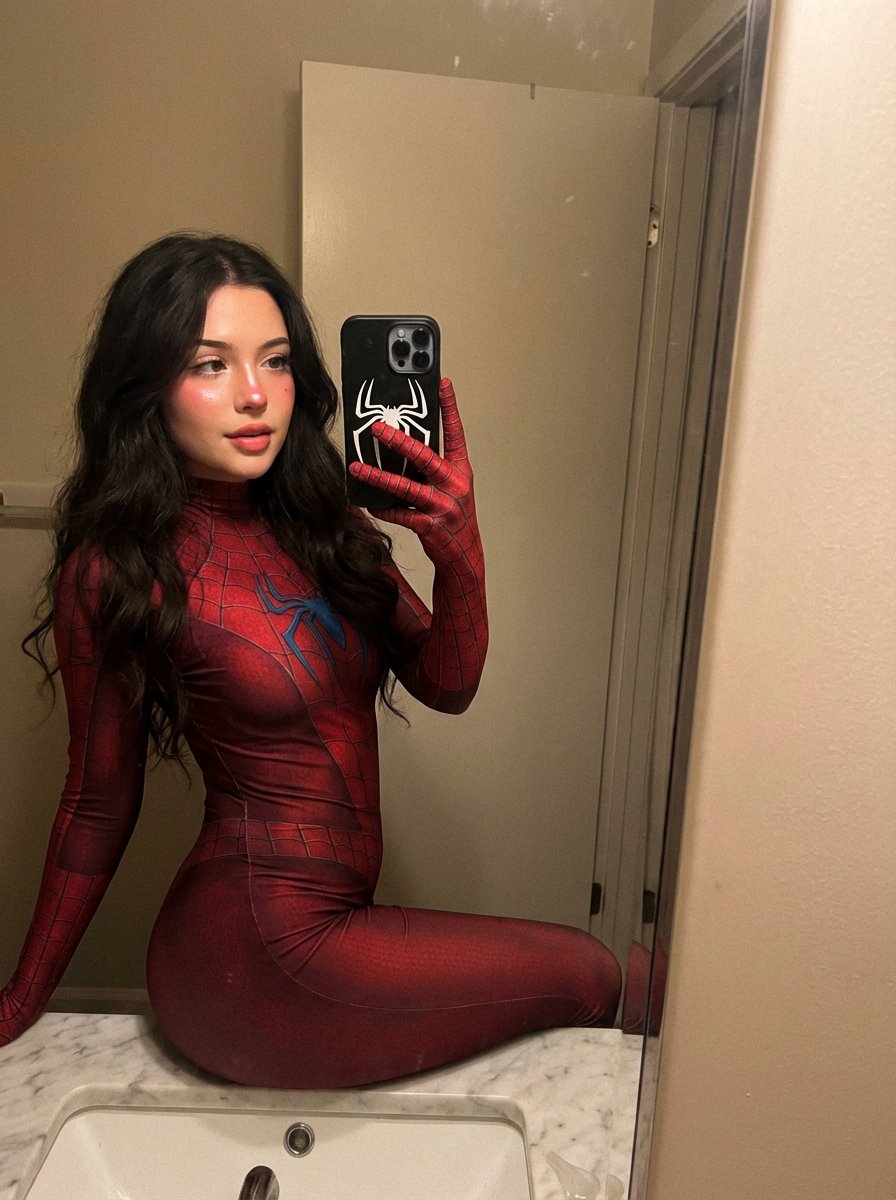
Spider-Symbiote Mirror Selfie Prompt
Lu Xun Literature Themed Illustration
3D Pixar-Style Sticker Pack Generation from Reference Image
Micro-World Mathematical Symbols Grid Prompt
Anime Style K-Pop Collage
Fiery Butadon Japanese Ad Poster

Epic Midnight Warrior Fantasy Scene
Anthropomorphic Bulldog Barbecue Scene (Classic Cartoon Style)
Abandoned Airplane Jungle Selfie
Dramatic Wide Angle Dynamic Pose
Browse template categories
AI Manga Tool Struggle Comic questions
How do I use the AI Manga Tool Struggle Comic template?
Add your photo if the template asks for one, edit the prompt if you like — the template's model and format are already selected — and press Generate. Your version opens in PicX Studio.
Can I customize the AI Manga Tool Struggle Comic template?
Yes. You can change the subject, setting, lighting, mood, format, and available model controls before creating your image.
Is the AI Manga Tool Struggle Comic template free?
Opening and editing this template is free. Generating uses credits, shown on the Generate button when you are signed in.
Which AI model should I use?
Start with GPT Image 2, which is the model associated with this template. You can compare another compatible model for a different finish.
Looking for something else? Browse all templates.

Your photo, any look
Thousands of ready templates for every top image and video model, from one credit balance.