
Anime Mirror Selfie Grid
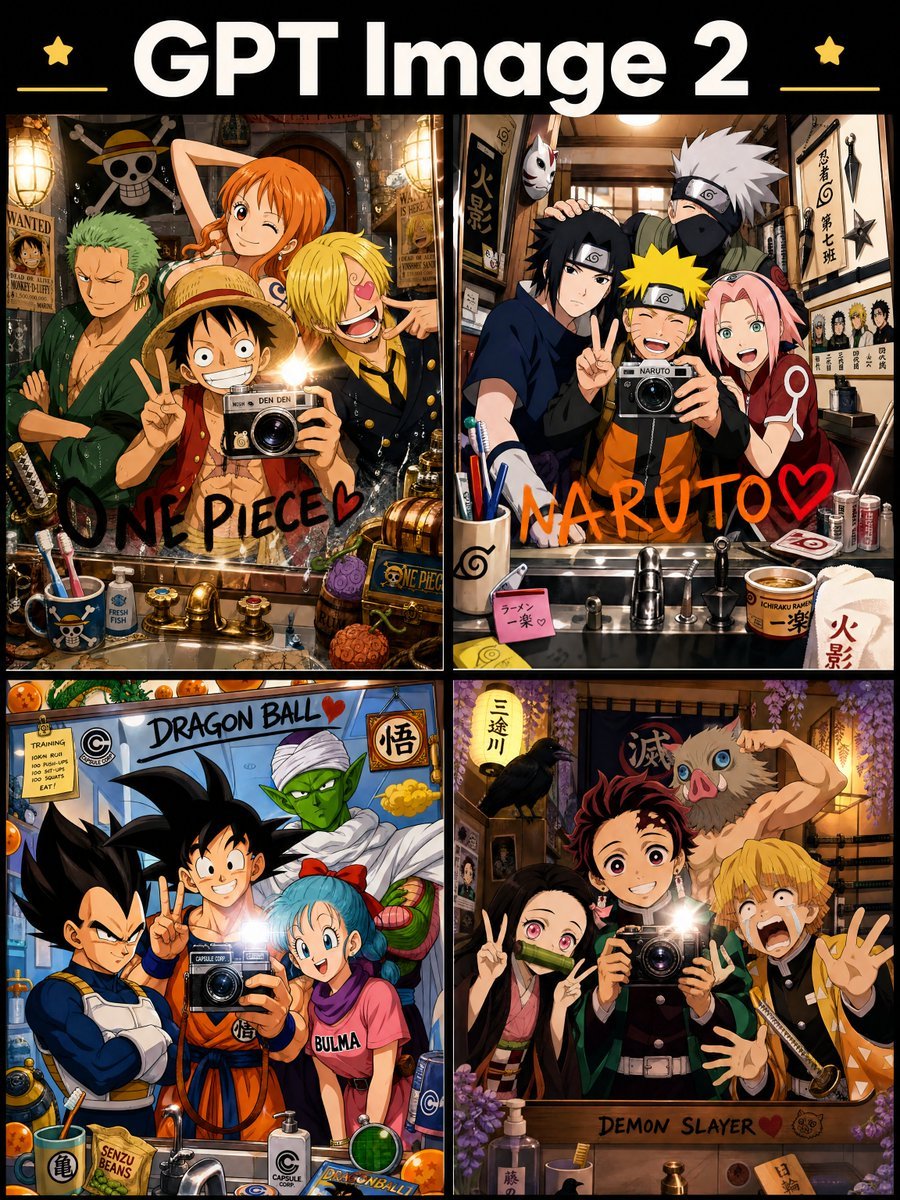
Creates a four-panel anime crossover poster with themed mirror selfies for comparing image-generation styles.
- Prompt included
- Model and format preset
- Premium template
The prompt behind this image
Copy the exact prompt behind Anime Mirror Selfie Grid, or open it in the studio and make it yours.
Goal: Create a vibrant anime crossover poster showing a mirror-selfie collage for {argument name="image model title" default="GPT Image 2"}, with four famous shonen anime groups posing in themed bathrooms or dressing rooms. Canvas: Vertical 3:4 poster, black background, thick cream title at the top, two small yellow stars near the title, thin yellow decorative lines, and a 2x2 grid of four framed illustration panels separated by black borders. Top title text: Large bold white rounded sans-serif text reading “{argument name="image model title" default="GPT Image 2"}”. Layout: Use exactly 4 panels in a 2 by 2 grid, each panel styled like a glossy anime illustration and featuring a bright camera flash reflected in a mirror. Each panel should include bathroom sink counters, faucets, cups, soap bottles, posters, notes, props, and franchise-themed clutter. Add handwritten franchise names directly on or near the mirror in each panel. Panel 1, top left — ONE PIECE: Show exactly 4 main characters posing around a mirror selfie: Luffy in a straw hat holding a camera and making a peace sign, Nami winking behind him with orange hair, Zoro at left with green hair and arms crossed, and Sanji at right with blond hair and a laughing expression. Pirate-themed bathroom clutter includes a skull-and-crossbones flag, wanted posters, treasure chests, barrels, fruit, nautical mugs, and brass fixtures. Handwritten black text at the bottom reads “ONE PIECE” with a red heart. Panel 2, top right — NARUTO: Show exactly 4 main characters posing around a mirror selfie: Naruto in orange at center holding a camera and smiling, Sasuke at left making a peace sign, Sakura at right smiling, and Kakashi behind them with silver hair and a mask. The room has ninja scrolls, kunai, shuriken, headband displays, ramen items, posters, and a sink counter. Handwritten orange text across the lower mirror reads “NARUTO” with a red heart. Panel 3, bottom left — DRAGON BALL: Show exactly 4 main characters posing around a mirror selfie: Vegeta at left with crossed arms, Goku in the center smiling and making a peace sign while holding a camera, Bulma at right smiling with blue hair, and Piccolo behind them in green with a white turban. Add Dragon Balls, Capsule Corp labels, senzu bean cup, training notes, bottles, gadgets, and a bathroom sink. Handwritten text at the top reads “DRAGON BALL” with a red heart. Panel 4, bottom right — DEMON SLAYER: Show exactly 4 main characters posing around a mirror selfie: Tanjiro at center holding a camera with a bright flash, Nezuko at left making a peace sign with bamboo muzzle, Zenitsu at right panicking with raised hands, and Inosuke behind them wearing a boar mask and flexing. Use a warm wooden Japanese interior with wisteria flowers, crow, swords, talismans, soap bottles, and sink fixtures. Text on the wooden lower frame reads “DEMON SLAYER”. Visual style: High-detail polished anime fan-art style, colorful, energetic, expressive faces, cinematic warm lighting, realistic mirror reflections and camera flash glare, dense background props, clean black grid borders, crisp linework, saturated colors. Constraints: Use exactly 4 panels and exactly 4 main characters per panel, for 16 total main characters. Keep all visible text legible where specified. No watermark, no extra panels, no photorealism.
How to use Anime Mirror Selfie Grid in 3 steps
- 1Upload ImagePNG, JPG or paste
Add your photo
Upload the photo the template builds on. The prompt, model and format are already set.
- 2…a portrait of your subject in softgolden-hour light, 85mm…
Personalize
Edit the subject and creative details for your destination.
- 3Generate
Generate
Press Generate — your image is created in PicX Studio, so you can compare it with the original and refine one variable at a time.
More like this
Templates with the same subject, style or setup. Open one to see its prompt.
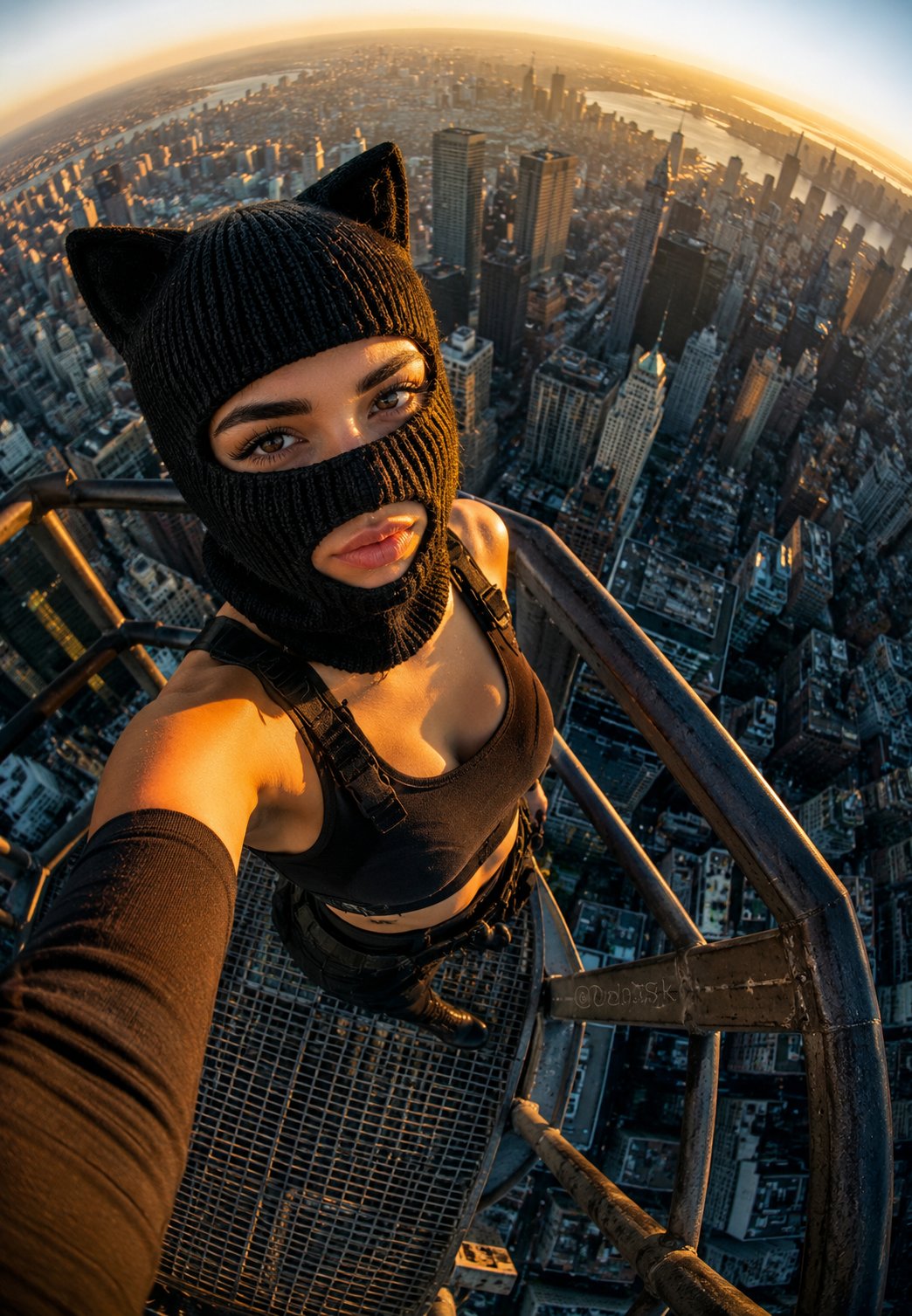
Rooftop Fisheye — Cat-Ear Balaclava at Golden Hour
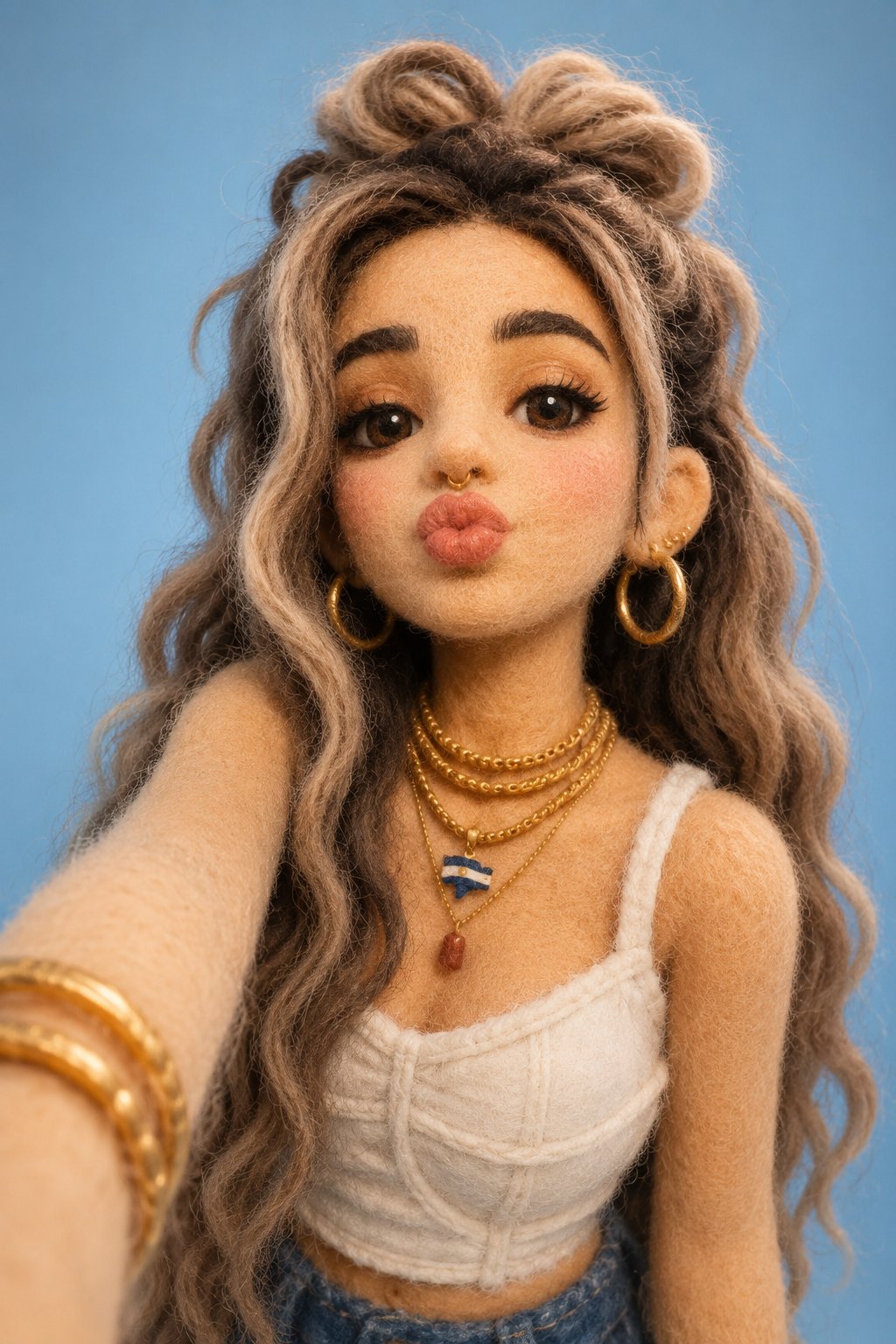
Felt & Knit 3D Character — Photo-Exact Face, Pixar-Quality Plush Figurine
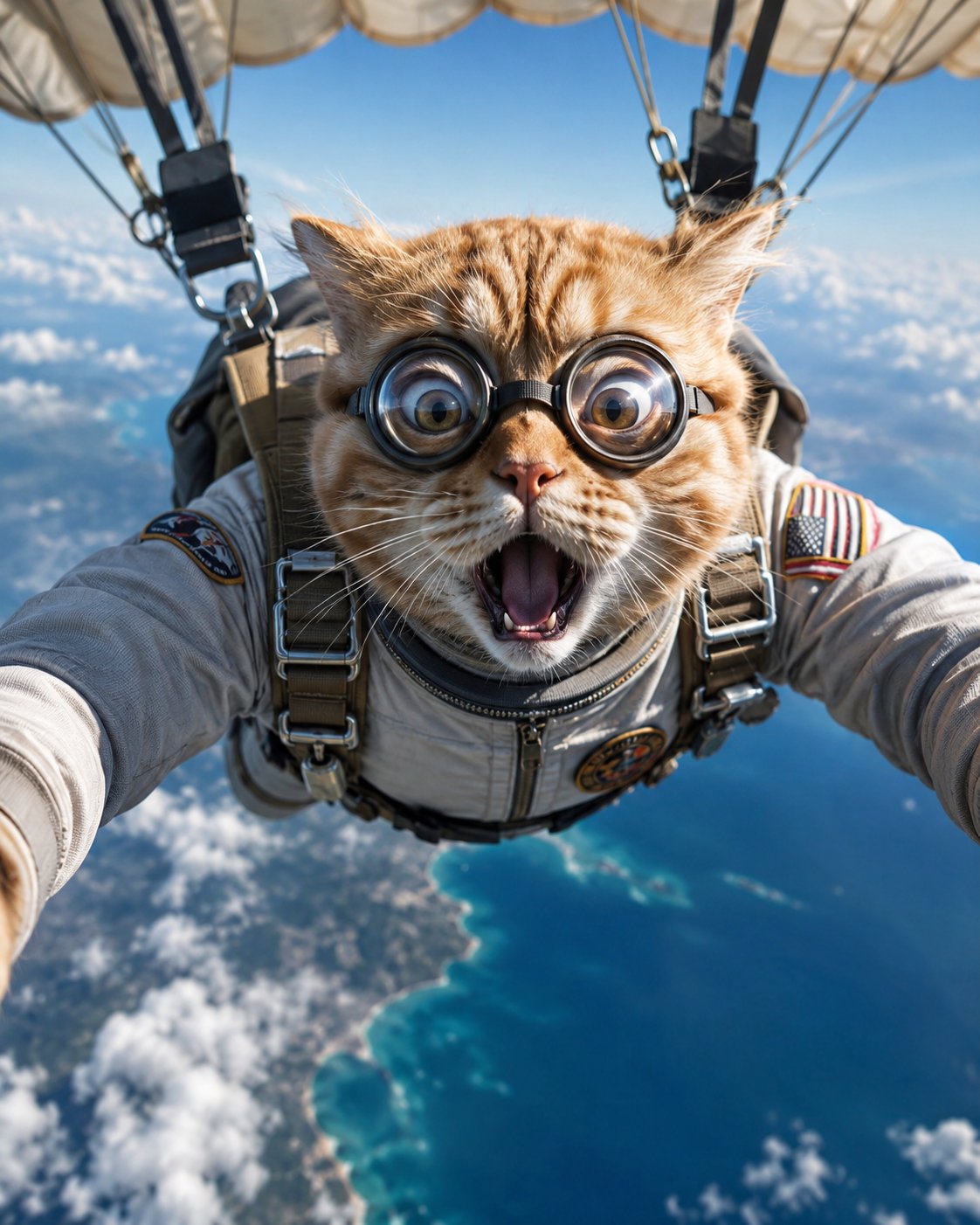
Surreal Cat Astronaut — Humanoid Face Freefall

Morning Mirror Selfie Candid
Panel Mirror Selfie Collage
Anime Girl Generation Grid
Backseat Mirror Selfie
Candid Mirror Selfie Beauty Portrait
Intimate Bedroom Mirror Selfie
Chibi Mirror Selfie with Kawaii Doodles
Floral Mirror Selfie Portrait
iPhone Mirror Selfie Realism
Make it yours
Anime Mirror Selfie Grid works as-is. These are the safest ways to change it without losing the look.
Change one field
Copy a single group, rewrite it, and generate again so you can see what that field is doing.
Keep the frame, change the subject
Hold the composition and light of Anime Mirror Selfie Grid, then swap wardrobe, props or the person for a new take.
| If the result… | Why | Fix |
|---|---|---|
| The result drifts from the preview | Too many fields changed at once. | Reuse Anime Mirror Selfie Grid as-is first, then change one group — subject, light, or setting. |
| The model over-stylizes the scene | The prose prompt leaves finish and camera underspecified. | Add one camera or lighting sentence and stay on GPT Image 2. |
More GPT Image 2 templates
Other prompts made for GPT Image 2.
Six VTuber Japanese Logo Sheet
Realistic Portrait of Woman and Deer
The Vista Modular Condo Poster

AI Model Routing Comparison Infographic
2.5D Anime Art Board
Isometric Productivity Desk Scene
New York Double Exposure Poster
Four-Panel AI Landscape Comparison
Japanese Tatami Lifestyle Magazine Cover

NESCAFÉ Coffee Map Poster
More image prompts
Fresh picks from across the catalog.

Double Exposure Dubai Cityscape Poster
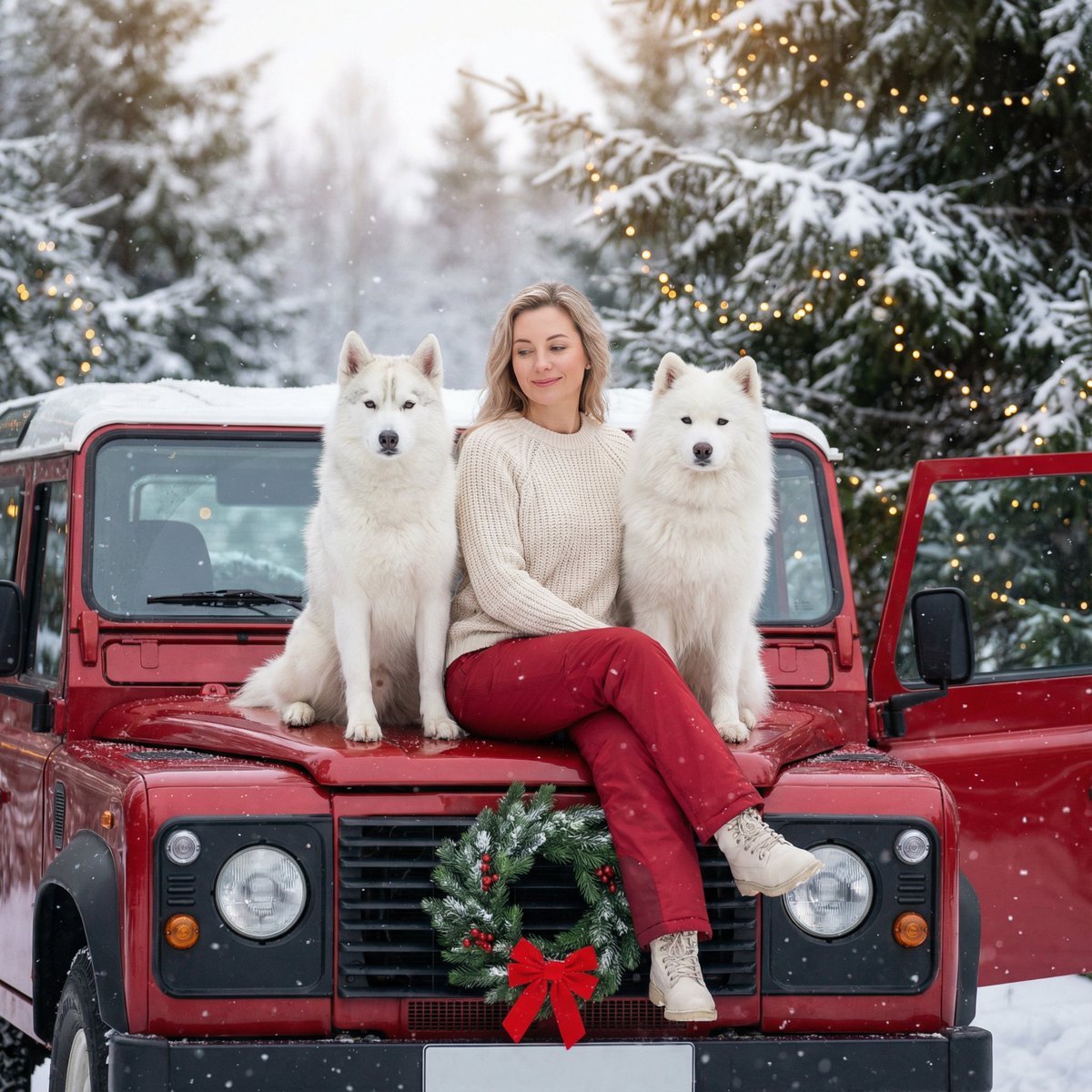
Winter Christmas Photoshoot with Huskies
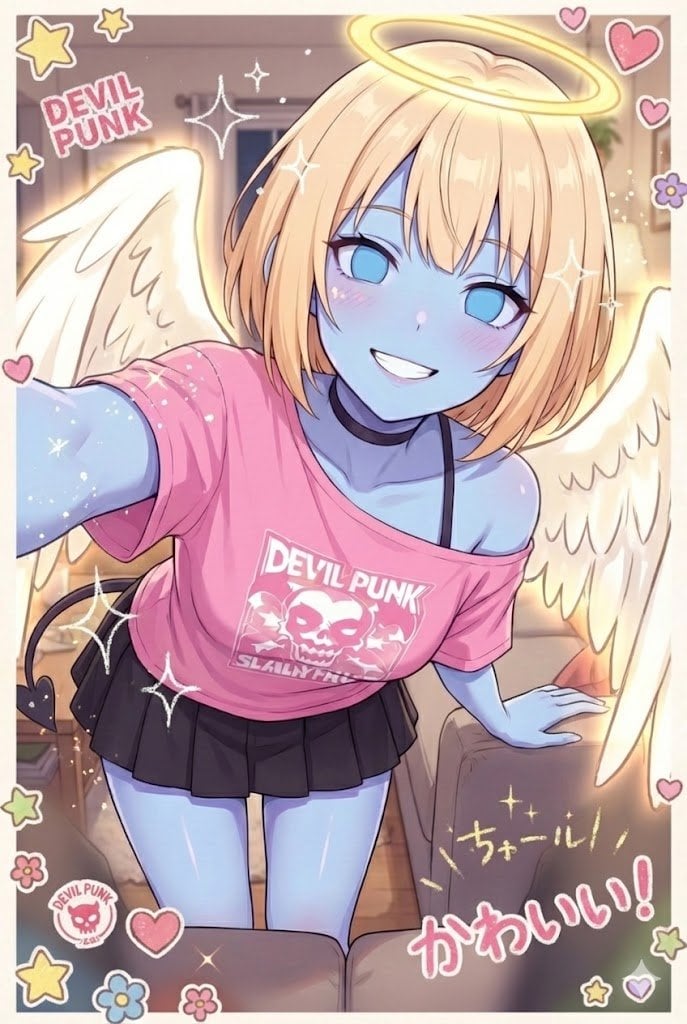
Puri-kura Style Processing and Drawn Wings Test
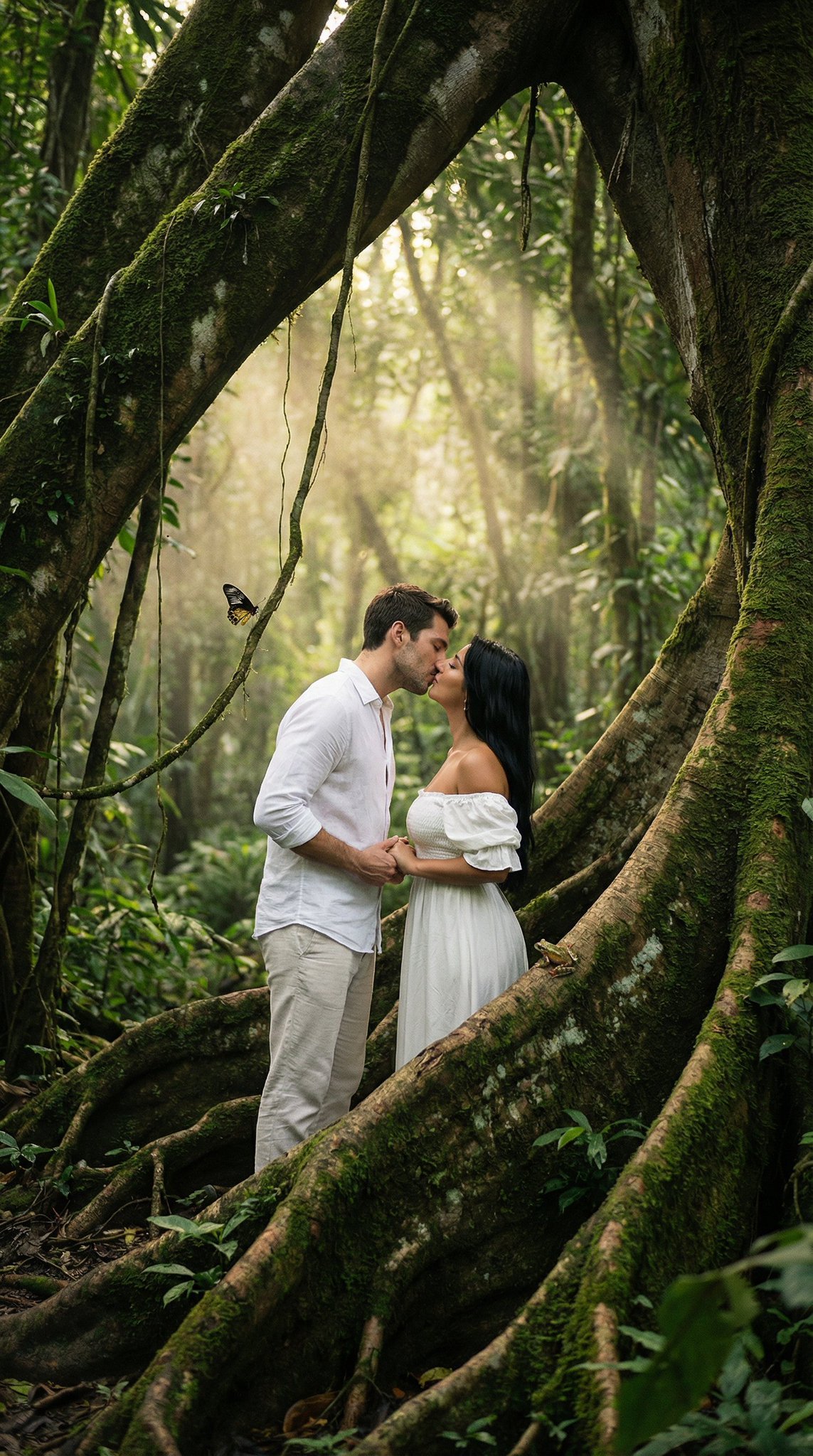
Ultra Realistic Ai Influencer Generator
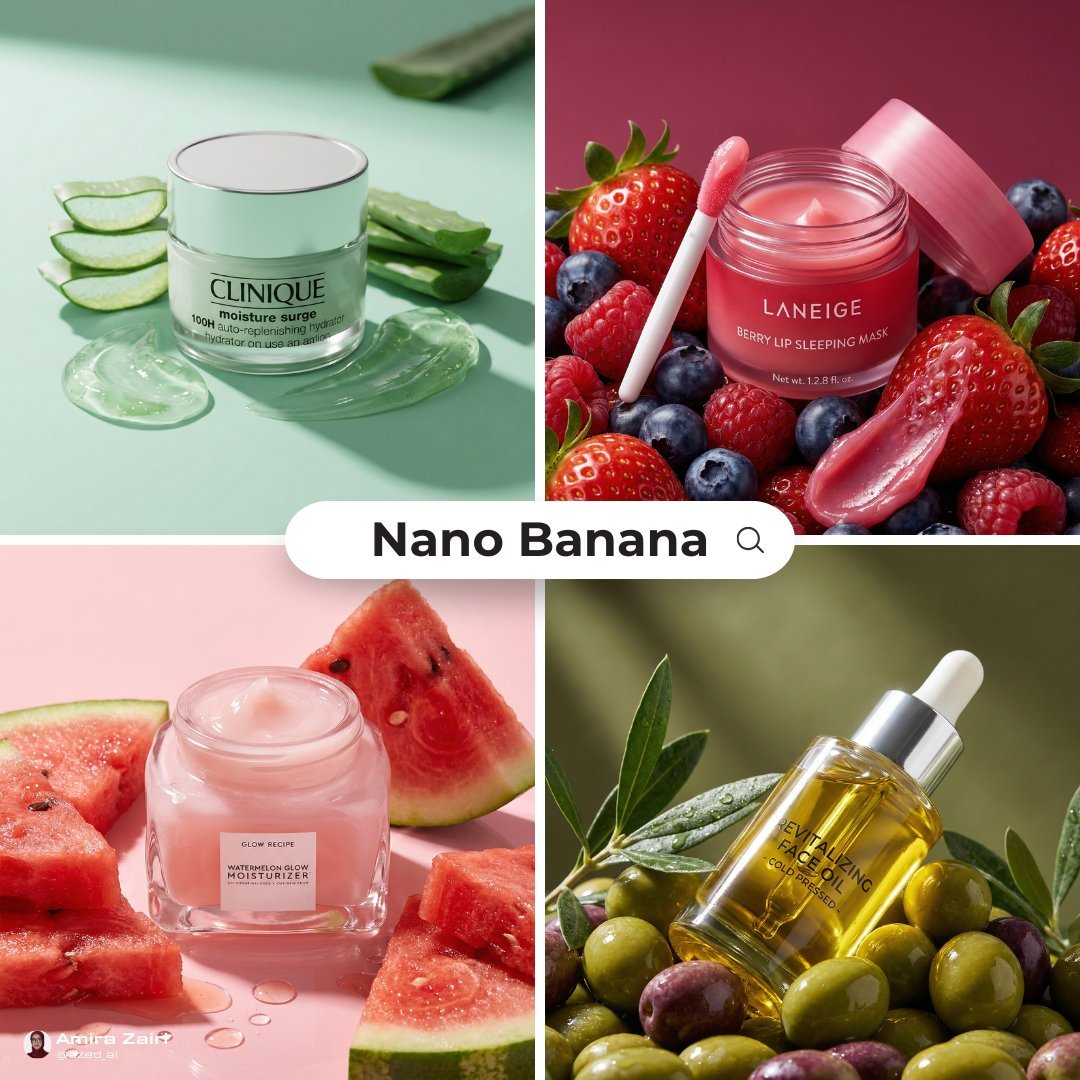
Luxury Ad Style Prompt
K-Pop Demon Hunters Blind Box Opening Video Script
Futuristic Apple Campaign Concept
Cinematic Triptych Portrait on a Night Bridge
New Year's Card Generation with Character Synchronization and Typography
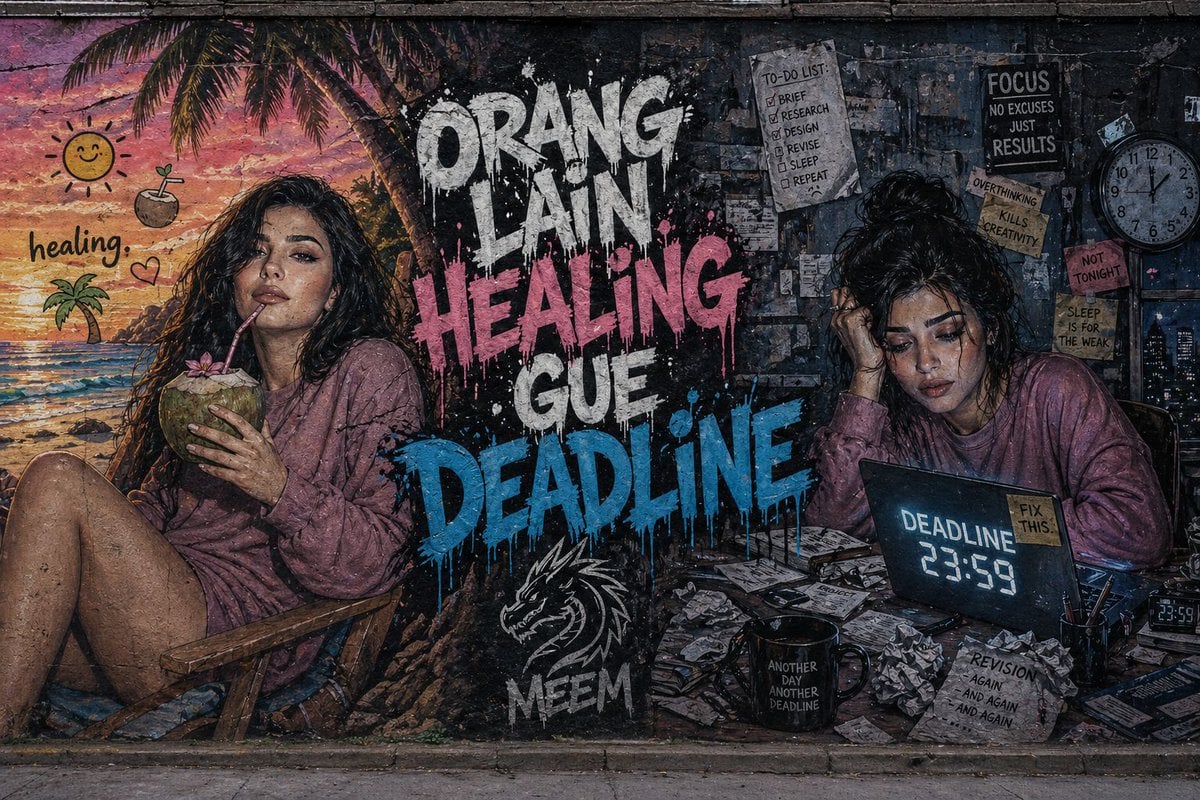
Dual-Concept Street Art Mural
Browse template categories
Anime Mirror Selfie Grid questions
How do I use the Anime Mirror Selfie Grid template?
Add your photo if the template asks for one, edit the prompt if you like — the template's model and format are already selected — and press Generate. Your version opens in PicX Studio.
Can I customize the Anime Mirror Selfie Grid template?
Yes. You can change the subject, setting, lighting, mood, format, and available model controls before creating your image.
Is the Anime Mirror Selfie Grid template free?
Opening and editing this template is free. Generating uses credits, shown on the Generate button when you are signed in.
Which AI model should I use?
Start with GPT Image 2, which is the model associated with this template. You can compare another compatible model for a different finish.
Looking for something else? Browse all templates.

Your photo, any look
Thousands of ready templates for every top image and video model, from one credit balance.