
Exploded Tennis Racquet Blueprint
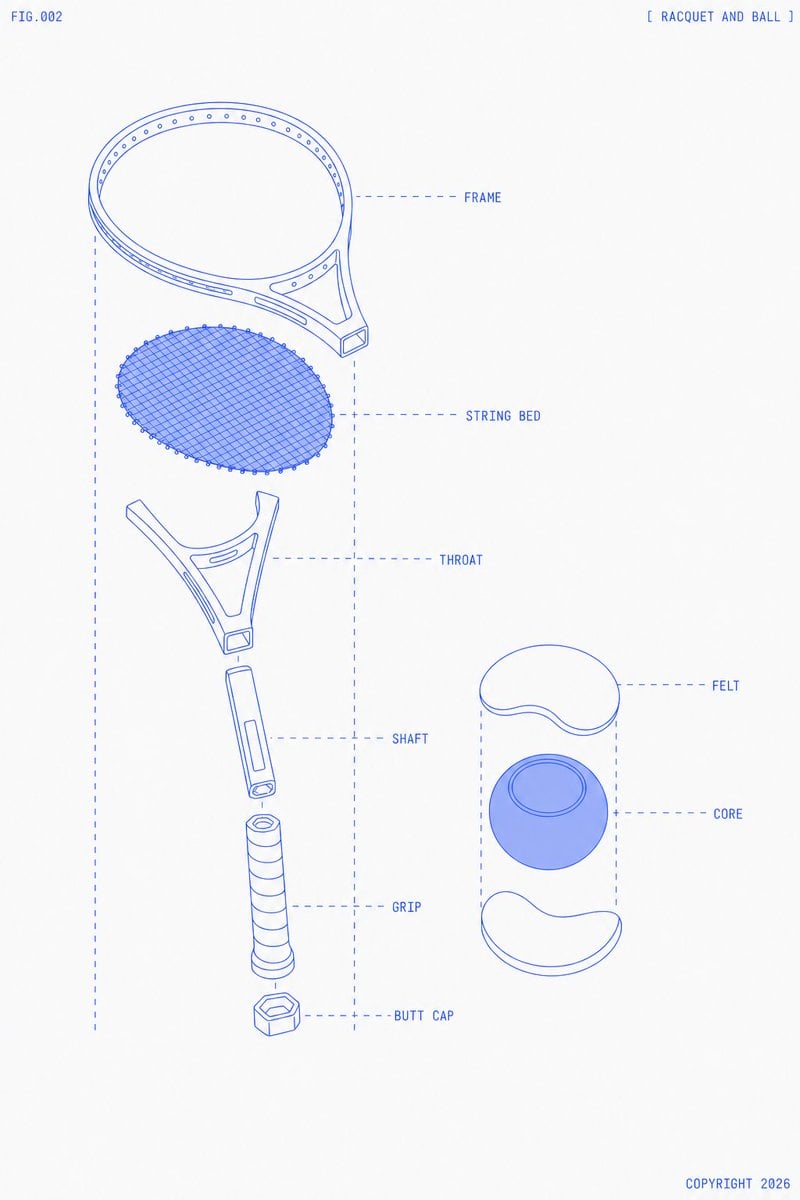
A blueprint-style exploded technical diagram of a tennis racquet and ball, useful for mockups, vector extraction, or sports equipment concept visuals.
- Prompt included
- Model and format preset
- Premium template
The prompt behind this image
Copy the exact prompt behind Exploded Tennis Racquet Blueprint, or open it in the studio and make it yours.
Goal: Create a clean technical blueprint-style exploded diagram of {argument name="sports equipment" default="a tennis racquet and ball"}, labeled like an instruction manual figure. Canvas: Portrait 3:4 composition on an off-white paper background with lots of negative space. Use thin cobalt-blue line art, monoline drafting strokes, pale blue translucent fills only where needed, and subtle print texture. No shadows except very light flat blue fill on the ball core. Layout: Place the exploded tennis racquet vertically on the left two-thirds of the canvas, with parts separated along a central vertical axis. Place the exploded tennis ball cross-section on the right-middle. Add dashed vertical guide lines framing each exploded assembly and dashed horizontal callout lines leading to labels on the right of each part. Use small all-caps monospaced blueprint lettering. Header and footer text: Put "FIG.002" in the top-left corner. Put "[ RACQUET AND BALL ]" in the top-right corner. Put "COPYRIGHT 2026" in the bottom-right corner. Discrete elements: Show exactly 13 main visible components total: 7 racquet components and 6 ball/callout-related components. The 7 racquet components, from top to bottom, are: 1) FRAME, an oval racquet head rim with small evenly spaced holes around the inner edge and a partial yoke connection; 2) STRING BED, a separate oval mesh insert made of dense diagonal crisscross strings with tiny perimeter nodes; 3) THROAT, a forked triangular bridge piece with open cutouts; 4) SHAFT, a short cylindrical handle connector with a rectangular inset detail and a circular end opening; 5) GRIP, a longer wrapped cylindrical grip with spiral bands; 6) BUTT CAP, a small hexagonal end cap below the grip; 7) dashed alignment box and callout construction lines surrounding the racquet assembly. The 6 ball/callout-related components are: 1) top white curved FELT shell piece; 2) central blue spherical CORE with a circular ring contour on top; 3) bottom white curved FELT shell piece; 4) dashed vertical guide lines around the ball assembly; 5) dashed horizontal label line to FELT; 6) dashed horizontal label line to CORE. Labels: Add exactly 7 callout labels in blue uppercase text: FRAME, STRING BED, THROAT, SHAFT, GRIP, BUTT CAP, FELT, and CORE. Place racquet labels to the right of the racquet parts and ball labels to the right of the ball parts. Keep labels aligned and minimal. Visual style: Minimal futuristic technical illustration, exploded product schematic, precise vector-like geometry, thin blue outlines, light blue hatching/mesh for the string bed, no photorealism, no people, no court, no extra decorations. Constraints: Keep the racquet head slightly tilted in perspective at the top, the string bed floating below it, and all handle parts stacked downward with visible gaps. The ball should appear as a simple cutaway with two separated felt shell halves and one blue core. Use {argument name="line color" default="cobalt blue"} linework on {argument name="background color" default="warm off-white"} paper, with {argument name="figure number" default="FIG.002"} and {argument name="copyright text" default="COPYRIGHT 2026"}.
How to use Exploded Tennis Racquet Blueprint in 3 steps
- 1Upload ImagePNG, JPG or paste
Add your photo
Upload the photo the template builds on. The prompt, model and format are already set.
- 2…a portrait of your subject in softgolden-hour light, 85mm…
Personalize
Edit the subject and creative details for your destination.
- 3Generate
Generate
Press Generate — your image is created in PicX Studio, so you can compare it with the original and refine one variable at a time.
More like this
Templates with the same subject, style or setup. Open one to see its prompt.

Paper Tunnel Book Architecture

Automotive Blueprint Split Composition

Blueprint Split Reality Archetype Prompt
Automotive Blueprint Split Composition
Blueprint Split Reality Archetype Prompt
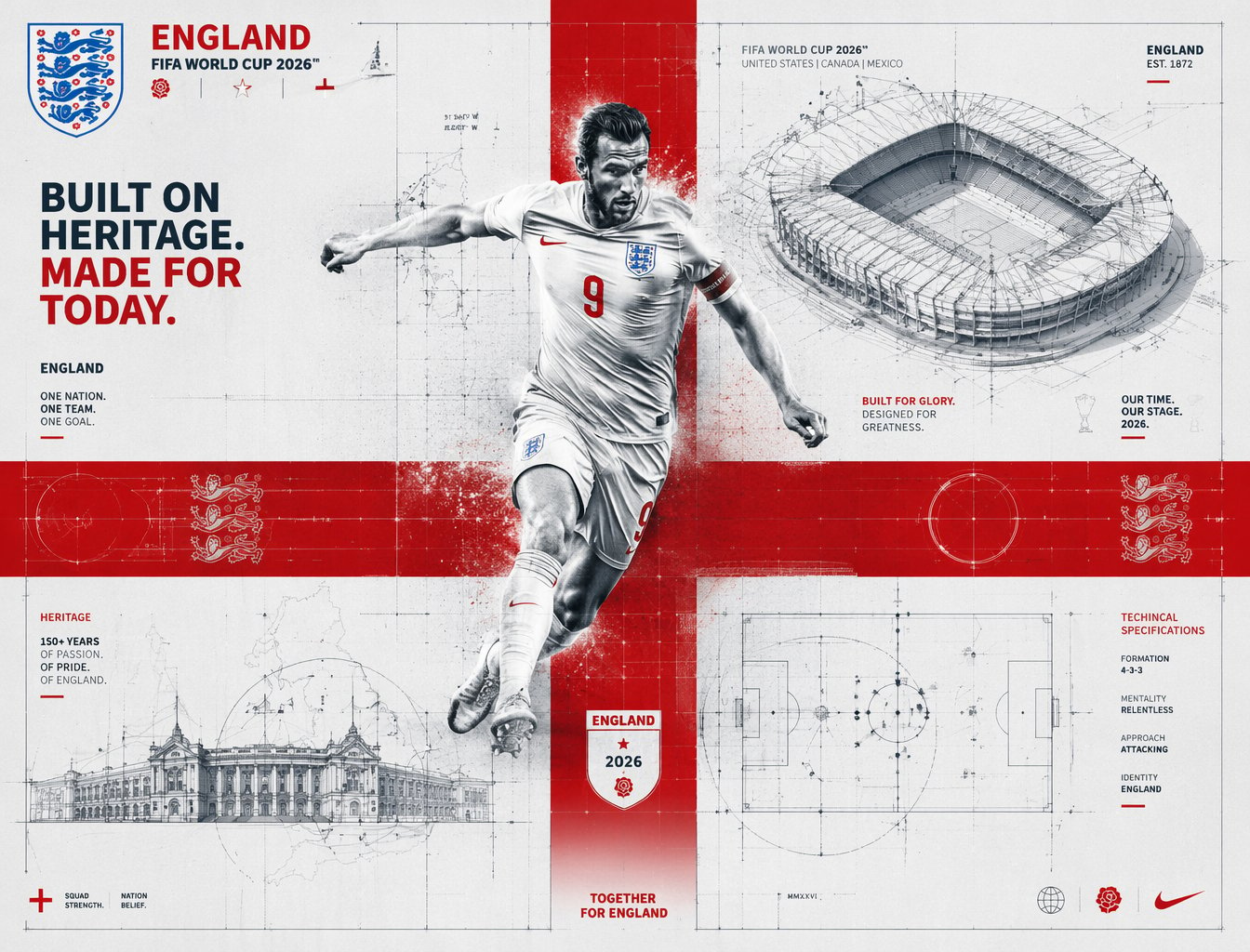
FIFA 2026 England — Blueprint Heritage
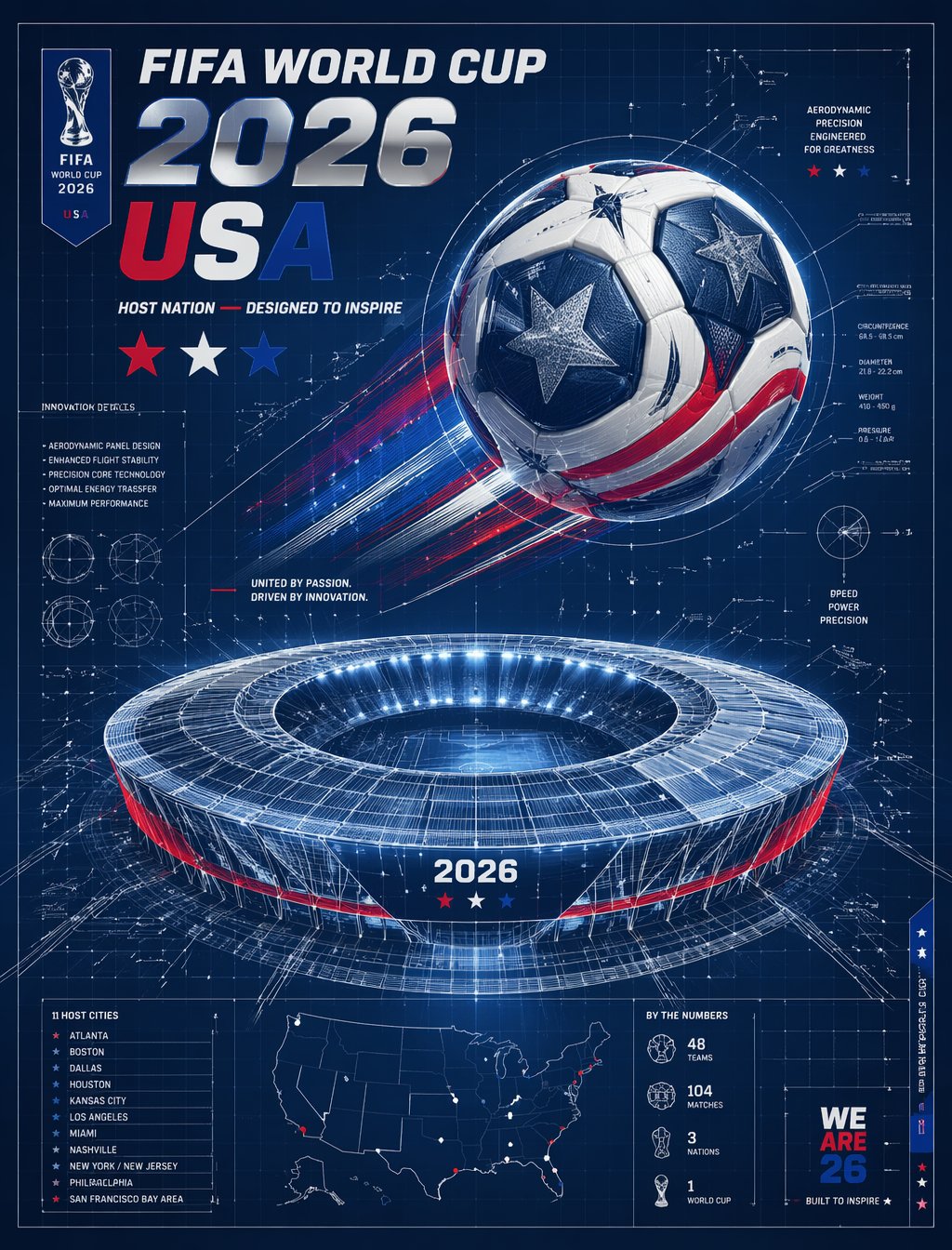
FIFA 2026 USA — Blueprint Host Nation

Gpt2 Avant Garde Tennis Fashion

Gpt Image 2 Fashion Portrait

Character Archive — Blueprint Concept Sheet
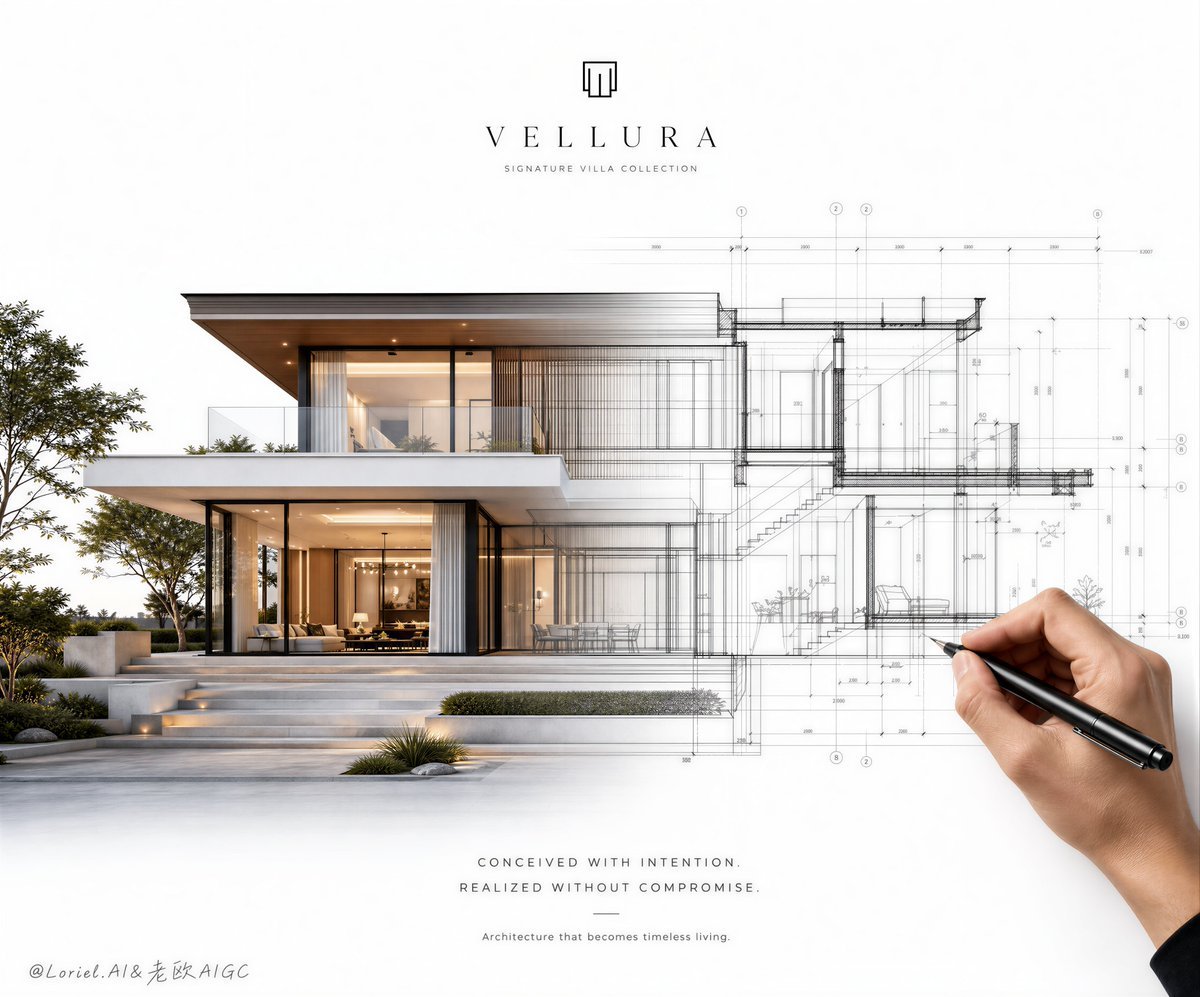
Architectural Villa Blueprint Poster
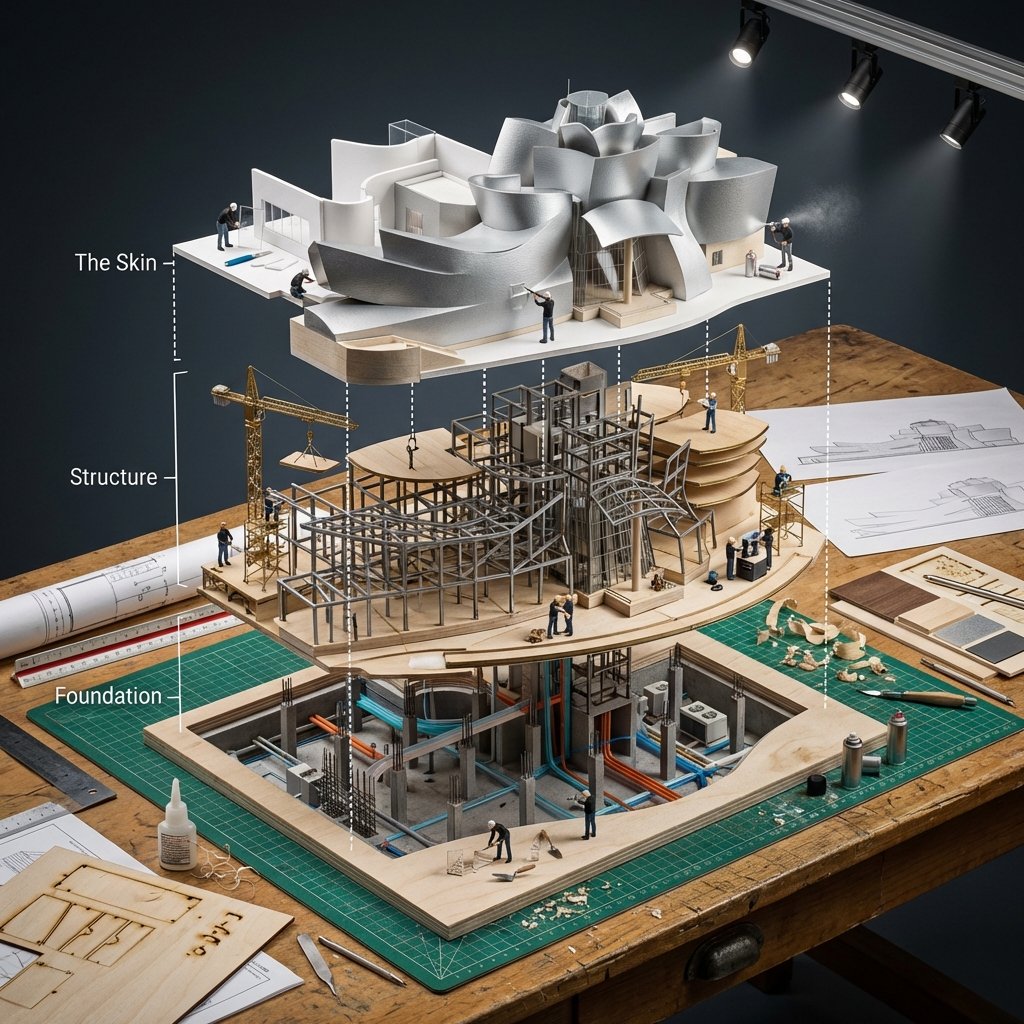
Building Exploded View Architectural Diorama
Make it yours
Exploded Tennis Racquet Blueprint works as-is. These are the safest ways to change it without losing the look.
Change one field
Copy a single group, rewrite it, and generate again so you can see what that field is doing.
Keep the frame, change the subject
Hold the composition and light of Exploded Tennis Racquet Blueprint, then swap wardrobe, props or the person for a new take.
| If the result… | Why | Fix |
|---|---|---|
| The result drifts from the preview | Too many fields changed at once. | Reuse Exploded Tennis Racquet Blueprint as-is first, then change one group — subject, light, or setting. |
| The model over-stylizes the scene | The prose prompt leaves finish and camera underspecified. | Add one camera or lighting sentence and stay on GPT Image 2. |
More GPT Image 2 templates
Other prompts made for GPT Image 2.

Six VTuber Japanese Logo Sheet

Realistic Portrait of Woman and Deer

The Vista Modular Condo Poster

AI Model Routing Comparison Infographic

2.5D Anime Art Board

Isometric Productivity Desk Scene

New York Double Exposure Poster

Four-Panel AI Landscape Comparison

Japanese Tatami Lifestyle Magazine Cover

NESCAFÉ Coffee Map Poster
More image prompts
Fresh picks from across the catalog.
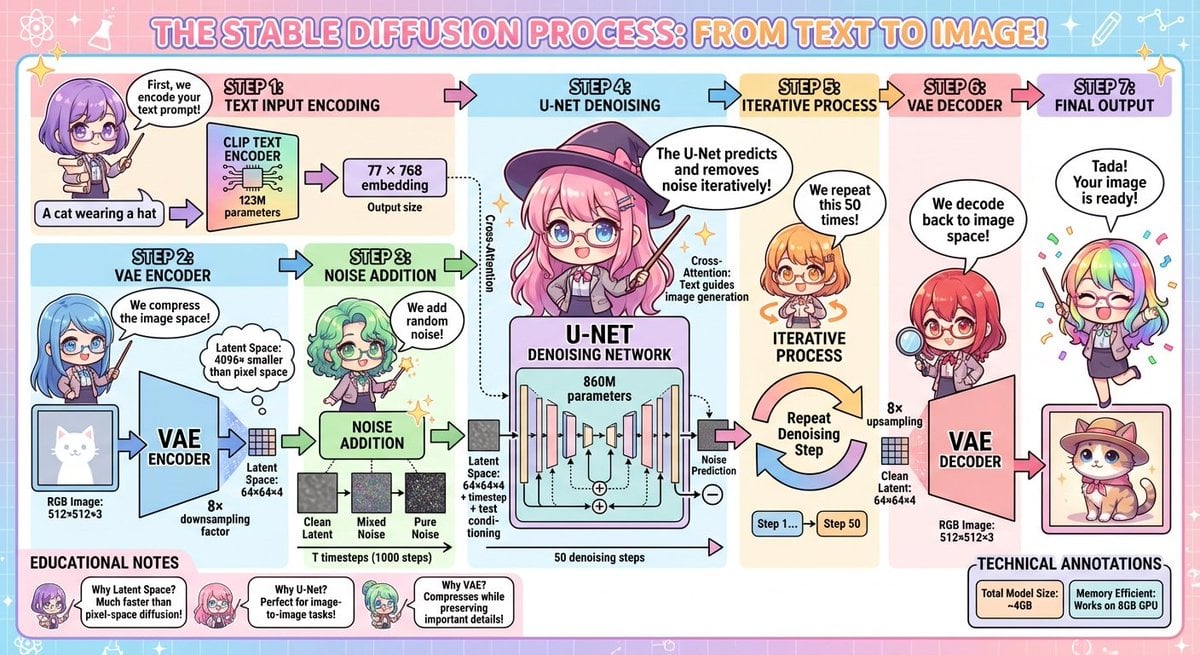
Stable Diffusion educational anime diagram
Portrait prompt for replicating a subject's appearance
Candid Outdoor Portrait by a Creek
Behind-the-Scenes Generation Prompt
80s B-Movie Horror Poster Transformation Prompt
Minimal AI Lock-In Comparison Slide
Ultra-realistic photo from retro game interface
Tokyo Back Alley Neon Snapshot
Rose Spirit Ocean Manhwa Portrait
Summer Mother and Baby Sky Collage
Browse template categories
Exploded Tennis Racquet Blueprint questions
How do I use the Exploded Tennis Racquet Blueprint template?
Add your photo if the template asks for one, edit the prompt if you like — the template's model and format are already selected — and press Generate. Your version opens in PicX Studio.
Can I customize the Exploded Tennis Racquet Blueprint template?
Yes. You can change the subject, setting, lighting, mood, format, and available model controls before creating your image.
Is the Exploded Tennis Racquet Blueprint template free?
Opening and editing this template is free. Generating uses credits, shown on the Generate button when you are signed in.
Which AI model should I use?
Start with GPT Image 2, which is the model associated with this template. You can compare another compatible model for a different finish.
Looking for something else? Browse all templates.

Your photo, any look
Thousands of ready templates for every top image and video model, from one credit balance.