
Mixed-Media Advertising Template
A comprehensive template for creating professional mixed-media product advertisements with GPT Image 2.
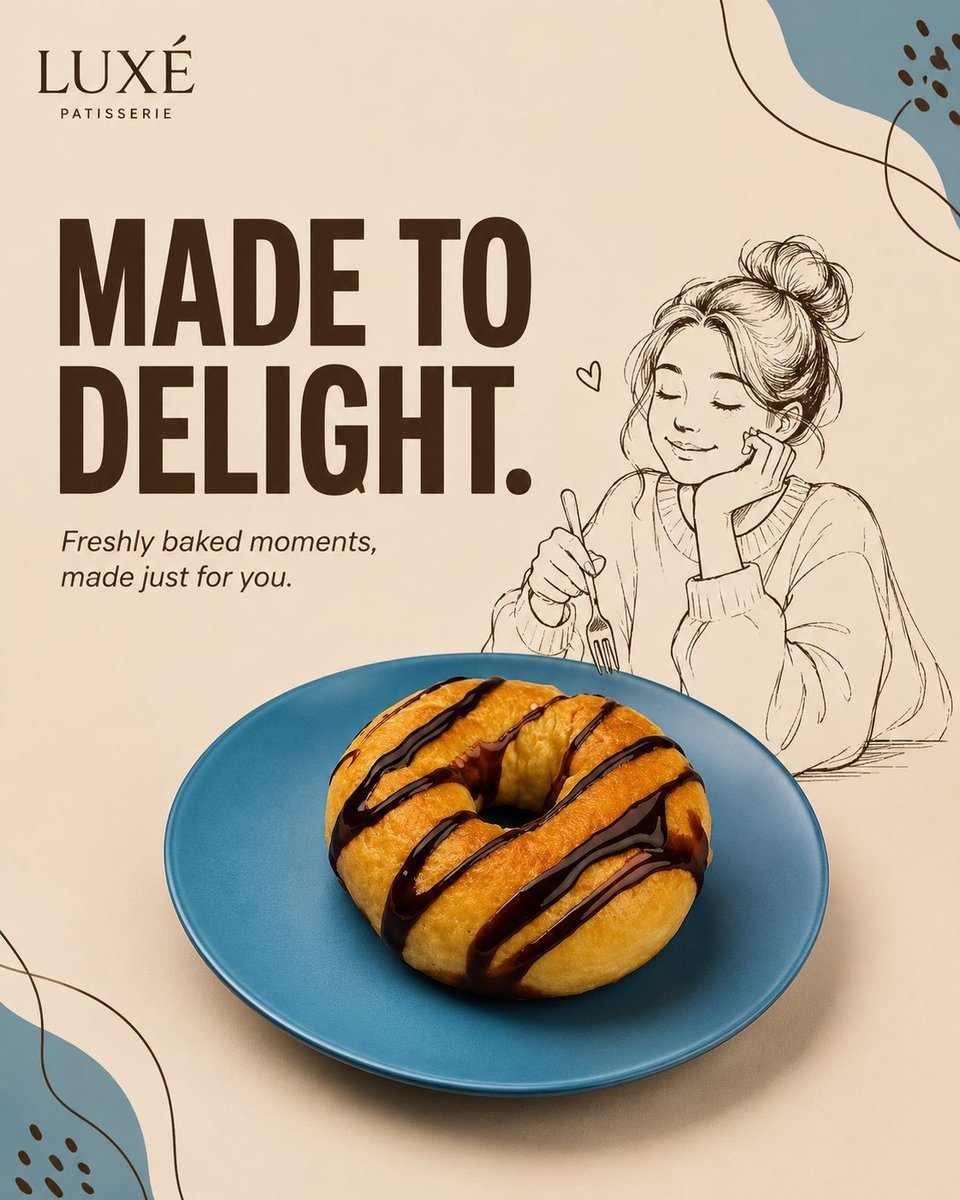
- Prompt included
- Model and format preset
- Premium template
The prompt behind this image
Copy the exact prompt behind Mixed-Media Advertising Template, or open it in the studio and make it yours.
[BRAND NAME] [HERO PRODUCT] [PRODUCT ARRANGEMENT] [ILLUSTRATED CHARACTER] [CHARACTER ACTION] [PRIMARY HEADLINE] [SUPPORTING LINE] [COLOR PALETTE] [ILLUSTRATION COLOR] [BACKGROUND COLOR] [GRAPHIC MOTIF] [IMAGE RATIO] Create a premium mixed-media product advertisement in [IMAGE RATIO], combining photorealistic commercial product photography with one original hand-drawn editorial character. If a product image is provided, preserve its shape, proportions, colors, materials, textures, packaging, labels, logo placement, and distinctive details. Remove the original background without redesigning the product. If a person's photo is provided, preserve their recognizable features while translating them into a simplified editorial line illustration. If no references are provided, generate [HERO PRODUCT] and [ILLUSTRATED CHARACTER] from the written specifications. Create an original campaign for "{argument name="brand name" default="[BRAND NAME]"}" featuring {argument name="hero product" default="[HERO PRODUCT]"} as the hero object. Introduce [ILLUSTRATED CHARACTER] performing [CHARACTER ACTION] naturally on, beside, or around the product. Use a minimal asymmetrical composition with generous negative space. Place [HERO PRODUCT] in the lower-center foreground using [PRODUCT ARRANGEMENT], occupying approximately 40–55% of the canvas. Position the illustrated character interacting naturally with the product. Use {argument name="background color" default="[BACKGROUND COLOR]"} as the primary background and frame the composition with oversized cropped forms inspired by [GRAPHIC MOTIF]. Render [HERO PRODUCT] with premium commercial realism, preserving realistic textures, highlights, shadows, proportions, and subtle imperfections. Multiple products should vary naturally in angle and position. Create [ILLUSTRATED CHARACTER] in refined editorial line-art using [ILLUSTRATION COLOR] with subtle fills derived from [COLOR PALETTE]. Ensure anatomically correct interaction with the product. Write the headline exactly: "[PRIMARY HEADLINE]" Write the supporting line exactly: "[SUPPORTING LINE]" Display the headline in oversized bold geometric typography, arranged across one or two lines without covering the product. Use coordinated colors from [COLOR PALETTE]. Display the supporting line nearby using a clean sans-serif or subtle italic typeface. Display the brand name exactly: "[BRAND NAME]" Place it subtly within the upper or lower margin. Do not add extra logos, websites, prices, or social media elements unless provided. Use [GRAPHIC MOTIF] only as cropped edge graphics without intersecting the headline, character, or product. Apply soft directional studio lighting with realistic tonal depth and grounding shadows. Maintain clear separation between photorealistic and illustrated elements while preserving a unified campaign aesthetic. Style: Premium mixed-media advertising, photorealistic hero product, editorial hand-drawn character, modern typography, minimal negative-space composition, contemporary lifestyle branding, Behance-quality commercial art direction
How to use Mixed-Media Advertising Template in 3 steps
- 1Upload ImagePNG, JPG or paste
Add your photo
Upload the photo the template builds on. The prompt, model and format are already set.
- 2…a portrait of your subject in softgolden-hour light, 85mm…
Personalize
Edit the subject and creative details for your destination.
- 3Generate
Generate
Press Generate — your image is created in PicX Studio, so you can compare it with the original and refine one variable at a time.
More like this
Templates with the same subject, style or setup. Open one to see its prompt.
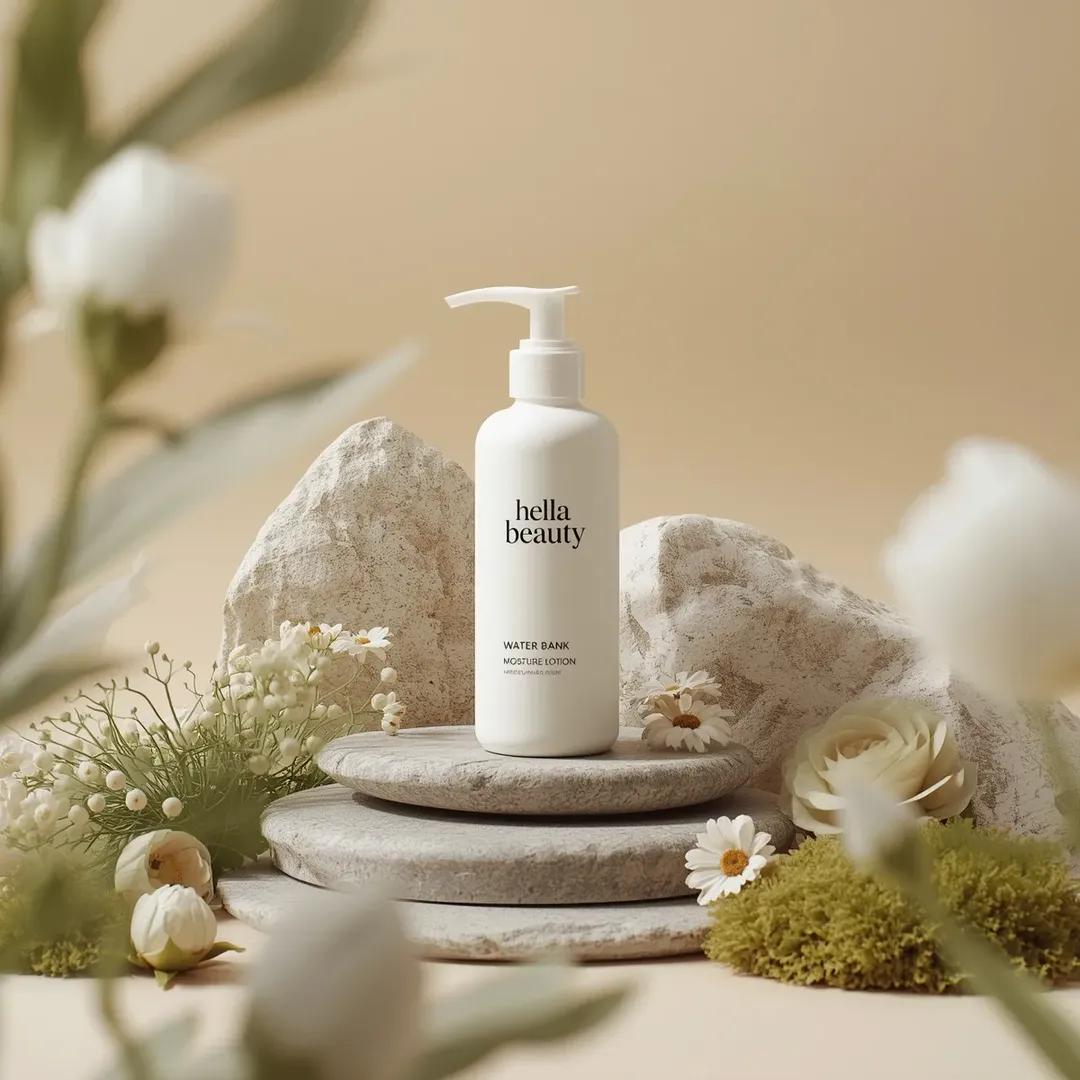
Botanical Skincare Minimal Product Advertising
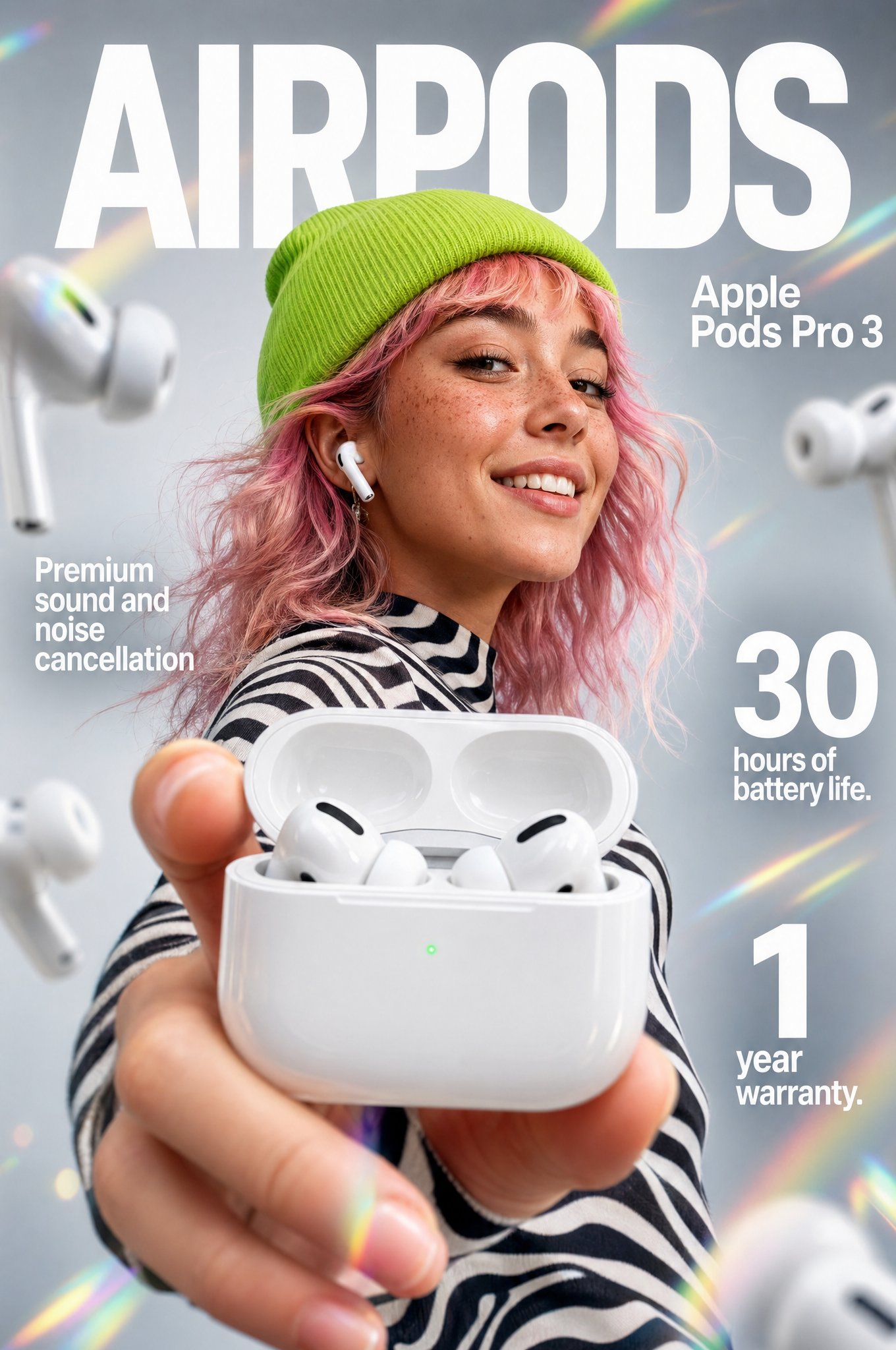
Gpt2 Apple Pods Pro 3 Infographic
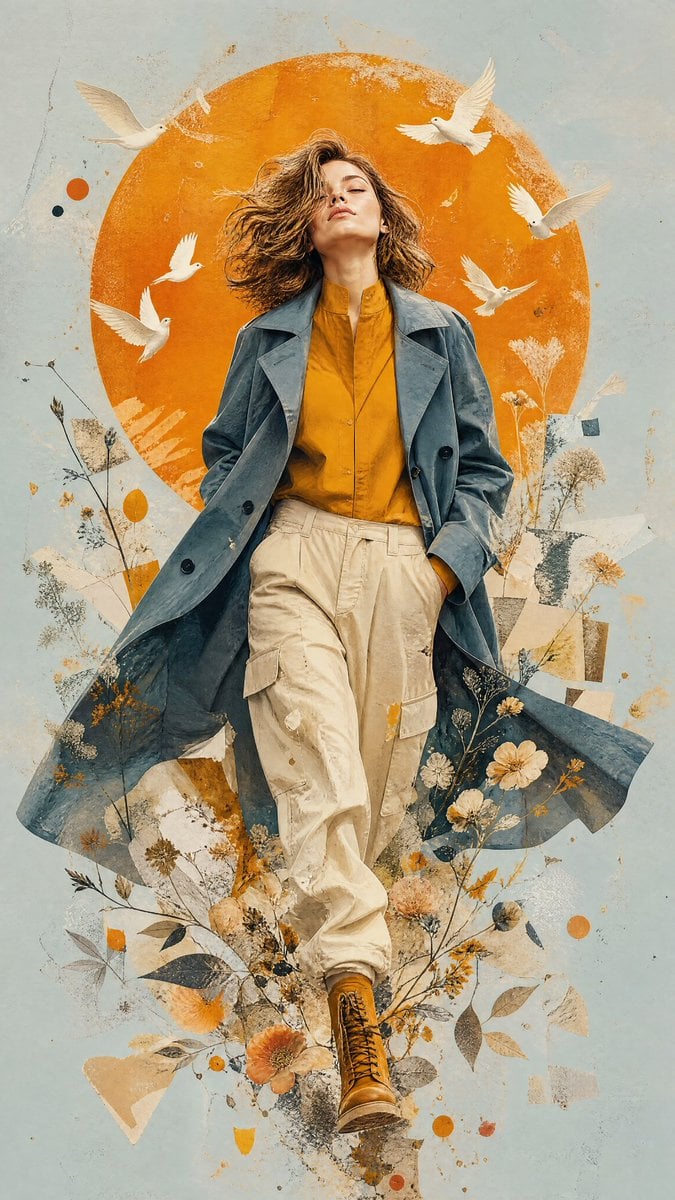
Mixed-Media Editorial Illustration
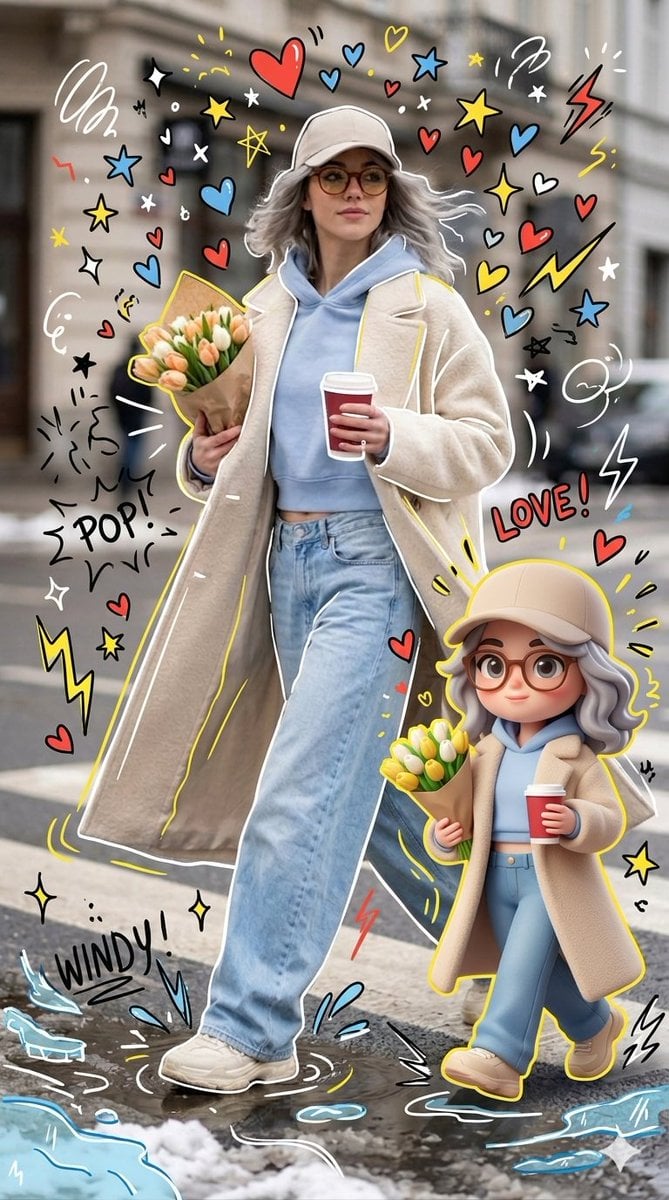
Mixed-media Chibi portrait
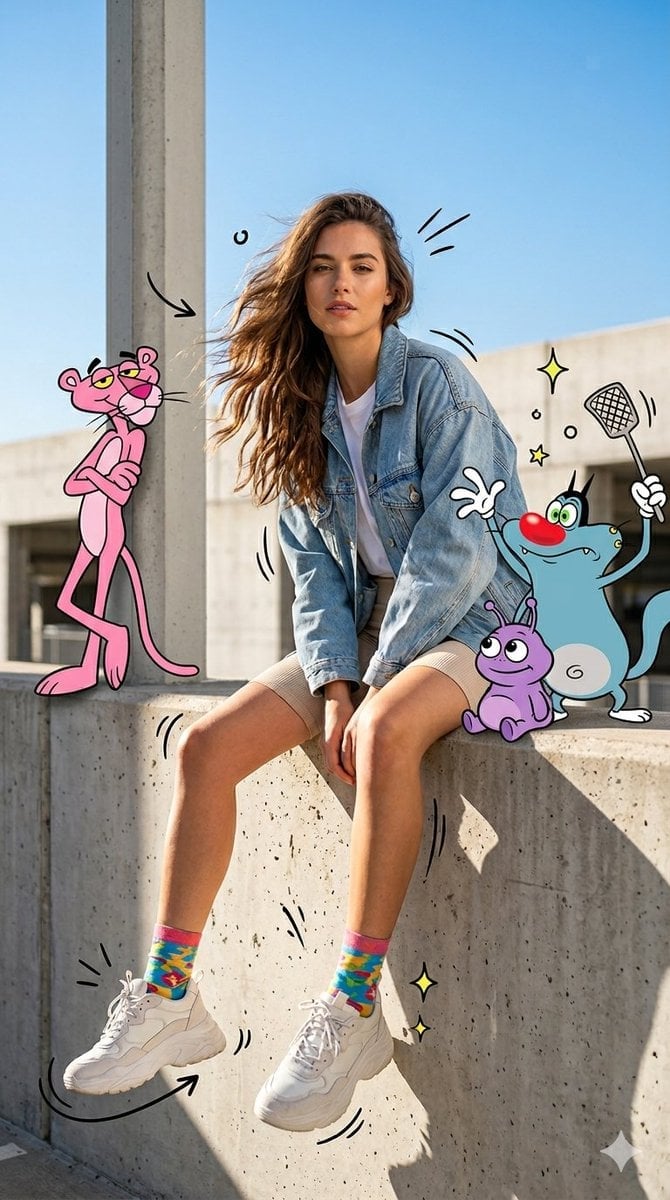
Mixed Media Urban Fashion Editorial
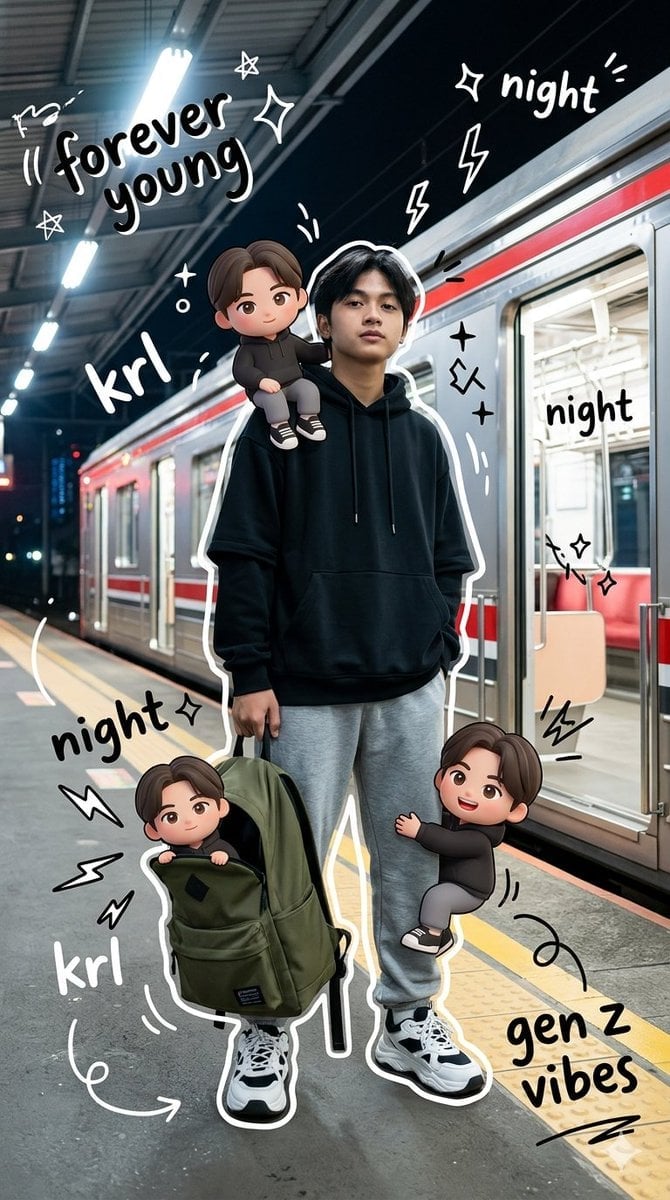
Gen Z Mixed-Media Portrait with Chibi Effects
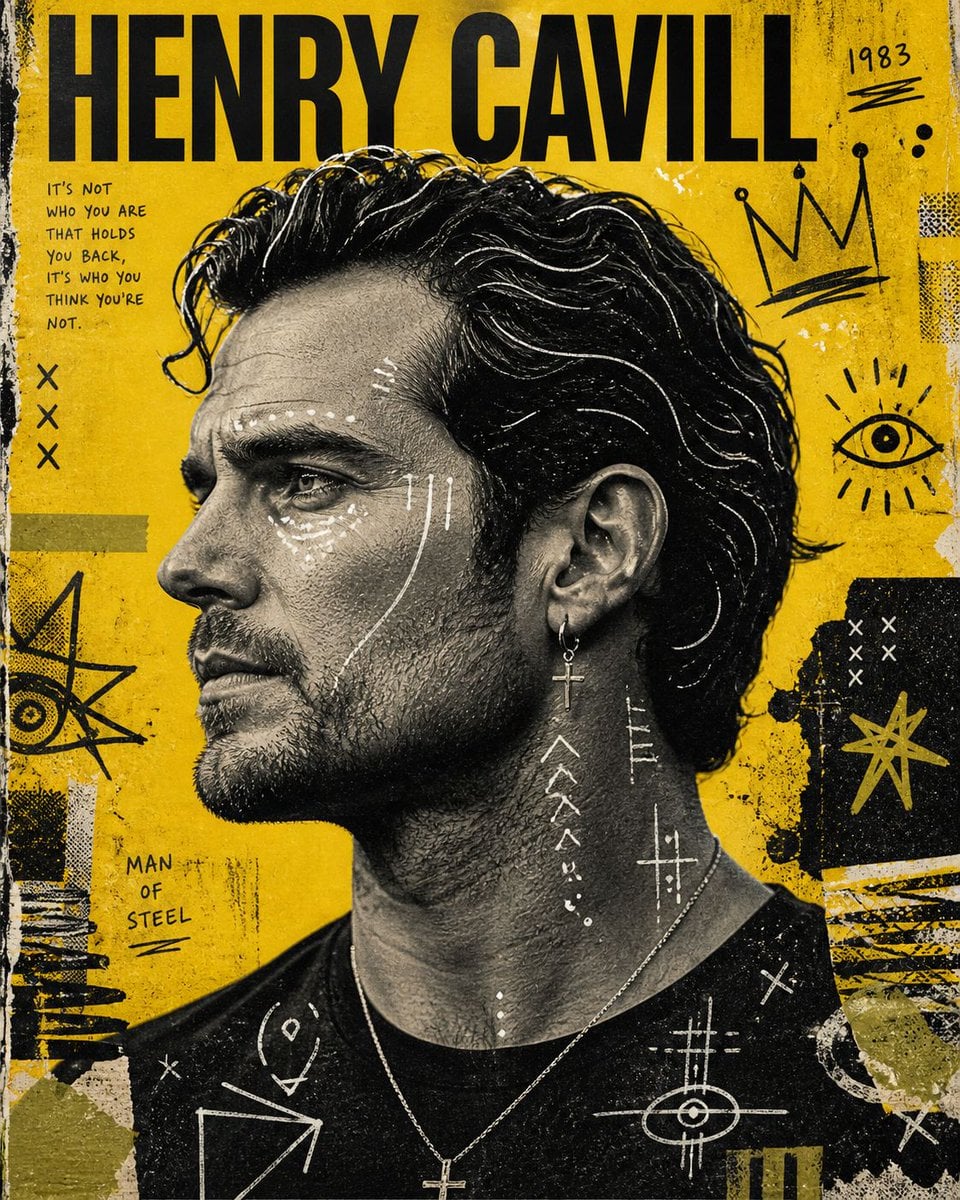
Raw Mixed-Media Street Art Poster
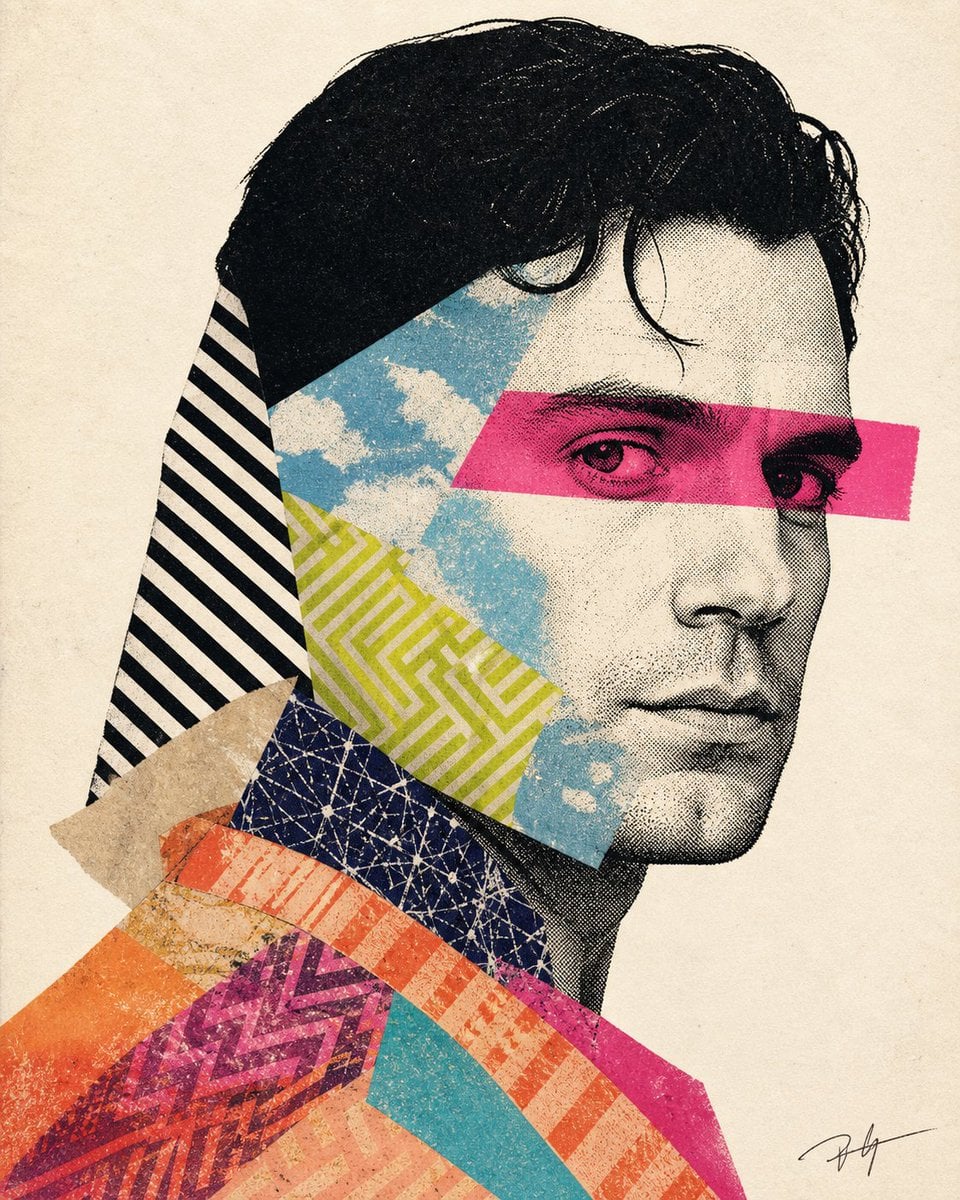
Mixed-media collage portrait illustration
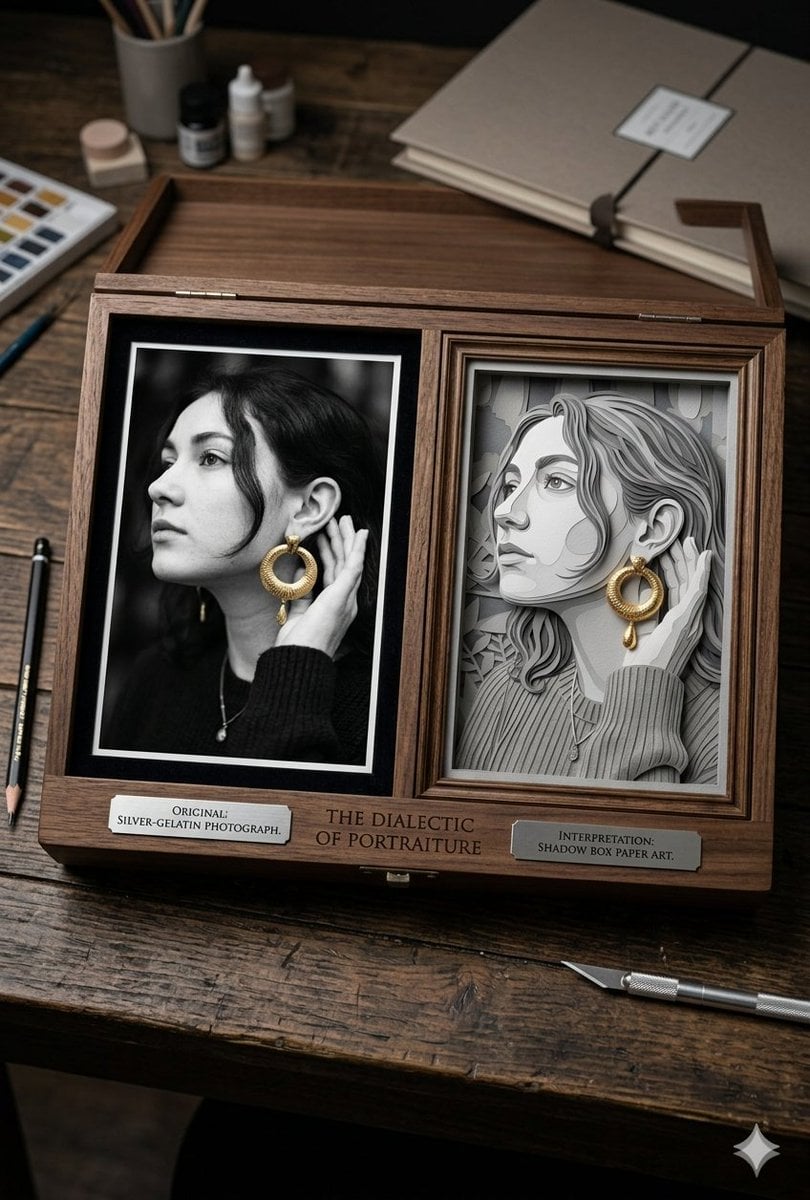
Mixed Media Artist Studio Display
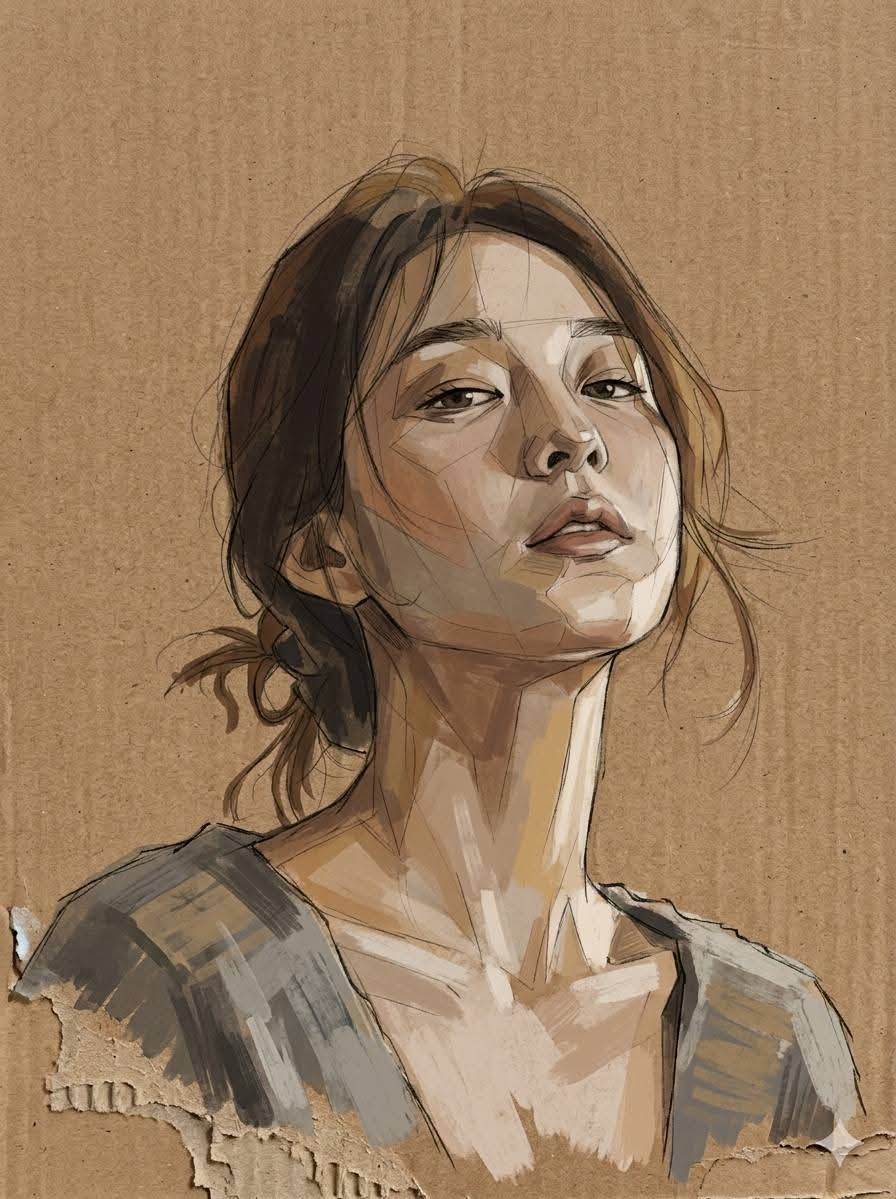
Cardboard Mixed Media Portrait
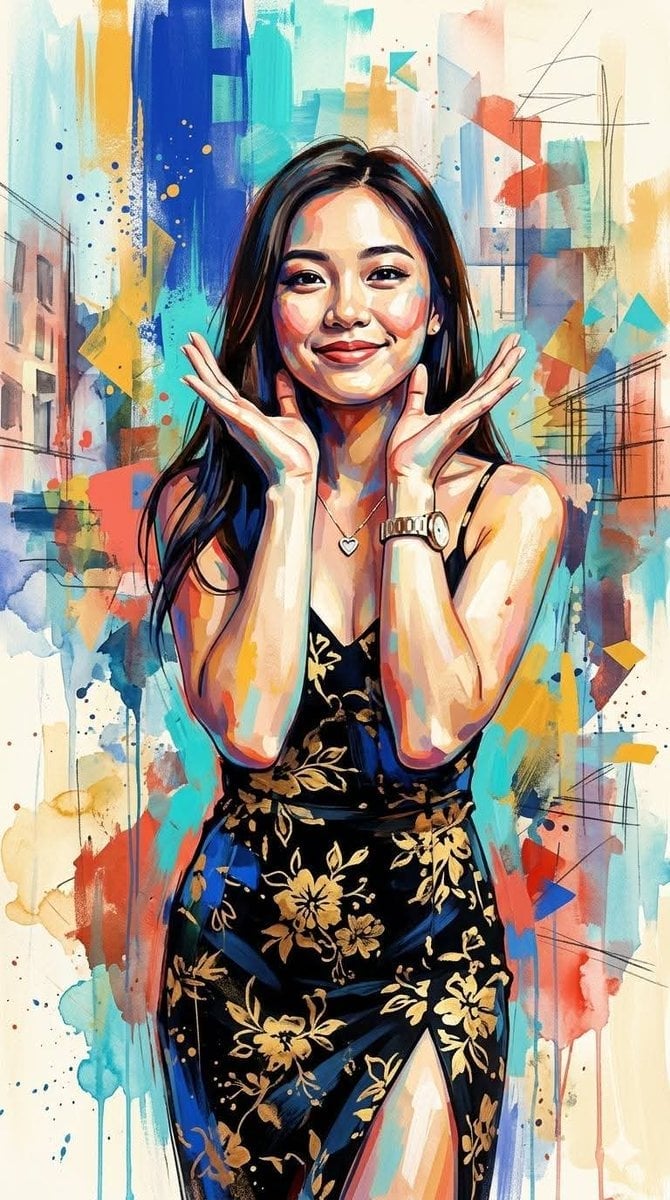
Contemporary Mixed-Media Abstract Portrait
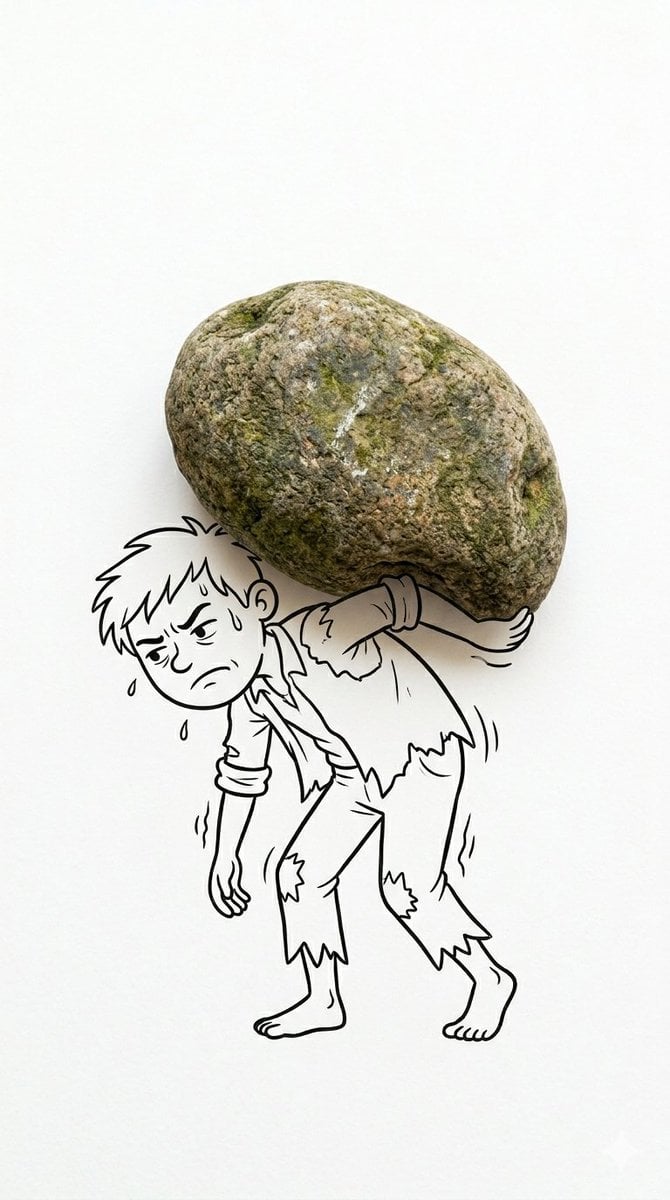
Creative Mixed Media Photo and Ink Illustration Fusion
Make it yours
Mixed-Media Advertising Template works as-is. These are the safest ways to change it without losing the look.
Change one field
Copy a single group, rewrite it, and generate again so you can see what that field is doing.
Keep the frame, change the subject
Hold the composition and light of Mixed-Media Advertising Template, then swap wardrobe, props or the person for a new take.
| If the result… | Why | Fix |
|---|---|---|
| The result drifts from the preview | Too many fields changed at once. | Reuse Mixed-Media Advertising Template as-is first, then change one group — subject, light, or setting. |
| The model over-stylizes the scene | The prose prompt leaves finish and camera underspecified. | Add one camera or lighting sentence and stay on GPT Image 2. |
More GPT Image 2 templates
Other prompts made for GPT Image 2.

Six VTuber Japanese Logo Sheet

Realistic Portrait of Woman and Deer

The Vista Modular Condo Poster

AI Model Routing Comparison Infographic

2.5D Anime Art Board

Isometric Productivity Desk Scene

New York Double Exposure Poster

Four-Panel AI Landscape Comparison

Japanese Tatami Lifestyle Magazine Cover

NESCAFÉ Coffee Map Poster
More image prompts
Fresh picks from across the catalog.
Rugged Cinematic Rain Portrait

Dark, High-Contrast Poster Design Prompt with Amber Lenses
High-Contrast Beach Snapshot with Strict Identity and Sharp Focus
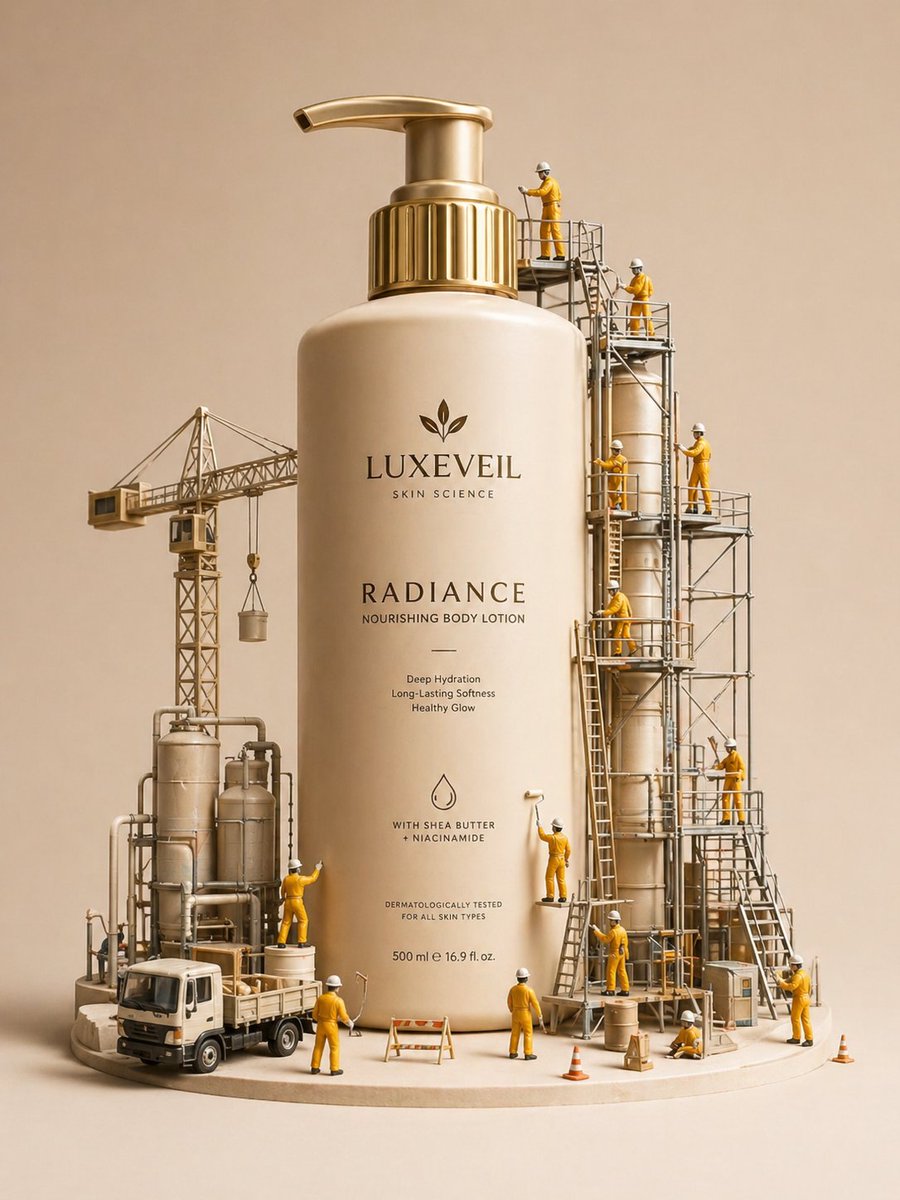
Gpt2 E Commerce Main Image Miniature Diorama Skincare Advertisement
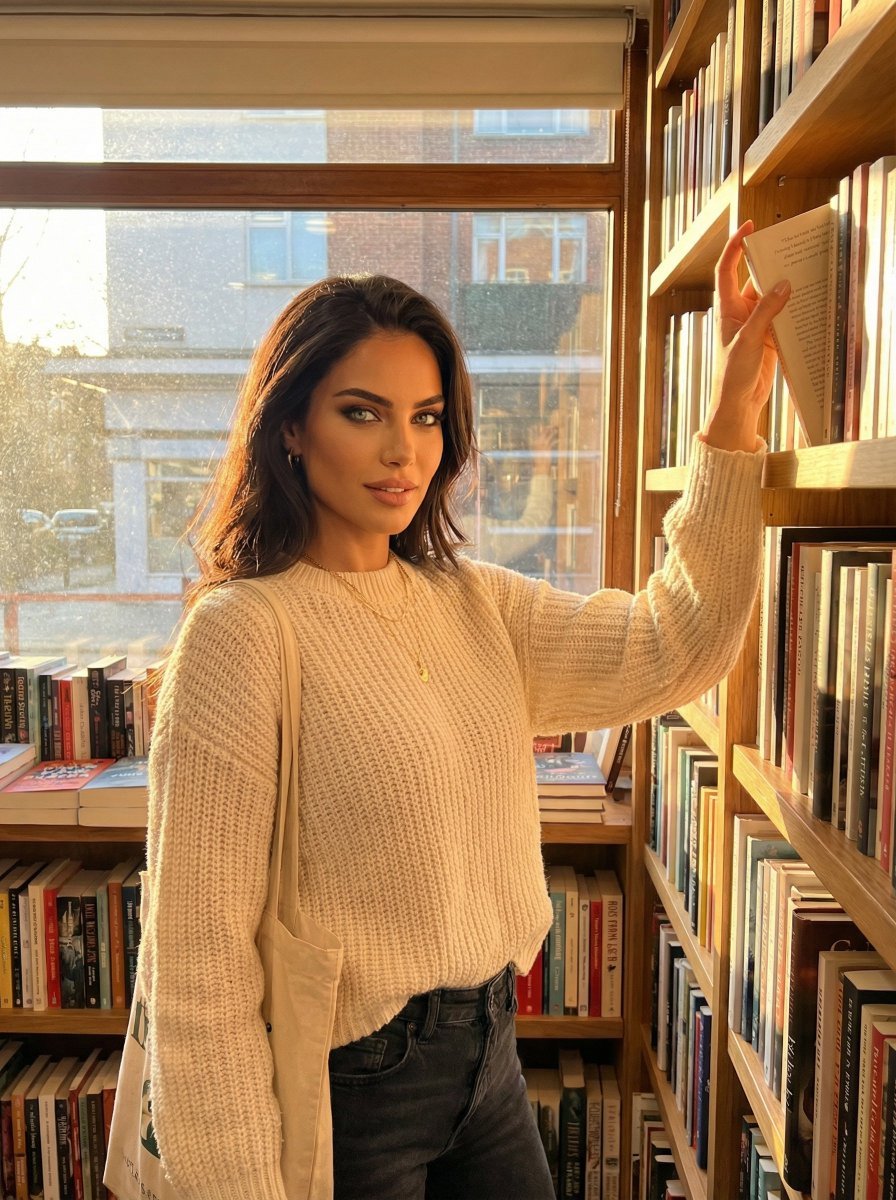
Hero Shot Portrait in a Bookstore with Warm Lighting

Urban Street Portrait with Cartoon Inner Self Duo
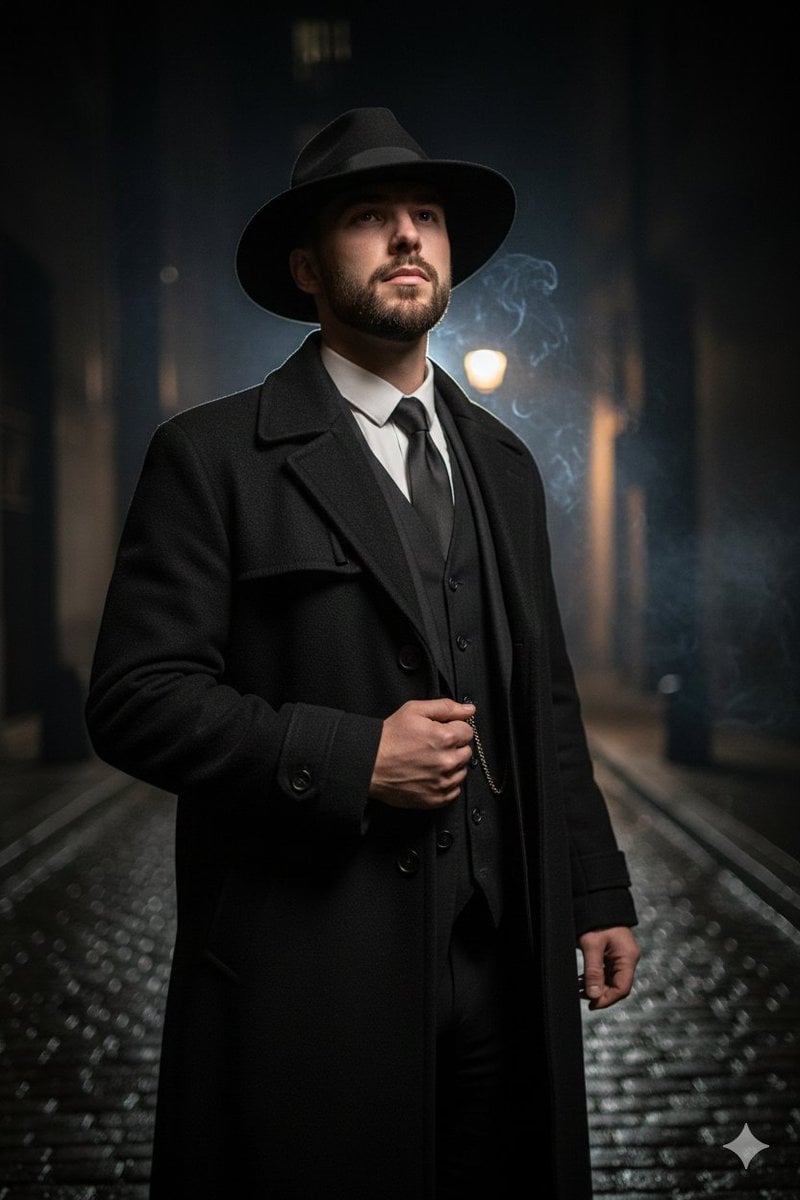
1920s Noir Gangster Portrait Prompt with Face Influence
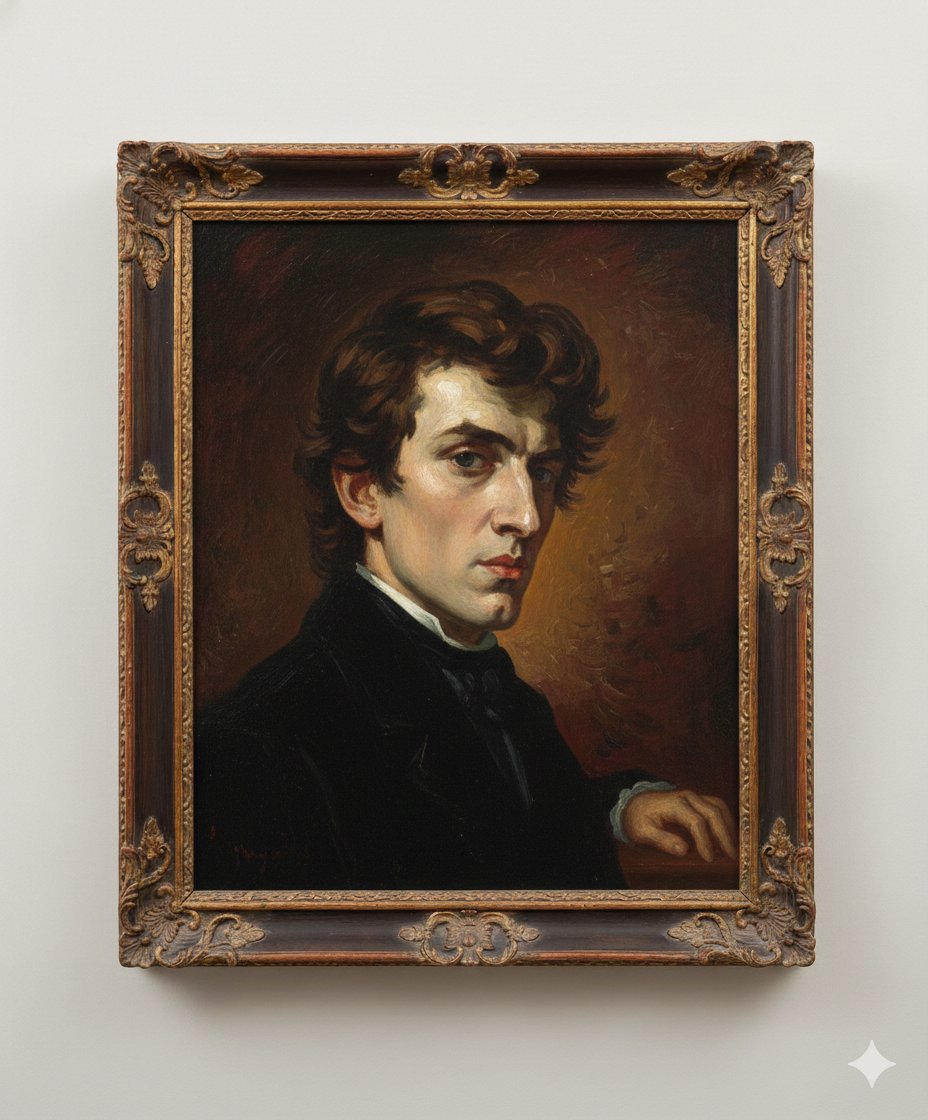
Image Generation Prompt: Arranging Delacroix's Chopin
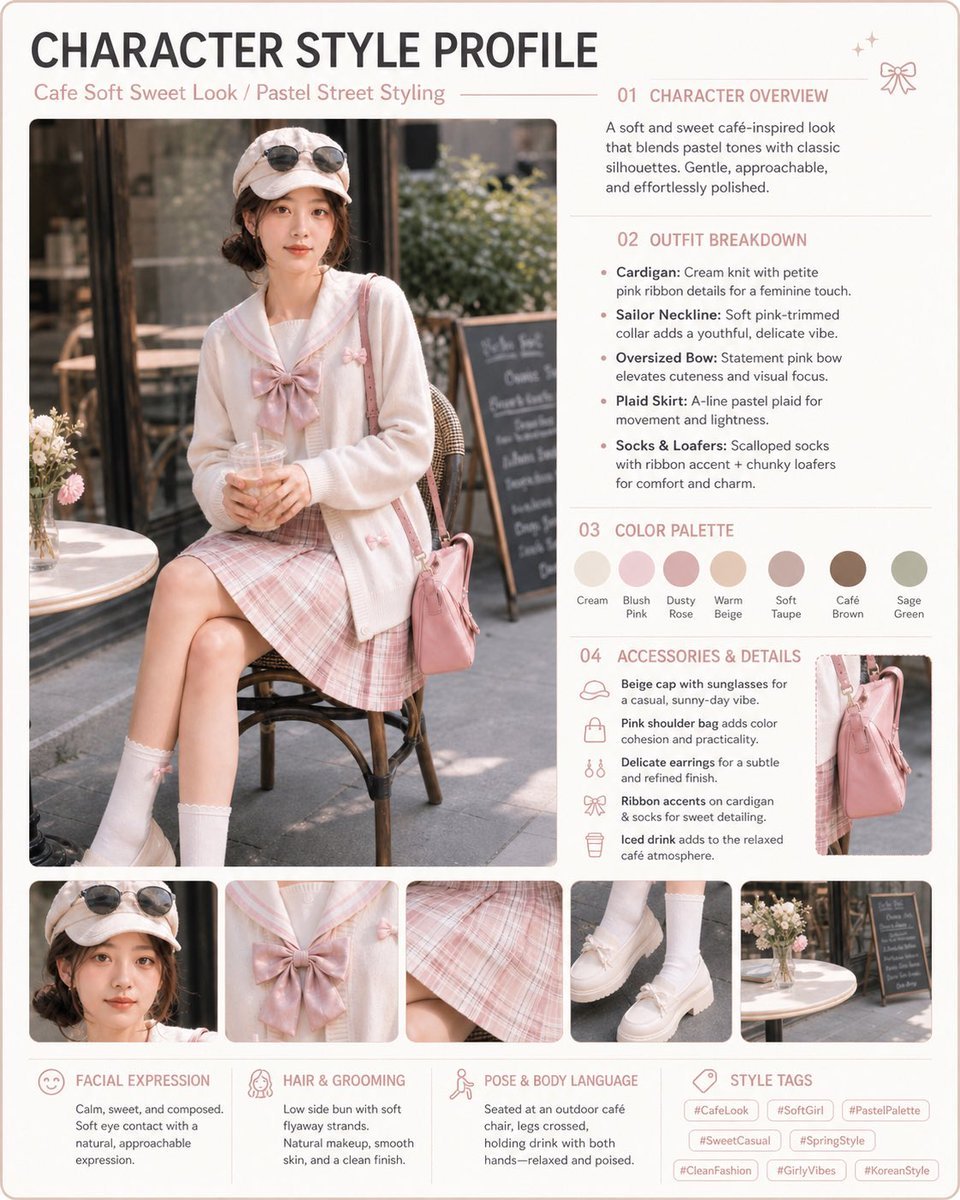
Pastel Cafe Style Profile Card
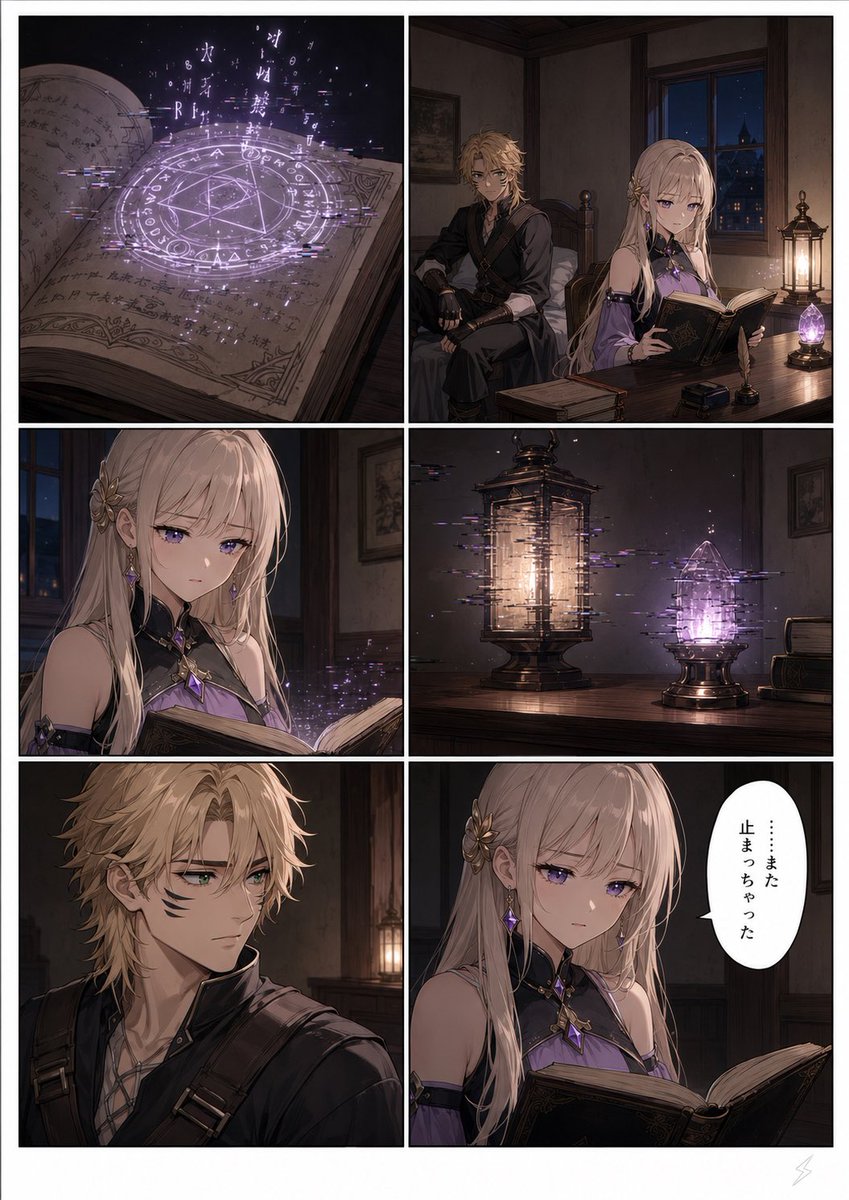
Six-Panel Fantasy Magic Comic Page
Browse template categories
Mixed-Media Advertising Template questions
How do I use the Mixed-Media Advertising Template template?
Add your photo if the template asks for one, edit the prompt if you like — the template's model and format are already selected — and press Generate. Your version opens in PicX Studio.
Can I customize the Mixed-Media Advertising Template template?
Yes. You can change the subject, setting, lighting, mood, format, and available model controls before creating your image.
Is the Mixed-Media Advertising Template template free?
Opening and editing this template is free. Generating uses credits, shown on the Generate button when you are signed in.
Which AI model should I use?
Start with GPT Image 2, which is the model associated with this template. You can compare another compatible model for a different finish.
Looking for something else? Browse all templates.

Your photo, any look
Thousands of ready templates for every top image and video model, from one credit balance.