
Ruined Sci-Fi Manga Page
A structured prompt for generating a monochrome four-panel sci-fi manga page set in a devastated futuristic city with blank dialogue bubbles.
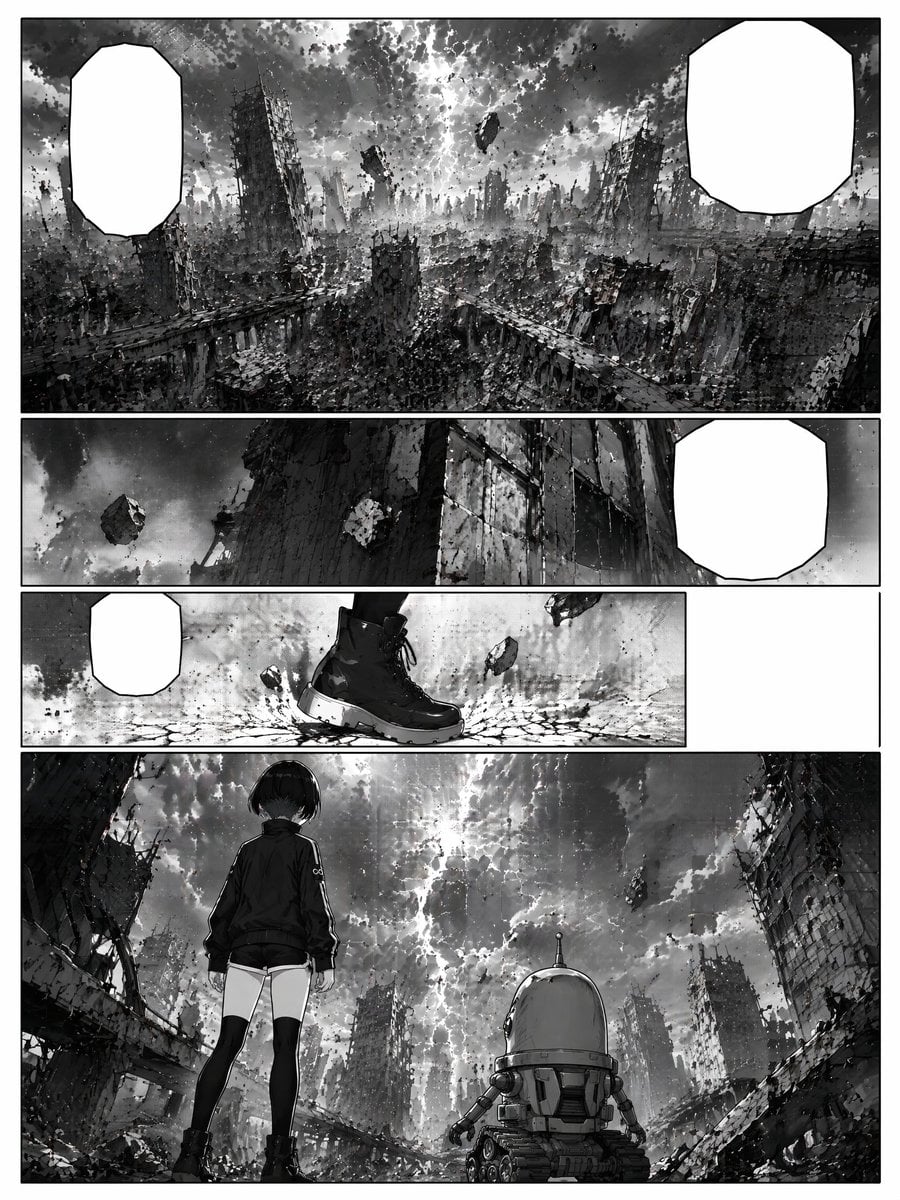
- Prompt included
- Model and format preset
- Premium template
The prompt behind this image
Copy the exact prompt behind Ruined Sci-Fi Manga Page, or open it in the studio and make it yours.
Goal: Create a black-and-white sci-fi manga page showing a ruined futuristic city after a catastrophe, with cinematic wide shots and empty dialogue bubbles for later lettering. Canvas: Vertical manga page, portrait orientation, clean white page border, high-contrast monochrome ink and grayscale screentone, detailed debris textures, dramatic cloudy sky, no color. Layout: Use exactly 4 horizontal panels stacked from top to bottom, separated by thick white gutters. - Panel 1: A very wide establishing shot filling the top third of the page. Show a devastated megacity with collapsed skyscrapers, broken elevated roads, rubble, dust, and a stormy sky split by bright light. Include floating chunks of wreckage in the sky. Add exactly 2 blank white manga speech bubbles: one tall rounded polygon bubble at the upper left and one larger rounded polygon bubble at the upper right. - Panel 2: A narrow panoramic panel beneath it. Low-angle view of a towering damaged building wall and a dark sky with a levitating rock or debris chunk. Add exactly 1 blank white speech bubble on the right side. - Panel 3: A narrow action-detail panel. Close-up of one black combat boot stepping onto cracked ground, with small stones and debris floating around it. Add exactly 1 small blank white speech bubble on the left. Leave a large empty white rectangular gutter/space on the far right of this row, as if the panel does not extend across the full page. - Panel 4: A large final panel occupying the bottom portion. Rear view of a young girl and a small robot facing the ruined city and apocalyptic sky. The girl stands on the left, wearing a dark jacket, short shorts, thigh-high black socks, and sturdy boots, with short dark bobbed hair. The robot stands to her right, squat and cylindrical with a domed head, small side arms, treads, vents, and mechanical details. The background shows broken buildings framing the scene, rubble in the foreground, floating debris in the sky, and a bright crack of light through dense clouds. Subject details: The main human character is {argument name="character name" default="a silent young girl"}, with {argument name="hair style" default="short dark bobbed hair"}, wearing {argument name="outfit" default="dark jacket, short shorts, thigh-high socks, and black boots"}. The companion is {argument name="robot companion" default="a small cylindrical treaded robot with a domed head"}. The setting is {argument name="ruined city setting" default="a collapsed futuristic megacity under a stormy sky"}. Visual style: Serious seinen sci-fi manga, painterly ink wash, dense architectural detail, gritty rubble, dramatic perspective, atmospheric haze, heavy blacks, textured grayscale, cinematic composition, no sound effects, no visible lettering inside the bubbles. Constraints: Exactly 4 panels and exactly 4 blank speech bubbles. Keep all speech bubbles empty white with black outlines. Do not add captions, titles, watermarks, logos, page numbers, or extra characters.
How to use Ruined Sci-Fi Manga Page in 3 steps
- 1Upload ImagePNG, JPG or paste
Add your photo
Upload the photo the template builds on. The prompt, model and format are already set.
- 2…a portrait of your subject in softgolden-hour light, 85mm…
Personalize
Edit the subject and creative details for your destination.
- 3Generate
Generate
Press Generate — your image is created in PicX Studio, so you can compare it with the original and refine one variable at a time.
More like this
Templates with the same subject, style or setup. Open one to see its prompt.
Gothic Sci-Fi Villain Meeting Manga Page

Quiet Hamster Manga Page

Late-Night Hamster Manga Page

Surreal Noir Hamster Manga Page

Shojo Horror Manga Corridor Page

Cute AI Manga Lesson Comic Page

Hamster Summons Sol Manga Page

Lazy Day Chibi Manga Page

Overwhelmed Coding Manga Page

Fantasy Wagashi Manga Cooking Page

Sunny Seaside Anime Manga Page
Hand-Drawn Izakaya Manga Page
Make it yours
Ruined Sci-Fi Manga Page works as-is. These are the safest ways to change it without losing the look.
Change one field
Copy a single group, rewrite it, and generate again so you can see what that field is doing.
Keep the frame, change the subject
Hold the composition and light of Ruined Sci-Fi Manga Page, then swap wardrobe, props or the person for a new take.
| If the result… | Why | Fix |
|---|---|---|
| The result drifts from the preview | Too many fields changed at once. | Reuse Ruined Sci-Fi Manga Page as-is first, then change one group — subject, light, or setting. |
| The model over-stylizes the scene | The prose prompt leaves finish and camera underspecified. | Add one camera or lighting sentence and stay on GPT Image 2. |
More GPT Image 2 templates
Other prompts made for GPT Image 2.

Six VTuber Japanese Logo Sheet

Realistic Portrait of Woman and Deer

The Vista Modular Condo Poster

AI Model Routing Comparison Infographic

2.5D Anime Art Board

Isometric Productivity Desk Scene

New York Double Exposure Poster

Four-Panel AI Landscape Comparison

Japanese Tatami Lifestyle Magazine Cover

NESCAFÉ Coffee Map Poster
More image prompts
Fresh picks from across the catalog.
Isometric JRPG Town Plaza Scene
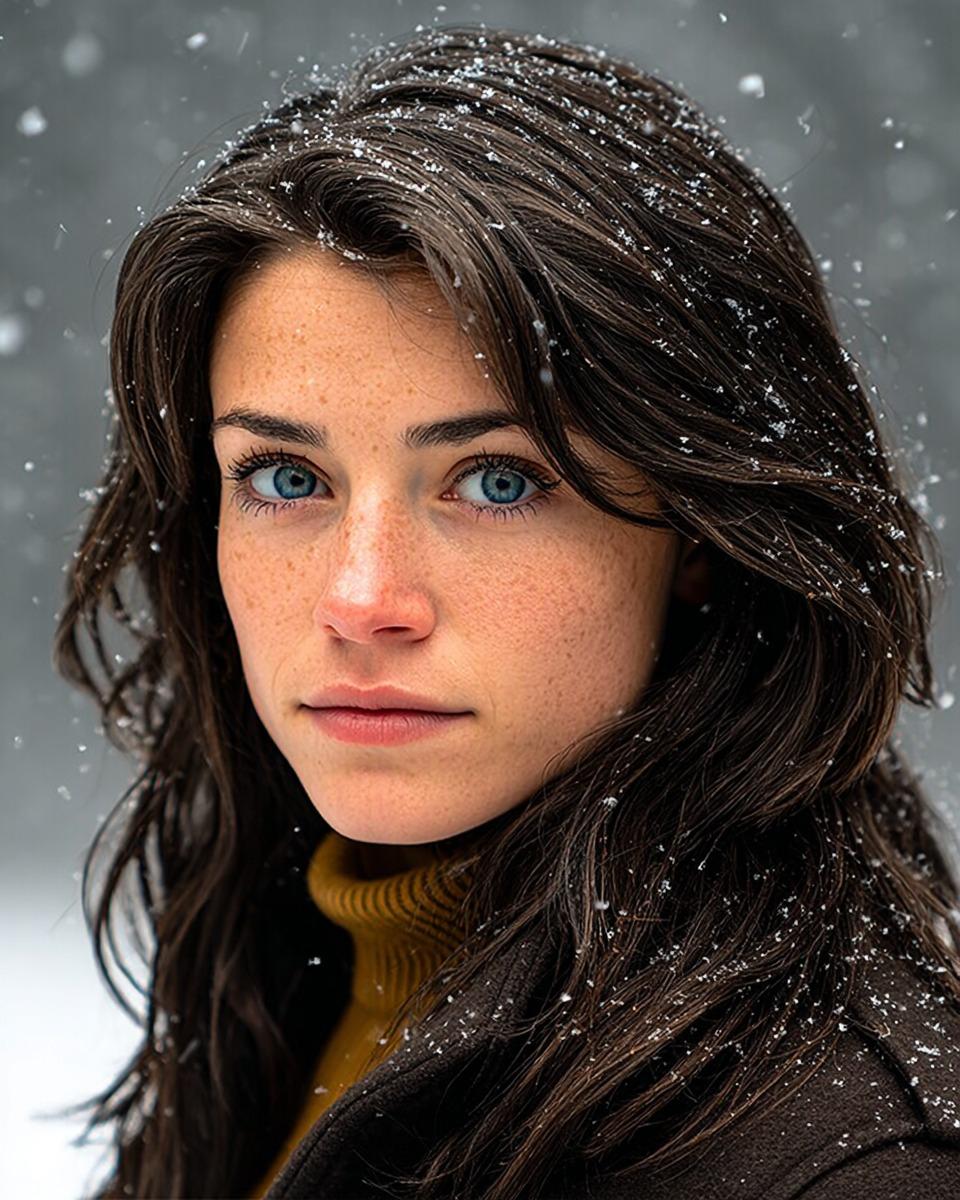
Cinematic Winter Portrait with Hyper-Detail
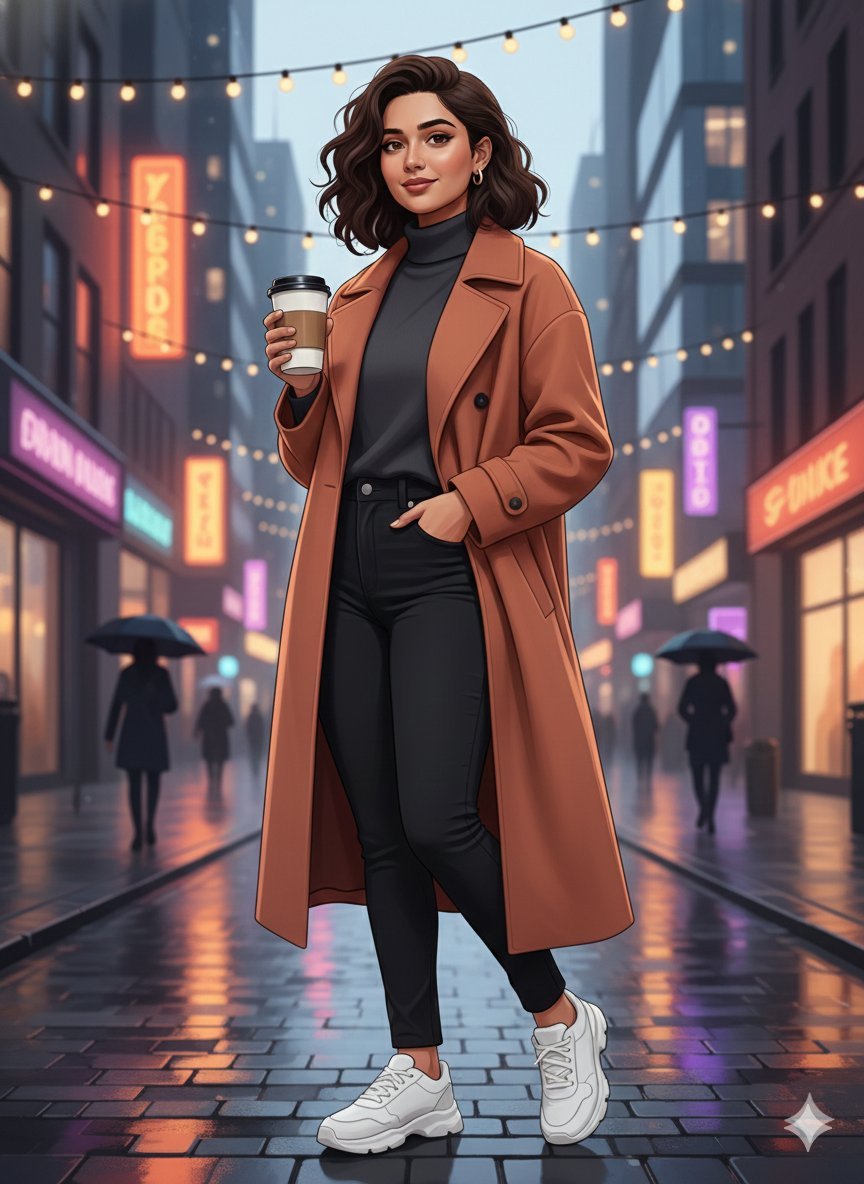
Image-to-Image Identity Preservation Illustration

Ultra-Realistic DSLR Photo of an Indian Man in a Café

Meme Generation Prompt
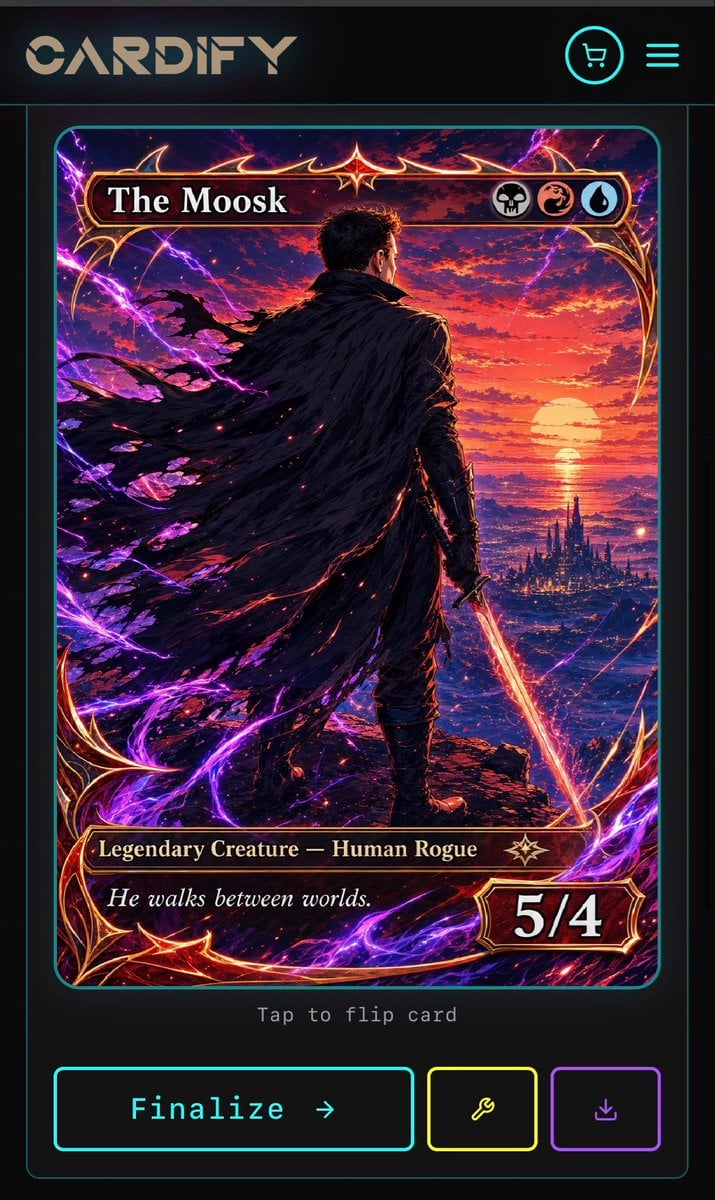
Cyberpunk Fantasy Trading Card App
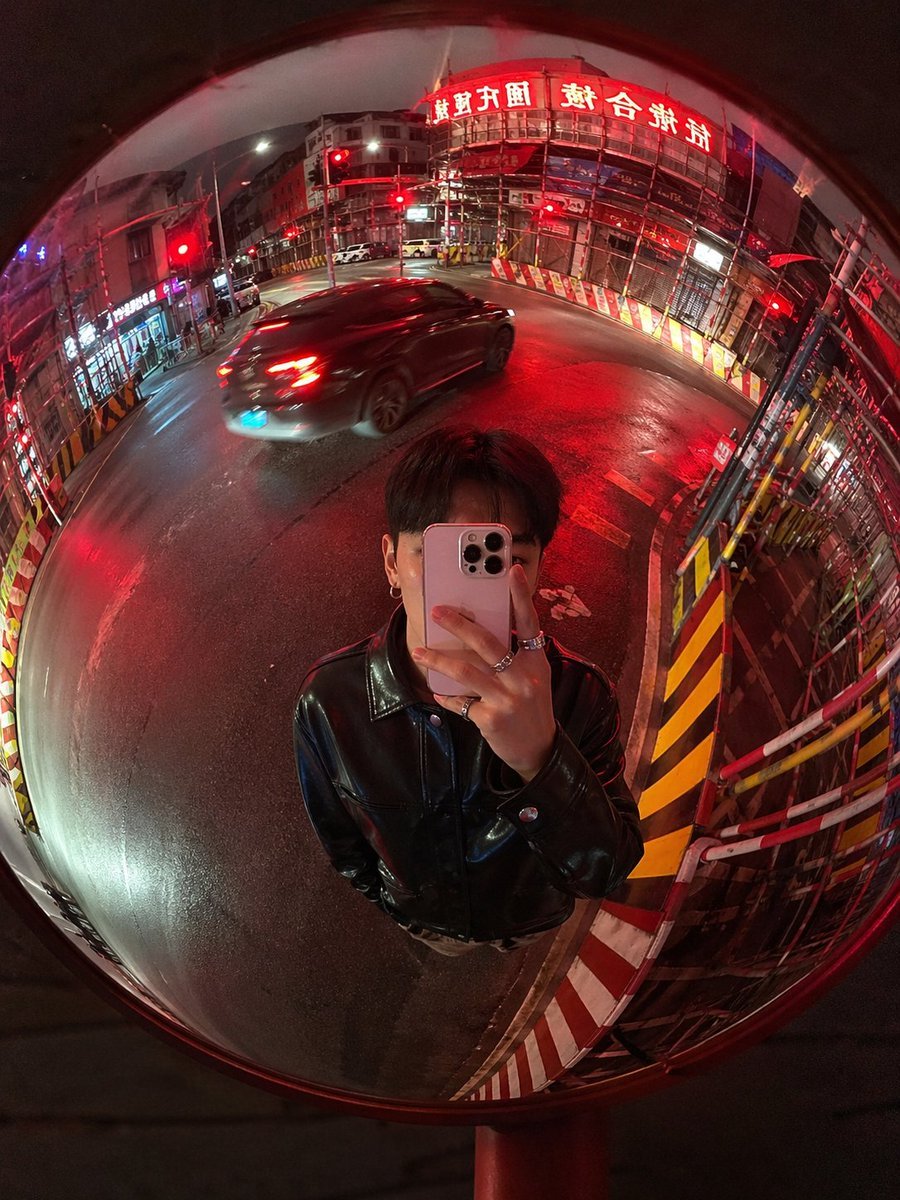
Convex Mirror Night Street Selfie

Cinematic Vintage Bicycle Romance Film Still
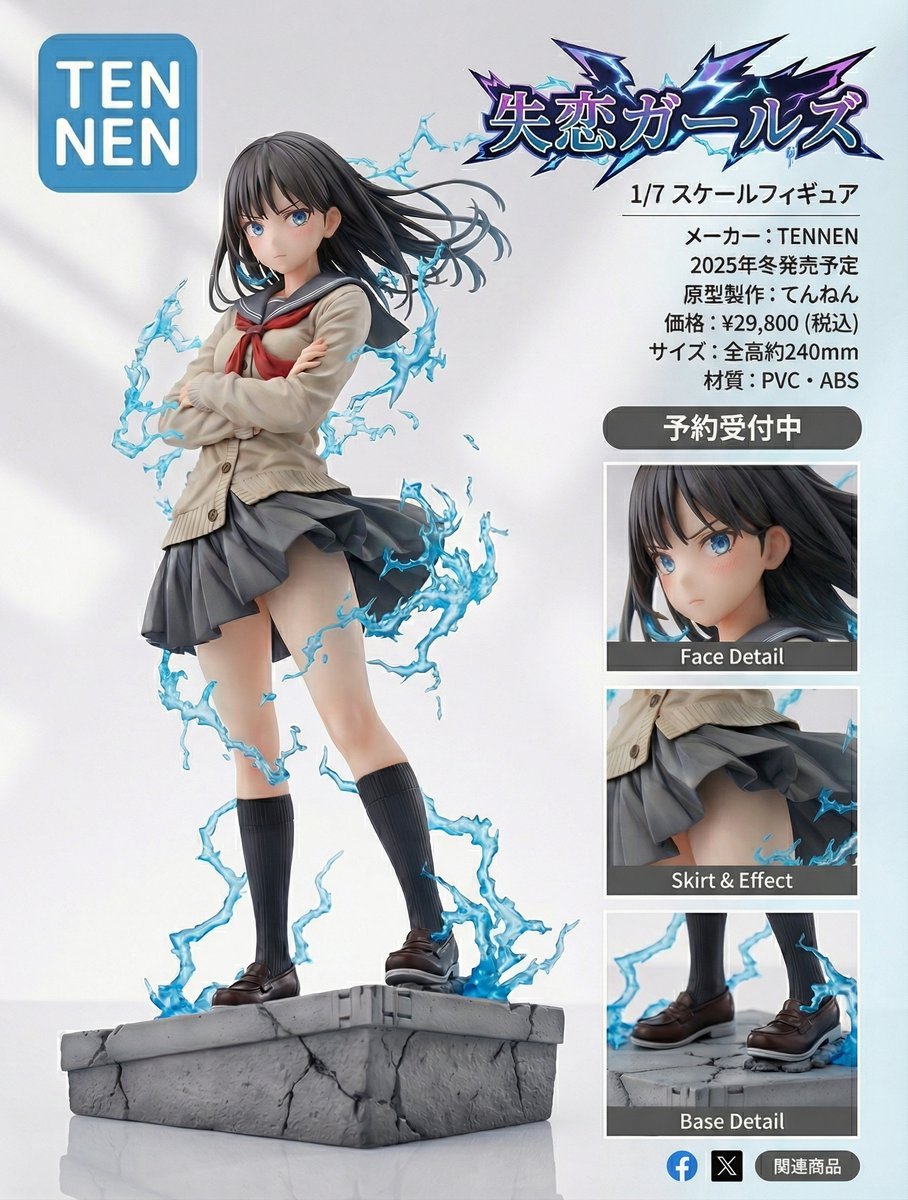
Figure-style product page design for a heartbreak girl figure

Dramatic Neon-Lit Portrait
Browse template categories
Ruined Sci-Fi Manga Page questions
How do I use the Ruined Sci-Fi Manga Page template?
Add your photo if the template asks for one, edit the prompt if you like — the template's model and format are already selected — and press Generate. Your version opens in PicX Studio.
Can I customize the Ruined Sci-Fi Manga Page template?
Yes. You can change the subject, setting, lighting, mood, format, and available model controls before creating your image.
Is the Ruined Sci-Fi Manga Page template free?
Opening and editing this template is free. Generating uses credits, shown on the Generate button when you are signed in.
Which AI model should I use?
Start with GPT Image 2, which is the model associated with this template. You can compare another compatible model for a different finish.
Looking for something else? Browse all templates.

Your photo, any look
Thousands of ready templates for every top image and video model, from one credit balance.