
Giza Pyramid Chinese Cover Poster
Generates a cinematic Xiaohongshu-style travel cover featuring the Giza Pyramid, bold Chinese headline typography, and editorial UI details.
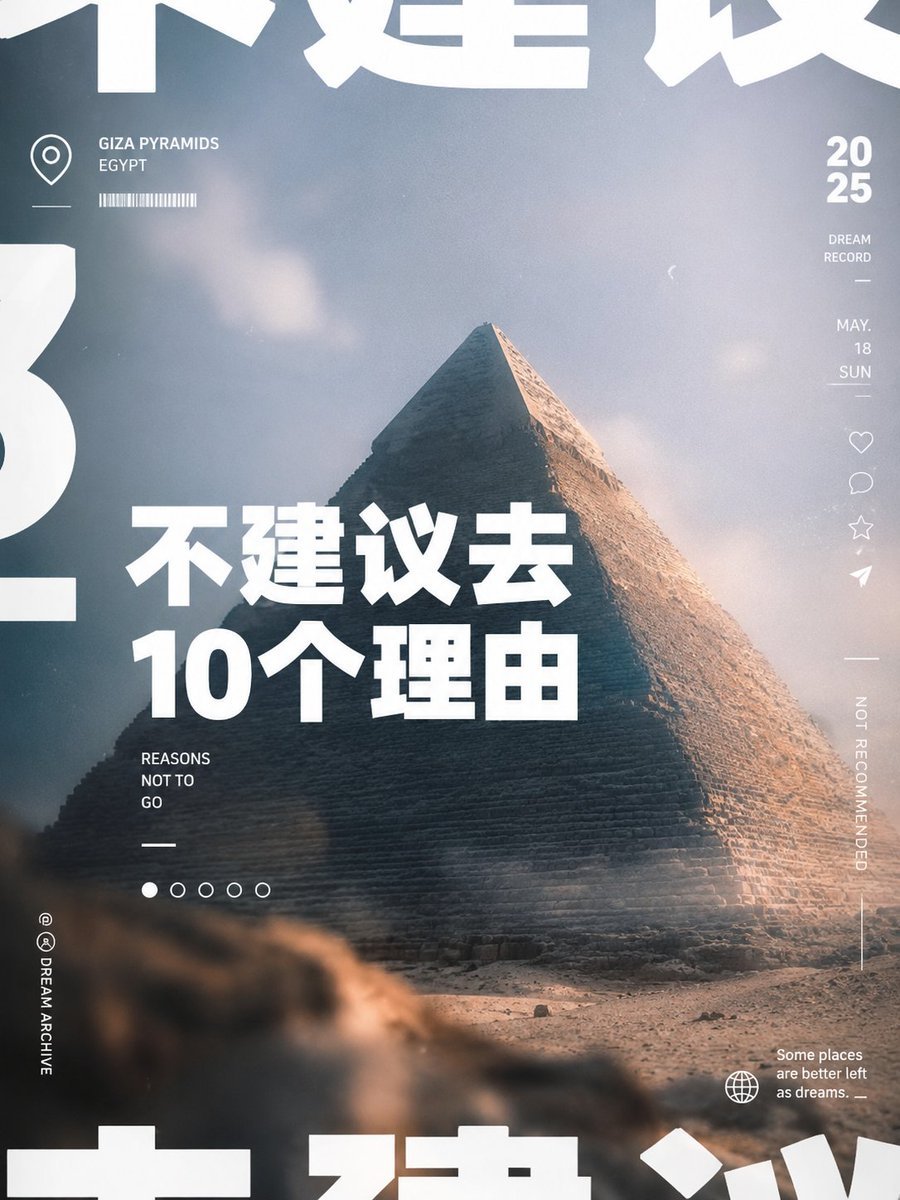
- Prompt included
- Model and format preset
- Premium template
The prompt behind this image
Copy the exact prompt behind Giza Pyramid Chinese Cover Poster, or open it in the studio and make it yours.
Goal: Create a stylish vertical social-media cover poster about travel advice for Egypt, using a cinematic pyramid photograph and bold Chinese typography. Canvas: Vertical 3:4 cover, 768×1024 style, full-bleed image background with editorial magazine layout. Use a muted blue-gray sky, warm desert sand, soft haze, film grain, slight blur bokeh in the foreground, and high-contrast white typography. Main image: A dramatic low-angle photo of the {argument name="landmark" default="Giza Pyramid"} centered slightly right, filling most of the poster. The pyramid is lit warmly from the right side, with its shadowed face on the left. Add a blurred rocky desert foreground at the bottom and a pale cloudy sky behind it. Primary headline: Large bold white Chinese sans-serif text placed over the lower-left/middle of the pyramid, reading {argument name="headline text" default="不建议去\n10个理由"}. Make it heavy, blocky, modern, and tightly kerned, with the second line larger and very prominent. Supporting text: Under the headline on the left, add small uppercase English text in three stacked lines: “REASONS / NOT TO / GO”. Add a short white horizontal divider beneath it. Top-left info block: Add a thin white location pin icon, a small horizontal divider, the label “GIZA PYRAMIDS” and “EGYPT” in uppercase, and a small barcode-like row of thin vertical white lines. This block should sit in the upper-left quadrant. Right sidebar: Add a clean vertical UI-style column on the right edge. Include exactly 4 small outline icons stacked vertically: heart, comment bubble, star, and paper-plane/share icon. Above them place “2025” stacked as “20” over “25”, then small text “DREAM / RECORD”, then “MAY. / 18 / SUN” with tiny divider lines. Lower on the same edge, rotate the text “NOT RECOMMENDED” vertically, with a long thin vertical line beneath it. Bottom and navigation details: Add exactly 5 small pagination circles below the left subtitle; the first circle is filled white and the other 4 are hollow outlines. At bottom-left, add tiny vertical text “@ DREAM ARCHIVE” with two small circular social-style symbols above it. At bottom-right, add a globe outline icon and the caption “Some places / are better left / as dreams. —”. Oversized cropped typography: Add huge abstract cropped white Chinese characters around the poster edges, partially cut off by the canvas: large fragments along the top edge, left edge, and bottom edge. These should feel like decorative typographic shapes rather than readable text. Visual style: Contemporary Xiaohongshu/self-media cover aesthetic, cinematic travel editorial, minimalist UI overlays, soft analog film texture, premium muted tones, crisp white text, slight vignetting, no border, no watermark. Constraints: Keep the composition uncluttered despite many small UI details. Use exactly the listed count of 5 pagination dots and 4 right-side icons. Do not add extra people, animals, logos, or unrelated text.
How to use Giza Pyramid Chinese Cover Poster in 3 steps
- 1Upload ImagePNG, JPG or paste
Add your photo
Upload the photo the template builds on. The prompt, model and format are already set.
- 2…a portrait of your subject in softgolden-hour light, 85mm…
Personalize
Edit the subject and creative details for your destination.
- 3Generate
Generate
Press Generate — your image is created in PicX Studio, so you can compare it with the original and refine one variable at a time.
More like this
Templates with the same subject, style or setup. Open one to see its prompt.

Premium Fashion Editorial Cover Layout System

Japan Travel Brochure Poster
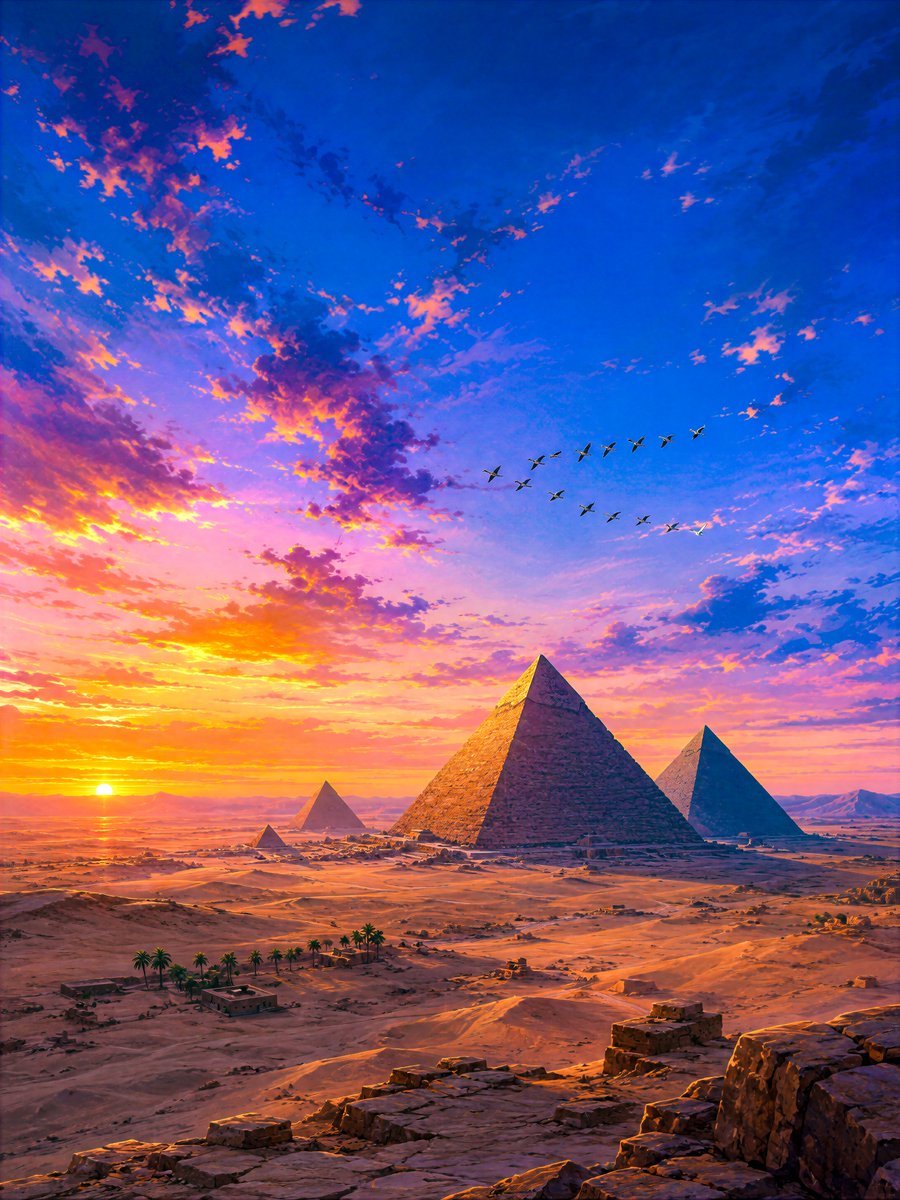
Sunset Geese Over Giza Pyramids
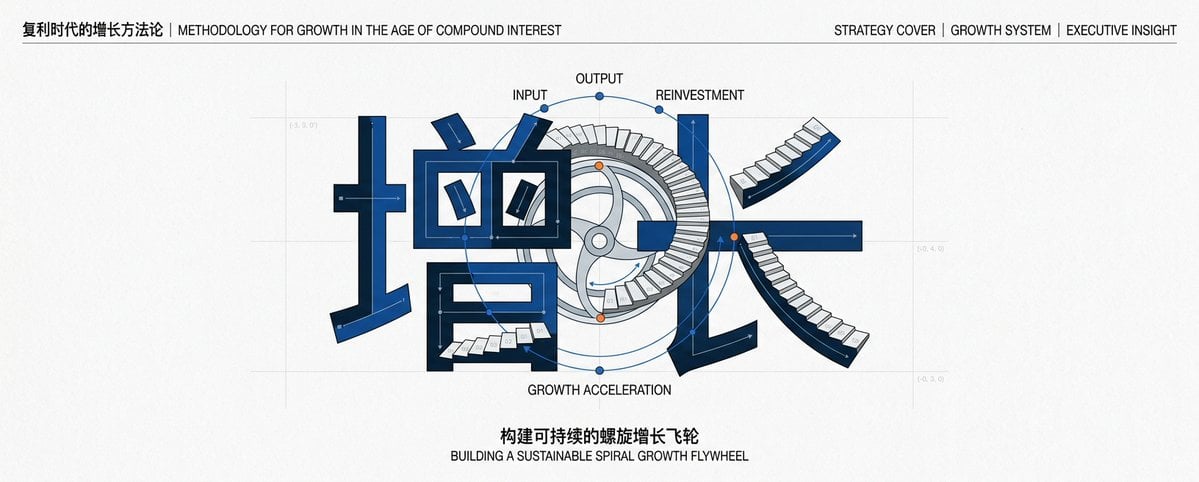
Chinese Growth Flywheel Strategy Cover

Cartoon TV Show Poster Pack

Trendy Cafe Drink Promo Poster

Urban Fashion Editorial Collage Streetwear Poster

Polo Ralph Lauren Luxury American Heritage Fashion Campaign

Monochrome Halftone Editorial Fashion Poster

Retro Mirror Luxury Fashion Campaign Poster

Luxury Fashion Campaign Typography Poster System

Premium Fashion Editorial Campaign Poster System
Make it yours
Giza Pyramid Chinese Cover Poster works as-is. These are the safest ways to change it without losing the look.
Change one field
Copy a single group, rewrite it, and generate again so you can see what that field is doing.
Keep the frame, change the subject
Hold the composition and light of Giza Pyramid Chinese Cover Poster, then swap wardrobe, props or the person for a new take.
| If the result… | Why | Fix |
|---|---|---|
| The result drifts from the preview | Too many fields changed at once. | Reuse Giza Pyramid Chinese Cover Poster as-is first, then change one group — subject, light, or setting. |
| The model over-stylizes the scene | The prose prompt leaves finish and camera underspecified. | Add one camera or lighting sentence and stay on GPT Image 2. |
More GPT Image 2 templates
Other prompts made for GPT Image 2.

Six VTuber Japanese Logo Sheet

Realistic Portrait of Woman and Deer

The Vista Modular Condo Poster

AI Model Routing Comparison Infographic

2.5D Anime Art Board

Isometric Productivity Desk Scene

New York Double Exposure Poster

Four-Panel AI Landscape Comparison

Japanese Tatami Lifestyle Magazine Cover

NESCAFÉ Coffee Map Poster
More image prompts
Fresh picks from across the catalog.
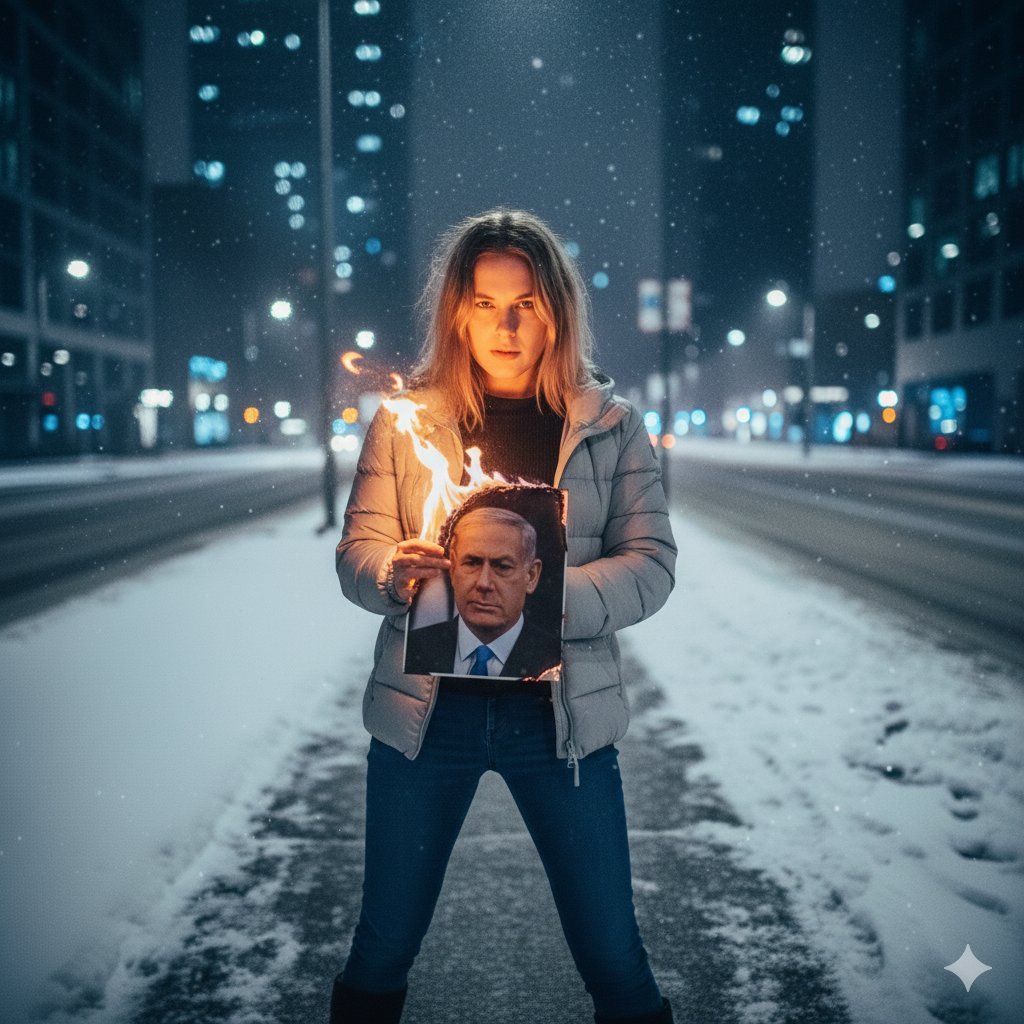
Symbolic Act of Defiance in the Snow

Tennis Hydration Ad Poster
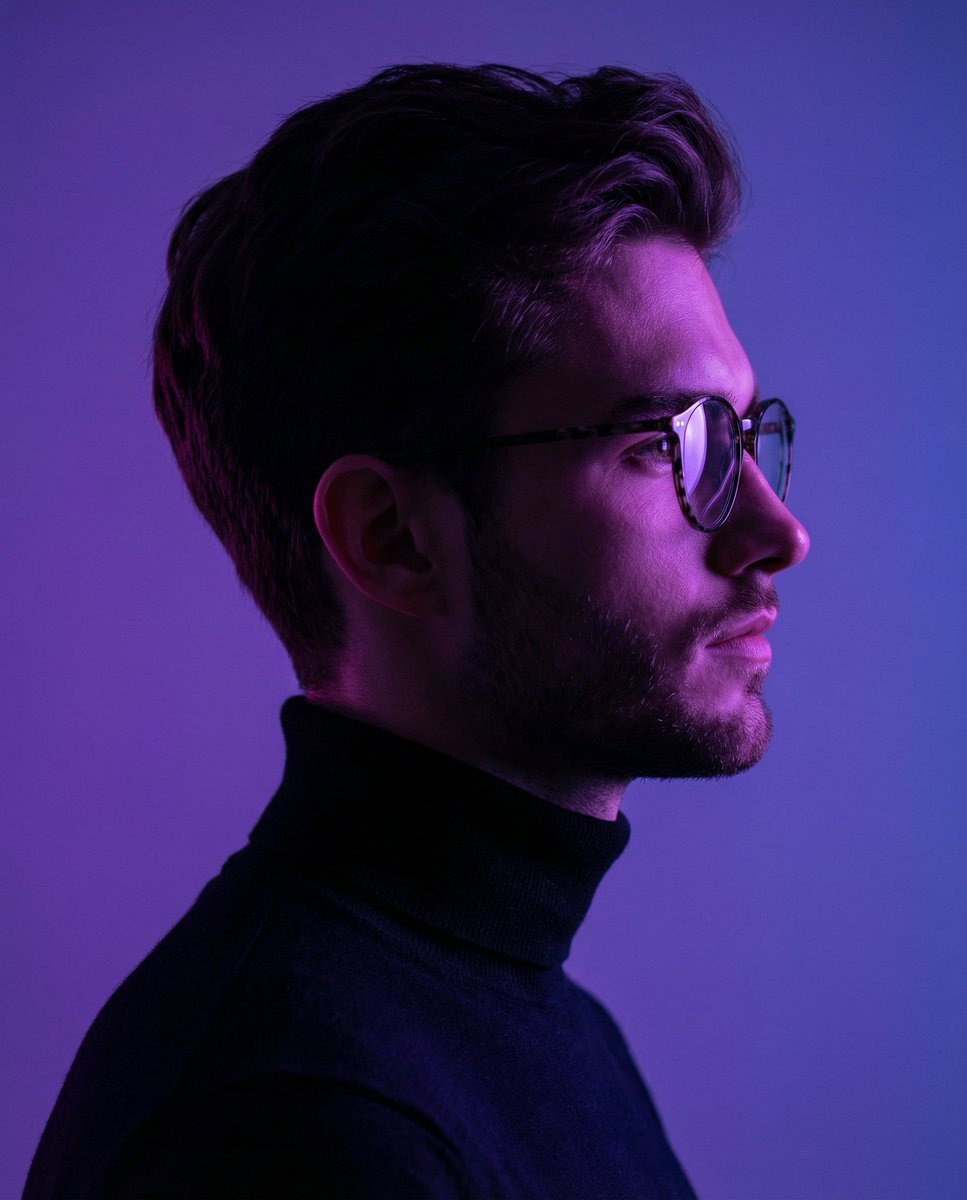
Minimalist Cinematic Portrait Prompt for Nano Banana 2
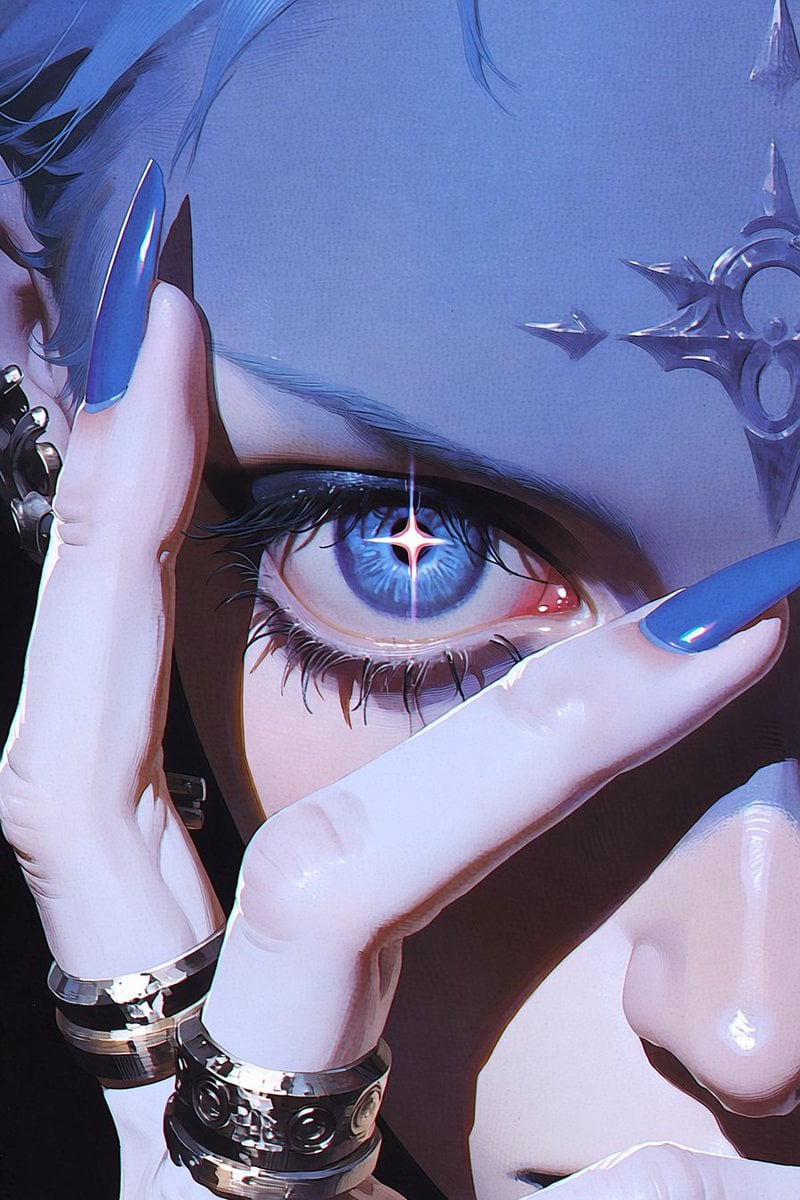
Anime Character to Photorealistic Portrait Conversion

Woman in Sunflower Field Fashion Photo
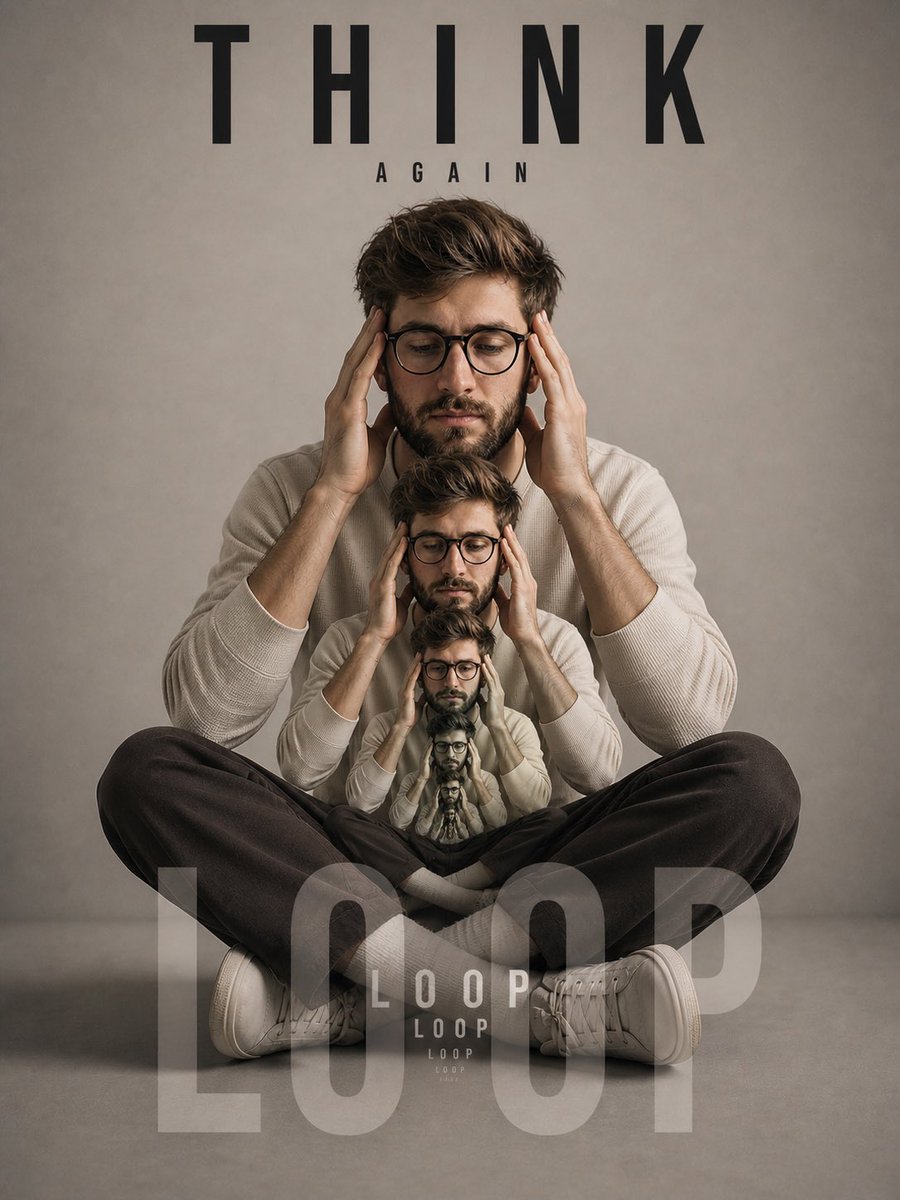
Recursive Thinking Loop Portrait
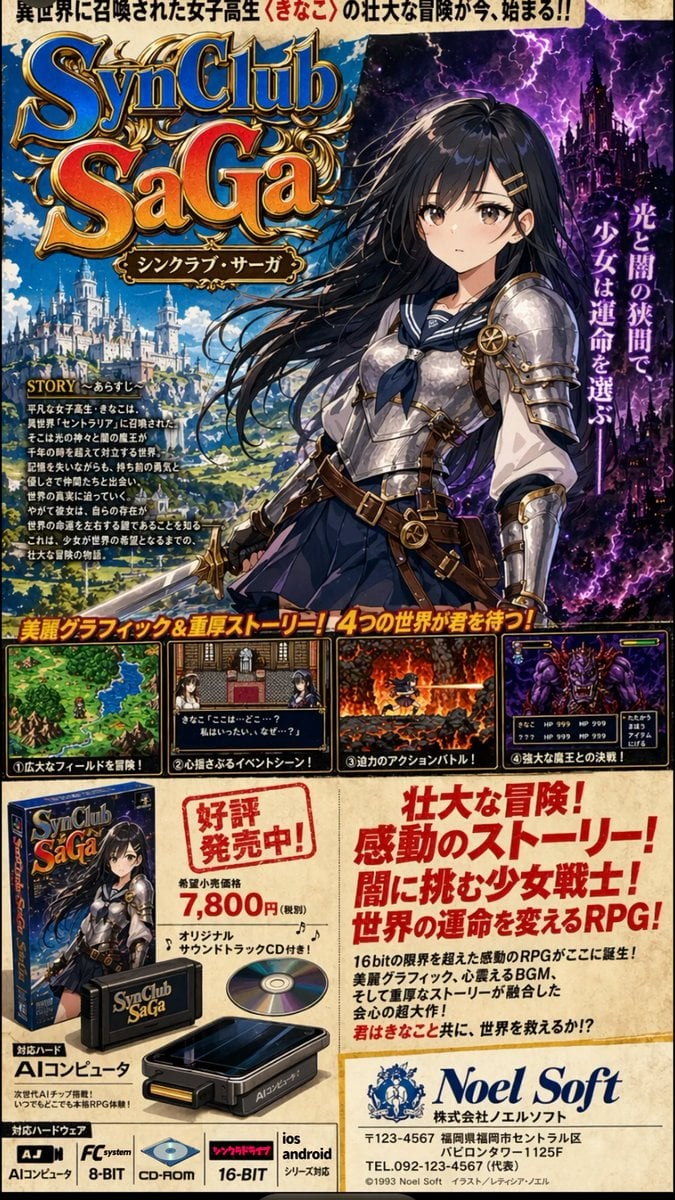
Retro JRPG Magazine Ad
Multi-Step Comic Generation with MJ and Nano Banana Pro
Neon Japanese AI Prompt Promo Banner
Park Fountain Lifestyle Photo with Sailboats
Browse template categories
Giza Pyramid Chinese Cover Poster questions
How do I use the Giza Pyramid Chinese Cover Poster template?
Add your photo if the template asks for one, edit the prompt if you like — the template's model and format are already selected — and press Generate. Your version opens in PicX Studio.
Can I customize the Giza Pyramid Chinese Cover Poster template?
Yes. You can change the subject, setting, lighting, mood, format, and available model controls before creating your image.
Is the Giza Pyramid Chinese Cover Poster template free?
Opening and editing this template is free. Generating uses credits, shown on the Generate button when you are signed in.
Which AI model should I use?
Start with GPT Image 2, which is the model associated with this template. You can compare another compatible model for a different finish.
Looking for something else? Browse all templates.

Your photo, any look
Thousands of ready templates for every top image and video model, from one credit balance.