
AI Hand Sign Challenge Anime Banner
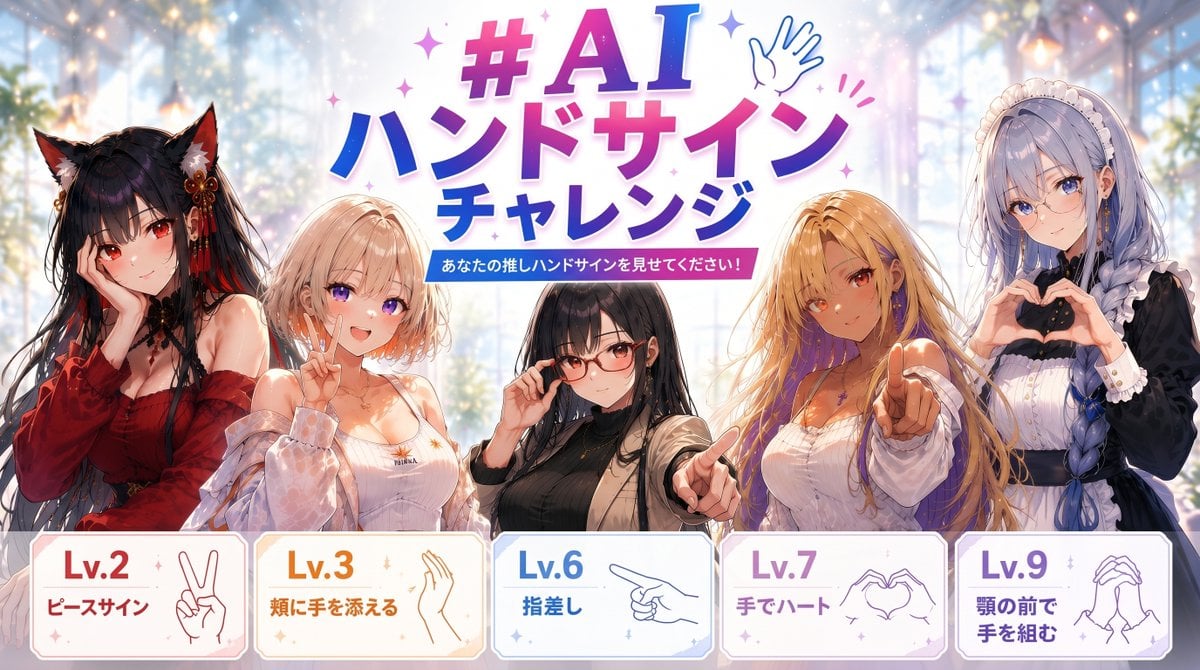
A colorful anime social-media banner promoting a Japanese AI hand-sign challenge with five girls and five gesture difficulty cards.
- Prompt included
- Model and format preset
- Premium template
The prompt behind this image
Copy the exact prompt behind AI Hand Sign Challenge Anime Banner, or open it in the studio and make it yours.
Goal: Create a bright anime event banner for an AI hand-sign challenge, featuring five illustrated girls demonstrating different hand gestures, with bold Japanese promotional typography and difficulty cards. Canvas: Wide horizontal banner, 16:9 aspect ratio, approximately 1200×675. Use a luminous fantasy greenhouse or glass atrium background with soft blue-white daylight, bokeh sparkles, pastel lens flare, and a polished social-media campaign look. Main headline: At the top center, place a large colorful title reading {argument name="headline text" default="#AI ハンドサイン チャレンジ"}. Use thick rounded Japanese display lettering with a pink-to-purple-to-blue gradient, white outline, drop shadow, small star sparkles, and a simple blue line-art waving hand icon near the title. Under it, add a small blue-pink ribbon label reading {argument name="subtitle text" default="あなたの推しハンドサインを見せてください!"}. Characters: Show exactly 5 anime-style young women arranged shoulder-to-waist across the middle, overlapping slightly, all with detailed glossy illustration quality and expressive hand poses. From left to right: 1) a black-haired fox-ear girl in a deep red off-shoulder kimono-like outfit, holding one hand thoughtfully near her chin; 2) a short blonde bob-haired girl in a white camisole and translucent pale jacket, posing with a peace sign; 3) a black-haired girl in the center wearing a black top and beige cardigan, touching one cheek with one hand; 4) a long blonde-haired girl in a white blouse reaching toward the viewer with a clear pointing gesture; 5) a lavender-blue braided-hair maid or gothic lolita girl in a black-and-white dress and frilled headband, forming a heart shape with both hands. The face area may be softly obscured or left less detailed, but the hands must be anatomically clear and central. Bottom difficulty cards: Along the bottom, create exactly 5 rounded rectangular cards with thin colored borders, soft pastel fills, small sparkle decorations, and simple line-art hand icons. The cards must read, from left to right: 1) "Lv.2" and "ピースサイン" with a peace-sign hand icon; 2) "Lv.3" and "頬に手を添える" with a cheek-touching hand icon; 3) "Lv.6" and "指差し" with a pointing-hand icon; 4) "Lv.7" and "手でハート" with two hands making a heart icon; 5) "Lv.9" and "顎の前で手を組む" with clasped hands under chin icon. Make the level numbers large and color-coded: red/orange for Lv.2, orange for Lv.3, blue for Lv.6, purple-pink for Lv.7, and violet for Lv.9. Visual style: High-quality modern anime key visual, soft painterly rendering, saturated but airy pastel colors, glossy hair highlights, clean typography, cute challenge-poster energy, sparkles throughout, crisp foreground against a dreamy blurred background. Constraints: Keep the exact count of 5 characters and 5 bottom cards. Emphasize readable Japanese text and accurate hand gestures. Avoid extra logos, dates, watermarks, or unrelated text.
How to use AI Hand Sign Challenge Anime Banner in 3 steps
- 1Upload ImagePNG, JPG or paste
Add your photo
Upload the photo the template builds on. The prompt, model and format are already set.
- 2…a portrait of your subject in softgolden-hour light, 85mm…
Personalize
Edit the subject and creative details for your destination.
- 3Generate
Generate
Press Generate — your image is created in PicX Studio, so you can compare it with the original and refine one variable at a time.
More like this
Templates with the same subject, style or setup. Open one to see its prompt.









Make it yours
AI Hand Sign Challenge Anime Banner works as-is. These are the safest ways to change it without losing the look.
Change one field
Copy a single group, rewrite it, and generate again so you can see what that field is doing.
Keep the frame, change the subject
Hold the composition and light of AI Hand Sign Challenge Anime Banner, then swap wardrobe, props or the person for a new take.
| If the result… | Why | Fix |
|---|---|---|
| The result drifts from the preview | Too many fields changed at once. | Reuse AI Hand Sign Challenge Anime Banner as-is first, then change one group — subject, light, or setting. |
| The model over-stylizes the scene | The prose prompt leaves finish and camera underspecified. | Add one camera or lighting sentence and stay on GPT Image 2. |
More GPT Image 2 templates
Other prompts made for GPT Image 2.

Six VTuber Japanese Logo Sheet

Realistic Portrait of Woman and Deer

The Vista Modular Condo Poster

AI Model Routing Comparison Infographic

2.5D Anime Art Board

Isometric Productivity Desk Scene

New York Double Exposure Poster

Four-Panel AI Landscape Comparison

Japanese Tatami Lifestyle Magazine Cover

NESCAFÉ Coffee Map Poster
More image prompts
Fresh picks from across the catalog.
Luxury Retail Editorial Scene with Symbolic Apple
Fashion Editorial Description Using Goog
Artist in Drained Pool Studio
Ultra-realistic Cinematic Portrait with Shattered Glass and Luxury Accessories

Cinematic Fire Effect Asset
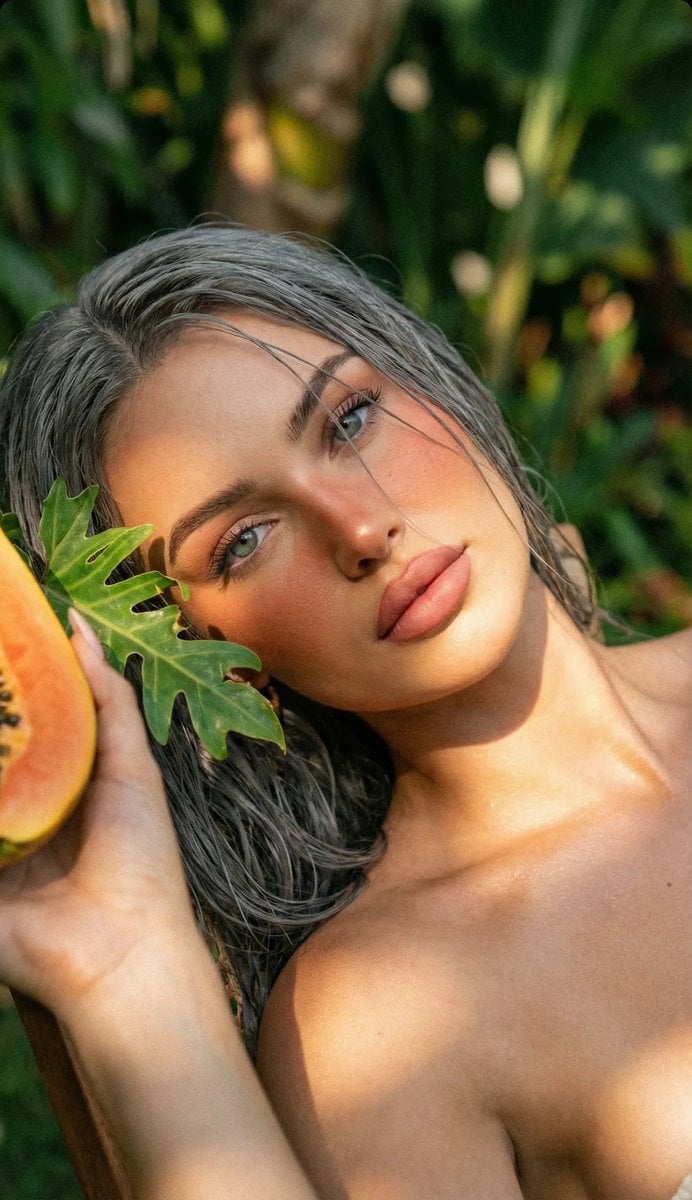
Tropical Golden Hour Portrait with Igari Makeup
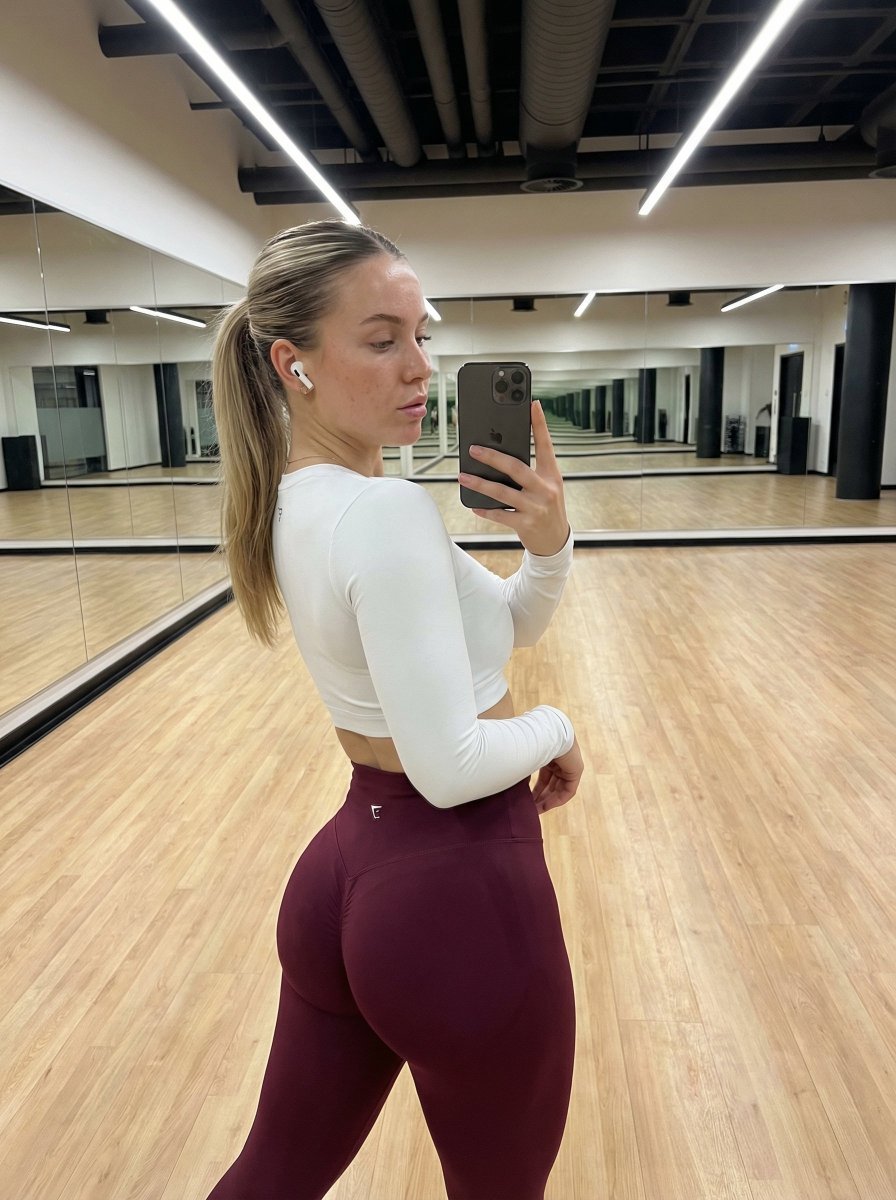
Hyper-Realistic Fitness Mirror Selfie with Exaggerated Proportions
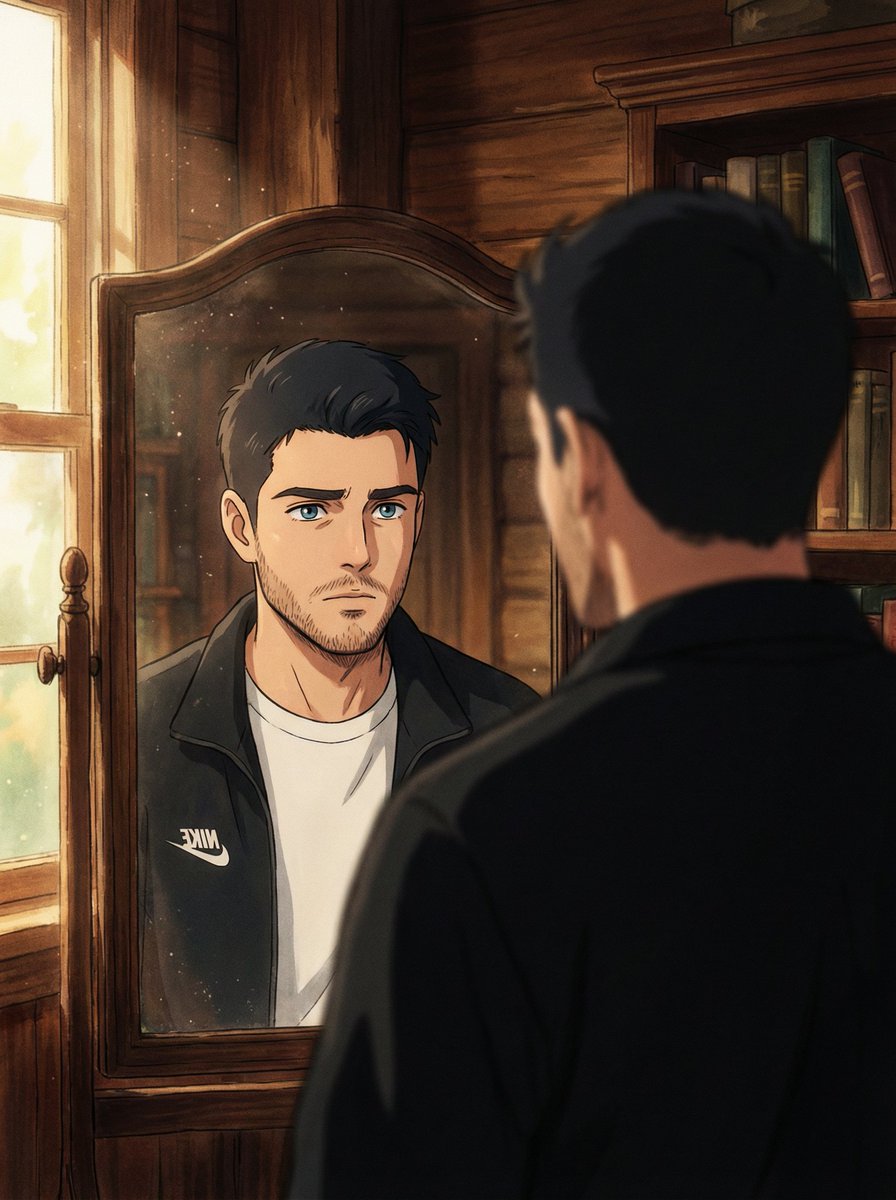
Cinematic Portrait Reflection with Ghibli Effect
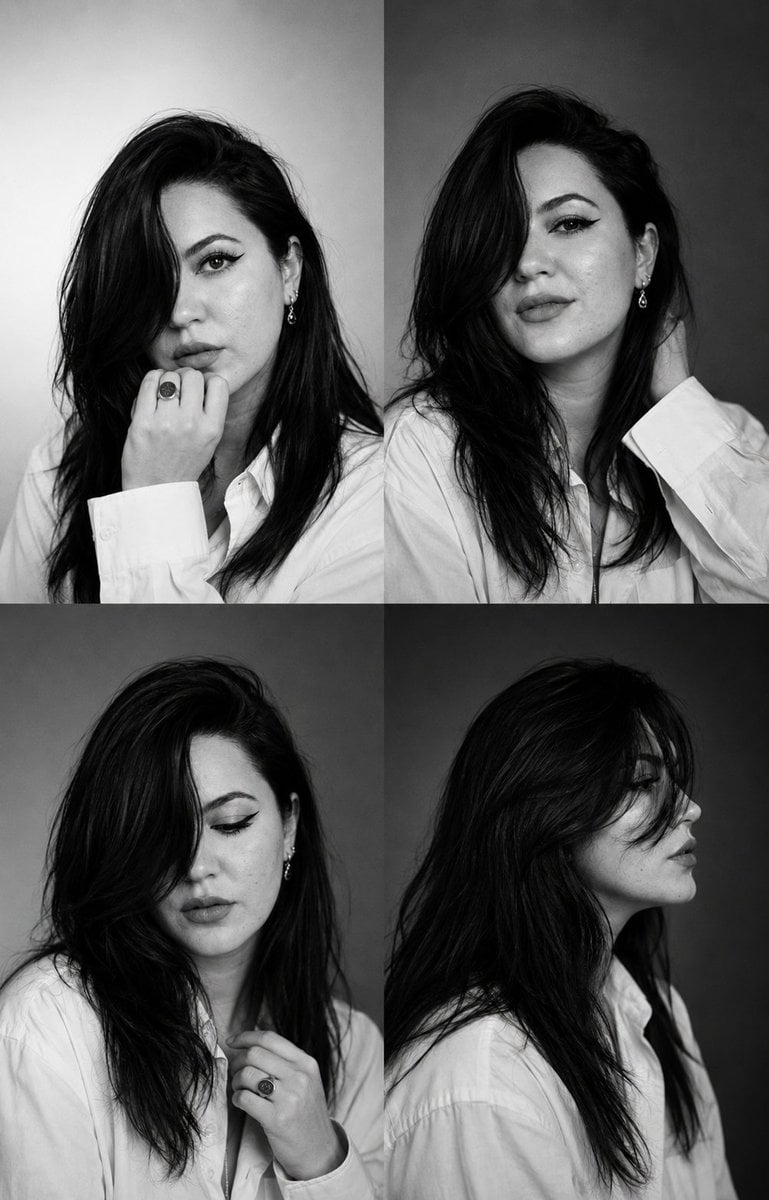
Monochrome Fashion Casting Contact Sheet

Luxury Travel Fashion Editorial
Browse template categories
AI Hand Sign Challenge Anime Banner questions
How do I use the AI Hand Sign Challenge Anime Banner template?
Add your photo if the template asks for one, edit the prompt if you like — the template's model and format are already selected — and press Generate. Your version opens in PicX Studio.
Can I customize the AI Hand Sign Challenge Anime Banner template?
Yes. You can change the subject, setting, lighting, mood, format, and available model controls before creating your image.
Is the AI Hand Sign Challenge Anime Banner template free?
Opening and editing this template is free. Generating uses credits, shown on the Generate button when you are signed in.
Which AI model should I use?
Start with GPT Image 2, which is the model associated with this template. You can compare another compatible model for a different finish.
Looking for something else? Browse all templates.

Your photo, any look
Thousands of ready templates for every top image and video model, from one credit balance.