
Dynamic Sprint Poster
Generates a high-impact vertical sports advertising poster with a sprinter, bold typography, and magazine-style performance branding.

- Prompt included
- Model and format preset
- Premium template
The prompt behind this image
Copy the exact prompt behind Dynamic Sprint Poster, or open it in the studio and make it yours.
Goal: Create a dynamic vertical sports magazine poster advertising elite sprinting and limitless athletic energy, featuring {argument name="athlete description" default="a lean muscular Japanese male sprinter"} in an explosive running pose. Canvas: Tall vertical 9:16 poster, high-resolution, full-bleed. Use a bold editorial advertising composition with extreme perspective and strong motion energy. Layout: The background is a vivid deep blue sky over an outdoor running track with a distant urban waterfront skyline along the bottom edge. Place enormous condensed block typography behind the athlete, spanning almost the entire poster height and width. The main headline reads {argument name="main headline" default="NO LIMIT ENERGY"} in huge off-white all-caps letters, stacked across three lines, partially hidden behind the runner. Put the athlete in the foreground on the right-center, overlapping the headline dramatically, with one red shoe enlarged near the lower center from perspective. Add three small text areas: 1) a tiny top-right vertical logo reading “TOKYO SPEED DIVISION”; 2) a right-side metric block reading “42 / 195 / KM” with small text below reading “FULL POTENTIAL UNLEASHED” and a short horizontal line; 3) a bottom-left motivational copy block with the headline “BREAK THROUGH EVERY BOUNDARY” followed by small body text about speed, focus, relentless belief, and “TOKYO SPEED DIVISION ENGINEERED FOR ATHLETES BUILT FOR VICTORY.” Subject details: The athlete wears {argument name="running outfit" default="a black sleeveless performance top and black running shorts with red side panels"} and {argument name="shoe color" default="bright red running shoes with black accents and white soles"}. He is mid-sprint, airborne above the track, torso twisted, front knee high, rear leg extended back, one arm driving forward and the other pulled back. Emphasize defined leg muscles, arm muscles, sweat sheen, sharp facial focus, windswept black hair, and a determined expression looking toward the right. Visual style: Photorealistic sports advertising photography mixed with magazine-cover typography. Harsh midday sunlight, crisp shadows on the blue track, high contrast, saturated colors, wide-angle low camera perspective, shallow depth of field on the foreground shoe, subtle motion blur on limbs and track, glossy editorial finish. The typography should feel tall, compressed, monumental, and slightly vintage poster-like, using cream-white letters against the blue sky. Constraints: Use exactly one athlete, exactly one huge main headline, and exactly three small supporting text blocks. Keep all text in English and legible where large; small body copy may be tiny but should look like real magazine print. No extra logos, no watermark, no border.
How to use Dynamic Sprint Poster in 3 steps
- 1Upload ImagePNG, JPG or paste
Add your photo
Upload the photo the template builds on. The prompt, model and format are already set.
- 2…a portrait of your subject in softgolden-hour light, 85mm…
Personalize
Edit the subject and creative details for your destination.
- 3Generate
Generate
Press Generate — your image is created in PicX Studio, so you can compare it with the original and refine one variable at a time.
More like this
Templates with the same subject, style or setup. Open one to see its prompt.
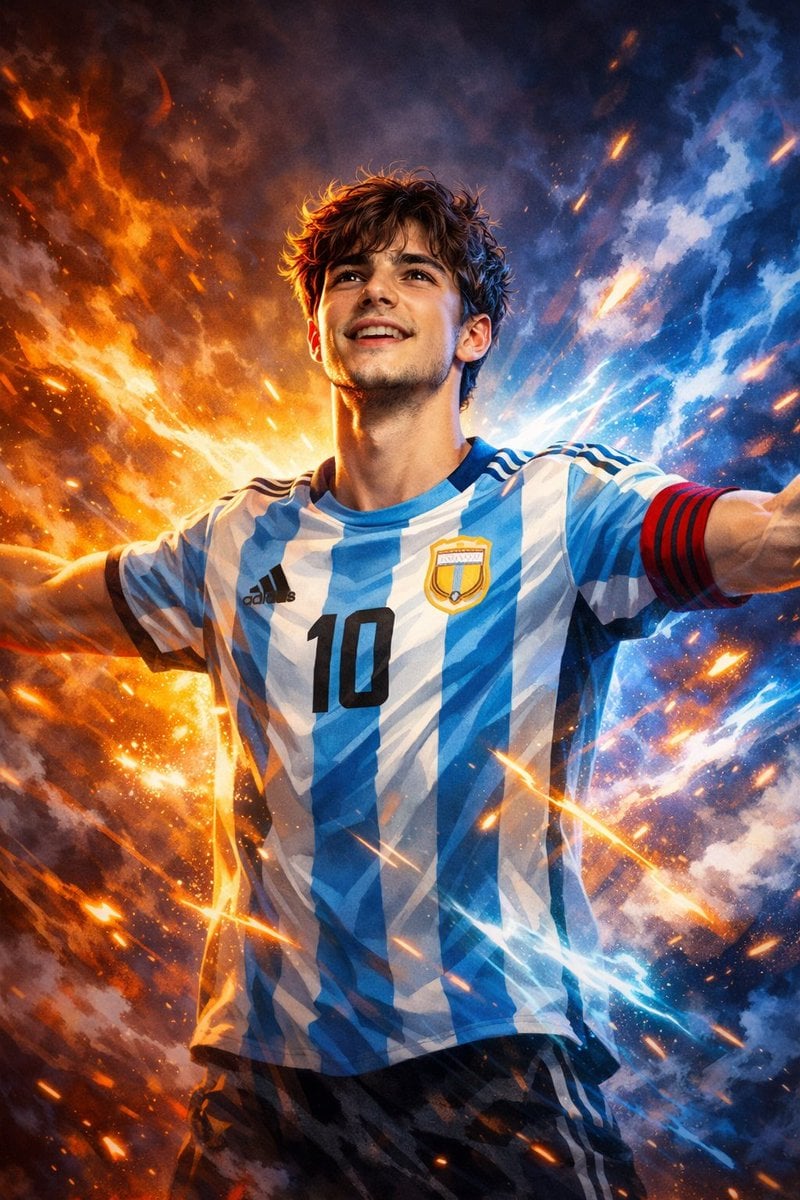
Victory Aura Superhero Neon Poster
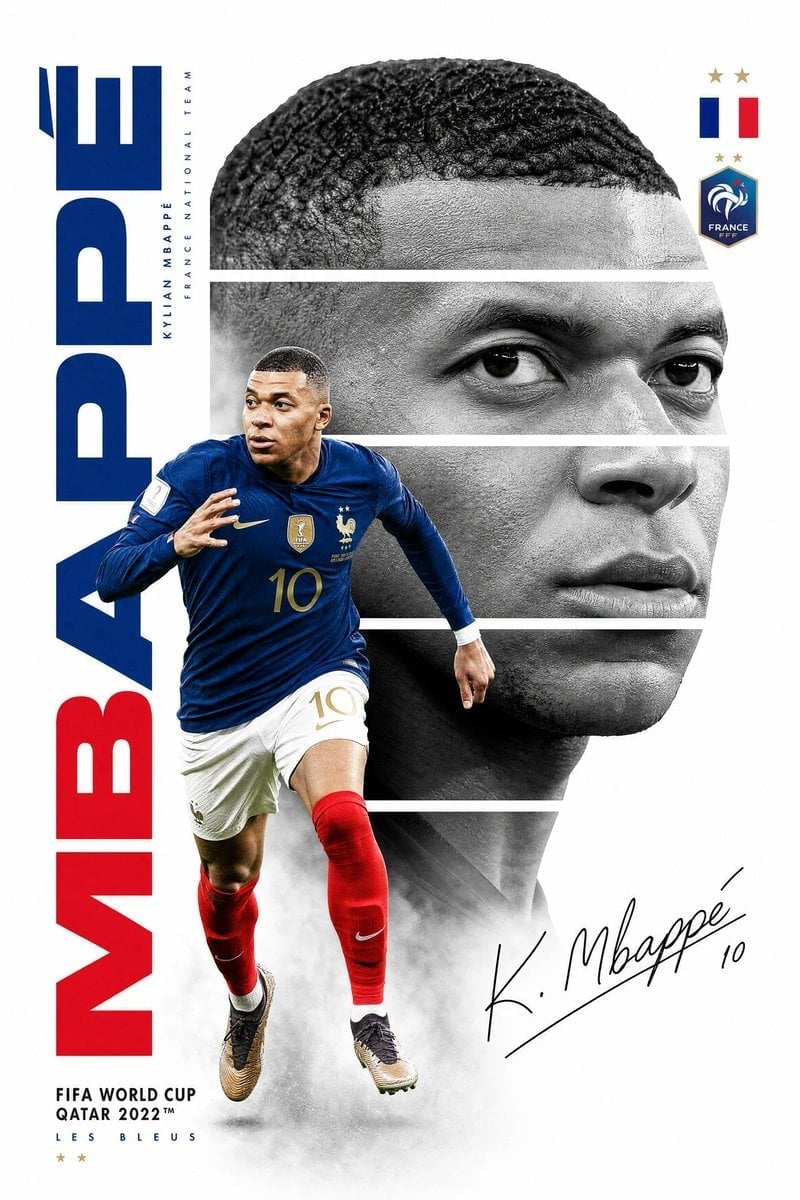
Mbappé Sprint France Royal Poster

Japan Travel Brochure Poster

Cartoon TV Show Poster Pack

Trendy Cafe Drink Promo Poster

Urban Fashion Editorial Collage Streetwear Poster

Premium Fashion Editorial Cover Layout System

Polo Ralph Lauren Luxury American Heritage Fashion Campaign

Monochrome Halftone Editorial Fashion Poster

Retro Mirror Luxury Fashion Campaign Poster

Luxury Fashion Campaign Typography Poster System

Premium Fashion Editorial Campaign Poster System
Make it yours
Dynamic Sprint Poster works as-is. These are the safest ways to change it without losing the look.
Change one field
Copy a single group, rewrite it, and generate again so you can see what that field is doing.
Keep the frame, change the subject
Hold the composition and light of Dynamic Sprint Poster, then swap wardrobe, props or the person for a new take.
| If the result… | Why | Fix |
|---|---|---|
| The result drifts from the preview | Too many fields changed at once. | Reuse Dynamic Sprint Poster as-is first, then change one group — subject, light, or setting. |
| The model over-stylizes the scene | The prose prompt leaves finish and camera underspecified. | Add one camera or lighting sentence and stay on GPT Image 2. |
More GPT Image 2 templates
Other prompts made for GPT Image 2.

Six VTuber Japanese Logo Sheet

Realistic Portrait of Woman and Deer

The Vista Modular Condo Poster

AI Model Routing Comparison Infographic

2.5D Anime Art Board

Isometric Productivity Desk Scene

New York Double Exposure Poster

Four-Panel AI Landscape Comparison

Japanese Tatami Lifestyle Magazine Cover

NESCAFÉ Coffee Map Poster
More image prompts
Fresh picks from across the catalog.
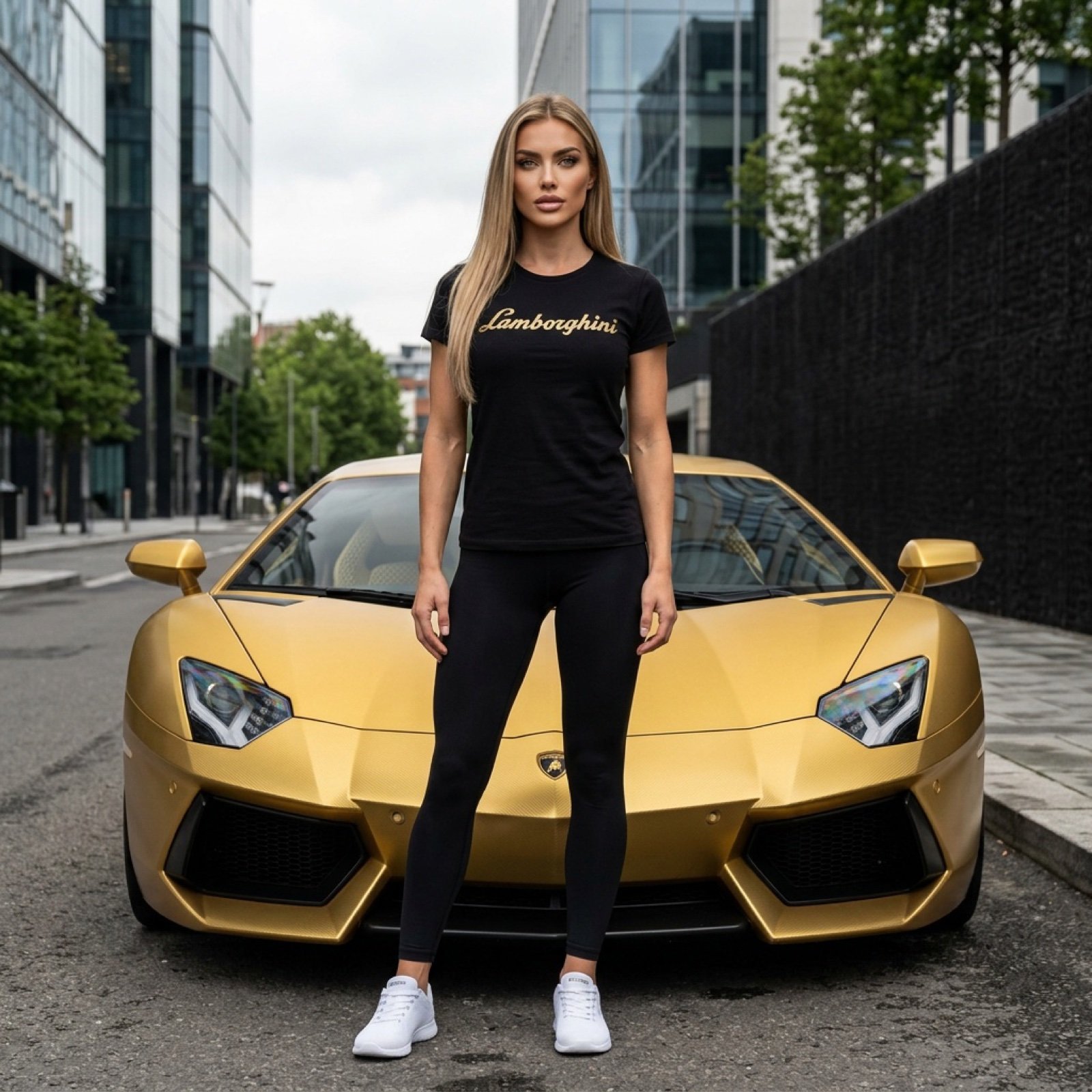
Gold Lamborghini Fashion Shoot Prompt
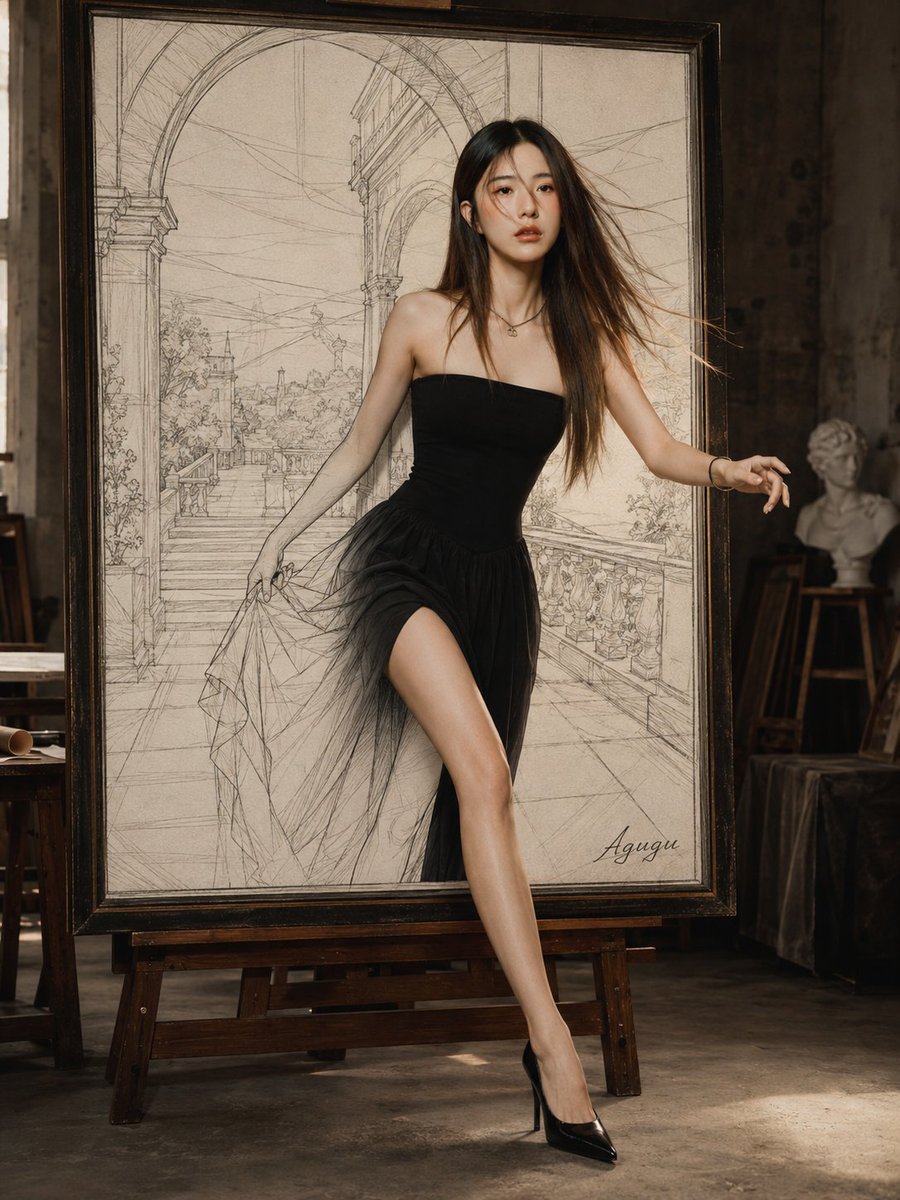
Woman Stepping Out of Sketch

Golden Meadow Portrait with Pets
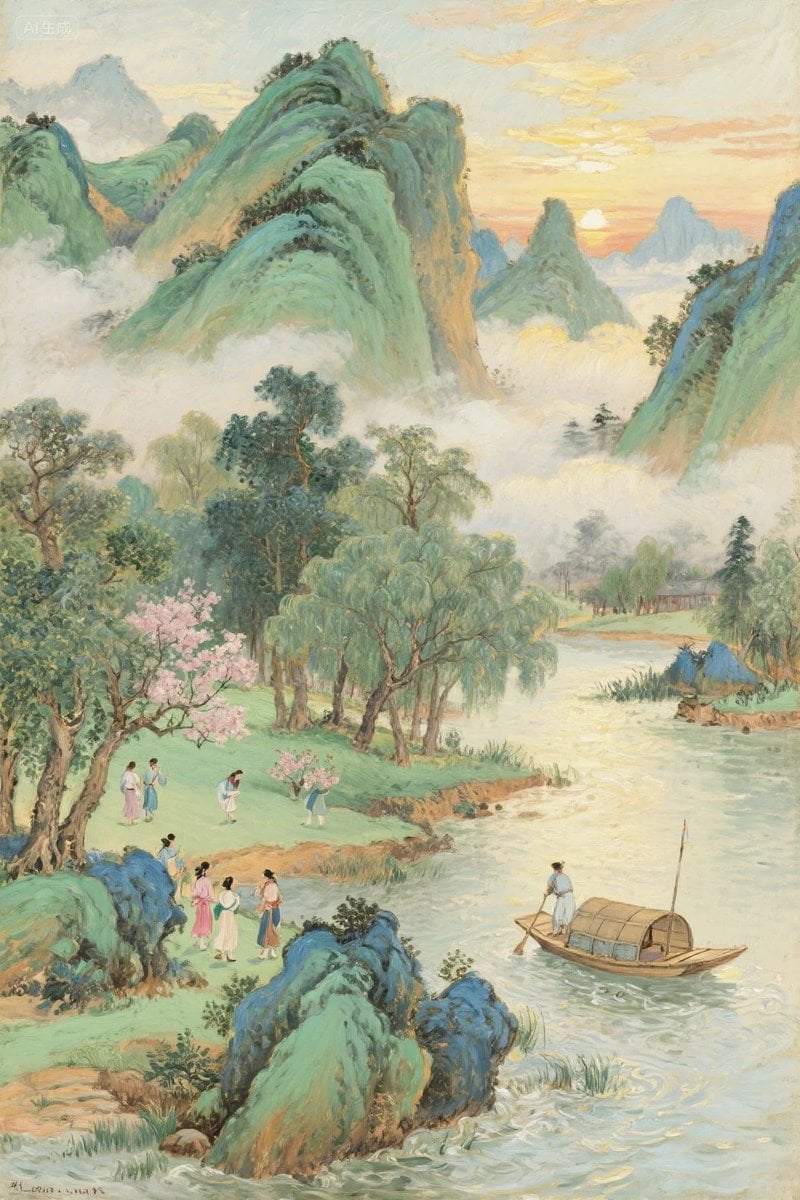
Pastel Chinese Landscape Expansion
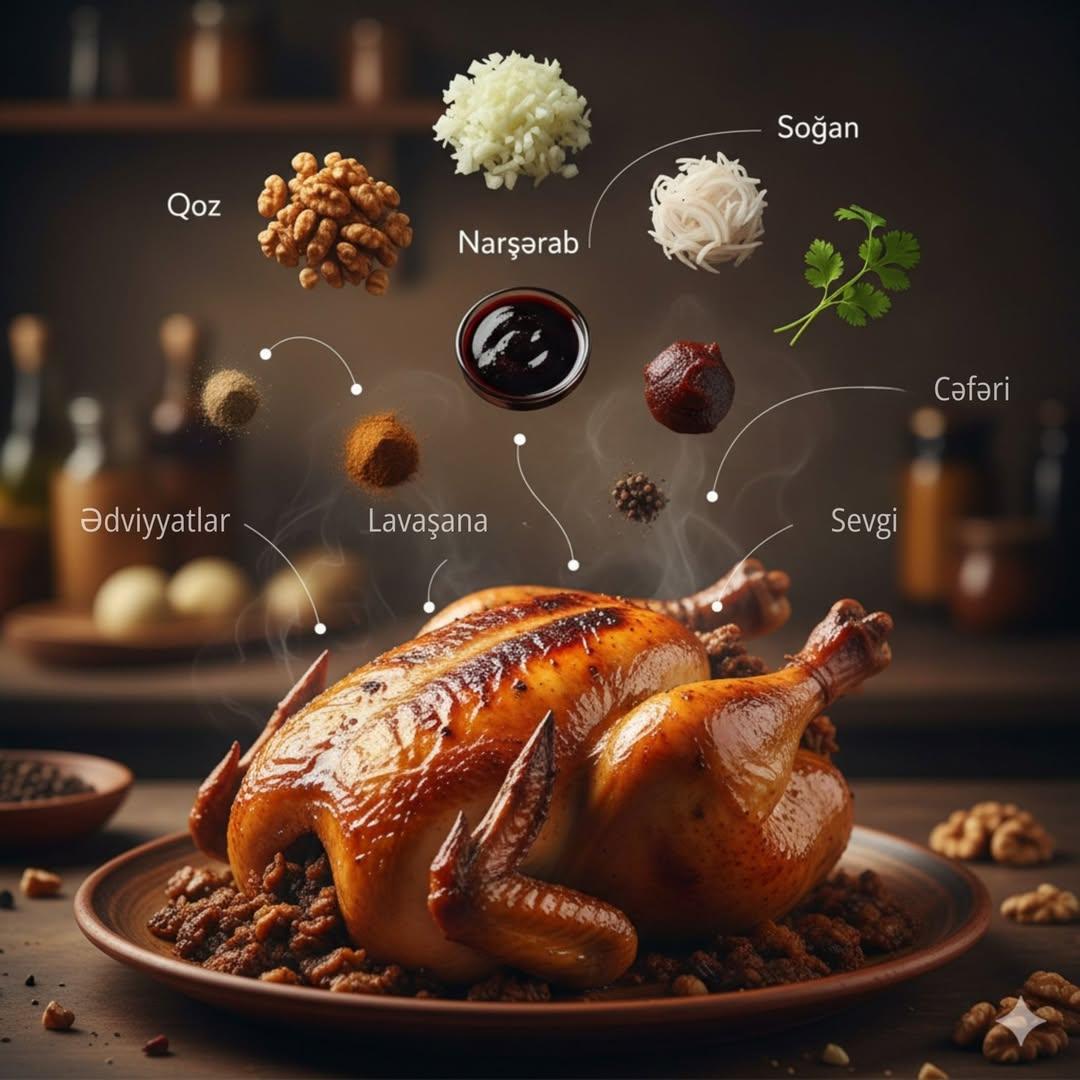
Cinematic Food Infographic of Levengi Chicken
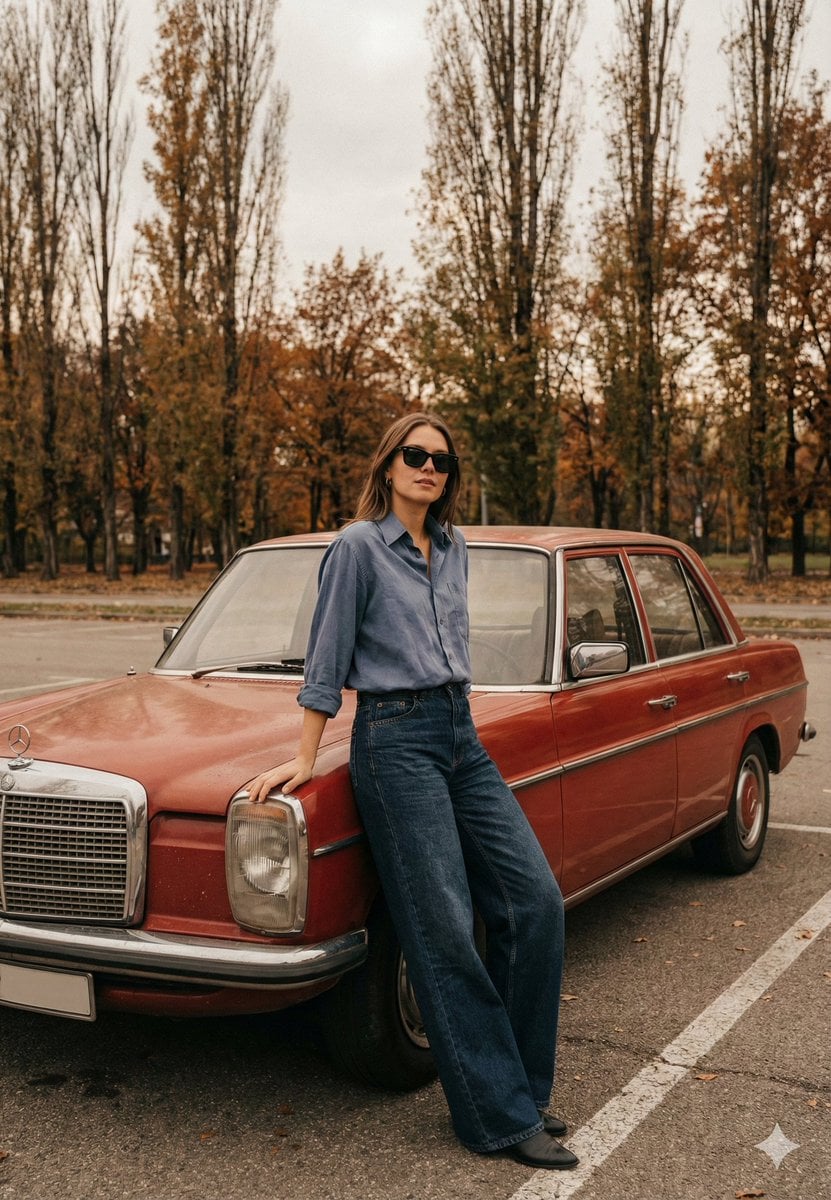
Old Money Cinematic Portrait with Vintage Sedan

Moody High-Contrast Portrait with Acoustic Guitar
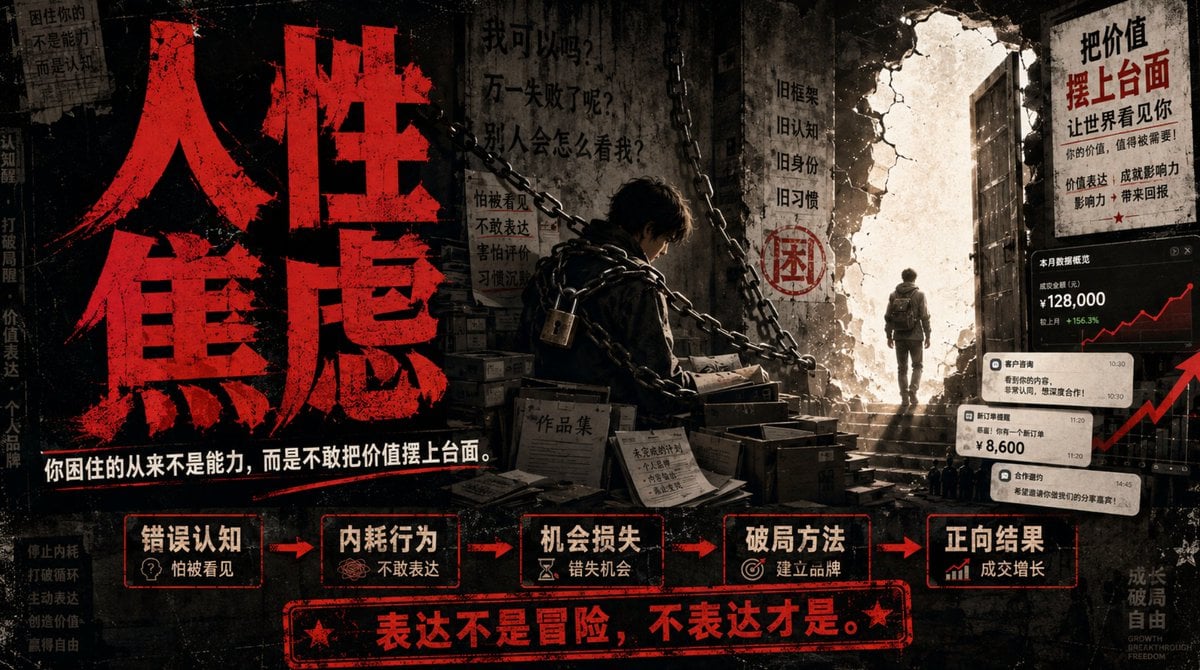
Human Anxiety Dark Business Poster

Relationship History Visualization
Cinematic Black and White Portrait in a Crowd
Browse template categories
Dynamic Sprint Poster questions
How do I use the Dynamic Sprint Poster template?
Add your photo if the template asks for one, edit the prompt if you like — the template's model and format are already selected — and press Generate. Your version opens in PicX Studio.
Can I customize the Dynamic Sprint Poster template?
Yes. You can change the subject, setting, lighting, mood, format, and available model controls before creating your image.
Is the Dynamic Sprint Poster template free?
Opening and editing this template is free. Generating uses credits, shown on the Generate button when you are signed in.
Which AI model should I use?
Start with GPT Image 2, which is the model associated with this template. You can compare another compatible model for a different finish.
Looking for something else? Browse all templates.

Your photo, any look
Thousands of ready templates for every top image and video model, from one credit balance.