
Retro More Sense Poster
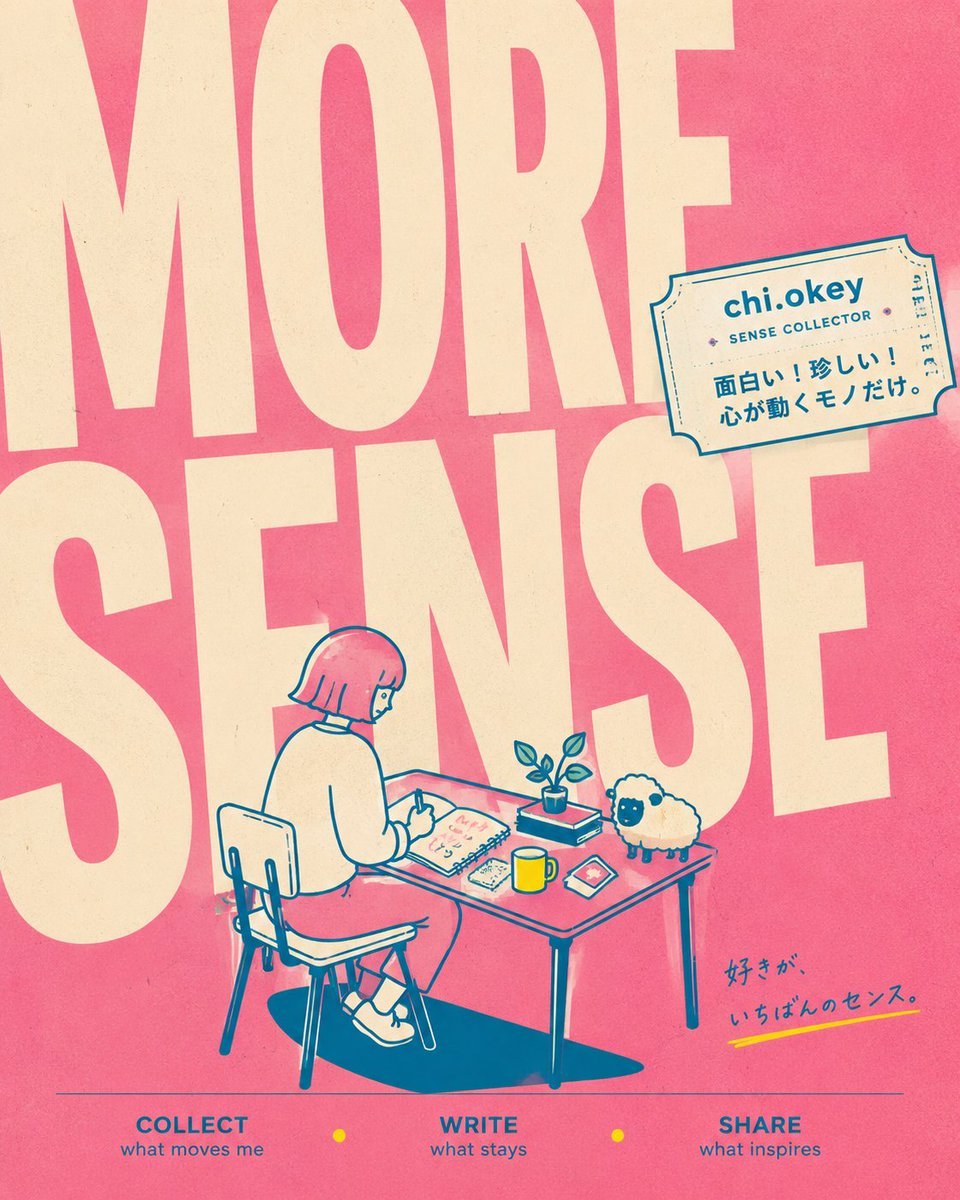
A square risograph-style brand poster with oversized typography, a desk-writing character, sheep mascot, and Japanese creative-account details.
- Prompt included
- Model and format preset
- Premium template
The prompt behind this image
Copy the exact prompt behind Retro More Sense Poster, or open it in the studio and make it yours.
Goal: Create a square retro poster-style social media header/brand visual for a personal creative account themed around collecting everyday senses, writing what resonates, and sharing inspiration. Canvas: 1:1 square image, warm risograph print texture, slightly faded paper grain, bold graphic composition. Use a coral-pink background with oversized cream typography filling almost the entire image. Layout: Place enormous condensed block letters reading “MORE” across the top half and “SENSE” across the middle, cropped by the canvas edges so the letters feel poster-sized and architectural. In the lower center, draw a small line-art scene of a person seated at a desk. Add a tilted ticket-shaped label in the upper right. Add a small handwritten Japanese tagline near the lower right. Along the bottom, add a thin horizontal line and exactly 3 navigation words with small yellow dots between them. Main illustration: A simple teal-blue line drawing with cream fills and coral accents. Show {argument name="character name" default="chi.okey"} as a short-haired person with a bob haircut, seen from behind/side, sitting on a chair at a rectangular desk. The person wears a loose sweater, skirt or shorts, socks, and sneakers, and is writing in an open notebook. On the desk include exactly 5 visible objects: 1 open notebook, 1 small potted plant, 1 yellow mug, 1 smartphone or small card, and 1 small rectangular item. Beside the desk on the right, include exactly 1 fluffy sheep mascot with a cream wool body, dark face, and small legs. Add a dark teal cast shadow under the chair and table. Ticket label: In the upper right, draw a cream admission-ticket style sticker with teal outline, perforation details, and small decorative marks. Text on the ticket should read “{argument name="account name" default="chi.okey"}” in bold, “SENSE COLLECTOR” below it, and Japanese copy: “面白い!珍しい!心が動くモノだけ。” Bottom text: Create exactly 3 bottom menu items in blue uppercase with smaller lowercase captions: 1) “COLLECT” with “what moves me”, 2) “WRITE” with “what stays”, 3) “SHARE” with “what inspires”. Put exactly 2 small yellow circular dots between the three items. Additional text: Near the lower right, add handwritten Japanese text “好きが、いちばんのセンス。” with a short yellow underline stroke. Visual style: Minimal Japanese zine aesthetic, retro risograph, clean vector linework, teal outlines, cream typography, coral-pink background, yellow accent dots and mug. Slight ink misregistration, subtle paper speckles, playful but calm brand identity. Constraints: Keep the composition uncluttered, preserve the oversized cropped “MORE SENSE” lettering, include exactly 1 sheep mascot, no photorealism, no extra characters, no watermark.
How to use Retro More Sense Poster in 3 steps
- 1Upload ImagePNG, JPG or paste
Add your photo
Upload the photo the template builds on. The prompt, model and format are already set.
- 2…a portrait of your subject in softgolden-hour light, 85mm…
Personalize
Edit the subject and creative details for your destination.
- 3Generate
Generate
Press Generate — your image is created in PicX Studio, so you can compare it with the original and refine one variable at a time.
More like this
Templates with the same subject, style or setup. Open one to see its prompt.
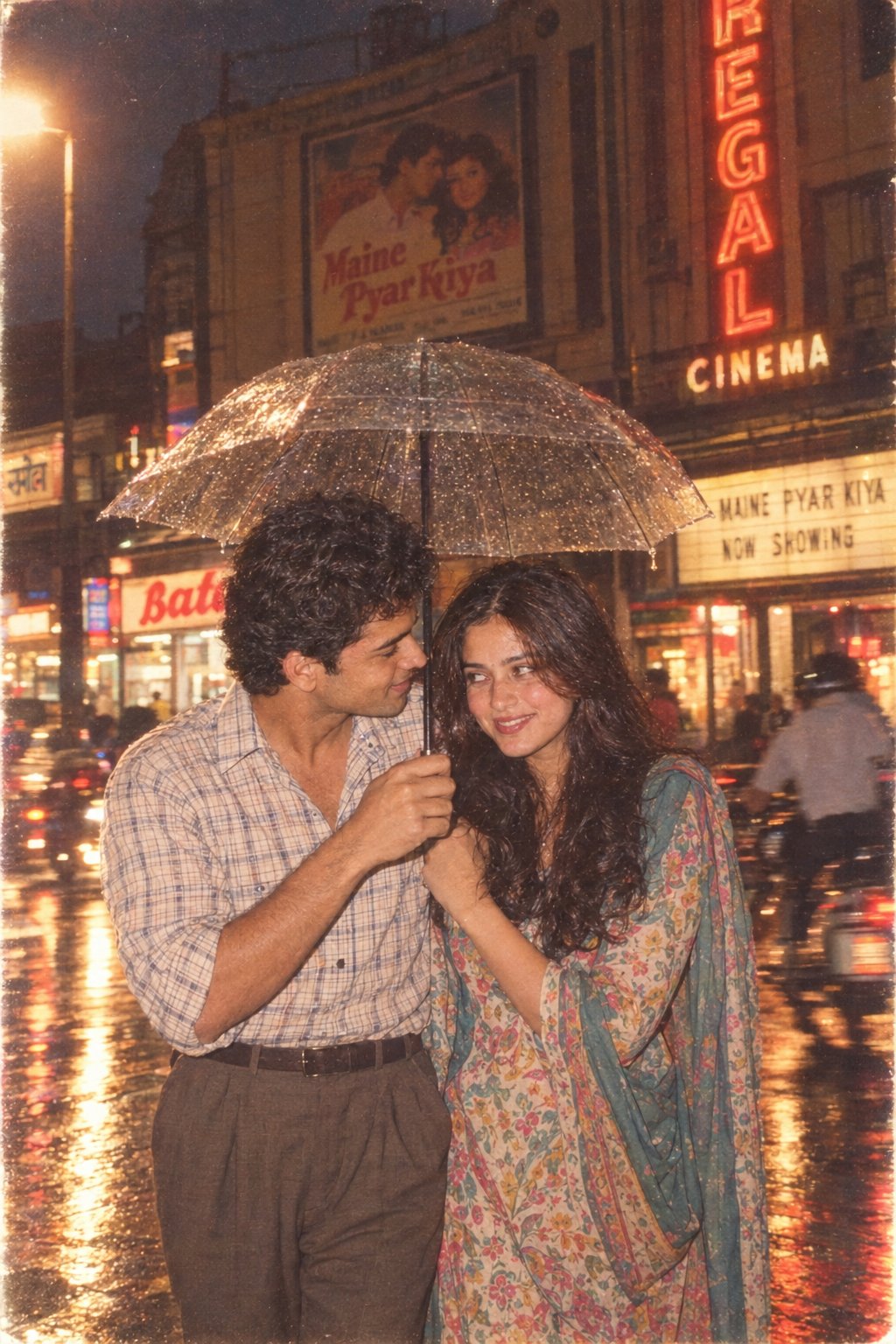
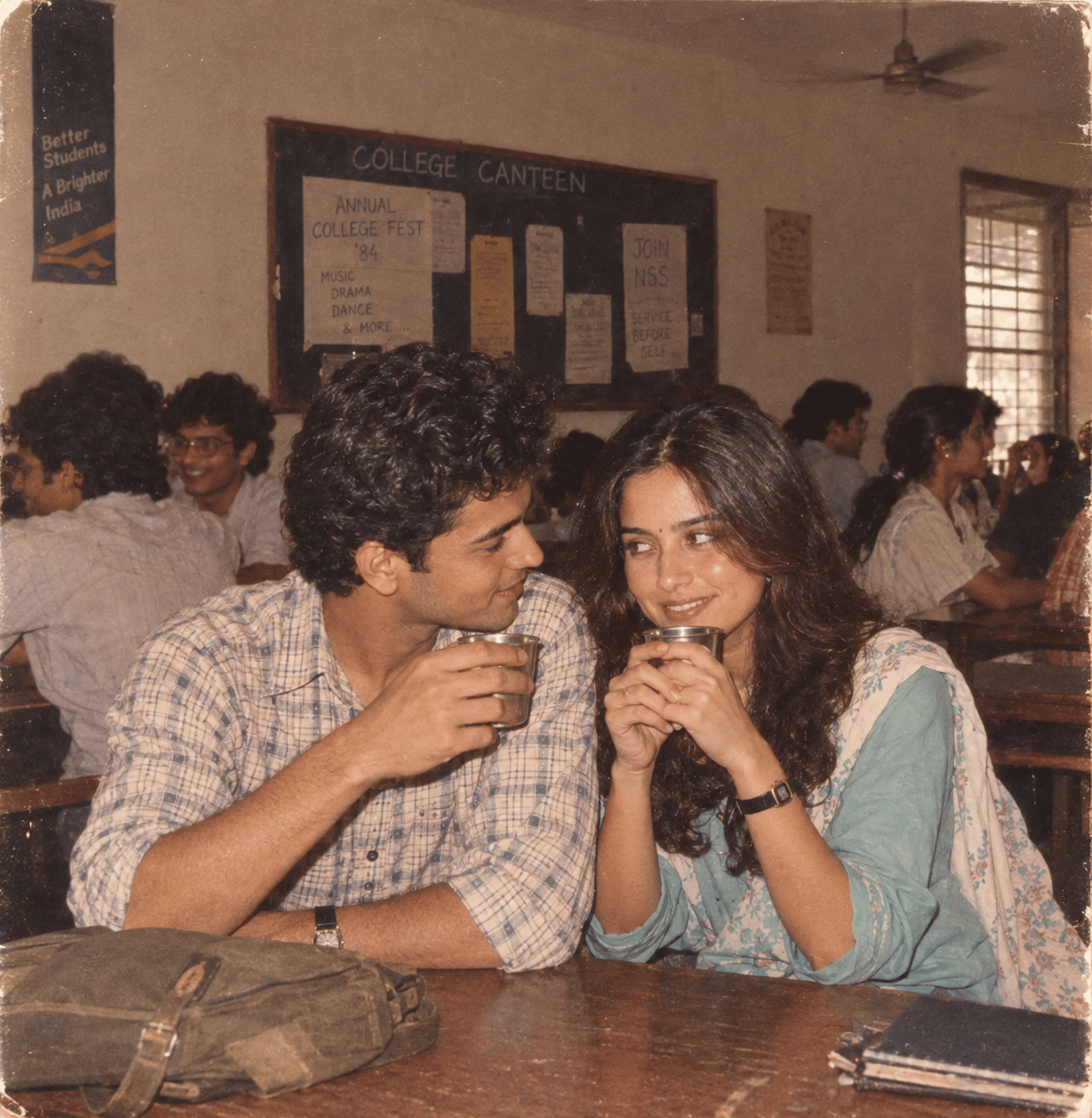
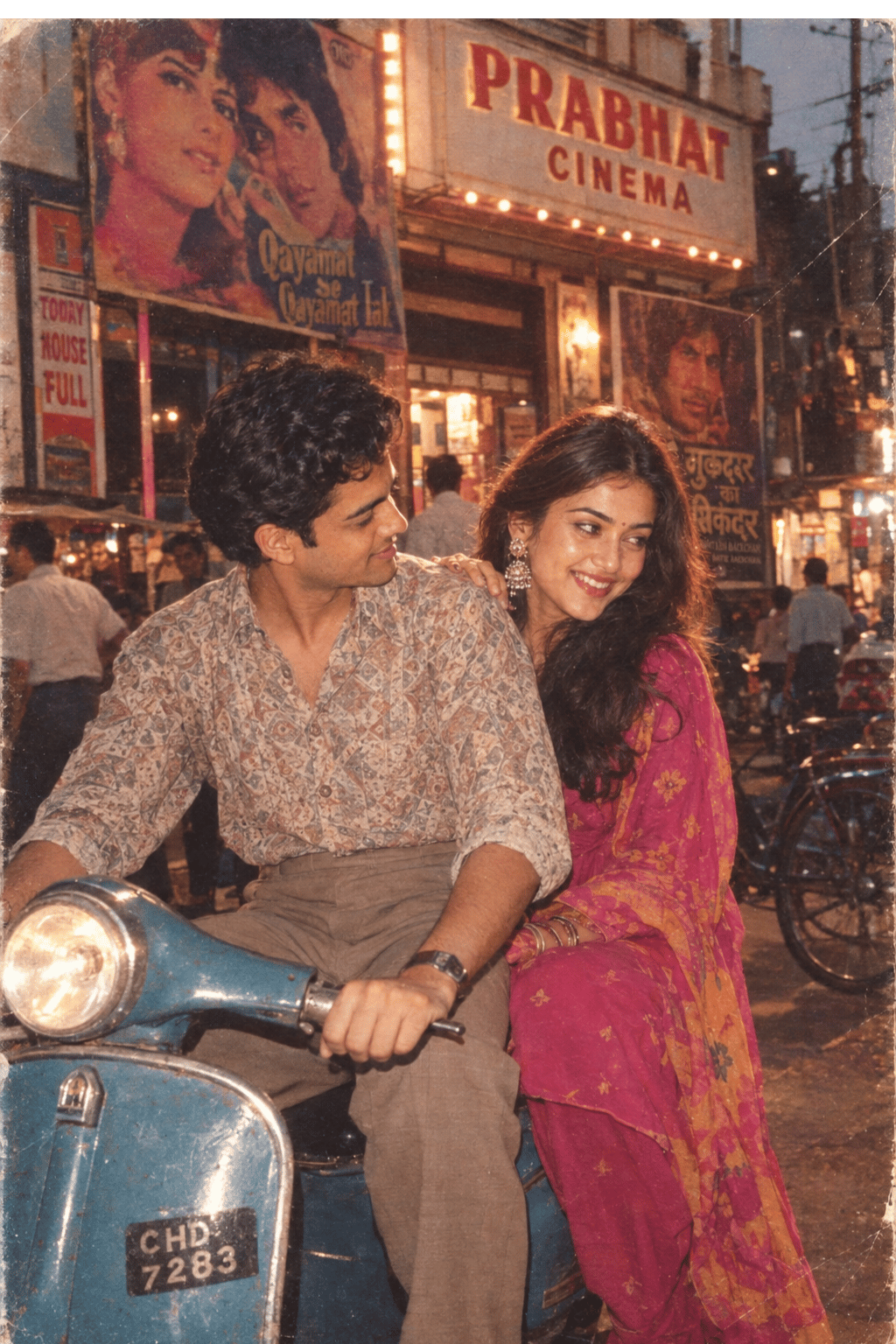
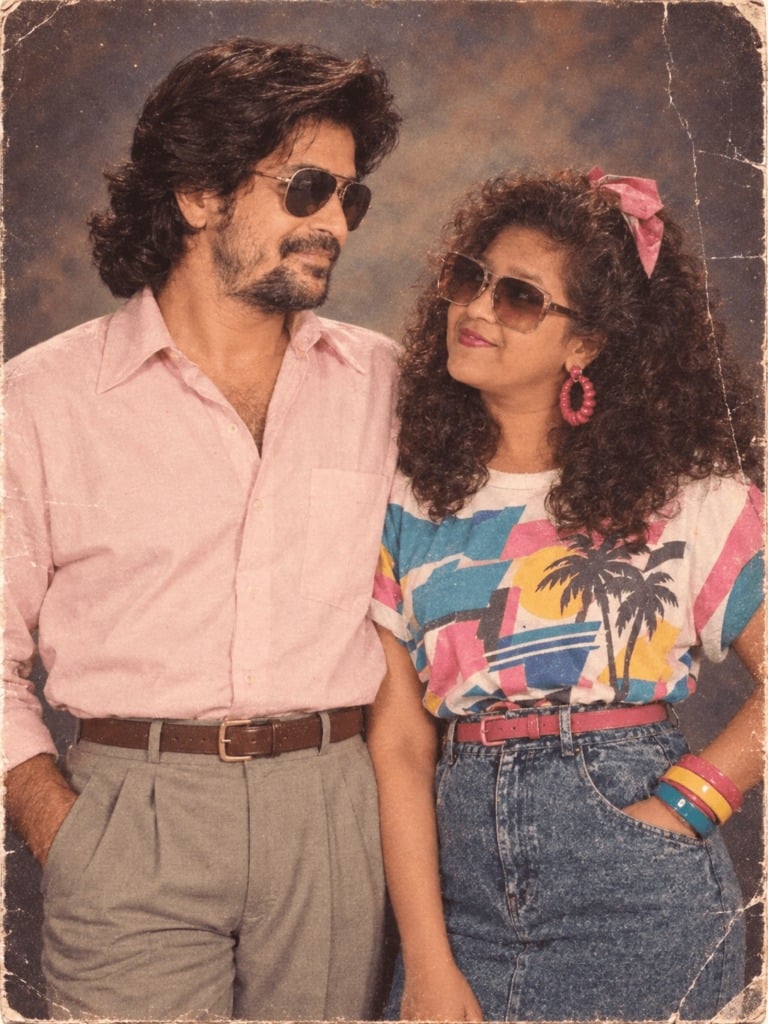
Make it yours
Retro More Sense Poster works as-is. These are the safest ways to change it without losing the look.
Change one field
Copy a single group, rewrite it, and generate again so you can see what that field is doing.
Keep the frame, change the subject
Hold the composition and light of Retro More Sense Poster, then swap wardrobe, props or the person for a new take.
| If the result… | Why | Fix |
|---|---|---|
| The result drifts from the preview | Too many fields changed at once. | Reuse Retro More Sense Poster as-is first, then change one group — subject, light, or setting. |
| The model over-stylizes the scene | The prose prompt leaves finish and camera underspecified. | Add one camera or lighting sentence and stay on GPT Image 2. |
More GPT Image 2 templates
Other prompts made for GPT Image 2.
Six VTuber Japanese Logo Sheet

Realistic Portrait of Woman and Deer
The Vista Modular Condo Poster
AI Model Routing Comparison Infographic
2.5D Anime Art Board

Isometric Productivity Desk Scene
New York Double Exposure Poster
Four-Panel AI Landscape Comparison
Japanese Tatami Lifestyle Magazine Cover
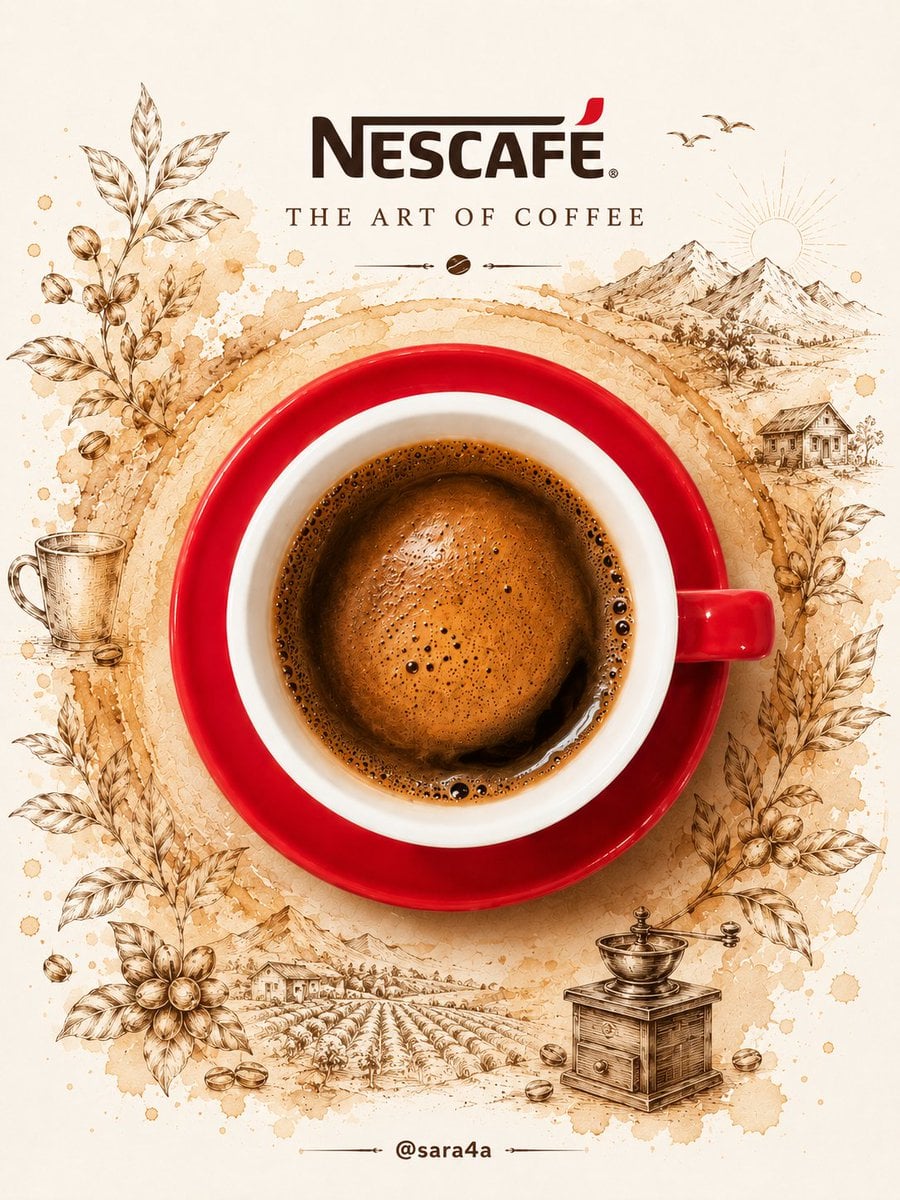
NESCAFÉ Coffee Map Poster
More image prompts
Fresh picks from across the catalog.
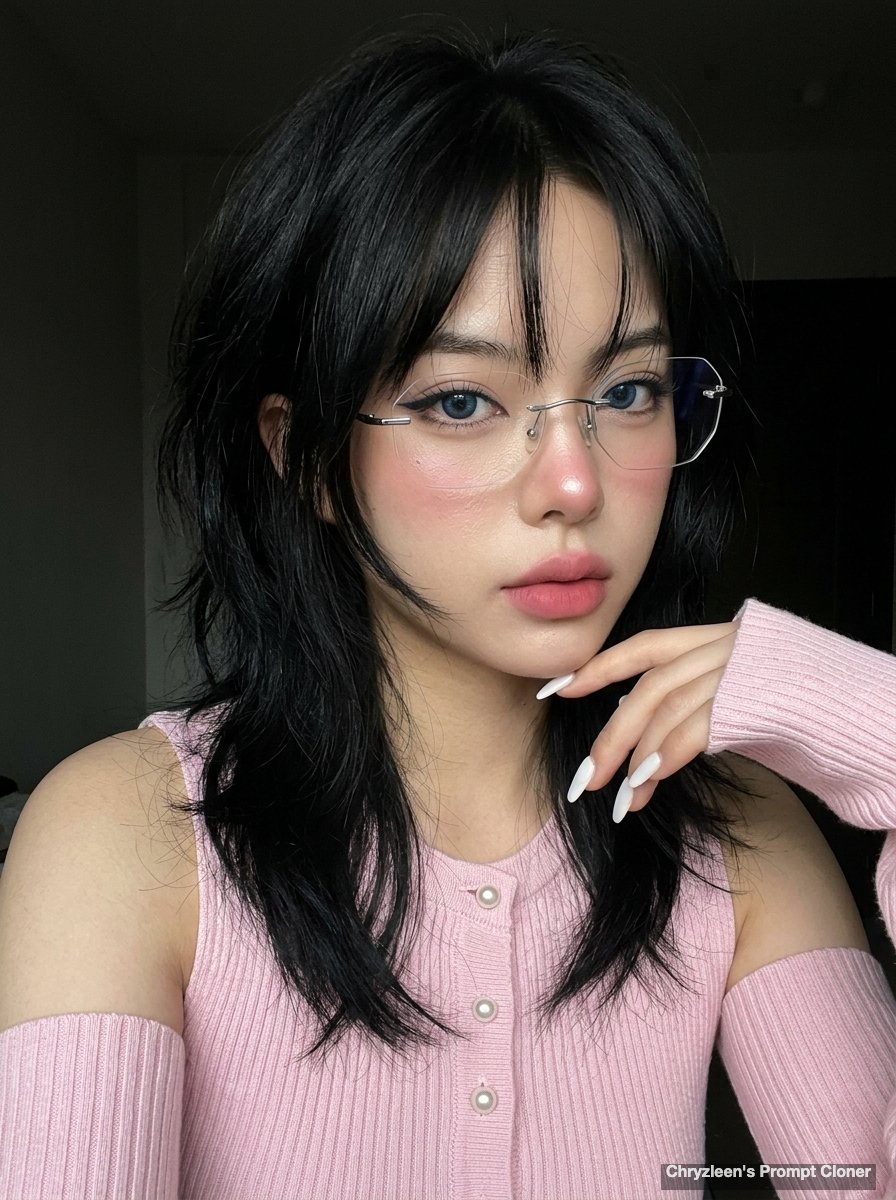
Hyper-realistic iPhone Photo Prompt (Gemini Nano Banana)
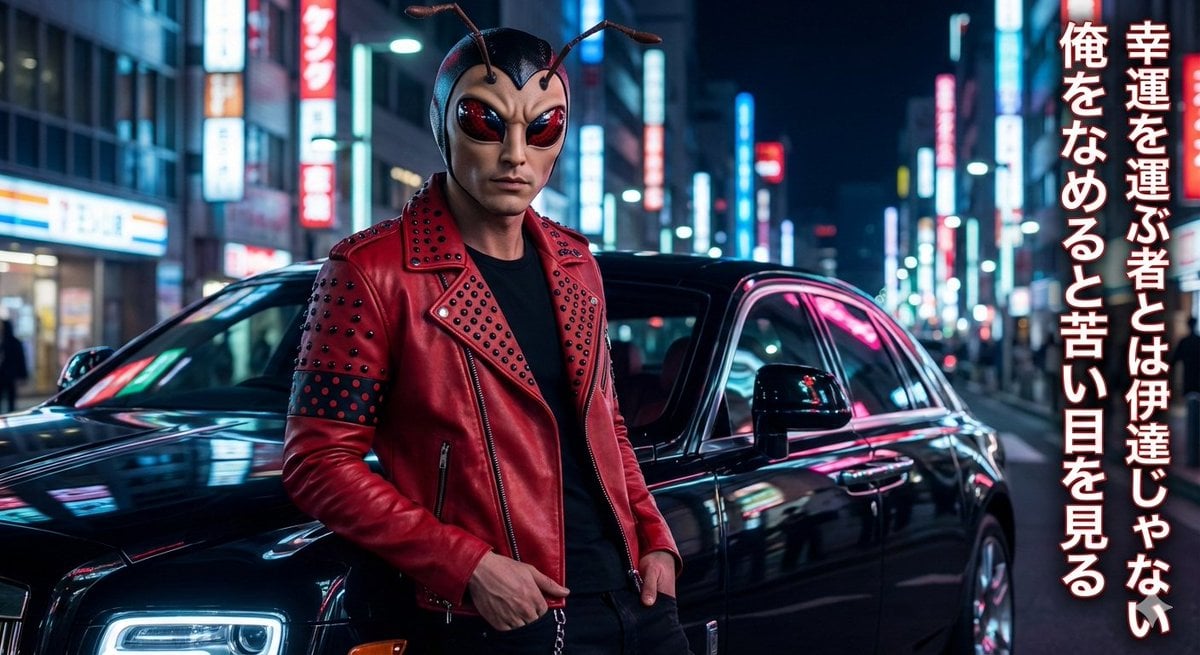
Mushi Tanka (Insect Haiku) Gravure Photo
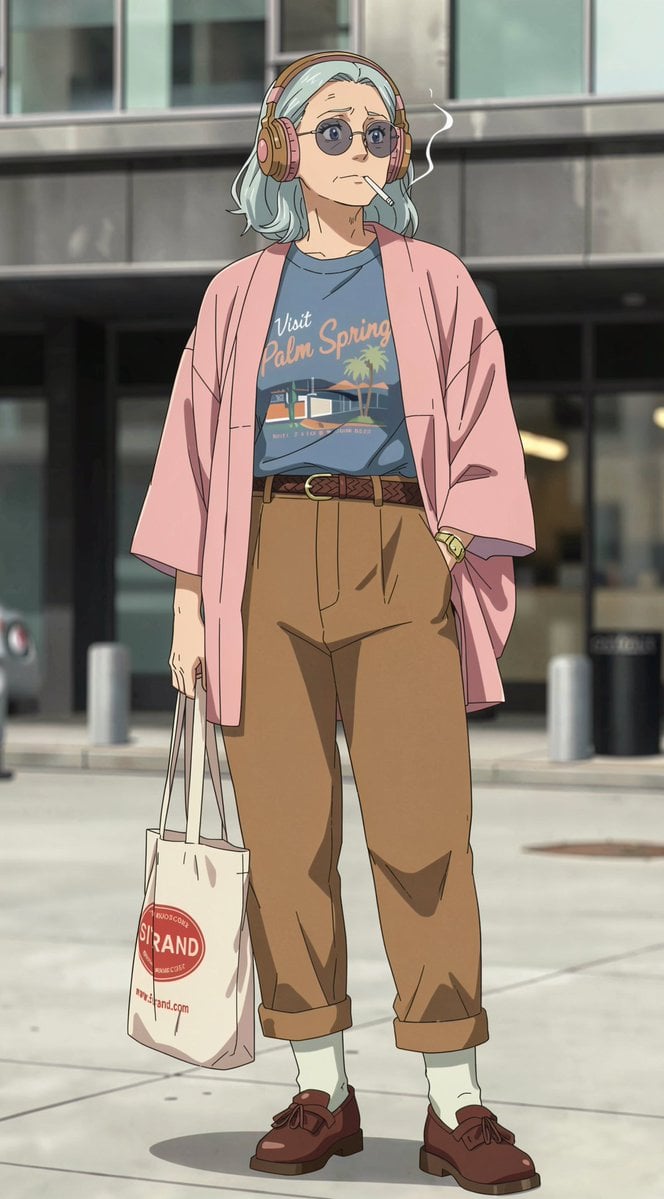
Anime Street Fashion Woman
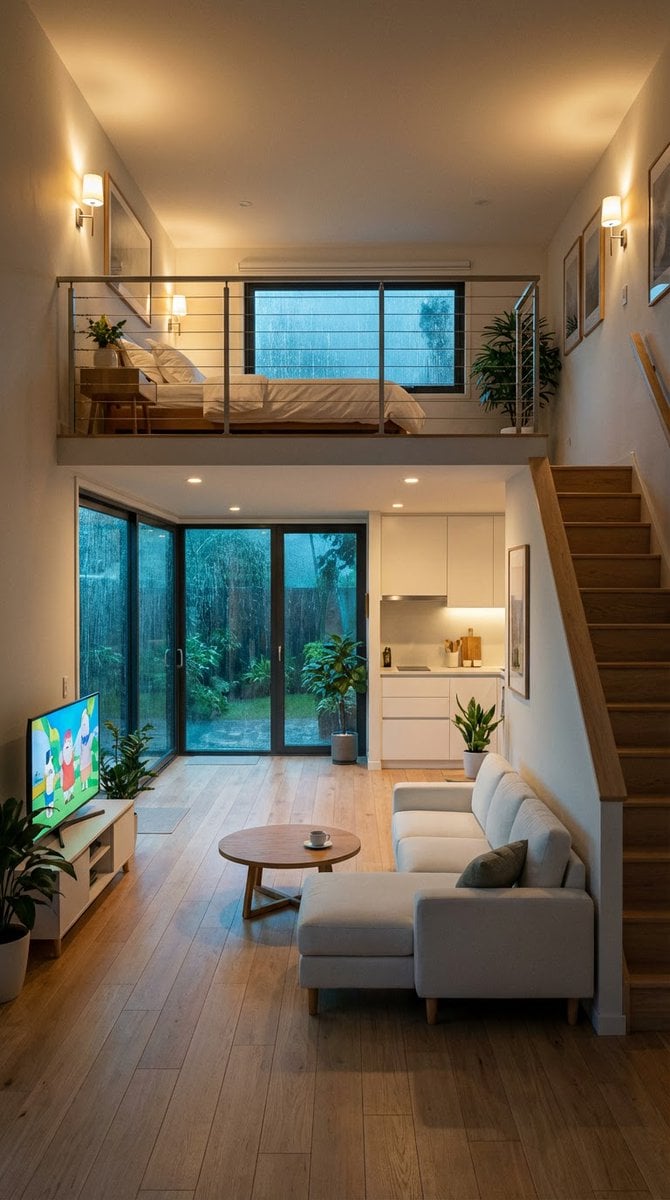
Cozy Split-Level Studio Apartment with Rainy Garden View
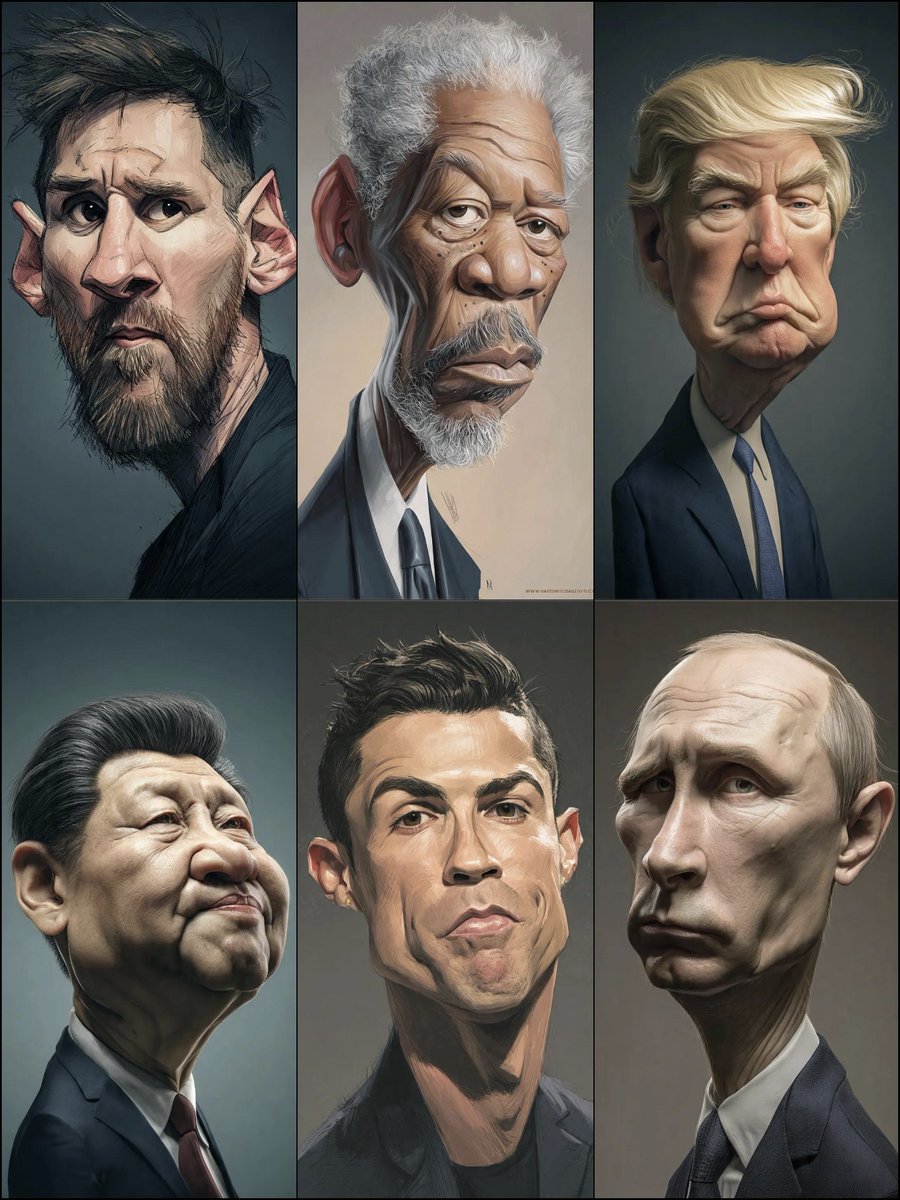
Structured Prompt for Hyperrealistic Caricature Portrait
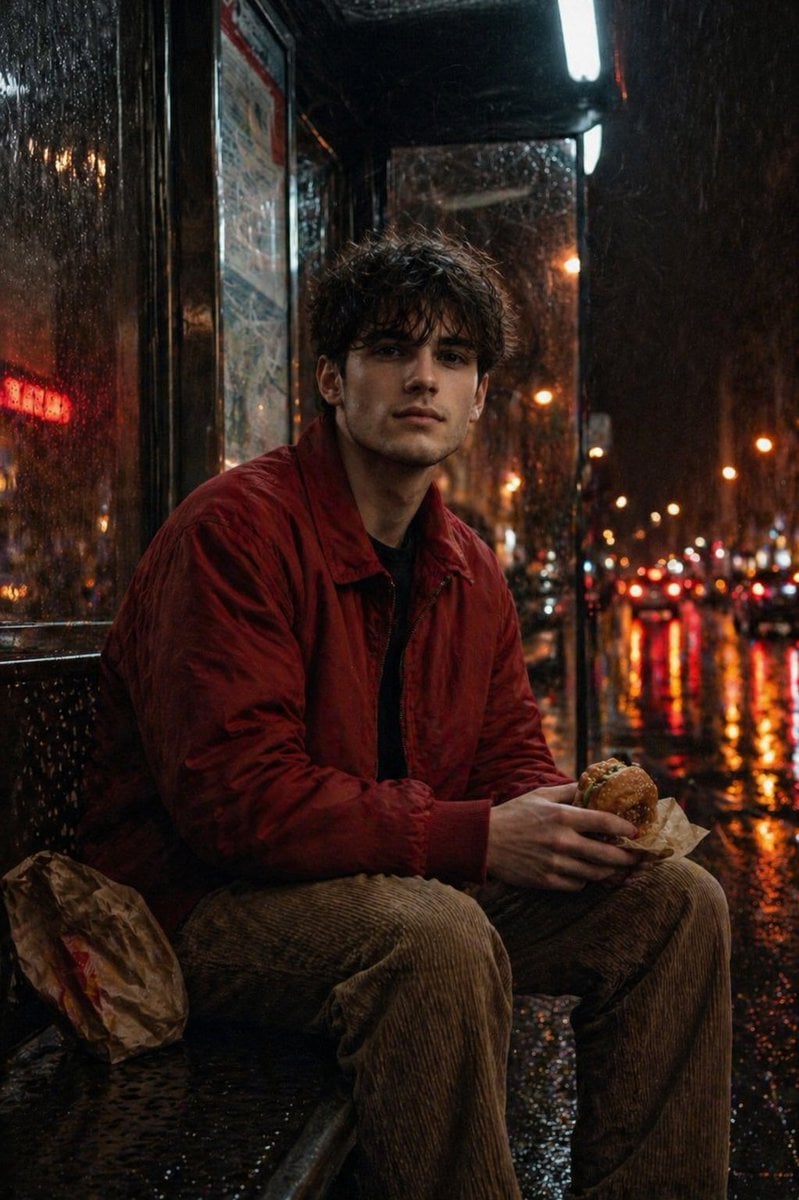
Atmospheric Nighttime Rainy Portrait
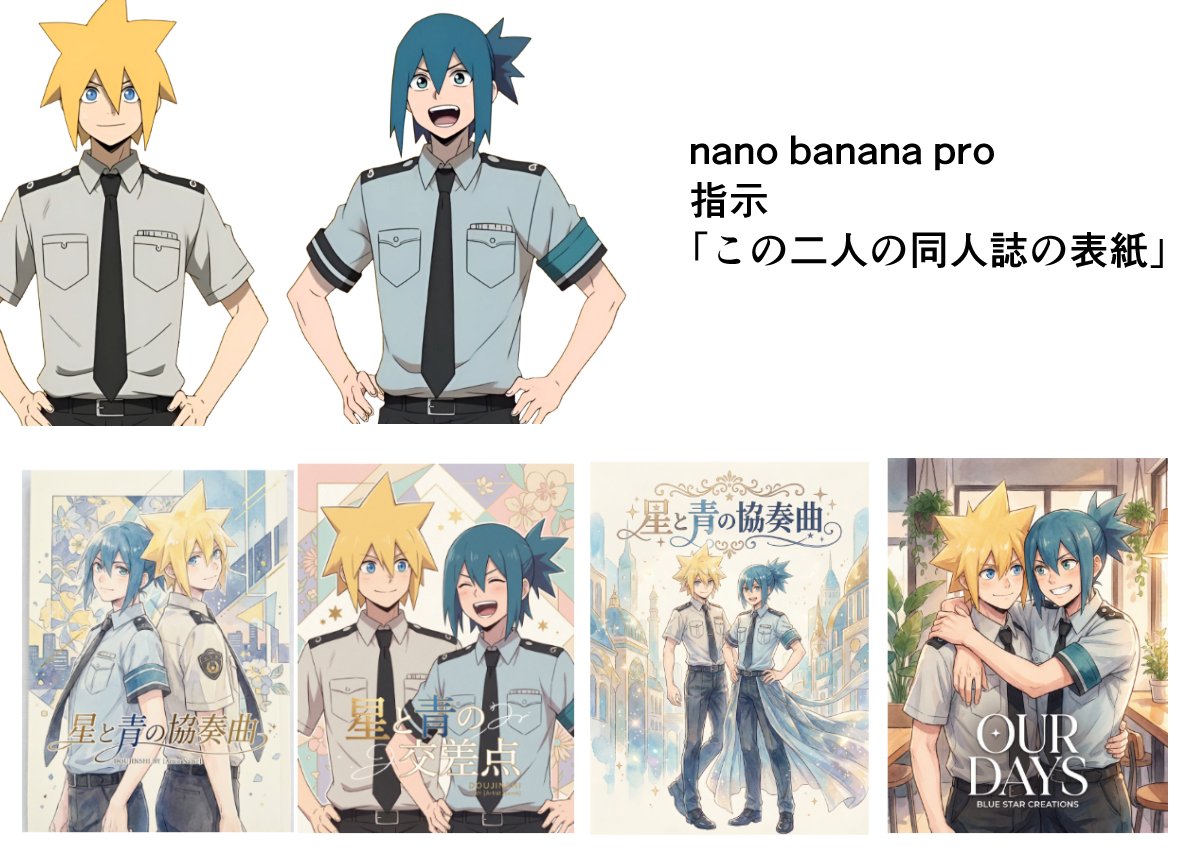
Doujinshi cover from two characters
Advice on Generating Images with NanoBananaPro
Monochrome Typographic Cat Illustration
Chibi Sticker Diary Scrapbook Portrait
Browse template categories
Retro More Sense Poster questions
How do I use the Retro More Sense Poster template?
Add your photo if the template asks for one, edit the prompt if you like — the template's model and format are already selected — and press Generate. Your version opens in PicX Studio.
Can I customize the Retro More Sense Poster template?
Yes. You can change the subject, setting, lighting, mood, format, and available model controls before creating your image.
Is the Retro More Sense Poster template free?
Opening and editing this template is free. Generating uses credits, shown on the Generate button when you are signed in.
Which AI model should I use?
Start with GPT Image 2, which is the model associated with this template. You can compare another compatible model for a different finish.
Looking for something else? Browse all templates.

Your photo, any look
Thousands of ready templates for every top image and video model, from one credit balance.