
3D Tactical Crochet Art Diorama
A highly detailed prompt for creating a 3D yarn-based crochet diorama of a building with rich textile textures and pop-out effects.
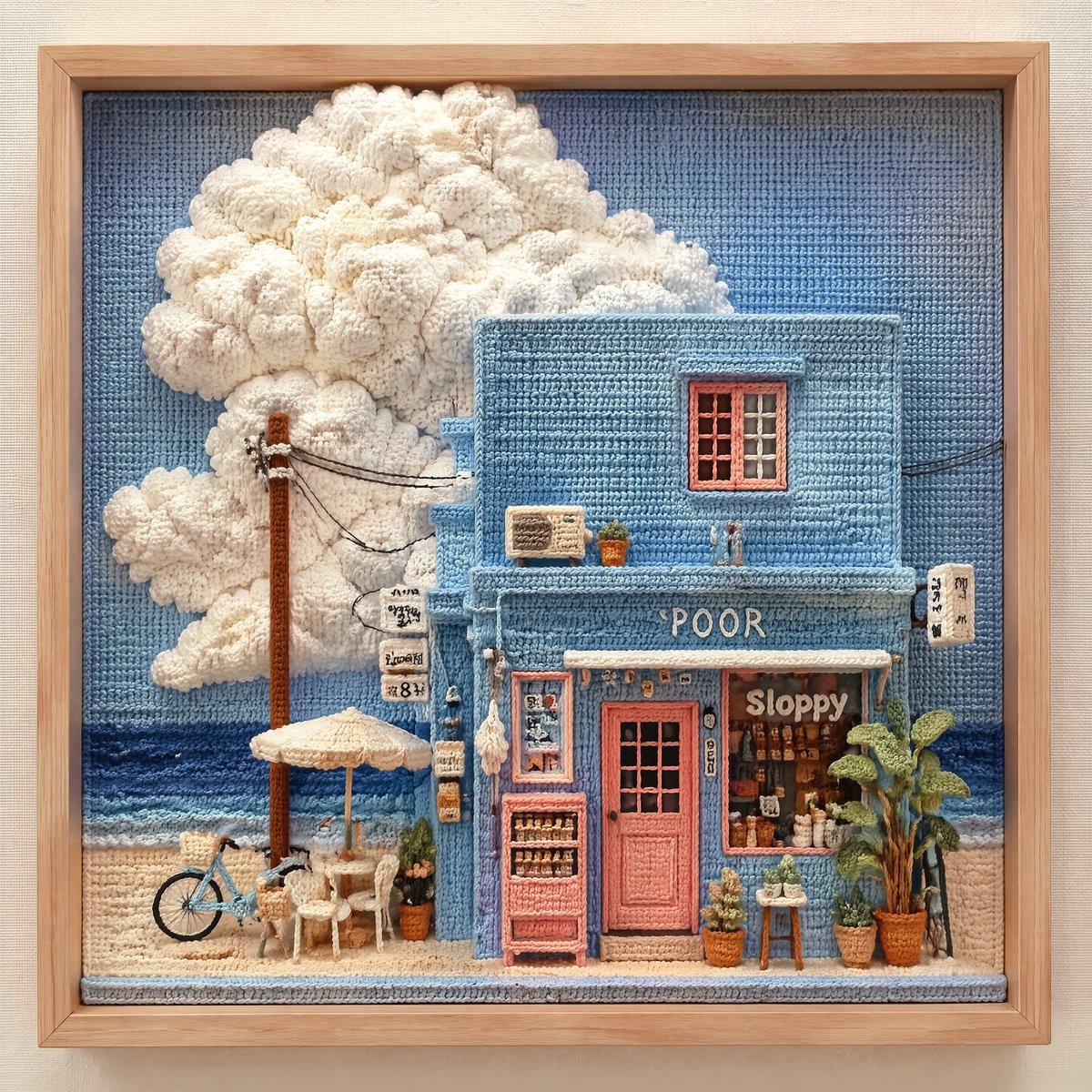
- Prompt included
- Model and format preset
- Premium template
The prompt behind this image
Copy the exact prompt behind 3D Tactical Crochet Art Diorama, or open it in the studio and make it yours.
A highly detailed 3D tactical crochet art diorama of a pastel blue, two story seaside shop from a straight on perspective, inspired by The building is crocheted with neat, tight light blue yarn stitches, featuring a peachy pink yarn door and window frames. On the left, a massive, fluffy, ultra-textured cumulus cloud is crafted using thick, chunky white bouclé yarn to give it a 3D pop-out effect, set against a light blue crocheted sky. Below, the ocean is made of wavy horizontal rows of dark and light blue yarn, and the beach is stitched with textured beige sand yarn. A tiny crocheted bicycle with thin wire wheels, miniature chairs, a white umbrella, potted green yarn plants, a brown wooden-pole power line with thin yarn threads, and a small pink vending machine are all meticulously detailed in yarn. The entire piece is neatly enclosed inside a light, natural wooden frame, sitting flat on a neutral canvas fabric background, showing rich textile textures. A detailed, high-resolution close-up photograph of a meticulously crafted, intricate three-dimensional crochet diorama, presented inside a deep walnut wood frame with a clear glass front, sitting on a neutral textured surface. The subject is a miniaturized European-style street corner, recreated entirely through various crochet and textile arts, maintaining all elements from image_9.png. The buildings are rendered with tight, even crochet stitches, in their exact colors and positions: the mint-green and salmon-pink main structure with the striped awning, and the adjacent pink and yellow buildings. All features, including the multiple large, textured, voluminous light-pink crocheted cherry blossom trees (rendered with complex cluster-stitches), are present. The ground-floor detailed doors, windows with internal warm lights (like LED filaments within a yarn grille), balconies with crochet flower boxes, menu boards, potted plants, lamps, and cobblestone street pavement are all preserved with extreme fidelity. The sign over the striped awning retains its text. The surrounding blue crochet field is also visible. The deep walnut frame has clean lines and a visible grain. Natural, soft daylight from a large window illuminates the diorama, creating soft, warm shadows within the recessed scene and highlighting the rich textures of every yarn stitch and fiber. The depth of the diorama is clearly visible through the clear glass, showcasing the multi-layered construction. The focus is sharp across the central diorama, with the wood frame edges and the surface below softly out of focus. The entire piece is framed as a high-end, artisan craft.
How to use 3D Tactical Crochet Art Diorama in 3 steps
- 1
Open
The prompt is already in the box next to the preview, with the template's model and format selected.
- 2…a portrait of your subject in softgolden-hour light, 85mm…
Personalize
Edit the subject and creative details for your destination.
- 3Generate
Generate
Press Generate — your image is created in PicX Studio, so you can compare it with the original and refine one variable at a time.
More like this
Templates with the same subject, style or setup. Open one to see its prompt.

Layered Paper Cut Forest Diorama

Soft Handcrafted Paper-Cut Layered Illustration

Isometric Process Educational Diorama

Isometric Brand Store Diorama

FIFA World Cup — Brazil National Pass Diorama
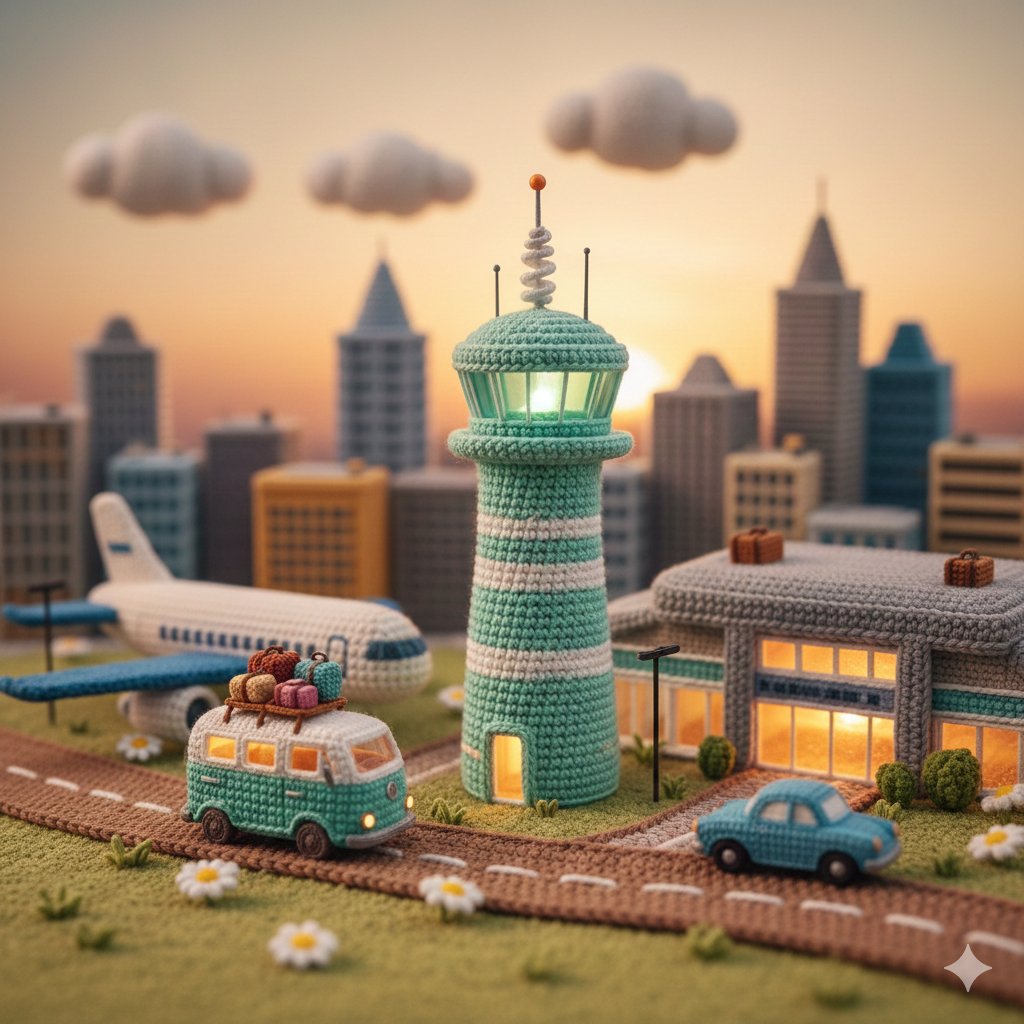
Crocheted Miniature Airport Diorama Prompt

敦煌纸雕飞天 — 3D Layered Paper Cutout
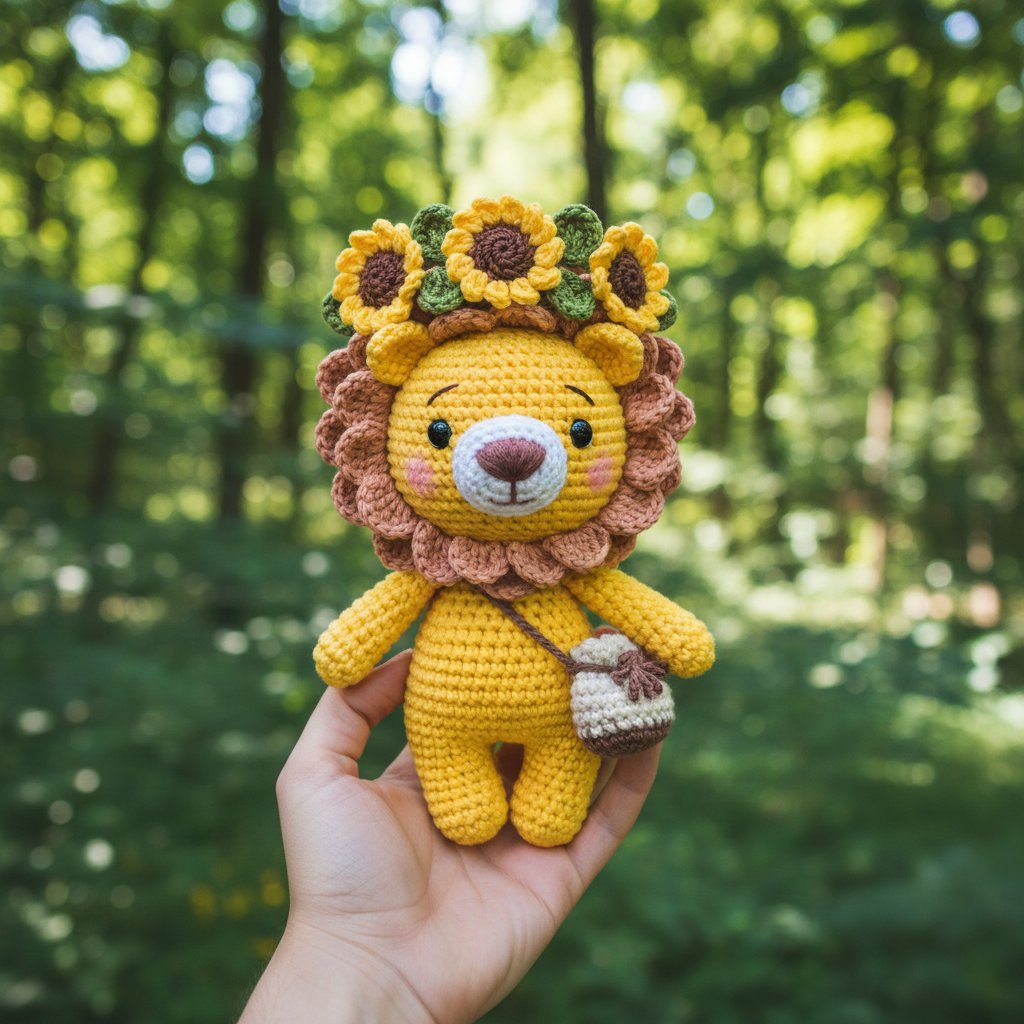
Crochet Animal
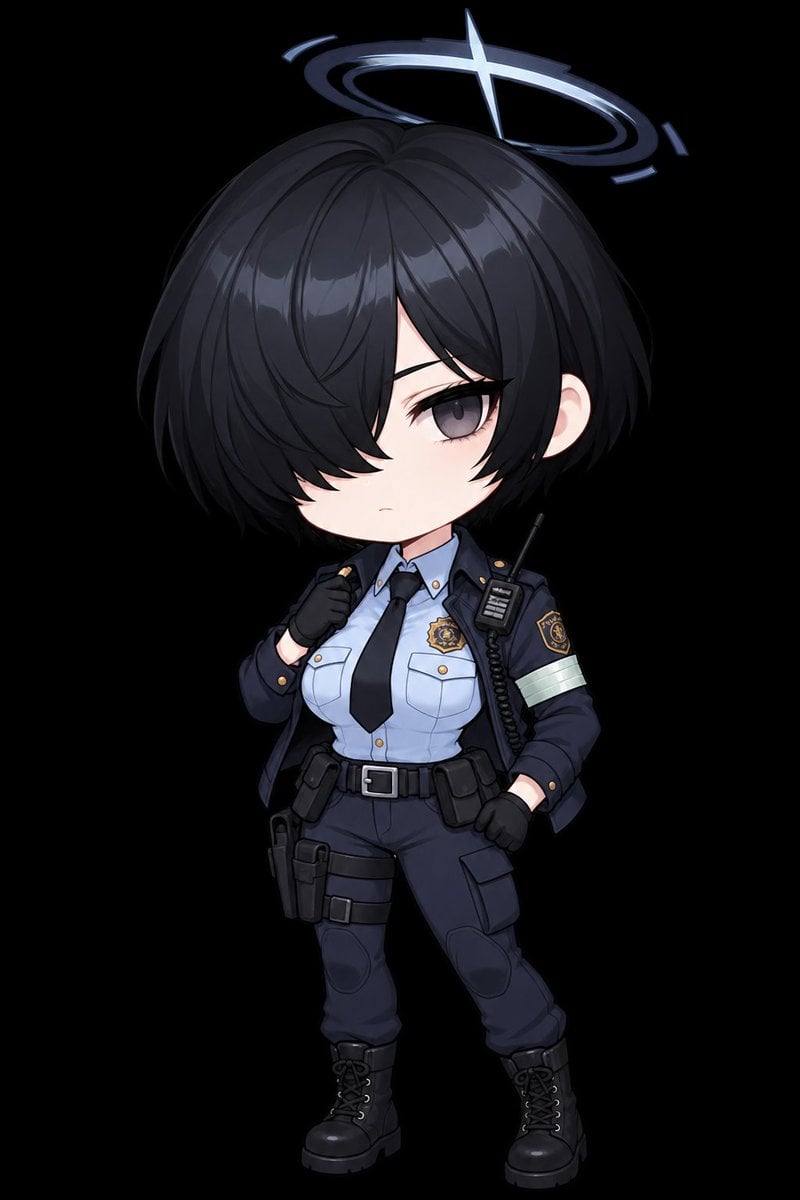
Chibi Tactical Police Girl with Halo
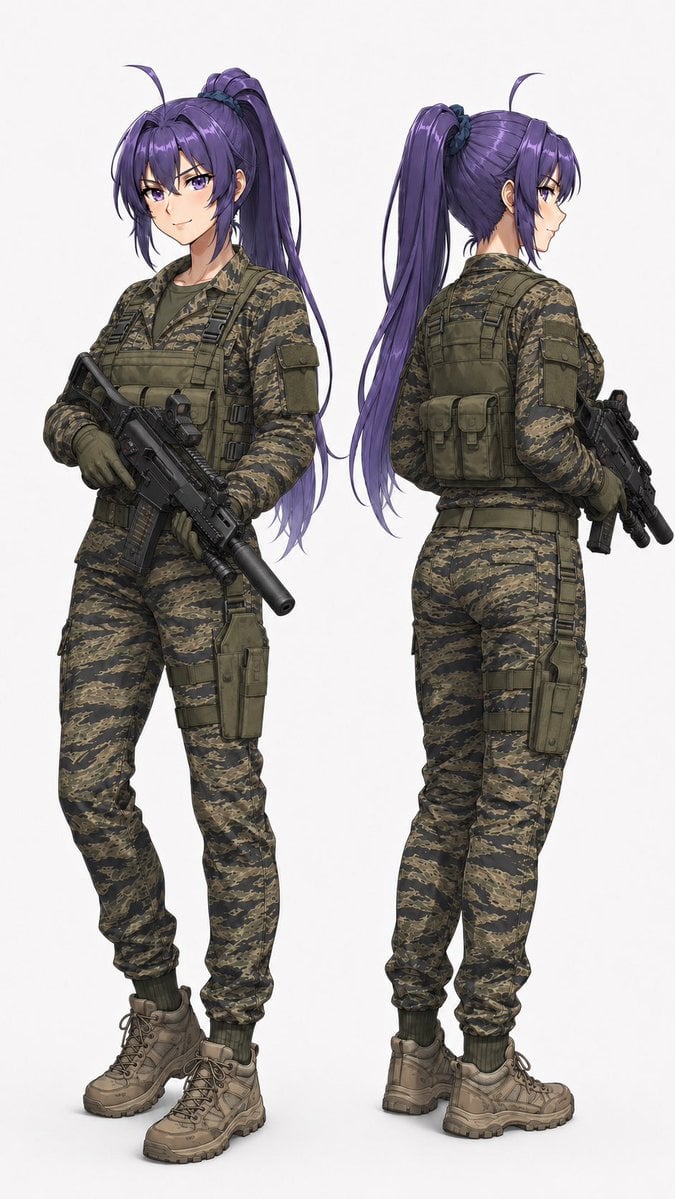
Anime Tactical Operator Character Sheet
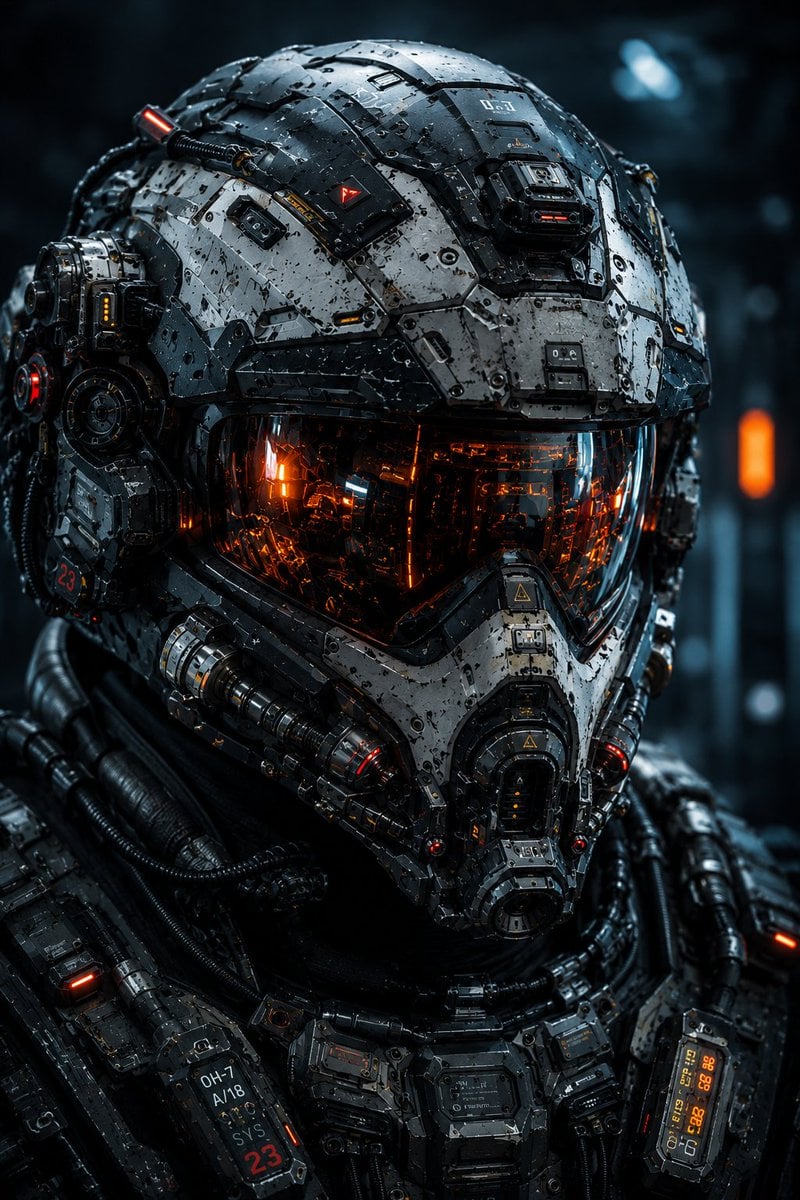
Cybernetic Tactical Soldier Portrait
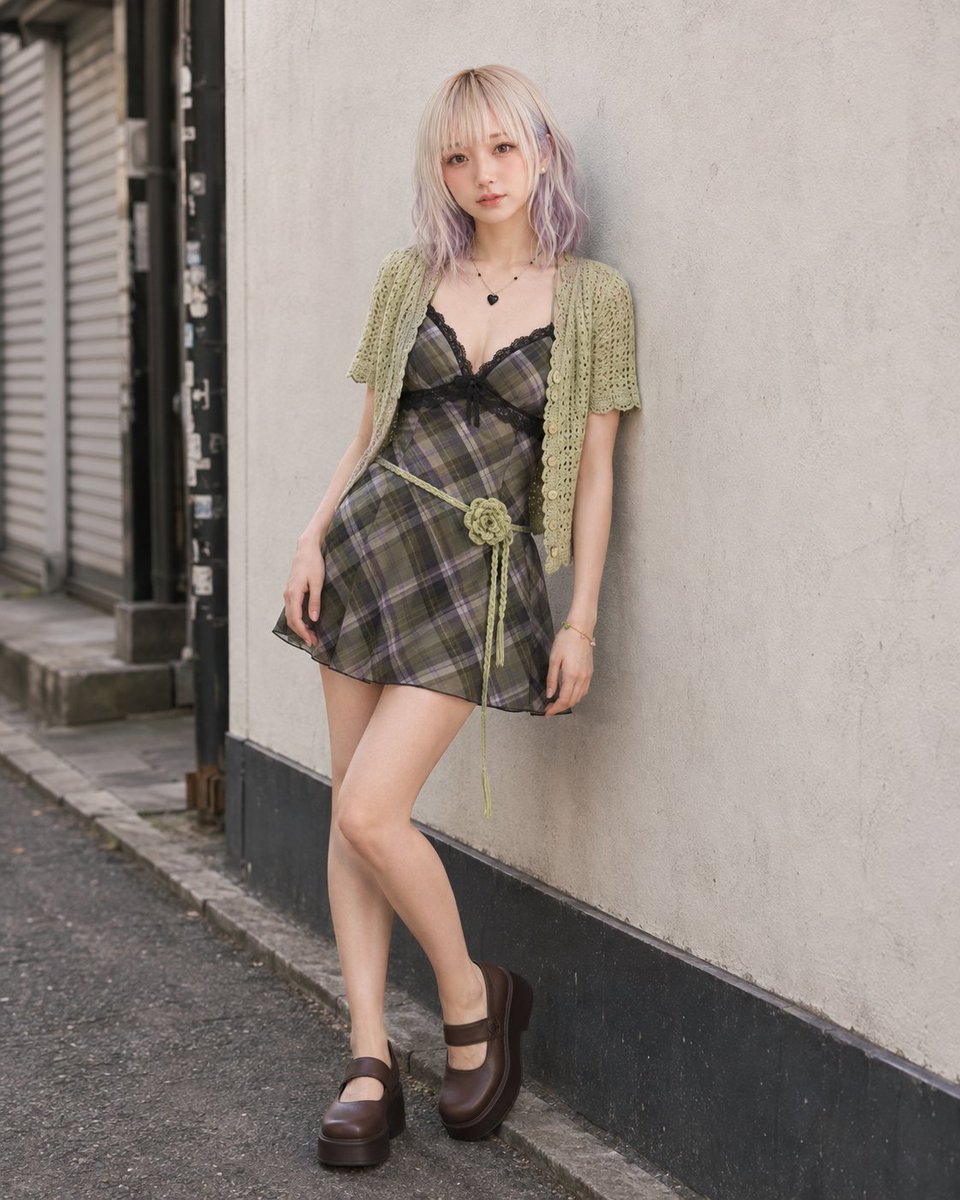
Pistachio Crochet Cardigan and Plaid Mini Dress
Make it yours
3D Tactical Crochet Art Diorama works as-is. These are the safest ways to change it without losing the look.
Change one field
Copy a single group, rewrite it, and generate again so you can see what that field is doing.
Keep the frame, change the subject
Hold the composition and light of 3D Tactical Crochet Art Diorama, then swap wardrobe, props or the person for a new take.
| If the result… | Why | Fix |
|---|---|---|
| The result drifts from the preview | Too many fields changed at once. | Reuse 3D Tactical Crochet Art Diorama as-is first, then change one group — subject, light, or setting. |
| The model over-stylizes the scene | The prose prompt leaves finish and camera underspecified. | Add one camera or lighting sentence and stay on GPT Image 2. |
More GPT Image 2 templates
Other prompts made for GPT Image 2.

Six VTuber Japanese Logo Sheet

Realistic Portrait of Woman and Deer

The Vista Modular Condo Poster

AI Model Routing Comparison Infographic

2.5D Anime Art Board

Isometric Productivity Desk Scene

New York Double Exposure Poster

Four-Panel AI Landscape Comparison

Japanese Tatami Lifestyle Magazine Cover

NESCAFÉ Coffee Map Poster
More image prompts
Fresh picks from across the catalog.
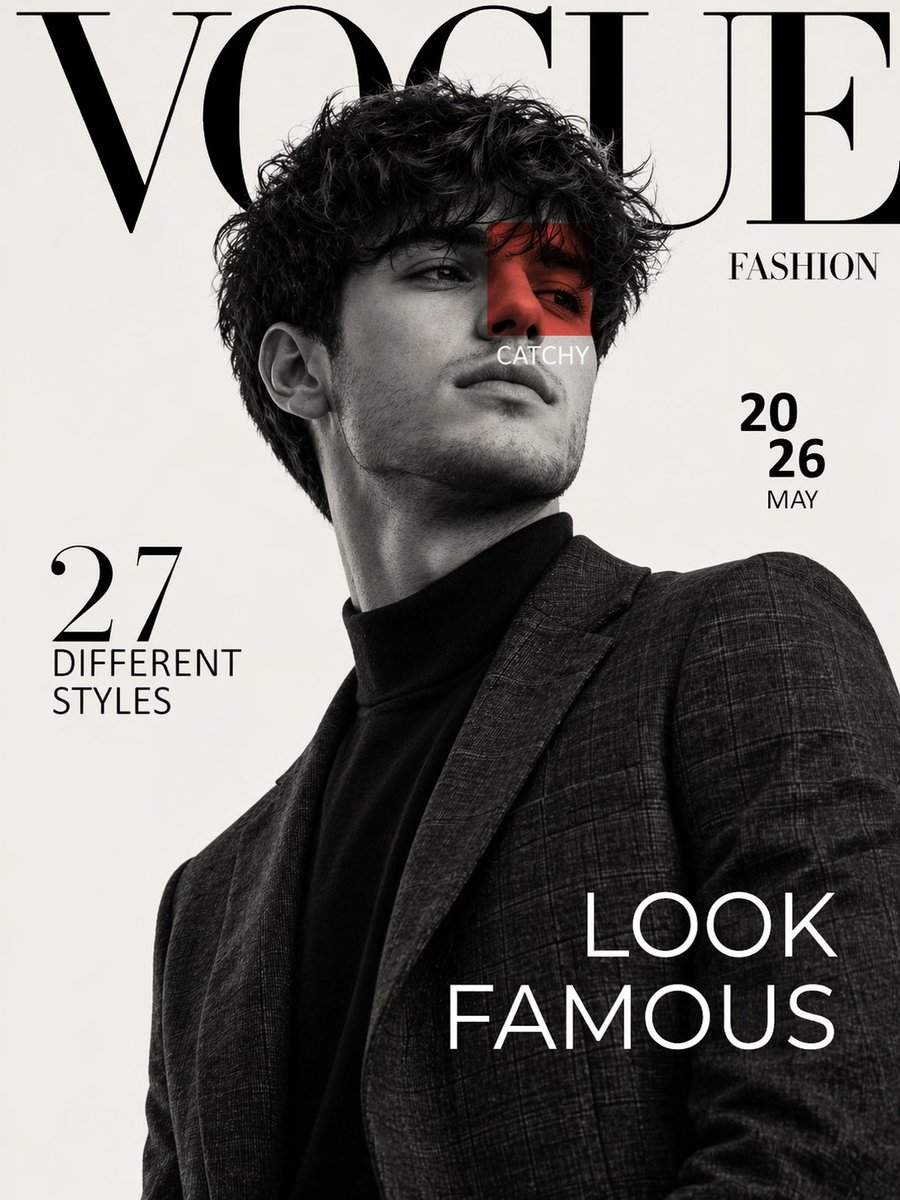
Luxury Fashion Magazine Cover Prompt
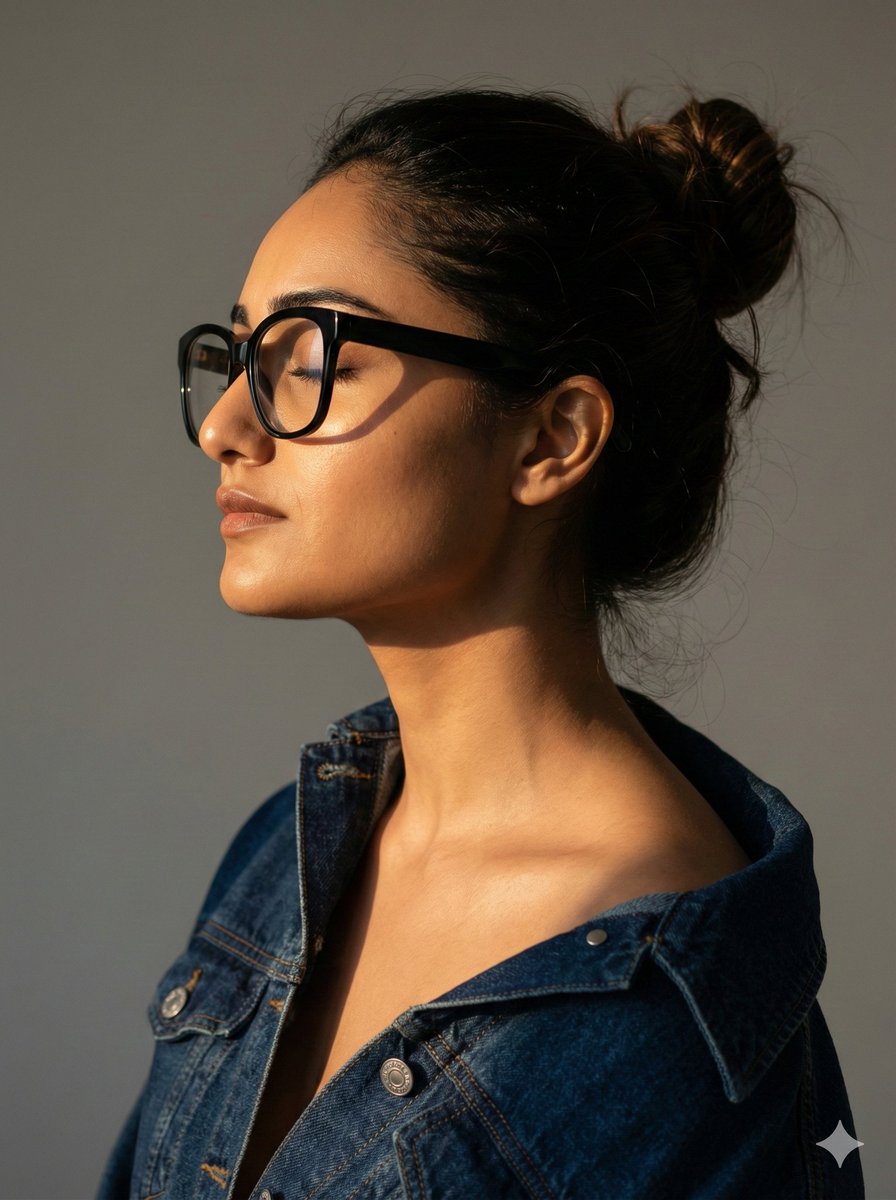
Cinematic Profile Portrait with Identity Preservation
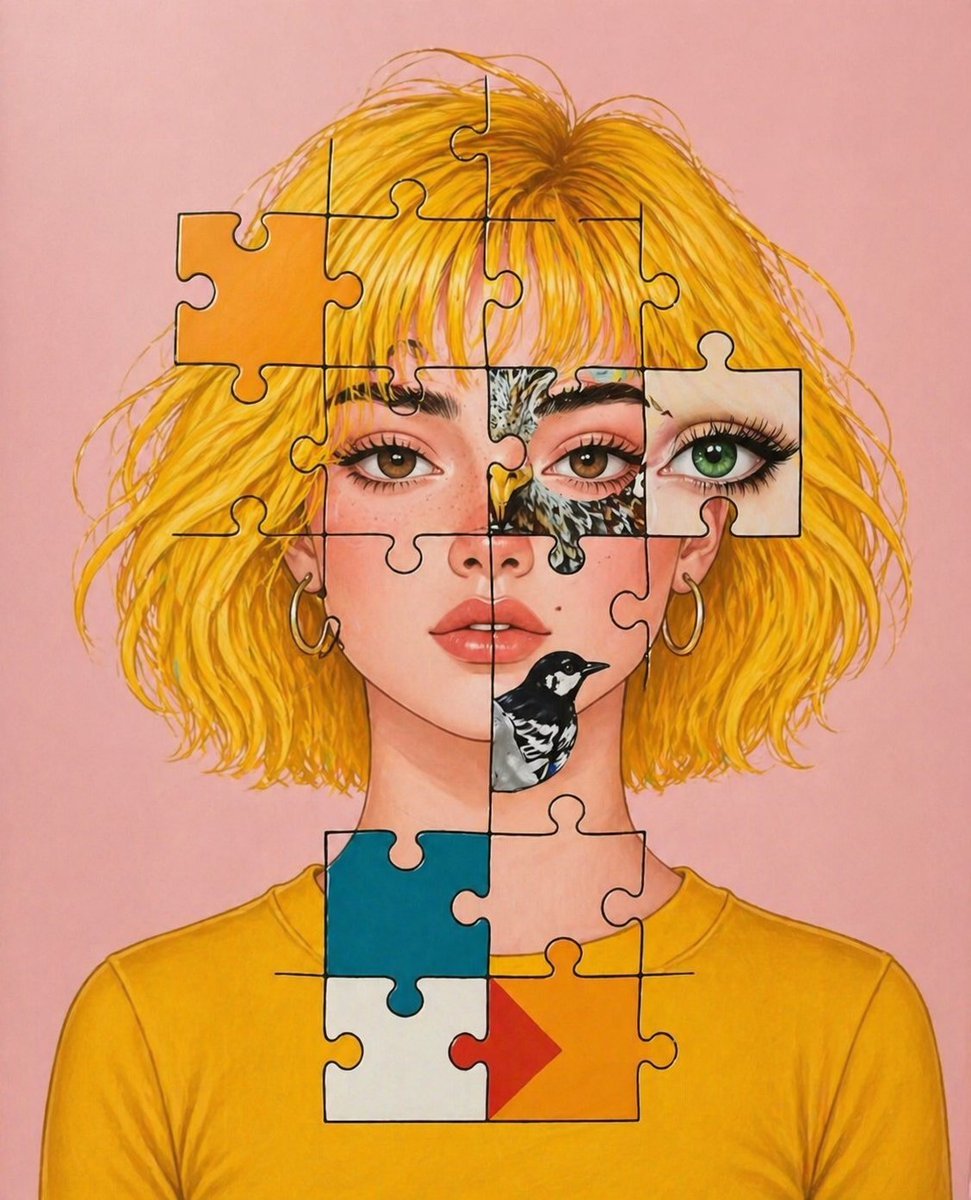
Surreal Jigsaw Portrait Illustration
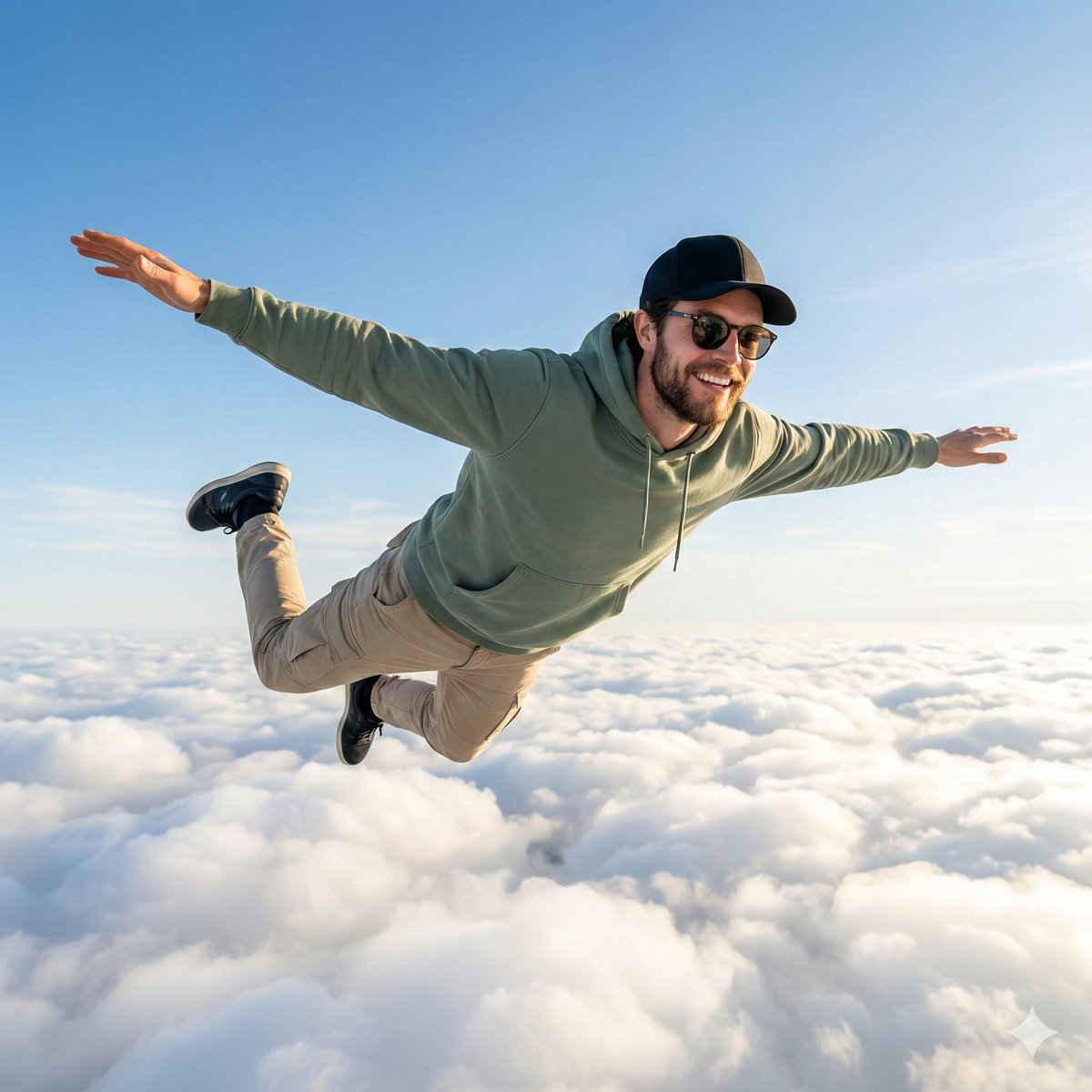
High-Quality Photo of Man Flying Above Clouds
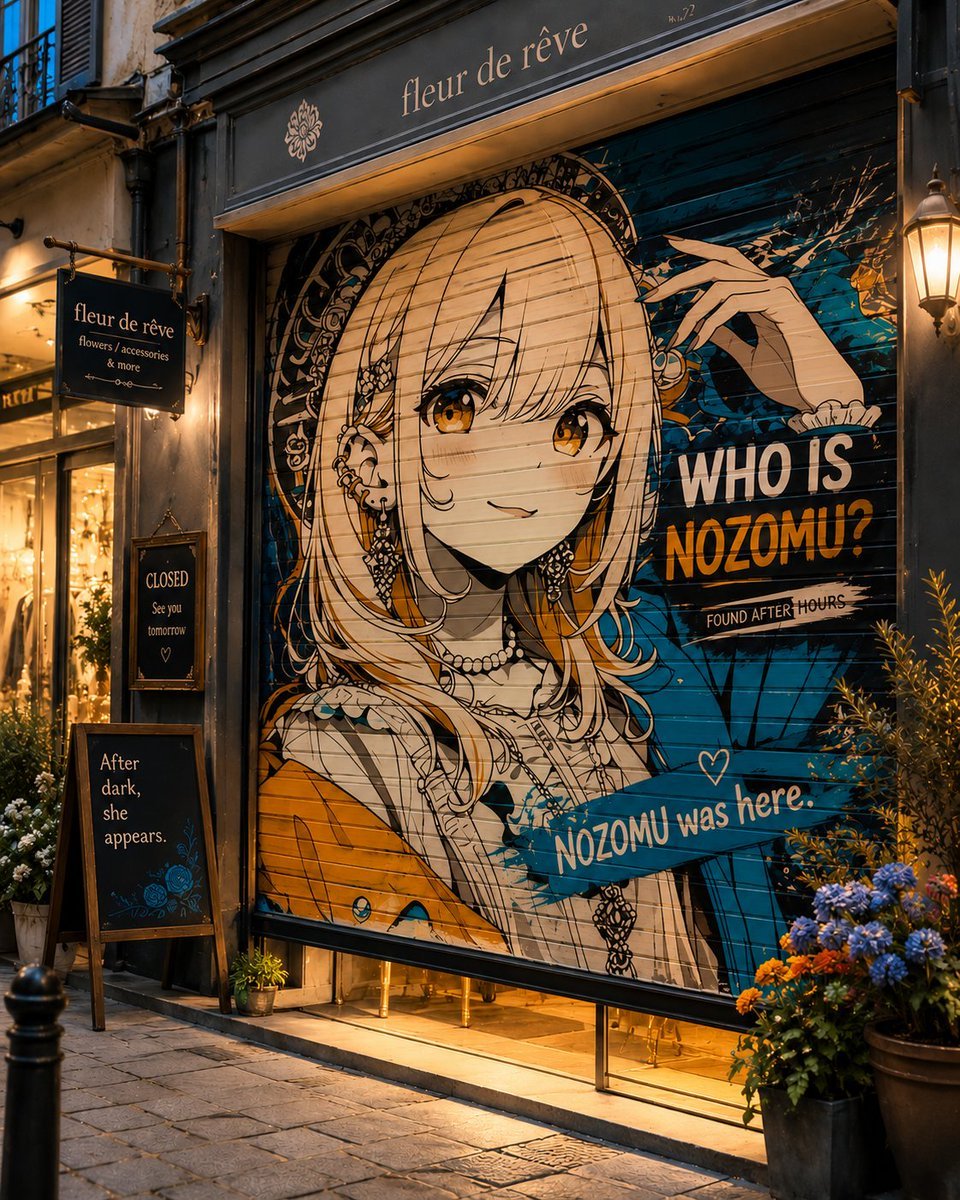
Closed Shop Shutter Mural Art
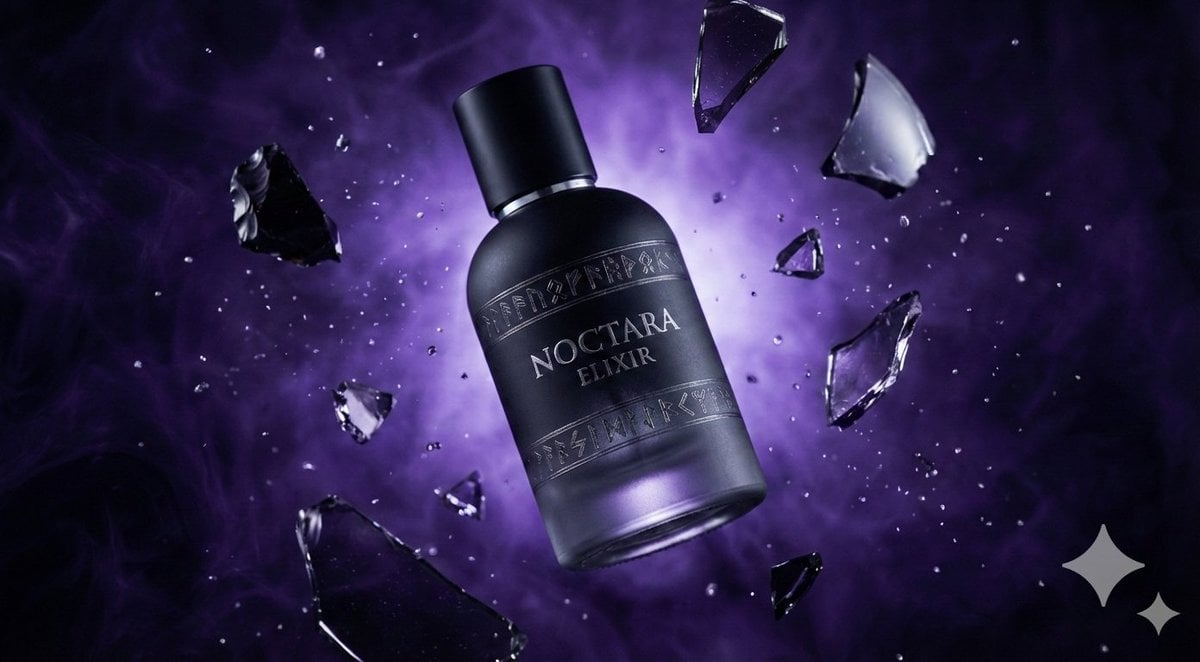
Matte Black Elixir Bottle with Purple Smoke Background
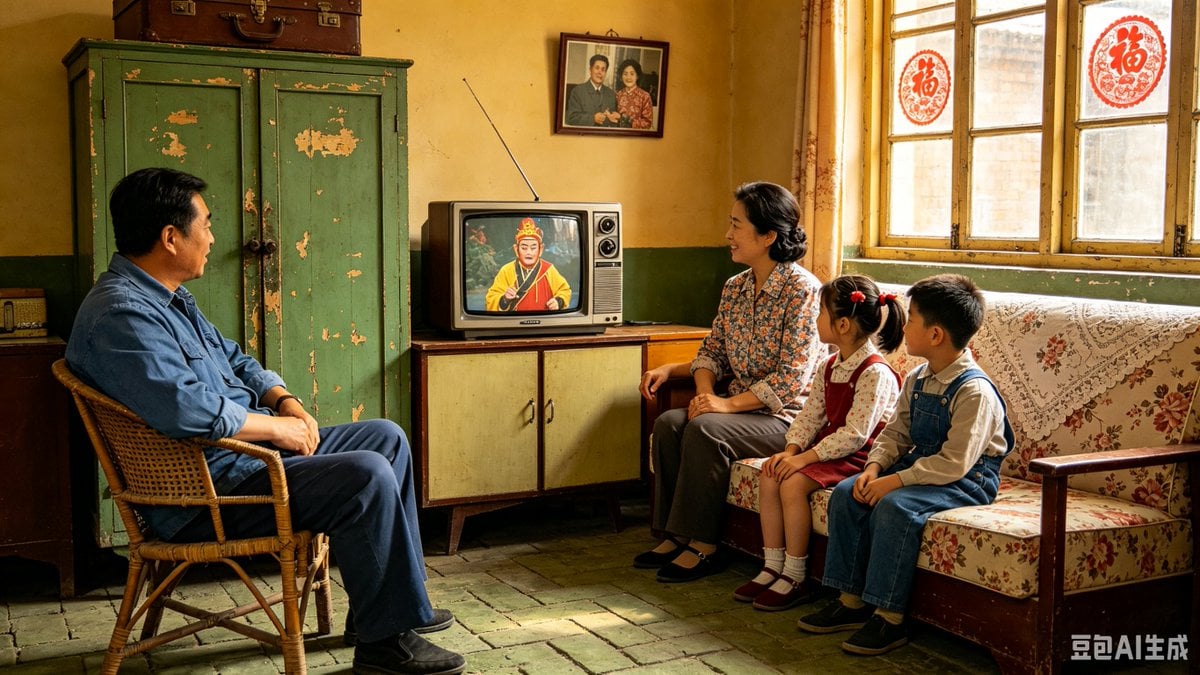
1980s Chinese Family Watching TV
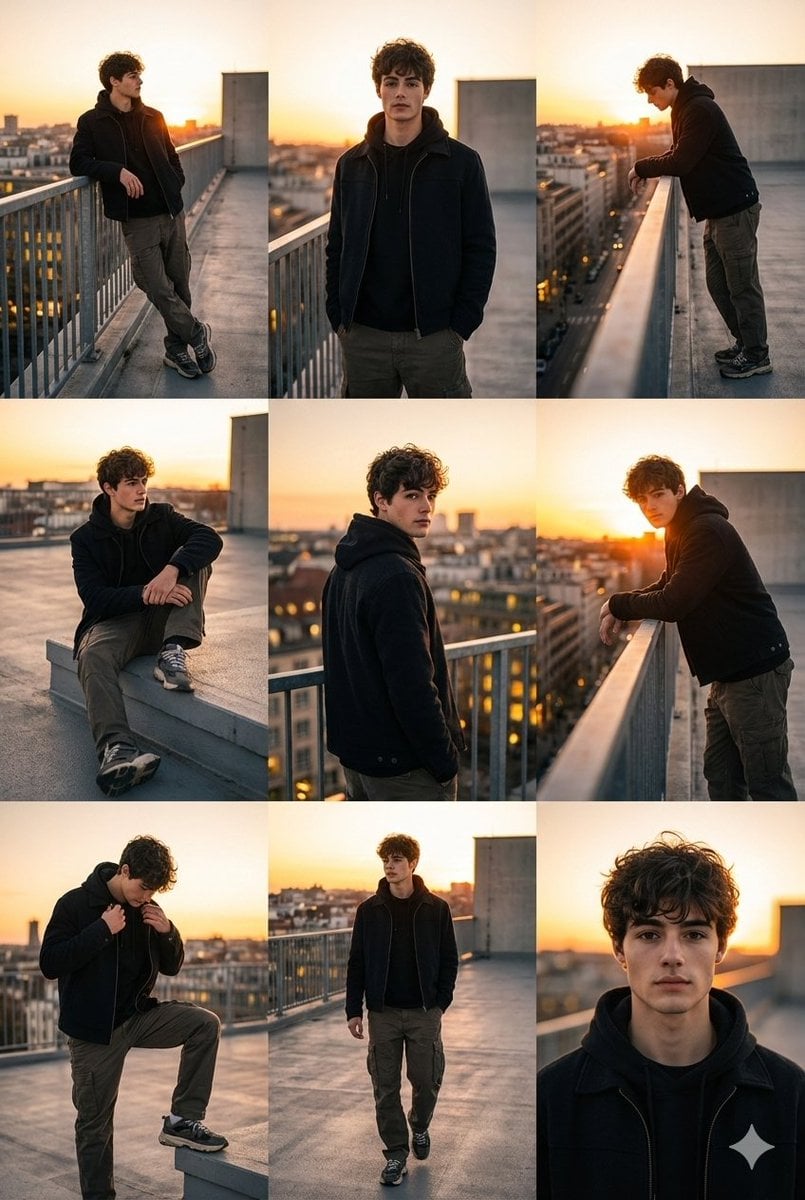
3x3 Cinematic Fashion Collage on a Rooftop at Sunset

Cinematic Macro Shot of Sizzling Cheeseburger
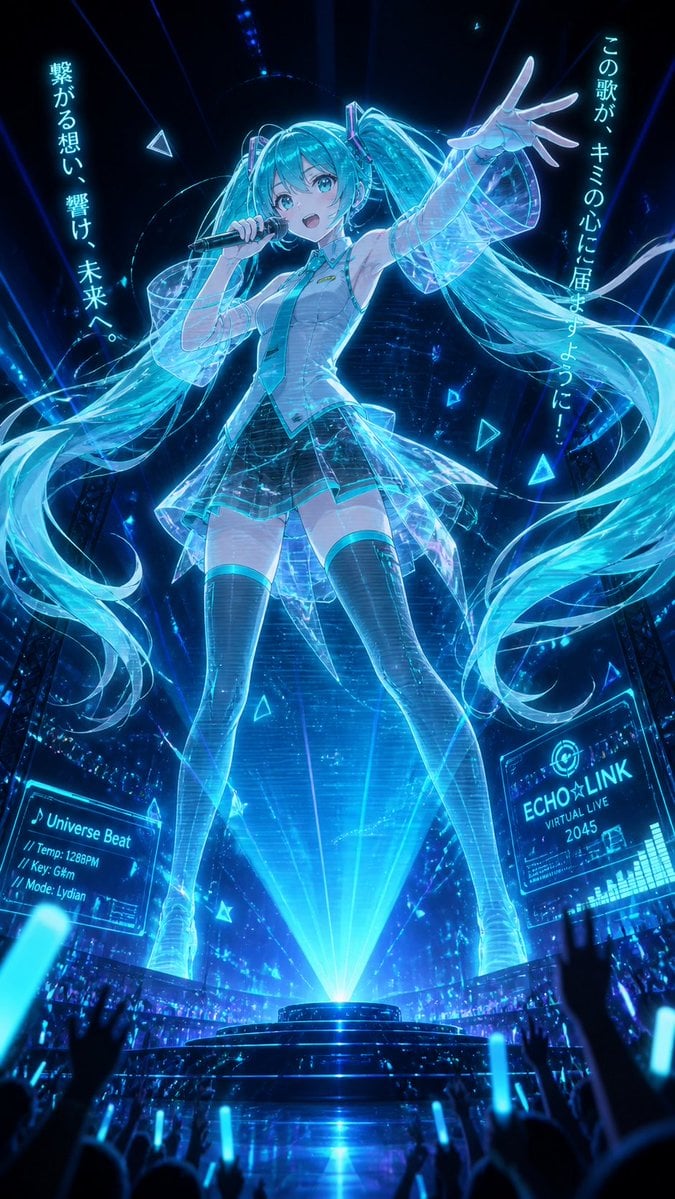
Holographic Miku Cyber Concert
Browse template categories
3D Tactical Crochet Art Diorama questions
How do I use the 3D Tactical Crochet Art Diorama template?
Add your photo if the template asks for one, edit the prompt if you like — the template's model and format are already selected — and press Generate. Your version opens in PicX Studio.
Can I customize the 3D Tactical Crochet Art Diorama template?
Yes. You can change the subject, setting, lighting, mood, format, and available model controls before creating your image.
Is the 3D Tactical Crochet Art Diorama template free?
Opening and editing this template is free. Generating uses credits, shown on the Generate button when you are signed in.
Which AI model should I use?
Start with GPT Image 2, which is the model associated with this template. You can compare another compatible model for a different finish.
Looking for something else? Browse all templates.

Your photo, any look
Thousands of ready templates for every top image and video model, from one credit balance.