
Chaotic Ink Scribble Portrait
A unique artistic prompt that generates a character face emerging from dense handwritten notes, formulas, and ink scribbles.
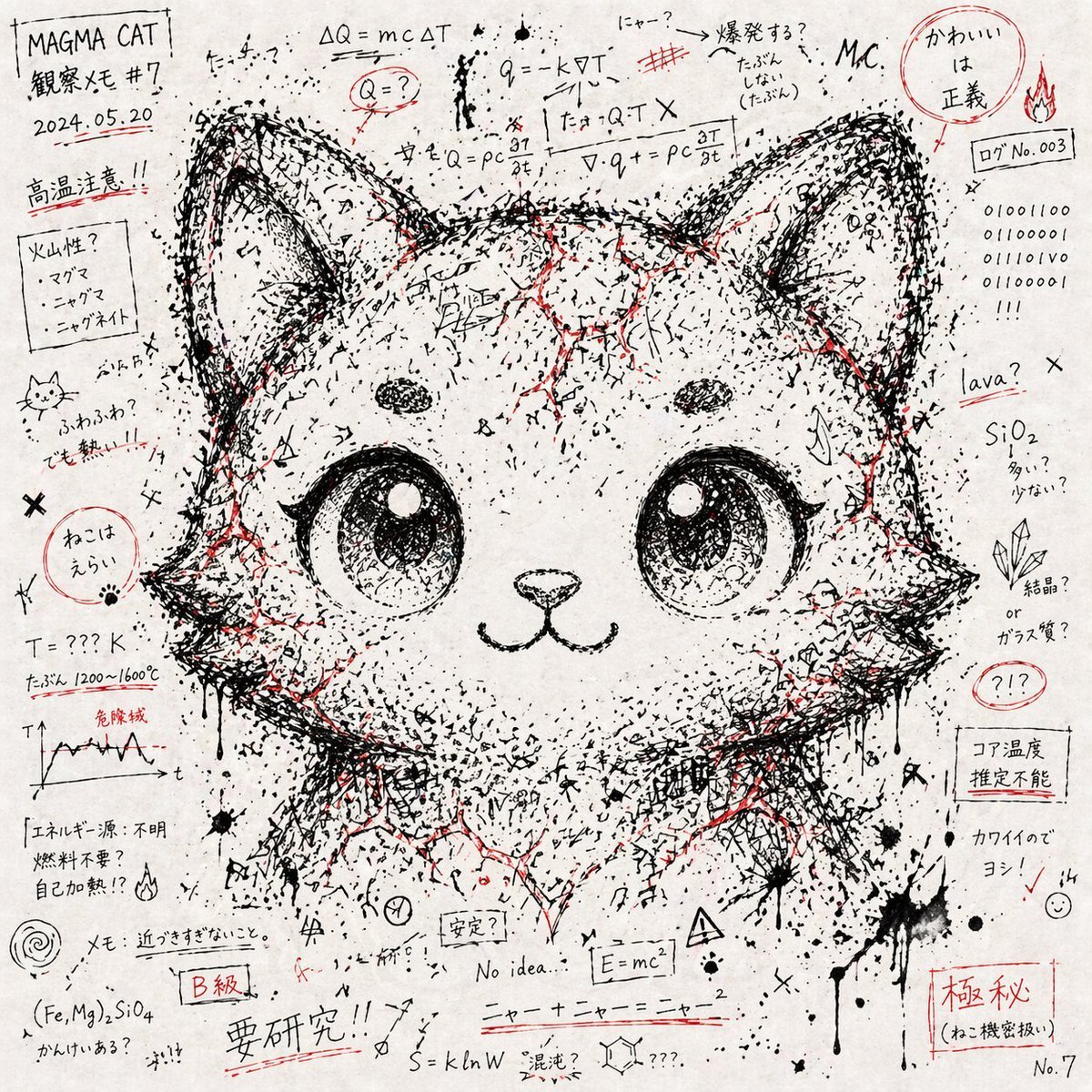
- Prompt included
- Model and format preset
- Premium template
The prompt behind this image
Copy the exact prompt behind Chaotic Ink Scribble Portrait, or open it in the studio and make it yours.
# Character Face Emerging from Chaotic Handwritten Notes and Symbols --- Style - Create the image on a {argument name="background" default="white paper background"} covered with dense black-ink handwriting, loose formulas, symbols, marks, and random linework. - Make the page feel like frantic notebook scribbles spread across the entire surface. - Add occasional {argument name="accent color" default="red-ink"} emphasis, such as marker blocks, underline strokes, filled patches, and small highlighted areas. - Preserve an analog paper-and-ink texture, like a hand-drawn notebook page rather than a digital pattern. --- Composition - Let random notes, symbols, and marks fill the whole canvas. - Increase the density of black ink, letters, and line fragments around the area where the {argument name="character" default="character's face"} should appear. - Use the arrangement, clustering, gaps, and tonal contrast of the chaotic marks to reveal the faint silhouette and expression of the given character's face. - Do not draw a normal realistic face. The face must feel assembled from fragments of the surrounding chaos. --- Color - Use a mostly monochrome palette of black ink and white paper. - Use red only as a scattered accent color. - Keep saturation restrained and focus on the tactile feeling of real paper and ink. --- Expressive Details - Include text-like strings that seem almost readable but are not fully legible, mixing Japanese characters, English letters, and numbers. - Add math symbols, arrows, dots, slashes, crosses, ink drips, splatter marks, and rough strokes. - Shape the character's eyes, hair contour, and facial structure through negative space, ink density, and the placement of notes and symbols. --- Avoid - Do not directly paint a realistic portrait or clearly outline the face. - Do not make clean, orderly, digital geometric patterns. - Do not use colorful or oversaturated styling. - Do not include logos, watermarks, or an artificial CG look. --- Definition of Done - The overall image reads first as a chaotic mass of handwritten notes, formulas, symbols, and ink marks. - The given character's face naturally emerges from the density, spacing, and arrangement of that chaos. - The color scheme stays black and white with red accents only. - The final image keeps a handmade paper-and-ink notebook texture.
How to use Chaotic Ink Scribble Portrait in 3 steps
- 1
Open
The prompt is already in the box next to the preview, with the template's model and format selected.
- 2…a portrait of your subject in softgolden-hour light, 85mm…
Personalize
Edit the subject and creative details for your destination.
- 3Generate
Generate
Press Generate — your image is created in PicX Studio, so you can compare it with the original and refine one variable at a time.
More like this
Templates with the same subject, style or setup. Open one to see its prompt.

Found Photograph: Us, 1970

80s Couple Studio Portrait

80s Bollywood Star

80s Golden Hour Cinema

Me in 1985

1985 Studio Portrait

Hyper-Realistic Minecraft POV Portrait
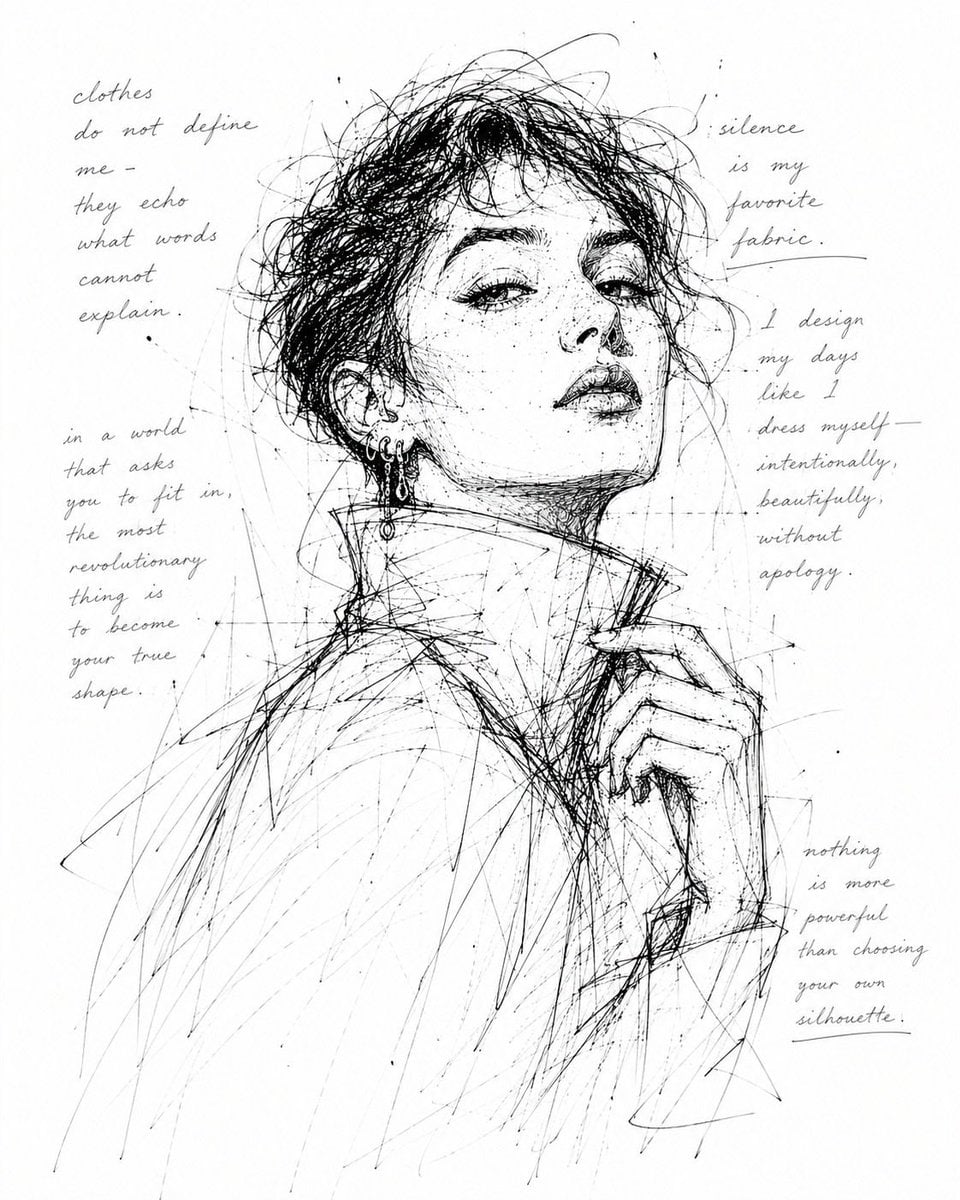
Monochrome Scribble Ink Sketch

Rooftop Fisheye — Cat-Ear Balaclava at Golden Hour
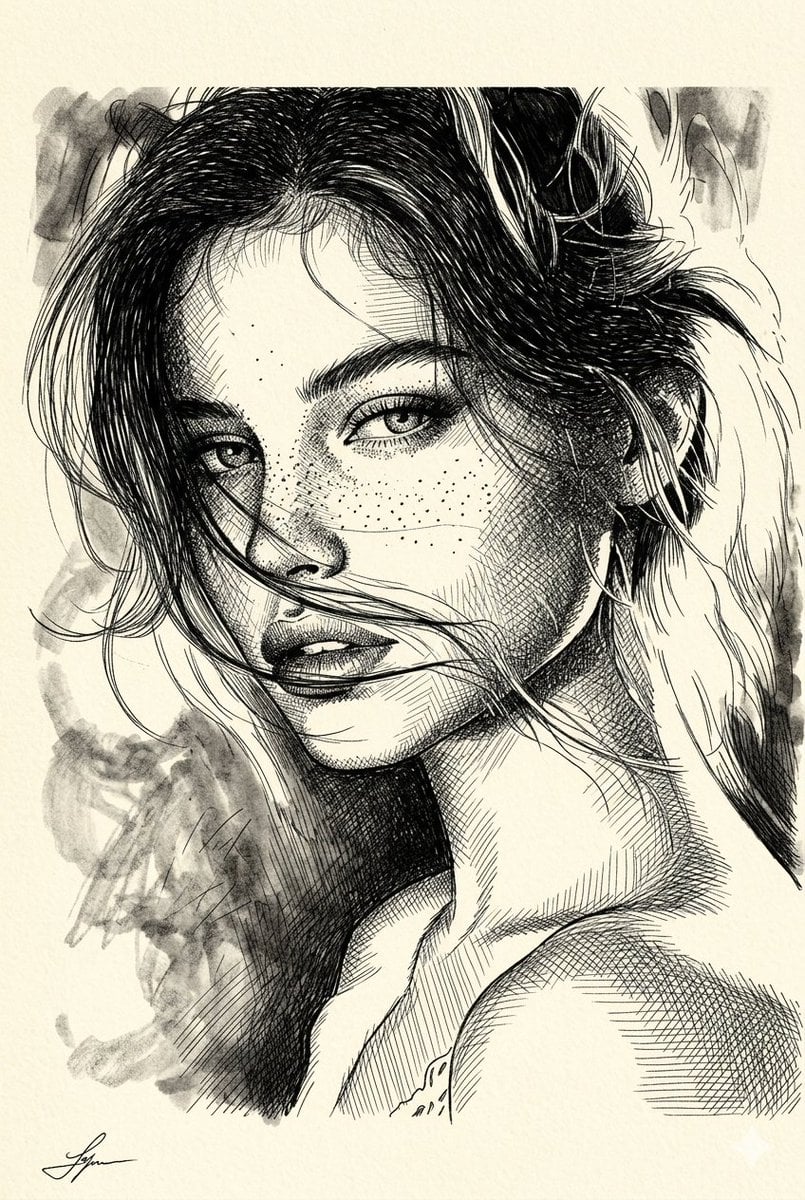
Cross-Hatched Ink Portrait
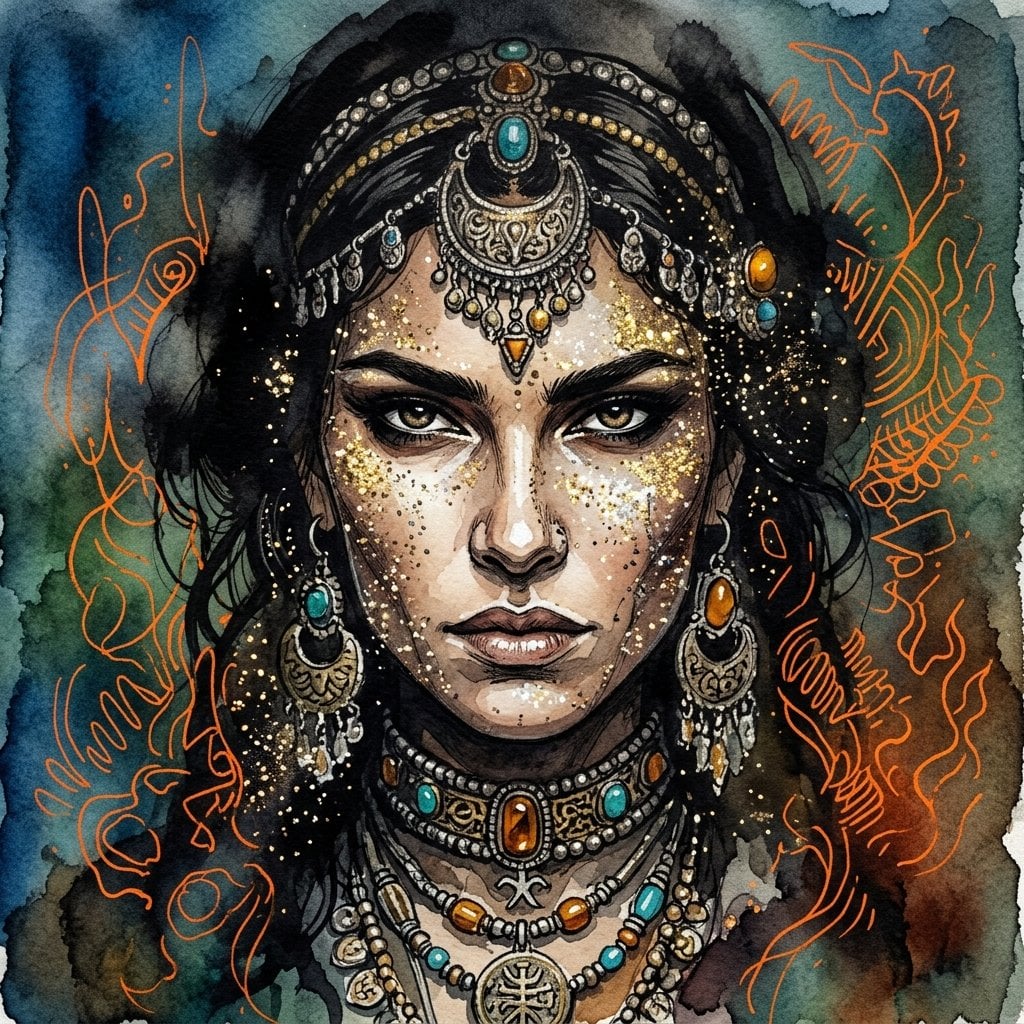
Ink wash and watercolor woman portrait
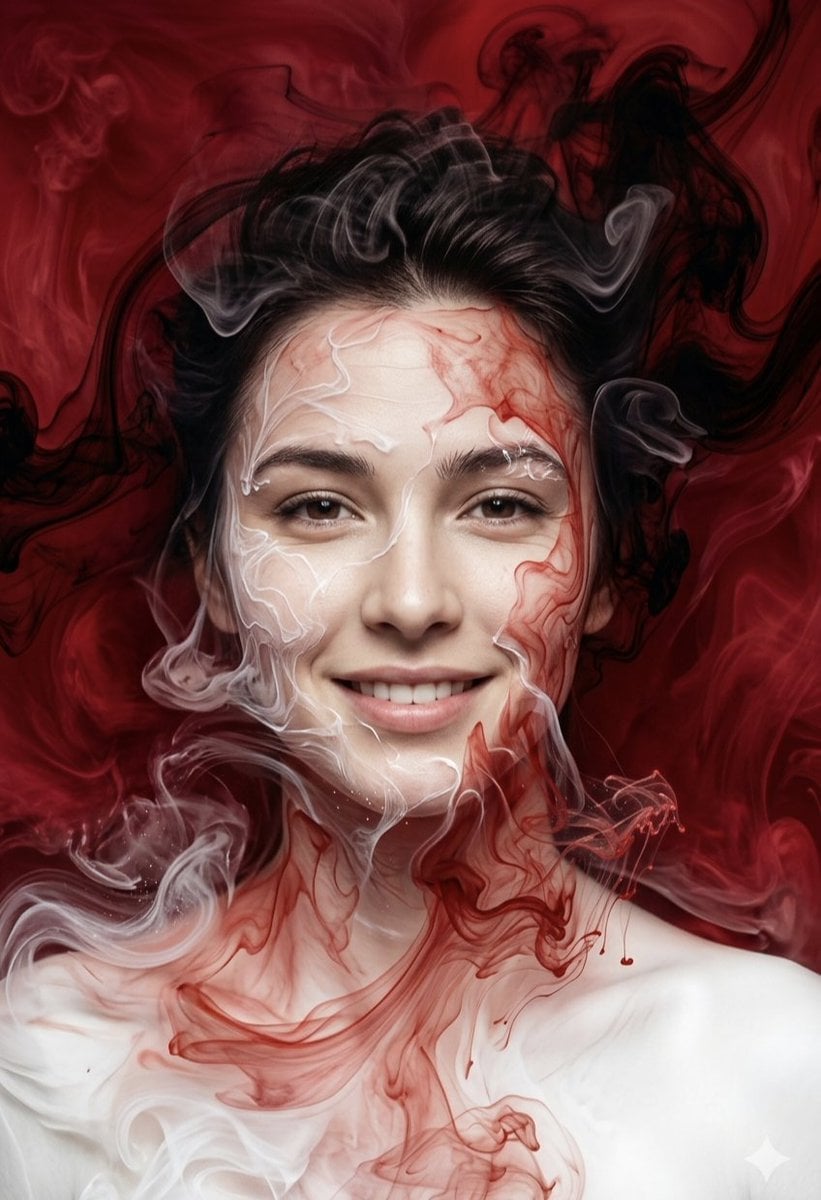
Surreal Ink Fluid Portrait Art
Make it yours
Chaotic Ink Scribble Portrait works as-is. These are the safest ways to change it without losing the look.
Change one field
Copy a single group, rewrite it, and generate again so you can see what that field is doing.
Keep the frame, change the subject
Hold the composition and light of Chaotic Ink Scribble Portrait, then swap wardrobe, props or the person for a new take.
| If the result… | Why | Fix |
|---|---|---|
| The result drifts from the preview | Too many fields changed at once. | Reuse Chaotic Ink Scribble Portrait as-is first, then change one group — subject, light, or setting. |
| The model over-stylizes the scene | The prose prompt leaves finish and camera underspecified. | Add one camera or lighting sentence and stay on GPT Image 2. |
More GPT Image 2 templates
Other prompts made for GPT Image 2.

Six VTuber Japanese Logo Sheet

Realistic Portrait of Woman and Deer

The Vista Modular Condo Poster

AI Model Routing Comparison Infographic

2.5D Anime Art Board

Isometric Productivity Desk Scene

New York Double Exposure Poster

Four-Panel AI Landscape Comparison

Japanese Tatami Lifestyle Magazine Cover

NESCAFÉ Coffee Map Poster
More image prompts
Fresh picks from across the catalog.
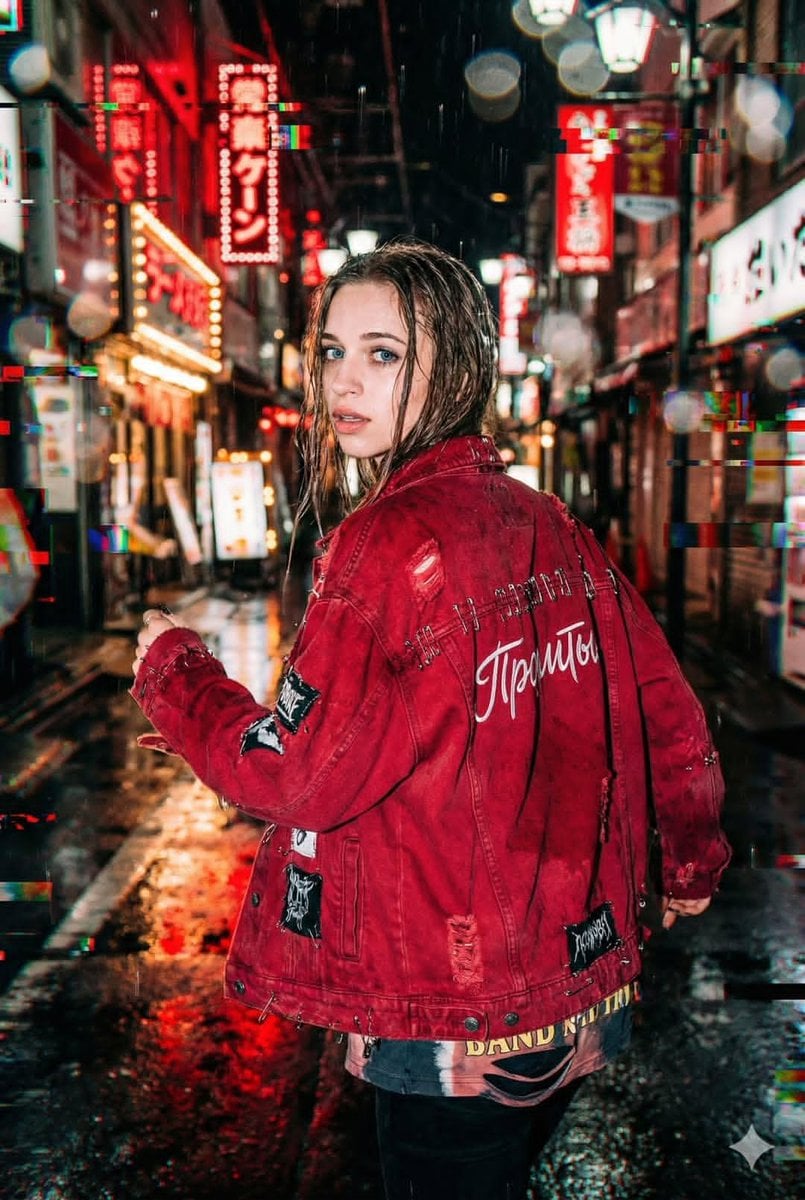
Neo-Tokyo Street Style Portrait Prompt with Glitch Effects

untitled
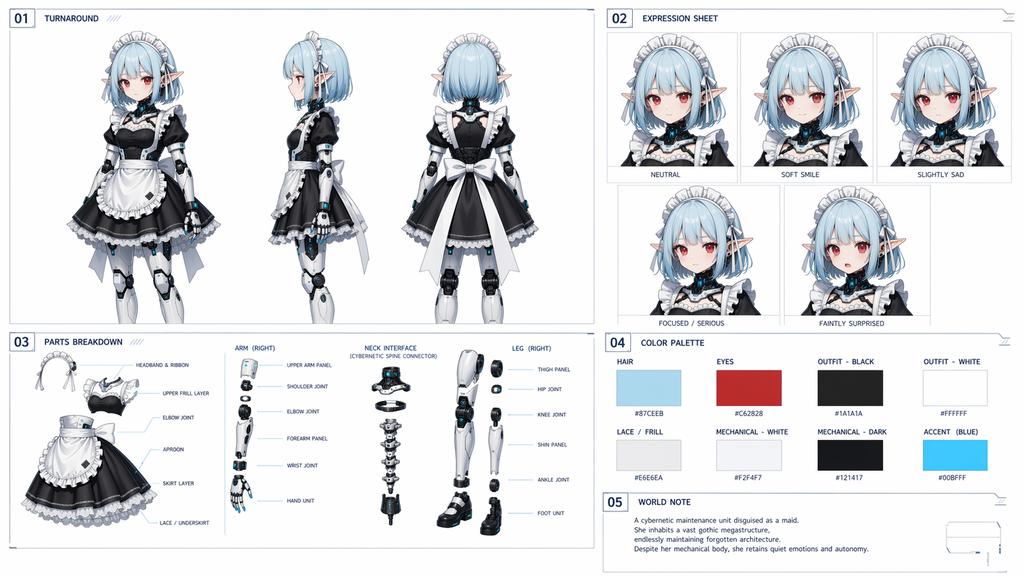
Cybernetic Character Reference Sheet
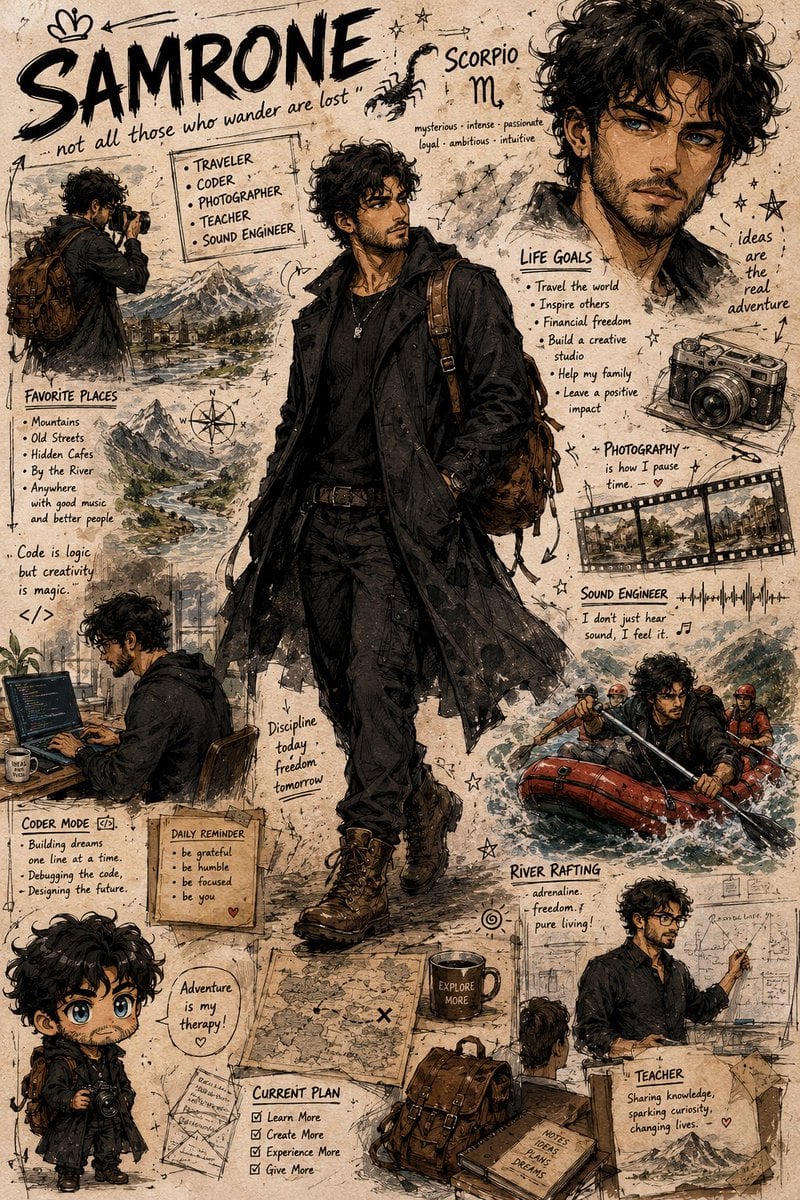
Illustrated Character Personality Board
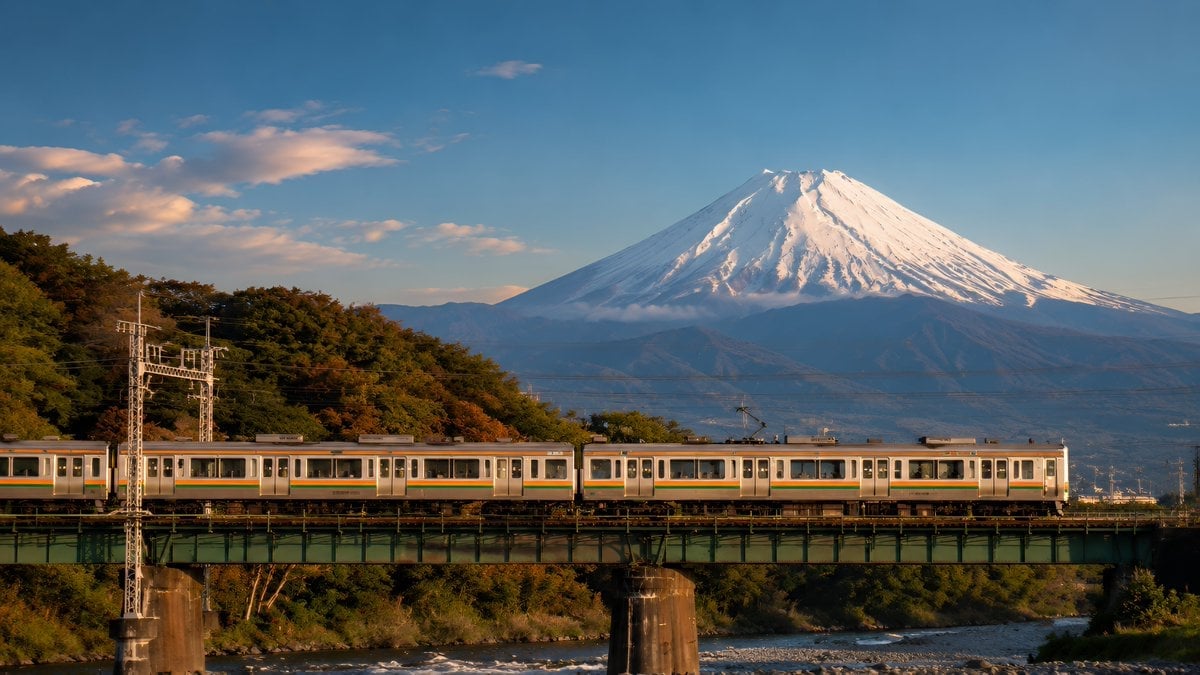
Mount Fuji Train Wallpaper
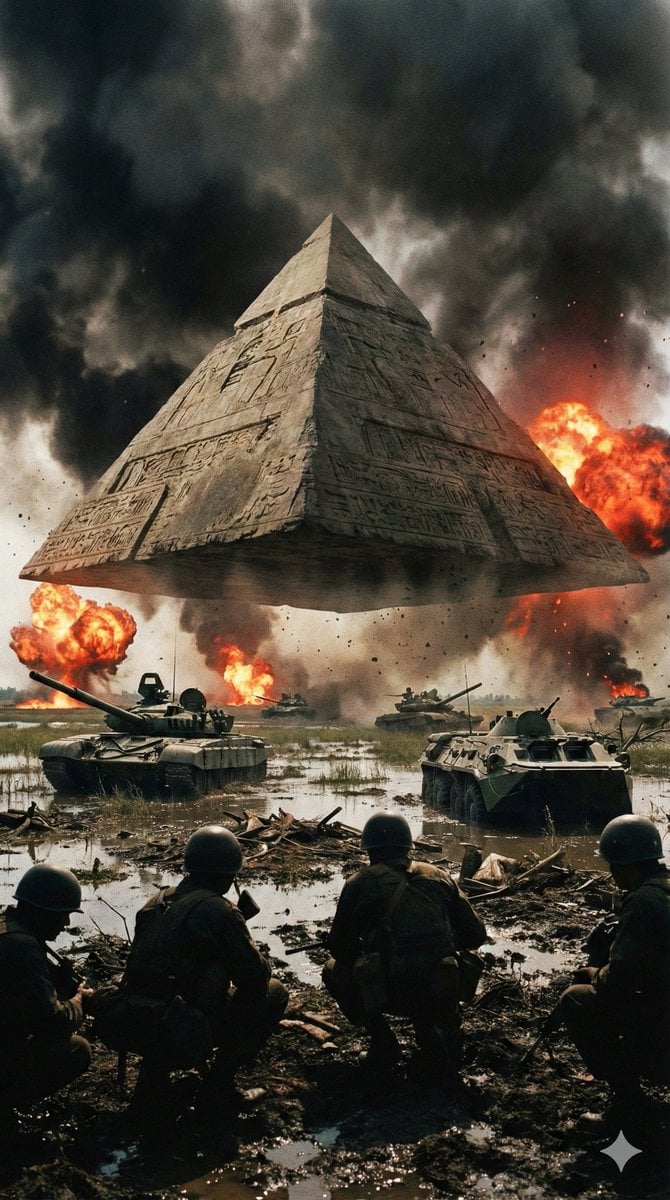
Ancient Pyramid Floating Over a Modern Battlefield
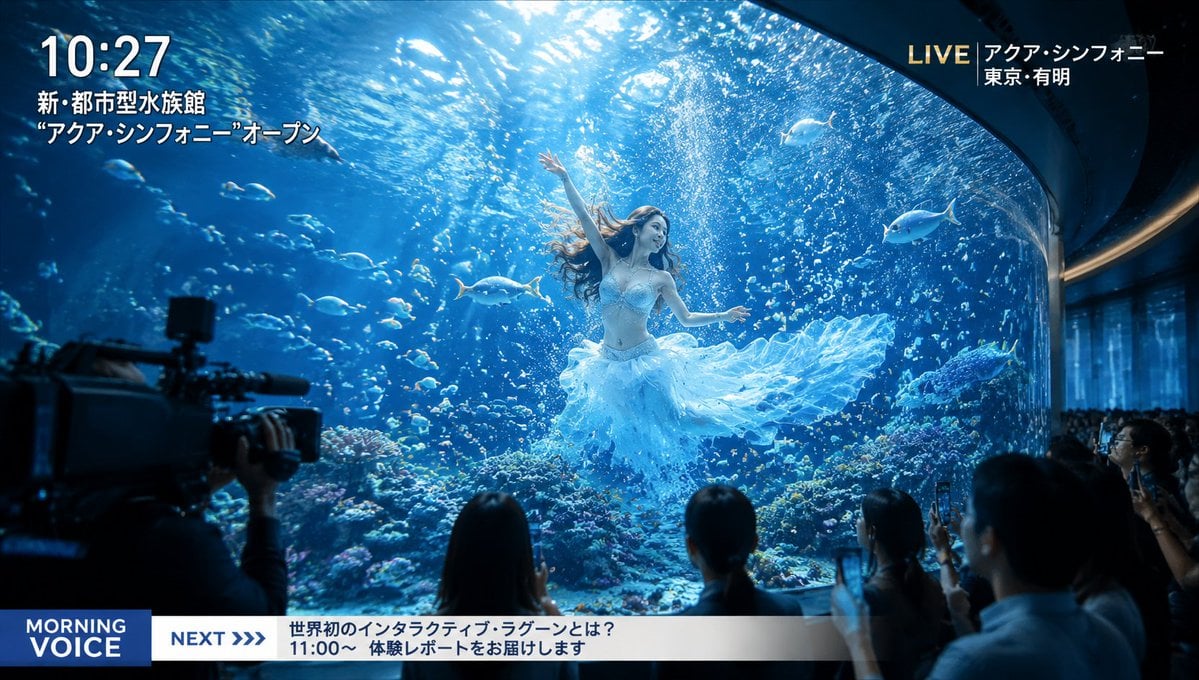
Futuristic Aquarium Mermaid Scene
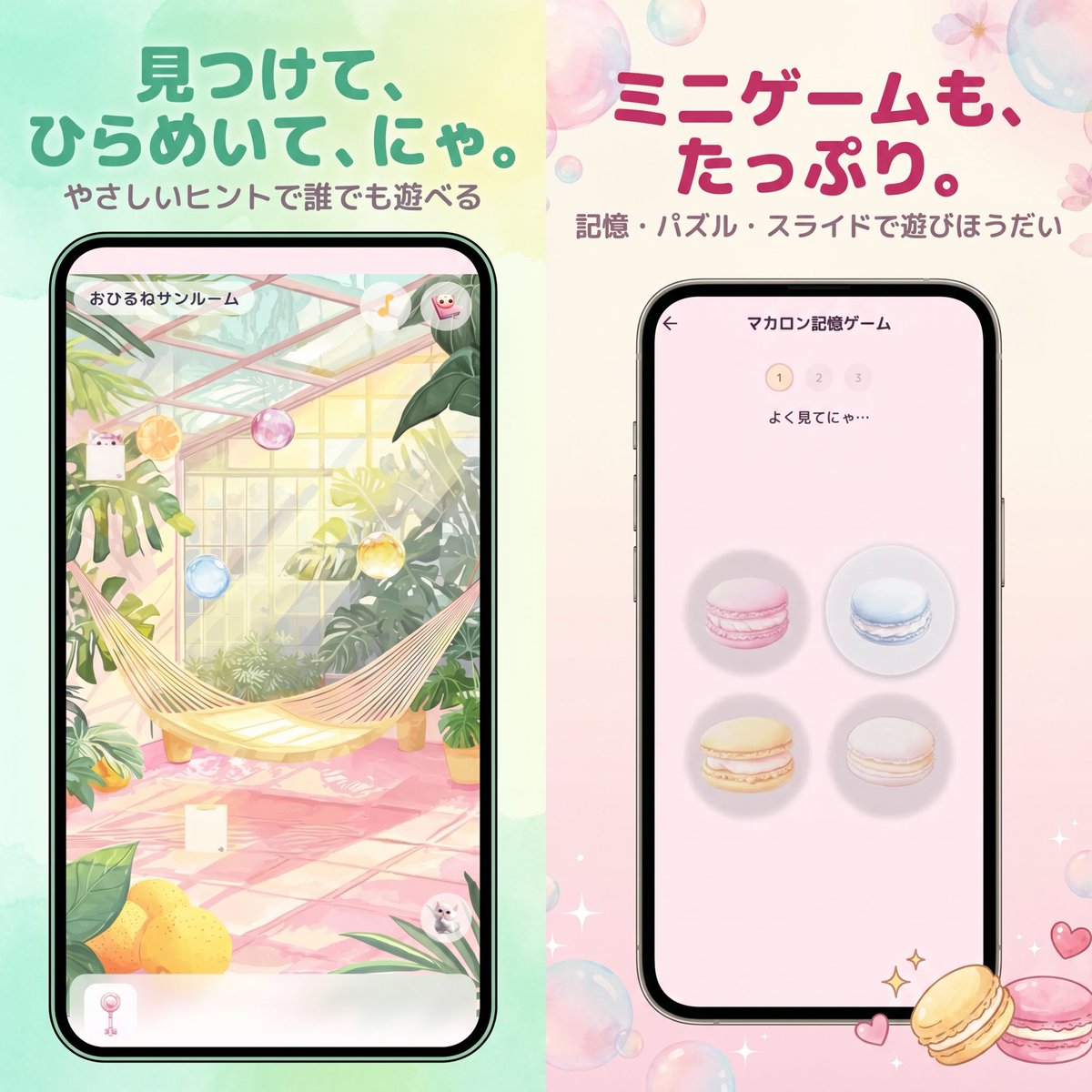
Pastel Japanese Mobile Game Ad
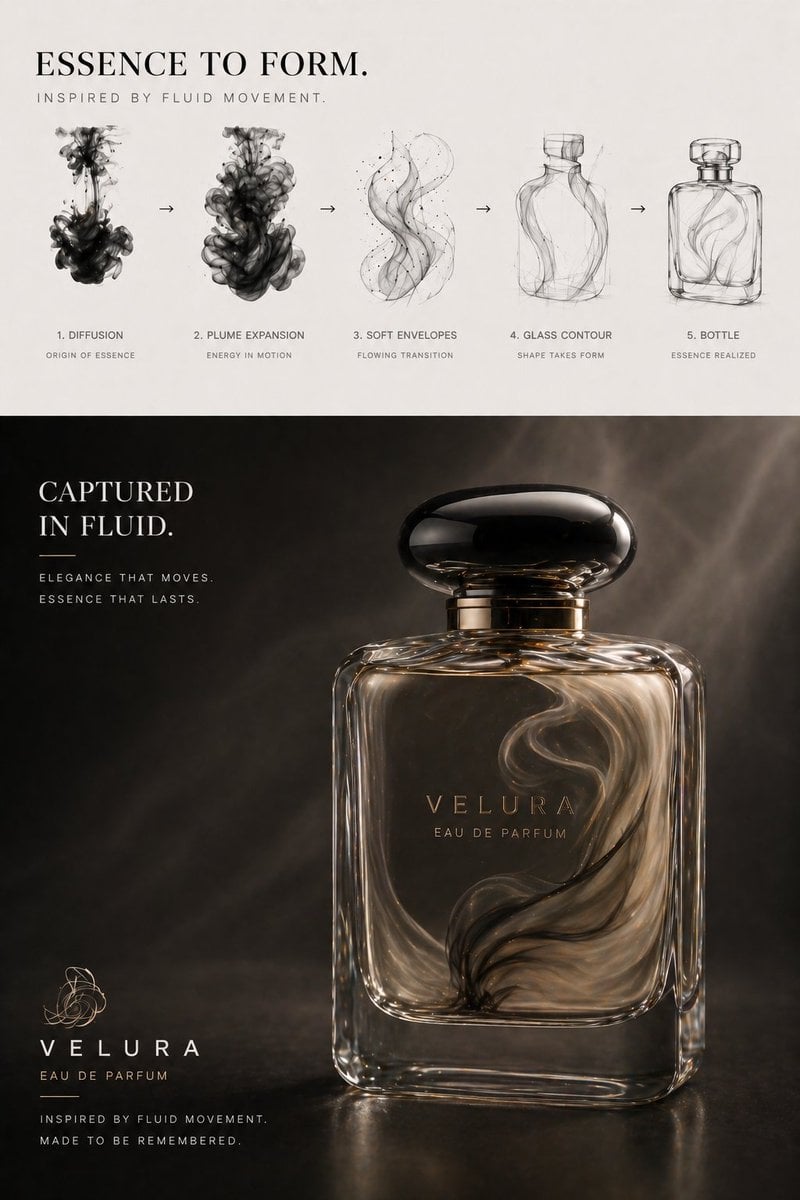
Perfume Design Evolution Poster
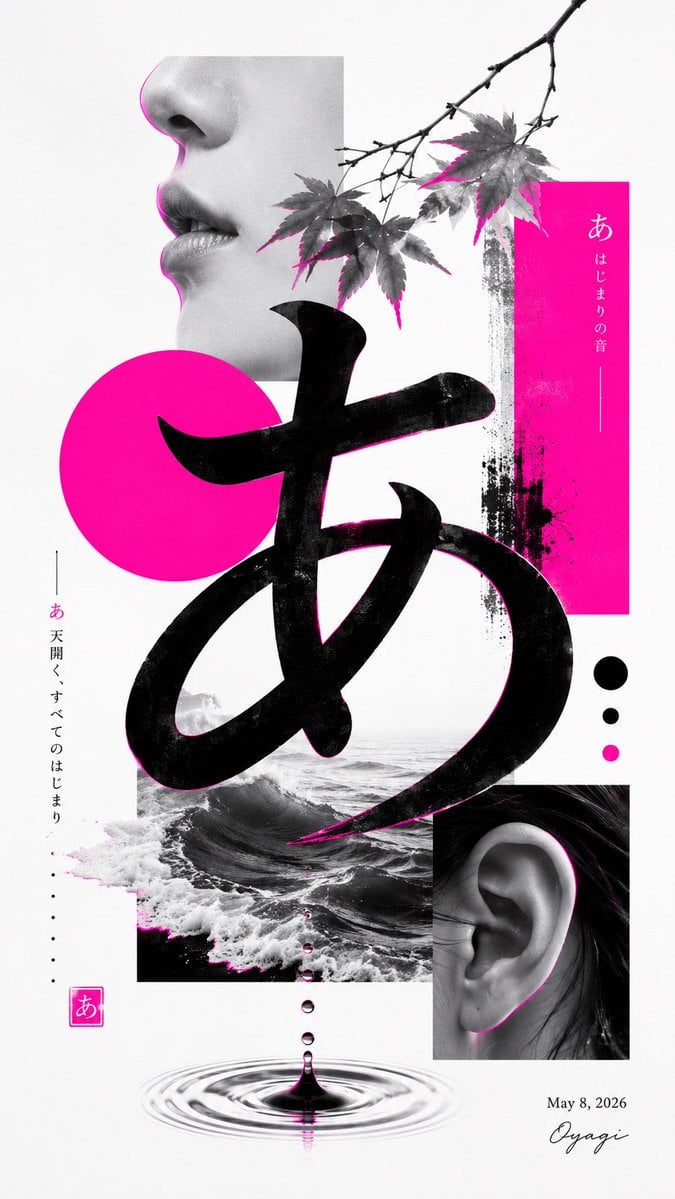
Minimalist Contemporary Typography Art
Browse template categories
Chaotic Ink Scribble Portrait questions
How do I use the Chaotic Ink Scribble Portrait template?
Add your photo if the template asks for one, edit the prompt if you like — the template's model and format are already selected — and press Generate. Your version opens in PicX Studio.
Can I customize the Chaotic Ink Scribble Portrait template?
Yes. You can change the subject, setting, lighting, mood, format, and available model controls before creating your image.
Is the Chaotic Ink Scribble Portrait template free?
Opening and editing this template is free. Generating uses credits, shown on the Generate button when you are signed in.
Which AI model should I use?
Start with GPT Image 2, which is the model associated with this template. You can compare another compatible model for a different finish.
Looking for something else? Browse all templates.

Your photo, any look
Thousands of ready templates for every top image and video model, from one credit balance.