
Spontaneous Motion Meadow Photography
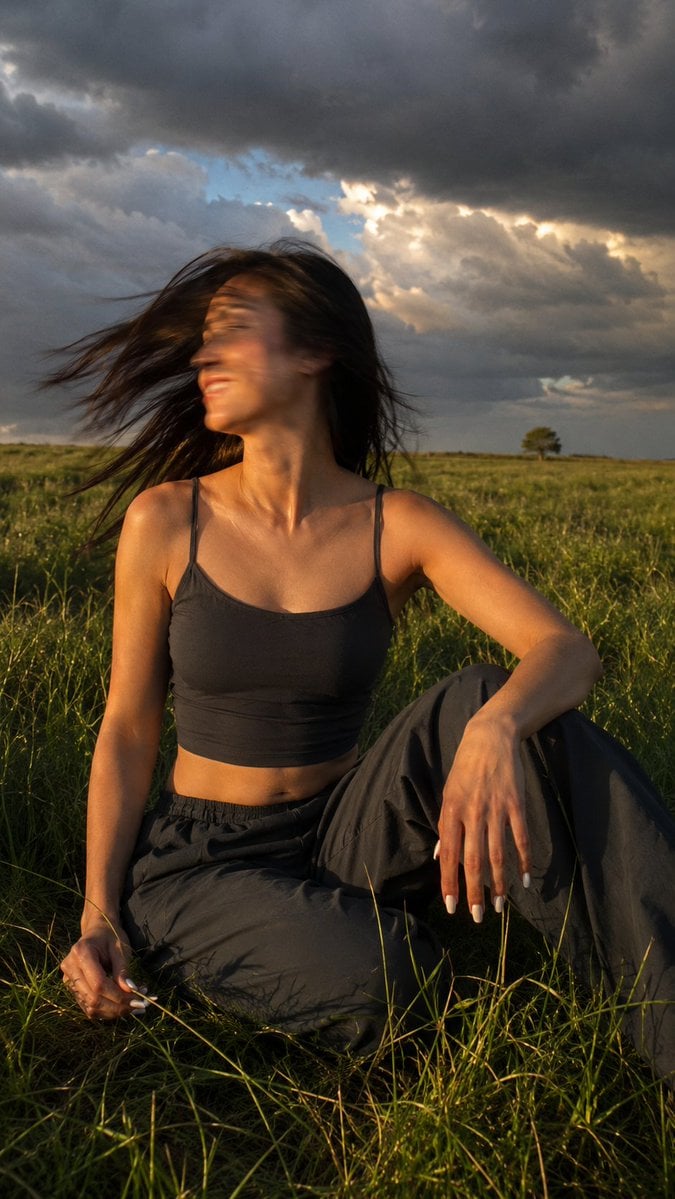
A detailed prompt for capturing a candid, cinematic moment of a woman in a meadow during a storm, featuring natural motion blur and dramatic lighting.
- Prompt included
- Model and format preset
- Premium template
The prompt behind this image
Copy the exact prompt behind Spontaneous Motion Meadow Photography, or open it in the studio and make it yours.
Ultra-realistic cinematic film photograph of a {argument name="subject" default="beautiful young woman"} captured in a spontaneous, candid moment in motion. She is sitting in tall green grass on a {argument name="setting" default="vast open meadow"} beneath a dramatic sky filled with dense storm clouds, with small breaks of blue where a fleeting ray of golden sunlight shines through. Her body is turned slightly to the right while her head snaps quickly toward the light, wearing a relaxed, subtle smile with an uplifted expression, as if she has just felt the warmth of the sun breaking through the storm. Strong natural motion blur appears on her face and windblown hair from the fast head turn, with slight motion blur across her body, creating the feeling of a genuine, unplanned moment caught by chance. Her hair flows naturally in the wind with realistic motion blur while her face remains recognizable. She is wearing a {argument name="clothing" default="dark charcoal-gray fitted cropped tank top"} with thin shoulder straps that reveals her shoulders and midriff, paired with loose dark charcoal-gray pants in the exact same shade, creating a clean monochromatic outfit. The pants are naturally wrinkled and partially hidden by the surrounding grass. Her right hand rests on the grass while gently holding a thin blade of grass, and her left arm is bent comfortably beside her raised knee in a relaxed pose. Her nails feature a clean milk-white almond-shaped manicure. Low golden sunlight casts long shadows and beautifully highlights the texture of the grass, skin, and fabric, creating depth, dimension, and fine detail. The warm sunlight contrasts dramatically with the cool gray-blue storm clouds, enhancing the cinematic atmosphere. In the distance, an expansive open field stretches toward the horizon, where the silhouette of a solitary bush or tree reinforces the feeling of space, solitude, and freedom. Warm golden-green tones blend naturally with cool gray-blue hues, producing an exceptionally photorealistic image with cinematic film grain, lifelike skin texture, richly detailed grass, natural lighting, shallow depth of field, editorial outdoor photography, DSLR realism, vertical composition, 9:16 aspect ratio.
How to use Spontaneous Motion Meadow Photography in 3 steps
- 1
Open
The prompt is already in the box next to the preview, with the template's model and format selected.
- 2…a portrait of your subject in softgolden-hour light, 85mm…
Personalize
Edit the subject and creative details for your destination.
- 3Generate
Generate
Press Generate — your image is created in PicX Studio, so you can compare it with the original and refine one variable at a time.
More like this
Templates with the same subject, style or setup. Open one to see its prompt.

Dramatic motion blur trails, long-exposure photography effect, dynamic
Meadow Reading Lifestyle Photography

Mirror Selfie Chibi Characters Pixar Style

Flower Petal Sunglasses Couture Portrait

Fashion Portrait Colored Smoke Studio

Mountain Valley Lifestyle Portrait

青蛇小青写真大片,绿色紧身蛇鳞裙,湿发红唇,妖娆妩媚

A double exposure, long exposure editorial photograph of a man Use image

Portrait of a young woman in her early 20s walking calmly on a beautiful

Artistic portrait of an elegant Asian woman wearing a black silk

A high-quality photo collage featuring the same person with identical

LIGHTING each element still lit by its original source, windows casting
Make it yours
Spontaneous Motion Meadow Photography works as-is. These are the safest ways to change it without losing the look.
Change one field
Copy a single group, rewrite it, and generate again so you can see what that field is doing.
Keep the frame, change the subject
Hold the composition and light of Spontaneous Motion Meadow Photography, then swap wardrobe, props or the person for a new take.
| If the result… | Why | Fix |
|---|---|---|
| The result drifts from the preview | Too many fields changed at once. | Reuse Spontaneous Motion Meadow Photography as-is first, then change one group — subject, light, or setting. |
| The model over-stylizes the scene | The prose prompt leaves finish and camera underspecified. | Add one camera or lighting sentence and stay on GPT Image 2. |
More GPT Image 2 templates
Other prompts made for GPT Image 2.

Six VTuber Japanese Logo Sheet

Realistic Portrait of Woman and Deer

The Vista Modular Condo Poster

AI Model Routing Comparison Infographic

2.5D Anime Art Board

Isometric Productivity Desk Scene

New York Double Exposure Poster

Four-Panel AI Landscape Comparison

Japanese Tatami Lifestyle Magazine Cover

NESCAFÉ Coffee Map Poster
More image prompts
Fresh picks from across the catalog.

Medical Infographic Poster Prompt using Bento Grid Layout
Theme Park Parade Float Generation Prompt for Nano banana Pro
Filipina Comic Geek Selfie in Collector's Room

Conceptual Visual for Vision to Execution
Moody Cinematic Portrait in Brown Top
Neon Rooftop Character Portrait
Craft Paper Alchemist Shadow Box
Scientific Infographic for Pharmaceutical Research
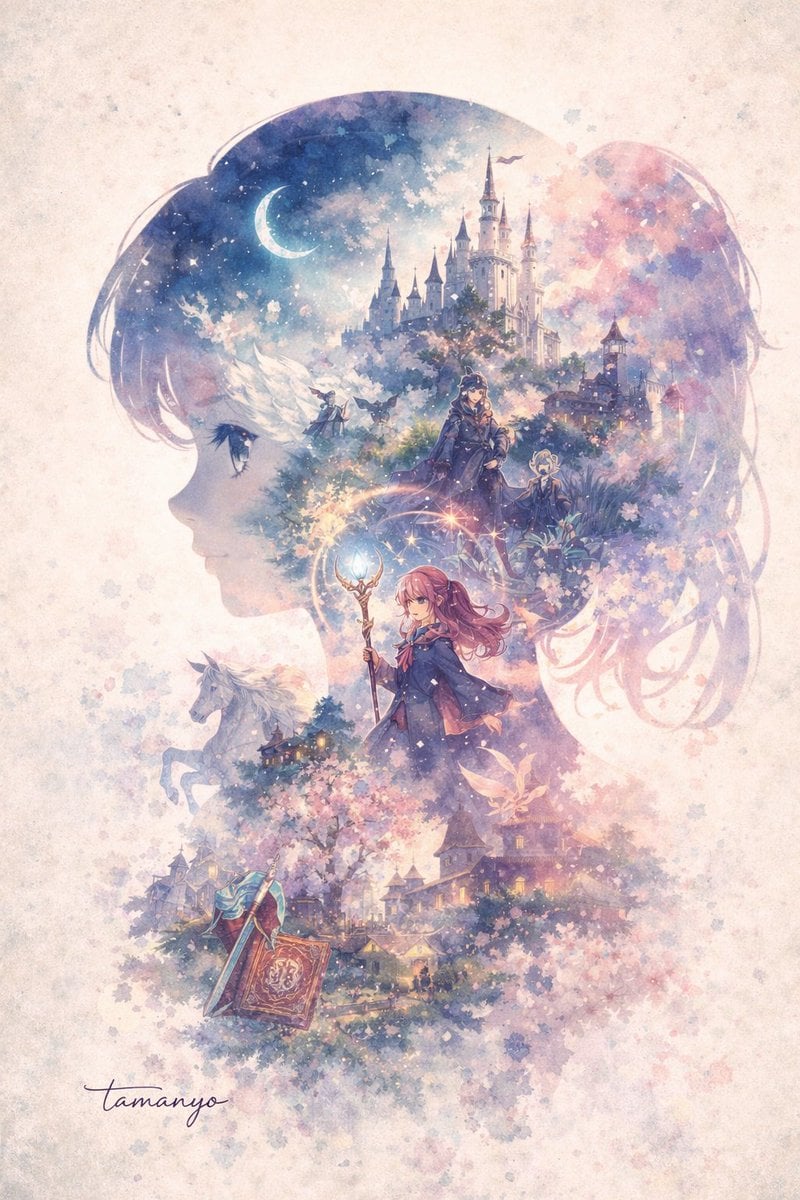
Watercolor Double-Exposure Fantasy Silhouette
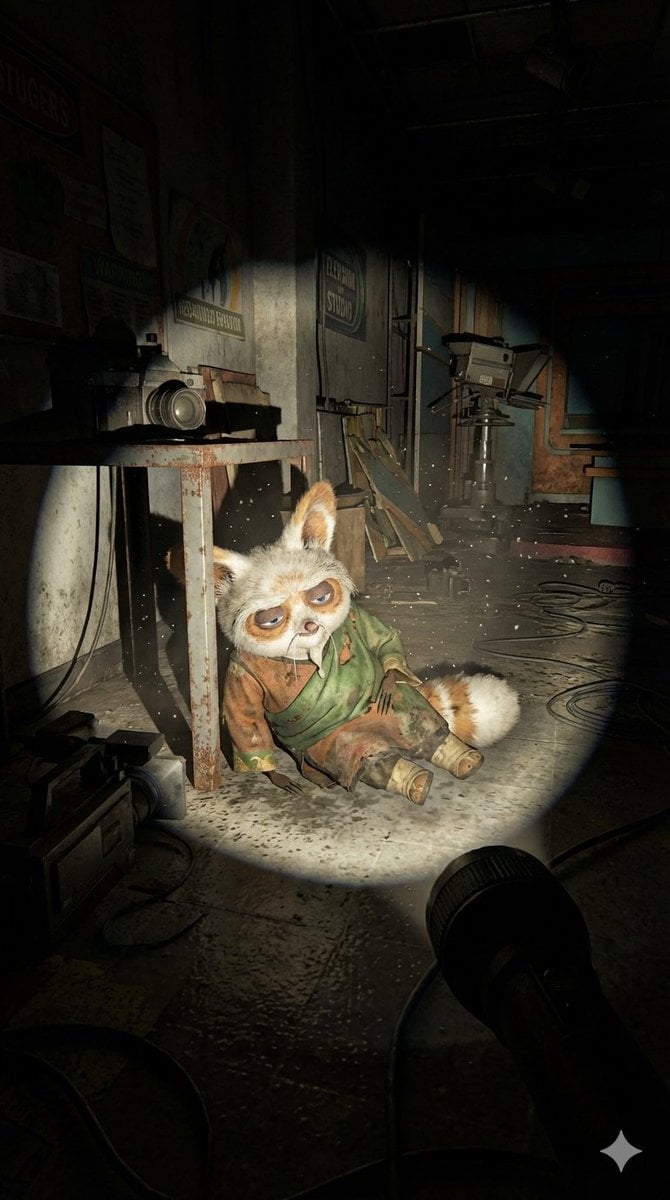
Abandoned Promotional Statue Conversion Prompt
Browse template categories
Spontaneous Motion Meadow Photography questions
How do I use the Spontaneous Motion Meadow Photography template?
Add your photo if the template asks for one, edit the prompt if you like — the template's model and format are already selected — and press Generate. Your version opens in PicX Studio.
Can I customize the Spontaneous Motion Meadow Photography template?
Yes. You can change the subject, setting, lighting, mood, format, and available model controls before creating your image.
Is the Spontaneous Motion Meadow Photography template free?
Opening and editing this template is free. Generating uses credits, shown on the Generate button when you are signed in.
Which AI model should I use?
Start with GPT Image 2, which is the model associated with this template. You can compare another compatible model for a different finish.
Looking for something else? Browse all templates.

Your photo, any look
Thousands of ready templates for every top image and video model, from one credit balance.