
Melancholic Lin Daiyu Fantasy Portrait
A dark romantic Chinese fantasy portrait of Lin Daiyu with glowing Jiangzhu grass, red thread symbolism, candlelight, calligraphy, and gothic ethereal styling.

- Prompt included
- Model and format preset
- Free template
The prompt behind this image
Copy the exact prompt behind Melancholic Lin Daiyu Fantasy Portrait, or open it in the studio and make it yours.
Create a vertical dark romantic fantasy portrait inspired by Dream of the Red Chamber, showing {argument name="character name" default="Lin Daiyu"} as a fragile ethereal woman reclining against a cracked charcoal-gray stone wall. Her face should be softly obscured or turned into shadow for anonymity, with long loose {argument name="hair color" default="dark ash-brown"} hair spilling around her shoulders and decorated on the left side with delicate pale blossoms, pearl drops, and thin silver chains. She wears a translucent layered ancient Chinese gauze robe in misty gray and faded lavender, with embroidered floral details and sheer sleeves; one pale hand rests gently over her lower chest. From the center of her chest, depict a glowing crimson Jiangzhu grass / red berry vine piercing outward through the fabric, with red leaves, tiny berries, and pink-red light radiating through the ribcage area, suggesting repayment through tears and fate. Add one thin unbroken red thread arcing from the glowing chest across the right side of the image. The environment is moody, desaturated, smoky, and painterly, with scattered petals, faint handwritten Chinese calligraphy on the wall, soft dust motes, and a single lit red candle on a small black wall sconce in the upper right. Include exactly four floating glowing red pearl ornaments near the upper center-right, plus small ember-like light specks. Add elegant cursive signature text {argument name="signature text" default="NaEun & Damien"} faintly at the top and again near the bottom, and add subtle vertical side watermark text repeating along both edges with small heart icons, reading {argument name="watermark text" default="♥ NaEun & Damien 2026"}. Overall style: gothic Chinese romanticism, melancholic, cinematic low light, muted black-gray-brown palette with crimson accents, highly detailed fabric texture, soft bloom, fine-art digital painting, 2:3 portrait composition, no modern clothing, no bright daylight, no extra characters.
How to use Melancholic Lin Daiyu Fantasy Portrait in 3 steps
- 1Upload ImagePNG, JPG or paste
Add your photo
Upload the photo the template builds on. The prompt, model and format are already set.
- 2…a portrait of your subject in softgolden-hour light, 85mm…
Personalize
Edit the subject and creative details for your destination.
- 3Generate
Generate
Press Generate — your image is created in PicX Studio, so you can compare it with the original and refine one variable at a time.
More like this
Templates with the same subject, style or setup. Open one to see its prompt.
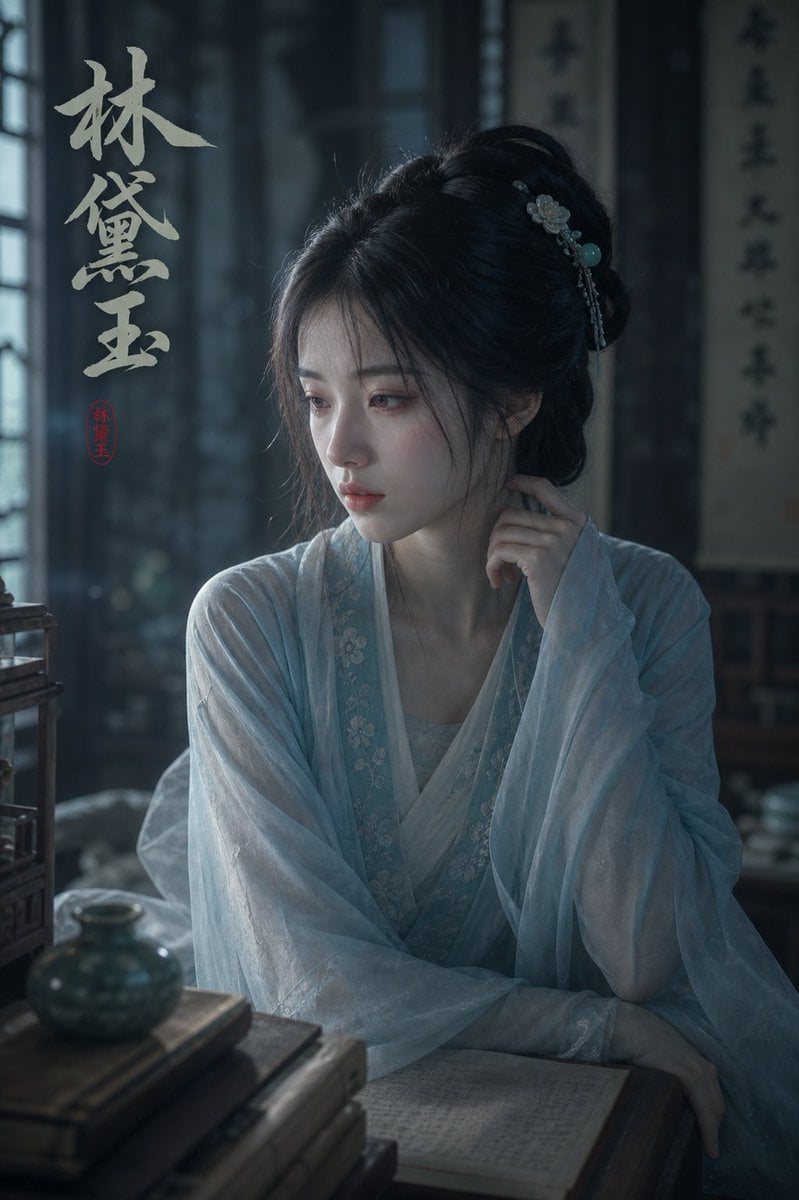
Melancholic Lin Daiyu Portrait

Ai Evolution Timeline Infographic

3d Miniature City Models with Kling Ai

Found Photograph: Us, 1970

80s Couple Studio Portrait

80s Bollywood Star

80s Golden Hour Cinema

Me in 1985

1985 Studio Portrait

Hyper-Realistic Minecraft POV Portrait
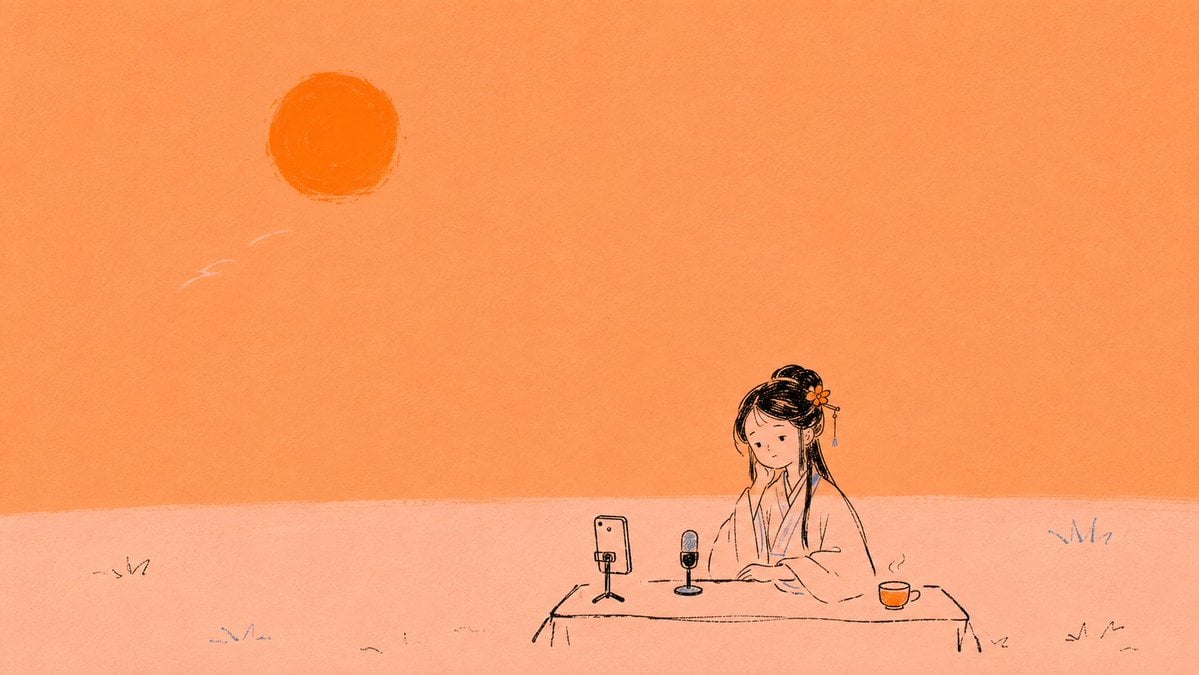
Minimal Orange Lin Daiyu Livestream Illustration
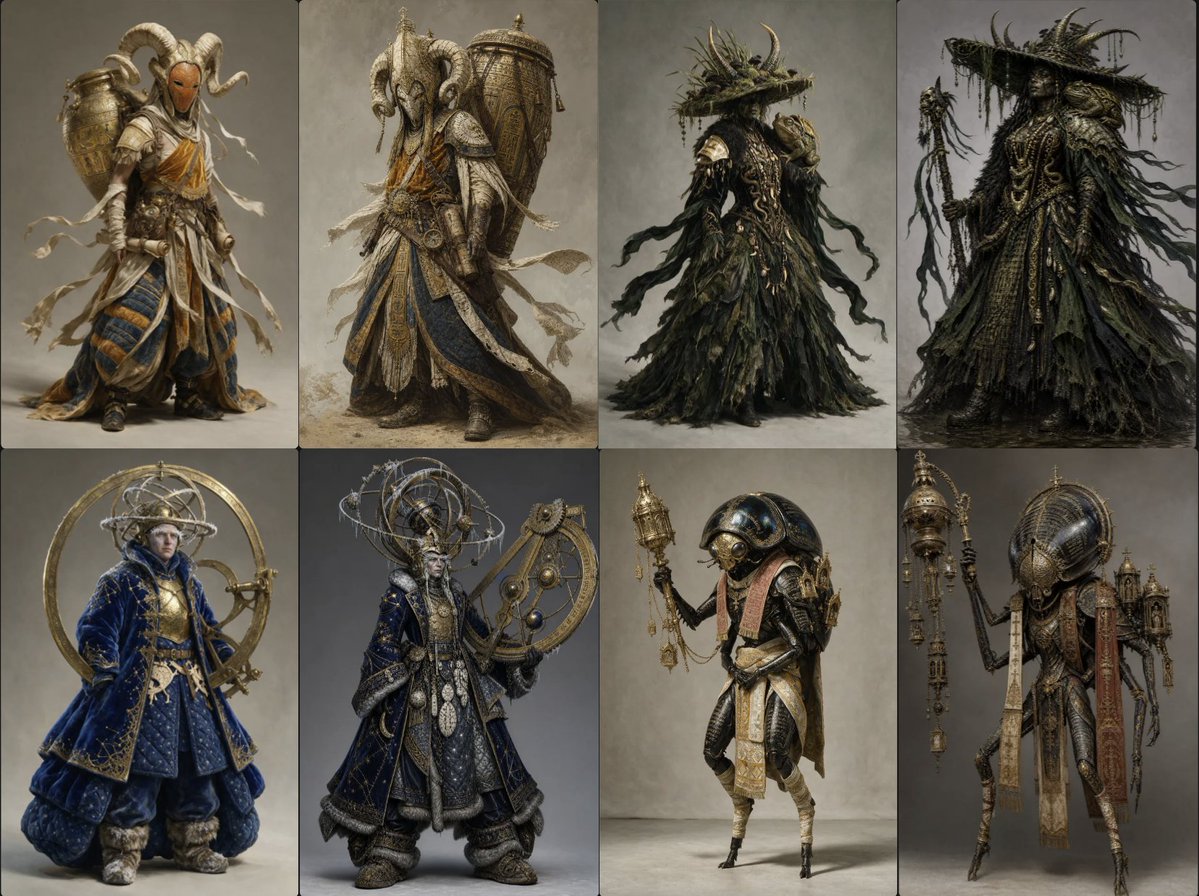
Ornate Fantasy Character Lineup
Make it yours
Melancholic Lin Daiyu Fantasy Portrait works as-is. These are the safest ways to change it without losing the look.
Change one field
Copy a single group, rewrite it, and generate again so you can see what that field is doing.
Keep the frame, change the subject
Hold the composition and light of Melancholic Lin Daiyu Fantasy Portrait, then swap wardrobe, props or the person for a new take.
| If the result… | Why | Fix |
|---|---|---|
| The result drifts from the preview | Too many fields changed at once. | Reuse Melancholic Lin Daiyu Fantasy Portrait as-is first, then change one group — subject, light, or setting. |
| The model over-stylizes the scene | The prose prompt leaves finish and camera underspecified. | Add one camera or lighting sentence and stay on GPT Image 2. |
More GPT Image 2 templates
Other prompts made for GPT Image 2.

Six VTuber Japanese Logo Sheet

Realistic Portrait of Woman and Deer

The Vista Modular Condo Poster

AI Model Routing Comparison Infographic

2.5D Anime Art Board

Isometric Productivity Desk Scene

New York Double Exposure Poster

Four-Panel AI Landscape Comparison

Japanese Tatami Lifestyle Magazine Cover

NESCAFÉ Coffee Map Poster
More image prompts
Fresh picks from across the catalog.
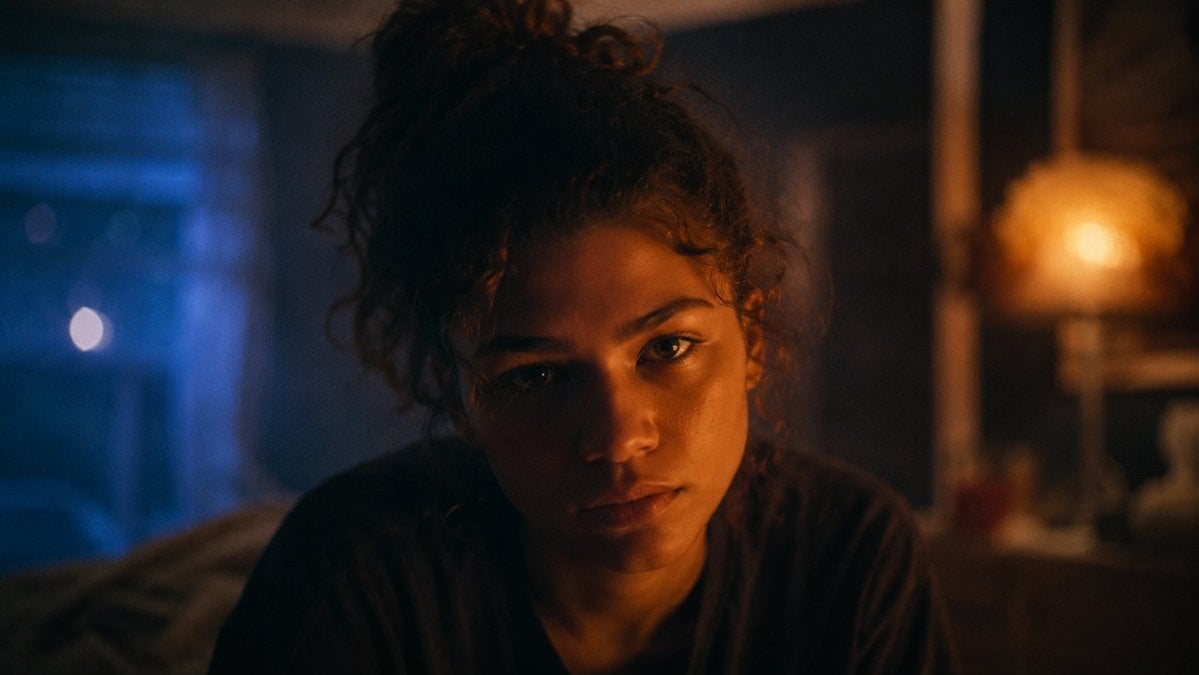
Moody Euphoria Bedroom Portrait
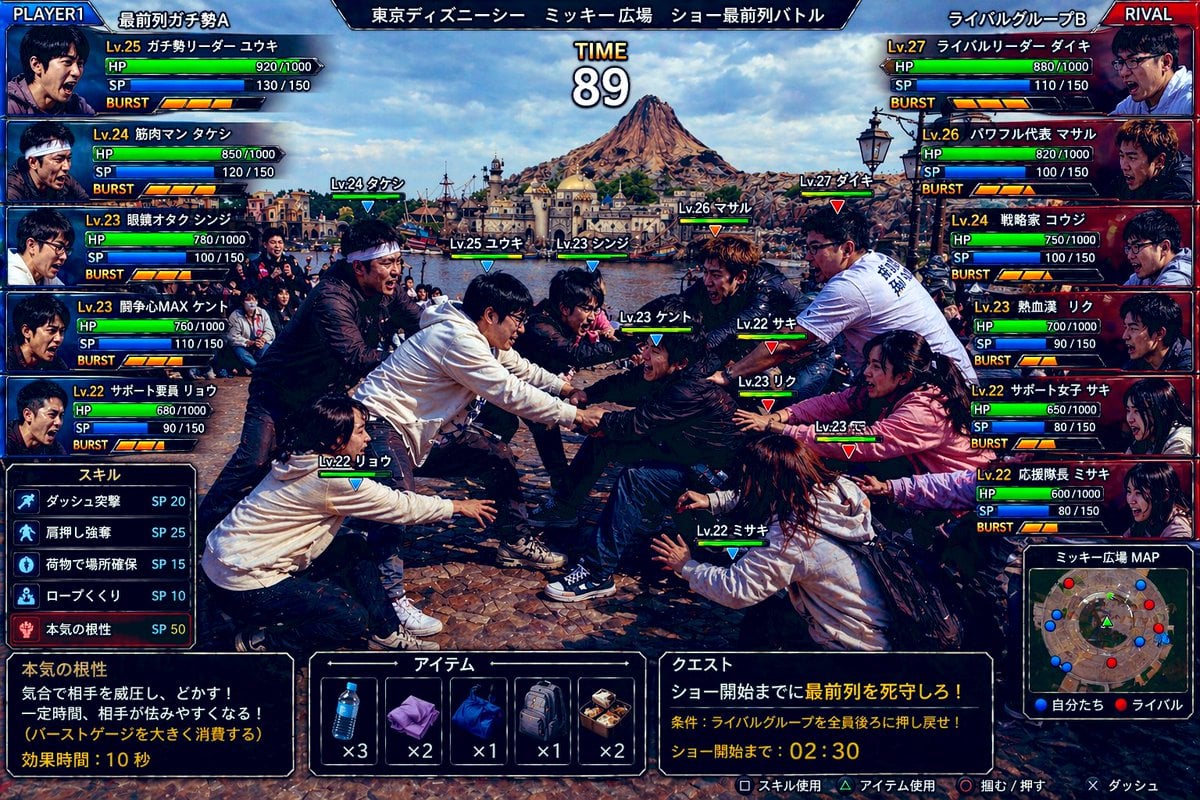
Tokyo DisneySea Front-Row Battle UI
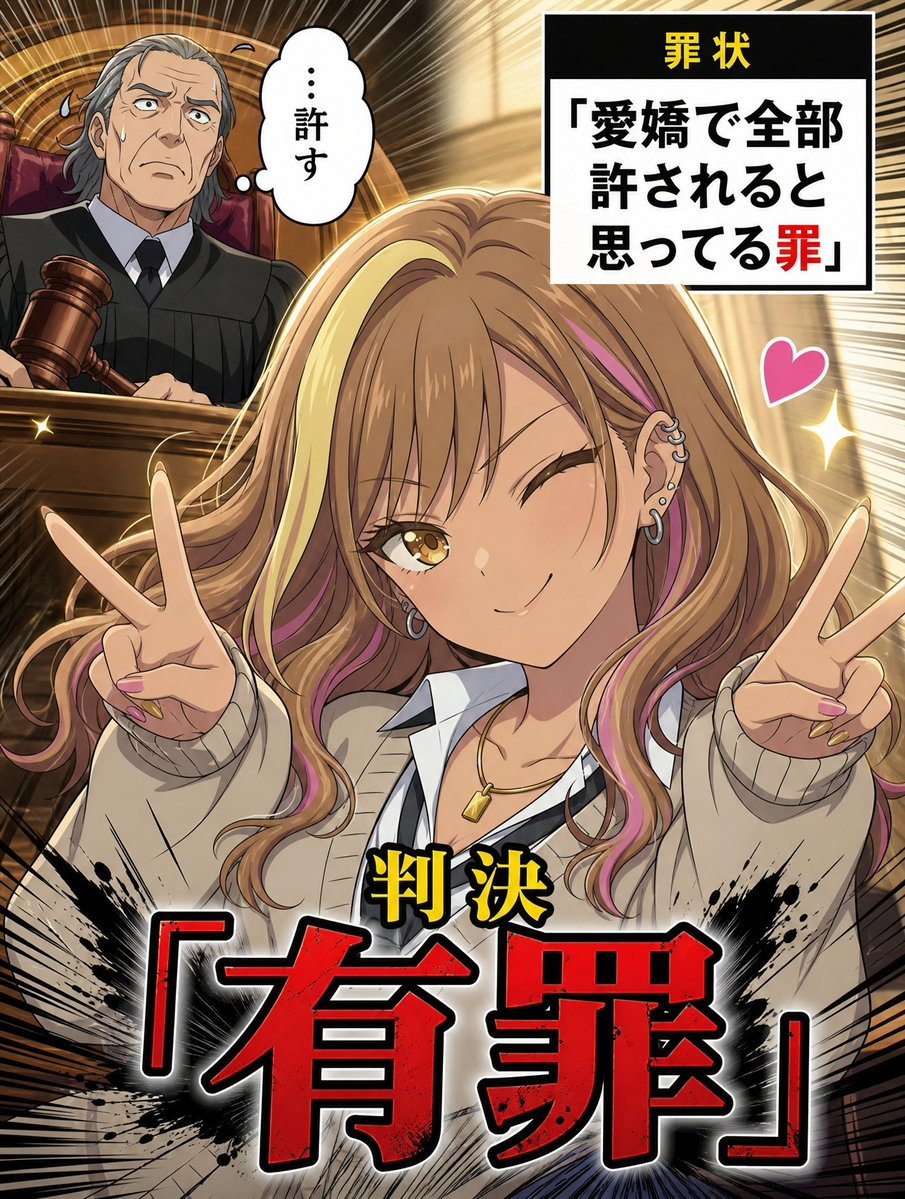
AI Character Courtroom Verdict Meme Generator
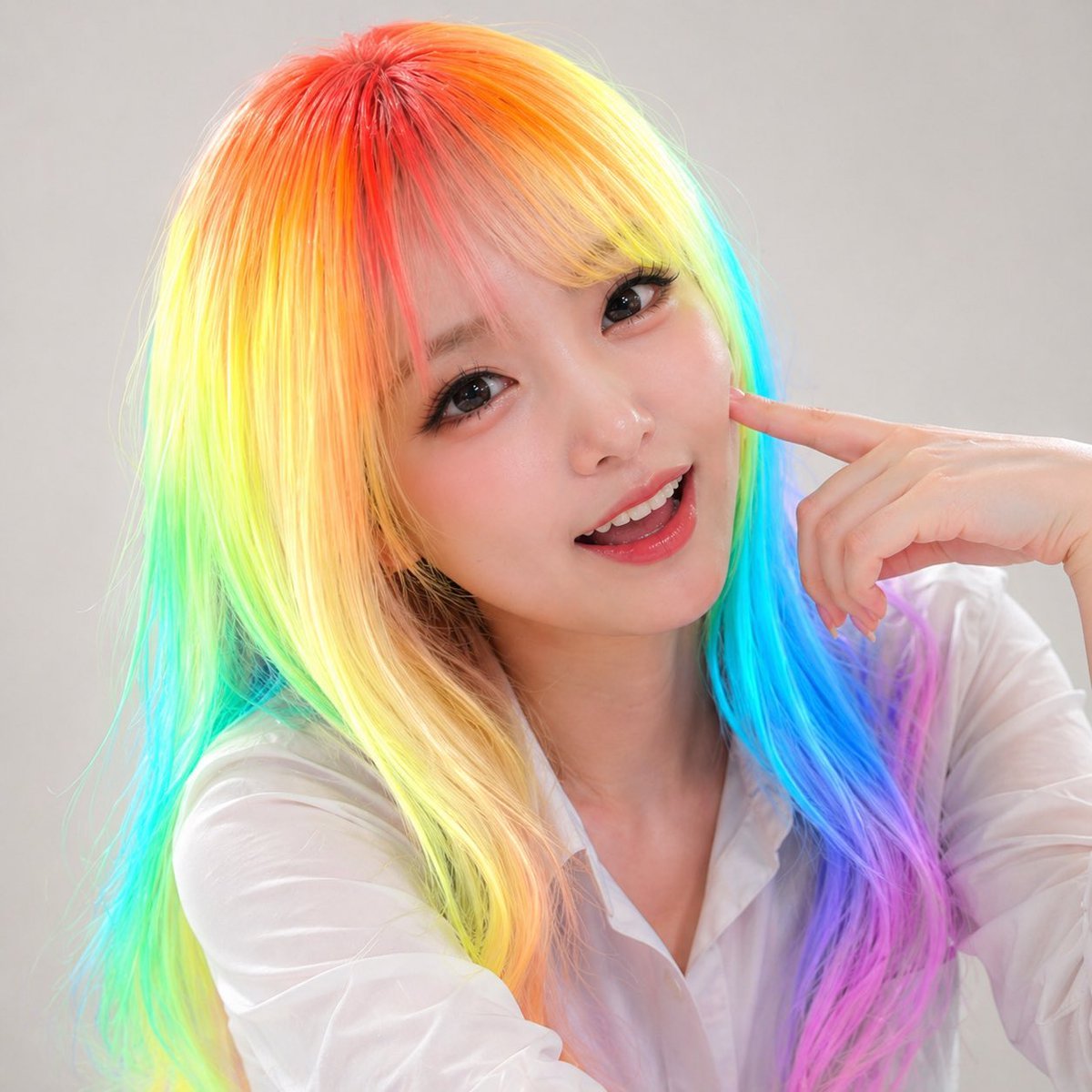
Panel Studio Promo Portrait Grid
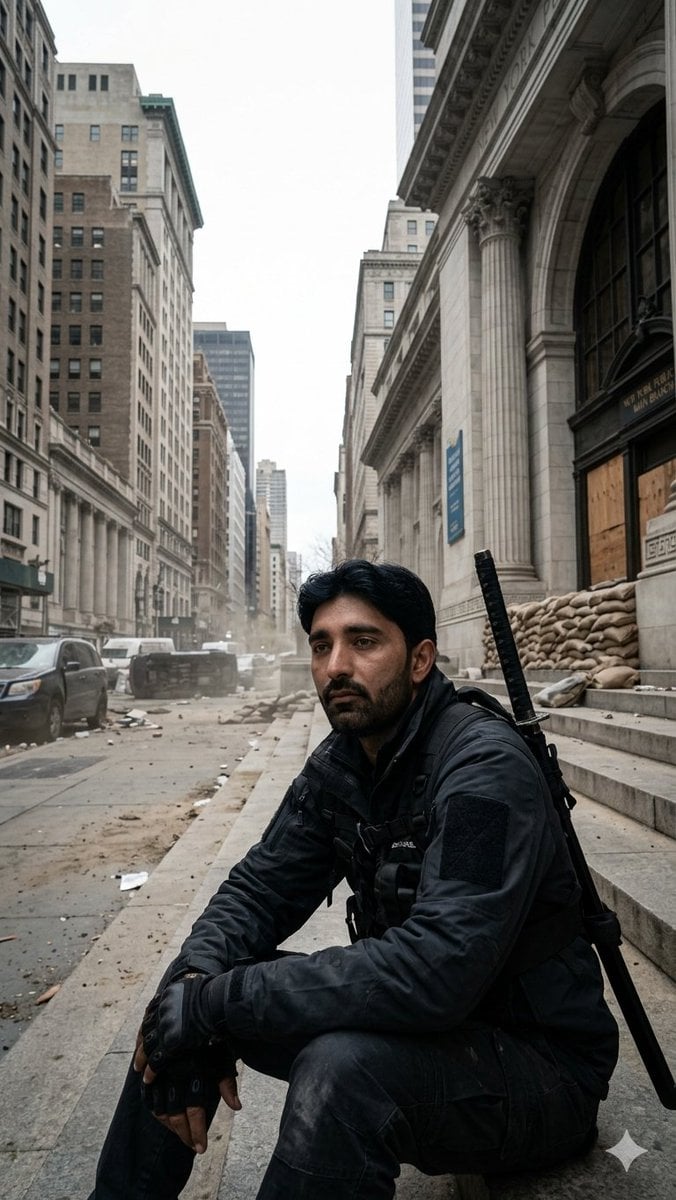
Fortified NYPL Survivor Scene
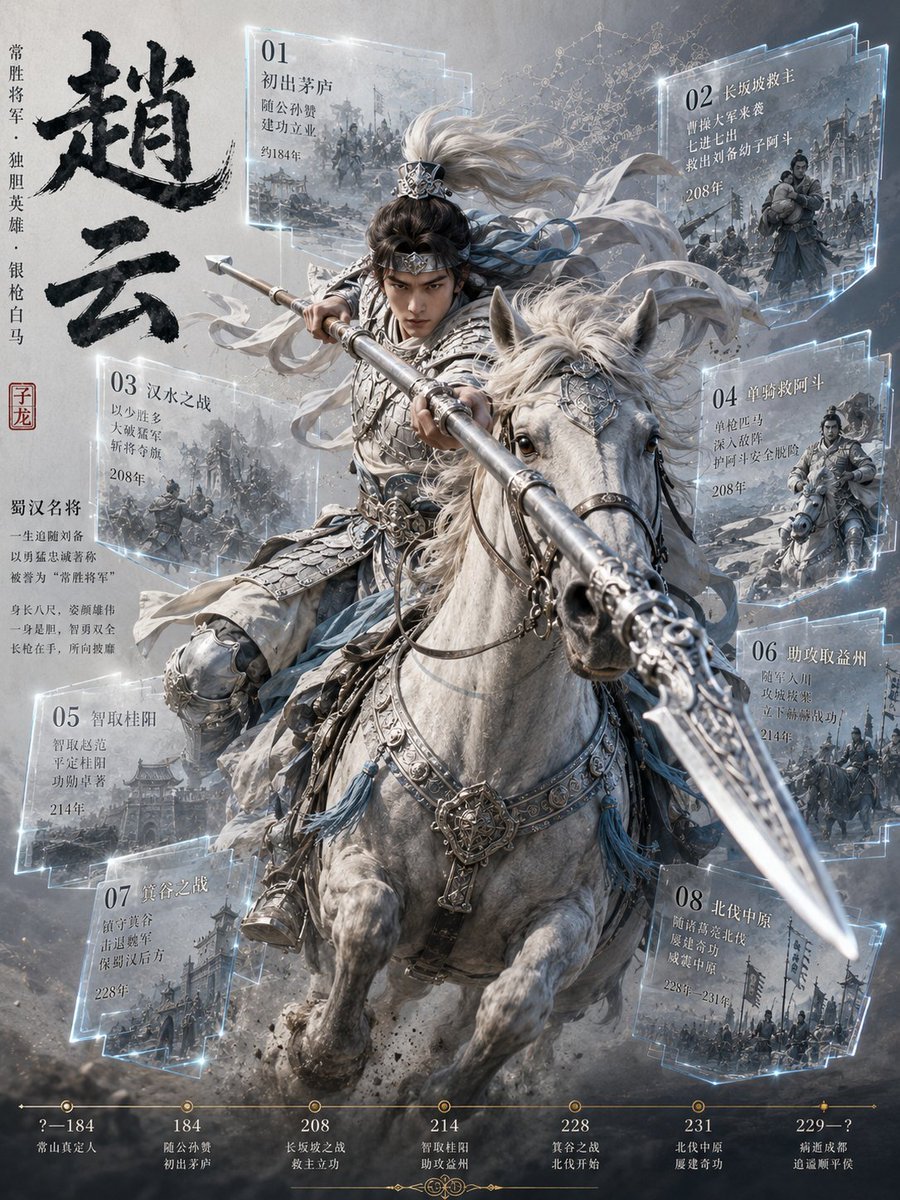
Zhao Yun Cavalry Infographic Poster
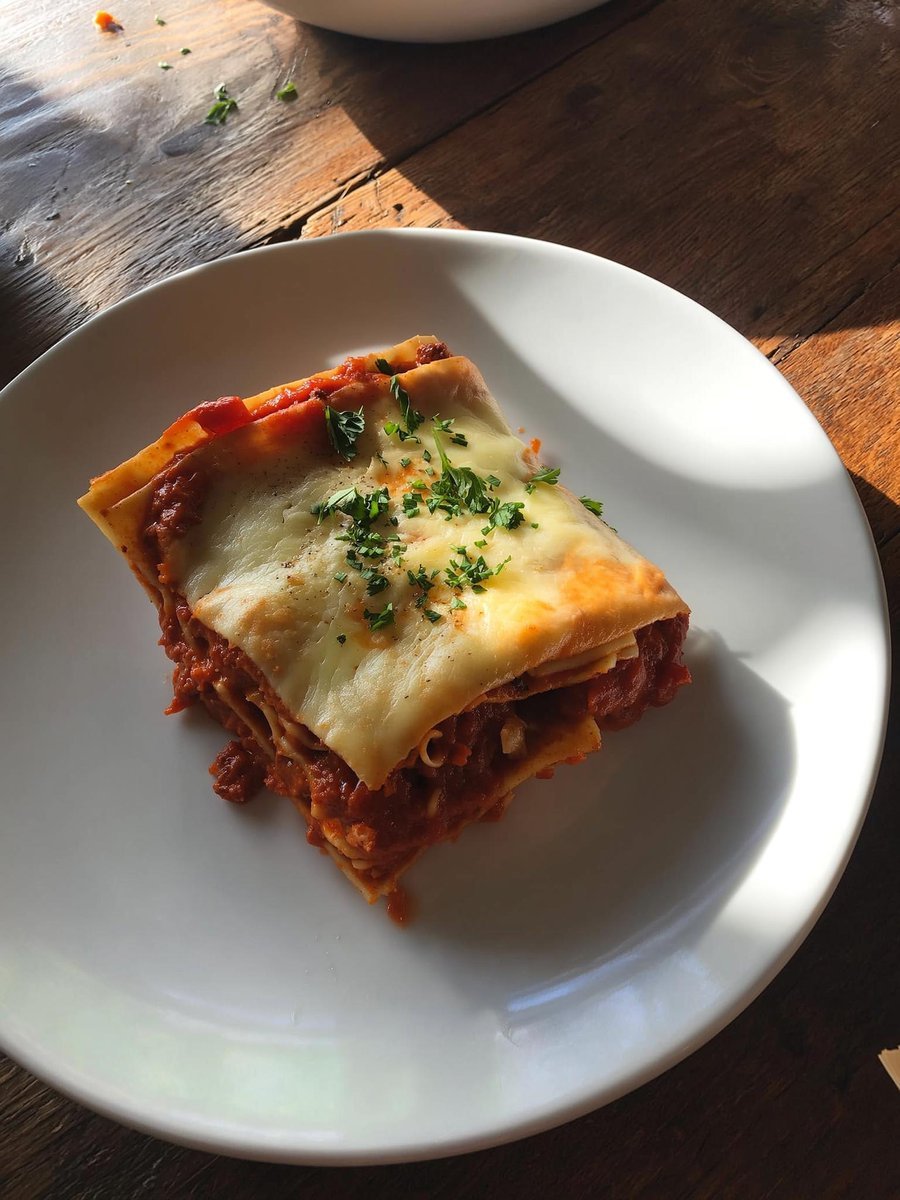
Japanese labeled-ingredients dish photo
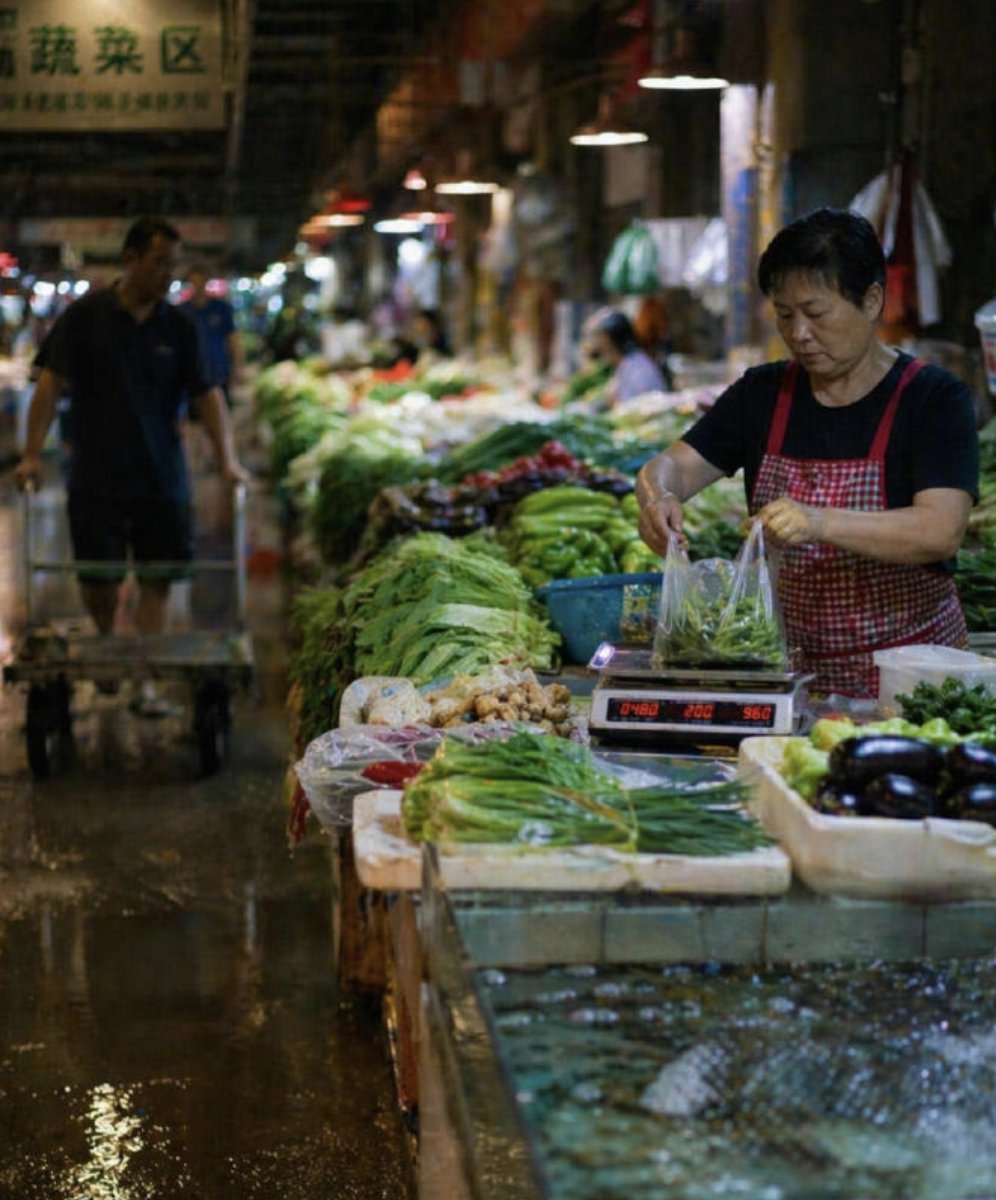
Wet Chinese Night Market Scene
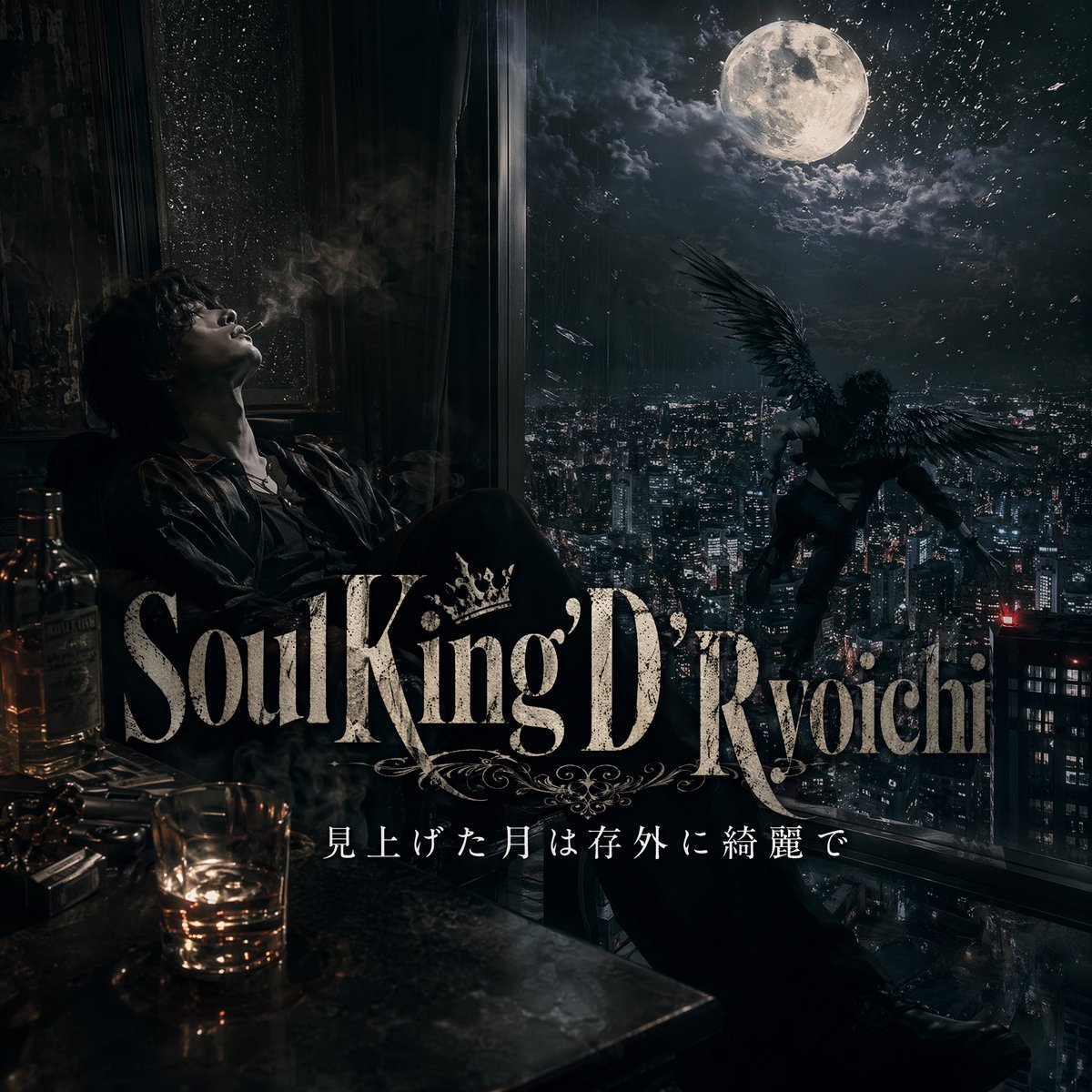
Dark Moonlit Noir Album Cover
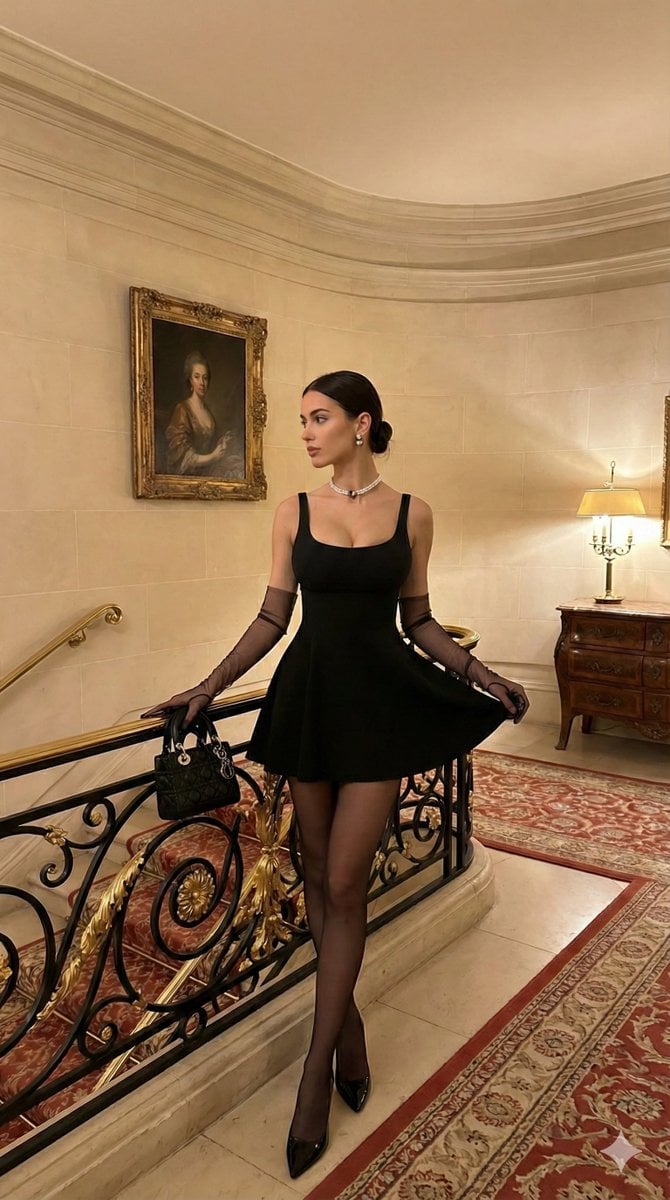
Old Money Aesthetic: Woman in LBD on Grand Staircase
Browse template categories
Melancholic Lin Daiyu Fantasy Portrait questions
How do I use the Melancholic Lin Daiyu Fantasy Portrait template?
Add your photo if the template asks for one, edit the prompt if you like — the template's model and format are already selected — and press Generate. Your version opens in PicX Studio.
Can I customize the Melancholic Lin Daiyu Fantasy Portrait template?
Yes. You can change the subject, setting, lighting, mood, format, and available model controls before creating your image.
Is the Melancholic Lin Daiyu Fantasy Portrait template free?
Opening and editing this template is free. Generating uses credits, shown on the Generate button when you are signed in.
Which AI model should I use?
Start with GPT Image 2, which is the model associated with this template. You can compare another compatible model for a different finish.
Looking for something else? Browse all templates.

Your photo, any look
Thousands of ready templates for every top image and video model, from one credit balance.