
Japanese Street Fashion Editorial Collage
A multi-panel collage prompt capturing a stylish Japanese couple in candid street fashion moments with a dreamy film aesthetic.
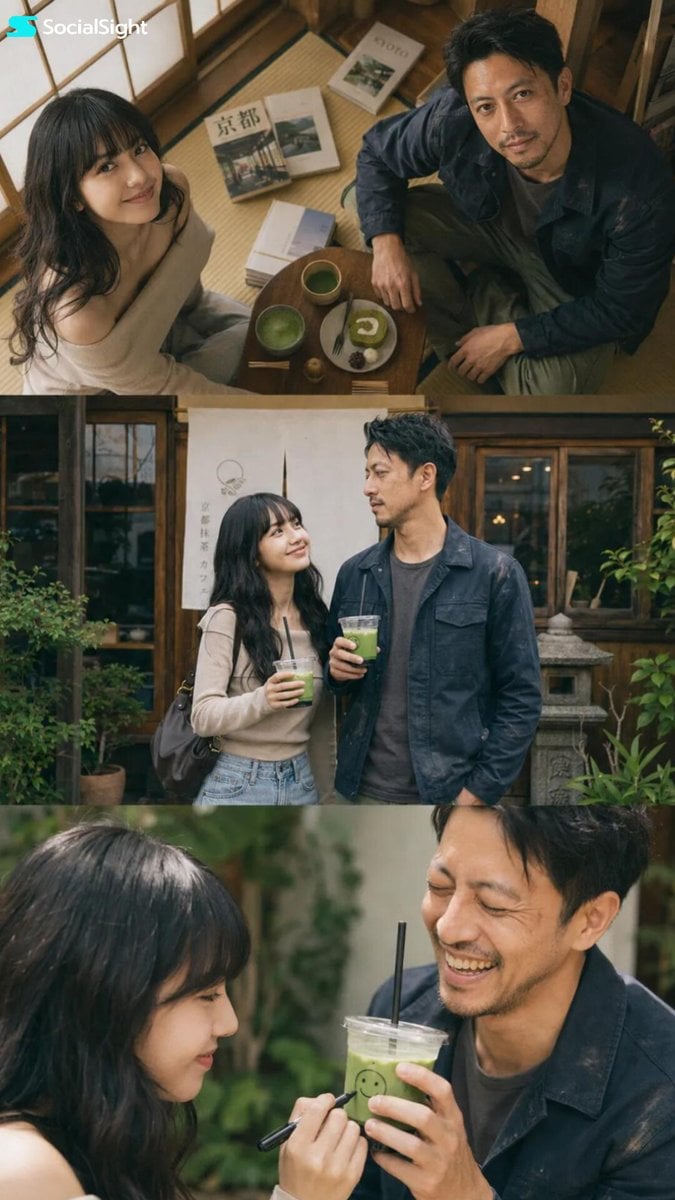
- Prompt included
- Model and format preset
- Free template
The prompt behind this image
Copy the exact prompt behind Japanese Street Fashion Editorial Collage, or open it in the studio and make it yours.
Ultra-realistic Japanese lifestyle fashion editorial photography, {argument name="couple" default="young Asian couple"} wearing {argument name="clothing" default="matching colorful abstract knit sweaters"}, candid playful interaction on urban city streets, dreamy romantic friendship atmosphere, natural chemistry, soft smiles, casual posing, stylish transparent tinted glasses, contemporary street fashion, authentic daily life moment.\nMixed-angle photo collage layout, three horizontal cinematic panels stacked vertically.\nTop panel: ultra-wide low-angle shot from below, couple looking down toward camera through intertwined sweater sleeves, bright overexposed sky background, playful framing, creative perspective photography.\nMiddle panel: medium shot of couple standing in front of urban wall covered with large blue Japanese typography and street signage, relaxed fashion pose, editorial magazine composition.\nBottom panel: candid close-up moment, female adjusting glasses with funny expression while male laughs in background, shallow depth of field, spontaneous lifestyle emotion.\nSoft natural daylight, overcast lighting, high-key exposure, pastel color grading, warm cream highlights, muted contrast, airy atmosphere, film photography aesthetic, Kodak Portra 400 look, subtle bloom effect, soft focus edges, dreamy bokeh, authentic Japanese street photography, fashion magazine editorial, realistic skin texture, natural imperfections, documentary lifestyle storytelling, premium photography, 50mm lens, f/1.8, ultra realistic, highly detailed.\nNegative Prompt\noversaturated colors, HDR, harsh shadows, studio lighting, artificial posing, fashion runway, luxury glamour, sharp digital look, excessive contrast, neon colors, anime, illustration, CGI, 3D render, duplicate people, distorted hands, extra fingers, blurry face, low resolution, watermark, text overlay
How to use Japanese Street Fashion Editorial Collage in 3 steps
- 1
Open
The prompt is already in the box next to the preview, with the template's model and format selected.
- 2…a portrait of your subject in softgolden-hour light, 85mm…
Personalize
Edit the subject and creative details for your destination.
- 3Generate
Generate
Press Generate — your image is created in PicX Studio, so you can compare it with the original and refine one variable at a time.
More like this
Templates with the same subject, style or setup. Open one to see its prompt.
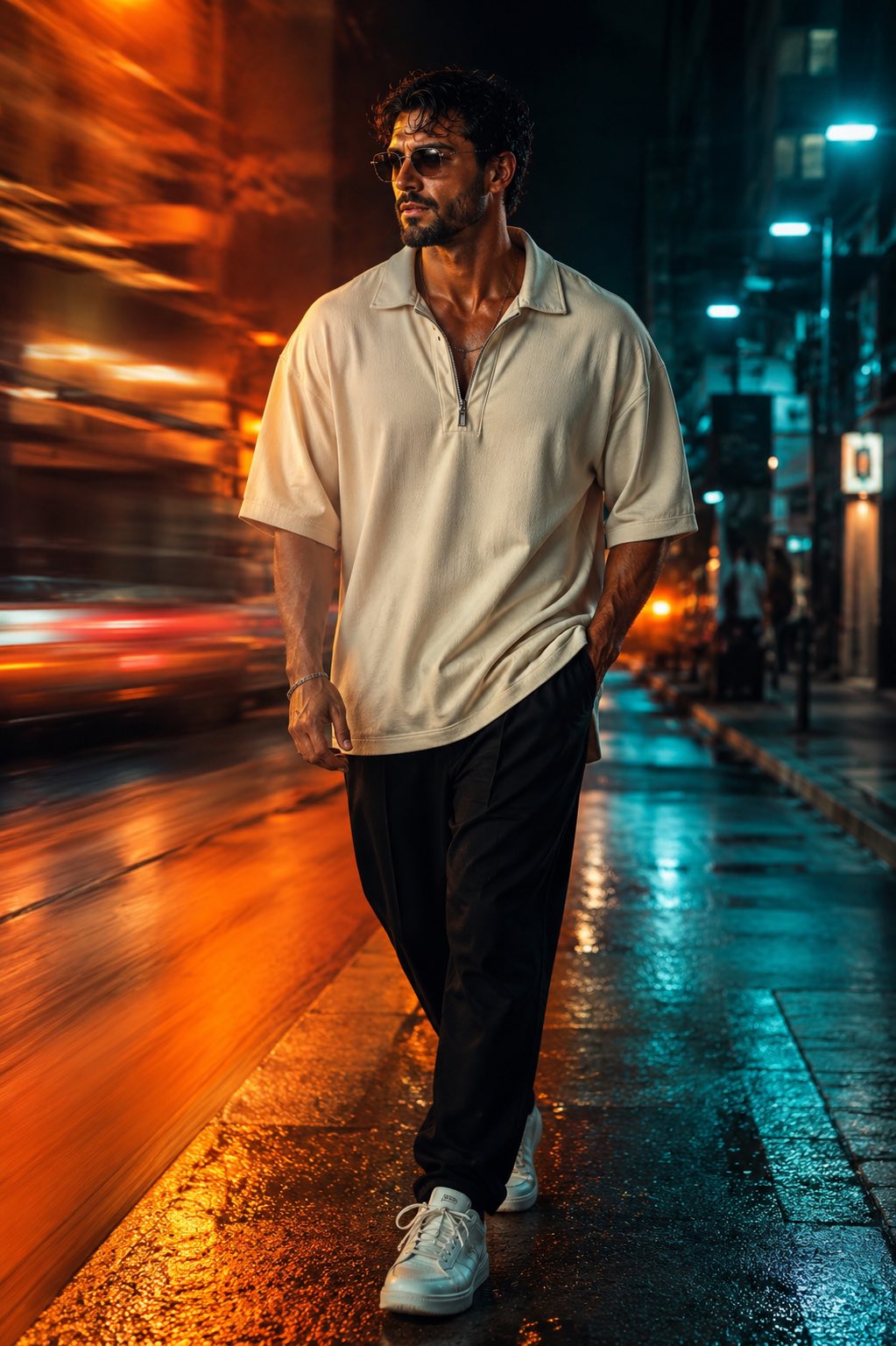
Face-Locked Cream Half-Zip Street Walk
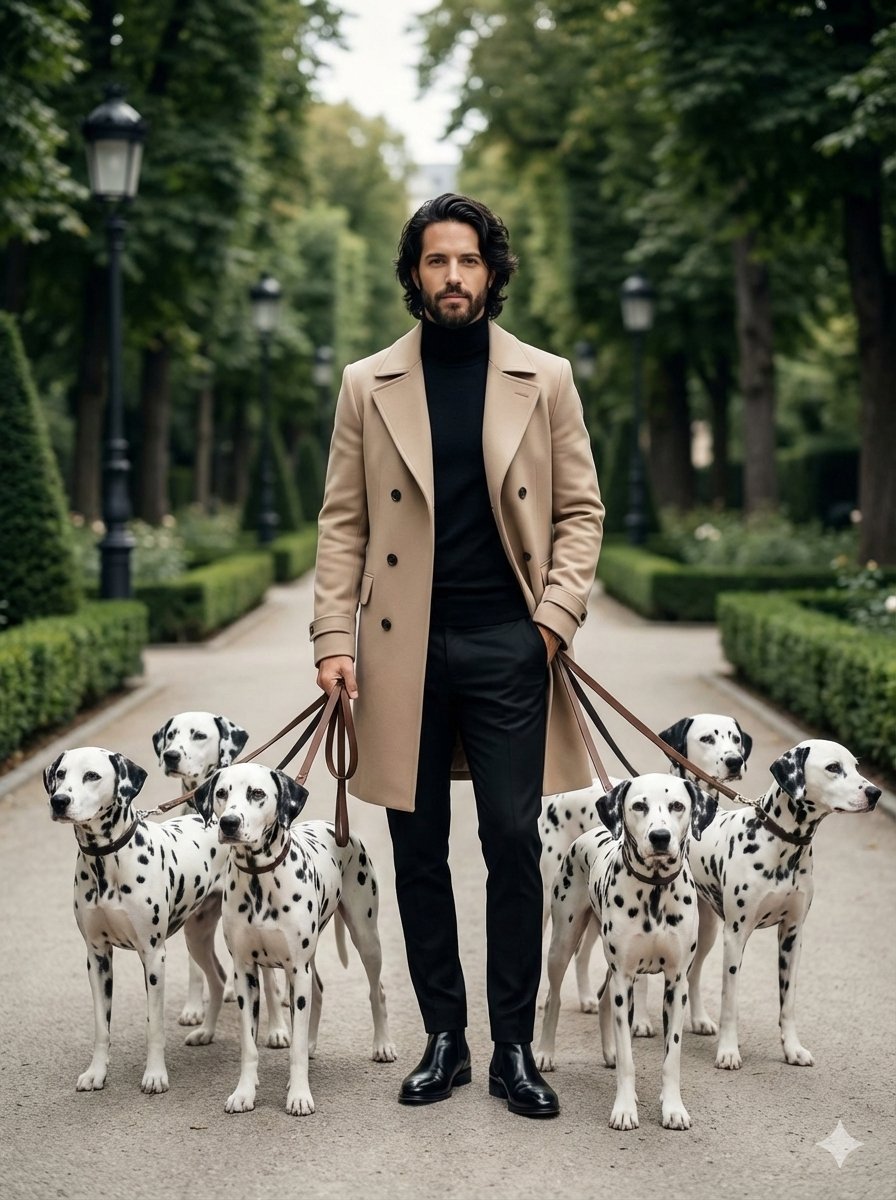
untitled
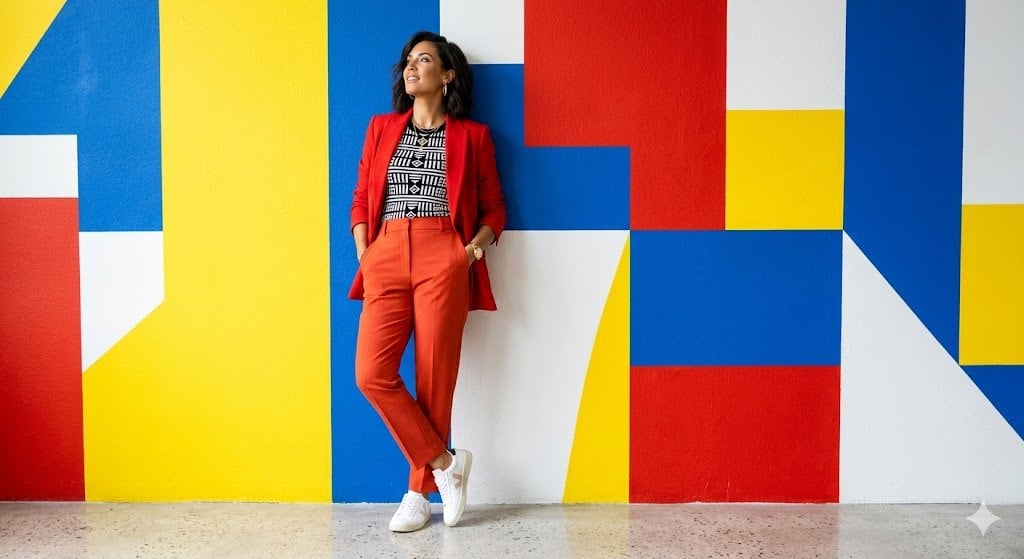
Google Gemini Nano Banana Pro
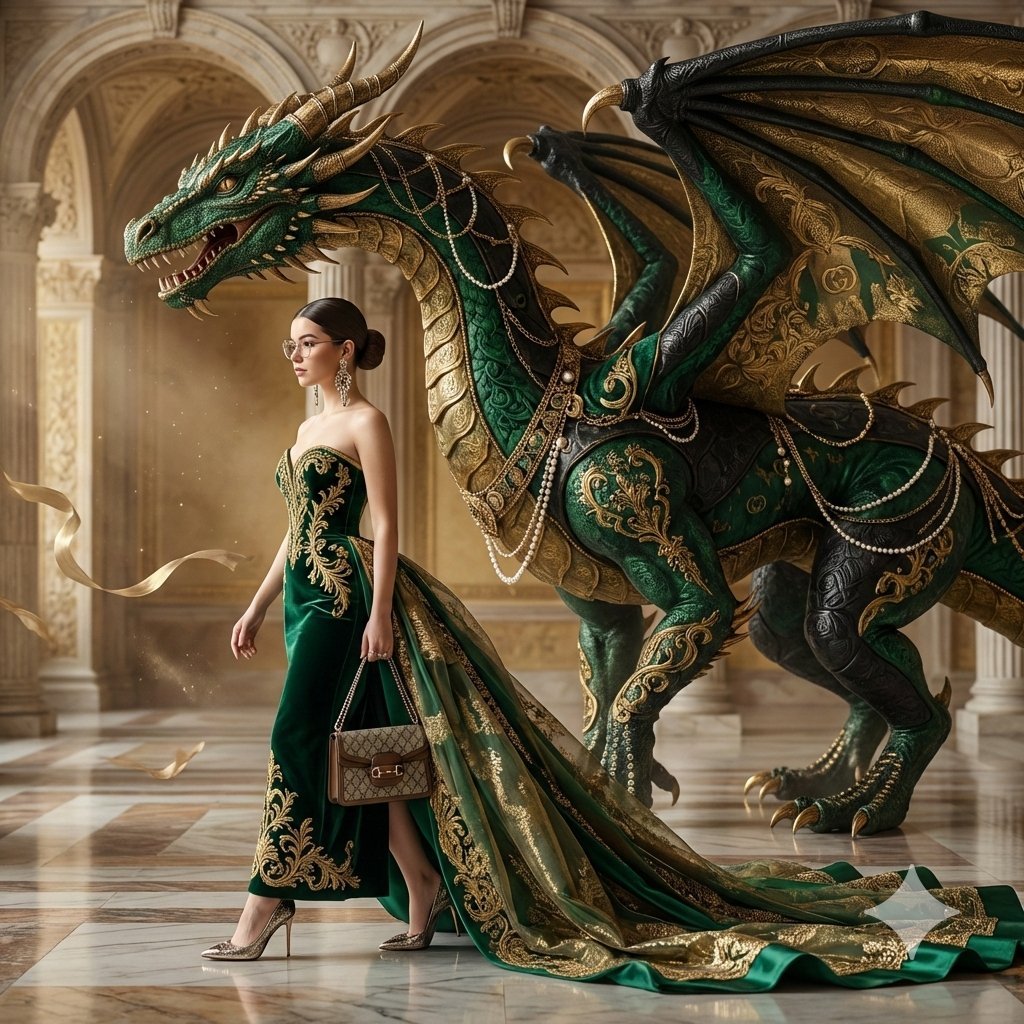
Conceptual Fashion Portrait in Spider We
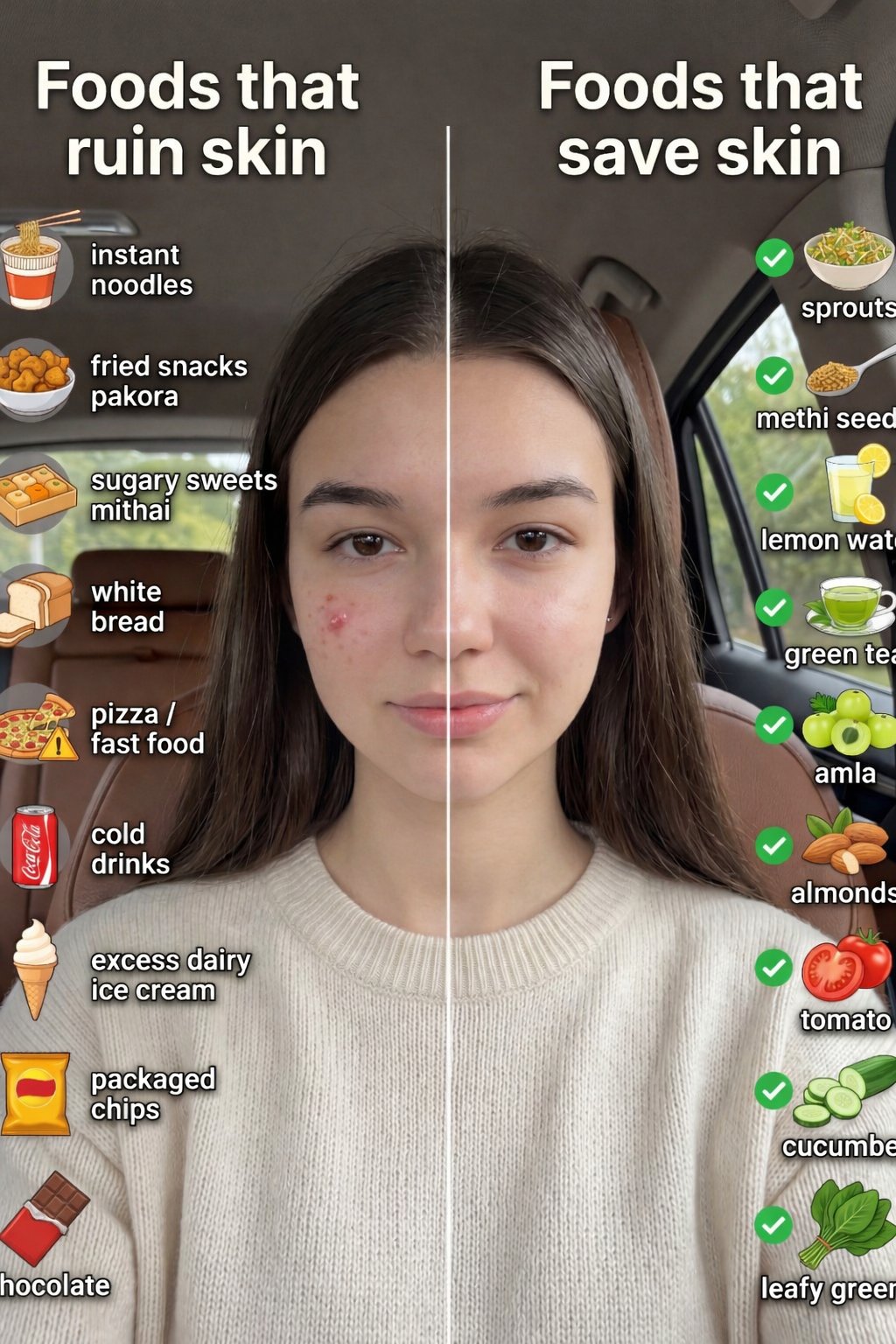
01 Skincare Split Portrait — Nano Banana 2
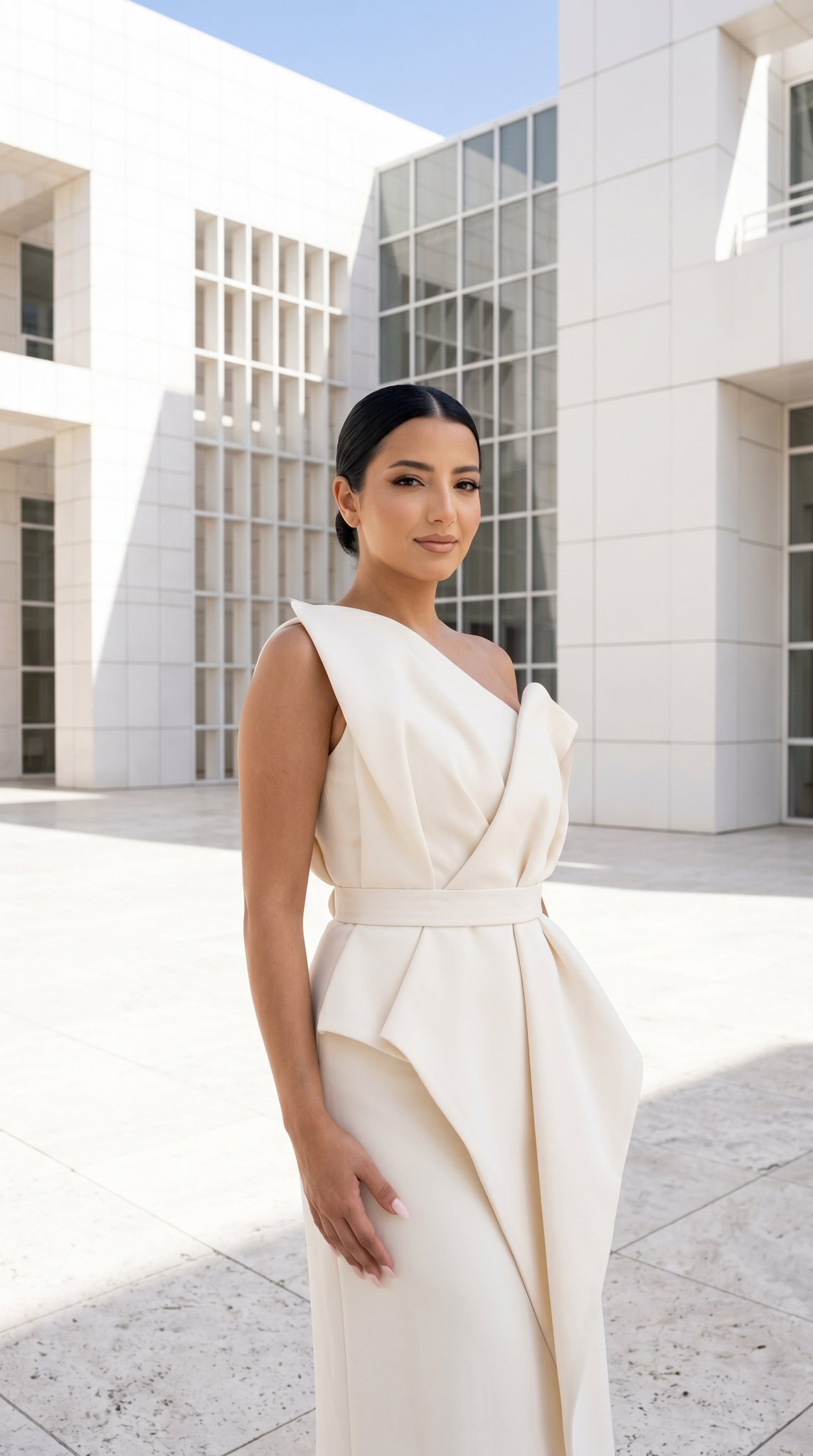
24 The Getty Center — California Series
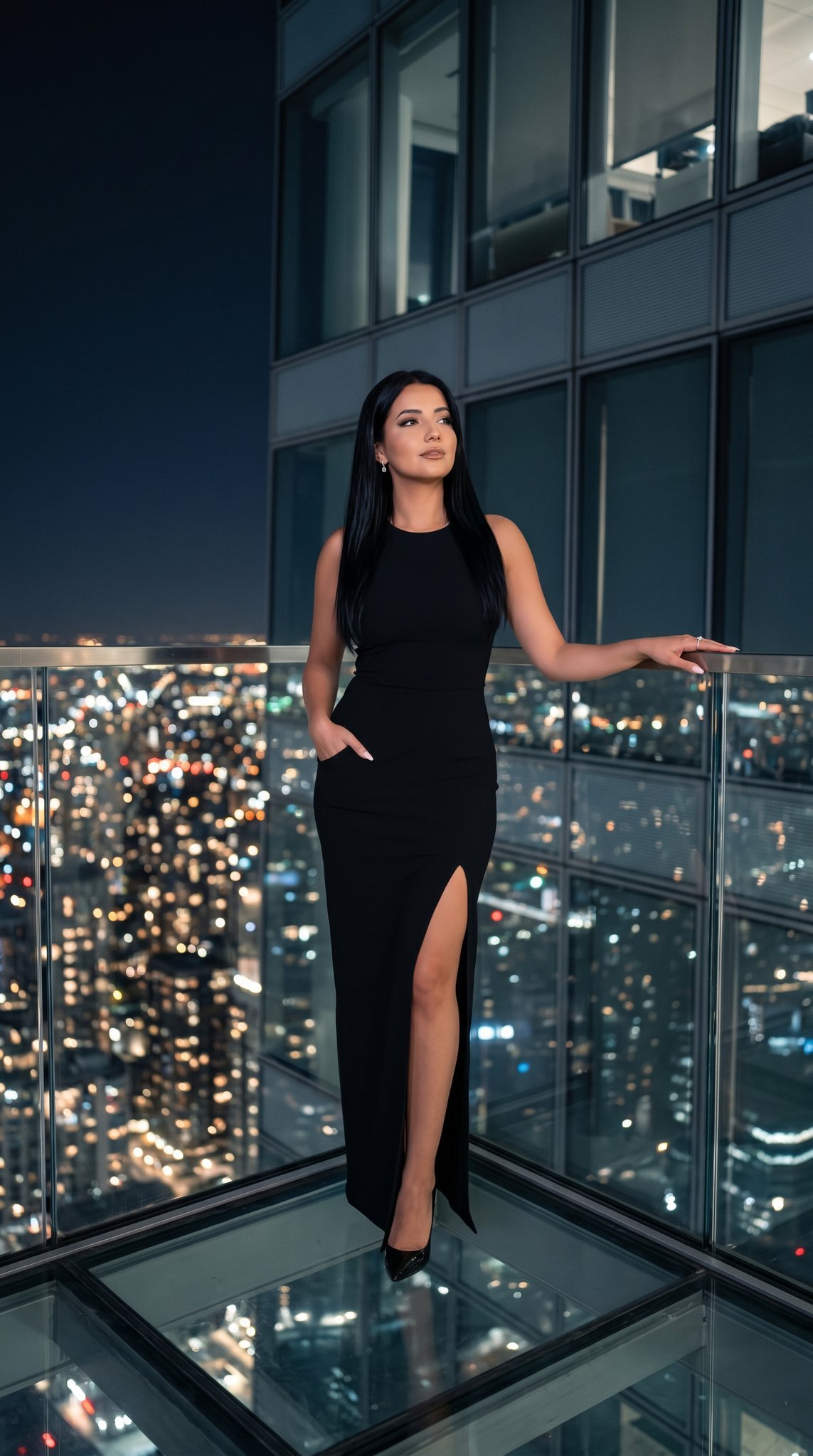
21 Glass Floor Skyscraper — California Series

19 Luxury Helicopter Travel — California Series

08 Rodeo Drive Luxury Exit — California Series
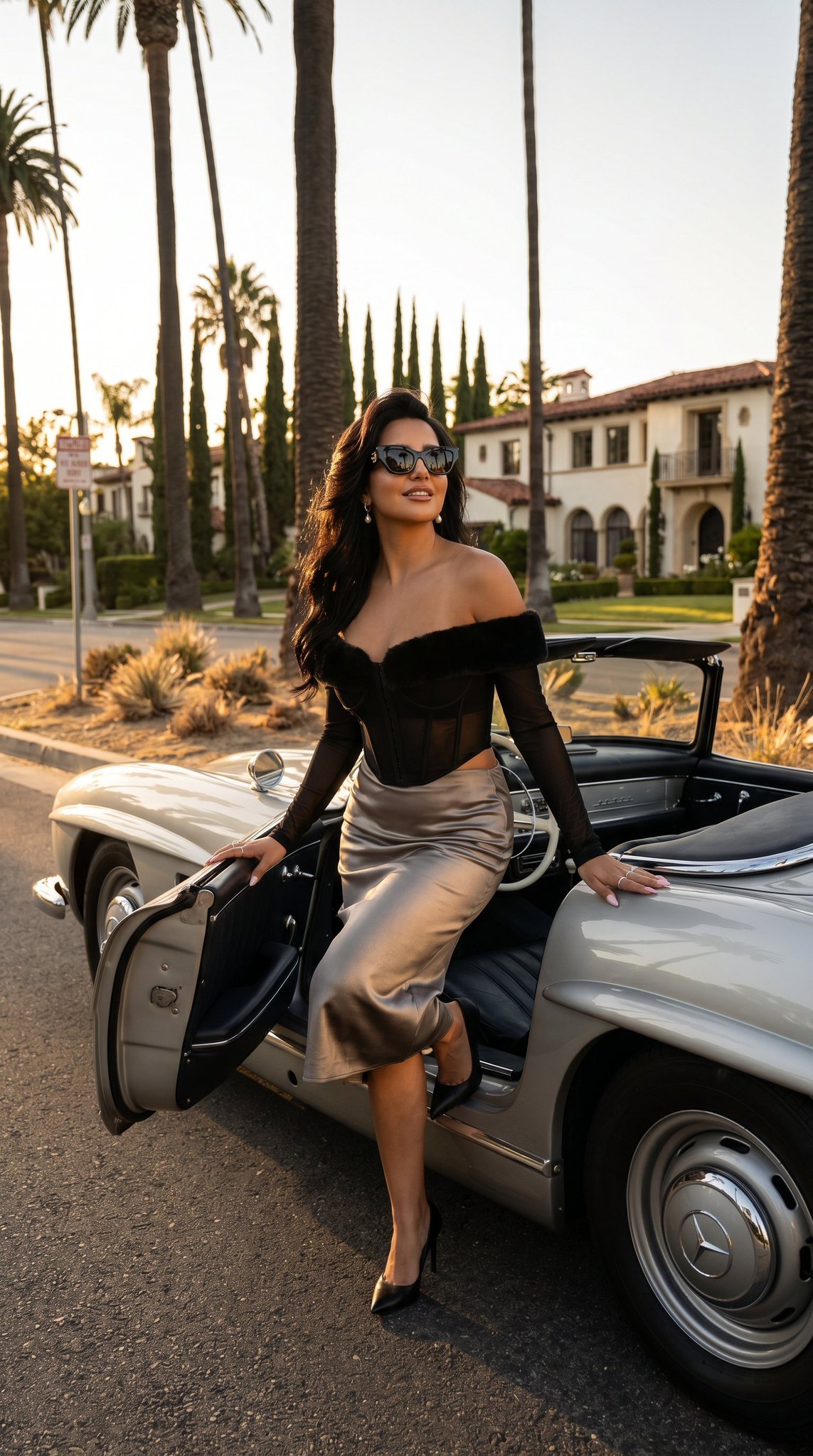
03 Beverly Hills Convertible — California Series
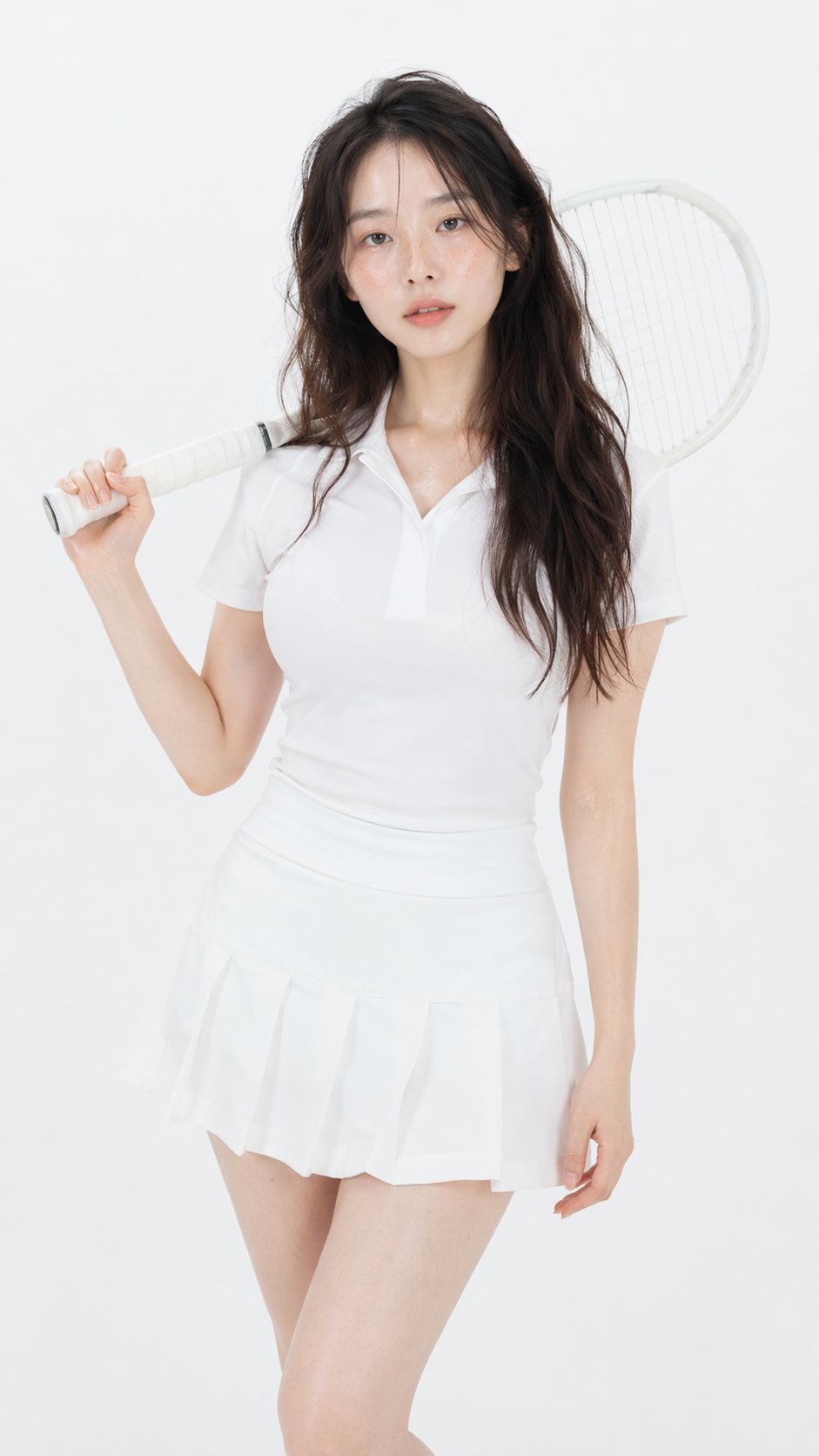
Gpt Image 2 Fashion Portrait

Caution Tape Fashion — Industrial Editorial
Make it yours
Japanese Street Fashion Editorial Collage works as-is. These are the safest ways to change it without losing the look.
Change one field
Copy a single group, rewrite it, and generate again so you can see what that field is doing.
Keep the frame, change the subject
Hold the composition and light of Japanese Street Fashion Editorial Collage, then swap wardrobe, props or the person for a new take.
| If the result… | Why | Fix |
|---|---|---|
| The result drifts from the preview | Too many fields changed at once. | Reuse Japanese Street Fashion Editorial Collage as-is first, then change one group — subject, light, or setting. |
| The model over-stylizes the scene | The prose prompt leaves finish and camera underspecified. | Add one camera or lighting sentence and stay on GPT Image 2. |
More GPT Image 2 templates
Other prompts made for GPT Image 2.

Six VTuber Japanese Logo Sheet

Realistic Portrait of Woman and Deer

The Vista Modular Condo Poster

AI Model Routing Comparison Infographic

2.5D Anime Art Board

Isometric Productivity Desk Scene

New York Double Exposure Poster

Four-Panel AI Landscape Comparison

Japanese Tatami Lifestyle Magazine Cover

NESCAFÉ Coffee Map Poster
More image prompts
Fresh picks from across the catalog.

Moonlit Snow Leopard Leap
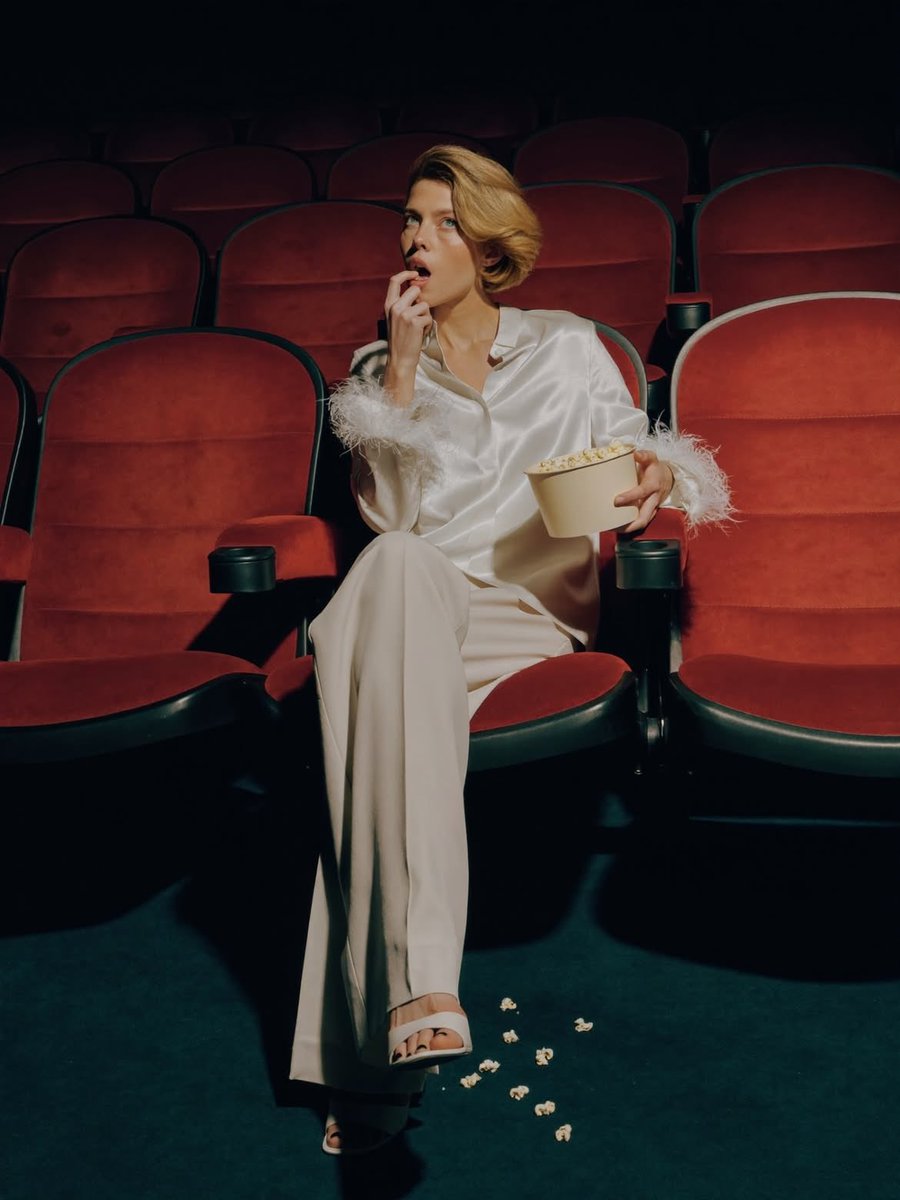
Elegant Fashion Editorial in a Dark Movie Theater
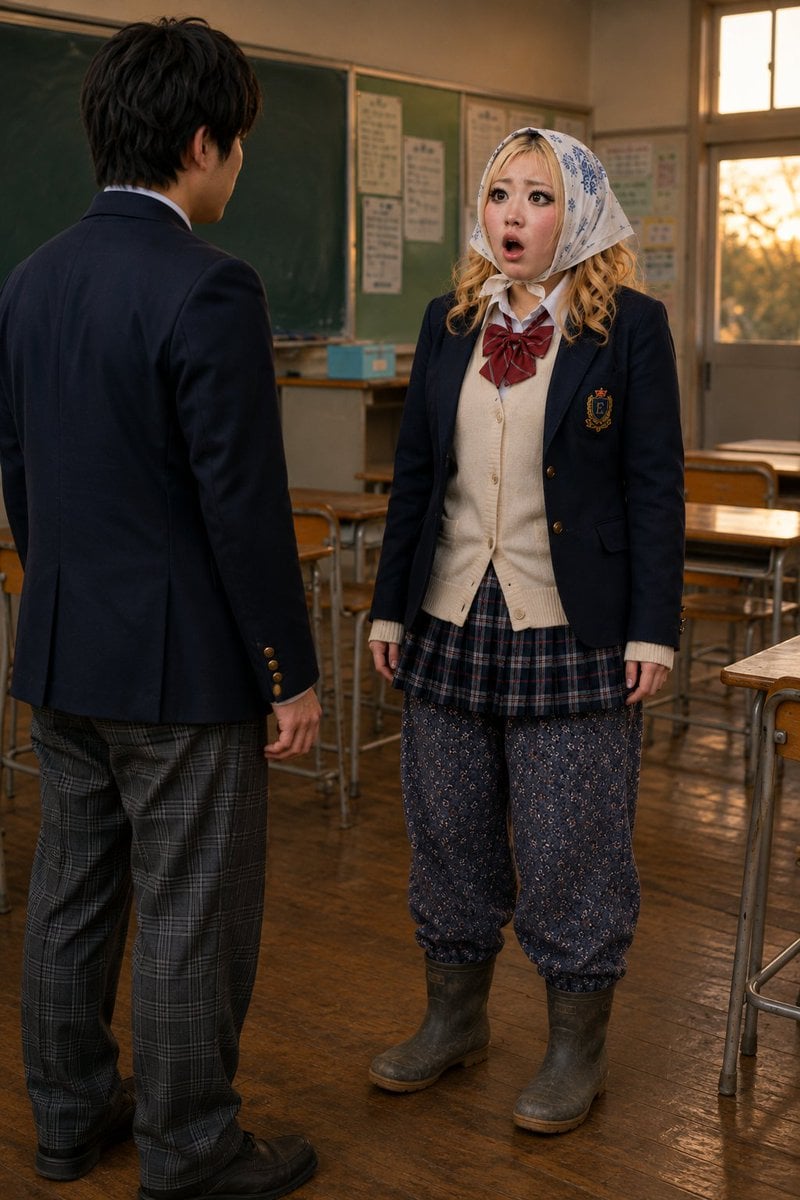
Schoolgirl Turned Rural Farmer Classroom Scene
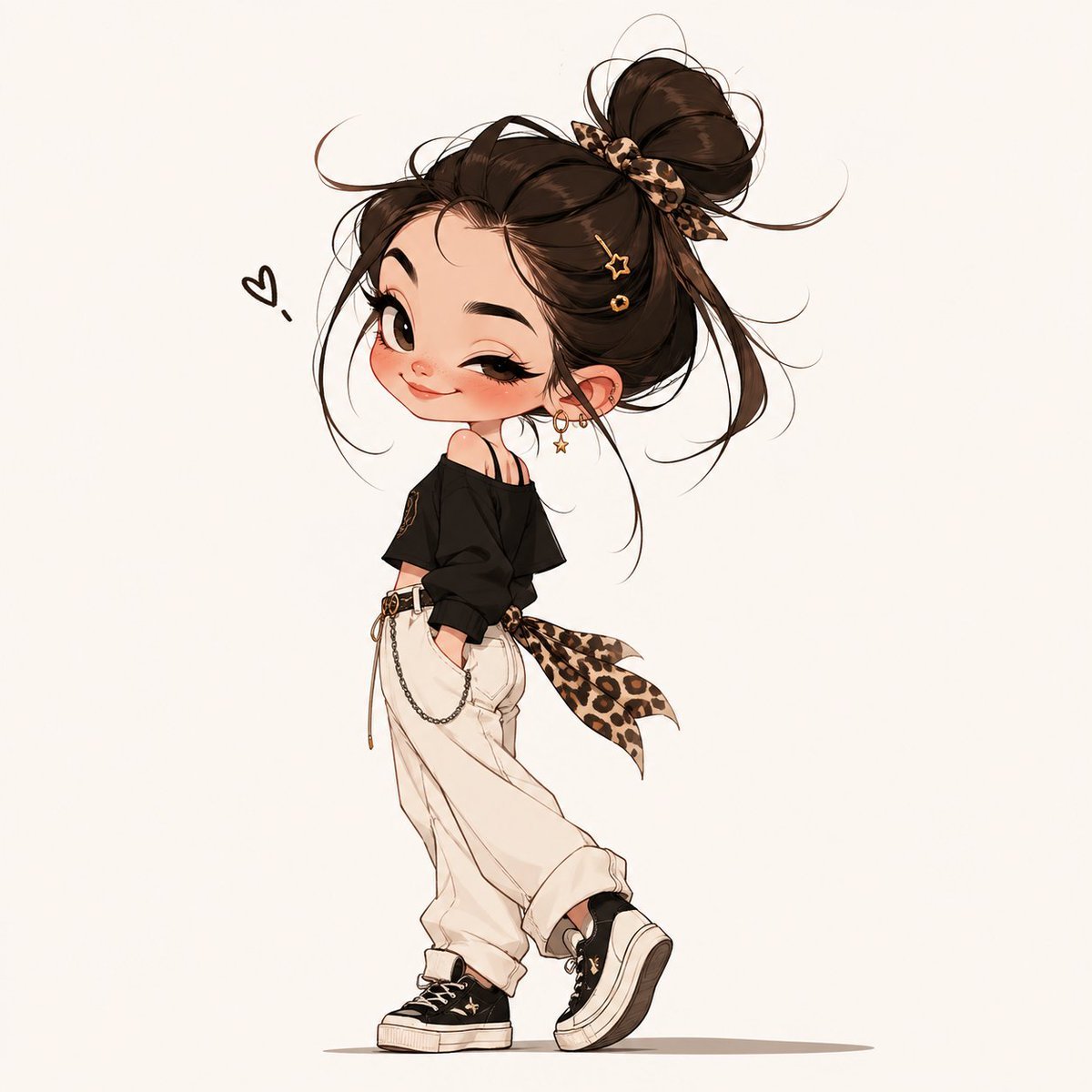
Chibi Fashion Girl With Leopard Accents
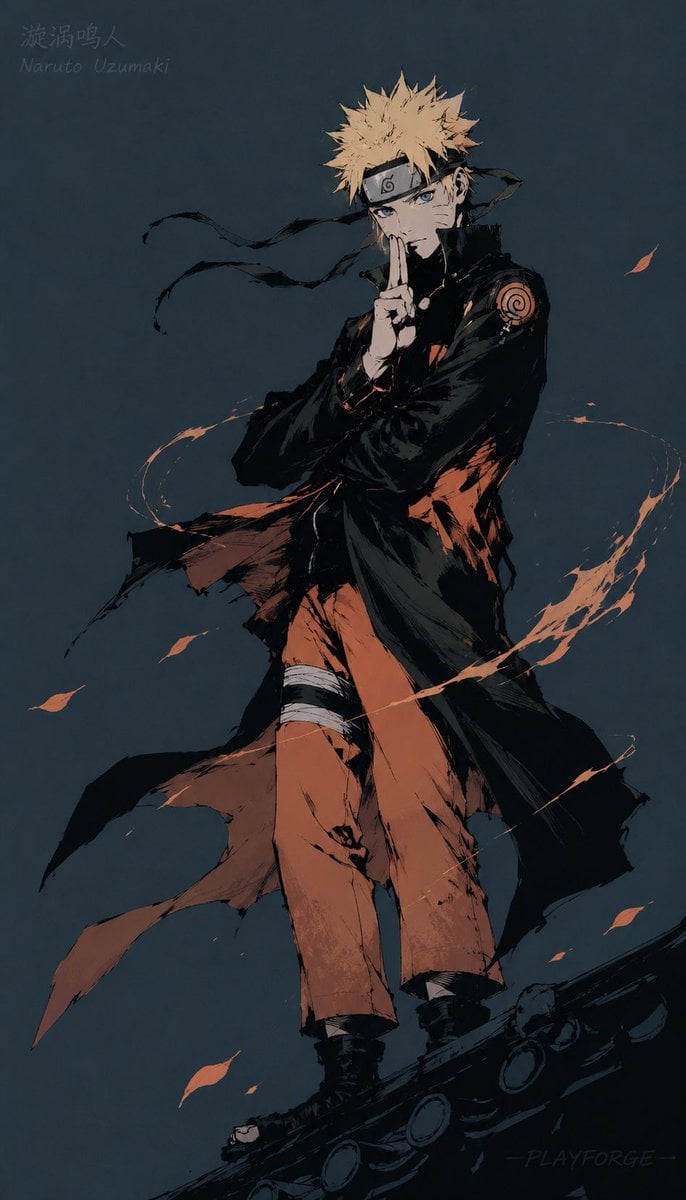
Gritty Naruto Poster Illustration
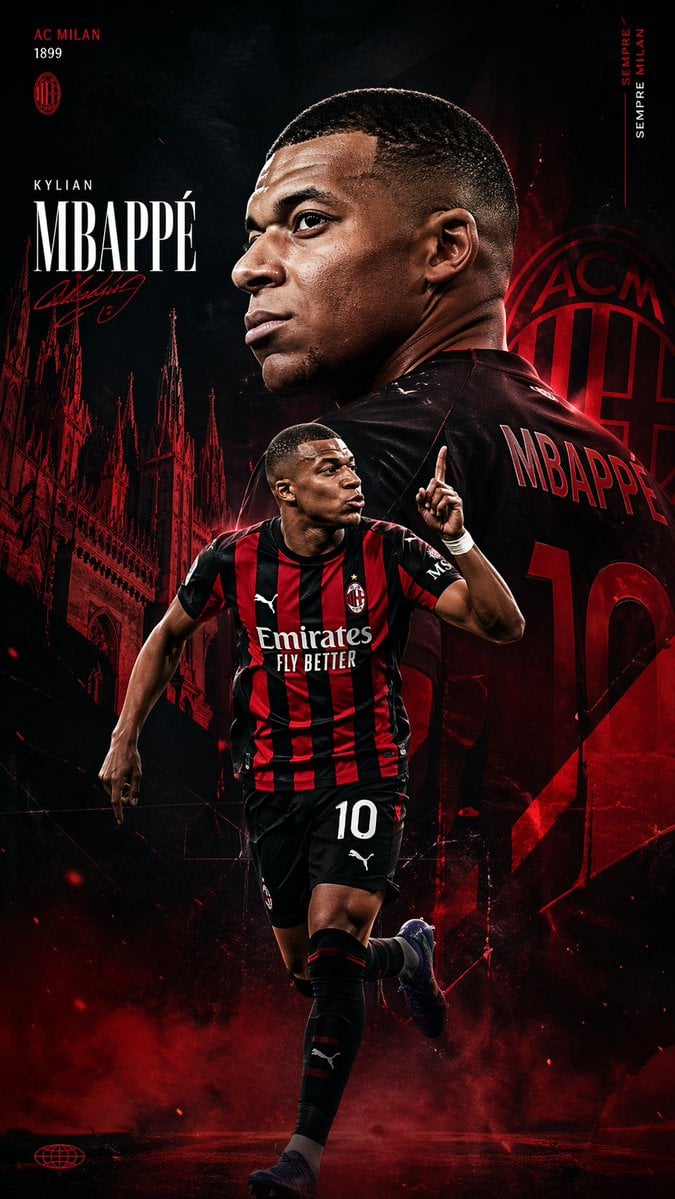
AC Milan Mbappé Transfer Poster
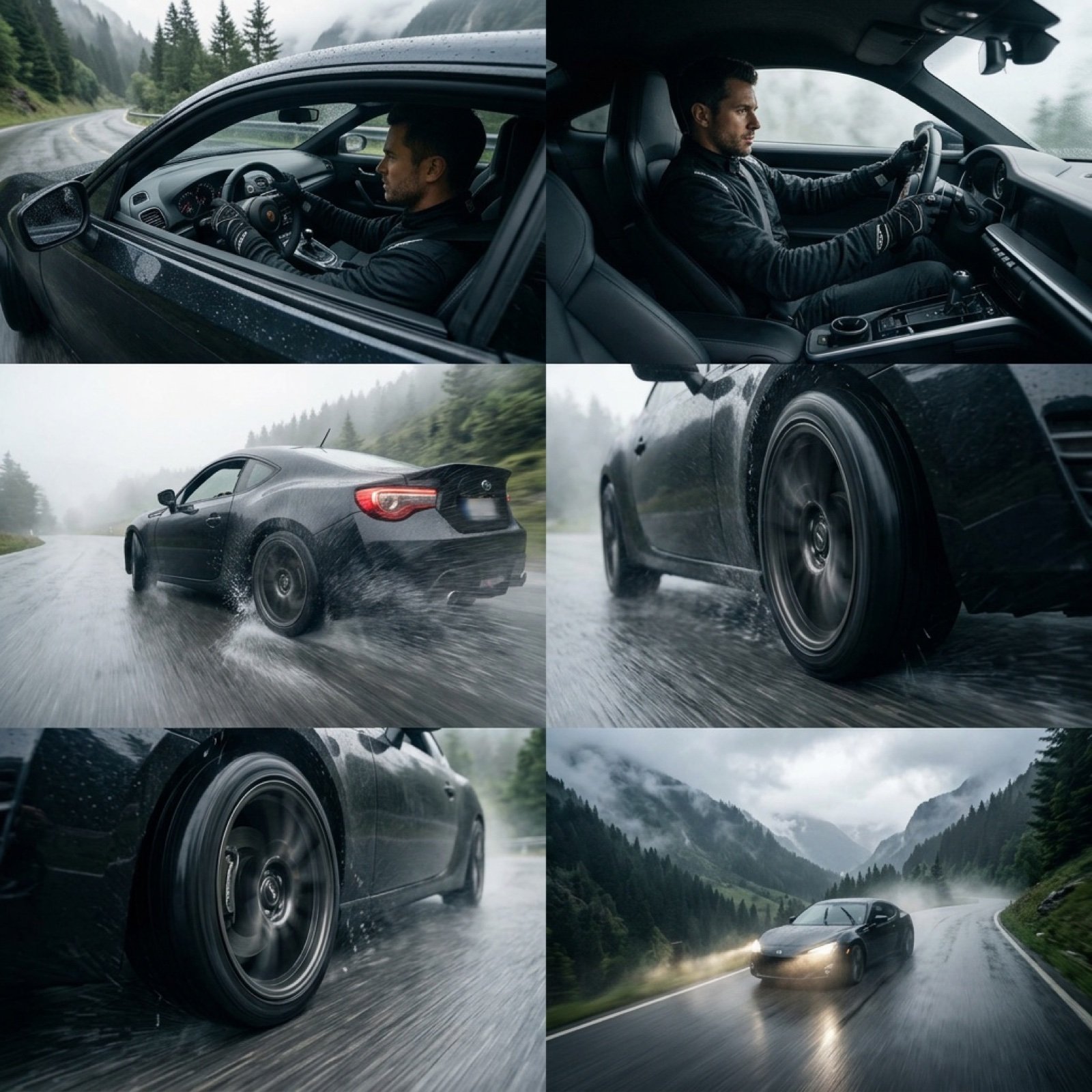
Epic Cinematic Mountain Car Descent
Infographic Generation from Images and Text using Nano Banana Pro
Hyper-Realistic Commercial Food Photography Prompt
Miniature Pet on Palm Prompt for Image Generation
Browse template categories
Japanese Street Fashion Editorial Collage questions
How do I use the Japanese Street Fashion Editorial Collage template?
Add your photo if the template asks for one, edit the prompt if you like — the template's model and format are already selected — and press Generate. Your version opens in PicX Studio.
Can I customize the Japanese Street Fashion Editorial Collage template?
Yes. You can change the subject, setting, lighting, mood, format, and available model controls before creating your image.
Is the Japanese Street Fashion Editorial Collage template free?
Opening and editing this template is free. Generating uses credits, shown on the Generate button when you are signed in.
Which AI model should I use?
Start with GPT Image 2, which is the model associated with this template. You can compare another compatible model for a different finish.
Looking for something else? Browse all templates.

Your photo, any look
Thousands of ready templates for every top image and video model, from one credit balance.