How do I use the Vintage Digicam Style Portrait template?
Choose the primary action to open PicX Studio with the available template settings. Review the model and format, personalize the creative direction, and generate when ready.
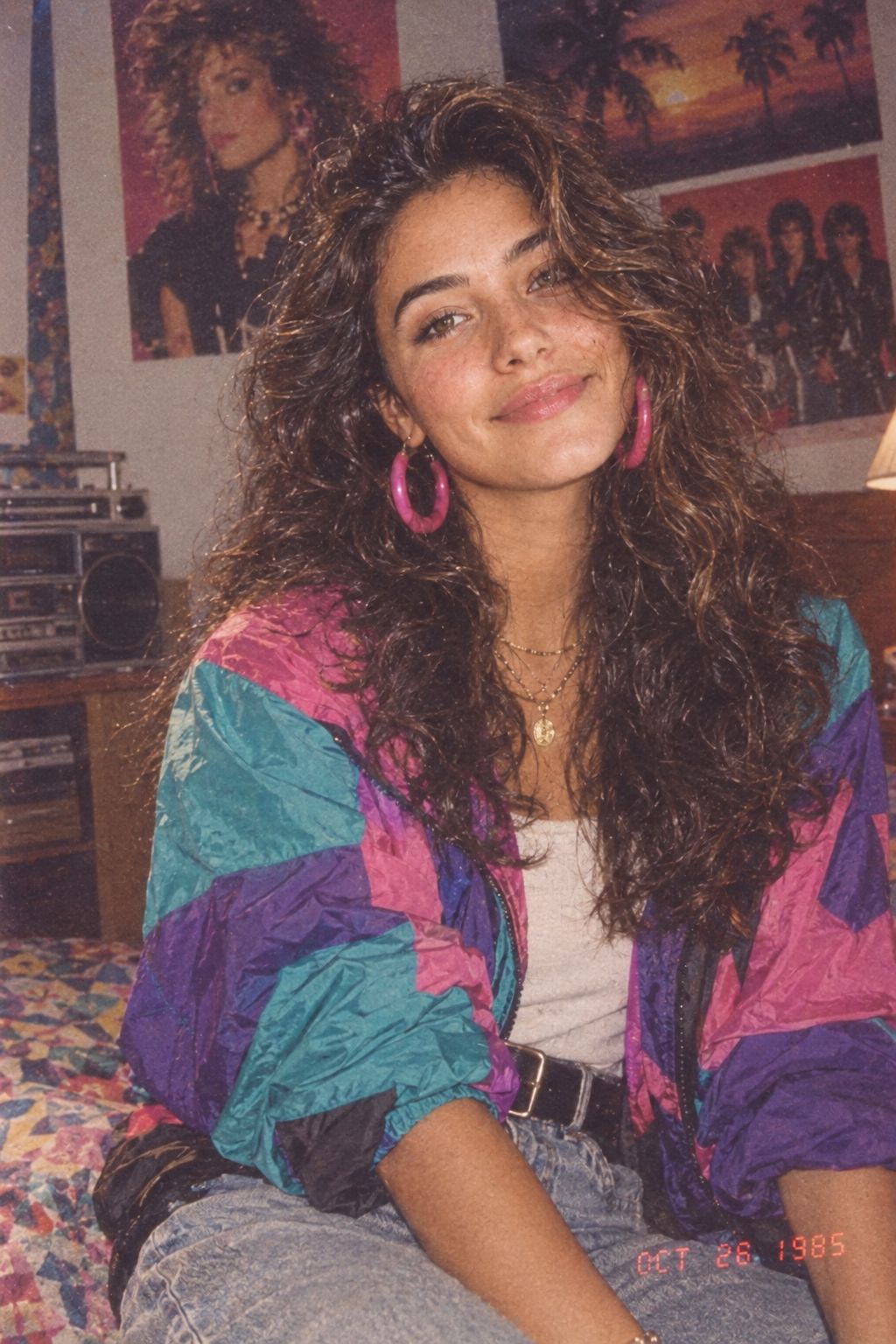
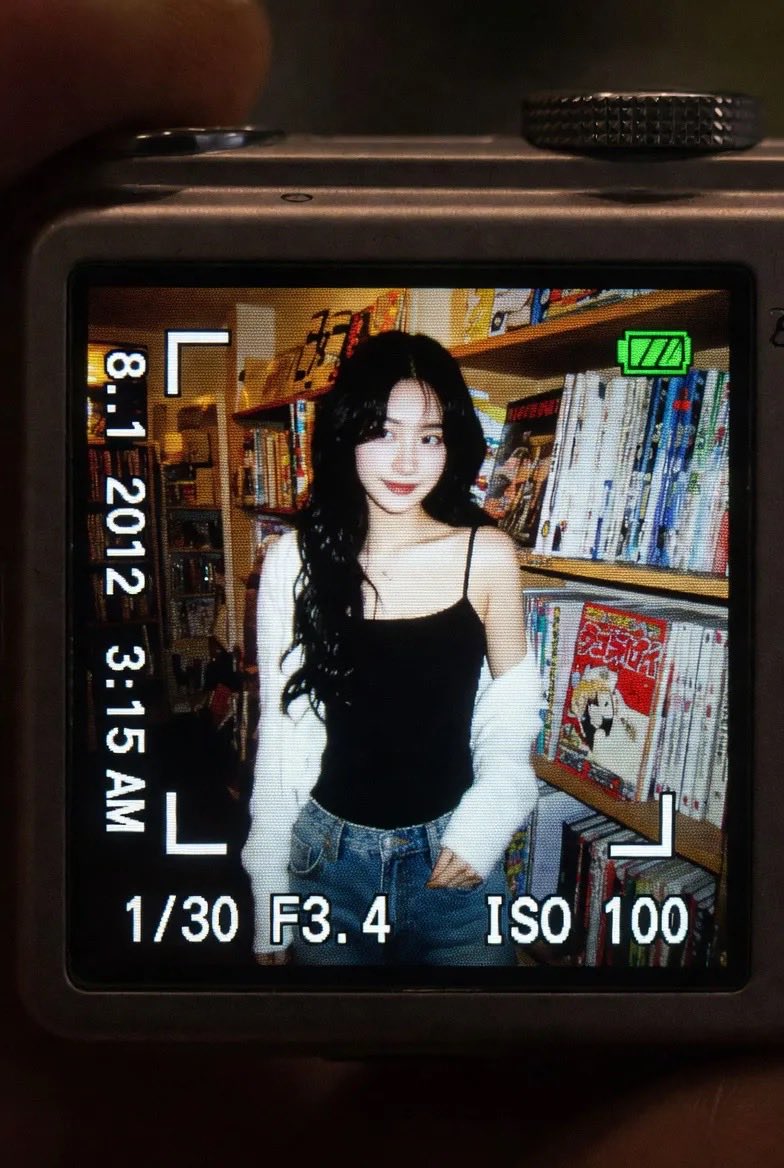
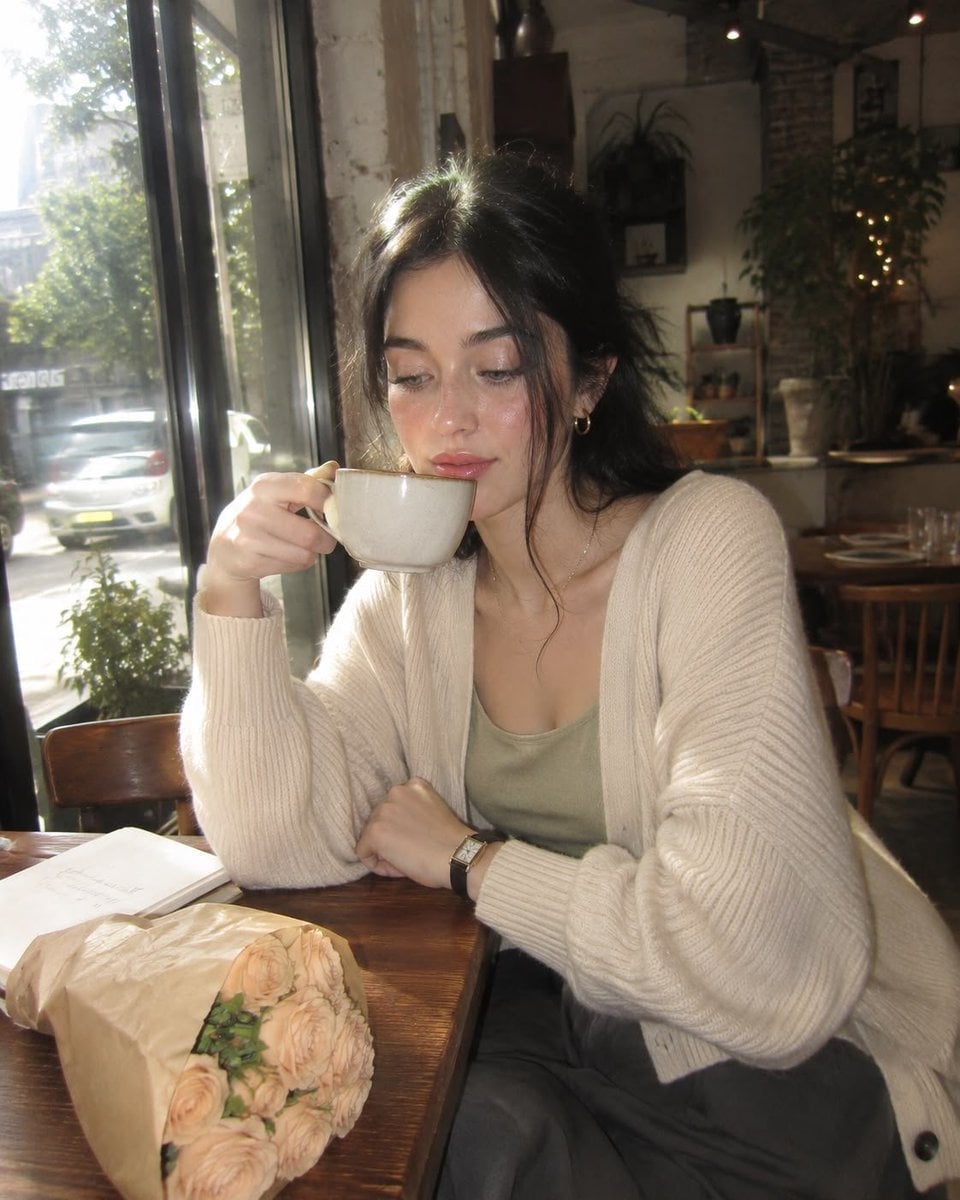
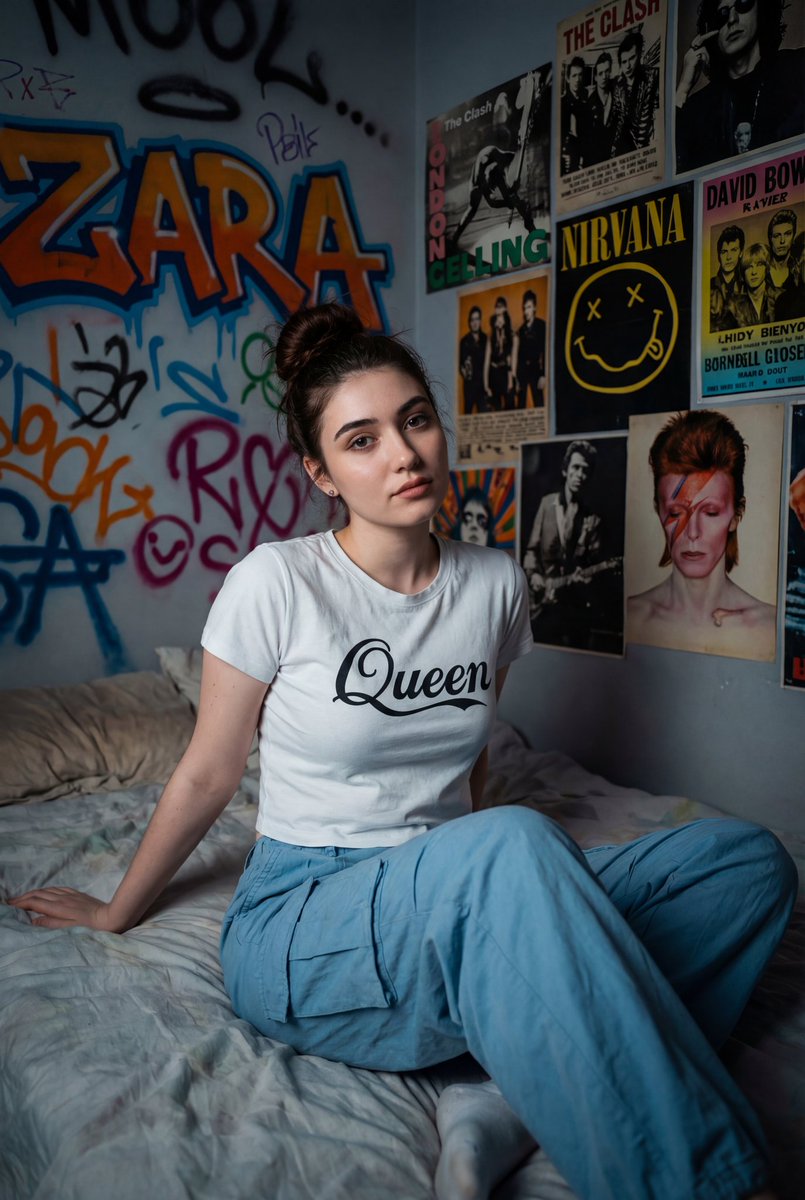
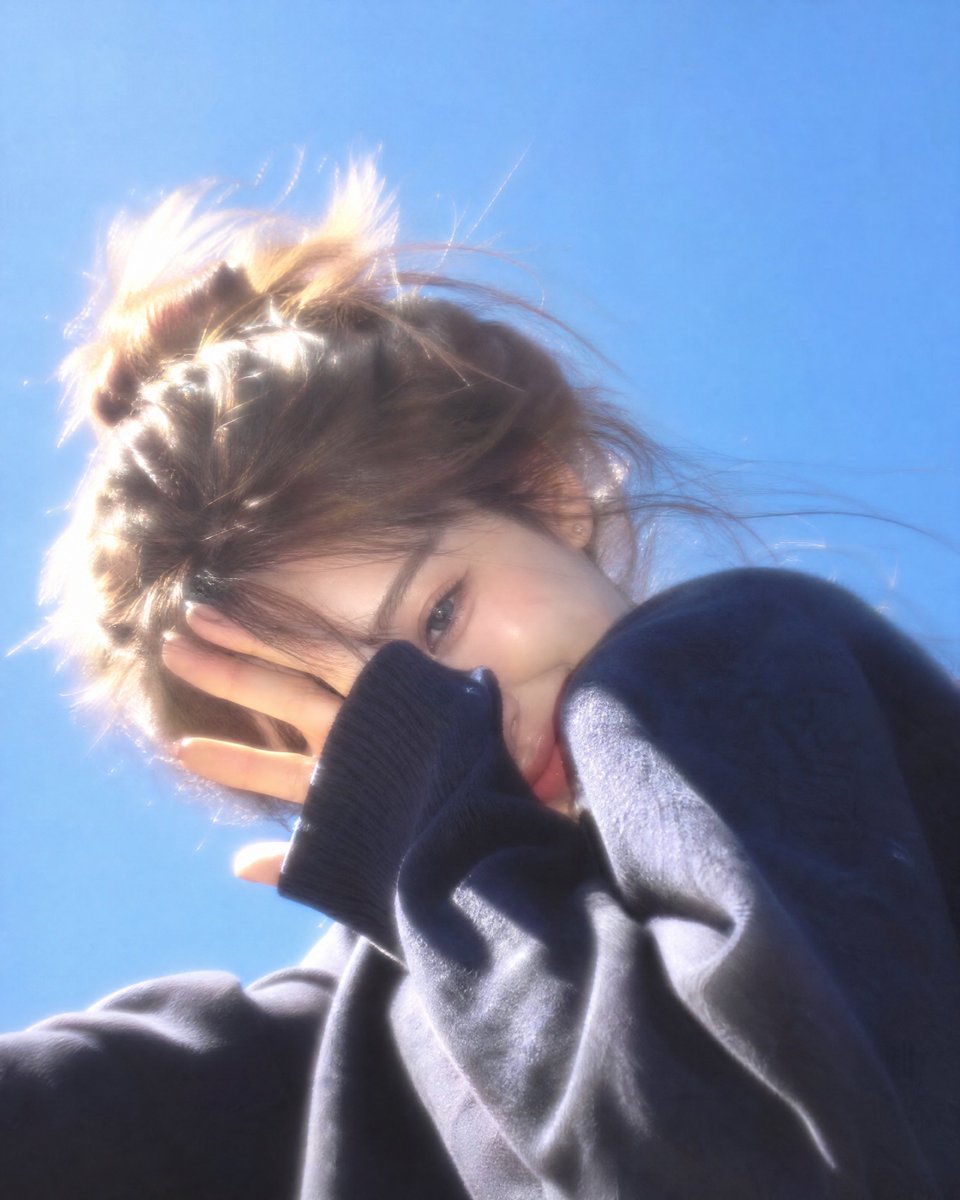
Captures a nostalgic early-2000s compact camera aesthetic with harsh flash, dreamy vintage glass, and realistic motion blur for a candid summer look.
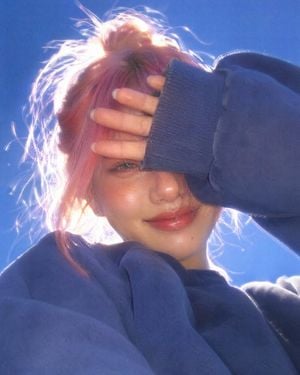
{ "reference":"Use attached image as facial reference; preserve recognizable identity, natural proportions, asymmetry, facial harmony, character, realistic skin texture.", "scene":"Outdoor portrait beneath vivid cobalt-blue midday sky; extreme worm's-eye low angle; early-2000s CCD compact digicam; direct flash mixed with harsh daylight.", "subject":"{argument name="subject action" default="Laughing while shielding face with one forearm, only part of one eye and upper cheek visible"}; head slightly lowered; messy bun with glowing flyaways; oversized {argument name="clothing" default="faded navy fleece sweatshirt"}; tiny stud earrings.", "style":"Nostalgic premium digicam snapshot; dreamy vintage glass; low resolving power; spherical aberration; creamy softness; subtle handheld motion blur; halation; veiling flare; lifted blacks/shadows; mild JPEG softness; warm CCD color; slightly warm white balance; no digital blur.", "lighting":"Flash gently fills facial shadows; overhead sun creates golden rim light; controlled blown micro-highlights on hair, lips, fingertips, sweatshirt fibers, eyelashes, and sky.", "skin":"Healthy hydrated luminous skin with realistic pores; rosy cheeks; glossy peach lips.", "makeup":"Glass-skin finish; feathered brows; cool grey contacts; separated lashes; warm taupe eyeshadow; shimmering highlighter on cheekbones, nose, cupid's bow, inner corners, brow bone, and chin while preserving texture.", "color":"Rich natural colors; washed navy sweatshirt; warm skin; cobalt sky; golden hair; matte fleece; glossy skin and lips.", "composition":"Slight Dutch tilt; imperfect handheld framing; spontaneous carefree summer aesthetic.", "negative":"Altered identity, beauty filter, plastic/waxy/matte/greasy skin, harsh clarity, oversharpening, excessive micro-contrast, HDR, ultra-sharp face, flat colors.", "ar":"4:5" }
Vintage Digicam Style Portrait needs input media to work. Open it in the studio and these load alongside the prompt — pick whichever ones your chosen model can take.
Choose the primary action to open PicX Studio with the available template settings. Review the model and format, personalize the creative direction, and generate when ready.
Yes. You can change the subject, setting, lighting, mood, format, and available model controls before creating your image.
This template is free to open and customize. Generation usage is shown in PicX Studio before you create.
Start with GPT Image 2, which is the model associated with this template. You can compare another compatible model for a different finish.
Follow a topic to a crawlable collection of related PicX Studio templates.