How do I use the Taipei MRT Night Selfie template?
Choose the primary action to open PicX Studio with the available template settings. Review the model and format, personalize the creative direction, and generate when ready.
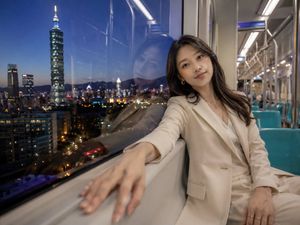
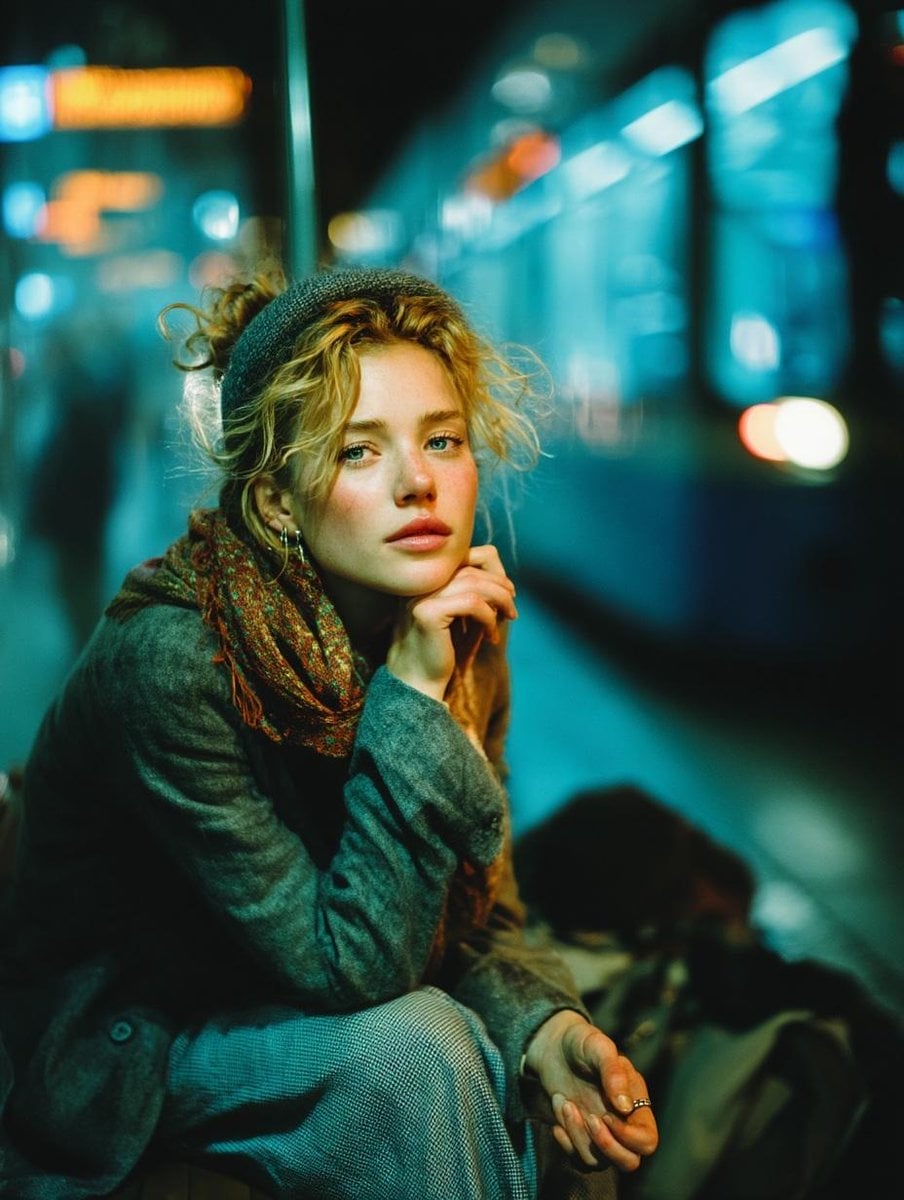
A cinematic watercolor-and-ink scene of a woman inside Taipei MRT with city lights and Taipei 101 reflected in the train window.
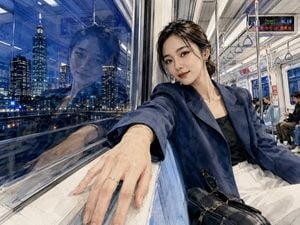
Create a photorealistic watercolor illustration with fine ink sketchwork of a young Taiwanese woman taking a wide-angle selfie inside a Taipei MRT train at night. She sits beside a large window on the left side of the frame, leaning toward the camera with one arm extended into the foreground, her hand resting along the window ledge and wearing a delicate ring. She has {argument name="hair color" default="dark brown"} hair loosely tied back with soft strands around her face, natural makeup, a gentle confident smile, and small earrings. Her outfit is a navy oversized blazer over a black top, paired with a light skirt or trousers, with a black structured handbag and sunglasses near her lap. The train interior should be bright and realistic: blue seats, white and silver walls, overhead rails, hanging triangular hand straps, fluorescent ceiling lights, a few seated passengers in the background, and a small digital route display showing Taipei City Hall and route code BL18. Through the window, show a vivid blue-hour Taipei skyline with Taipei 101 and surrounding illuminated skyscrapers, river or city lights below, and a clear reflection of the woman’s face and upper body layered over the night city view. Use a dynamic ultra-wide composition, slightly fisheye perspective, strong foreground hand perspective, crisp architectural lines, and transparent glass reflections. Visual style: fusion of realistic watercolor washes, visible paper texture, fine black ink outlines, crosshatching, and delicate sketch lines, while keeping the face and city lights highly detailed. Mood: calm urban nightlife, elegant, cinematic, intimate travel moment. No extra text, no watermark, no distorted hands, preserve exactly one main woman, one reflected woman in the window, and a small group of background passengers.
Choose the primary action to open PicX Studio with the available template settings. Review the model and format, personalize the creative direction, and generate when ready.
Yes. You can change the subject, setting, lighting, mood, format, and available model controls before creating your image.
This template is free to open and customize. Generation usage is shown in PicX Studio before you create.
Start with GPT Image 2, which is the model associated with this template. You can compare another compatible model for a different finish.
Follow a topic to a crawlable collection of related PicX Studio templates.