
Brutalist Sci-Fi Operative
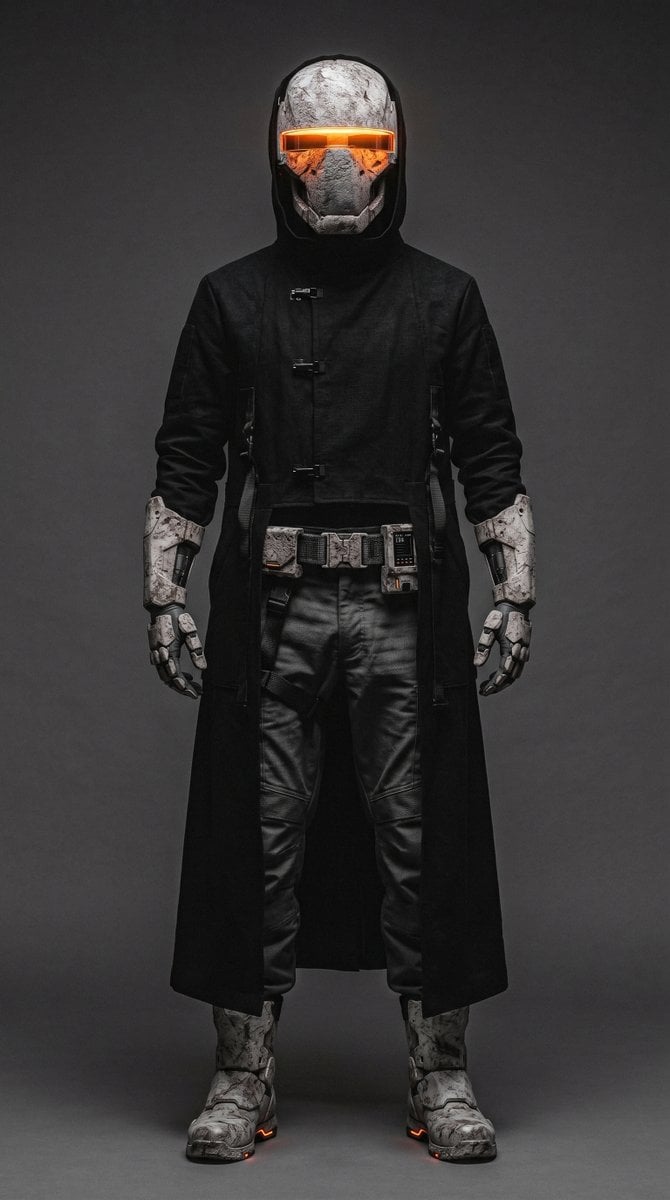
A full-body futuristic character design prompt for creating a dark brutalist armored operative with a glowing visor.
- Prompt included
- Model and format preset
- Free template
The prompt behind this image
Copy the exact prompt behind Brutalist Sci-Fi Operative, or open it in the studio and make it yours.
Create a full-body studio character portrait of a futuristic brutalist sci-fi operative standing front-facing in a neutral power pose, centered on a tall vertical canvas. The character is {argument name="character name" default="an anonymous armored wanderer"}, wearing a matte {argument name="coat color" default="black"} long hooded trench coat inspired by heavy brutalist architecture: severe straight silhouette, thick fabric, minimal seams, three visible small metal toggle clasps down the chest, and a split lower front revealing dark tactical clothing underneath. The helmet should look like weathered concrete and carved stone, with rough gray-white cracked surfaces, angular cheek plates, and a single horizontal glowing {argument name="visor color" default="orange"} visor slit across the eyes; add warm orange light reflecting inside the visor and subtle landscape-like texture in the glass. Show exactly 12 major visible gear elements: 1 long hooded trench coat, 1 full-face concrete-textured helmet, 1 glowing horizontal visor, 2 heavy forearm bracers, 2 mechanical gloves, 1 utility belt, 3 belt modules/pouches, and 2 bulky armored boots. The pants are black leather or coated tactical fabric with wrinkled knees and structured panels. The gloves, bracers, belt pouches, and boots are gray-white chipped concrete armor with black mechanical joints and small orange indicator lights near the soles. Use {argument name="background color" default="dark charcoal gray"} seamless studio backdrop, dramatic low-key lighting, soft frontal fill, subtle rim light around the hood and shoulders, realistic materials, high contrast, sharp details, gritty cyberpunk mood, symmetrical composition, no text, no logo, no weapons, no extra characters.
How to use Brutalist Sci-Fi Operative in 3 steps
- 1Upload ImagePNG, JPG or paste
Add your photo
Upload the photo the template builds on. The prompt, model and format are already set.
- 2…a portrait of your subject in softgolden-hour light, 85mm…
Personalize
Edit the subject and creative details for your destination.
- 3Generate
Generate
Press Generate — your image is created in PicX Studio, so you can compare it with the original and refine one variable at a time.
More like this
Templates with the same subject, style or setup. Open one to see its prompt.
Brutalist Monolithic Architecture Portraits
Surreal Brutalist Editorial Portrait
E g, Kinetic, Organic, Brutalist, Ethereal

Brutalist Cogito Chinese Typography Poster
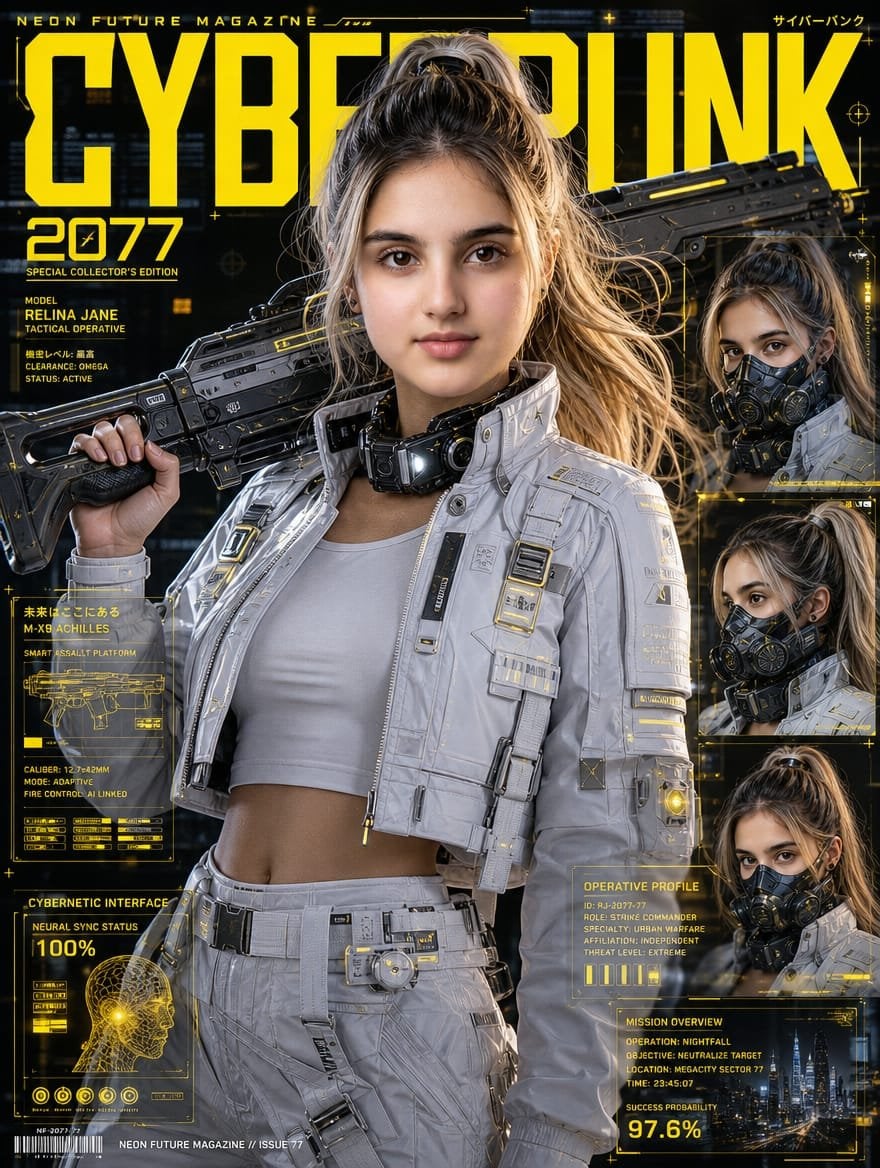
Cyberpunk Operative Magazine Cover
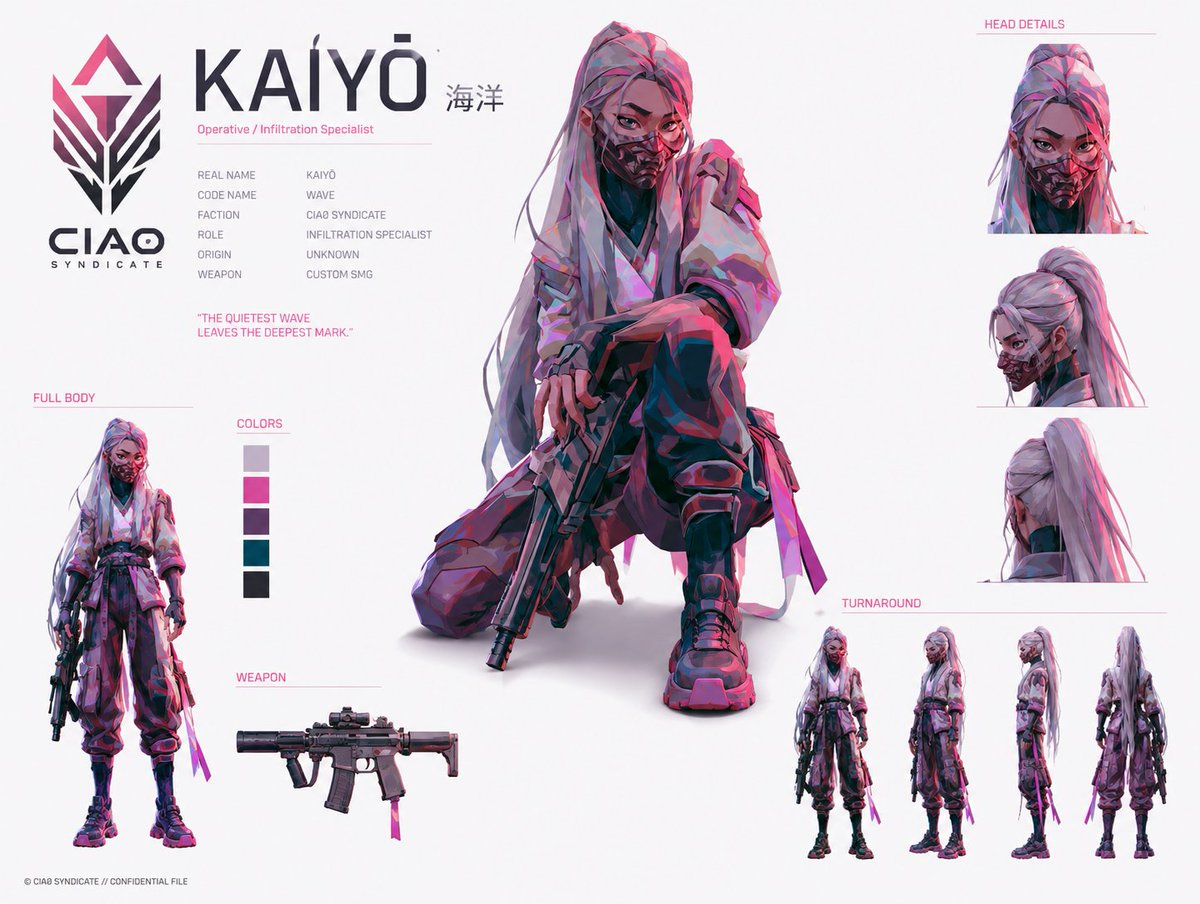
Cyberpunk Operative Character Sheet
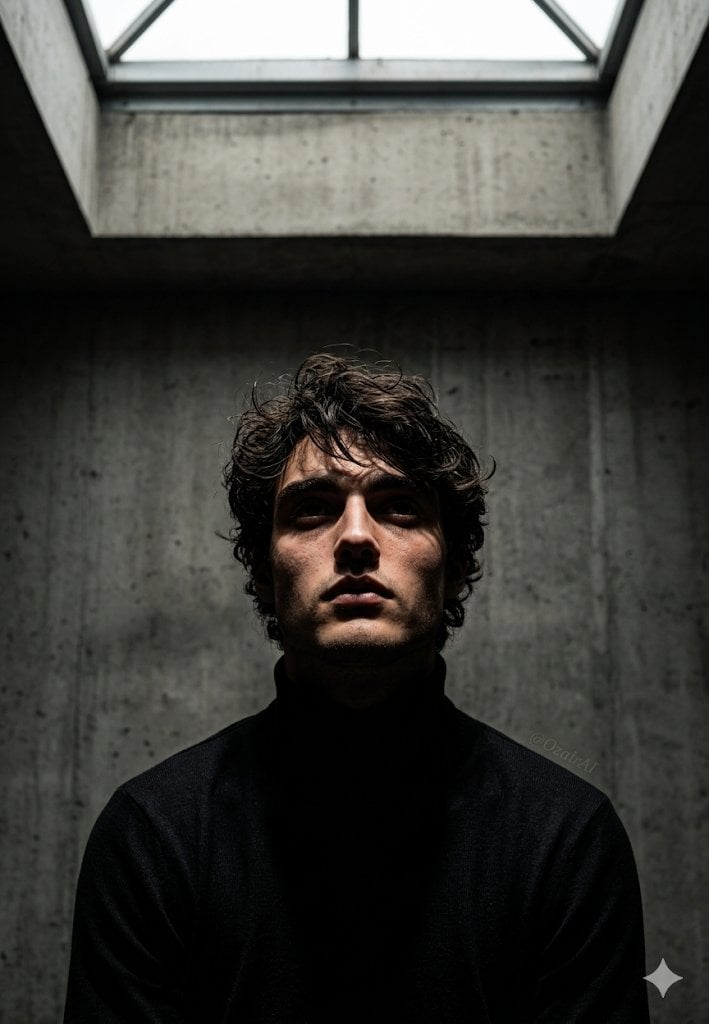
Industrial Brutalist Documentary Portrait
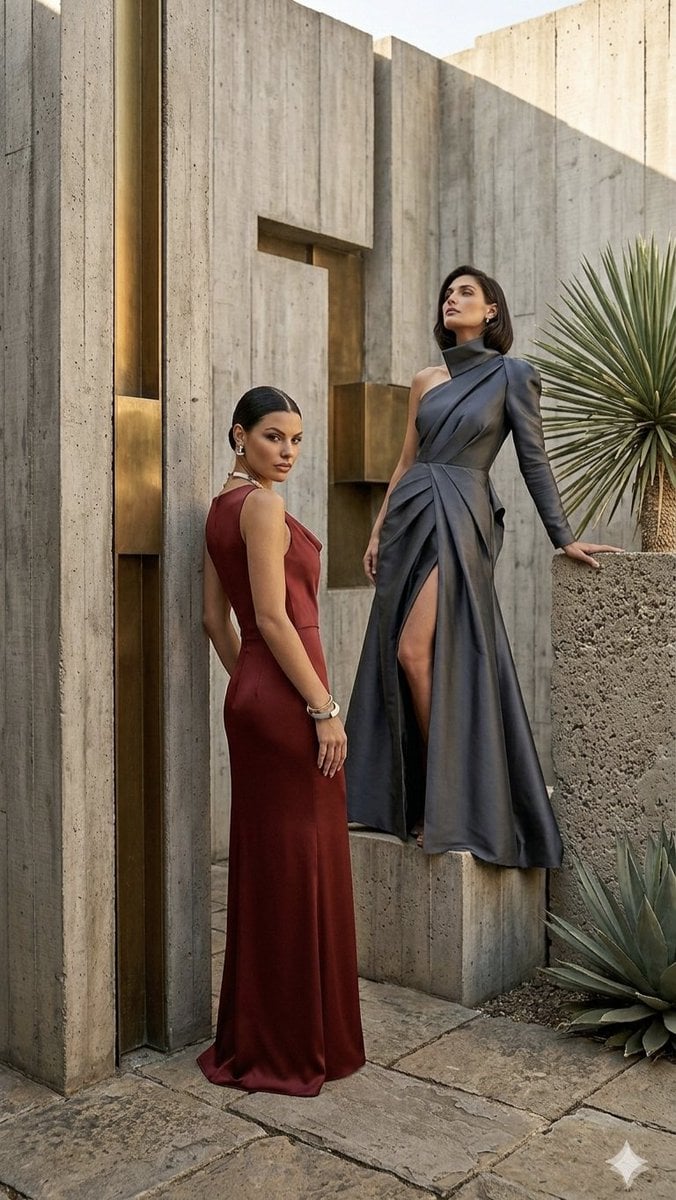
Brutalist Architecture High Fashion Editorial
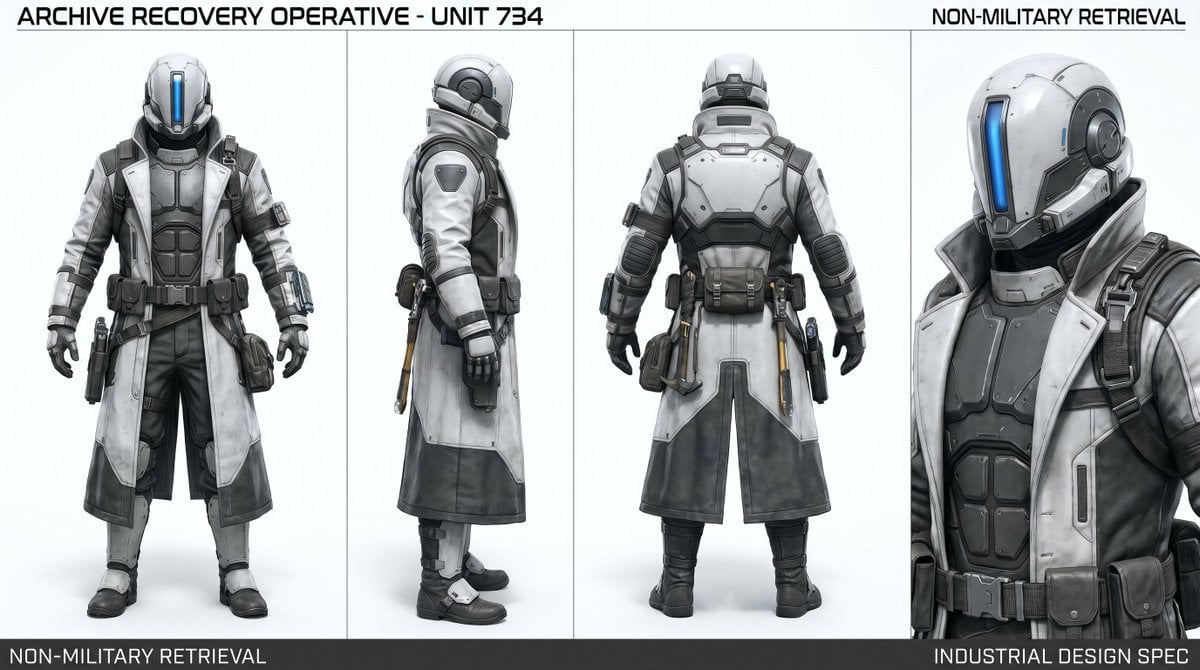
Archive Recovery Operative Character Sheet
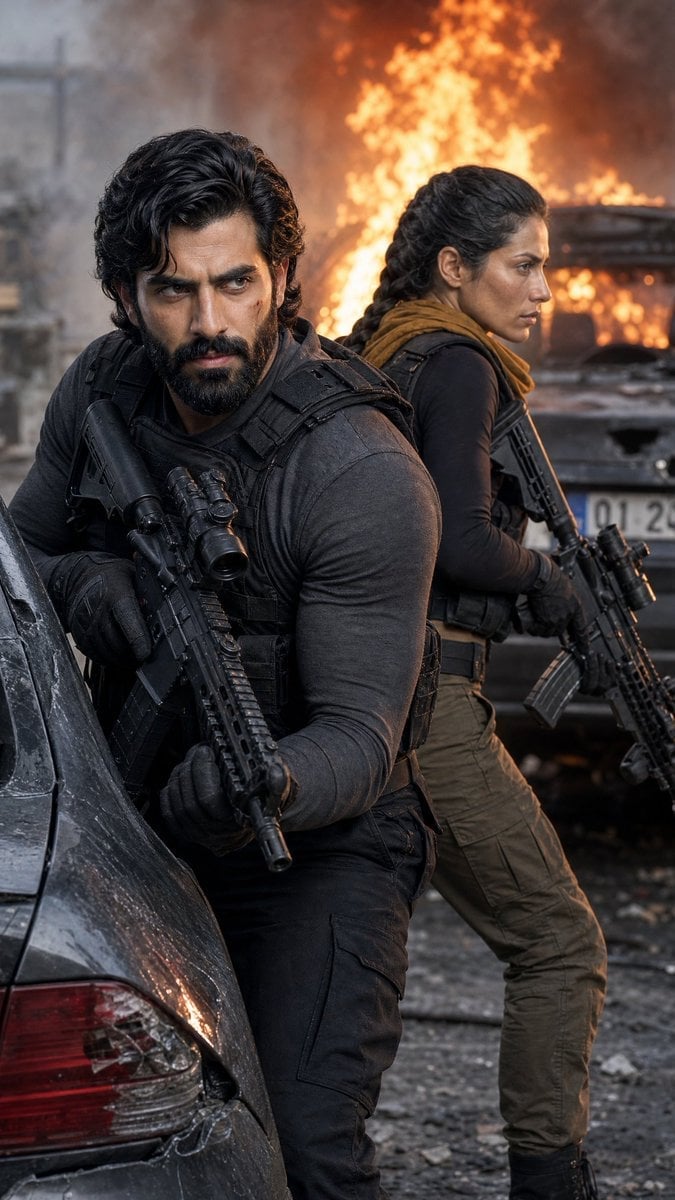
Tactical Operatives in Urban Explosion
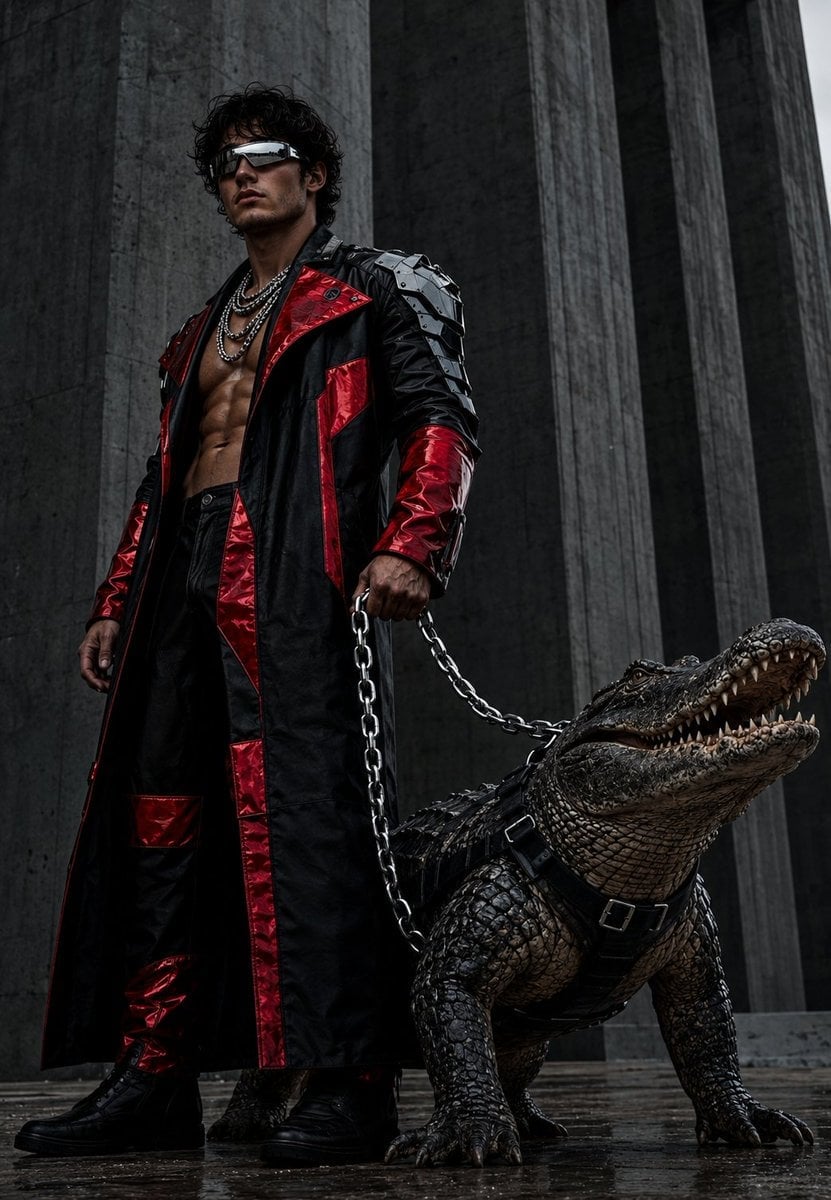
Brutalist Fashion with Alligator
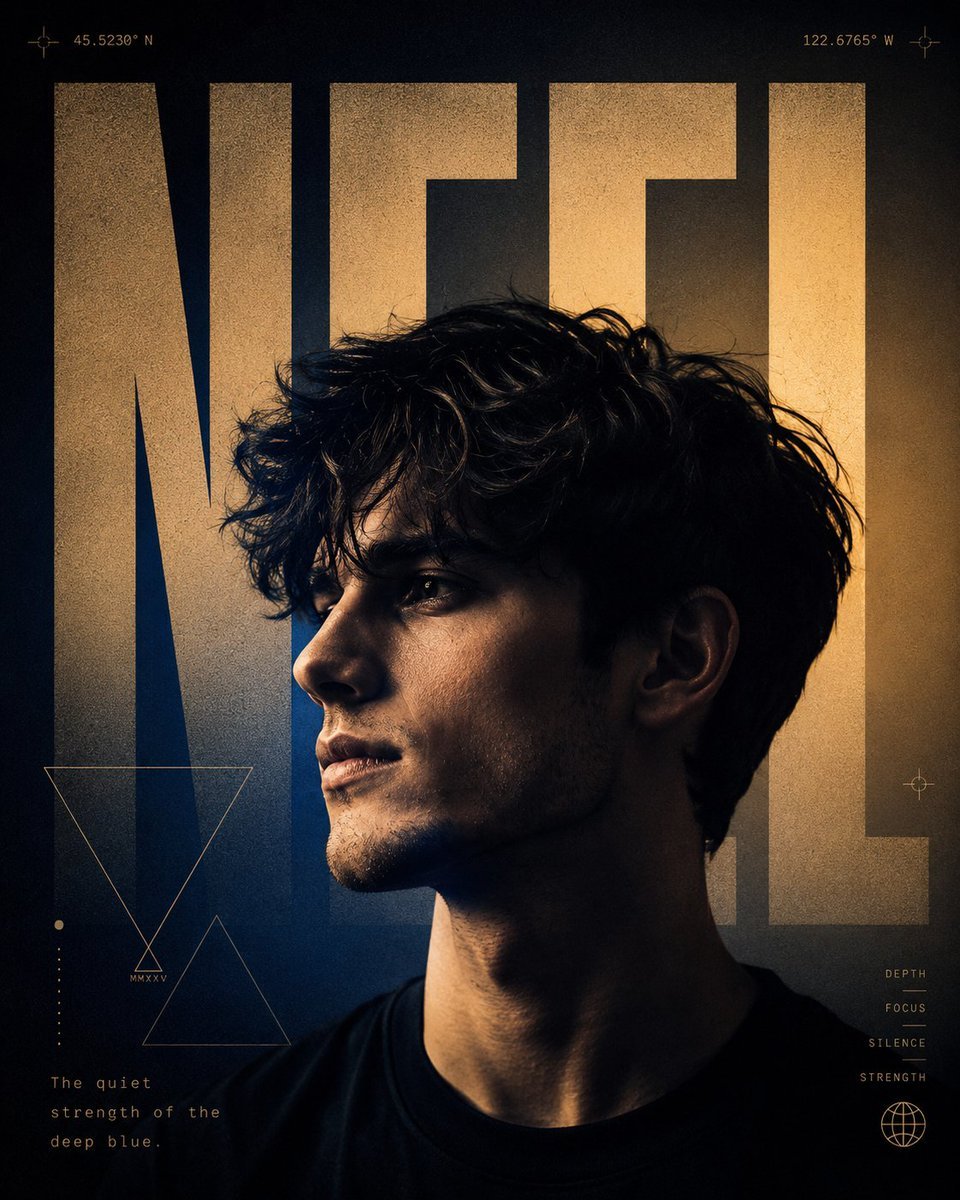
A24 Style Brutalist Portrait Poster
Make it yours
Brutalist Sci-Fi Operative works as-is. These are the safest ways to change it without losing the look.
Change one field
Copy a single group, rewrite it, and generate again so you can see what that field is doing.
Keep the frame, change the subject
Hold the composition and light of Brutalist Sci-Fi Operative, then swap wardrobe, props or the person for a new take.
| If the result… | Why | Fix |
|---|---|---|
| The result drifts from the preview | Too many fields changed at once. | Reuse Brutalist Sci-Fi Operative as-is first, then change one group — subject, light, or setting. |
| The model over-stylizes the scene | The prose prompt leaves finish and camera underspecified. | Add one camera or lighting sentence and stay on GPT Image 2. |
More GPT Image 2 templates
Other prompts made for GPT Image 2.

Six VTuber Japanese Logo Sheet

Realistic Portrait of Woman and Deer

The Vista Modular Condo Poster

AI Model Routing Comparison Infographic

2.5D Anime Art Board

Isometric Productivity Desk Scene

New York Double Exposure Poster

Four-Panel AI Landscape Comparison

Japanese Tatami Lifestyle Magazine Cover

NESCAFÉ Coffee Map Poster
More image prompts
Fresh picks from across the catalog.
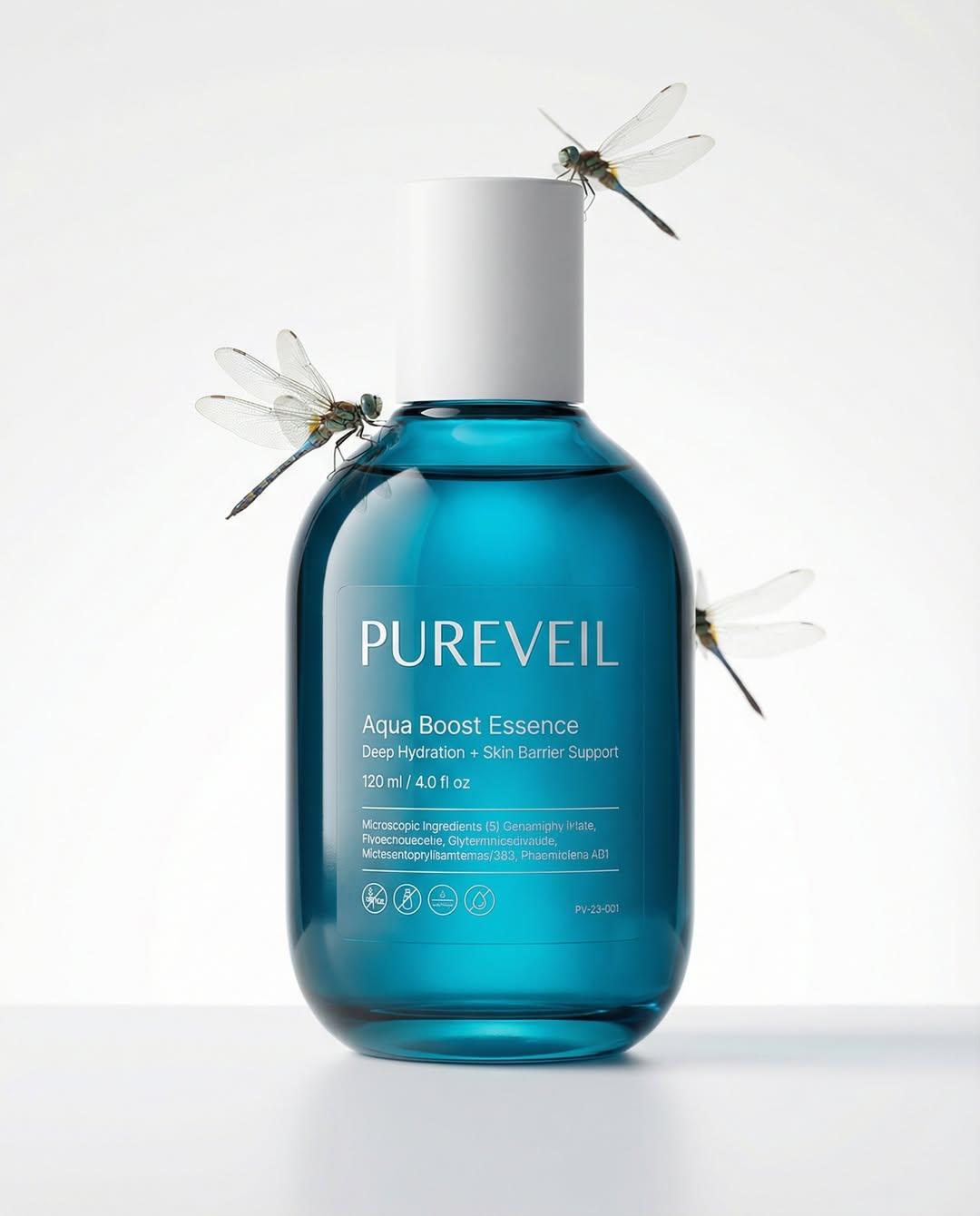
Google Nano Banana Pro Skincare Product
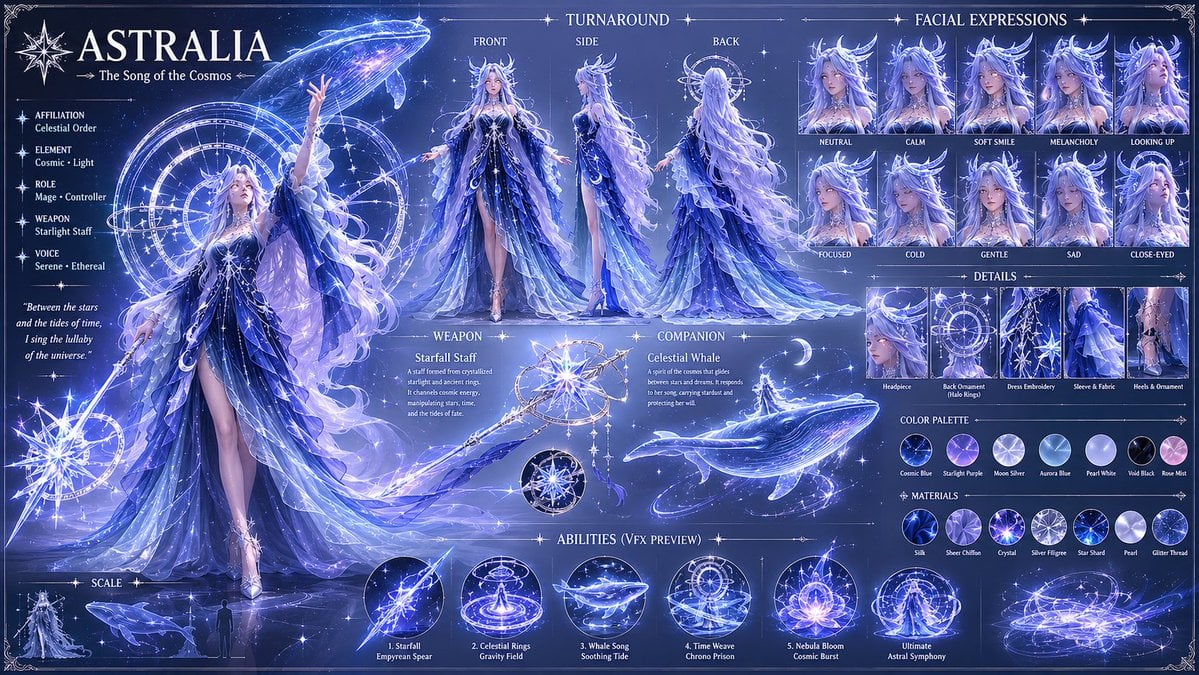
1️⃣character prompt: Create a highly detailed fan
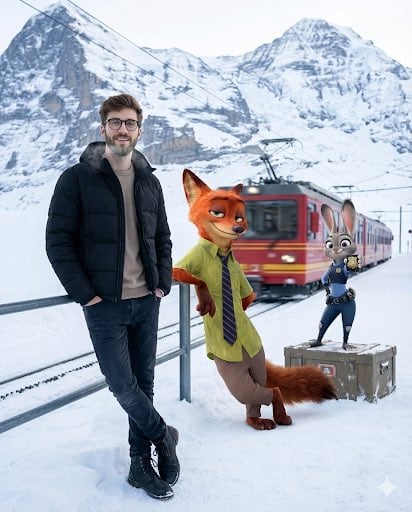
Cinematic Winter Travel Scene with Zootopia Characters
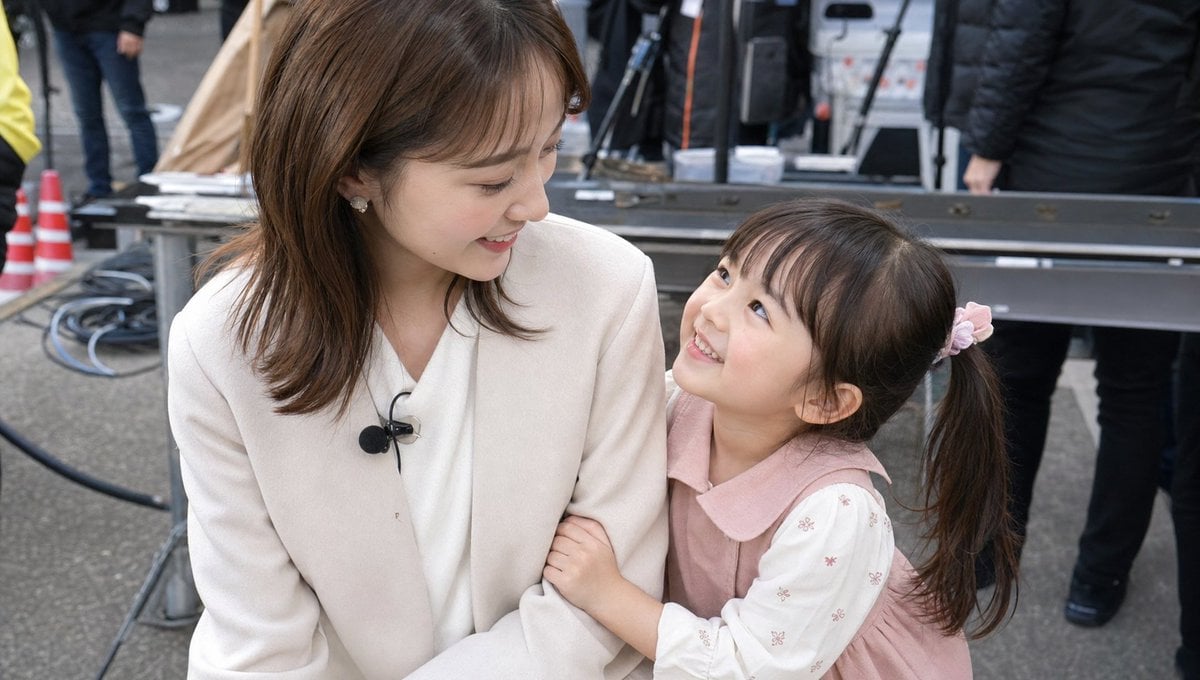
Candid TV Announcer Family Moment
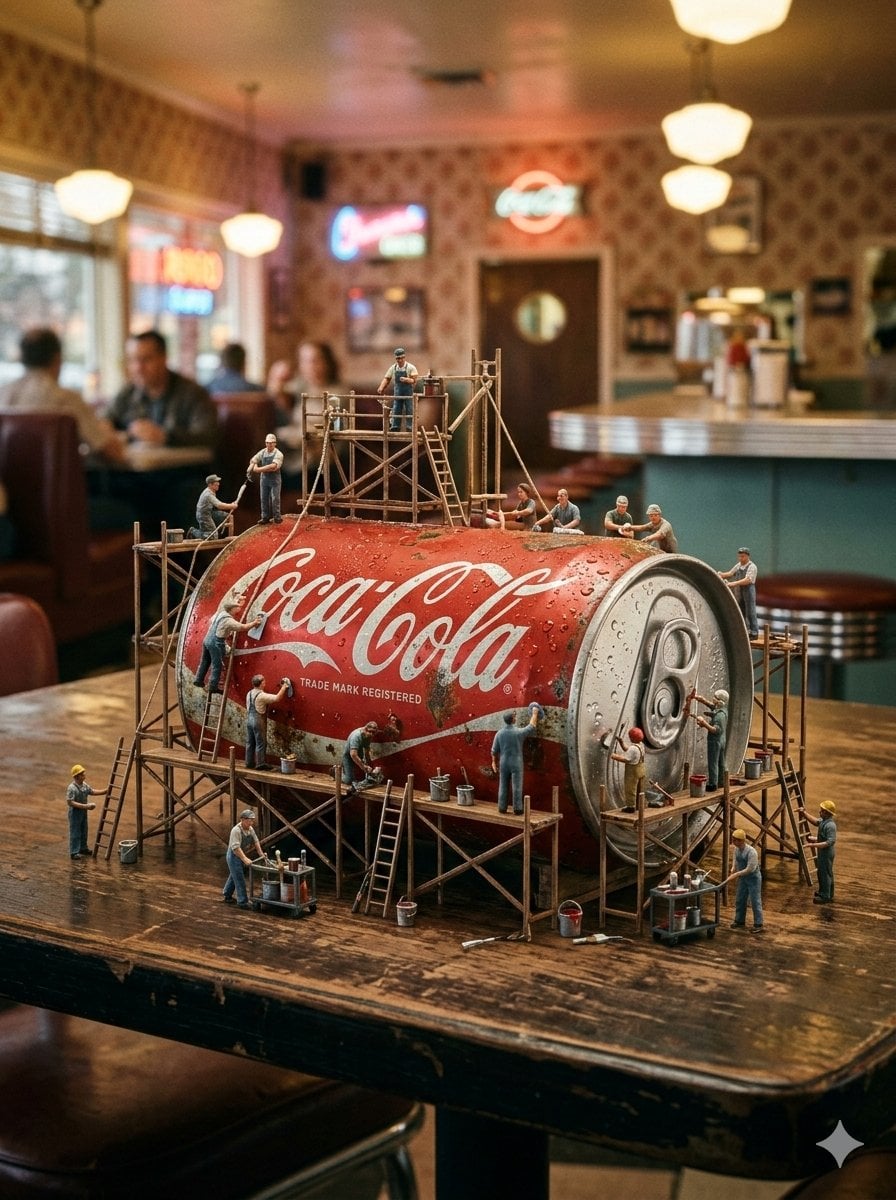
Miniature Industrial Scene on Luxury Products (Coca-Cola & Chanel)
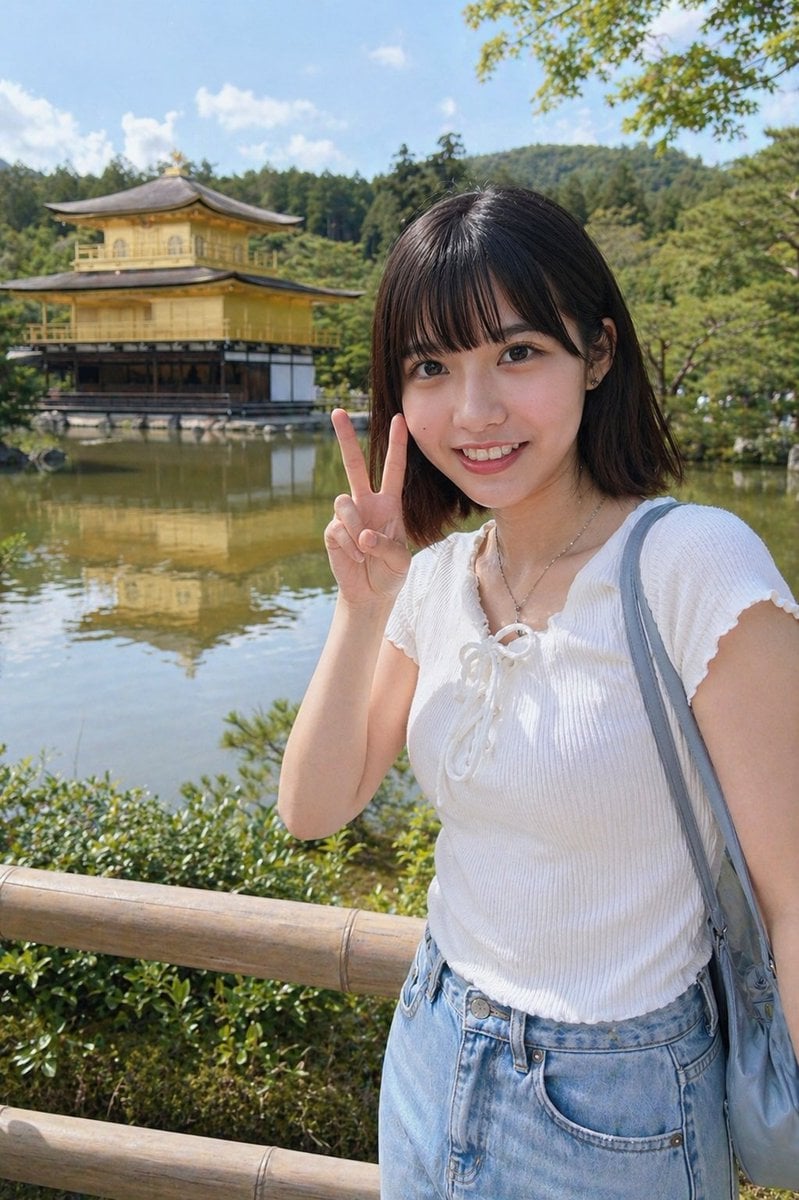
Kyoto Tourist Photo Edit
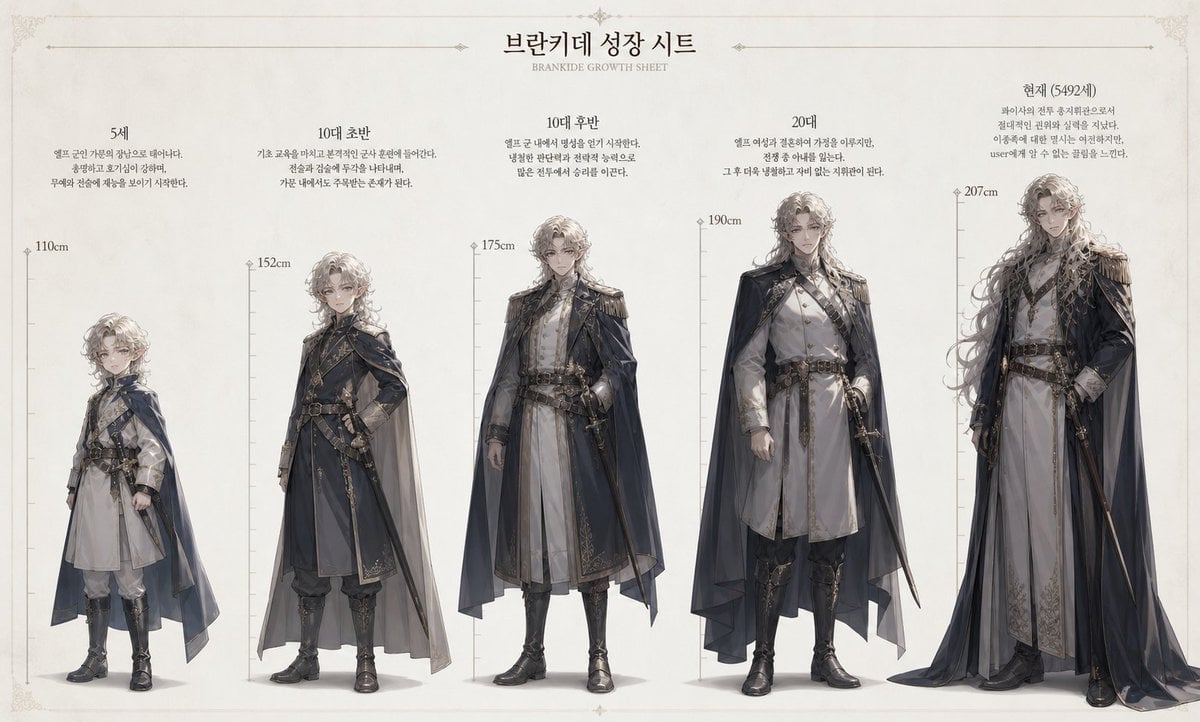
Character Growth Sheet Generator
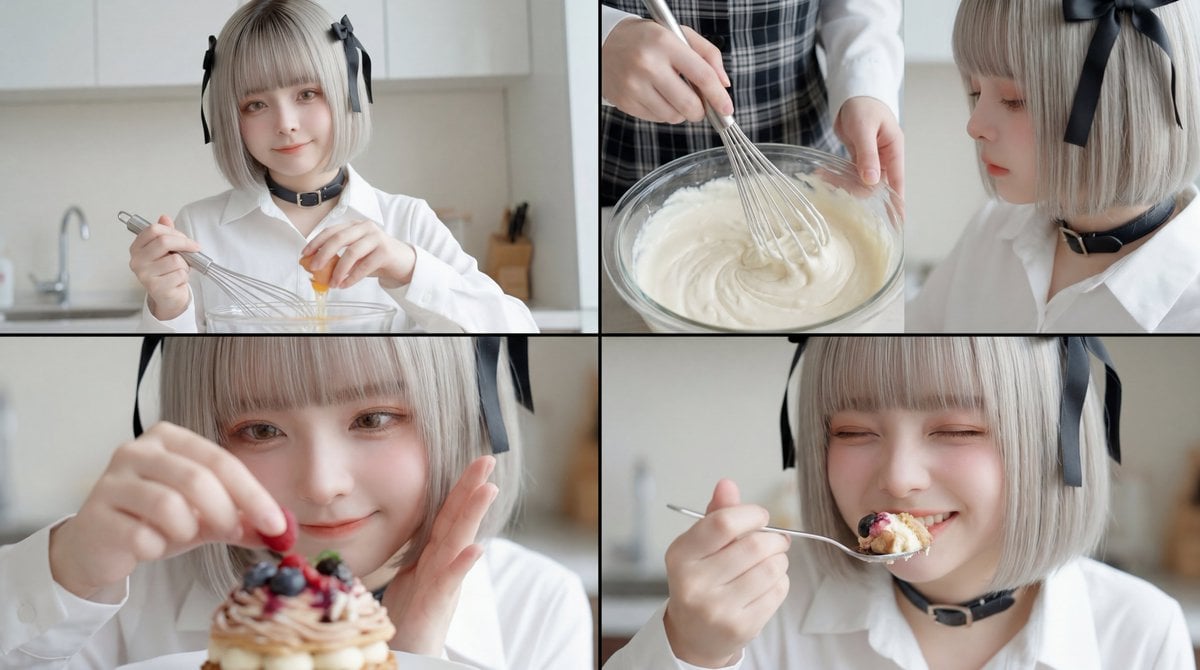
Video Generation Workflow using Nano Banana Pro Images and Kling 3.0 Omni
Car Interior Lifestyle Portrait
Futuristic X Influencer Portrait
Browse template categories
Brutalist Sci-Fi Operative questions
How do I use the Brutalist Sci-Fi Operative template?
Add your photo if the template asks for one, edit the prompt if you like — the template's model and format are already selected — and press Generate. Your version opens in PicX Studio.
Can I customize the Brutalist Sci-Fi Operative template?
Yes. You can change the subject, setting, lighting, mood, format, and available model controls before creating your image.
Is the Brutalist Sci-Fi Operative template free?
Opening and editing this template is free. Generating uses credits, shown on the Generate button when you are signed in.
Which AI model should I use?
Start with GPT Image 2, which is the model associated with this template. You can compare another compatible model for a different finish.
Looking for something else? Browse all templates.

Your photo, any look
Thousands of ready templates for every top image and video model, from one credit balance.