
Cyberpunk Operative Magazine Cover
Generates a photorealistic futuristic magazine cover featuring a tactical female operative with cyberpunk HUD panels and luxury editorial styling.
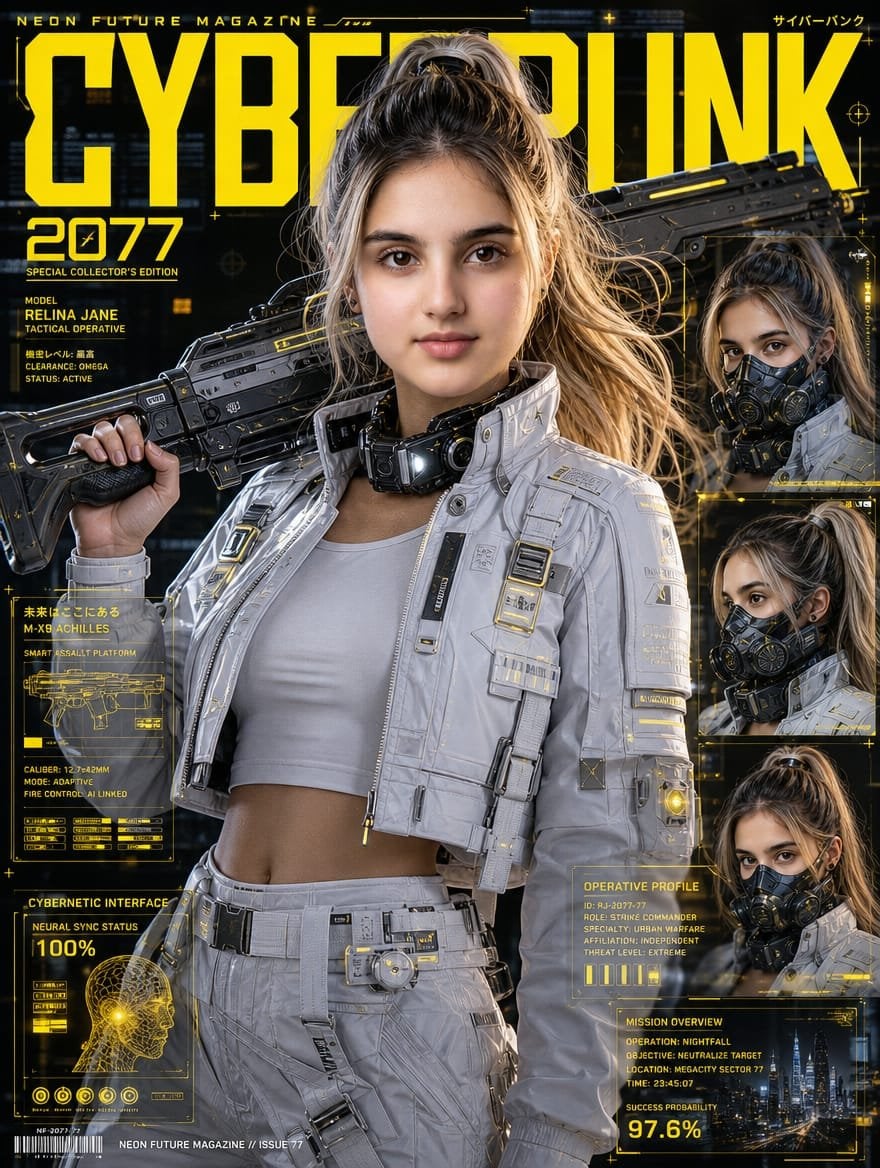
- Prompt included
- Model and format preset
- Premium template
The prompt behind this image
Copy the exact prompt behind Cyberpunk Operative Magazine Cover, or open it in the studio and make it yours.
Goal: Create an ultra-photorealistic cyberpunk fashion magazine cover featuring {argument name="character name" default="Relina Jane"}, an East Asian female tactical operative in a luxury sci-fi editorial style, blending Ghost in the Shell and Cyberpunk 2077 aesthetics. Canvas: Vertical magazine cover, 3:4 aspect ratio, black futuristic city background with yellow holographic HUD graphics, high contrast cinematic lighting, 8K photorealism, glossy premium print finish. Main subject: Centered waist-up female operative with {argument name="hair color and style" default="ash-blonde high ponytail"}, realistic skin, athletic build, wearing a white cropped tank top under a white futuristic tactical jacket and matching white tactical pants. Add detailed straps, zippers, buckles, armor plates, small yellow tech labels, illuminated accents, utility belt, and a bulky black cybernetic collar or neck device. She holds a large black futuristic sci-fi rifle across her shoulders with one hand gripping the stock. The rifle has angular industrial design, rails, vents, yellow accent lines, and realistic worn metal texture. Her face is covered by a flat rectangular skin-toned privacy block, matching the generated image. Magazine masthead and typography: Huge bold condensed yellow title across the top reading {argument name="magazine title" default="CYBERPUNK"}, partially behind the character’s head and rifle. Small top text reads "NEON FUTURE MAGAZINE" on the left and Japanese-style cyberpunk text on the right. Large yellow issue text on the upper left reads {argument name="issue number" default="2077"}. Use sharp techno fonts, yellow grid lines, microtext, crosshair icons, tiny plus signs, and glowing interface details. Layout and counted elements: Include exactly 1 main central portrait and exactly 3 smaller stacked portrait inset frames on the right side, each showing the same operative from slightly different angles with the same skin-toned rectangular face block. Include exactly 4 major yellow holographic information panels: 1 left-middle weapons blueprint panel labeled "M-X9 ACHILLES" with a rifle diagram and specs, 1 bottom-left cybernetic interface panel labeled "CYBERNETIC INTERFACE" with a head scan and "100%", 1 mid-lower-right operative profile panel labeled "OPERATIVE PROFILE", and 1 bottom-right mission overview panel showing a night city skyline and "SUCCESS PROBABILITY 97.6%". Visible text details: On the left under the issue number, include "SPECIAL COLLECTOR'S EDITION", "MODEL", "RELINA JANE", "TACTICAL OPERATIVE", "CLEARANCE: OMEGA", and "STATUS: ACTIVE". In the right profile panel include compact technical lines such as ID, role, specialty, affiliation, and threat level. In the mission overview panel include operation, objective, location, time, and the large percentage "97.6%". Add a small barcode and footer text reading "NEON FUTURE MAGAZINE // ISSUE 77" along the bottom. Visual style: Hyper-detailed editorial realism, cyberpunk yellow-on-black UI overlays, metallic whites and charcoal blacks, realistic fabric texture, glossy armor, dramatic rim lighting, shallow depth of field, futuristic city bokeh, premium collector’s edition cover design. Keep the composition dense but readable, with the bright yellow masthead dominating the top half.
How to use Cyberpunk Operative Magazine Cover in 3 steps
- 1Upload ImagePNG, JPG or paste
Add your photo
Upload the photo the template builds on. The prompt, model and format are already set.
- 2…a portrait of your subject in softgolden-hour light, 85mm…
Personalize
Edit the subject and creative details for your destination.
- 3Generate
Generate
Press Generate — your image is created in PicX Studio, so you can compare it with the original and refine one variable at a time.
More like this
Templates with the same subject, style or setup. Open one to see its prompt.
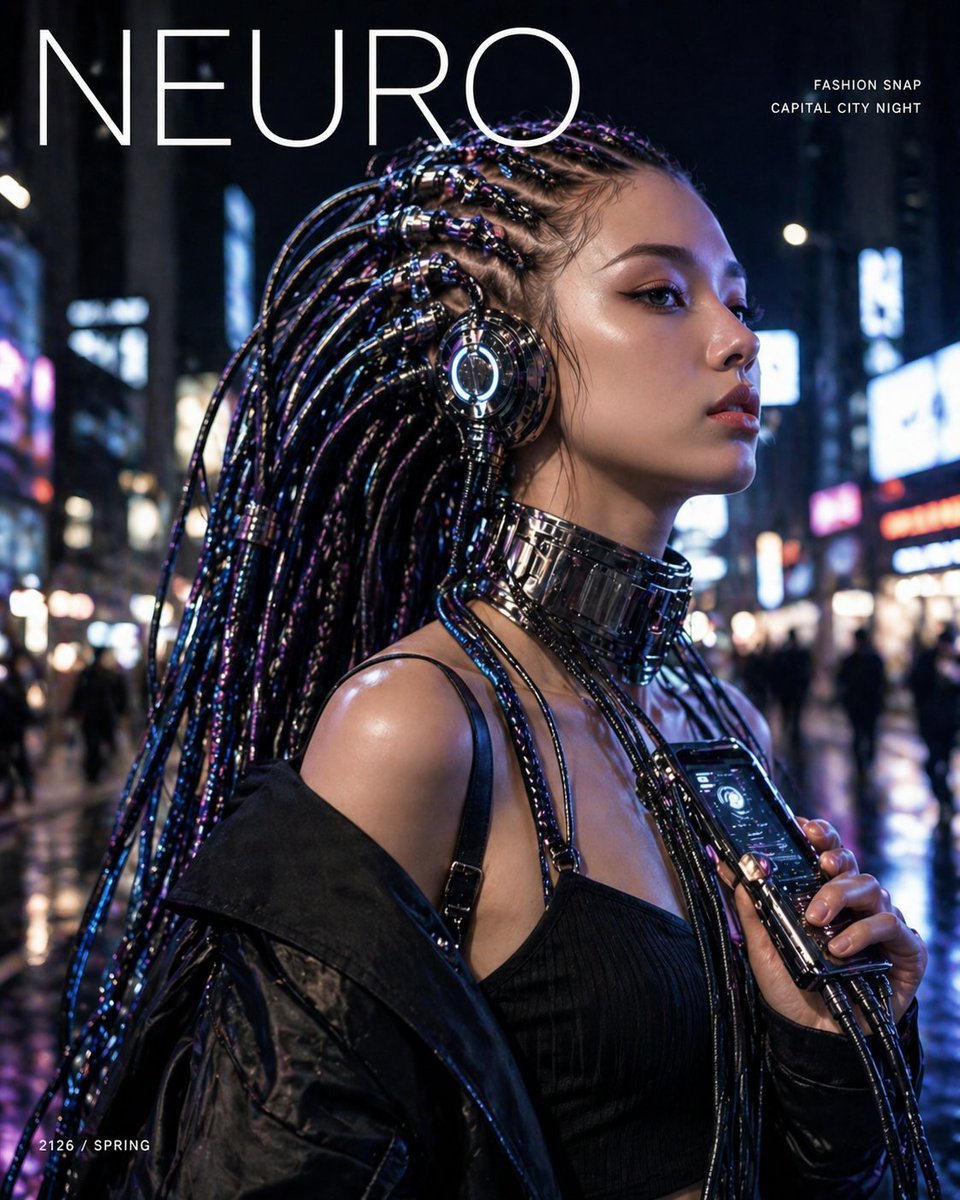
Cyberpunk Fashion Magazine Cover

Off Duty Fashion Magazine Cover

Japanese Tatami Lifestyle Magazine Cover

Ethereal Bloom Magazine Cover

Tropical Macaw Magazine Cover

Anime Mahjong Magazine Cover

Neon Anime Fireworks Magazine Cover
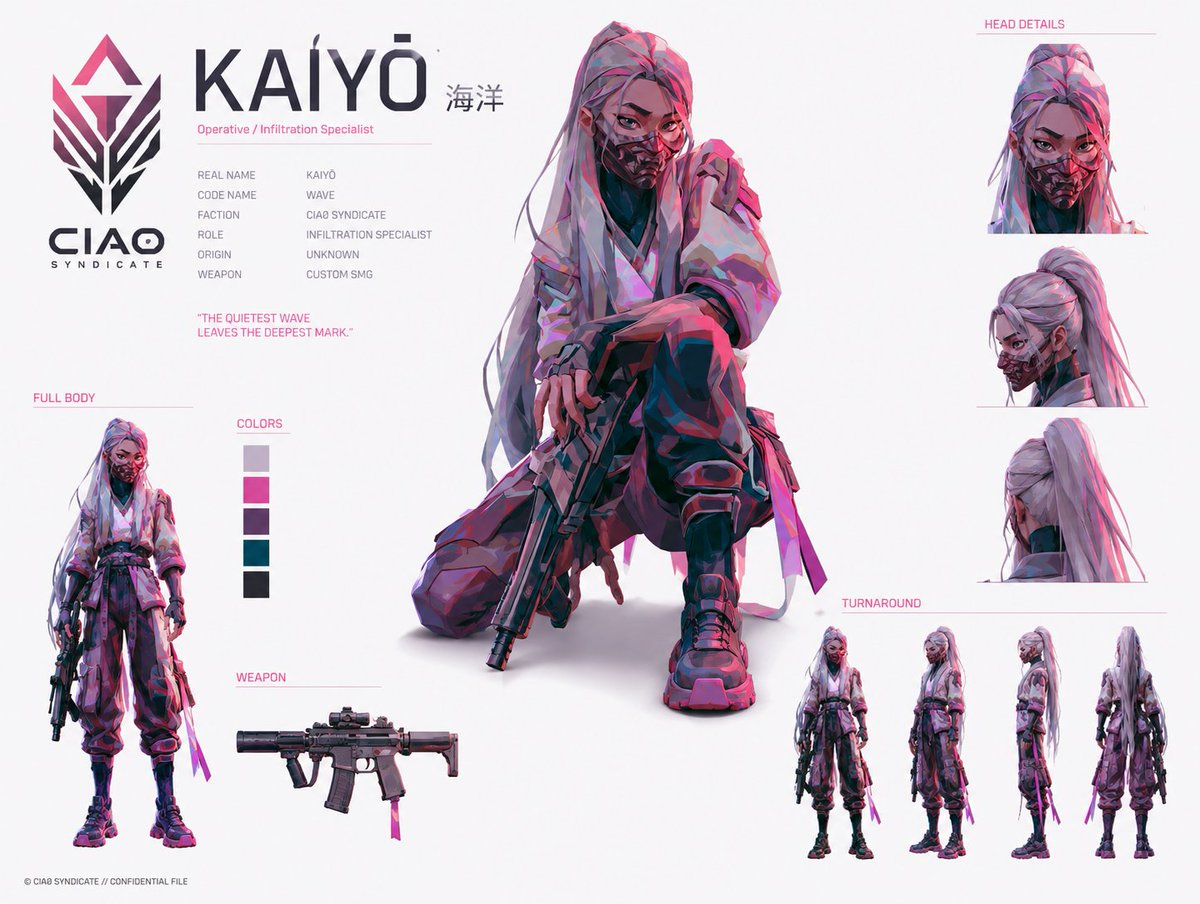
Cyberpunk Operative Character Sheet

High-Fashion Magazine Cover Portrait
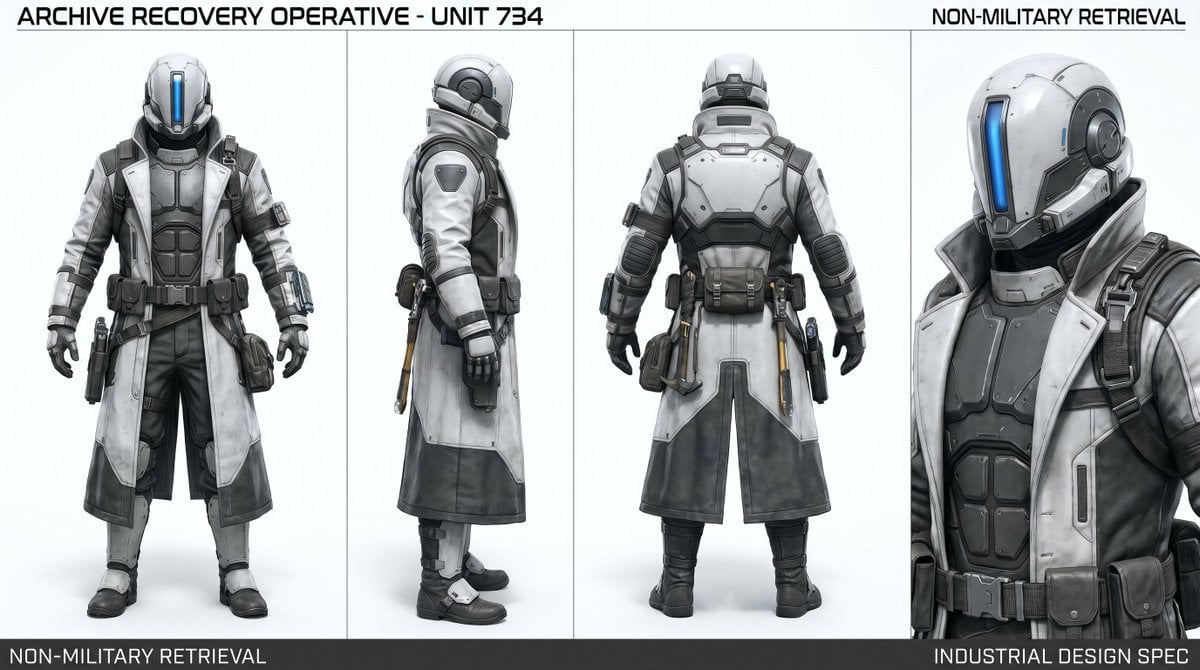
Archive Recovery Operative Character Sheet

Open Magazine Luxury Fashion Editorial Layout

Monochrome Halftone Editorial Fashion Poster
Make it yours
Cyberpunk Operative Magazine Cover works as-is. These are the safest ways to change it without losing the look.
Change one field
Copy a single group, rewrite it, and generate again so you can see what that field is doing.
Keep the frame, change the subject
Hold the composition and light of Cyberpunk Operative Magazine Cover, then swap wardrobe, props or the person for a new take.
| If the result… | Why | Fix |
|---|---|---|
| The result drifts from the preview | Too many fields changed at once. | Reuse Cyberpunk Operative Magazine Cover as-is first, then change one group — subject, light, or setting. |
| The model over-stylizes the scene | The prose prompt leaves finish and camera underspecified. | Add one camera or lighting sentence and stay on GPT Image 2. |
More GPT Image 2 templates
Other prompts made for GPT Image 2.

Six VTuber Japanese Logo Sheet

Realistic Portrait of Woman and Deer

The Vista Modular Condo Poster

AI Model Routing Comparison Infographic

2.5D Anime Art Board

Isometric Productivity Desk Scene

New York Double Exposure Poster

Four-Panel AI Landscape Comparison

NESCAFÉ Coffee Map Poster

Brutalist Cogito Chinese Typography Poster
More image prompts
Fresh picks from across the catalog.

Nano Banana Pro Image Generation Refusal Analysis (Freepik Example)
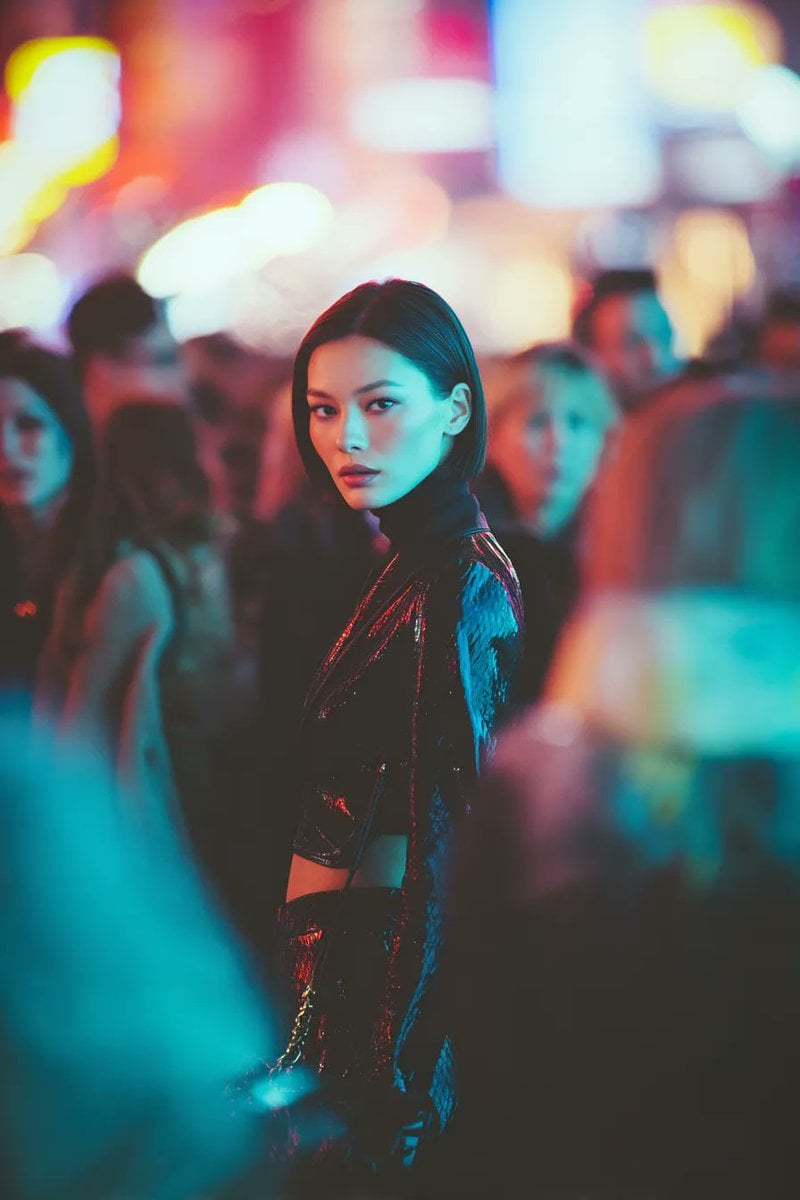
Ultra-realistic Cyberpunk Fashion Portrait

Seaside Anime Crossover Manga Page
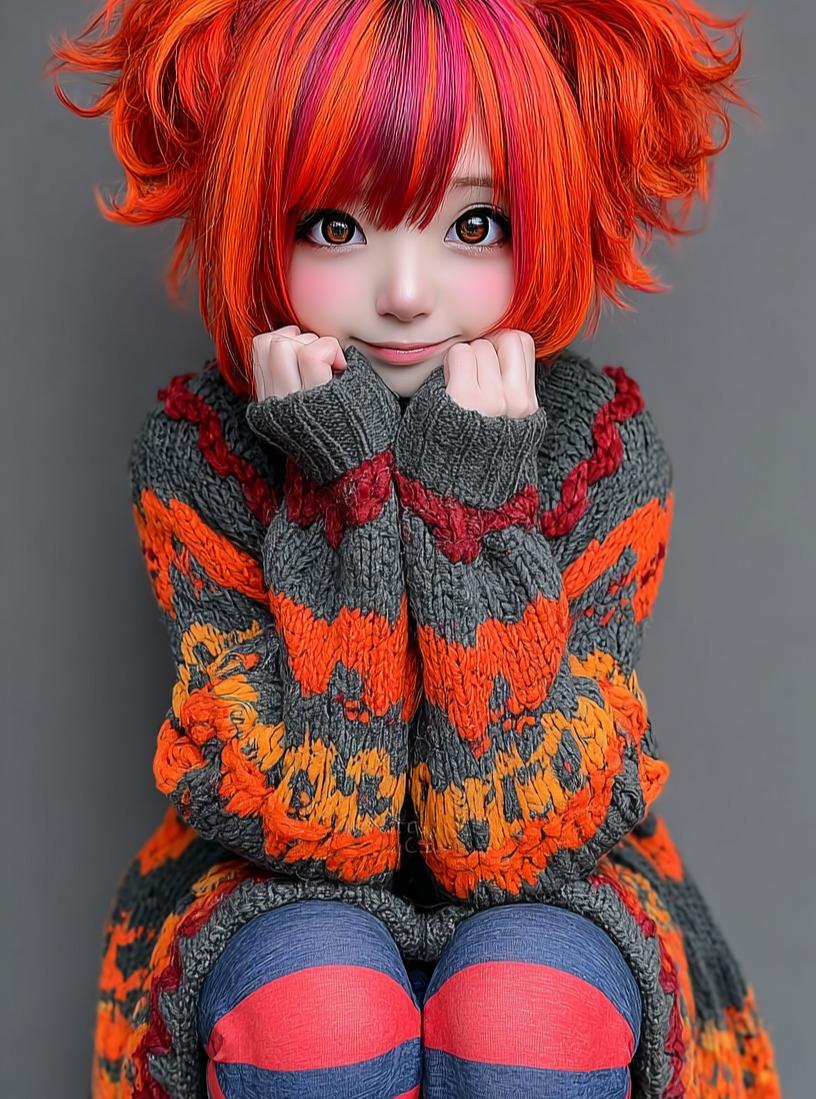
Kawaii Doll Magical Realism Character Portrait Prompt
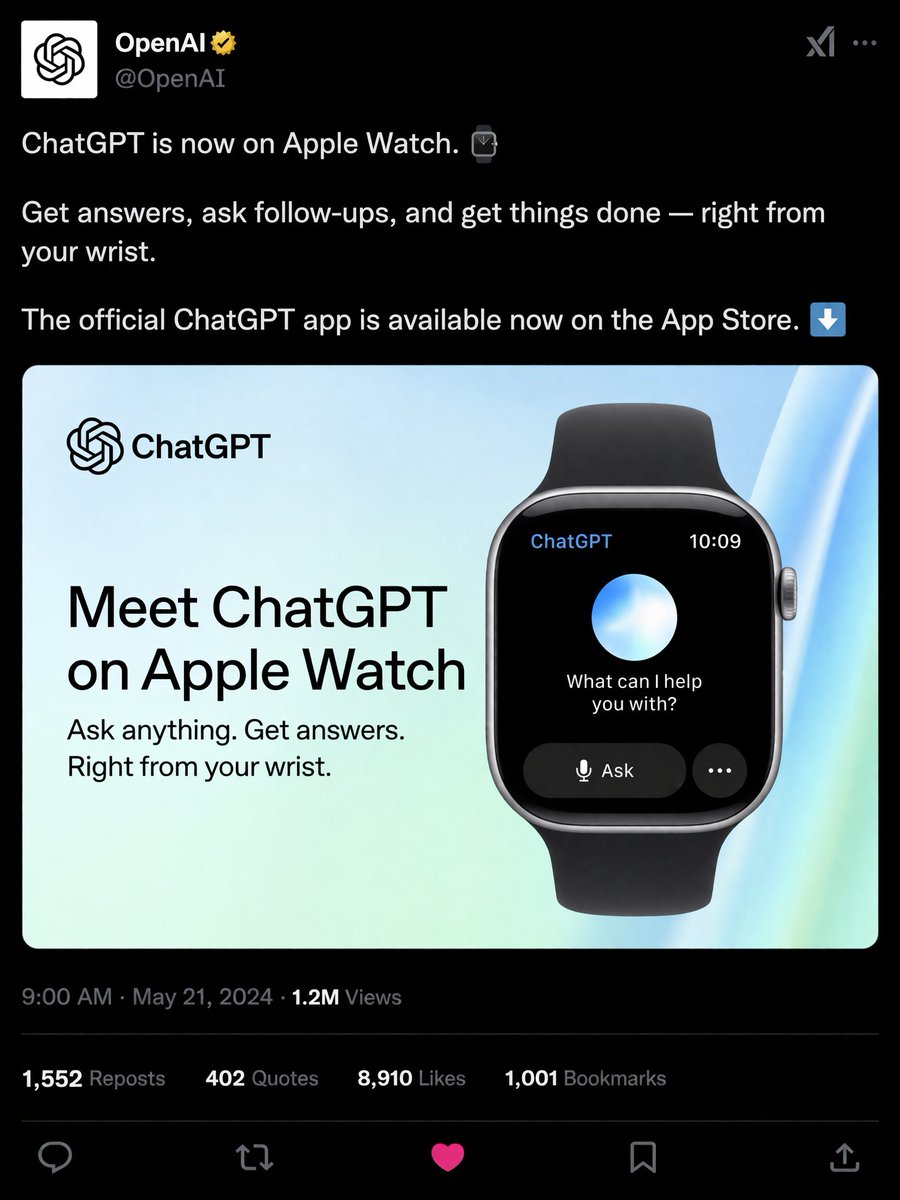
Social Media Product Announcement Mockup
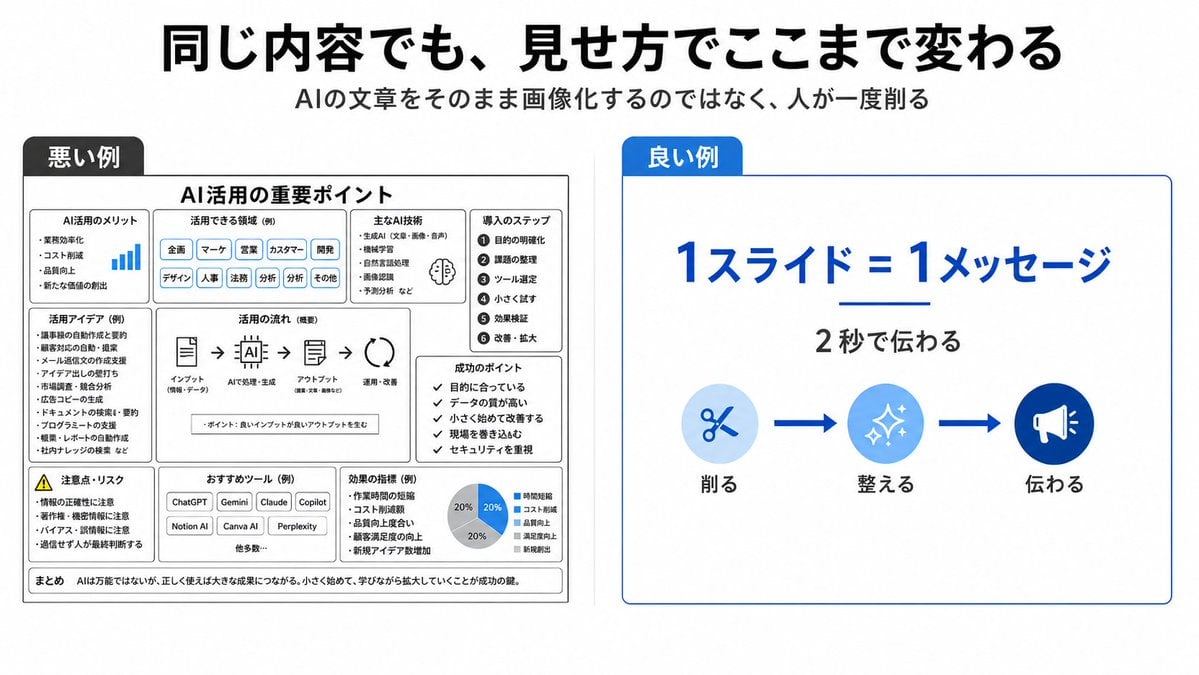
Bad vs Good Slide Design Infographic
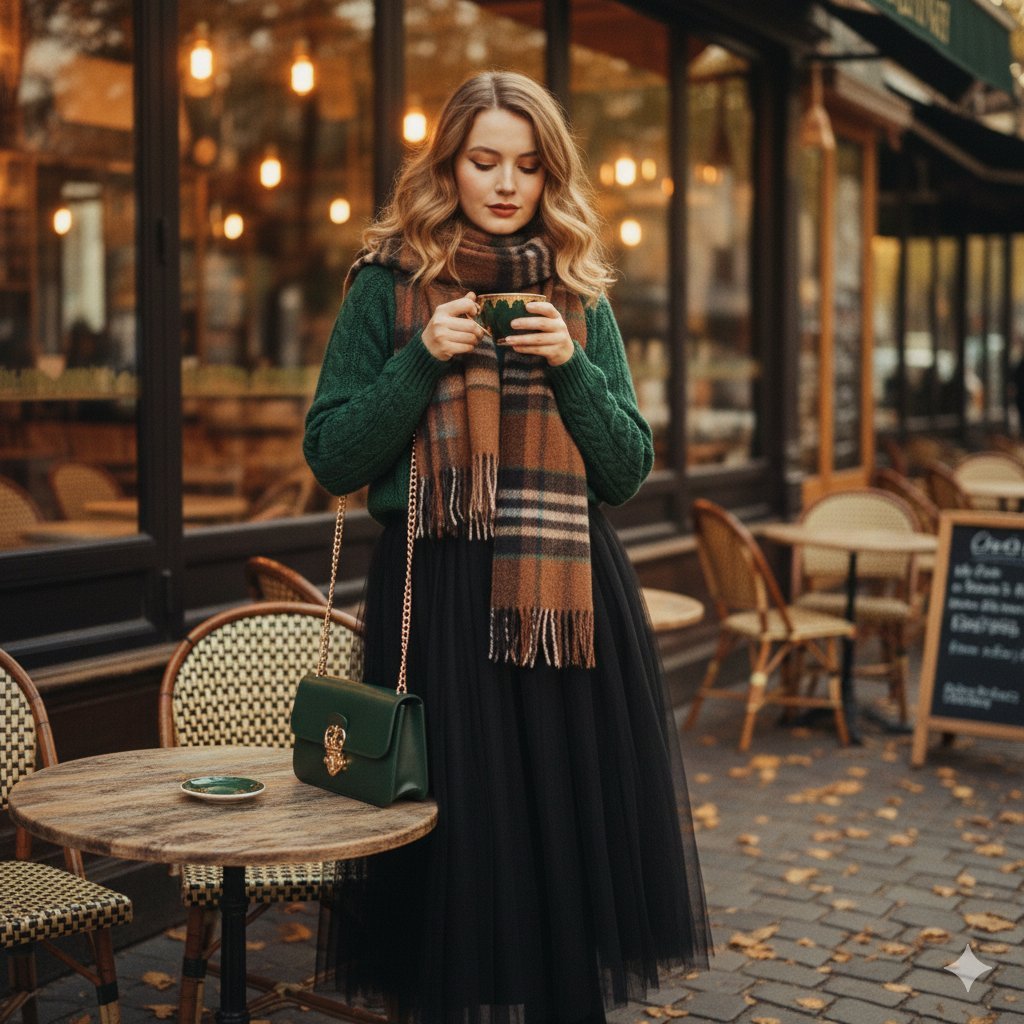
1970s Cinematic Fashion Portrait Prompt for Gemini Nano Banana Pro
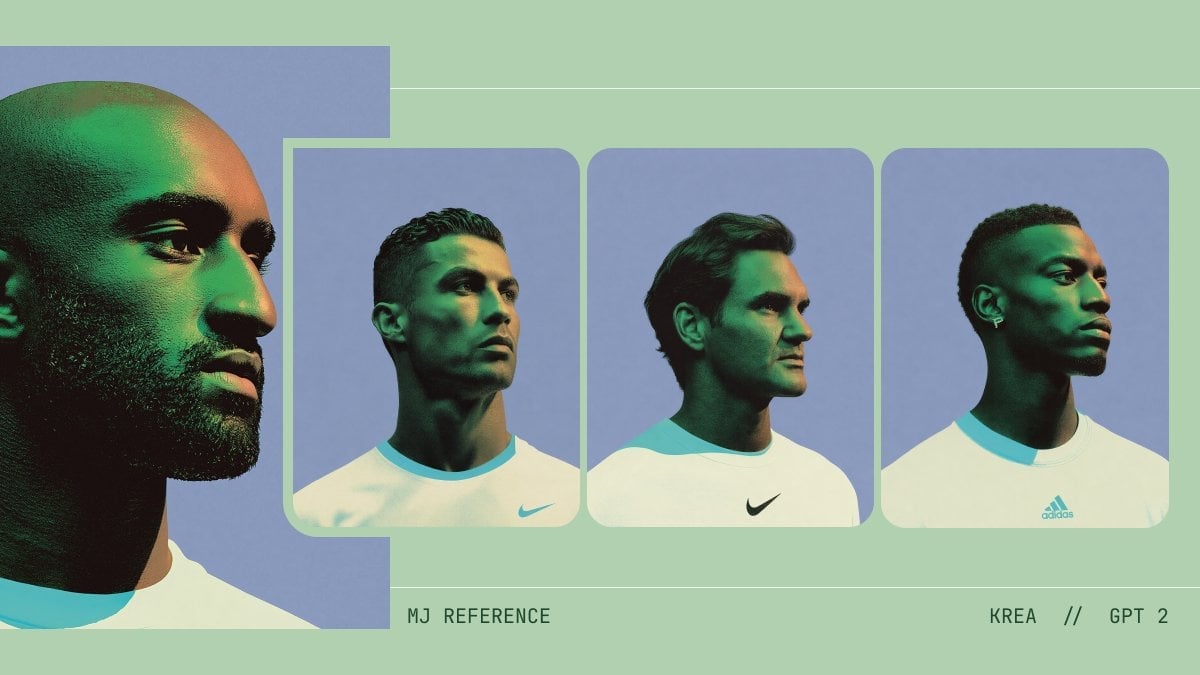
Minimalist AI Fashion Comparison Board

Lisbon Vintage Tram Travel Poster
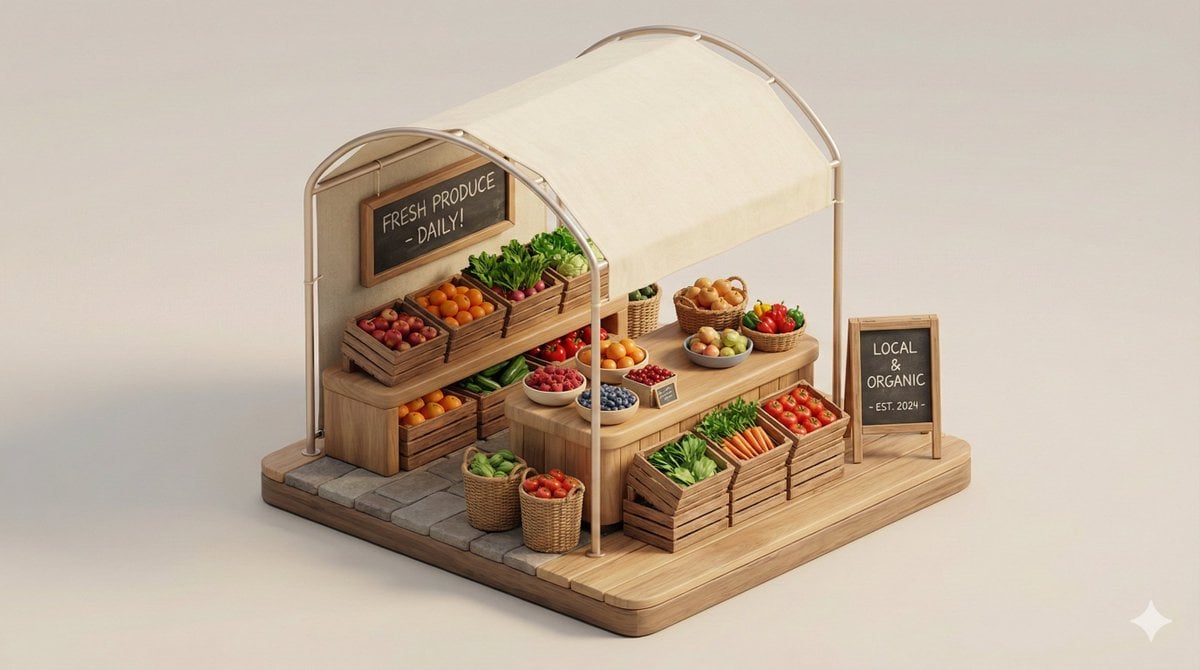
Minimal 3D Isometric Urban Retail Kiosk Diorama
Browse template categories
Cyberpunk Operative Magazine Cover questions
How do I use the Cyberpunk Operative Magazine Cover template?
Add your photo if the template asks for one, edit the prompt if you like — the template's model and format are already selected — and press Generate. Your version opens in PicX Studio.
Can I customize the Cyberpunk Operative Magazine Cover template?
Yes. You can change the subject, setting, lighting, mood, format, and available model controls before creating your image.
Is the Cyberpunk Operative Magazine Cover template free?
Opening and editing this template is free. Generating uses credits, shown on the Generate button when you are signed in.
Which AI model should I use?
Start with GPT Image 2, which is the model associated with this template. You can compare another compatible model for a different finish.
Looking for something else? Browse all templates.

Your photo, any look
Thousands of ready templates for every top image and video model, from one credit balance.