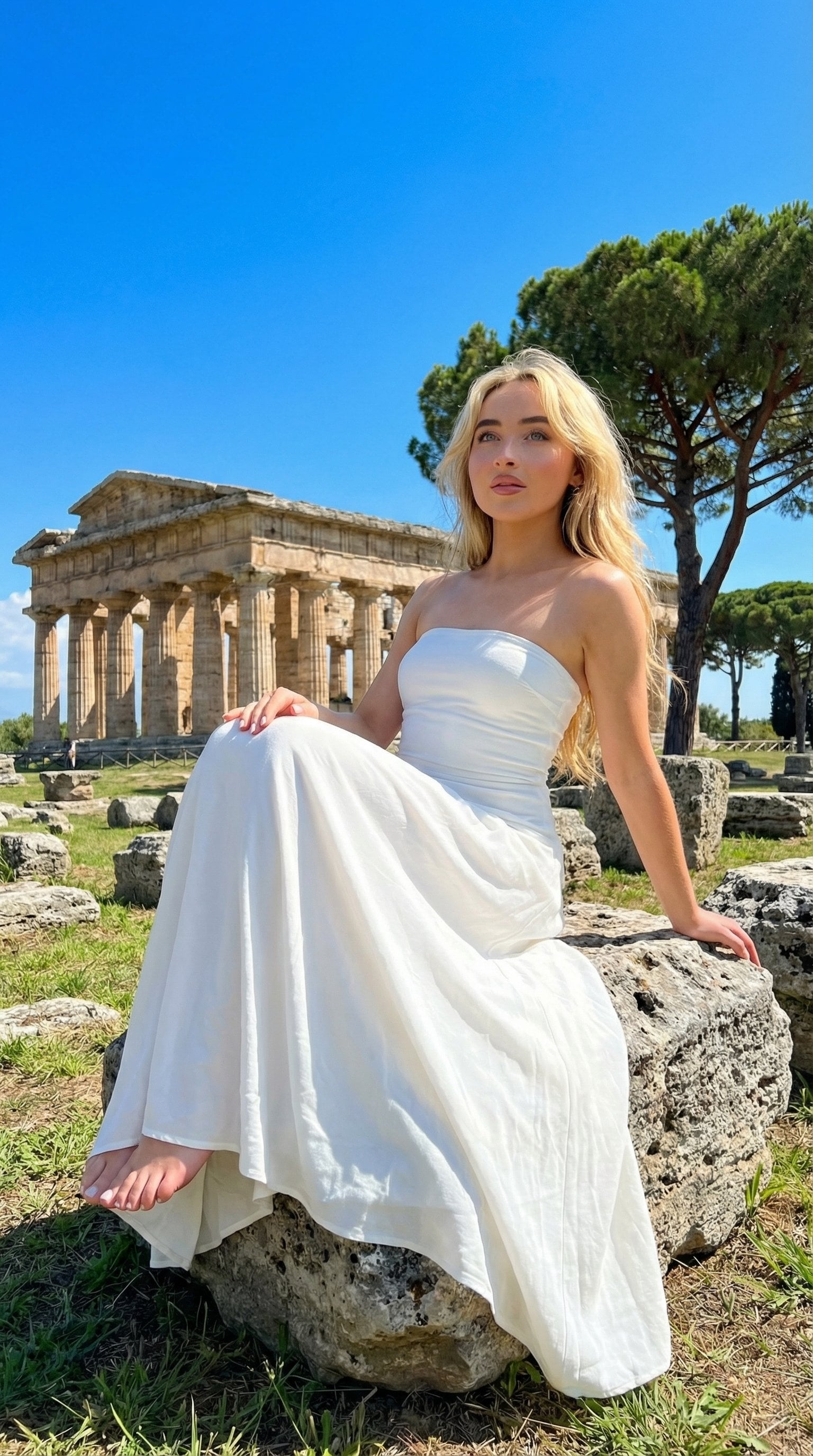
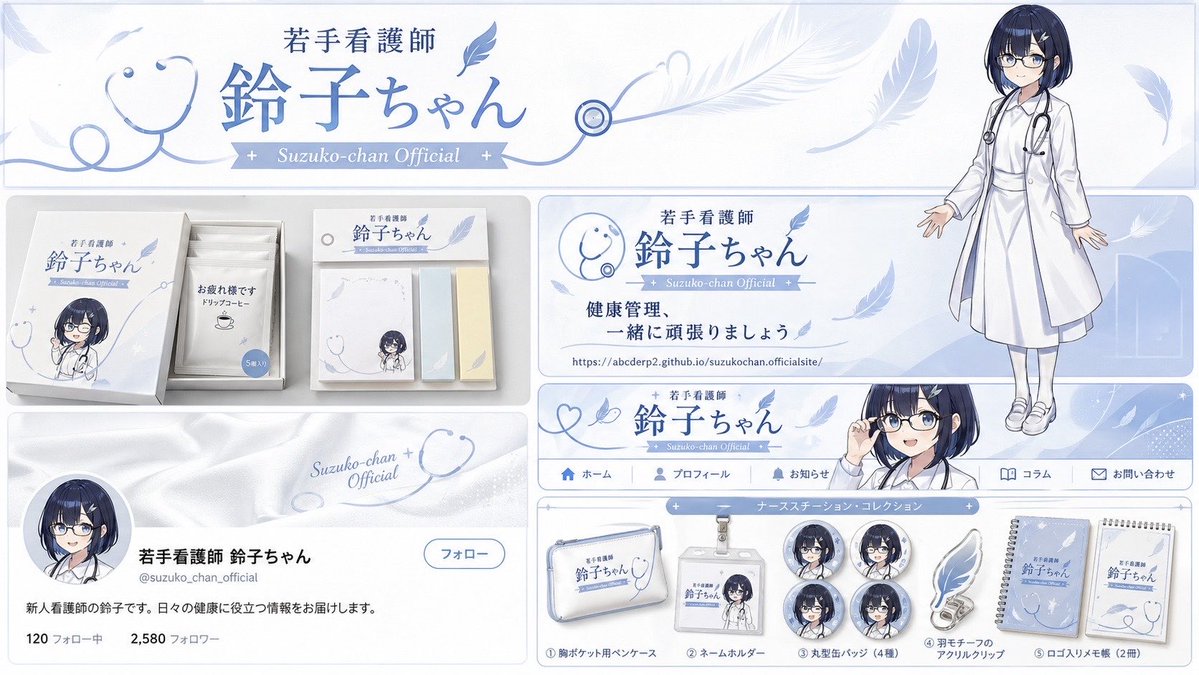
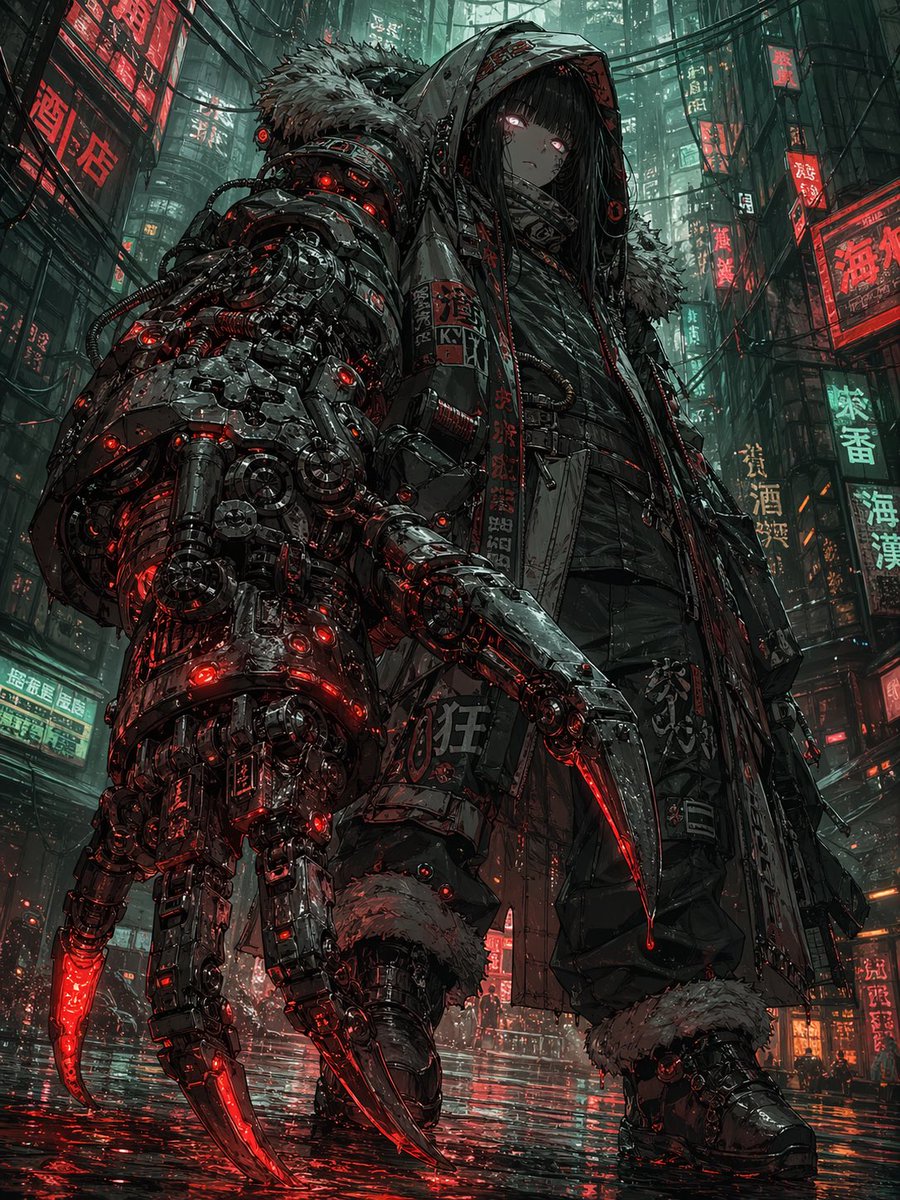
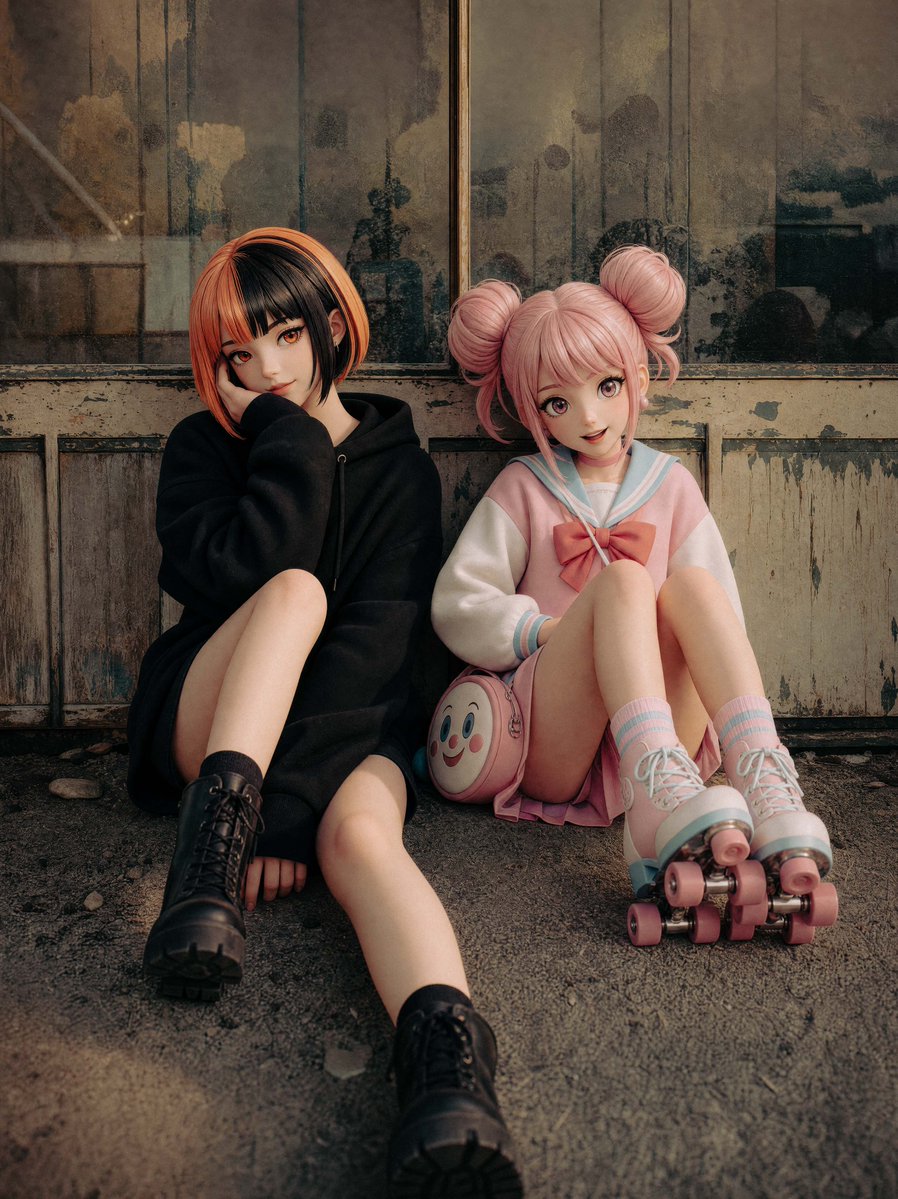
How do I use the Cinematic White Streetwear Portrait template?
Choose the primary action to open PicX Studio with the available template settings. Review the model and format, personalize the creative direction, and generate when ready.
A detailed prompt for generating a hyper-realistic fashion portrait of a subject in monochrome white streetwear at an airport during golden hour.
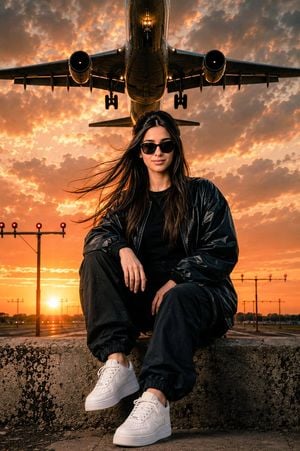
Ultra-realistic cinematic portrait of a {argument name="subject" default="confident young Filipina woman"} sitting on a concrete runway barrier at an {argument name="location" default="international airport"} during golden hour sunset. Long black wavy hair blowing dramatically in the wind, black sunglasses, relaxed yet powerful pose. Wearing a white oversized bomber jacket over a plain white crew-neck T-shirt, white loose-fit cargo pants, and clean white sneakers, modern monochrome streetwear style, comfortable and confident appearance. The outfit must be identical in design, fit, silhouette, material, and overall style to the outfit shown in the reference image, with the only change being that every clothing item is pure white instead of black. Realistic skin texture, editorial fashion photography, low-angle perspective, massive commercial passenger airplane flying directly overhead during landing approach, dramatic cloudy sky, warm orange sunset glow, cinematic atmosphere, airport runway lights, shallow depth of field, ultra-detailed, photorealistic, luxury travel aesthetic, magazine cover quality, dynamic composition, volumetric lighting, realistic shadows, 8K HDR, highly detailed face, natural beauty, strong feminine energy, viral social media photography style. IMPORTANT: Keep the exact same bomber jacket style, exact same cargo pants style, exact same oversized fit, exact same sneaker style, and exact same streetwear aesthetic as the reference outfit. Change only the color from {argument name="original color" default="black"} to white. No redesign, no alternative fashion styles, no crop tops, no joggers, no sandals, no kurti, no kameez, no traditional clothing, no dresses, no skirts.
Choose the primary action to open PicX Studio with the available template settings. Review the model and format, personalize the creative direction, and generate when ready.
Yes. You can change the subject, setting, lighting, mood, format, and available model controls before creating your image.
This template is free to open and customize. Generation usage is shown in PicX Studio before you create.
Start with GPT Image 2, which is the model associated with this template. You can compare another compatible model for a different finish.
Follow a topic to a crawlable collection of related PicX Studio templates.